5 Best Cheap Printer Scanner Fax Machines for 2027
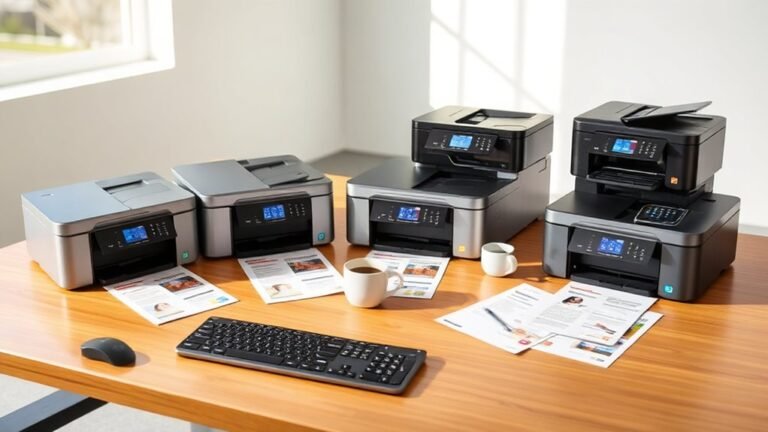
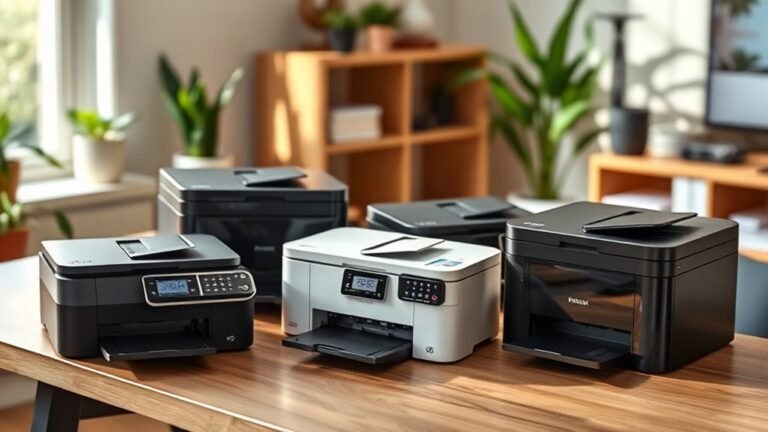
If you’re looking for the best cheap printer scanner fax machines in 2027, you’ve got some great options to consider. These all-in-one devices are perfect if you want to save money without sacrificing quality or features. Whether it’s for your home office or a small business, finding a budget-friendly machine that handles printing, scanning, and faxing can make your life a lot easier.
For a compact and versatile choice, the Canon PIXMA TR4720 is worth a look. It fits well in tight spaces and offers solid performance.
On the other hand, the Epson EcoTank ET-4800 stands out with its supertank system, which cuts down on ink costs big time.
The Epson WorkForce WF-2940 and WF-2860 are reliable picks too, especially if wireless fax and smart scanning features matter to you.
If speed and connectivity top your list, the HP OfficeJet Pro 8135 strikes a good balance.
Each of these models suits different needs and spaces, so take your time exploring to find your perfect match.
| Image | Name | Editor's Rating | Price |
|---|---|---|---|

|
|
||

|
|
||

|
|
||

|
|
||

|
|
Canon PIXMA TR4720 Wireless All-in-One Printer
- Wireless 4-in-1 (print | copy | scan | fax)..Power Consumption: 7W (0.8W Standby / 0.3W Off)
- Print speed up to: 4" x 6" Borderless Photo (PP-201): Approx. 65.0 Seconds / Black Document (Letter/Simplex): Approx. 8.8 ipm / Color Document (Letter/Simplex): Approx...
- Designed for easy ink cartridge installation and replacement.
- Auto 2-sided printing and auto document feeder.
- Produce quality documents, photos and boarderless prints up to 8.5" x 11".

The Canon PIXMA TR4720 is designed to streamline your everyday printing tasks with ease. It handles printing, copying, scanning, and faxing in one compact device. This all-in-one printer helps reduce clutter and simplifies office or home workflows.
With wireless and USB connectivity, you can print and scan directly from your smartphone or computer. The automatic two-sided printing and 100-sheet front paper tray save time and trips to reload paper. Its hybrid ink system produces sharp text and vibrant colors that meet both professional and personal needs.
Maintenance is straightforward with Alexa integration, allowing you to monitor ink levels and reorder supplies effortlessly. The printer’s compact design fits well in tight spaces while remaining energy-efficient, helping you manage space and costs effectively.
Though print speed is moderate, especially for color jobs, it balances quality and convenience. The single USB port limits wired options, and ink-saving plans like PIXMA Print Plan may not be available everywhere.
Best for: Users needing an affordable, compact all-in-one printer that supports wireless mobile printing for home or office use.
What We Like:
- Wireless connectivity with mobile app and Alexa voice support
- Automatic two-sided printing and a 100-sheet paper tray
- Hybrid ink system for sharp, vibrant prints
- Compact, energy-efficient design
Specification:
| Feature | Details |
|---|---|
| Manufacturer | Canon |
| Dimensions | 17.1 x 11.7 x 7.7 inches |
| Weight | 12.4 lbs |
| Connectivity | Wireless, USB |
| Color Options | Black |
Epson EcoTank ET-4800 Wireless Color All-in-One Supertank Printer
- INNOVATIVE CARTRIDGE-FREE PRINTING — High-capacity ink tanks mean no more dealing with lots of tiny ink cartridges; Epson’s exclusive EcoFit ink bottles make filling...
- CLEAR AND VIBRANT PRINT QUALITY ― Create memorable prints and projects; Unique Micro Piezo Heat-Free Technology allows wireless color printer to produce sharp text and...
- ZERO CARTRIDGE WASTE — By using an Epson EcoTank printer you can help reduce the amount of cartridge waste ending up in landfills
- BUILT IN SCANNER AND COPIER ― All-In-One Epson EcoTank is more than a printer; High-resolution flatbed scanner and color display come together for easy document copying...
- LESS FREQUENT INK REPLACEMENT — Replacement ink bottles don't have to be changed nearly as often as ink cartridges¹; Printer, scanner and copier lets you print up to...
The Epson EcoTank ET-4800 offers a smart solution for those tired of constant ink replacements. Its cartridge-free system uses large EcoFit ink tanks, allowing you to print thousands of pages without interruption. This means fewer trips to buy ink and less waste in your home or office.
With Micro Piezo Heat-Free Technology, your documents and photos come out sharp and vibrant on nearly any paper type. The all-in-one design combines printing, scanning, copying, and faxing in one unit, saving space while adding convenience.
Maintenance is straightforward but requires genuine Epson ink to preserve print quality and your warranty. The initial setup and refills may take a little extra time, but the long-term savings and reliability are worth it.
This printer fits well in a home office setting, especially for budget-conscious users who want high ink capacity and minimal environmental impact. Its size is larger than typical compact printers due to integrated ink tanks and multifunction features.
Best for: Budget-conscious home office users needing a versatile all-in-one printer with high ink capacity and reduced cartridge waste.
What We Like:
- High-capacity EcoFit tanks reduce frequent ink replacements
- Sharp, vibrant prints with Micro Piezo Heat-Free Technology
- Combines printing, scanning, copying, and faxing in one device
- Environmentally friendly with less cartridge waste
Specification:
| Feature | Details |
|---|---|
| Manufacturer | Epson |
| Dimensions | Approx. 14.8 x 13.7 x 9.8 in (37.6 x 34.8 x 24.9 cm) |
| Weight | Approx. 13.9 lb (6.3 kg) |
| Ink System | Cartridge-free EcoFit tanks |
| Color Options | Black |
Epson WorkForce WF-2940 Wireless All-in-One Printer
- Fast Professional-Quality Home Office Printer — Epson's leading-edge printing technology produces sharp text and clear, vibrant color graphics
- Convenient Operation — 1.4" color display for effortless navigation
- Engineered for Reliability — Consistently delivers high-quality prints with Heat-Free technology and a permanent printhead designed to last the life of the printer
- Epson Smart Panel App¹ — Transforms your mobile device into a high-performance command center and adds time-saving features like Smart Setup
- Efficient, Economical Design — Automatic 2-sided printing helps you save paper and reduce paper waste
The Epson WorkForce WF-2940 is designed to simplify your printing tasks at home or in a small office. Its wireless all-in-one functionality allows you to print, scan, copy, and fax from a single device, helping you save space and reduce clutter. The Auto Document Feeder and auto-duplex printing feature make handling multi-page documents straightforward and efficient.
This inkjet printer delivers sharp color and black prints, ideal for everyday document needs. With wireless and Wi-Fi Direct connectivity, you can easily print from various devices without complicated setups. The compact design includes a clear 1.4″ color display, making navigation and maintenance simple.
Maintenance is user-friendly thanks to individual Epson 232 cartridges, which help manage ink usage and replacement. However, the print speed is moderate, and it supports paper sizes only up to 8.5 x 14 inches, which may limit larger format printing.
Energy-efficient Epson Heat-Free technology reduces power consumption, contributing to lower operating costs and a smaller environmental footprint. This printer balances functionality and convenience for routine printing needs.
Best for: individuals or small businesses needing a reliable, wireless all-in-one printer for home or office use with versatile document handling and energy-efficient features.
What We Like:
- Multi-functionality with print, scan, copy, and fax capabilities
- Wireless and Wi-Fi Direct connectivity for easy device integration
- Energy-efficient Heat-Free technology reduces power use
- Auto Document Feeder and duplex printing improve workflow
- Clear 1.4″ color display for easy operation
Specification:
| Feature | Details |
|---|---|
| Manufacturer | Epson |
| Dimensions (W×D×H) | 17.7 × 15.9 × 9.6 inches |
| Weight | 13.9 lb (6.3 kg) |
| Print Technology | Inkjet |
| Max Print Resolution | 5760 x 1440 dpi |
| Max Print Speed | 10 ppm (black), 5 ppm (color) |
| Paper Size Supported | Up to 8.5 x 14 inches |
| Connectivity | Wireless, Wi-Fi Direct |
| Ink Cartridges | Individual Epson 232 |
Epson Workforce WF-2860 Wireless All-in-One Printer
- Epson printing system is designed to be used exclusively with Epson Genuine Cartridges. Use of non-genuine ink could cause damage not covered under the printer’s ltd...
- Get laser-quality performance — The workforce WF-2860, powered by PrecisionCore
- Packed with features — All in one compact, space-saving design
- Enhance your productivity — 150-sheet paper capacity; plus, a 30-page auto document feeder for copying and scanning
- Everything you need, right at your fingertips — 2.4" Color touchscreen to easily print, copy, scan and fax
Experience the convenience of fast, versatile printing designed to keep up with your busy home office or small business. The Epson Workforce WF-2860 combines print, scan, copy, and fax functions in a compact design that fits neatly in tight spaces. Its advanced PrecisionCore inkjet technology produces sharp prints up to 9600 dpi, delivering clear documents and vibrant color.
This all-in-one printer simplifies daily tasks with wireless connectivity options like NFC, Wi‑Fi Direct, and Ethernet. The 2.4″ color touchscreen and Alexa voice control further streamline operation, making it easy to manage your print jobs hands-free. A 30-sheet auto document feeder and 150-sheet paper tray support efficient multitasking and reduce frequent refills.
Maintenance is straightforward but requires Epson genuine cartridges, ensuring high-quality output and reliable performance. While this limits third-party ink use and may increase costs, it helps maintain consistent print quality. The printer handles standard letter-sized media up to 8.5 x 11 inches, suitable for typical office documents.
Its compact footprint and versatile features make the Epson Workforce WF-2860 a practical choice for users needing reliable wireless printing and multifunction capabilities in a small package.
Best for: Busy home offices and small businesses needing a compact, versatile all-in-one printer with reliable wireless connectivity and high-quality prints.
What We Like:
- Sharp 9600 dpi resolution with fast print speeds for clear, professional documents
- Multiple wireless options including NFC, Wi‑Fi Direct, Ethernet, and Alexa voice control
- Compact design with a 30-sheet auto document feeder and 150-sheet paper capacity for multitasking
- Easy operation via touchscreen and voice commands
Specification:
| Feature | Details |
|---|---|
| Manufacturer | Epson |
| Dimensions (W x D x H) | 14.8 x 13.2 x 9.8 inches |
| Weight | Approximately 13.7 lbs |
| Print Resolution | Up to 9600 dpi |
| Print Speed | 14 ppm (black), 7.5 ppm (color) |
| Paper Capacity | 150 sheets |
| Auto Document Feeder | 30 sheets |
| Connectivity | NFC, Wi‑Fi Direct, Ethernet, Alexa voice control |
HP OfficeJet Pro 8135 Wireless All-in-One Printer
- FROM AMERICA'S MOST TRUSTED PRINTER BRAND – The OfficeJet Pro 8135 is perfect for home offices printing professional-quality color documents like business documents...
- 3 MONTH TRIAL OF INSTANT INK INCLUDED – Subscribe to the Instant Ink delivery service to get ink delivered directly to your door before you run out, and you save up to...
- KEY FEATURES – Fast color printing, scan, copy, fax, auto 2-sided printing, auto document feeder, and a 225-sheet input tray
- 2.7-INCH TOUCHSCREEN – Quickly navigate your printer with a large color touchscreen and a phone-like user interface
- WIRELESS PRINTING – Stay connected with our most reliable dual-band Wi-Fi, which automatically detects and resolves connection issues
The HP OfficeJet Pro 8135 is designed to streamline daily tasks in home offices and small business settings. Its wireless connectivity options, including dual-band Wi-Fi and Ethernet, allow seamless printing from multiple devices. The 2.7-inch color touchscreen makes navigating print, scan, copy, and fax functions straightforward and efficient.
This all-in-one printer handles moderate workloads with speeds up to 20 ppm for black and 10 ppm for color prints. Duplex two-sided printing reduces paper use, while the 225-sheet input tray minimizes frequent refills. Its flatbed scanner and single-sided automatic document feeder (ADF) simplify handling multi-page documents, though duplex scanning is not supported.
Maintenance focuses on using HP 923 cartridges, which include built-in chips to ensure reliable performance, although this limits third-party cartridge options. The printer’s design incorporates over 45% recycled plastic, supporting eco-friendly office practices. Security features protect sensitive information, making it a practical choice for small professional environments.
Best for: small offices and home users seeking a versatile all-in-one printer with wireless convenience and sustainable design.
What We Like:
- Flexible wireless and Ethernet connectivity options
- Efficient duplex printing and large input capacity
- Eco-conscious build with recycled materials
- Easy-to-use color touchscreen interface
- Built-in security features for data protection
Specification:
| Feature | Details |
|---|---|
| Manufacturer | HP |
| Model | OfficeJet Pro 8135 |
| Dimensions (W×D×H) | Approx. 17.3 × 15.4 × 9.5 in (44 × 39 × 24 cm) |
| Weight | Approx. 16.4 lb (7.44 kg) |
| Connectivity | Dual-band Wi-Fi, Ethernet, Apple AirPrint |
| Display | 2.7-inch color touchscreen |
| Input Tray Capacity | 225 sheets |
| Print Speed | Up to 20 ppm (black), 10 ppm (color) |
| Cartridge Type | HP 923 series |
| Scanner Type | Flatbed with single-sided ADF |
Factors to Consider When Choosing a Cheap Printer Scanner Fax
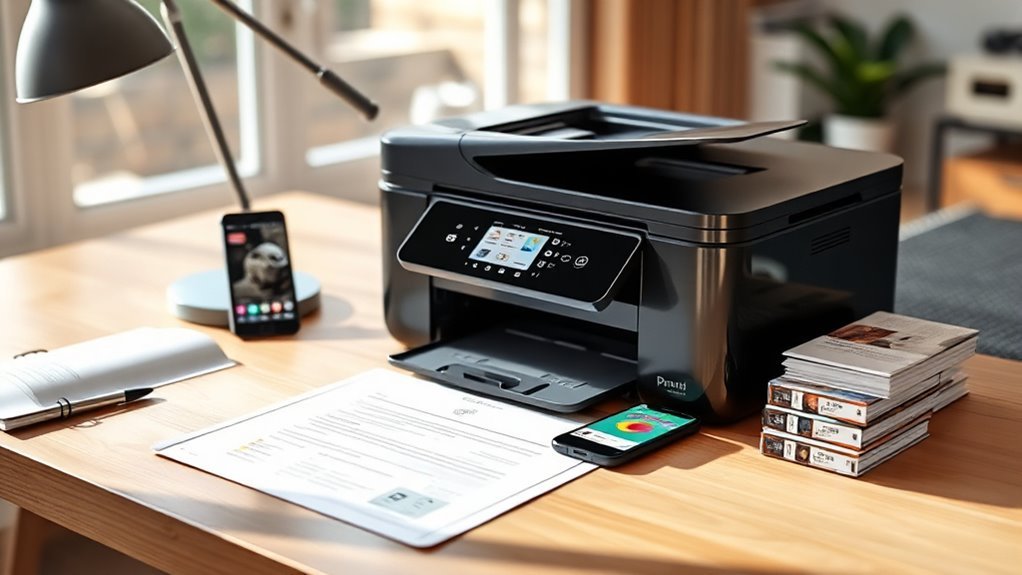
When choosing a cheap printer scanner fax, you’ll want to focus on print quality standards and connectivity options to match your needs.
Consider the speed and efficiency, along with ink and cartridge costs, since they impact long-term value.
Don’t forget to check which multifunction features are included to get the most for your money.
It’s all about finding the right balance between cost and functionality, so you’re not paying for features you won’t use.
Print Quality Standards
Print quality standards play a crucial role in choosing a cheap printer scanner fax that meets your needs. You should look for an optical scanner resolution of at least 600 x 600 dpi and a color print resolution of 1200 x 1200 dpi or higher to get clear text and detailed images.
Make sure the scanner offers a bit depth of at least 24-bit color and 8-bit grayscale to preserve color gradation and detail, especially in photos. Check if the printer handles small fonts sharply—6 to 8 point fonts should print clearly without feathering.
Also, consider color accuracy by looking for multiple color cartridges or ICC profile support. Finally, balance DPI and scan time based on your typical use to get good detail without huge file sizes.
Connectivity Options Available
Although affordability is key, you shouldn’t overlook connectivity options when choosing a cheap printer scanner fax. Make sure it supports both Wi-Fi (preferably dual-band 2.4/5 GHz) and USB connections. This way, you can print from your network, mobile devices, or directly from your PC.
Wi-Fi Direct is a handy feature, letting you print from smartphones or tablets without a router. It’s great for guests or quick setups.
If you share the device in a busy home office or small business, an Ethernet port ensures reliable, low-latency connections. Don’t forget mobile printing protocols like AirPrint and Mopria, or vendor apps for driver-free printing from iOS and Android devices.
Finally, support for cloud services and email-to-print lets you handle documents remotely, boosting your workflow flexibility. It makes managing your printing needs way easier, especially on the go.
Speed And Efficiency
Since speed directly impacts your productivity, you’ll want a printer scanner fax that handles jobs swiftly and efficiently. Look for higher ISO print speeds—typically 10–20 ppm or more—to cut down wait times on multi-page prints.
Check the duty cycle and recommended monthly volume to avoid slowdowns from overheating or maintenance. Features like auto duplex printing and an automatic document feeder (ADF) boost throughput by reducing manual handling during scanning or faxing.
Also, consider first-page-out times and scanner speeds for quick single-job turnarounds. Don’t overlook warm-up and power-save recovery times, as slow wake-ups can bottleneck your workflow.
Finally, reliable connectivity options like Wi-Fi Direct or Ethernet make certain smooth data transfer, keeping your tasks moving without delay.
Ink And Cartridge Costs
When you’re choosing a cheap printer scanner fax, it’s smart to factor in ink and cartridge costs early on to avoid surprises later. Calculate cost-per-page by dividing the replacement ink price by the cartridge’s page yield to estimate ongoing expenses.
Look for models with high-yield or XL cartridges and duplex printing since these reduce ink costs per page. Remember, color cartridges often cost several times more per page than black-and-white, especially for mixed-color prints.
Also, consider ink shelf life and potential costs from drying or clogging, which can lead to extra cleaning or replacement expenses. Don’t forget hidden costs like manufacturer restrictions on third-party ink use, warranty impacts, and environmental fees for cartridge disposal.
These factors affect your total cost of ownership beyond the initial printer price. So, it’s worth doing a little homework before you buy!
Multifunction Features Included
Before you buy a cheap printer scanner fax, make sure it offers all the multifunction features you need to handle your office tasks efficiently. Confirm it includes print, scan, copy, and fax functions if you require full workflows—some budget models skip fax or limit scanning.
Check for an automatic document feeder (ADF) with at least 20–30 sheets to speed multi-page jobs. It really helps to save time when you’ve got lots of pages to process. Also, verify duplex printing and scanning support to save paper and avoid manual page flipping.
Look at the flatbed scanner’s resolution (≥1200 x 2400 dpi) and color depth to make certain quality scans. You want crisp, clear images, right? Also, make sure the device supports mobile printing, network connectivity (Wi-Fi or Ethernet), and has an intuitive control interface like a touchscreen or app for easy remote operation.
Size And Portability
Although cheap printer scanner fax machines often pack many features, their size and portability can vary widely, affecting where and how you use them. Check the device’s dimensions and weight—compact units around 12″ x 8″ x 7″ and under 15 lbs fit easily on desks and move between rooms.
If it includes a flatbed scanner plus an auto document feeder (ADF), expect added bulk but faster multi-page handling. Consider your mobility needs: battery-powered or ultra-light models under 10 lbs suit frequent moves, while mains-only prioritize features over portability.
Don’t forget to measure installation space, accounting for paper trays and output clearance. If you move the printer often, choose a simple paper path, single tray, and secure wireless or cable setup to save time and reduce damage risks.
Frequently Asked Questions
How Do I Recycle Old Printer Ink Cartridges?
You can recycle old printer ink cartridges by taking them to local recycling centers, office supply stores, or using mail-back programs.
Don’t toss them in the trash, as they contain materials that can harm the environment.
It’s pretty easy to do, and it really helps reduce waste. Just check with your nearby stores or recycling spots to see what options they offer.
Can These Printers Connect to Mobile Devices via Bluetooth?
Bluetooth connects these printers to your mobile devices like a bridge over a river, making wireless printing seamless. You’ll find many models include this feature, so you can print, scan, or fax without being tethered to cables.
It’s pretty convenient, right? Just connect and go—no messy wires needed.
What Are the Average Maintenance Costs for Cheap All-In-One Printers?
You’ll typically spend around $50 to $100 annually on ink or toner and occasional replacement parts for cheap all-in-one printers.
Maintenance costs stay low if you use it moderately and avoid heavy-duty printing tasks.
So, if you’re just printing the occasional document or photo, you’re likely to keep expenses pretty manageable.
But if you start printing a lot more, those costs can add up faster than you might expect.
How Do I Troubleshoot Paper Jams in These Models?
When your printer decides to take a coffee break with paper, gently remove stuck sheets. Check for tiny scraps inside, too.
Then, reload the paper properly. You’ll quickly have things flowing smoothly again without much fuss or frustration.
Are There Any Eco-Friendly Printer Settings for These Machines?
Yes, you can enable eco-friendly settings like duplex printing, draft mode, and grayscale to save ink and paper.
Check your printer’s menu or software for these options, so you don’t waste resources unnecessarily.
It’s a simple way to be more environmentally conscious without much effort.
Give it a try and see how much you can reduce your printing impact!
Conclusion
Choosing the right cheap printer scanner fax machine might seem tricky, but it’s easier than you think. Coincidentally, the best models like Canon PIXMA and Epson EcoTank offer wireless convenience and great value all in one.
Whether you need speedy printing or reliable faxing, these options fit your budget without skimping on features. So, go ahead—grab one that suits your needs and watch your productivity soar without breaking the bank!
Finding the best cheap printer scanner fax machine means balancing price with features. Luckily, top picks in 2027 combine affordability with excellent performance. From wireless connectivity to multi-function capabilities, these devices handle your everyday tasks with ease.
Investing in a budget-friendly printer scanner fax machine doesn’t mean sacrificing quality. With models like Canon PIXMA and Epson EcoTank, you get reliable printing, scanning, and faxing all in one compact unit. So, pick the best cheap printer scanner fax machine that fits your needs and budget, and enjoy hassle-free home or office productivity in 2027!