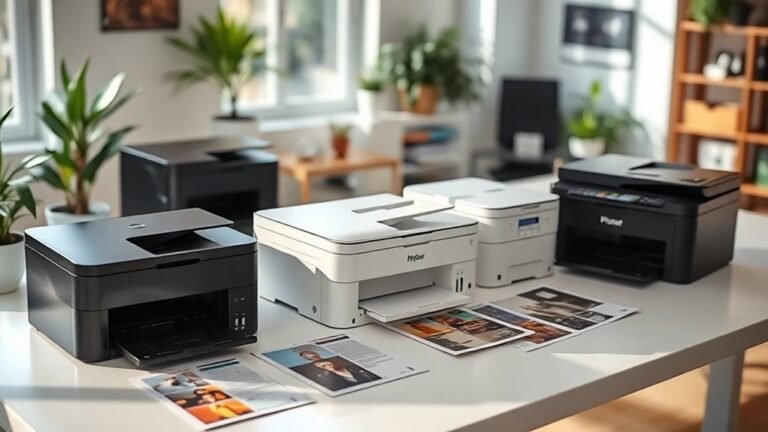
6 Best Cheap All-in-One Laser Printers for 2027
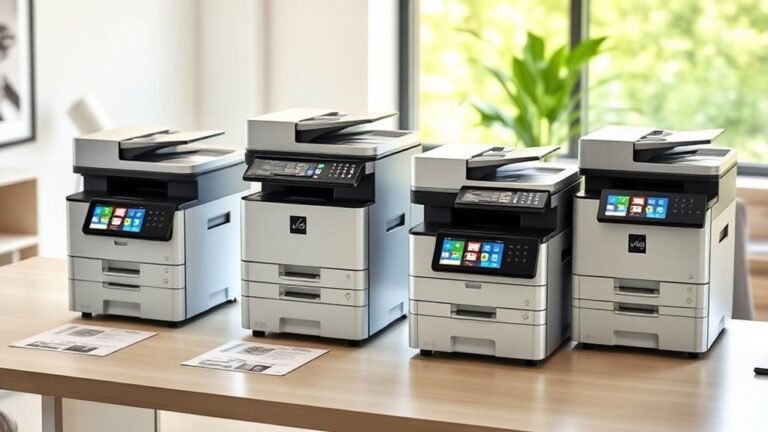
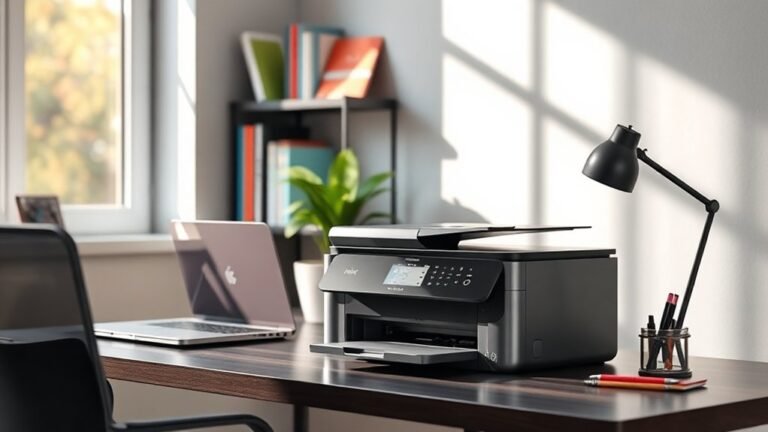
You’ll find the 6 best cheap all-in-one laser printers for 2027 deliver sharp, fast monochrome printing, perfect for small teams or home offices. These budget-friendly models combine efficiency and quality without breaking the bank.
Models like the HP LaserJet M234sdw and Brother DCP-L2640DW offer wireless connectivity, automatic duplexing, and handy auto document feeders. They make printing, scanning, and copying hassle-free and convenient.
These compact printers handle 150–260 sheets and guarantee clean text at 600 to 1200 dpi. If you want the full details on specs and features, the options ahead cover everything you need to decide confidently.
| Image | Name | Editor's Rating | Price |
|---|---|---|---|
|
|
||

|
|
||

|
|
||
|
|
||

|
|
HP LaserJet M234sdw Monochrome Laser Printer | All-in-One
No products found.
The HP LaserJet M234sdw is designed to streamline printing tasks for small teams. Its fast printing speed of up to 30 pages per minute helps reduce wait times and keeps workflows moving smoothly. Automatic two-sided printing cuts paper usage, making it both cost-effective and eco-friendly.
This all-in-one printer simplifies multitasking with a 40-page auto document feeder that speeds up scanning and copying. Maintenance is straightforward, with a compact, lightweight design that fits easily in tight office spaces. The Energy Star certification ensures efficient power use, lowering operational costs.
Connectivity options include wireless dual-band Wi-Fi, Ethernet, and USB, allowing users to print directly from mobile devices through the HP Smart app. This flexibility supports diverse workstyles and helps teams stay productive without cable clutter.
While it offers reliable monochrome printing, it is best suited for users not requiring color output. The 150-sheet paper capacity and a maximum copy run of 20,000 copies handle typical office volumes but may need frequent refills or upgrades for larger demands.
Best for: Small teams of 1–5 users needing a fast, efficient, and secure monochrome all-in-one printer for everyday office tasks.
What We Like:
- Fast print speed with automatic duplex printing saves time and paper
- Multiple connectivity options including mobile printing via HP Smart
- Compact, lightweight design fits small office spaces easily
- Energy Star certified for efficient and eco-friendly operation
Specification:
| Feature | Details |
|---|---|
| Manufacturer | HP |
| Dimensions (W×D×H) | Compact size (exact size not provided) |
| Weight | 19 lbs (8.6 kg) |
| Color | Monochrome (black & white) |
| Connectivity | Wi-Fi (dual-band), Ethernet, USB |
HP Laserjet MFP M140w Wireless All-in-One Printer
- All-in-One Functionality: The HP LaserJet MFP M140w offers the convenience of printing, copying, and scanning in a single, compact device, saving valuable space in your...
- Wireless Connectivity for Easy Printing: Enjoy the flexibility of wireless printing with seamless Wi-Fi connectivity. You can easily print documents from your phone...
- Fast, High-Quality Monochrome Printing: Achieve clear, sharp, black-and-white prints with fast print speeds, making this printer perfect for handling high-volume tasks...
- Effortless Setup and User-Friendly Operation: The HP LaserJet MFP M140w is designed for quick and simple setup. With a user-friendly interface, you'll be up and running...
- Energy-Efficient with Auto-On/Off Technology: Save on energy costs with HP’s Auto-On/Off technology, which automatically powers the printer on when you send a print job...
The HP LaserJet MFP M140w is an ideal solution for those who need a compact, wireless monochrome printer that fits seamlessly into small spaces. It helps streamline daily tasks by combining printing, scanning, and copying in one device. This all-in-one printer improves productivity with a reliable output of 21 pages per minute at a sharp 600 x 600 dpi resolution.
Setting up wireless printing is straightforward through the HP Smart app, allowing you to print directly from your smartphone, tablet, or laptop. Its intuitive controls simplify operation, making it easy to manage documents without hassle. The flatbed scanner accommodates media up to 8.5 x 14 inches, supporting a variety of scanning needs.
Maintenance is simple thanks to its compact design and energy-efficient Auto-On/Auto-Off feature, which reduces power consumption when idle. The 150-sheet input tray keeps work flowing, though it may require frequent refills during heavy use. This model focuses on black-and-white printing, making it best suited for users who do not require color output.
Best for: Small office or home users needing a wireless monochrome all-in-one printer for efficient everyday printing, scanning, and copying.
What We Like:
- Consistent print speed of 21 pages per minute with clear text quality
- Easy wireless setup and mobile device printing via HP Smart app
- Energy-efficient Auto-On/Auto-Off feature reduces power use
- Compact design fits well in limited spaces
Specification:
| Feature | Details |
|---|---|
| Manufacturer | HP |
| Dimensions | Approximately 14 x 14 x 10 in (W x D x H) |
| Weight | Around 14 lbs (6.35 kg) |
| Color Options | White/Black |
| Print Resolution | 600 x 600 dpi |
| Print Speed | 21 pages per minute (monochrome) |
| Paper Tray Capacity | 150 sheets |
| Scanner Type | Flatbed, up to 8.5 x 14 in |
Brother DCP-L2640DW Wireless Monochrome Multi-Function Printer
- BEST FOR SMALL BUSINESSES – Engineered for extraordinary productivity, the Brother DCP-L2640DW Monochrome (Black & White) 3-in-1 combines laser printer, scanner, copier...
- FAST PRINTER WITH EFFICIENT SCANNING – Produces documents quickly with print speeds up to 36 ppm(2) and scan speeds up to 23.6/7.9 ipm(3) (black/color). A 50-page auto...
- FLEXIBLE CONNECTION OPTIONS – Easily navigate the changing demands of your business with secure multi-device connectivity via built-in dual-band wireless (2.4GHz...
- BROTHER MOBILE CONNECT APP – Print, scan, and manage your wireless printer anytime, from almost anywhere from your mobile device. Order Brother Genuine Supplies, track...
- CHOOSE BROTHER GENUINE TONER – When it’s time to replace your toner, be sure to choose Brother Genuine TN830 or TN830XL replacement toner. And with Refresh EZ Print...

Experience efficient, no-fuss printing with the Brother DCP-L2640DW, designed to meet the needs of busy small businesses and home offices. This wireless monochrome laser printer streamlines daily tasks by handling printing, copying, and scanning quickly and reliably.
Its compact design fits easily into tight spaces while supporting high-volume jobs with a 250-sheet paper tray and a 50-sheet automatic document feeder. You can count on speeds up to 36 pages per minute to keep your workflow moving smoothly without delays.
Connectivity is flexible and straightforward, featuring dual-band Wi-Fi, Ethernet, and USB options. Managing your print tasks remotely is simple through the Brother Mobile Connect app, making it easier to stay productive even when you’re on the go.
Maintenance is hassle-free with eco-conscious features like automatic duplex printing and toner save mode, which reduce paper and toner usage. While it only prints in black and white and has a scanner speed slower for color documents, it offers solid performance for everyday office needs.
Best for: Small businesses and home offices needing a fast, reliable, and compact wireless monochrome printer for high-volume printing, copying, and scanning tasks.
What We Like:
- Fast print and copy speeds up to 36 ppm
- Multiple connectivity options: dual-band Wi-Fi, Ethernet, USB
- Automatic duplex printing reduces paper waste
- 50-sheet automatic document feeder for efficient multitasking
Specification:
| Feature | Details |
|---|---|
| Manufacturer | Brother |
| Dimensions (W x D x H) | 16.1 x 15.7 x 12.7 inches |
| Weight | 14.3 lbs (6.5 kg) |
| Color | White |
| Connectivity | Dual-band Wi-Fi, Ethernet, USB |
Canon imageCLASS MF287dw Wireless All-in-One Printer
- Print up to 35 pages-per-minute with a first print out of time of less than 4.9 seconds (letter)
- Print on-the-go with Canon Print App, Canon PRINT Business, Apple AirPrint and Mopria Print Service
- High capacity toner option keeps up with your printing needs and limits toner replacement interruptions
- Duplex print saves paper and related costs
- Send scanned documents to / forward received faxes to email or file server
The Canon imageCLASS MF287dw is designed to boost productivity in busy home or small office environments. It delivers fast, reliable monochrome printing at up to 35 pages per minute, ensuring your documents are ready quickly without sacrificing sharpness. The printer’s 600 x 600 dpi resolution produces clear, professional-quality text every time.
This versatile all-in-one device handles printing, scanning, copying, and faxing with ease. Its Auto Document Feeder simplifies multi-page tasks, while automatic duplex printing helps reduce paper waste and saves you time. Wireless connectivity options like Wi-Fi and USB allow seamless printing from smartphones or tablets through Canon Print App, AirPrint, or Mopria.
Maintenance is straightforward with a 250-sheet paper capacity and high-capacity toner options that reduce the frequency of refills. The compact white design fits neatly in tight spaces without clutter. However, it supports monochrome output only and has a relatively high maximum power consumption of 970 watts, which may be a consideration for energy-conscious users.
Best for: Small offices or home users who need fast, dependable monochrome printing combined with versatile all-in-one features and wireless convenience.
What We Like:
- Fast print speed of up to 35 pages per minute with sharp text quality
- Automatic duplex printing and Auto Document Feeder for efficient handling
- Multiple wireless and mobile printing options including Canon Print App, AirPrint, and Mopria
Specification:
| Feature | Details |
|---|---|
| Manufacturer | Canon |
| Dimensions (W×D×H) | 16.1 × 15.7 × 12.4 inches |
| Weight | 25.1 lbs (11.4 kg) |
| Color | White |
| Print Resolution | 600 x 600 dpi |
| Print Speed | Up to 35 pages per minute |
| Paper Capacity | 250 sheets |
| Connectivity | Wi-Fi, USB |
HP LaserJet Pro MFP M227fdn Printer (G3Q79A)
- Main functions of the HP M227fdn all-in-one laser printer: monochrome print, scanner, copier, fax, AirPrint, double-sided printing, LCD display, 35-sheet auto document...
- This HP M227fdn laser printer replaces HP M225dn printer, additionally the newer HP M227fdn has 15% faster print speed plus HP JetAdvantage Security Manager
- Prints up to 30 pages/minute, input tray paper capacity up to 260 sheets, duty cycle up to 2,000 pages/month
- Mobile printing: mobile print from anywhere with the free HP ePrint app, easily print from your iPhone with AirPrint, send jobs from your devices to any company printer...
- Save office real estate; print, scan, copy, and fax with a compact multifunction laser printer that fits into tight workspaces
Experience efficient monochrome printing that keeps your workflow smooth and hassle-free with the HP LaserJet Pro MFP M227fdn. Designed to handle the demands of busy small offices or home workspaces, this multifunction printer combines printing, scanning, and faxing in one compact device. It delivers sharp, clear text with a resolution of 1200 x 1200 dpi, making every document professional and easy to read.
This printer speeds through tasks at up to 30 pages per minute, so you spend less time waiting and more time working. Automatic two-sided printing reduces paper use and manual effort, while the 35-sheet automatic document feeder simplifies multi-page scanning and copying. Its straightforward maintenance keeps downtime low, with easy access to replace toner and clear paper jams.
Connectivity options such as built-in Ethernet, USB, and mobile printing through HP ePrint, Apple AirPrint, or Google Cloud Print allow you to print effortlessly from various devices. Voice control compatibility adds convenience, letting you manage print jobs hands-free. The 260-sheet input tray supports moderate print volumes, ideal for light to medium office needs.
While it does not support color printing and has a monthly duty cycle limit of 2,000 pages, the M227fdn offers a reliable, cost-effective solution for monochrome document management. Its compact design fits neatly into smaller work areas without sacrificing functionality.
Best for: Small offices or home users needing dependable monochrome printing with scanning, faxing, and convenient mobile connectivity.
What We Like:
- Fast printing speed of up to 30 pages per minute with crisp 1200 x 1200 dpi quality
- Automatic duplex printing and 35-sheet automatic document feeder enhance productivity
- Multiple connectivity options including Ethernet, USB, and mobile printing support
- Voice control compatibility for hands-free operation
- Compact design suitable for limited workspace
Specification:
| Feature | Details |
|---|---|
| Manufacturer | HP |
| Model | LaserJet Pro MFP M227fdn |
| Print Technology | Laser (Monochrome) |
| Print Speed | Up to 30 pages per minute |
| Print Resolution | 1200 x 1200 dpi |
| Duplex Printing | Automatic |
| Automatic Document Feeder | 35 sheets |
| Input Tray Capacity | 260 sheets |
| Connectivity | Ethernet, USB, Mobile (HP ePrint, Apple AirPrint, Google Cloud Print) |
| Voice Control | Compatible |
| Dimensions (W x D x H) | Approx. 16.5 x 14.2 x 11.9 in (41.9 x 36 x 30.2 cm) |
| Weight | Approx. 18.7 lb (8.5 kg) |
HP LaserJet Pro M28W Wireless Monochrome Printer
- WORLD’S SMALLEST LASER PRINTER IN ITS CLASS – The HP LaserJet Pro M28w all in 1 laser printer, copier. Uncompromising quality. This surprisingly small laser delivers...
- Maximize your uptime with print speeds up to 18/19 ppm. Easily copy both sides of identification cards onto one side of paper.
- Easily scan files directly to PDF and email with pre-loaded business apps. Productivity that fits anywhere. Easily handle tasks and get a lot from one device Print, scan...
- Share resources using the built-in wireless connection, or print from your smartphone with the HP Smart app. Save time by scanning directly to email or PDF, and save...
The HP LaserJet Pro M28W is designed to meet the demands of small offices and home workspaces where space and efficiency matter. Its compact size fits easily on crowded desks, helping you maintain an organized work area without sacrificing performance. This monochrome laser printer delivers sharp, clear prints at up to 19 pages per minute, streamlining your daily tasks.
Beyond printing, the M28W offers scanning and copying capabilities, handling essential office needs with ease. Wireless and Ethernet connections provide flexible setup options, allowing seamless mobile printing through the HP Smart app. These features reduce clutter and simplify workflows, so you can focus on what matters most.
Maintenance is straightforward with the reliable LP126A black ink cartridge, which supports a paper capacity of 150 sheets. The printer includes energy-saving Auto-On/Auto-Off technology, helping to lower power consumption without manual intervention. Pre-loaded apps make common tasks like scanning to PDF and copying ID cards quick and hassle-free.
While it does not support color printing or advanced multifunction features, the M28W covers fundamental office requirements efficiently. Its design and functionality combine to offer a dependable solution for monochrome printing in limited spaces.
Best for: Small offices and individuals needing a compact, efficient monochrome laser printer with wireless and mobile connectivity.
What We Like:
- Compact design ideal for small or crowded work areas
- Fast printing speeds with clear 1200 dpi resolution
- Wireless and Ethernet connectivity for flexible setups
- Easy maintenance with reliable cartridge and energy-saving features
Specification:
| Feature | Details |
|---|---|
| Manufacturer | HP |
| Dimensions | Compact footprint (exact size not specified) |
| Weight | 15 lb (6.8 kg) |
| Print Speed | Up to 19 ppm |
| Print Resolution | Up to 1200 dpi |
| Paper Capacity | 150 sheets |
| Connectivity | Wireless, Ethernet |
| Cartridge | LP126A black ink |
Factors to Consider When Choosing a Cheap All in One Laser Printer
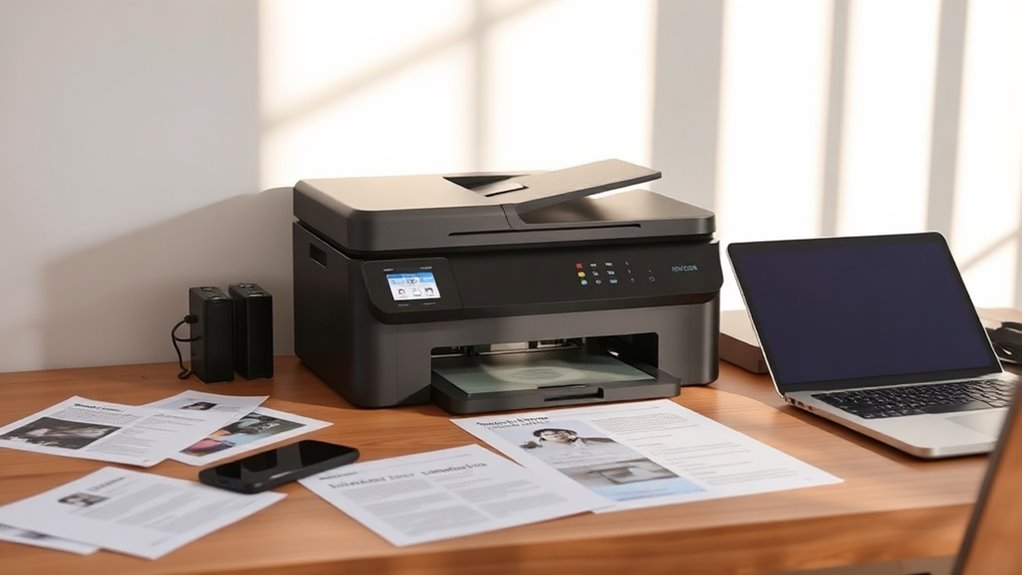
When choosing a cheap all-in-one laser printer, you’ll want to take into account how fast it prints and what connectivity options it offers. Think about the paper handling capacity and whether the print quality meets your standards.
Also, make sure the device is compatible with your computers and other devices. It’s always good to double-check that before making a purchase. That way, you avoid any surprises later on.
Print Speed Requirements
Match your printer’s speed to your typical workload to keep tasks flowing smoothly. For light home use, 15–20 ppm usually works fine, while small offices benefit from 25–35+ ppm to avoid bottlenecks.
Don’t overlook first-page-out time—printers that deliver a page in under 10 seconds feel more responsive, especially for occasional jobs.
If you print lots of double-sided or multi-page documents, prioritize higher duplex throughput (ipm), since two-sided speeds often lag behind single-sided ppm.
Also, consider the monthly duty cycle and max copy run; a fast printer with a low duty cycle may wear out quickly under heavy use.
Finally, remember that scan and copy speeds (ipm) and ADF capacity impact workflow too—fast printing won’t help if scanning slows you down.
Connectivity Options Available
Since connectivity determines how easily you can integrate your printer into your workspace, it’s essential to explore the available options before buying. Look for dual-band Wi-Fi (2.4 GHz and 5 GHz) to reduce interference and support faster wireless printing from multiple devices.
If you need a stable wired connection or want to share the printer in a small office, make sure it has an Ethernet port. USB ports (USB-A or USB-B) are handy for direct connections or USB-based printing and scanning without a network.
Also, verify support for mobile printing protocols like AirPrint or Mopria to print directly from your smartphone or tablet. If cloud or voice control matters, check if the printer supports cloud printing and voice-assistant integration for remote commands.
Paper Handling Capacity
Although budget all-in-one laser printers often have limited paper handling features, you should still make sure their input and output capacities fit your workload to avoid constant interruptions. Check the input tray capacity, usually between 150 and 250 sheets, so you won’t need to refill paper frequently.
If you scan or copy multi-page documents regularly, an automatic document feeder (ADF) with a 30–50 page capacity will save you time. Also, verify the output tray’s capacity and stacking speed to prevent jams during large jobs.
Make sure the printer supports the media types and sizes you use, like envelopes or legal-size paper. And if you want efficient two-sided printing without manually reinserting pages, consider automatic duplexing.
Print Quality Standards
When choosing a cheap all-in-one laser printer, you’ll want to prioritize print quality standards that suit your needs. Look for at least 600 x 600 dpi optical resolution for sharp monochrome text, or 1200 x 1200 dpi if detailed graphics matter.
Check if the printer uses true 1-bit monochrome rendering for crisp text or supports halftone for smoother grayscale images. Don’t overlook the scanner’s optical resolution and duplex scan speed—poor scanner quality can slow multi-page tasks.
Also, consider first-page-out time and sustained ppm under real workloads; slower print modes often yield better fidelity. Finally, review supported media types and max resolution, as cheaper models sometimes reduce quality or disable high-res modes on envelopes or labels.
These factors guarantee your prints look professional every time. It’s all about finding the right balance between speed, quality, and functionality that fits your budget.
Device Compatibility Range
Print quality matters, but your printer also has to work seamlessly with your devices and network. Start by checking operating system compatibility—make sure it supports Windows, macOS, Linux, Chrome OS, Android, or iOS with full driver functionality for scanning and duplex printing.
If you plan to print directly from smartphones or tablets, verify support for mobile printing standards like AirPrint or Mopria. That way, you can print without any hassle right from your mobile devices.
Confirm network compatibility, guaranteeing the printer handles dual-band Wi-Fi, Ethernet, or USB connections to fit your setup. Also, check the available ports—USB-A, USB-B, USB-C, or Ethernet—and make sure your devices match or that you have the right adapters.
For multi-user environments, look for cloud printing and centralized management features. These will simplify device access and permissions across platforms, making life easier for everyone involved.
Energy Efficiency Features
Because energy costs add up over time, choosing a laser printer with strong efficiency features can save you money and reduce your environmental impact. Look for Energy Star or similar certifications to guarantee low standby and active power use.
Models with Auto-On/Auto-Off or scheduled sleep modes help cut idle energy by powering down automatically when not in use. Duplex printing reduces paper consumption, indirectly lowering energy use per page.
Check the printer’s power ratings for active, standby, and sleep modes to estimate ongoing energy costs. Also, consider printers with toner-save or low-power print modes, which reduce fusing temperature or print density.
These modes extend consumable life and cut energy consumption. These features help you stay efficient without compromising performance.
Security Functionality Included
Although budget-friendly all-in-one laser printers often focus on cost savings, you shouldn’t overlook essential security features that protect your data and network. Make sure the printer supports built-in network security like WPA3/WPA2 for wireless, TLS/SSL for data in transit, and firewall support to block unauthorized access.
Look for user authentication options such as PIN or password, plus role-based access controls to limit scanning or faxing to authorized users. Check if the device offers secure printing with hold/release and encrypted storage to safeguard sensitive documents.
Confirm the firmware updates are secure and easy to apply, with audit logs for monitoring changes and print activity. Finally, choose models that let you disable unused ports, support secure management protocols, and lock down USB or network interfaces to reduce vulnerabilities.
Warranty And Support
When choosing a cheap all-in-one laser printer, you’ll want to carefully review the warranty details to make certain your investment is protected. Check the warranty length and type—whether it’s a one-year limited hardware or just 90 days—and understand what’s covered, from parts and labor to consumables like drums or toner.
Know if repairs require on-site visits or carry-in service. Also, find out how to request warranty support—phone, web, or live chat—and typical response times.
Don’t overlook online resources like knowledge bases, driver downloads, and remote support. Finally, consider optional extended warranties or support plans, weighing their cost and benefits, plus any trial offers for toner delivery or managed replacement services that might add convenience and peace of mind.
Frequently Asked Questions
How Long Do Toner Cartridges Typically Last in These Printers?
Toner cartridges typically last between 1,500 to 3,000 pages, depending on usage and printer model.
You’ll get more mileage by printing in draft mode and avoiding unnecessary color prints.
That way, you can stretch your toner budget further.
Are These Printers Compatible With Mac and Linux Operating Systems?
Yes, most all-in-one laser printers support Mac and Linux, but you’ll want to check specific models for driver compatibility. Manufacturers often provide drivers, and open-source options usually cover Linux well.
What Is the Average Monthly Duty Cycle for These Models?
You know what they say, “Slow and steady wins the race.” These printers usually handle an average monthly duty cycle of 10,000 to 20,000 pages.
That means you can print steadily without worrying about overworking them. Pretty handy, right?
Can These Printers Scan Directly to Cloud Storage Services?
Yes, many of these printers let you scan directly to cloud storage like Google Drive or Dropbox.
You’ll just need to connect them to your network and configure the cloud service through the printer’s app or control panel.
It’s pretty straightforward once you get it set up. Just follow the prompts on your printer’s screen or app, and you’ll be scanning to the cloud in no time!
Do These Printers Support Duplex (Double-Sided) Scanning?
Like flipping a book’s pages effortlessly, many of these printers do support duplex scanning. You’ll save time by scanning double-sided documents automatically.
This makes your workflow smoother and more efficient without needing to flip pages manually. It’s a real game-changer when dealing with lots of paperwork!
Conclusion
Choosing the right all-in-one laser printer doesn’t have to feel overwhelming. With options like the HP LaserJet M234sdw or the Canon imageCLASS MF287dw, you’re getting reliable performance without breaking the bank.
These printers offer just the right features for everyday tasks, making your work smoother and more efficient. So, why settle for less when you can enjoy quality and affordability wrapped into one smart choice?
Finding the best cheap all-in-one laser printer means balancing cost with functionality. Whether you need fast printing, clear scans, or easy wireless setup, these models deliver it all. Your perfect printer is just a decision away—combining value, convenience, and dependable performance in one package.