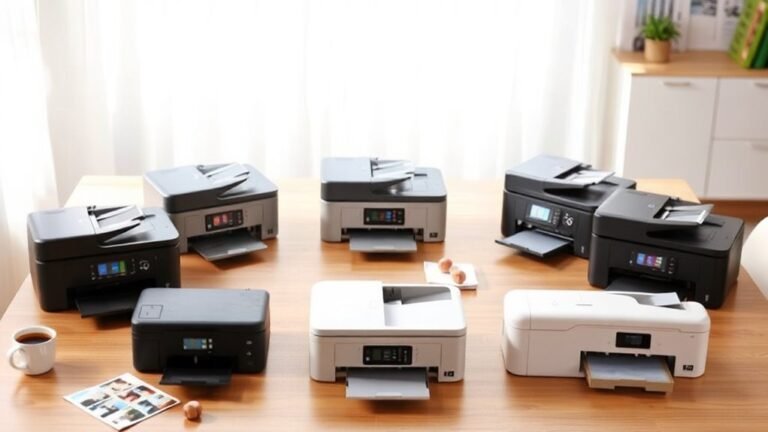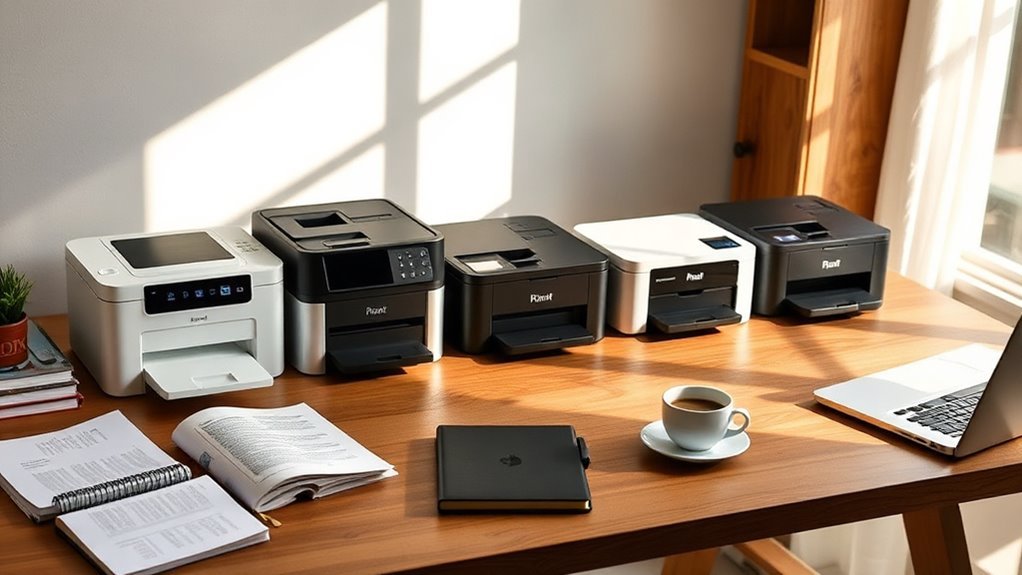
5 Best Cheap College Printers for 2027
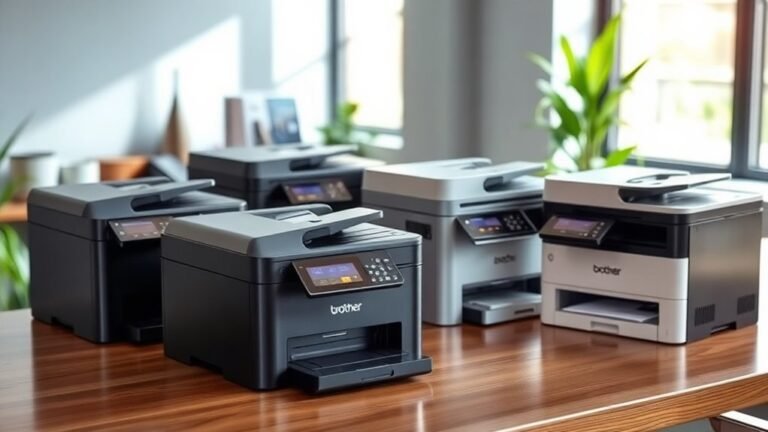
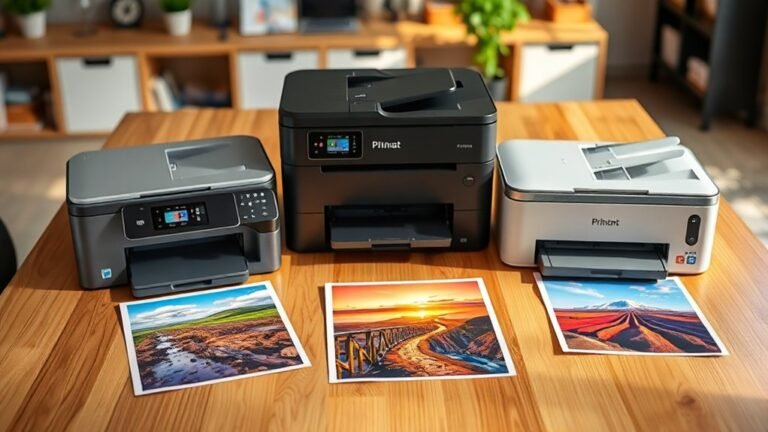
You’ll want a reliable, budget-friendly printer that fits your dorm and handles all tasks. Finding the best cheap college printer means balancing price, quality, and convenience. Whether you’re printing essays, projects, or photos, having a dependable printer is a must for any student.
The HP DeskJet 2923 offers wireless all-in-one functions with ink-saving tech. Canon’s PIXMA TS4320 and TS6520 deliver sharp prints, duplexing, and smart app control. For low ink cost, the Canon MegaTank G3270 and HP Smart Tank 5100 provide high-capacity refillable tanks.
Each balances size, speed, and features ideal for college life. Keep exploring to find the perfect match for your needs. You’ll be set for the semester with one of these budget-friendly options.
| Image | Name | Editor's Rating | Price |
|---|---|---|---|

|
|
||

|
|
||

|
|
||

|
|
||

|
|
HP DeskJet 2923 Color Inkjet Printer | Wireless | All-in-One
- Perfect for basic printing needs – Print everyday color documents like to-do lists, letters, financial documents and recipes
- KEY FEATURES – Color print, copy, scan, and a 60-sheet input tray, plus mobile and wireless printing
- OPTIMIZE PRINT FORMATTING WITH HP AI – Print web pages and emails with precision—no wasted pages or awkward layouts; HP AI easily removes unwanted content, so your...
- ICON LCD – Print your basic documents with ease from the intuitive control panel
- PRINT SPEED – Up to 7.5 ppm black, 5.5 ppm color

The HP DeskJet 2923 is an ideal all-in-one printer for those who need a compact solution that fits easily in tight spaces like dorm rooms or small home offices. It handles color printing, scanning, and copying with ease, helping you manage daily tasks without clutter. Its wireless dual-band Wi-Fi connectivity allows seamless printing from multiple devices.
This printer simplifies maintenance with an intuitive icon LCD control panel that makes operation straightforward. The HP App enhances convenience by letting you print and scan directly from your smartphone. HP AI technology optimizes your pages to reduce ink usage, helping you save on consumables over time.
Designed with the environment in mind, the DeskJet 2923 uses recycled plastics and holds ENERGY STAR certification. While it prints at moderate speeds—up to 7.5 pages per minute in black and 5.5 in color—it suits light to moderate printing needs well. Note that it requires a subscription for Instant Ink after a free six-month trial, and the 60-sheet input tray means frequent refills for larger jobs.
Best for: Users needing an affordable, space-saving wireless all-in-one printer for everyday home or dorm use.
What We Like:
- Color printing, scanning, and copying with easy LCD controls
- Wireless printing via dual-band Wi-Fi and smartphone integration
- Ink-saving HP AI technology for efficient printing
- Eco-friendly build with recycled materials and ENERGY STAR certification
Specification:
| Feature | Details |
|---|---|
| Manufacturer | HP |
| Dimensions | Compact (exact size not provided) |
| Weight | Not specified |
| Material | Recycled plastics |
| Color Options | Not specified |
Canon PIXMA TS4320 – Wireless Color Inkjet Printer with Print, Copy, Scan
- Affordable Versatility - A budget-friendly all-in-one printer perfect for both home users and hybrid workers, offering exceptional value
- Crisp, Vibrant Prints - Experience impressive print quality for both documents and photos, thanks to its 2-cartridge hybrid ink system that delivers sharp text and vivid...
- Effortless Setup & Use - Get started quickly with easy setup for your smartphone or computer, so you can print, scan, and copy without delay
- Reliable Wireless Connectivity - Enjoy stable and consistent connections with dual-band Wi-Fi (2.4GHz or 5GHz), ensuring smooth printing from anywhere in your home or...
- Scan & Copy Handling - Utilize the device’s integrated scanner for efficient scanning and copying operations
The Canon PIXMA TS4320 is an ideal choice when you need a compact, all-in-one printer that handles everyday tasks efficiently. It simplifies printing, copying, and scanning, delivering sharp color and black-and-white prints up to 1200 dpi. This versatility makes it perfect for light home or school projects.
Its wireless dual-band Wi-Fi connection ensures reliable, hassle-free mobile printing through the Canon PRINT app, Apple AirPrint, or Mopria. This connectivity feature helps you print directly from smartphones or tablets without complicated setups. Automatic duplex printing saves time and paper for double-sided documents.
Designed to save space, the PIXMA TS4320 fits neatly on your desk. It supports various media types, such as glossy photo paper and labels, giving you flexibility for creative or practical printing needs. Maintenance is straightforward, though starter ink tanks may require replacement sooner with moderate use.
This printer provides fast print speeds of up to 14 pages per minute for black-and-white documents, balancing performance with ease of use. While the single 100-sheet tray limits capacity, it meets the needs of home users and students handling moderate workloads.
Best for: Home users, students, and hybrid workers seeking a compact, affordable all-in-one printer for light to moderate printing, copying, and scanning tasks.
What We Like:
- Fast print speeds with up to 14 ppm and automatic duplex printing
- Wireless dual-band Wi-Fi supporting mobile printing via Canon PRINT, AirPrint, and Mopria
- Compact and stylish design that supports multiple media types
- Easy connectivity and user-friendly operation
Specification:
| Feature | Details |
|---|---|
| Manufacturer | Canon |
| Dimensions | Compact (specific size not provided) |
| Weight | Not specified |
| Color Options | Not specified |
| Print Resolution | Up to 1200 dpi |
| Paper Capacity | 100 sheets (single tray) |
| Connectivity | Wireless dual-band Wi-Fi |
Canon PIXMA TS6520 Wireless Color Inkjet Printer, 1.42″ OLED Display, White
- Affordable Versatility - A budget-friendly all-in-one printer perfect for both home users and hybrid workers, offering exceptional value
- Crisp, Vibrant Prints - Experience impressive print quality for both documents and photos, thanks to its 2-cartridge hybrid ink system that delivers sharp text and vivid...
- Effortless Setup & Use - Get started quickly with easy setup for your smartphone or computer, so you can print, scan, and copy without delay
- Reliable Wireless Connectivity - Enjoy stable and consistent connections with dual-band Wi-Fi (2.4GHz or 5GHz), ensuring smooth printing from anywhere in your home or...
- Scan & Copy Handling - Utilize the device’s integrated scanner for efficient scanning and copying operations
Experience hassle-free printing with the Canon PIXMA TS6520, a versatile all-in-one printer made for home and school use. Its compact white design fits neatly in tight spaces, making it ideal for families and students who need reliable printing, scanning, and copying without clutter.
This printer simplifies your workflow with a 1.42″ OLED display and voice control via Alexa, allowing easy operation without complicated menus. Wireless dual-band Wi-Fi provides the freedom to print from laptops, smartphones, or tablets, keeping you connected wherever you work or study.
Enjoy sharp, vivid prints with up to 1200 dpi resolution and save time with automatic duplexing for double-sided documents. Maintenance is straightforward with included starter ink tanks and optional ink subscription plans, ensuring you stay stocked without interruption.
While it lacks an automatic document feeder and has a single paper tray with limited capacity, the PIXMA TS6520 remains a practical choice for everyday printing needs, balancing compact design with useful features.
Best for: families, students, and home or hybrid workers seeking a compact, easy-to-use all-in-one printer with wireless and voice control functionality.
What We Like:
- Compact size perfect for small workspaces
- Automatic duplex and borderless printing up to Letter size
- Wireless dual-band Wi-Fi and Alexa voice control for convenient remote printing
Specification:
| Feature | Details |
|---|---|
| Manufacturer | Canon |
| Dimensions | Compact footprint (exact size not specified) |
| Weight | Not specified |
| Color | White |
| Display | 1.42″ OLED |
| Connectivity | Wireless dual-band Wi-Fi |
| Ink System | Starter ink tanks included; supports ink subscription plan |
Canon MegaTank G3270 All-in-One Wireless Color Printer
- Wireless Print/Copy/Scan
- Up to 2 years of ink included (2)
- Print up to 6,000 black & white / 7,700 color pages using a single set of inks! (1)
- Save up to $1,000 on ink (1)
- 1.35” Square LCD display
Experience hassle-free printing with the Canon MegaTank G3270, designed to keep up with your busy study or home office life. This all-in-one wireless color printer simplifies your workflow by combining printing, copying, and scanning in one compact device.
Its refillable MegaTank system lets you print up to 7,700 color pages per refill, reducing interruptions and the cost of frequent ink replacements. You can easily connect via Wi-Fi or USB and manage your print jobs directly from your smartphone or tablet for added convenience.
The printer supports various paper sizes and types, accommodating diverse projects with borderless printing for polished results. While it offers single-sided printing and moderate copy speeds, its performance suits users prioritizing affordability and ease of use.
Maintenance is straightforward thanks to the high ink capacity and refillable tanks, helping you avoid the hassle of frequent cartridge changes. The slightly larger footprint means it fits best in a dedicated space without crowding your study area.
Best for: Students and home office users seeking a reliable, cost-effective wireless color printer with versatile media handling and smartphone control.
What We Like:
- High ink yield delivering up to 7,700 color pages per refill set
- All-in-one print, copy, and scan functions with wireless connectivity
- Supports multiple paper sizes and borderless printing for professional results
- Simple maintenance with refillable ink tanks
- Convenient smartphone and tablet compatibility
Specification:
| Feature | Details |
|---|---|
| Manufacturer | Canon |
| Dimensions | Compact design (exact size not specified) |
| Weight | Relatively heavy (exact weight not specified) |
| Connectivity | Wi-Fi, USB |
| Functionality | Print, copy, scan |
| Ink System | Refillable MegaTank |
| Print Technology | Color inkjet |
HP Smart Tank 5100 Ink Tank Printer | 3 Years of Ink Included | All-in-One
- THE LAST PRINTER YOU'LL EVER NEED – Set it up once and print with confidence; no complicated maintenance, just easy, reliable printing you can count on
- FULLY LOADED WITH SAVINGS – Best for low-cost, high-volume printing—up to 3 years of HP Ink included; get up to 6,000 color or black pages right out of the box
- KEY FEATURES – Print, copy and scan, plus borderless prints, mobile and wireless printing
- MESS-FREE REFILL – Replenish ink with HP's easy-access, mess-free refill system; simply plug the ink bottles into this cartridge-free ink tank and let them drain—no...
- BEST PRINT QUALITY, PERIOD – Sharper text, richer colors, only with HP Smart Tank
Experience hassle-free printing with the HP Smart Tank 5100, designed to keep you productive without the usual ink worries. This all-in-one printer offers printing, copying, and scanning with the added benefit of borderless photo printing. Its refillable ink tanks mean you won’t have to deal with cartridges, saving time and reducing interruptions.
The printer includes up to three years of ink, providing up to 6,000 pages from high-capacity ink bottles. This feature helps you avoid frequent refills and lowers your overall printing costs. Its compact design fits easily in small spaces like dorm rooms or home offices.
Maintaining the HP Smart Tank 5100 is simple thanks to its mess-free refill system, which minimizes spills and makes ink replacement quick. Wireless and mobile printing keep you connected to your printer from various devices, enhancing convenience and flexibility.
While print speed is moderate and duplex printing is manual, this printer supports multiple paper sizes and types, making it versatile for everyday tasks. The single paper tray holds up to 100 sheets, suitable for moderate volume use.
Best for: Students and home users seeking a reliable, cost-efficient all-in-one printer with long-lasting ink supply and easy maintenance.
What We Like:
- Includes up to 3 years of original HP ink with high-yield bottles
- Cartridge-free refillable ink tanks with mess-free refills
- Wireless and mobile printing compatibility
- Compact design ideal for small spaces
- Supports borderless printing and multiple paper types
Specification:
| Feature | Details |
|---|---|
| Manufacturer | HP |
| Dimensions (W×D×H) | Approx. 16.7 × 12.9 × 9.1 in (42.5 × 32.8 × 23.1 cm) |
| Weight | Approx. 9.7 lb (4.4 kg) |
| Ink System | Refillable ink tanks |
| Paper Tray Capacity | 100 sheets |
| Connectivity | Wireless, mobile printing |
Factors to Consider When Choosing a Cheap College Printer
When picking a cheap college printer, you’ll want to take into account how fast it prints and how much the ink costs over time.
Think about the connectivity options it offers and whether its size fits your dorm or study space.
Also, don’t forget to check if the print quality meets your classwork needs.
Print Speed Importance
Choosing a printer with the right print speed can make a big difference during hectic study sessions. You’ll want to check both black-and-white and color pages per minute (ppm), aiming for about 10–14 ppm for black and 5–9 ppm for color to handle large assignments quickly.
Since most student work is monochrome, faster black ppm reduces your wait time. Don’t overlook the first-page-out time; printers that deliver a page in under 10 seconds feel much more responsive for quick prints.
If you print double-sided often, consider the duplex speed—it’s usually slower, but it saves paper. Keep in mind, manufacturers’ ppm ratings are ideal; real-world speeds drop with higher-quality prints, color photos, duplex, or multitasking.
Choose wisely to keep pace with your study demands.
Ink Cost Efficiency
Although upfront printer prices might look appealing, ink costs often add up quickly and impact your overall budget. To get a true sense of cost-efficiency, calculate the cost per page by dividing the replacement ink price by the manufacturer’s stated page yield.
Choose printers with high-capacity tanks or XL cartridges, as larger-volume consumables usually lower your $/page markedly compared to standard cartridges. If you’re considering subscription or automatic-delivery programs, only factor them in if their fees and included pages reduce your effective cost per page.
Also, think about your print habits: heavy text printing benefits from pigment black cartridges or high-yield black tanks, since color inks cost more per page. Remember, infrequent use can waste ink during cleaning cycles, raising your overall ink expenses.
Connectivity Options Available
Don’t overlook connectivity options when picking a cheap college printer, as they can make or break your printing experience. Make sure your printer supports both 2.4 GHz and 5 GHz dual-band Wi-Fi to get faster transfers with less interference, especially in crowded dorm networks.
Look for mobile printing features like AirPrint, Mopria, or a dedicated app so you can print directly from your phone or tablet without extra drivers. A USB Type-A or USB 2.0 port is handy for reliable wired connections if Wi-Fi isn’t available.
Bluetooth or Wi-Fi Direct support lets you print quickly from nearby devices without joining a network. And if multiple users will share the printer, prioritize network readiness and simultaneous connection handling to avoid slowdowns during busy times.
Printer Size Considerations
After considering how your printer connects to devices, it’s just as important to think about its size and fit in your dorm or study area. Measure your available space and aim for a printer no wider than 15″ and about 7″ to 11″ high to fit small desks or shelves comfortably.
If you want to reduce paper refills, pick a model with a 60–100 sheet input capacity without increasing the footprint too much. For easy portability between classes or apartments, choose a lightweight printer under 16 pounds.
Also, consider the scanner/copier design; flatbed scanners add depth, so if space is tight, opt for multifunction units with smaller profiles or automatic feeders that don’t increase height. Finally, leave a few inches around the printer for ventilation and cable access.
Print Quality Expectations
Print quality plays a crucial role when choosing a cheap college printer, especially if you want your notes and projects to look sharp and professional. Aim for at least 600 x 600 dpi to get laser-like clarity on black text, which is perfect for everyday class notes.
If you need finer text or detailed graphics, look for 1200 x 1200 dpi or higher. For photo-quality color prints, choose printers with 1200 x 1200 dpi plus dye or pigment-based inks for sharper images and smooth color gradation.
Automatic duplex helps save paper but may cause slight misalignment on high-res prints, so test if double-sided precision matters. Remember, cheaper models often print slower and may reduce sharpness when handling many high-res pages, so balance your quality needs with budget and speed.
Frequently Asked Questions
How Do I Connect My Printer to Campus Wi-Fi Securely?
You connect your printer to campus Wi-Fi securely by selecting the official network and entering your unique credentials. Make sure to enable WPA2 or WPA3 encryption for the best protection.
Also, keep your printer’s firmware updated regularly. This helps protect against any security vulnerabilities.
And remember, always avoid open or unsecured networks. It’s the best way to keep your data safe.
What Is the Average Cost per Page for College Printer Ink?
Ink costs are the silent thief in your budget, averaging about 5 to 10 cents per page.
You’ll save more by using high-yield cartridges or opting for black-and-white printing whenever possible.
Are These Printers Compatible With Both Windows and Mac OS?
Yes, these printers are compatible with both Windows and Mac OS. You’ll find easy setup guides for each system, so you won’t struggle connecting your devices or printing assignments.
No matter which platform you use, getting started is pretty straightforward. Just follow the steps, and you’ll be up and running in no time.
Can These Printers Handle Double-Sided Printing Automatically?
Yes, many of these printers can handle double-sided printing automatically, saving you time and paper.
Just check the specific model’s features before buying to make sure it supports duplex printing without manual intervention.
How Do I Troubleshoot Common Wireless Printer Connection Issues?
You’ll never believe how often simply restarting your router and printer fixes wireless issues!
Check your Wi-Fi password, make sure your printer’s on the right network, update drivers, and disable firewall blocks to get back online quickly. It’s usually pretty straightforward once you know what to look for.
Conclusion
Choosing the right college printer might seem tricky, but guess what? The perfect match is just a click away, whether it’s the budget-friendly HP DeskJet or the ink-saving Canon MegaTank.
You’ll find yourself printing assignments, notes, and memories without breaking the bank. So, don’t stress—your ideal printer is waiting to make your college life easier and more colorful than you ever imagined.
Ready to print your success? With these best cheap college printers for 2027, you can stay on top of your coursework without spending a fortune. Whether you need fast printing, high-quality images, or long-lasting ink, there’s a perfect printer out there for you. Grab one now and make your college printing experience smooth, affordable, and hassle-free!