6 Best Budget Printers for 2027 That Save You Big Bucks
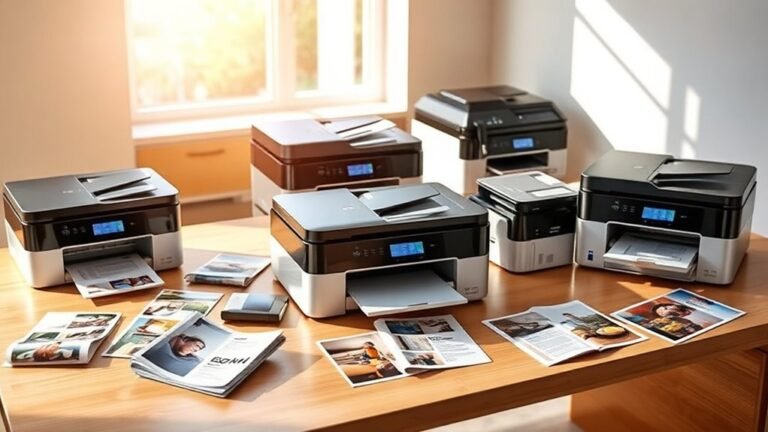
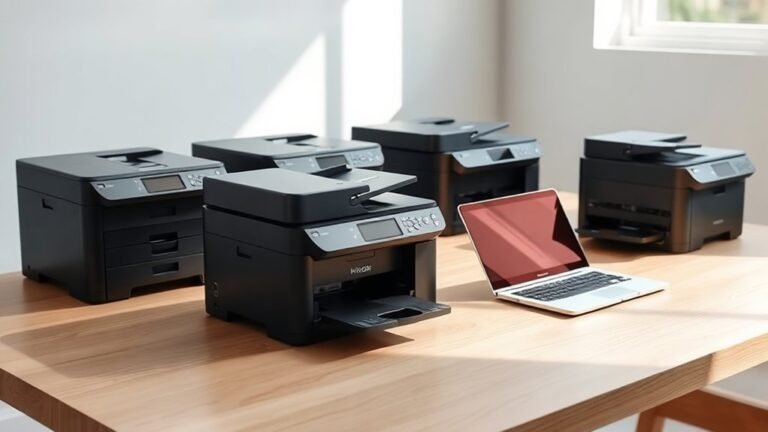
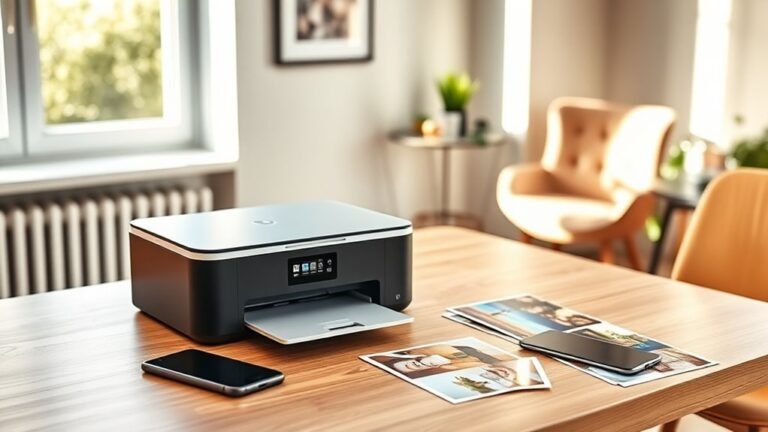
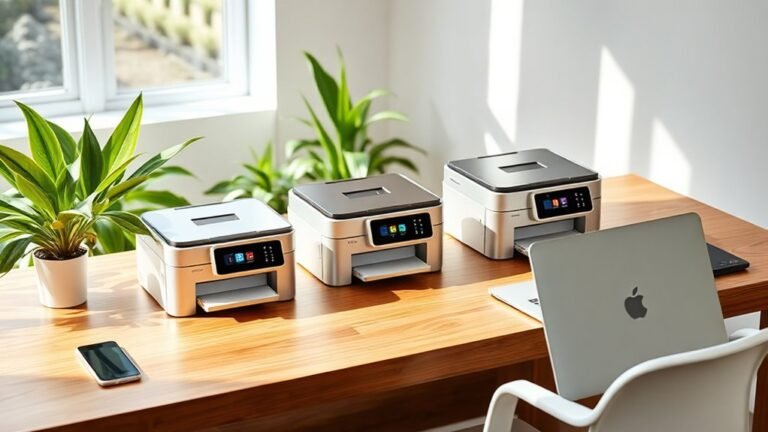
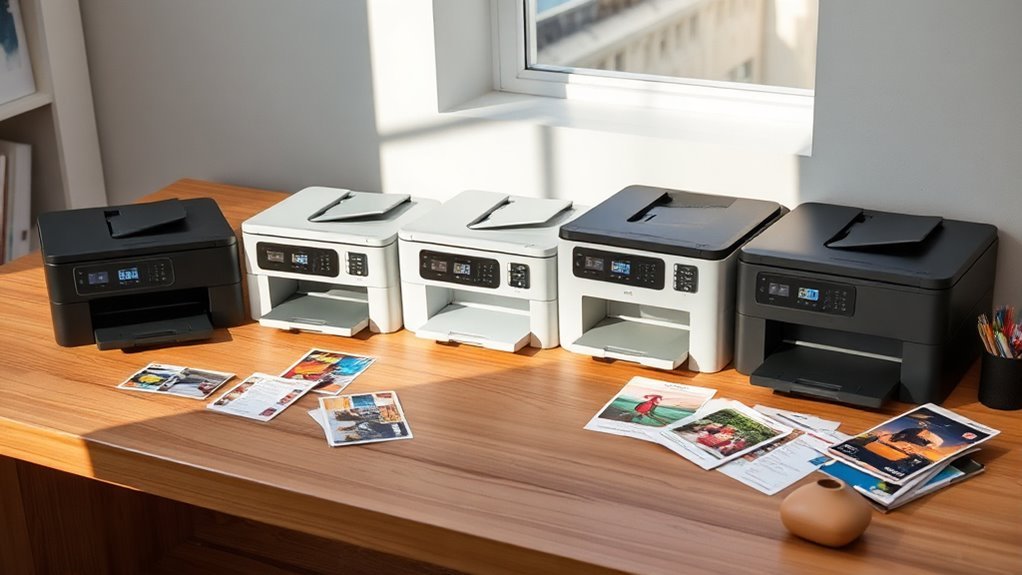
If you want to save big in 2027 without sacrificing quality, choosing the right budget printer is key. Whether you’re printing sharp color photos, fast black-and-white documents, or managing bulk ink needs, there’s a budget-friendly model for you. Let’s look at some of the best budget printers that combine affordability with performance to keep your printing costs low.
For sharp color prints, the Canon PIXMA TS4320 is a great choice. If you need fast monochrome laser output without breaking the bank, the Brother HL-L2405W fits the bill perfectly.
The HP Smart Tank 5003 is ideal for those who want bulk ink and low running costs. Meanwhile, the HP DeskJet 2955 supports wireless and app printing, making it super convenient.
If your needs are mostly simple black-and-white prints, the HP LaserJet M110w is a solid pick. Take your time to discover which model fits your space, budget, and print habits best.
| Image | Name | Editor's Rating | Price |
|---|---|---|---|

|
|
||

|
|
||

|
|
||

|
|
||

|
|
Canon PIXMA TS4320 – Wireless Color Inkjet Printer with Print, Copy, Scan
- Affordable Versatility - A budget-friendly all-in-one printer perfect for both home users and hybrid workers, offering exceptional value
- Crisp, Vibrant Prints - Experience impressive print quality for both documents and photos, thanks to its 2-cartridge hybrid ink system that delivers sharp text and vivid...
- Effortless Setup & Use - Get started quickly with easy setup for your smartphone or computer, so you can print, scan, and copy without delay
- Reliable Wireless Connectivity - Enjoy stable and consistent connections with dual-band Wi-Fi (2.4GHz or 5GHz), ensuring smooth printing from anywhere in your home or...
- Scan & Copy Handling - Utilize the device’s integrated scanner for efficient scanning and copying operations

The Canon PIXMA TS4320 is a compact and versatile wireless color inkjet printer designed to simplify your home printing tasks. It delivers sharp color and black-and-white prints with a resolution up to 1200 dpi, making it ideal for school projects, photos, and everyday documents.
Its stylish design fits well in small spaces, while automatic duplex printing saves paper by printing on both sides. Wireless connectivity supports dual-band Wi-Fi and mobile printing through the Canon app, AirPrint, Mopria, and Alexa, providing flexible options to print from various devices with ease.
Maintenance is straightforward with a two-cartridge hybrid ink system. Although this setup may require more frequent cartridge changes compared to multi-cartridge printers, it keeps the printer easy to manage. The TS4320 supports multiple media types, including borderless photos, enhancing its creative potential.
While it lacks an automatic document feeder (ADF) and an OLED display, the printer excels in delivering reliable print, copy, and scan functionality for everyday home use without unnecessary complications.
Best for: Home users needing an affordable, compact printer that handles printing, copying, and scanning with wireless convenience.
What We Like:
- Compact design fits easily in small spaces.
- Automatic duplex printing reduces paper use.
- Wireless dual-band Wi-Fi and multiple mobile printing options.
- Supports various media types including borderless photos.
Specification:
| Feature | Details |
|---|---|
| Manufacturer | Canon |
| Dimensions (W×D×H) | Approx. 12.7 × 11.7 × 5.0 inches (32.3 × 29.7 × 12.7 cm) |
| Weight | Approx. 9.3 lbs (4.2 kg) |
| Ink System | Two-cartridge hybrid ink |
| Connectivity | Wireless dual-band Wi-Fi, Mobile apps (Canon app, AirPrint, Mopria, Alexa) |
| Functions | Print, Copy, Scan |
HP DeskJet 2955 Color Inkjet Printer | Wireless | All-in-One
- PERFECT FOR BASIC PRINTING NEEDS – Print everyday color documents like to-do lists, letters, financial documents and recipes
- KEY FEATURES – Color print, copy, scan, and a 60-sheet input tray, plus mobile and wireless printing
- OPTIMIZE PRINT FORMATTING WITH HP AI – Print web pages and emails with precision—no wasted pages or awkward layouts; HP AI easily removes unwanted content, so your...
- ICON LCD – Print your basic documents with ease from the intuitive control panel
- PRINT SPEED – Up to 7.5 ppm black, 5.5 ppm color
Experience the convenience of the HP DeskJet 2955 Color Inkjet Printer, designed to seamlessly fit into your home workspace. This compact all-in-one device combines printing, scanning, and copying in one lightweight unit, solving space and functionality challenges for everyday tasks. Its color printing capabilities bring documents and photos to life with sharp detail.
Wireless connectivity allows you to print directly from your smartphone via the HP app, making it easy to manage your printing needs without being tethered to a computer. The printer supports HP Instant Ink, which helps reduce ink costs and simplifies maintenance by automating cartridge delivery. This reduces downtime and keeps your workflow smooth.
The printer produces up to 7.5 pages per minute in black and 5.5 in color, suitable for light to moderate home use. While it requires manual duplexing, this device remains practical for occasional double-sided printing. Its eco-friendly design includes ENERGY STAR certification and recycled plastics, reflecting a commitment to sustainability.
Best for: Home users needing an affordable, compact all-in-one printer with wireless features for basic color printing, scanning, and copying.
What We Like:
- Compact and lightweight, perfect for small spaces
- Wireless printing with easy smartphone app integration
- Cost-effective ink management via HP Instant Ink
- Environmentally conscious design with ENERGY STAR certification
Specification:
| Feature | Details |
|---|---|
| Manufacturer | HP |
| Dimensions (W×D×H) | 16.46 × 11.61 × 5.55 inches |
| Weight | 7.6 lb (3.45 kg) |
| Printing Technology | Color Inkjet |
| Connectivity | Wireless |
| Print Speed | 7.5 ppm (black), 5.5 ppm (color) |
| Maximum Resolution | 4800 × 1200 dpi |
Canon PIXMA TS3720 Wireless All-in-One Printer White
No products found.
The Canon PIXMA TS3720 Wireless All-in-One Printer in white offers a practical solution for everyday home printing needs. It delivers high-quality prints with sharp detail and vibrant color, improving your documents and photos effortlessly. Its wireless connectivity simplifies printing from smartphones or laptops without tangled cables.
This compact printer fits easily into small spaces, making it ideal for limited work areas. Handling various paper sizes, including borderless photos up to 5″ x 7″, adds flexibility for creative projects or personal documents. Setup is straightforward, so you can start printing quickly.
Maintenance is manageable thanks to Canon’s FINE Hybrid ink technology, which ensures crisp text and vivid colors while keeping ink replacement affordable. However, the printer supports only single-sided printing and has a modest paper tray capacity, requiring occasional refills during high-volume use.
Overall, this model balances quality and convenience for users who need a reliable, space-saving printer without advanced features.
Best for: individuals seeking an affordable, wireless all-in-one printer for basic home document and photo printing.
What We Like:
- Sharp print resolution up to 4800 x 1200 dpi for clear text and vibrant images
- Dual-band Wi-Fi and mobile printing support for easy wireless use
- Compact design fits well in small spaces
- Supports multiple paper sizes including borderless 5″ x 7″ photos
Specification:
| Feature | Details |
|---|---|
| Manufacturer | Canon |
| Dimensions | Approximately 14 x 11.7 x 5.2 inches (35.5 x 29.7 x 13.2 cm) |
| Weight | Around 8.8 lbs (4 kg) |
| Color | White |
| Print Resolution | Up to 4800 x 1200 dpi |
| Paper Tray Capacity | 60 sheets |
Brother HL-L2405W Wireless Monochrome Laser Printer
- BEST FOR HOMES & HOME OFFICES – Engineered for consistent, premium print quality, the Brother HL-L2405W Monochrome (Black & White) Laser Printer delivers sharp, crisp...
- COMPACT, CONNECTED PRINTER – Flexible connection options make this an ideal printer for home use and at-home offices. Securely connect to multiple devices with built-in...
- BROTHER MOBILE CONNECT APP – Manage your printer remotely and print from your mobile device anytime, from almost anywhere. Order Brother Genuine Supplies, track toner...
- VERSATILE PAPER HANDLING – Enjoy seamless, reliable everyday printing with the 250-sheet paper tray(4) and a manual feed slot that enables printing on envelopes and...
- BROTHER IS AT YOUR SIDE – Backed by Brother with a 1-year limited warranty and free online, call, or live chat support for the life of your printer
The Brother HL-L2405W Wireless Monochrome Laser Printer is designed to fit perfectly in small offices and home workspaces. Its compact size makes it easy to place on any desk without taking up much room. This printer delivers consistent, fast black-and-white prints, ideal for everyday document needs.
With print speeds up to 30 pages per minute and a sharp 1200 x 1200 dpi resolution, it helps you complete tasks quickly and with clear results. The 250-sheet paper tray and manual feed slot allow for flexible media handling, including envelopes and labels, reducing interruptions during busy workdays.
Connectivity is simple and versatile, featuring dual-band wireless and USB options. Mobile printing is supported through Brother’s app, and compatibility with Alexa offers convenient voice control. These features streamline your workflow and keep you connected without hassle.
Maintenance is straightforward, with affordable toner replacements that keep running costs low. While it only prints in monochrome and requires manual page flipping for duplex printing, its reliability and ease of use make it a practical choice for focused black-and-white printing needs.
Best for: Small workspaces and home offices that require fast, reliable black-and-white printing with wireless and mobile connectivity.
What We Like:
- Fast printing at up to 30 ppm with sharp 1200 x 1200 dpi clarity.
- Compact design fits easily on desks with a versatile 250-sheet tray.
- Dual-band wireless and USB connectivity plus mobile app and Alexa support.
- Affordable toner replacements help manage operating costs.
- Simple maintenance suitable for busy home or small office environments.
Specification:
| Specification | Details |
|---|---|
| Manufacturer | Brother |
| Dimensions (W x D x H) | 14 x 14.2 x 7.2 inches (35.5 x 36 x 18.3 cm) |
| Weight | 15.7 lbs (7.1 kg) |
| Printing Technology | Monochrome Laser |
| Maximum Resolution | 1200 x 1200 dpi |
| Paper Capacity | 250 sheets + manual feed slot |
| Connectivity | Dual-band wireless, USB |
| Mobile Printing | Brother app, Alexa compatible |
HP Smart Tank 5003 Ink Tank Printer | 3 Years of Ink Included | All-in-One
- THE LAST PRINTER YOU'LL EVER NEED – Set it up once and print with confidence; no complicated maintenance, just easy, reliable printing you can count on
- FULLY LOADED WITH SAVINGS – Best for low-cost, high-volume printing—up to 3 years of HP Ink included; get up to 6,000 color or black pages right out of the box
- KEY FEATURES – Print, copy and scan, plus borderless prints, mobile and wireless printing
- MESS-FREE REFILL – Replenish ink with HP's easy-access, mess-free refill system; simply plug the ink bottles into this cartridge-free ink tank and let them drain—no...
- BEST PRINT QUALITY, PERIOD – Sharper text, richer colors, only with HP Smart Tank
Experience seamless, high-volume printing with the HP Smart Tank 5003 Ink Tank Printer. This all-in-one device simplifies your workflow by letting you print, copy, and scan with ease. It’s designed to help you save on running costs without compromising on quality.
The printer includes up to three years of ink, enough for around 6,000 pages right from the start. Its cartridge-free ink tank system makes refilling simple and mess-free, eliminating the hassle of squeezing or spilling ink. This means less downtime and more productivity.
Designed for both home and office use, it offers wireless connectivity and borderless printing for sharp, vibrant documents. While the setup might take a bit longer than standard cartridge printers, its reliable, budget-friendly performance makes it worthwhile. The bulkier design accommodates the large ink tanks, which works best for users with consistent printing needs.
Best for: Those who require a cost-effective, high-volume printer with easy maintenance and versatile all-in-one functionality.
What We Like:
- Includes up to 3 years of ink for about 6,000 pages out of the box
- Cartridge-free ink tanks for easy, mess-free refills
- Supports borderless printing with sharp, vivid output
- Wireless connectivity enhances convenience
Specification:
| Feature | Details |
|---|---|
| Manufacturer | HP |
| Dimensions | Not specified |
| Weight | Not specified |
| Color Options | Not specified |
| Ink System | Cartridge-free ink tanks |
HP LaserJet M110w | Monochrome | Laser Printer
- FROM AMERICA'S MOST TRUSTED PRINTER BRAND – Perfect for small teams printing professional-quality black & white documents and reports. Perfect for 1-3 people
- WORLD'S SMALLEST LASER IN ITS CLASS – Precision laser printing that fits anywhere
- FAST PRINT SPEEDS – Up to 21 black-and-white pages per minute single-sided
- WIRELESS WITH SELF-RESET – Helps you stay connected
- PRINT FROM ANY DEVICE – Wireless printing from any mobile device, PC or tablet. Works with Microsoft, Mac, AirPrint, Android, Chromebook and more
Experience efficient printing tailored for small offices with the HP LaserJet M110w. This compact laser printer delivers sharp monochrome prints quickly, making it a practical solution for teams needing reliable document output without compromising space. Its design helps reduce clutter while maintaining professional print quality.
Wireless and USB connectivity simplify printing from laptops, smartphones, and tablets. Setup is straightforward through the HP Smart app, allowing you to get started with minimal hassle. The printer’s automatic duplex feature saves paper and time, enhancing workflow efficiency.
Maintenance is hassle-free thanks to its energy-efficient operation and compact form, which fits easily on a desk. Although it supports up to 150 sheets, this capacity suits typical small office demands. Keep in mind, it prints in black and white only, focusing on essential document needs.
This printer is ideal for users valuing speed, convenience, and energy savings in a monochrome laser printer. It requires original HP cartridges, which ensure quality but may affect running costs.
Best for: Small teams or office users needing a compact, fast, and energy-efficient monochrome laser printer with wireless connectivity and basic multifunction features.
What We Like:
- Compact, lightweight design fits small office spaces
- Fast printing at up to 21 pages per minute
- Simple wireless and USB setup with HP Smart app
- Automatic duplex printing to save paper
Specification:
| Feature | Details |
|---|---|
| Manufacturer | HP |
| Dimensions | Compact (exact size not specified) |
| Weight | 9 lb (approx. 4.1 kg) |
| Printing Type | Monochrome Laser |
| Connectivity | Wireless, USB |
| Paper Capacity | 150 sheets |
Factors to Consider When Choosing a Budget Printer
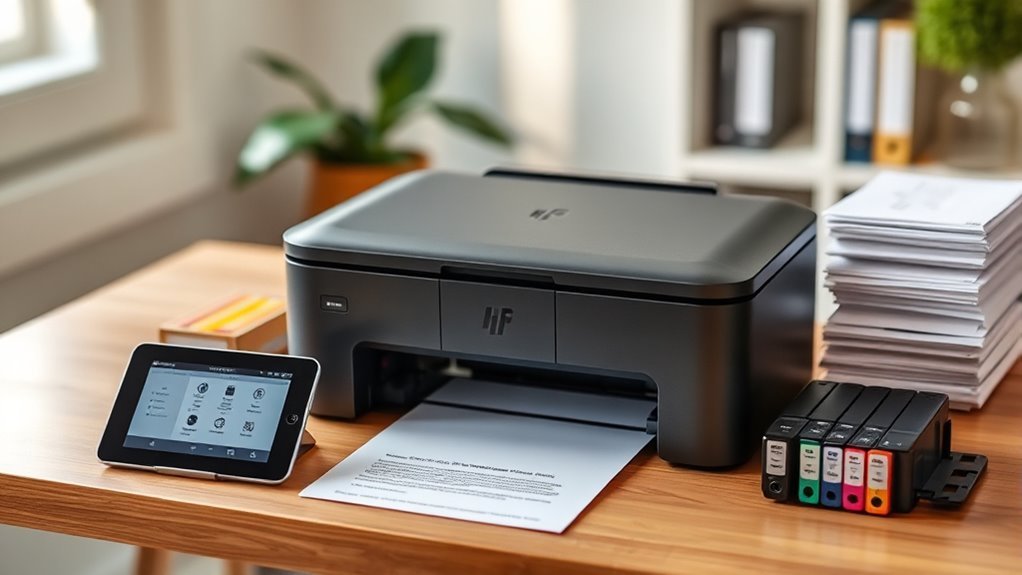
When choosing a budget printer, you’ll want to focus on print quality, ink or toner costs, and how fast it can work. Don’t forget to check the connectivity options to make sure it fits your devices and the printer’s size to guarantee it fits your space.
Balancing these factors helps you find a printer that meets your needs without overspending. It’s all about getting the best value for your money while making sure the printer works well for you. So, take your time and consider what matters most!
Print Quality Needs
Although budget printers come with various features, you should focus on print quality to match your typical tasks.
For text-heavy printing like documents or schoolwork, aim for at least 600 x 600 dpi in black text to keep characters crisp and easy to read.
If you print photos or color graphics, look for a color resolution of 1200 x 1200 dpi or higher to capture smooth gradients and fine details.
Keep in mind that pigment black inks deliver sharper, water-resistant text, while dye-based color inks produce brighter photos.
Also, check if the printer supports borderless photo sizes you need, such as 4×6 or letter size, to avoid unwanted white margins.
Balance your quality needs with printing speed and ink usage for the best fit.
Ink and Toner Costs
Ink and toner costs can quickly add up, so you’ll want to factor them into your budget printer choice. Inkjet printers use liquid cartridges or refillable tanks, but color prints often cost more per page than monochrome laser prints.
Check the estimated cost-per-page before buying. High-yield cartridges and subscription plans can cut your running costs by 30–70%, though they may require a higher upfront investment or commitment.
If you print mostly black-and-white documents, a monochrome laser printer is usually cheaper due to lower cost-per-page and longer-lasting toner. Also, consider how often you’ll replace cartridges and your average monthly volume to estimate your total expenses.
Beware that some printers block third-party cartridges, which can force you to pay more down the line. So, it’s a good idea to look into that before making your final decision.
Speed and Efficiency
Since speed and efficiency directly impact your daily printing experience, you’ll want to prioritize printers with higher pages-per-minute (ppm) ratings and quick first-page-out times. Budget inkjets typically offer 5–15 ppm for both color and black, so choosing a faster model cuts down wait times on big print jobs.
Also, look for a printer with a first-page-out time under 10 seconds to speed up short tasks. Automatic duplex printing is a huge time-saver if you often print double-sided documents, eliminating manual flipping.
Don’t overlook input and output tray capacities—models holding 50 to 250 sheets reduce how often you refill paper or clear finished prints. Finally, check the duty cycle to make sure your printer can handle your monthly print volume without slowing down or wearing out prematurely.
Connectivity Options Available
How you connect your printer can make a big difference in convenience and performance. Make sure your printer supports both 2.4 GHz and 5 GHz Wi‑Fi bands for stronger, more reliable wireless connections with less interference.
Look for multiple connection options—Wi‑Fi, USB, and Wi‑Fi Direct—so you can print from phones, tablets, or computers without a router. If you print from mobile devices, check for compatibility with AirPrint, Mopria, or the printer’s proprietary app.
For shared office use, prioritize Ethernet or robust Wi‑Fi networking with easy driver support across different operating systems. Don’t forget to weigh cloud printing and app-driven scan-to-cloud or scan-to-email features for seamless remote printing and document management.
These connectivity options keep your printing flexible and hassle-free. It’s all about making your printing experience smooth and convenient, no matter where you are or what device you’re using.
Printer Size and Space
After choosing the right connectivity options to keep your printing flexible, you’ll want to take into account the physical space your printer will occupy. Measure your desk or shelf area carefully and pick a model that fits comfortably, leaving a few inches for paper input/output and ventilation.
Think about the printer’s weight if you plan to move it often—compact inkjets usually weigh under 16 pounds, while larger laser printers can be heavier. Pay attention to the paper tray’s orientation—rear, top, or front-loading—to make certain you can easily add paper without shifting the printer.
Also, leave enough room to open covers and swap cartridges. If you want duplex printing or a scanner/copier, account for extra height and depth for those features when planning your setup.
Maintenance and Durability
When choosing a budget printer, you’ll want to take into account how well it holds up over time and how easy it is to maintain. Check the recommended monthly page volume and duty cycle to assure the printer matches your workload, preventing premature wear.
Look for high-yield cartridges and long drum life to reduce frequent replacements. Opt for models with user-replaceable parts like ink, drums, and rollers, which simplify maintenance and lower service costs.
Evaluate how often the printer needs head cleaning or servicing to anticipate downtime and expenses. Also, consider build quality features such as reinforced paper paths and sturdy feed mechanisms, which help prevent jams and extend lifespan.
Prioritizing these factors saves you both money and hassle in the long run. It’s definitely worth spending a bit more time upfront to pick a printer that won’t give you headaches later.
Frequently Asked Questions
How Do Budget Printers Compare in Print Speed to High-End Models?
You’ll notice budget printers usually print slower than high-end models. They’re designed for occasional use, so they don’t match the speed or volume of premium printers.
But they still handle everyday tasks reliably and affordably. So, if you don’t need to print a lot all at once, a budget printer can do the job just fine.
Can Budget Printers Handle Photo Printing Quality?
Think of budget printers as keen apprentices; they can handle photo printing well enough for casual snapshots but won’t match masterful high-end models’ vivid, detailed artistry.
You’ll get decent results, but not gallery-worthy prints.
What Are the Common Connectivity Options for Budget Printers?
You’ll commonly find USB, Wi-Fi, and Bluetooth connectivity on budget printers. Some also support Ethernet or mobile printing via apps.
This lets you print wirelessly from your phone or laptop with ease and flexibility. Pretty handy, right?
How Long Do Ink Cartridges Typically Last in Budget Printers?
Ink cartridges in budget printers usually last like a candle flickering in the wind—about 200 to 400 pages.
You’ll want to keep spares handy since frequent printing can burn through them faster than you expect. It’s pretty normal to go through them quickly if you’re printing a lot.
Are Budget Printers Compatible With Mobile Printing Apps?
Yes, many budget printers support mobile printing apps like AirPrint or Google Cloud Print. You can easily print directly from your smartphone or tablet without needing a computer.
This makes printing convenient and accessible wherever you are. So, whether you’re at home or on the go, getting your documents or photos printed is a breeze!
Conclusion
Choosing the right budget printer doesn’t have to feel like searching for a needle in a haystack. Whether you need vibrant color or crisp black-and-white prints, these options are your trusty sidekicks, ready to tackle any task without draining your wallet.
Think of your printer as the unsung hero of your workspace—reliable, efficient, and budget-friendly. It turns everyday printing into a smooth, hassle-free breeze.
Finding the perfect budget printer is easier than you think. With the right choice, you get quality prints without breaking the bank. Your perfect match is just a click away, making printing affordable and effortless for 2027 and beyond!