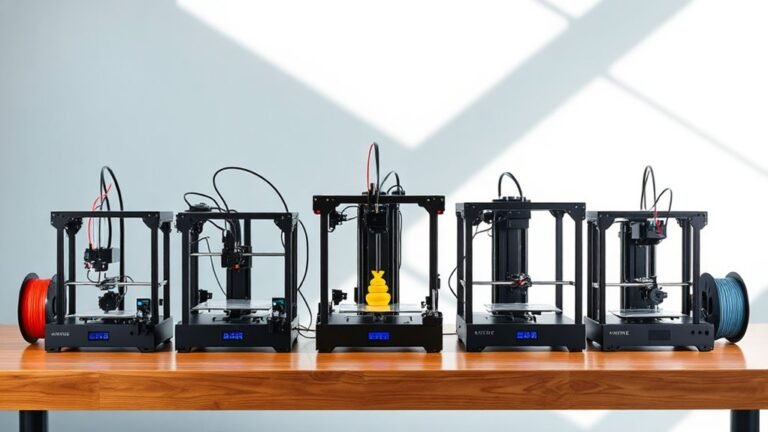
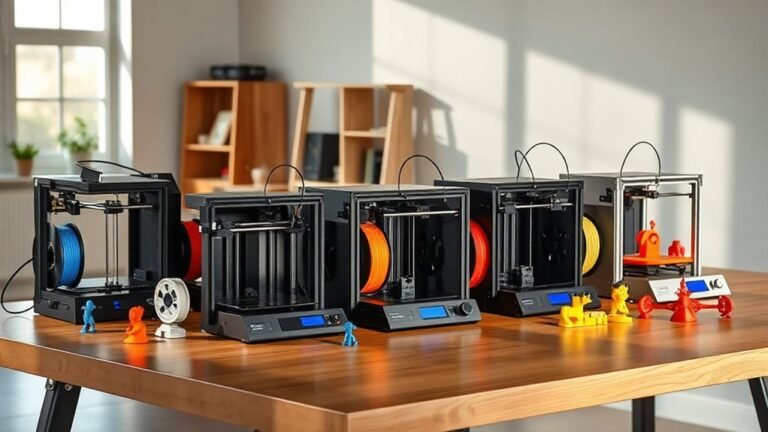
3 best budget home 3d printer 2026
For an affordable, reliable 3D printer in 2026, you can’t go wrong with the Anycubic Kobra X Multicolor—offering multicolor prints and quick automatic leveling.
This printer is perfect for those who want vibrant, detailed models without breaking the bank.
If speed matters, the ENTINA TINA2PLUS hits 250 mm/s with plug-and-play ease, making it an excellent choice for beginners who want to get started fast.
Its user-friendly design helps you jump right into printing without hassle.
The Creality Ender 3 V3 SE’s faster print times and versatile direct extruder make it a solid choice too.
Whether you’re working on detailed projects or larger builds, this printer adapts well.
Keep exploring to discover which model fits your space, projects, and skill level best.
Finding the right budget home 3D printer in 2026 can make all the difference in your creative journey!
| Image | Name | Editor's Rating | Price |
|---|---|---|---|

|
|
||

|
|
||

|
|
Anycubic Kobra X Multicolor 3D Printer, Easy One-Click Printing
- 【Vivid 19-Color and Versatile Materials】Unleash creativity beyond limits. The Kobra X supports 4-color standard and expands up to 19 colors with 4 ACE 2 Pro for...
- 【600mm/s High Speed Performance】Don't let slow speeds limit your creativity. This high-speed FDM 3D printer reaches up to 600mm/s, completing tasks significantly...
- 【True Plug & Play Experience】Start your first project in as little as 15 minutes. The Kobra X arrives with a user-friendly setup and LeviQ 3.0 automatic bed leveling...
- 【LeviQ 3.0 Perfect First Layer】Forget the frustration of manual bed leveling that plagues beginner machines. The LeviQ 3.0 system utilizes 49-point full-auto leveling...
- 【Quiet & Reliable for Home】The ultra-quiet ≤48 dB operation ensures the living or learning space remains peaceful. Combined with power loss recovery and filament...
Discover the creative freedom of multicolor 3D printing with the Anycubic Kobra X Multicolor. This printer solves the challenge of producing vibrant, detailed prints by supporting up to four colors out of the box, expandable to 19 with additional modules. It simplifies complex designs, helping you bring your ideas to life with ease.
Maintenance is straightforward thanks to the adaptive extrusion force compensator and a hardened steel nozzle that heats up to 300°C. These features ensure smooth printing of materials like TPU, PLA, and PETG while reducing clogging and wear. The LeviQ 3.0 automatic bed leveling guarantees a perfect first layer every time, saving you setup frustration.
The built-in 720p camera paired with AI-powered print monitoring catches errors early, preventing wasted filament and time. Its quiet operation suits workspaces where noise is a concern, though this might make it harder to detect issues by sound alone. The printer’s compact build volume of 260 × 260 × 260 mm fits most hobby and educational projects.
Best for: Hobbyists and educators who want an affordable, easy-to-use multicolor 3D printer with reliable first-layer quality and smart print monitoring.
What We Like:
- Supports 4 colors standard, expandable to 19 for complex multicolor printing
- Quick plug-and-play setup with LeviQ 3.0 automatic bed leveling
- Built-in 720p camera and AI error detection for real-time print monitoring
- Hardened steel nozzle heats to 300°C for versatile material compatibility
Specification:
| Feature | Details |
|---|---|
| Manufacturer | Anycubic |
| Maximum Build Volume | 26 × 26 × 26 cm |
| Nozzle Material | Hardened Steel |
| Maximum Nozzle Temperature | 300°C |
| Color Support | Up to 4 standard, expandable to 19 |
| Bed Leveling | LeviQ 3.0 Automatic |
| Camera | Built-in 720p |
ENTINA TINA2PLUS 3D Printer,250 mm/s Fast Printing from Beginners to Makers
- Fully Pre-Assembled, Ready to Print Right Out of the Box : The TINA2 PLUS comes fully pre assembled and pre-calibrated. Just unbox, plug in, load filament, and start...
- High-Speed Printing with Precision Detail : This 3d printer delivers print speeds up to 250 mm/s, dramatically reducing overall print time. With a printing accuracy of...
- One-Touch Auto Leveling for Consistent First Layers : The TINA2 PLUS features a 9-point one-touch auto leveling system that helps align your build plate accurately every...
- Ultra-Quiet Printing Under 45dB : This 3 d printer is equipped with an upgraded silent motherboard and adjustable cooling fan, keeping operating noise below 45 decibels...
- Flexible Connectivity & Filament Compatibility : The TINA2 Plus supports multiple connection methods: TF card, USB, and Wi-Fi. With a 245°C nozzle and 80°C heated bed...
The ENTINA TINA2PLUS 3D printer is designed to get you printing fast with minimal setup. Its fully pre-assembled frame means you can start creating within minutes by simply unboxing, plugging in, and loading filament. This ease of use helps reduce the frustration often found in initial 3D printer setups.
Printing at speeds up to 250 mm/s with ±0.1 mm accuracy, it delivers reliable results for detailed projects. The stable dual Z-axis and efficient cooling system ensure consistent print quality and reduce maintenance needs over time. This makes it ideal for users who want precision without constant adjustments.
The printer features a one-touch 9-point auto leveling system and a heated PEI spring steel bed. These elements improve print adhesion and simplify part removal, saving time and effort during the printing process. Connectivity options including Wi-Fi, USB, and TF card allow flexible file transfer and remote control through the Polypoint Cloud app.
While its compact build volume of 100×105×100 mm limits larger prints, the quiet operation under 45 dB suits home or classroom environments. The maximum nozzle temperature of 245°C supports a variety of common filaments, though it may restrict some advanced materials.
Best for: Beginners, students, and hobbyists seeking a fast, user-friendly 3D printer with versatile connectivity and consistent print quality.
What We Like:
- Fully pre-assembled for quick, hassle-free startup
- High printing speed with precise ±0.1 mm accuracy
- Stable dual Z-axis design enhances print reliability
- One-touch 9-point auto leveling and heated PEI bed improve adhesion
- Flexible connectivity with Wi-Fi, USB, TF card, and remote app control
Specification:
| Feature | Details |
|---|---|
| Manufacturer | ENTINA |
| Print Speed | Up to 250 mm/s |
| Print Accuracy | ±0.1 mm |
| Build Volume | 100 × 105 × 100 mm |
| Max Nozzle Temperature | 245°C |
| Bed Type | Heated PEI spring steel |
| Connectivity | Wi-Fi, USB, TF card |
| Noise Level | Under 45 dB |
Creality Ender 3 V3 SE Upgraded 3D Printer
- 【250mm/s 2500mm/s ² High Speed Printing & High Precision Quality】Creality Ender 3 V3 SE supports a maximum printing speed of 250mm/s, 2500mm/s² acceleration, saving...
- 【Sprite Direct Extruder & Hassle-free Auto Leveling】Creality Ender-3 V3 SE "Sprite" direct extruder works well with PLA, PETG, and flexible TPU, unlocking your...
- 【Quick Assembly & PC spring steel build plate】Creality Ender 3 V3 SE 3D Printer equiped PC spring steel build plate,The PC spring steel build plate is sticky and...
- 【Auto Filament Loading & Unloading】The Creality Ender 3 V3 SE 3D Printer Tap "Extrude", and the filament will flow out of the nozzle smoothly. Tap "Retract", and the...
- 【Responsible After-Sales Service and Lifetime Technical Support】If you have any problems about Official Creality Ender 3 V3 SE 3D Ptinter, Please feel free to contact...
Experience faster 3D printing without compromising on precision with the Creality Ender 3 V3 SE. This upgraded printer significantly reduces print times by up to 73%, allowing you to complete projects swiftly while maintaining sharp and reliable results. Its advanced design addresses common speed-quality trade-offs, making it ideal for efficient production.
The printer’s Sprite direct extruder supports a variety of filaments, including PLA, PETG, and flexible TPU. This versatility solves material compatibility issues and simplifies filament changes with a quick tap loading system. The PC spring steel build plate ensures strong adhesion during printing but flexes easily for smooth model removal, reducing post-print handling time.
Setup is straightforward thanks to auto bed leveling with CR Touch and automatic Z-offset sensors. These features minimize manual calibration, making it simpler to achieve perfect first layers consistently. Weighing lightly and compact in size, the Ender 3 V3 SE assembles within 20 minutes, streamlining the unboxing-to-printing process.
While the build volume suits most typical projects, larger prints may require alternative solutions. Maintenance remains user-friendly, but beginners should allow some time to get comfortable with assembly and calibration steps. Overall, this printer enhances productivity with reliable, user-focused functionality.
Best for: Enthusiasts and professionals seeking a fast, versatile 3D printer that balances speed, ease of use, and material flexibility.
What We Like:
- Fast printing speeds up to 250 mm/s with consistent quality
- Versatile Sprite direct extruder supports multiple filament types
- Auto bed leveling and Z-offset sensors simplify setup and calibration
- Flexible PC spring steel build plate for easy print removal
- Compact and lightweight design with quick assembly
Specification:
| Feature | Details |
|---|---|
| Manufacturer | Creality |
| Print Volume | 220 x 220 x 250 mm |
| Printing Speed | Up to 250 mm/s |
| Filament Compatibility | PLA, PETG, TPU |
| Build Plate Material | PC Spring Steel |
| Auto-Leveling Sensor | CR Touch |
| Assembly Time | Approx. 20 minutes |
| Weight | Lightweight (exact weight not specified) |
Factors to Consider When Choosing a Budget Home 3D Printer 2026
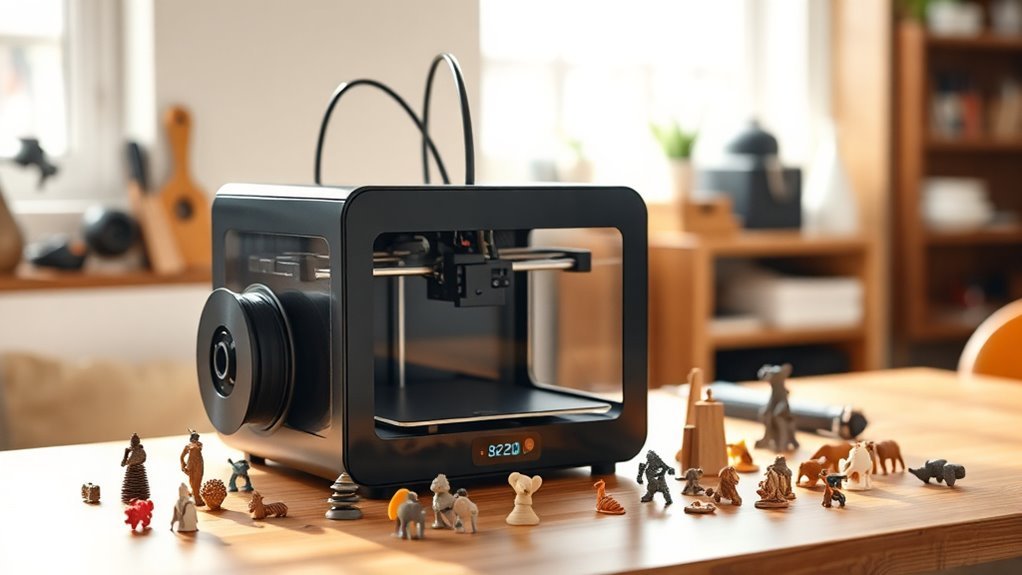
When choosing a budget home 3D printer, you’ll want to focus on print quality and speed to get the best results without waiting forever. Consider the variety of materials it supports and the build volume capacity to match your projects.
Don’t forget ease of setup and bed leveling technology, as these features save you time and frustration. Trust me, a simple setup can make a huge difference when you’re just starting out.
Print Quality and Speed
Choosing a budget 3D printer means balancing print quality and speed to get the best results for your projects. Focus on layer resolution between 0.05 and 0.3 mm to achieve fine detail without excessively long print times.
Don’t just rely on maximum print speed ratings; pay attention to acceleration and jerk settings. These affect whether fast moves keep detail sharp or cause ringing.
A well-calibrated first layer with auto-leveling and heated beds guarantees solid adhesion. This prevents shifts and maintains dimensional accuracy.
Look for printers with vibration control features like a stiff frame or dual Z-axis to reduce ghosting during faster prints. Also, consider extruders and hotends rated above 260°C if you want consistent results with flexible or high-temp filaments.
Supported Materials Variety
A wide range of supported materials can greatly expand what you create with a budget 3D printer. You should check nozzle and bed temperature limits—ideally ≥240–260°C for the nozzle and ≥80–100°C for the bed—to print from PLA and TPU to tougher filaments like PETG, ABS, or ASA.
If you want to make wearable or flexible parts, make certain your printer handles flexible filaments like TPU with shore hardness around 68D. Also, consider support for soluble materials like PVA or BVOH and multi-material extrusion if you aim to print complex or multi-colored objects.
Look for direct extruders and hardened steel nozzles to reliably handle abrasive composite filaments. Features like filament run-out detection and temperature stability help maintain consistent print quality across diverse materials, minimizing failed prints.
Build Volume Capacity
Since your projects vary in size, you’ll want to match your 3D printer’s build volume to the largest objects you print regularly. Measure your typical prints—whether figurines, replacement parts, or prototypes—and choose a build volume that fits the biggest frequent item to avoid splitting models.
Keep in mind that larger volumes can increase print times and the risk of failure near the end, so check for bed heating uniformity and print-sustain features. Also, verify the usable build volume, considering any obstructions like the extruder or gantry that reduce the printable space.
If you plan multicolor or multi-material prints, opt for slightly larger Z or XY capacity to handle complex joints and supports. Finally, make sure the printer’s external size fits your workspace comfortably without limiting maintenance access.
Ease Of Setup
Getting your 3D printer up and running quickly can make all the difference, especially if you’re new to the hobby. Look for models that come pre-assembled or mostly assembled with clear setup instructions. This way, you can go from unboxing to your first print in about 15–30 minutes.
Intuitive touchscreens or straightforward menus help you navigate easily. Plus, simple filament loading and unloading reduce frustration.
Features like guided first-print routines and onboard test models simplify calibration. This ensures your initial print succeeds without a hitch.
Printers that include basic tools and sample filament save you extra trips to the store. They also speed up startup.
Bed Leveling Technology
Once your printer is set up, ensuring a perfectly leveled bed becomes the next step to achieving quality prints. Automatic bed-leveling systems use multi-point probing—often between 9 and 49 points—to map the build surface and apply mesh compensation.
This reduces first-layer issues and saves you from constant manual tweaks. Sensors like CR-Touch or inductive probes detect nozzle-to-bed distance with accuracy within a few hundred microns, ensuring reliable Z-offset adjustments.
While some budget printers still rely on manual leveling with spring-loaded screws and a paper test, this method requires frequent rechecks and can lead to inconsistencies.
Look for printers that offer mesh bed compensation stored in firmware and features like automatic Z-offset adjustment or quality bed surfaces. These help improve adhesion and minimize the need for constant re-leveling.
Noise Level During Operation
Considering noise level during operation is essential when choosing a budget home 3D printer, especially if you plan to use it in shared living spaces. Typical FDM printers run between 40 and 60 dB, so checking decibel ratings helps you gauge loudness.
Look for models with silent stepper drivers and larger, balanced fans to reduce noise from motors and cooling. Also, pay attention to vibration isolation features like rubber feet and dampers, plus a rigid or enclosed frame to minimize rattles and broadband noise.
Make sure noise measurements are taken at a consistent distance (usually 1 meter) and under similar print loads for fair comparison. If noise is a concern, aim for printers under 45 dB or plan to print during quieter times or inside ventilated enclosures.
Monitoring and Error Prevention
You’ll often find that monitoring and error prevention features make a huge difference in saving time, filament, and frustration during long prints. Look for filament run-out sensors with automatic pause and resume to avoid ruined prints when filament ends.
Power-loss recovery is essential—it saves your progress after outages by restarting prints exactly where they left off. Integrated cameras with remote live-view and timelapse let you spot problems like layer shifts or clogs without staying near the printer.
Automated error detection, such as runaway extrusion or obstruction alerts, can pause or stop prints to prevent waste. Real-time thermal and motor monitoring also protects your machine by pausing prints and notifying you if temperatures spike or motors stall.
That way, you reduce fire risks and mechanical damage. It’s all about keeping your prints safe and your mind at ease.
Frequently Asked Questions
What Types of Filaments Are Compatible With Budget Home 3D Printers?
You’ll find budget home 3D printers usually work with PLA, ABS, and PETG filaments. These materials are affordable, easy to print, and widely available.
That makes them perfect for beginners and everyday printing projects at home. Plus, you don’t have to worry about complicated settings or expensive supplies.
How Do I Maintain and Clean My 3D Printer Regularly?
Want your prints to stay perfect? You should regularly clean the nozzle, lubricate moving parts, and remove filament debris.
Don’t forget to check belts and tighten screws—keeping your 3D printer maintained guarantees smooth, reliable printing every time.
It’s really not that hard once you get into the habit. Just a little care goes a long way!
Can I Upgrade a Budget 3D Printer With Additional Features?
Yes, you can upgrade a budget 3D printer with features like better nozzles, improved bed surfaces, and upgraded firmware. Just make sure the parts are compatible.
And don’t forget to calibrate after each upgrade for the best results. It really makes a difference in print quality.
What Software Is Best for Designing 3D Printable Models?
You’ll want to use software like Tinkercad for beginners or Fusion 360 for more advanced designs. Both let you create detailed, 3D printable models easily and support exporting files compatible with most printers.
It’s pretty straightforward to get started with these tools. Tinkercad is great if you’re just dipping your toes into 3D design, while Fusion 360 offers more power once you’re ready to step up your game.
Are Budget 3D Printers Safe to Use Around Children?
Safety first: budget 3D printers can be safe around children if you supervise closely. They get hot and have moving parts, so don’t let kids touch them alone.
Keep the area tidy and follow all instructions. It’s really important to stay on top of these things to avoid any accidents.
Conclusion
Choosing the right budget home 3D printer in 2026 means balancing speed, ease, and upgrades. While the Anycubic Kobra X offers effortless multicolor prints with one click, the ENTTINA TINA2PLUS speeds through projects at 250 mm/s. It’s perfect if you crave fast results.
Meanwhile, the Creality Ender 3 V3 SE shines with its reliable upgrades. It’s a solid choice for those who want a dependable machine without breaking the bank.
You don’t have to sacrifice quality for price—it’s all about picking the perfect fit for your creative journey. Whether you prioritize speed, simplicity, or upgrade potential, these budget home 3D printers deliver great value. In 2026, finding a budget 3D printer that matches your needs will help you bring your ideas to life without overspending.