4 Best Brother LaserJet Printers for 2027 That Deliver Quality
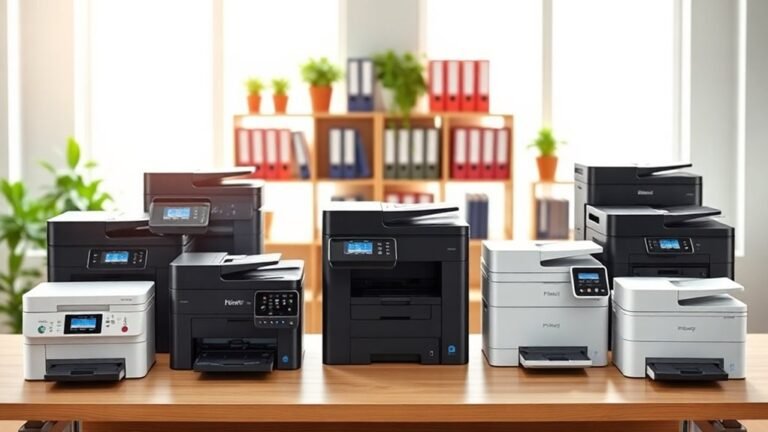
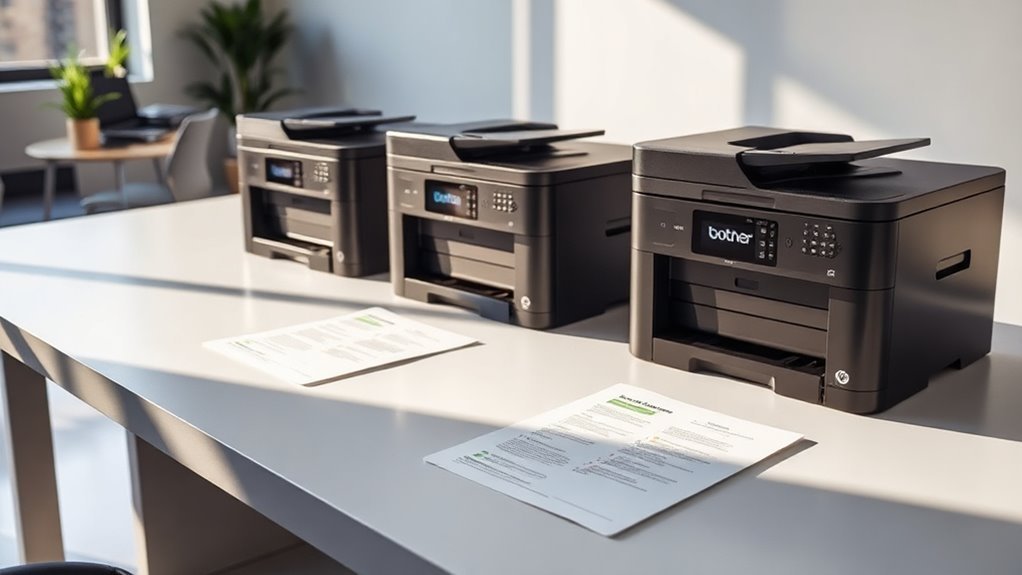
You’ll find the best Brother printers for 2027 offer fast, reliable prints whether you need color or monochrome. These Brother LaserJet printers are designed to meet various office demands, from small businesses to larger teams. Whether you want crisp color prints or efficient black-and-white copies, there’s a model that fits your needs perfectly.
The Work Smart 1360 suits small offices with wireless color inkjet capabilities. It’s great if you need flexible printing options without sacrificing quality. For business teams, the MFC-L8930CDW delivers robust color laser performance.
It handles higher volumes and complex tasks smoothly.
The MFC-L2820DW excels with speedy monochrome prints, perfect for those who prioritize fast black-and-white output. Meanwhile, the MFC-L3720CDW balances color laser speed and capacity, making it a versatile choice. Each model fits different needs perfectly, and exploring their features further can help you pick the ideal fit.
| Image | Name | Editor's Rating | Price |
|---|---|---|---|

|
|
||

|
|
||

|
|
||

|
|
Brother Work Smart 1360 Wireless Color Inkjet All-in-One Print, Scan, Copy
- AFFORDABLE ALL-IN-ONE FOR HOME AND HOME OFFICE: Print, copy, and scan on one compact wireless printer designed for everyday home office printing, schoolwork, documents...
- EASY TO USE WITH CLOUD APP CONNECTIONS: Print from and scan to popular Cloud apps(2), including Google Drive, Dropbox, Box, OneDrive, and more from the simple-to-use...
- FULL-SIZE FEATURES IN A COMPACT DESIGN: This printer includes automatic duplex (2-sided) printing, a 20-sheet single-sided Automatic Document Feeder (ADF)(3), and a...
- MULTIPLE CONNECTION OPTIONS: Connect your way. Interface with your printer on your wireless network or via USB.
- MOBILE PRINTING MADE EASY: Go mobile with the Brother Mobile Connect app(5) that delivers easy onscreen menu navigation for printing, copying, scanning, and device...

The Brother Work Smart 1360 Wireless Color Inkjet All-in-One is designed to streamline everyday printing, scanning, and copying tasks. Its wireless connectivity simplifies printing from smartphones, tablets, or laptops, eliminating the hassle of cables. This makes it ideal for busy home offices or small workspaces.
With print speeds up to 16 ppm in black and 9 ppm in color, it handles documents quickly without sacrificing quality. The automatic duplex feature helps reduce paper waste by printing on both sides. A 150-sheet paper tray supports standard sizes, while the 20-sheet automatic document feeder speeds up multi-page scanning.
Maintenance is straightforward, thanks to its compact design and Energy Star certification, ensuring it uses power efficiently. Though the color resolution suits general office use, it may not meet professional photo printing standards. Single paper tray capacity limits media variety but keeps operation simple.
This all-in-one printer covers essential office needs with ease, balancing speed, convenience, and wireless functionality in a small footprint.
Best for: Small offices and individuals needing a reliable wireless all-in-one printer for daily print, scan, and copy tasks.
What We Like:
- Fast black and color print speeds with automatic duplex printing
- Wireless support including Wi-Fi, AirPrint, and Mopria for mobile printing
- Compact design with Energy Star certification for energy efficiency
- 150-sheet paper tray and 20-sheet ADF to handle multi-page jobs
Specification:
| Feature | Description |
|---|---|
| Manufacturer | Brother |
| Dimensions (W x D x H) | Compact size (exact dimensions not provided) |
| Weight | Not specified |
| Connectivity | Wireless (Wi-Fi, AirPrint, Mopria) |
| Paper Capacity | 150-sheet tray, 20-sheet ADF |
| Print Speed | Up to 16 ppm black, 9 ppm color |
| Duplex Printing | Automatic |
| Energy Certification | Energy Star |
Brother MFC-L8930CDW Color Laser All-in-One Printer
- Updated design, professional results. High-quality output with sharp color and black printing. Fast print and copy speeds up to 33ppm(1) help boost productivity. Reliable...
- Maximize printing budgets. Offers built-in value with included Brother Genuine 3,000-page black and 1,800-page color standard yield toner cartridges. Help lower printing...
- Advanced scanning. High-speed, two-sided scanning up to 104ipm(3) with 80-page auto document feeder(4) and legal-size glass. Scan to cloud, email, SharePoint, and more...
- Productivity-enhancing features. Flexible connectivity, including built-in dual-band (2.4GHz / 5GHz) wireless networking and Gigabit Ethernet networking. 7” color...
- Triple Layer Security. Advanced security features to help keep devices secure, protect documents in transit to and from print devices, and safeguard networks. Includes an...
Experience seamless productivity with the Brother MFC-L8930CDW Color Laser All-in-One Printer. Designed for busy offices, this printer handles printing, scanning, copying, and faxing tasks swiftly and reliably. Its compact size saves space without sacrificing durability, fitting well in tight workspaces.
This model simplifies complex workflows with automatic duplex printing and an 80-page auto document feeder, allowing you to manage large jobs efficiently. The high-speed, two-sided scanning enhances document handling, reducing time spent on manual tasks.
Maintenance is straightforward, though toner replacement can be a notable expense, especially for high-yield cartridges. The printer’s 7-inch touchscreen offers customizable shortcuts, streamlining daily operations. Connectivity options like dual-band wireless, Gigabit Ethernet, and NFC authentication provide flexible, secure network access.
Energy efficiency is a priority, with ENERGY STAR certification and EPEAT Gold rating ensuring lower power consumption without compromising performance. However, its weight of 71.2 pounds may limit portability, making it best suited for stationary use.
Best for: Business teams, enterprises, offices, and schools requiring a reliable, fast, and compact all-in-one color laser printer for diverse document tasks.
What We Like:
- High-speed print and copy up to 33 ppm with automatic duplexing
- Versatile connectivity including dual-band Wi-Fi and NFC authentication
- User-friendly 7″ touchscreen with customizable shortcuts
- ENERGY STAR certified and EPEAT Gold rated for energy efficiency
Specification:
| Feature | Details |
|---|---|
| Manufacturer | Brother |
| Dimensions (W×D×H) | Compact (exact size not specified) |
| Weight | 71.2 lbs (32.3 kg) |
| Color Options | Standard office white |
| Connectivity | Dual-band Wi-Fi, Gigabit Ethernet, NFC |
Brother MFC-L2820DW Wireless Monochrome Laser Printer
- BEST FOR SMALL OFFICES – Combining space-saving efficiency and premium monochrome (black & white) print quality with affordability, the Brother MFC-L2820DW delivers...
- EFFICIENT PRINTING & SCANNING – Produces black & white documents quickly with print speeds up to 36 ppm(2) and scan speeds up to 23.6/7.9 ipm(3) (bk/cl). A 50-page auto...
- FLEXIBLE CONNECTION OPTIONS – Securely connect to multiple devices with built-in dual-band wireless (2.4GHz / 5GHz), Ethernet, or connect locally to a single computer...
- 2.7" TOUCHSCREEN – The intuitive 2.7” touchscreen enables effortless navigation with the added ability to print-from and scan-to popular Cloud-based apps such as...
- BROTHER MOBILE CONNECT APP – Print, scan, and manage your wireless printer anytime, from almost anywhere from your mobile device. Order Brother Genuine Supplies, track...
Experience efficient, high-speed printing with the Brother MFC-L2820DW Wireless Monochrome Laser Printer. This compact device is designed to fit neatly on your desk, saving space while delivering up to 36 pages per minute. It solves the problem of slow printing in busy small offices or home workspaces, helping you stay productive throughout the day.
Its 4-in-1 functionality means you can print, copy, scan, and fax without needing multiple machines. The automatic two-sided printing reduces paper waste and saves time. Managing tasks is simple through the 2.7″ touchscreen or mobile app, giving you flexibility in how you work.
Connectivity is straightforward with dual-band Wi-Fi and Ethernet options, allowing seamless integration into your existing setup. Maintenance is easy with high-yield toner options that reduce the frequency of replacements, keeping your workflow uninterrupted.
While it only prints in monochrome and has a moderate scanner resolution, it meets the needs of those who prioritize speed and reliability over color output. The single paper tray supports up to 250 sheets, ideal for everyday printing demands without constant refilling.
Best for: Small offices and home workspaces seeking a compact, versatile monochrome laser printer with reliable wireless connectivity.
What We Like:
- Fast printing speed with automatic duplex feature
- Multifunction 4-in-1 design for print, copy, scan, and fax
- Easy wireless and Ethernet connectivity options
- User-friendly touchscreen and mobile app control
- ENERGY STAR certified for eco-friendly operation
Specification:
| Feature | Details |
|---|---|
| Manufacturer | Brother |
| Dimensions | Approx. 16.1 x 15.7 x 12.7 in (41 x 40 x 32.3 cm) |
| Weight | Approx. 17.2 lbs (7.8 kg) |
| Printing Technology | Monochrome Laser |
| Connectivity | Dual-band Wi-Fi, Ethernet |
| Display | 2.7-inch touchscreen |
Brother MFC-L3720CDW Wireless Color Laser Printer
- Professional Performance: Dominate your business printing with this Brother Genuine color laser printer delivering exceptional print speeds up to 19 ppm and stunning...
- Advanced Connectivity: Take command of your workflow with dual-band wireless networking (2.4GHz/5GHz), Wi-Fi Direct, and USB 2.0 interface, enabling multiple users to...
- Productivity Powerhouse: Maximize efficiency with the 50-sheet auto document feeder, 250-sheet adjustable paper tray, and automatic duplex printing, ensuring...
- Smart Integration: Transform your workflow with the intuitive 3.5" color touchscreen featuring 48 customizable shortcuts and direct access to popular cloud services...
- Mobile Command Center: Leverage the power of mobile printing with remote access capabilities, toner level monitoring, and complete printer management directly from your...
The Brother MFC-L3720CDW Wireless Color Laser Printer is designed to make your office tasks easier and more efficient. It combines printing, scanning, copying, and faxing in one device, helping you handle multiple jobs without needing extra machines. This all-in-one functionality saves space and simplifies your workflow.
With sharp 2400 x 600 dpi resolution and print speeds up to 19 pages per minute, this printer delivers quality results quickly. Its automatic duplexing and 50-sheet automatic document feeder reduce manual effort, letting you focus on other tasks. Wireless connectivity and mobile printing support make it simple to print from smartphones or tablets.
Maintenance is straightforward with easy-to-replace toner cartridges and a 250-sheet paper tray that fits typical office needs. While the printer is somewhat heavy at 44 pounds, its robust design suits small business and home office setups where reliability is key.
Best for: Small businesses and home offices needing a versatile, wireless color laser printer that handles multiple functions with ease.
What We Like:
- Fast and high-quality color and black & white printing
- All-in-one capabilities with scanning, copying, and faxing
- Convenient wireless and mobile printing options
- Automatic duplex printing and 50-sheet ADF boost productivity
Specification:
| Feature | Details |
|---|---|
| Manufacturer | Brother |
| Dimensions (W×D×H) | 16.1 × 18.7 × 15.7 inches |
| Weight | 44 lbs (20 kg) |
| Print Resolution | Up to 2400 x 600 dpi |
| Print Speed | Up to 19 ppm |
| Paper Capacity | 250-sheet tray |
| Connectivity | Dual-band Wi-Fi, USB |
| Display | 3.5-inch touchscreen |
Factors to Consider When Choosing a Brother Laserjet Printer
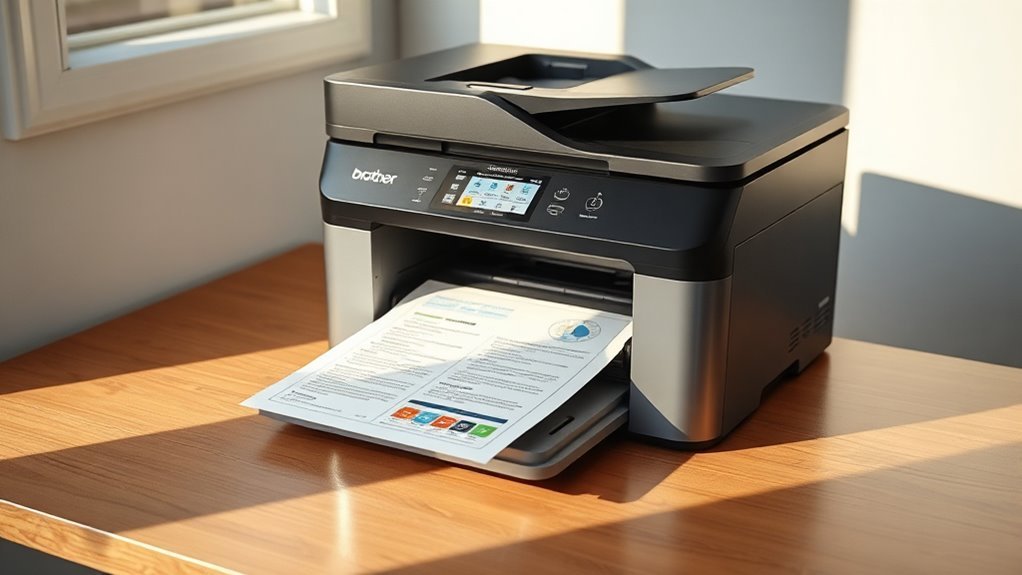
When choosing a Brother LaserJet printer, you’ll want to think about how fast you need it to print and whether color output matters for your tasks.
Consider the connectivity options available to make certain it fits your setup, along with the paper capacity to handle your workload.
Don’t forget to check for essential security features that protect your documents and data.
It’s all about finding the right balance that works best for what you need.
Print Speed Importance
Choosing a Brother LaserJet printer means paying close attention to print speed, since it directly affects how quickly your documents come out, especially during large or frequent print jobs. Print speed, measured in pages per minute (ppm), impacts your workflow—higher ppm means less waiting and more productivity.
Keep in mind, manufacturers often list one-sided speeds under ideal conditions. Real-world results slow down with duplex printing, complex graphics, or higher resolutions.
Also, first-page-out time matters if you print intermittently or remotely, as faster response means less delay. Match the printer’s ppm to your typical monthly volume and peak needs—a fast 20–35+ ppm model suits busy offices, while slower speeds work for home or light use.
Color Vs Monochrome
Deciding between color and monochrome Brother LaserJet printers hinges on your printing needs and budget. If you regularly print marketing materials, photos, or color-coded charts, a color printer is essential. Though it comes with higher upfront costs and pricier, lower-yield toner cartridges.
On the other hand, if your work mostly involves black-and-white text documents, a monochrome printer is faster and more cost-effective. It handles high-volume printing better with a lower cost per page.
Monochrome models often have higher recommended monthly duties and quicker pages per minute speeds for black prints. So, if speed and volume matter more to you, monochrome might be the way to go.
If you only need color occasionally, weigh whether those infrequent prints justify the added expense and maintenance of a color printer. Or maybe using a print service for color jobs might be more practical.
Connectivity Options Variety
Although printing quality and speed are essential, your Brother LaserJet printer’s connectivity options can make or break your overall experience. You should check for dual-band Wi-Fi (2.4 GHz and 5 GHz) to guarantee stable, fast connections, especially in crowded wireless environments.
Wired connections are just as important—look for Gigabit Ethernet and USB 2.0 or 3.0 ports to handle large files and network sharing efficiently. It really helps when you don’t want to wait around for your documents to transfer.
Your printer should support standard mobile and network printing protocols like AirPrint, Mopria, and IPP-over-HTTPS, making it easy to print from smartphones and tablets. That way, printing from your phone is as simple as a tap.
If you work in a shared office, NFC or built-in card authentication offers quick, secure access. No need to fuss with passwords every time you want to print.
Finally, cloud connectivity and scan-to-cloud features let you upload scans directly without using a PC, streamlining remote workflows. It’s super handy when you’re on the go or working from home.
Paper Handling Capacity
When you rely on your Brother LaserJet printer for frequent or large print jobs, paper handling capacity becomes a crucial factor. You’ll want to check the input tray capacity—typically 150 to 250 sheets—to match your average print volume and reduce how often you reload paper.
Don’t forget the output tray capacity; it should hold up to 150–250 sheets to prevent jams or overflow during big jobs. An automatic document feeder (ADF) with a 50- to 80-page capacity helps speed up multi-page scanning, copying, or faxing.
Also, verify the maximum media size and types supported, like legal-sized paper, envelopes, or labels. Finally, look for duplex printing and scanning; this feature saves paper and streamlines double-sided workflows efficiently.
Security Features Necessity
Beyond paper handling, you’ll want to pay close attention to your printer’s security features to protect sensitive information. Look for network security options like WPA3 Wi-Fi and TLS/SSL encryption to safeguard data in transit.
User authentication methods, such as PIN codes, NFC badges, or LDAP integration, guarantee only authorized users can access or release print jobs. Features like secure print with hold-and-release and encrypted storage help prevent unauthorized viewing of confidential documents.
Audit logging and access reports give you traceability for compliance and incident investigations. Additionally, secure firmware signing, tamper-resistant hardware, and controlled USB ports block malware and physical attacks.
Choosing a Brother LaserJet printer equipped with these protections helps you maintain data security and peace of mind. It’s definitely worth looking for these features when you make your choice!
Frequently Asked Questions
How Do Brother Laserjet Printers Compare to Other Brands in Durability?
Brother LaserJet printers hold up well against other brands in durability. You’ll find they’re built with sturdy components, handle heavy workloads reliably, and require less frequent repairs.
This makes them a smart choice for long-term use. If you need a printer that lasts and performs consistently, Brother is definitely worth considering.
What Is the Average Lifespan of a Brother Laserjet Printer?
You might expect a Brother LaserJet to last just a few years, but it often runs strong for 5 to 7 years with proper care. That durability beats many competitors’ shorter lifespans by a noticeable margin.
Are Brother Laserjet Printers Compatible With Linux Operating Systems?
Yes, Brother LaserJet printers generally work well with Linux. You’ll find official drivers and open-source support, so setting them up is usually straightforward.
Just make sure to check compatibility for your specific model before buying. That way, you can avoid any surprises and get everything running smoothly.
How Energy-Efficient Are Brother Laserjet Printers?
Brother LaserJet printers are quite energy-efficient; they use advanced technology to minimize power consumption during printing and standby.
You’ll appreciate their ENERGY STAR certification, helping you save on electricity bills without sacrificing performance or quality.
Pretty neat, right? It means you get great printing without worrying about high energy costs.
Can Brother Laserjet Printers Handle Heavy Printing Volumes Without Frequent Maintenance?
Yes, Brother LaserJet printers can handle heavy printing volumes without frequent maintenance. You’ll appreciate their durable build and reliable performance.
They are designed to keep your workflow smooth even during extended, high-volume printing tasks. So, you won’t have to worry about constant upkeep slowing you down.
Conclusion
Choosing the right Brother LaserJet printer can feel overwhelming, but it doesn’t have to be. While some models focus on speed and efficiency, others prioritize vibrant color and versatility.
You might want the reliable simplicity of the MFC-L2820DW or the dynamic features of the MFC-L8930CDW. Whatever you pick, remember—quality and performance don’t have to come at a compromise.
In 2027, your perfect Brother LaserJet printer is ready to transform your work and creativity. Whether you need fast printing for busy office days or sharp, colorful prints for presentations, these printers deliver consistent results. Investing in a Brother LaserJet means choosing durability, efficiency, and top-notch quality—all tailored to your needs. So, get ready to upgrade your printing experience with one of the best Brother LaserJet printers that balance performance and value effortlessly.