4 Best All-in-One Brother Printers for 2027 You’ll Love
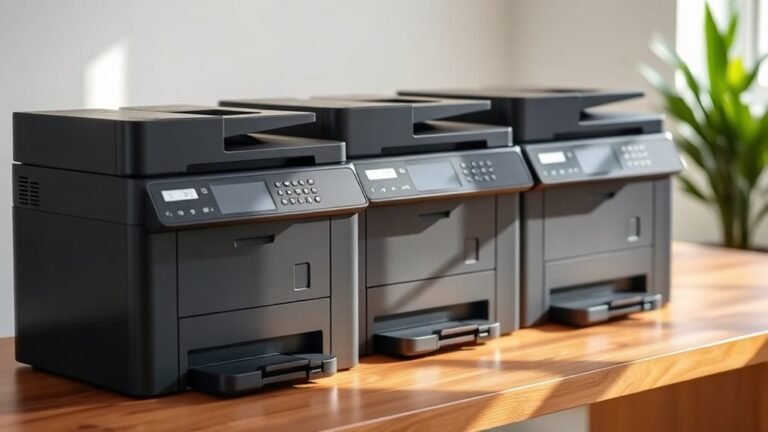
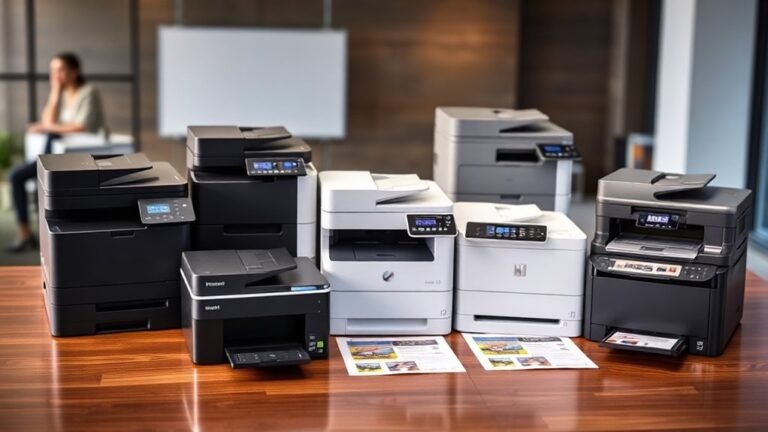
You’ll love the top four Brother all-in-one printers for 2027, offering fast, reliable printing with easy wireless and mobile connectivity. These printers are designed to meet a variety of needs, from home offices to small businesses. Whether you need color inkjet or laser printing, Brother has you covered with versatile options that won’t break the bank.
The Work Smart 1410 and 1360 provide compact color inkjet options with automatic duplex and ADFs. They’re perfect for home or small office use, where space and efficiency matter the most. Plus, their wireless features make printing from your phone or laptop a breeze.
The MFC-L8930CDW delivers high-speed color laser printing and advanced security features. It’s ideal for businesses that need quick, professional-quality prints with peace of mind.
For monochrome needs, the MFC-L2900DW excels with rapid output and duplex scanning, making it a great choice for document-heavy workflows. Keep exploring—they’ll fit various workflows and spaces seamlessly.
| Image | Name | Editor's Rating | Price |
|---|---|---|---|

|
|
||

|
|
||

|
|
||

|
|
Brother Work Smart 1410 Wireless Color Inkjet Printer
- BEST FOR HOME OFFICE AND SMALL OFFICE: Get your work done with a multifunction printer. Print, copy, and scan on one convenient, compact printer, with quick and easy...
- EASY-TO-USE TOUCHSCREEN WITH CLOUD APP CONNECTIONS: Seamless integration with the Cloud(2). Print from and scan to popular Cloud apps(2), including Google Drive, Dropbox...
- PRODUCTIVITY-FOCUSED FEATURES: Automatic duplex (2-sided) printing, 20-sheet single-sided Automatic Document Feeder (ADF)(3), 150-sheet paper tray(3). Print at fast...
- MULTIPLE CONNECTION OPTIONS: Connect your way. Interface with your printer on your wireless network or via USB.
- THE BROTHER MOBILE CONNECT APP: Go mobile with the Brother Mobile Connect app(5) for easy onscreen menu navigation for printing, copying, scanning, and device management...

The Brother Work Smart 1410 Wireless Color Inkjet Printer is designed to simplify your daily printing tasks. It combines printing, copying, and scanning in one compact device, perfect for home or small office use. Its wireless connectivity lets you print directly from your smartphone or tablet, reducing clutter and cables.
This printer features a 2.7” color touchscreen that makes navigation straightforward and quick. Automatic duplex printing saves time and paper by printing on both sides without manual intervention. The 20-sheet automatic document feeder handles multiple pages efficiently, speeding up your workflow.
With a 150-sheet paper tray, you can print longer jobs without frequent refills. However, for very high-volume needs, you might find the print speed—up to 16 pages per minute in black and 9 in color—moderate. It uses Brother Genuine LC501 ink cartridges, which ensure quality but may cost more than some alternatives.
Maintenance is user-friendly with easy access to cartridges and straightforward controls. Plus, the Brother Mobile Connect app and cloud integration with services like Google Drive and Dropbox provide convenient remote management and printing options.
Best for: Small offices or home users needing an all-in-one wireless printer with easy mobile and cloud functionality.
What We Like:
- Automatic duplex printing and 20-sheet ADF speed up document handling
- Intuitive 2.7” color touchscreen paired with the Brother Mobile Connect app
- Convenient cloud printing and scanning from popular platforms like Google Drive and Dropbox
Specification:
| Feature | Details |
|---|---|
| Manufacturer | Brother |
| Dimensions | Compact size (exact size not specified) |
| Weight | Not specified |
| Ink Type | Brother Genuine LC501 cartridges |
| Connectivity | Wireless (Wi-Fi), USB |
| Paper Capacity | 150-sheet tray |
| Display | 2.7” color touchscreen |
| Document Feeder | 20-sheet automatic document feeder |
Brother MFC-L8930CDW Color Laser All-in-One Printer
- Updated design, professional results. High-quality output with sharp color and black printing. Fast print and copy speeds up to 33ppm(1) help boost productivity. Reliable...
- Maximize printing budgets. Offers built-in value with included Brother Genuine 3,000-page black and 1,800-page color standard yield toner cartridges. Help lower printing...
- Advanced scanning. High-speed, two-sided scanning up to 104ipm(3) with 80-page auto document feeder(4) and legal-size glass. Scan to cloud, email, SharePoint, and more...
- Productivity-enhancing features. Flexible connectivity, including built-in dual-band (2.4GHz / 5GHz) wireless networking and Gigabit Ethernet networking. 7” color...
- Triple Layer Security. Advanced security features to help keep devices secure, protect documents in transit to and from print devices, and safeguard networks. Includes an...
The Brother MFC-L8930CDW Color Laser All-in-One Printer is designed to meet the demands of busy professionals. It delivers fast, high-quality color prints that enhance presentations and documents. Its compact design saves valuable desk space without compromising performance.
This printer simplifies scanning and copying with a user-friendly 7″ touchscreen. You get quick scan previews and can customize up to 64 shortcuts, speeding up daily workflows. The 80-page automatic document feeder handles two-sided scanning efficiently, ideal for moderate volume tasks.
Maintenance is straightforward, though standard-yield toner cartridges may require frequent replacement in very high-volume settings. Connectivity options like dual-band wireless and Gigabit Ethernet keep your office connected securely and reliably. The integrated NFC card reader adds an extra layer of security for controlled access.
With advanced Triple Layer Security and eco-friendly certifications, this all-in-one printer balances performance, safety, and sustainability. Its combination of speed, quality, and secure features supports small to medium-sized offices aiming to improve productivity.
Best for: professionals and small to medium-sized offices needing quick, secure color printing with versatile scanning capabilities.
What We Like:
- Compact footprint with a large, intuitive 7″ touchscreen.
- Fast print and copy speeds up to 33 ppm with sharp color output.
- Strong security including Triple Layer Security and NFC badge authentication.
- Efficient two-sided scanning via 80-page auto document feeder.
- Eco-friendly design with EPEAT Gold and ENERGY STAR ratings.
Specification:
| Feature | Details |
|---|---|
| Manufacturer | Brother |
| Dimensions (W×D×H) | Approx. 16.1″ × 18.7″ × 15.0″ |
| Weight | Approx. 42.3 lb (19.2 kg) |
| Connectivity | Dual-band Wi-Fi, Gigabit Ethernet |
| Display | 7″ Color Touchscreen |
| Scan Speed | Up to 104 ipm (two-sided) |
| Document Feeder | 80 pages |
| Security | Triple Layer Security, NFC card reader |
Brother Work Smart 1360 Wireless Color Inkjet Printer
- AFFORDABLE ALL-IN-ONE FOR HOME AND HOME OFFICE: Print, copy, and scan on one compact wireless printer designed for everyday home office printing, schoolwork, documents...
- EASY TO USE WITH CLOUD APP CONNECTIONS: Print from and scan to popular Cloud apps(2), including Google Drive, Dropbox, Box, OneDrive, and more from the simple-to-use...
- FULL-SIZE FEATURES IN A COMPACT DESIGN: This printer includes automatic duplex (2-sided) printing, a 20-sheet single-sided Automatic Document Feeder (ADF)(3), and a...
- MULTIPLE CONNECTION OPTIONS: Connect your way. Interface with your printer on your wireless network or via USB.
- MOBILE PRINTING MADE EASY: Go mobile with the Brother Mobile Connect app(5) that delivers easy onscreen menu navigation for printing, copying, scanning, and device...
The Brother Work Smart 1360 Wireless Color Inkjet Printer is designed to streamline your daily document tasks. It offers a reliable solution for printing, copying, scanning, and faxing, all in one compact device. The printer’s automatic duplex function helps reduce paper waste and saves you time on double-sided jobs.
With wireless connectivity and mobile app support, managing your documents is seamless. You can print directly from your smartphone or tablet, making it ideal for busy home offices or classrooms. The 20-sheet automatic document feeder (ADF) speeds up multi-page scanning and copying tasks.
Maintenance is straightforward with a 2-month free ink subscription trial, helping you avoid unexpected ink shortages. The printer’s 150-sheet tray supports moderate daily workloads without frequent refills. Its energy-efficient design also keeps power consumption low, making it an eco-friendlier choice.
While print speeds are moderate—up to 16 ppm for black and 9 ppm for color—the quality remains sharp and reliable. This printer suits users who need versatility and convenience without sacrificing space or functionality.
Best for: individuals and small businesses needing an all-in-one wireless color printer with versatile functions for home, office, or school use.
What We Like:
- Automatic duplex printing and 20-sheet ADF boost productivity
- Wireless connectivity with mobile app and cloud integration
- Includes a 2-month free ink subscription trial
- Energy-efficient design reduces power usage
- Compact all-in-one device for versatile document management
Specification:
| Feature | Details |
|---|---|
| Manufacturer | Brother |
| Dimensions (W x D x H) | Approx. 16.1 x 14.3 x 7.5 inches |
| Weight | Approx. 15.4 lbs (7 kg) |
| Printing Technology | Wireless Color Inkjet |
| Paper Tray Capacity | 150 sheets |
| Automatic Document Feeder | 20 sheets |
Brother MFC-L2900DW Professional Wireless Laser Printer
- Professional Performance: Elevate your business efficiency with this Brother Genuine laser printer delivering lightning-fast 36 ppm output, crystal-clear monochrome...
- Versatile Connectivity: Take command of your workflow with dual-band wireless (2.4GHz/5GHz), Ethernet, or USB connectivity options, plus seamless mobile printing and...
- Advanced Document Handling: Maximize productivity with the 50-page auto document feeder, automatic duplex printing to save paper, and convenient single-pass two-sided...
- Smart Interface: Navigate effortlessly through printing, scanning, and cloud functions using the responsive 3.5 in touchscreen display, with direct access to popular...
- Energy Efficient: Benefit from an enhanced fuser design that delivers 22% reduction in electricity consumption, faster warm-up times from sleep mode, and automatic duplex...
The Brother MFC-L2900DW delivers fast, reliable monochrome printing designed to keep busy offices running smoothly. Its ability to print 36 pages per minute ensures quick turnaround for high-volume tasks. The sharp 1200 x 1200 dpi resolution produces clear, professional documents every time.
This all-in-one device simplifies workflows with automatic duplex printing and a 50-sheet automatic document feeder (ADF) for single-pass duplex scanning. These features reduce manual effort and save time when handling two-sided documents.
Connectivity options are flexible, including dual-band Wi-Fi, Ethernet, and USB, plus a mobile app for convenient remote printing. This makes it easy to plug into various office setups and print from multiple devices.
Maintenance is straightforward with a 250-sheet input tray and robust consumable options. The energy-efficient design lowers power consumption by 22%, helping reduce operating costs. However, the printer supports only monochrome printing and the starter toner yields about 700 pages, which may require early replacement in very busy environments.
Best for: Small to medium-sized businesses needing dependable monochrome printing and scanning with versatile connectivity and efficient duplex handling.
What We Like:
- Rapid 36 ppm print speed with sharp 1200 x 1200 dpi quality
- Efficient two-sided printing and scanning using 50-sheet ADF
- Multiple connectivity options including dual-band Wi-Fi and mobile app
- Energy-saving design reduces power consumption
- Simple maintenance with a 250-sheet tray and easy consumable replacement
Specification:
| Feature | Details |
|---|---|
| Manufacturer | Brother |
| Dimensions (W x D x H) | 16.1 x 15.7 x 12.7 inches |
| Weight | 16.6 lbs (7.5 kg) |
| Printing Technology | Monochrome Laser |
| Print Speed | Up to 36 ppm |
| Resolution | Up to 1200 x 1200 dpi |
| Duplex Printing | Automatic |
| ADF Capacity | 50 sheets |
| Connectivity | Dual-band Wi-Fi, Ethernet, USB |
| Display | 3.5-inch Touchscreen |
Factors to Consider When Choosing an All in One Brother Printer
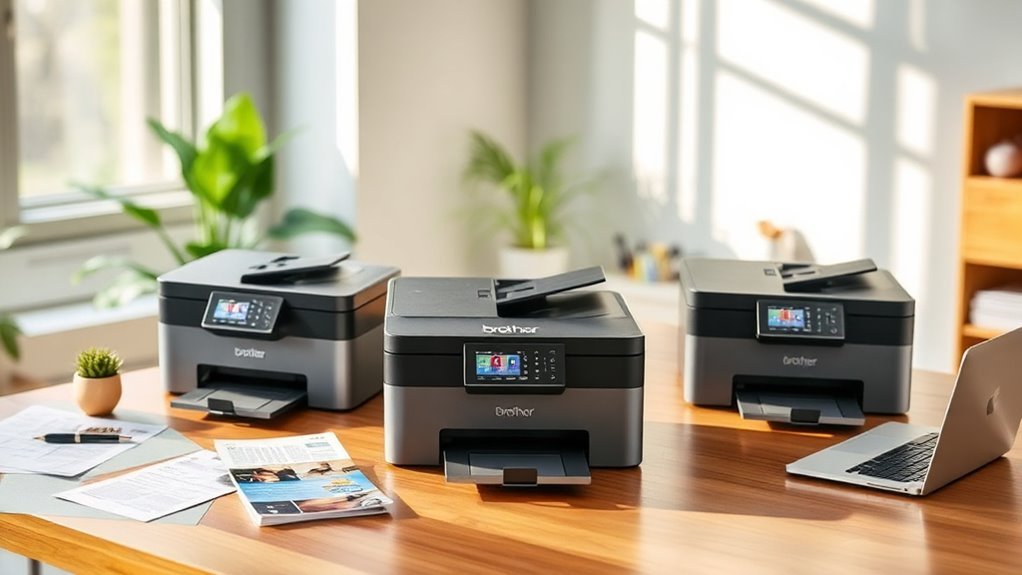
When choosing an all-in-one Brother printer, you’ll want to take into account how fast you need it to print and which connectivity options work best for your setup.
Don’t forget to factor in ink or toner costs, as well as the device’s size to make sure it fits your space. Also, check the security features to keep your documents safe.
Print Speed Requirements
Although print speed might seem straightforward, matching it to your typical workload guarantees smooth operation without delays. For light home use, 10–16 ppm usually suffices. But if you run a small office, aim for 30+ ppm to avoid bottlenecks.
Remember, color printing runs 30–50% slower than black, so check both speeds separately to assess mixed-document output. Don’t overlook first-page-out time; a fast ppm won’t help much if the printer takes ages to start.
Also, factor in duplex and ADF scanning or copying speeds, as two-sided or multi-page jobs take longer. Finally, estimate your peak-hour duty by comparing ppm to your monthly volume and burst needs. This way, you ensure the printer handles consecutive jobs without overheating or delays.
Connectivity Options Available
Print speed is only one part of the equation; how you connect your Brother all-in-one printer can make a big difference in daily convenience and workflow efficiency. Look for dual-band Wi-Fi (2.4 GHz and 5 GHz) to boost wireless reliability and cut interference in crowded networks.
Make sure your printer supports Wi-Fi Direct or a similar peer-to-peer mode so you can print from mobile devices without joining a network. If you need a stable, fast connection for large files, check for Gigabit Ethernet.
Also, confirm compatibility with mobile printing standards like AirPrint and Mopria for smooth iOS and Android use. Don’t overlook extras like USB ports, NFC for quick authentication, and cloud integration for direct printing or scanning to online storage.
Ink and Toner Costs
Since ink and toner costs can quickly add up, you’ll want to evaluate the cost-per-page rather than just the cartridge price to understand your true long-term expenses. Calculate it by dividing the cartridge price by its page yield.
Opt for printers offering high-yield or super-high-yield cartridges—they lower your cost per page by delivering thousands of pages per cartridge. Remember, starter cartridges included with the printer often have lower yields, so factor that into your first-year costs.
Also, check if the printer supports subscription or automatic replenishment programs that provide predictable pricing and potential savings. Don’t forget additional consumables like drums, waste toner containers, and fusers.
Their replacement intervals and costs can materially affect your overall expenses beyond just ink or toner. It’s a good idea to keep these in mind when budgeting for your printing needs.
Device Size and Footprint
Understanding your ongoing ink and toner expenses is just one part of choosing the right Brother all-in-one printer. You also need to measure your available desk or shelf space and compare it to the printer’s dimensions—depth, width, and height—to make sure it fits comfortably with room to open scanner lids and access paper trays.
Don’t forget to add 6 to 12 inches for paper input/output clearance and document feeder swings. If you plan to move the printer, consider its weight: compact models weigh under 20 pounds, while office units can top 50.
Also, balance paper tray capacity with footprint; larger trays mean fewer refills but take up more space. When space is tight, look for vertical designs, foldaway trays, or multifunction features to minimize your workspace use.
Security Features Included
When you choose an all-in-one Brother printer, prioritizing robust security features is essential to protect your sensitive data and maintain your network’s integrity. Look for multi-layer security that safeguards firmware, stored documents, and data in transit with secure boot, firmware verification, and encrypted protocols like TLS/IPSec.
Make certain the printer supports user authentication via PIN, password, NFC, or LDAP/Active Directory to restrict access. Opt for secure printing options such as pull/hold printing or PIN-released jobs, so sensitive documents print only when you’re present.
Verify support for secure network protocols like WPA3, 802.1x, and SNMPv3, and the ability to disable unused services. Also, confirm audit logs, activity reports, and remote management controls with role-based admin accounts and secure firmware updates to keep security tight.
Scanning and Copying Capabilities
If you want efficient scanning and copying, focus on the scanner type and feed options first. Flatbed scanners work best for books and delicate originals, while an automatic document feeder (ADF) speeds up multi-page tasks.
Check if the ADF supports single-pass duplex scanning to handle two-sided originals quickly. Compare optical scan resolution (600 x 600 dpi or higher) and color depth (true 24-bit) for sharp, vibrant results.
Scan speed matters too—look for higher images per minute (ipm) for duplex and pages per minute (ppm) for simplex scans to save time. Don’t overlook advanced features like OCR, scan-to-cloud, and PDF creation to enhance workflow.
Finally, evaluate copy capabilities, including maximum copies, zoom options, and automatic duplex copying to save paper and effort. It’s all about making your scanning and copying tasks smoother and more efficient.
Frequently Asked Questions
How Do Brother Printers Handle Third-Party Ink Cartridges?
Brother printers often recognize third-party ink cartridges but may display warnings or refuse to print. You can usually bypass these alerts, though using original ink guarantees peak performance.
Plus, it helps avoid potential damage or warranty issues. So, while third-party inks can work, sticking with Brother’s own cartridges is often the safer bet.
What Is the Environmental Impact of Brother All-In-One Printers?
Brother all-in-one printers use energy-efficient features and support recycling programs, so you’ll reduce waste and power use.
You can also choose models with eco-friendly ink options, helping lower your environmental footprint while printing. It’s a smart way to be kind to the planet without compromising on quality.
Are Brother Printers Compatible With Linux Operating Systems?
Yes, Brother printers are compatible with Linux. You’ll find many models support Linux drivers, making installation straightforward.
Just check Brother’s official website for your specific printer to download the correct drivers and guarantee smooth operation. It’s pretty easy once you have the right software.
Can These Brother Printers Integrate With Smart Home Devices?
You’ll barely believe it, but yes, these Brother printers can integrate with smart home devices!
You’ll easily control printing tasks through voice assistants like Alexa or Google Assistant, making your smart home even smarter and more efficient.
What Warranty Options Are Available for Brother All-In-One Printers?
You’ll get a standard one-year warranty with Brother all-in-one printers, covering parts and labor.
Plus, you can buy extended warranty plans for extra coverage, ensuring your printer stays protected beyond the initial period.
Conclusion
So, you want the perfect all-in-one Brother printer for 2027? With options like the sleek Work Smart 1410 and the reliable MFC-L8930CDW, you might think choosing is a breeze—until you realize they all do the job so well, you’ll wonder if you even need to print at all.
Ironically, the best printer might be the one that makes you forget paper exists. Happy printing—or not!
When it comes to selecting the best all-in-one Brother printer for 2027, it really depends on your needs. Whether you prioritize speed, color quality, or wireless features, Brother has you covered with models designed to fit any home or office setup.
So take your time, explore the options, and pick a Brother all-in-one printer that will keep up with your productivity while making printing effortless. After all, the best all-in-one Brother printer is the one that blends convenience, reliability, and performance seamlessly into your everyday routine.