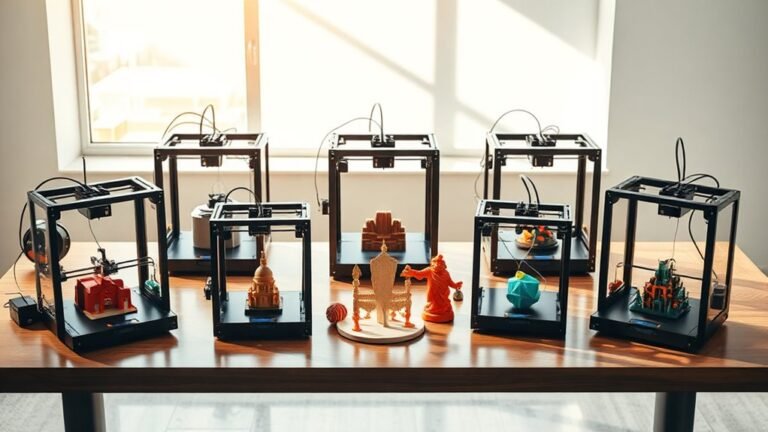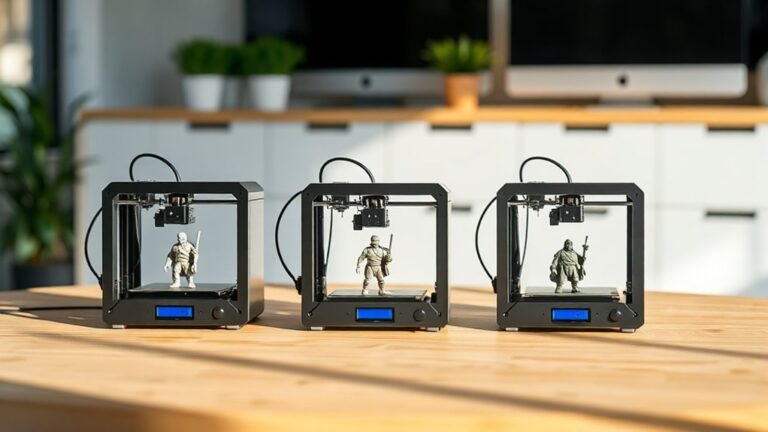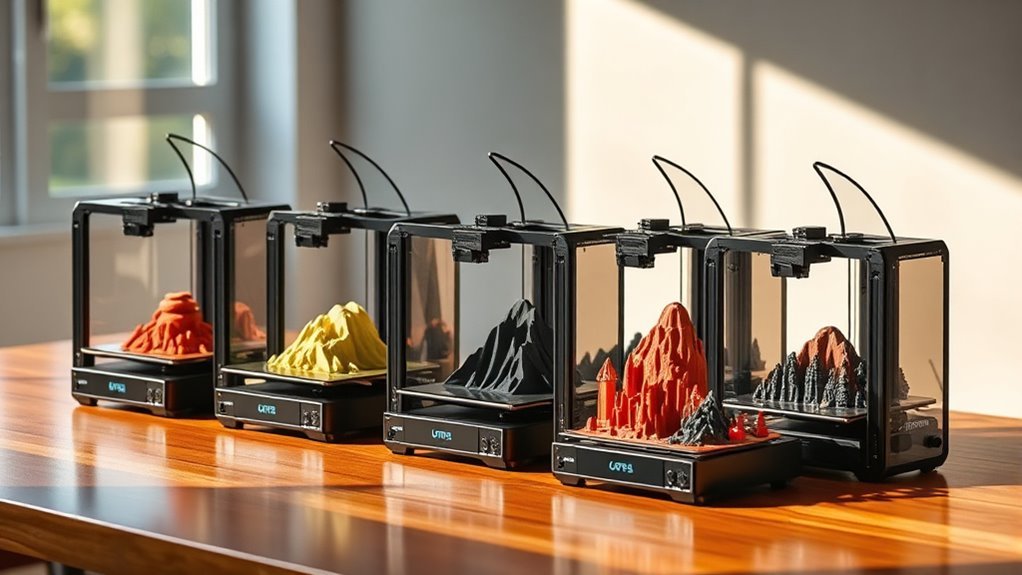
6 Best 3D Printers for Tabletop Terrain in 2027
You’ll want powerful printers like the Bambu Lab P2S Combo or P1S Combo for vibrant multi-material terrain with fast CoreXY motion and reliable AMS filament management. These models are perfect for creating detailed and colorful tabletop terrain quickly.
ELEGOO’s Centauri 2 offers high-speed 4-color printing with smart calibration, making it a great choice for those who want precision and efficiency. Meanwhile, the Mars 5 resin printer nails fine miniature details, ideal for intricate terrain pieces.
These printers balance speed, reliability, and material versatility, all crucial for tabletop projects. When choosing the perfect fit, consider factors like build volume, filament types, and software ease. You’re about to discover all these key features in detail to help you find the best 3D printer for your tabletop terrain needs.
| Image | Name | Editor's Rating | Price |
|---|---|---|---|

|
|
||

|
|
||

|
|
||

|
|
||
|
|
Bambu Lab P2S Combo, P2S 3D Printer & AMS 2 Pro, Multi-Color 3D Printing
- High-Speed Precision: The Bambu Lab P2S 3D printer prints up to 600 mm/s while maintaining exceptional accuracy. With the PMSM Servo Extruder and Active Flowrate...
- Ready to Print in 15 Minutes: Set up your P2S FDM 3D printer and start printing in just 15 minutes. With AI failure detection, quick-swap nozzles, and automatic...
- Effortless Multi-Color Printing: The AMS 2 Pro enables seamless multi-color/multi-material 3D printing. It features built-in filament drying at up to 65 °C, keeping...
- Smart Airflow for Any Filament: The Adaptive Airflow System automatically balances cooling and heat retention—keeping overhangs crisp with cool air, or maintaining a...
- Limitless Creativity, Seamless Workflow: Explore over one million 3D models on MakerWorld and bring them to life with a smooth, unified workflow using Bambu Studio, Bambu...
Experience high-speed, multi-color 3D printing with the Bambu Lab P2S Combo, designed to elevate your tabletop terrain projects. This advanced system pairs the P2S 3D Printer with the AMS 2 Pro, allowing you to print multi-material and multi-color models seamlessly. Its CoreXY design ensures rapid print speeds up to 600 mm/s, delivering detailed results without compromise.
Maintenance is straightforward thanks to AI failure detection, which helps prevent print errors and reduces downtime. The heated chamber and adaptive airflow maintain a stable environment, resulting in precise layers and sharp corners. While these features boost print quality, they may increase power consumption compared to simpler printers.
Ideal for both hobbyists and professionals, this combo supports quick setup and access to over a million 3D models, making it easy to start printing complex designs quickly. Keep in mind that the standalone P2S printer requires the AMS 2 Pro to unlock multi-color capabilities, and its size might be a consideration for limited workspace.
Best for: Users seeking reliable, fast, and precise multi-color 3D printing for detailed projects like tabletop terrain.
What We Like:
- Seamless multi-material and multi-color printing with AMS 2 Pro integration
- High-speed CoreXY design enables up to 600 mm/s printing without quality loss
- AI failure detection enhances reliability and reduces print failures
- Heated chamber and adaptive airflow system ensure precise print quality
Specification:
| Feature | Details |
|---|---|
| Manufacturer | Bambu Lab |
| Dimensions | Substantial (exact size varies) |
| Weight | 46.3 lb (21 kg) |
| Printer Type | CoreXY 3D Printer |
| Multi-Color Support | Requires AMS 2 Pro Combo |
Bambu Lab P1S Combo, P1S 3D Printer and AMS, Multi-Color 3D Printing
- Up to 16 Colors: Bring your designs to life with vibrant multi-color/multi-material printing capabilities, perfect for showcasing your creativity. Note: Connecting Bambu...
- 500mm/s and 20000 mm/s² Acceleration True High Speed: Don't wait around for your masterpieces. Lightning-fast printing speed lets you focus on creating, not waiting.
- Enclosed Design: Fully enclosed body improves print performance for advanced filaments. Automatic Bed Leveling: Say hello to high-quality, successful prints. Auto bed...
- Set Up in 15 Minutes: Spend more time printing and less time setting up. User-friendly design ensures a hassle-free assembly experience for all skill levels.
- Supported Filament: Ideal: PLA, PETG, TPU, PVA, PET ABS, ASA; Capable : PA, PC; Not Recommended: Carbon/Glass Fiber Reinforced Polymer.
Experience vibrant, multi-color 3D printing with the Bambu Lab P1S Combo, designed to elevate your tabletop terrain creations. This system combines the P1S 3D Printer with the AMS multi-color module, enabling seamless printing of up to 16 colors. It’s perfect for users who want detailed, colorful models without complicated setups.
The CoreXY motion system delivers fast and precise printing, reaching speeds of up to 500 mm/s. This efficiency helps you complete projects quickly, whether you’re a hobbyist or professional. The fully enclosed design supports a variety of advanced filaments, including PLA, PETG, and TPU, expanding your creative possibilities.
Maintenance is straightforward, with quick setup times of around 15 minutes and a user-friendly interface that suits all skill levels. However, multi-color printing requires the AMS connection, which adds some complexity and cost. Additionally, the printer is not suitable for carbon or glass fiber reinforced polymers, and its 47.5-pound weight may affect portability.
This combo is an ideal solution for creating vibrant, detailed terrain models with ease and speed.
Best for: users needing fast, multi-color 3D printing with advanced filament compatibility and simple operation.
What We Like:
- Supports up to 16 colors with the AMS for rich, detailed prints.
- High-speed CoreXY motion system with precise tuning.
- Fully enclosed for use with advanced filaments like PLA, PETG, and TPU.
- Quick setup and easy-to-use interface.
- Reliable multi-color printing for complex projects.
Specification:
| Specification | Details |
|---|---|
| Manufacturer | Bambu Lab |
| Dimensions | Not specified |
| Weight | 47.5 lb (21.5 kg) |
| Material Compatibility | PLA, PETG, TPU, others |
| Color Options | Up to 16 with AMS |
Bambu Lab P1S 3D Printer, Ready-to-Use FDM 3D Printer
- Up to 16 Colors: Bring your designs to life with vibrant multi-color/multi-material printing capabilities, perfect for showcasing your creativity. Note: Connecting Bambu...
- 500mm/s and 20000 mm/s² Acceleration True High Speed: Don't wait around for your masterpieces. Lightning-fast printing speed lets you focus on creating, not waiting.
- Enclosed Design: Fully enclosed body improves print performance for advanced filaments. Automatic Bed Leveling: Say hello to high-quality, successful prints. Auto bed...
- Set Up in 15 Minutes: Spend more time printing and less time setting up. User-friendly design ensures a hassle-free assembly experience for all skill levels.
- Supported Filament: Ideal: PLA, PETG, TPU, PVA, PET ABS, ASA; Capable : PA, PC; Not Recommended: Carbon/Glass Fiber Reinforced Polymer.
The Bambu Lab P1S 3D Printer combines speed and precision to help hobbyists bring detailed tabletop terrain to life quickly. Its ability to print at speeds up to 500 mm/s means you can complete projects faster without losing quality. The enclosed CoreXY design provides stability, ensuring each print is reliable and crisp.
Setup is straightforward and beginner-friendly, with automatic bed leveling reducing the time spent on adjustments. The compact, lightweight frame fits easily on any workspace, and access to the MakerWorld library offers a rich selection of ready-to-print models. This makes the printer an efficient tool for creating multi-material projects, including PLA, PETG, and TPU.
Maintenance is simple thanks to the smooth design and accessible components. However, the printer is not optimized for carbon or glass fiber reinforced polymers, and some high-performance filaments like PA and PC are only marginally compatible. Weighing nearly 39 pounds, it strikes a balance between portability and stability.
With its combination of speed, ease of use, and broad filament support, the P1S enhances your creative workflow and delivers professional-quality prints with minimal hassle.
Best for: hobbyists and beginners seeking a fast, precise, and user-friendly 3D printer for detailed tabletop terrain and versatile material projects.
What We Like:
- Fast printing speeds up to 500 mm/s with high acceleration.
- Stable enclosed CoreXY design supports advanced filaments like PLA, PETG, and TPU.
- Easy setup with automatic bed leveling.
- Access to the MakerWorld model library for diverse printing options.
- Compact and lightweight for convenient workspace integration.
Specification:
| Feature | Details |
|---|---|
| Manufacturer | Bambu Lab |
| Dimensions | Not specified |
| Weight | Approximately 39 lb (17.7 kg) |
| Material Support | PLA, PETG, TPU (limited with PA, PC) |
| Design | Enclosed CoreXY |
| Setup Time | About 15 minutes |
ELEGOO Centauri 2 Combo 3D Printer, Beginner-Friendly Multicolor Printing
- 4-Color Printing with CANVAS: Create vibrant multi-color models effortlessly with CANVAS 4-color printing. Independent motors, instant color switching, RFID filament...
- Start Printing with Confidence: Full auto calibration and smart pre-print checks simplify setup, while 22 intelligent sensors monitor every print in real time. From first...
- Designed for Speed: Experience faster creation with a high-speed CoreXY system reaching up to 500mm/s and 20,000mm/s² acceleration. The rigid aluminum frame and...
- Smoother, Sharper, Smarter: From the first layer to the final detail, intelligent calibration, vibration compensation, and precise extrusion control help produce clean...
- A Seamless Workflow from Idea to Print: Simplify your entire workflow with the ELEGOO ecosystem. Discover ready-to-print models on Nexprint, prepare projects with...

Bring your tabletop designs to life with the ELEGOO Centauri 2 Combo 3D Printer, crafted for seamless multicolor printing. It solves the common challenge of color transitions by offering four-color CANVAS printing with instant switching. This means you can create vibrant, detailed models without interrupting your workflow.
Designed for ease of use, the printer features RFID filament recognition and a 5-inch touchscreen for intuitive control. Its full auto calibration and 22 real-time sensors keep prints accurate and consistent, reducing maintenance hassles. The sturdy CoreXY motion system ensures speedy, stable printing, improving productivity.
The printer’s robust aluminum frame supports precise movements and long-term durability. Remote project management via the ELEGOO Matrix app adds convenience, enabling you to monitor prints from anywhere. While it is beginner-friendly, the advanced multicolor capabilities might take some time to master.
Though it requires a dedicated workspace due to its size and weight, the Centauri 2 Combo’s smart features make it ideal for creating detailed tabletop terrain. Its proprietary software streamlines the process but may limit third-party customization.
Best for: Makers seeking a reliable, multicolor 3D printer with smart features for detailed tabletop terrain and efficient, high-quality output.
What We Like:
- Four-color CANVAS printing with instant color switching and RFID filament detection.
- High-speed CoreXY motion with a rigid aluminum frame for stable, precise prints.
- User-friendly 5-inch touchscreen and full auto calibration simplify setup and use.
- Real-time monitoring via 22 sensors and remote management through the ELEGOO Matrix app.
Specification:
| Feature | Details |
|---|---|
| Manufacturer | ELEGOO |
| Dimensions (inches) | 19.69 x 18.9 x 23.23 |
| Weight (pounds) | 33 |
| Frame Material | Aluminum |
| Color Printing Method | Four-color CANVAS with RFID |
ELEGOO Mars 5 Resin 3D Printer
- 【Effortless Magic with One-Click Automatic Leveling】Effortless precision is just a click away. ELEGOO Mars 5 resin 3D printer offers advanced automatic leveling...
- 【Print Smarter, Print Worry-Free】With a smart mechanical sensor, ELEGOO Mars 5 resin printer supports residue detection to prevent damage to the LCD screen. Plus...
- 【One-Click Self-Check, Ensuring Reliable Prints】Tired of setup hassles and unexpected errors ruining your printing projects? With just a simple click, ELEGOO Mars...
- 【4K Mono LCD for Stunning Details】Featuring a 4K mono LCD with advanced COB light source, ELEGOO Mars 5 impresora 3D de resina faithfully reproduces intricate details...
- 【Advanced Overheat Protection, Cool and Safe】No more overheating worries. The advanced overheat protection automatically halts printing and triggers an alarm if the...
The ELEGOO Mars 5 Resin 3D Printer brings precision and ease to your miniature and tabletop terrain projects. Its high-resolution 4K monochrome LCD combined with a COB light source ensures sharp, detailed prints every time. This printer tackles common printing challenges by offering automatic one-click leveling and a self-check system, making setup straightforward and stress-free.
Maintenance is simple with smart sensors that detect resin residue, protecting the LCD from damage. Alarms alert you to resin shortages or leveling problems, helping to reduce wasted materials. The printer also features advanced overheat protection and an efficient cooling system to maintain consistent performance during long print sessions.
Designed for hobbyists and gamers, the compact yet robust build is ideal for creating finely detailed models without the bulk. While its build volume is suited for smaller projects, its reliable features and safety measures offer peace of mind.
Best for: Hobbyists and tabletop gamers seeking high-detail, reliable resin 3D printing with easy setup and maintenance.
What We Like:
- Crisp, high-detail prints from the 4K mono LCD and COB light source
- Automatic leveling and self-check simplify the printing process
- Resin residue detection and alarms protect components and minimize waste
- Advanced cooling and overheat protection ensure stable operation
Specification:
| Feature | Details |
|---|---|
| Manufacturer | ELEGOO |
| Dimensions | Not specified |
| Weight | 14.52 lb (6.59 kg) |
| Build Volume | 5.65 × 3.53 × 5.91 inches |
| Display | 4K Mono LCD with COB light |
ELEGOO Centauri 2 3D Printer, Full Auto Calibration, Beginner-Friendly

- Easy from Start to Finish: Whether you’re a beginner or an experienced maker, automatic calibration and smart pre-print checks take care of setup before every job...
- Designed for Speed: Turn hours of waiting into finished creations with speeds up to 500 mm/s and 20,000 mm/s² acceleration. The high-speed CoreXY system and rigid...
- Smoother, Sharper, Smarter: From the first layer to the final detail, intelligent calibration, vibration compensation, and precise extrusion control help produce clean...
- A Seamless Workflow from Idea to Print: Find inspiration from thousands of ready-to-print models on Nexprint, prepare files easily with ElegooSlicer, and monitor your...
- Made for Easier Everyday Printing: A user-friendly 5-inch touchscreen simplifies operation, while the magnetic printhead cover, semi-automatic belt tensioner, and nozzle...
Experience hassle-free 3D printing with the ELEGOO Centauri 2, designed to make detailed tabletop terrain creation accessible to beginners. Its full auto calibration and smart pre-print checks eliminate guesswork, ensuring your prints start perfectly every time. This reduces setup time and frustration, letting you focus on your projects.
The printer’s CoreXY high-speed system reaches up to 500 mm/s, combined with a 350°C nozzle that supports a wide range of materials. This versatility means you can explore different filament types and complete prints faster without sacrificing quality. The 256 mm build volume offers ample space for mid-sized models.
Maintenance is straightforward thanks to features like the magnetic printhead cover, nozzle wiper, and semi-automatic belt tensioner. These simplify upkeep and help maintain consistent print performance over time. The rigid aluminum frame adds stability and precision to your prints.
A 5-inch touchscreen and the ELEGOO Matrix app provide intuitive control and remote monitoring, so you stay connected to your printing progress. This 3D printer balances ease of use with advanced technology to enhance your creative workflow.
Best for: Beginners and hobbyists wanting a reliable, fast, and user-friendly 3D printer for precise tabletop terrain and versatile printing projects.
What We Like:
- Automatic calibration and pre-print checks reduce setup errors.
- Fast CoreXY system with a high-temperature nozzle supports diverse materials.
- Convenient maintenance features keep the printer in optimal condition.
- Rigid frame ensures stable, accurate printing.
- Touchscreen and app enable easy control and monitoring.
Specification:
| Feature | Details |
|---|---|
| Manufacturer | ELEGOO |
| Build Volume | 256 x 256 x 256 mm |
| Max Print Speed | 500 mm/s |
| Nozzle Temperature | Up to 350°C |
| Frame Material | Aluminum |
| Touchscreen Size | 5 inches |
| Weight | 30.1 lbs (13.65 kg) |
Factors to Consider When Choosing a 3D Printer for Tabletop Terrain
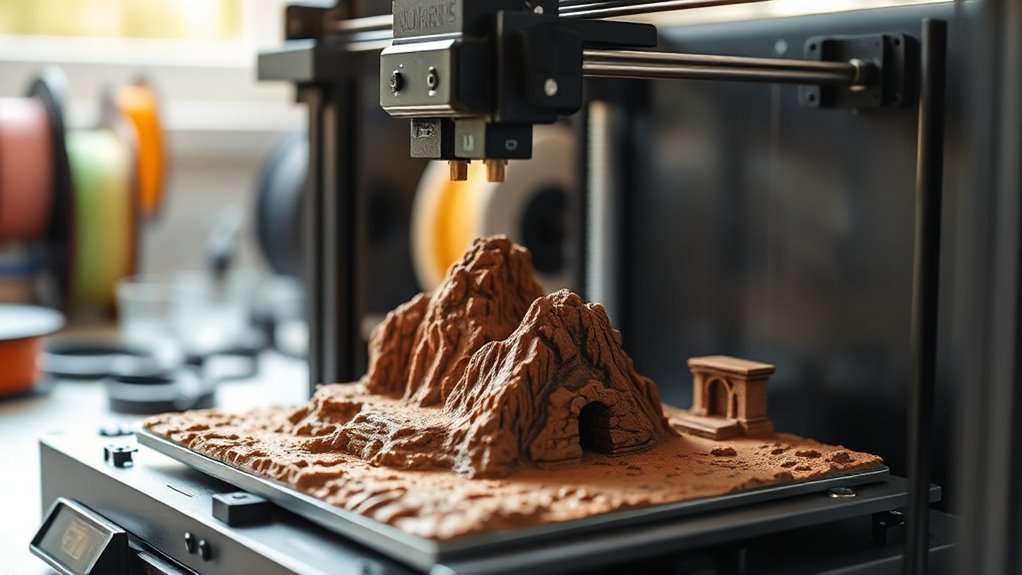
When choosing a 3D printer for tabletop terrain, you’ll want to focus on print resolution to capture fine details and guarantee your models look sharp. It really makes a difference when your terrain pieces have crisp, clear features.
Also, consider the build volume to make sure your printer can handle the size of the terrain pieces you want to create. No one wants to chop up a big design into tiny bits unless they have to!
Don’t forget about material compatibility, multi-color options, and printing speed. These factors help match your printer to your project needs and workflow, making your creative process smoother and more enjoyable.
Print Resolution Importance
Why does print resolution matter so much for tabletop terrain? It directly impacts how well your printer captures fine details like stonework, engravings, and smooth slopes. Aim for layer heights between 0.08 and 0.16 mm to balance detail and print time.
Using a smaller nozzle—around 0.25 to 0.4 mm or less—improves horizontal resolution, giving you crisp edges and tiny embellishments. Going below 0.05 mm layer height offers minimal visible improvement but markedly increases print time and risks vibration issues.
Build Volume Needs
To nail your tabletop terrain prints, you’ll want to pick a 3D printer with a build volume that fits your largest planned pieces comfortably. Start by measuring your biggest terrain item, like a 12″ x 12″ tile or a 28 cm base, and add space for rafts or brims.
If you print modular terrain, choose a bed wide enough to fit common tile sizes (100–300 mm) so you can print full pieces without splitting. Don’t forget build height—trees and multi-level buildings often need 150–300 mm of Z travel to avoid scaling or segmenting.
A larger XY area lets you print wide, flat bases in one go, preserving detail and reducing supports. Also, consider print orientation so your terrain pieces come out exactly how you want.
Material Compatibility Options
Choosing the right build volume sets the stage, but matching your printer’s material compatibility to your tabletop terrain needs makes all the difference. PLA is your go-to for easy printing, great detail, and broad compatibility. It’s perfect for scenery and painted miniatures.
If you need tougher, more durable pieces, consider PETG. This material demands higher nozzle temps and better bed adhesion, but it’s worth it for the extra strength.
For flexible terrain parts like foliage, TPU and other flexible filaments work well. Just keep in mind they require slower speeds and specialized extruders.
Want complex shapes? Soluble supports like PVA need multi-material setups and dry storage. They simplify post-processing, making your life easier.
For strong, heat-resistant structural elements, materials like ABS or nylon are ideal. However, they call for enclosed chambers and careful warping prevention.
Multi-Color Printing Capability
How can multi-color printing elevate your tabletop terrain projects? It lets you print distinct features like roads, foliage, and rubble in one go, cutting down your post-painting time and preserving fine textures. Pretty handy, right?
Multi-material printers with filament switching or multiple extruders let you combine rigid and flexible parts, such as rubberized windows. But heads up—they need precise calibration to avoid color bleed at seams.
Choose printers with automatic tool or filament changes and built-in drying to prevent jams and contamination, especially when using moisture-sensitive filaments. This really helps keep things running smoothly.
Keep in mind multi-color prints take longer and risk failures due to tool changes and purging. So, reliable filament management and failure detection are essential to avoid headaches.
Also, pick printers with strong software support for clean color shifts. That way, you won’t see any annoying visible artifacts in your finished models. Sounds like a plan, right?
Speed and Efficiency
While speed can dramatically cut down your print times for tabletop terrain, you’ll want to balance it carefully with detail and reliability. Look for printers boasting high max print speeds and acceleration—over 200 mm/s and 5,000 mm/s²—to reduce time, but be ready to fine-tune settings to avoid ringing or detail loss.
Faster travel and retraction speeds cut non-extrusion delays, especially when printing multiple parts or models with many layers. A heated enclosure helps stabilize temperatures, letting you print faster without warping large terrain pieces.
You can boost throughput by increasing layer height or using larger nozzles, though that sacrifices some surface fidelity. Features like auto bed leveling and quick-swap nozzles also help minimize downtime, keeping your workflow efficient and maximizing productivity.
User-Friendly Features
Speed and efficiency matter, but they won’t mean much if your printer is difficult to operate or prone to errors. Look for automatic bed leveling and reliable first-layer calibration to minimize setup time and reduce failed prints. This is especially important when producing many small terrain pieces.
A user-friendly touchscreen or an intuitive web/mobile app with one-click print preview and remote monitoring lets you manage long print queues effortlessly. Features like filament runout detection and resume-on-power-loss protect your multi-hour prints from interruptions.
Quick-change hotends and easy nozzle cleaning make switching materials or clearing clogs hassle-free. Finally, choose printers with extensive software integration offering preconfigured profiles, slicer presets, and model libraries. These tools help you get consistent, high-quality terrain prints without wasting time.
Frequently Asked Questions
How Do Different Filament Types Affect Terrain Durability?
Different filaments impact terrain durability based on their strength and flexibility. You’ll find PLA is rigid but brittle, while ABS offers toughness.
TPU adds flexibility, so choose filament depending on how much wear or detail your terrain needs. It really comes down to what kind of use your terrain will get.
Can These Printers Handle Large-Scale Terrain Pieces?
You can practically print entire castles in one go! These printers handle large-scale terrain with ease, offering spacious build volumes and precise layering.
What Software Is Best for Designing Tabletop Terrain Models?
You’ll want to use Blender or Tinkercad for designing tabletop terrain models. Blender offers powerful, detailed tools, while Tinkercad is beginner-friendly.
Both let you create custom, printable designs that bring your tabletop scenes to life. It’s pretty cool how you can actually see your ideas take shape before printing! Give them a try and see which one feels right for you.
How Long Does It Typically Take to Print Detailed Terrain?
You’ll typically spend 6 to 12 hours printing detailed terrain.
For example, Sarah’s intricate castle walls took 8 hours using her resin printer. She balanced fine details with patience to guarantee every turret and brick came out perfect.
Are Post-Processing Tools Necessary for Finished Tabletop Terrain?
Yes, you’ll need post-processing tools to clean up and enhance your tabletop terrain. Sanding, painting, and sealing help achieve a professional look and durability.
Skipping this step can leave your prints rough and less detailed. So, it’s definitely worth taking the extra time to finish your pieces properly.
Conclusion
Choosing the perfect 3D printer for your tabletop terrain doesn’t have to feel like rocket science. Whether you want stunning multi-color details or easy-to-use features, one of these six printers will fit your needs like a glove.
With options from Bambu Lab’s cutting-edge combos to ELEGOO’s beginner-friendly models, you’re just a few clicks away from creating terrain so detailed, it’ll make your gaming table look like a miniature universe!
Finding the right 3D printer means balancing quality, ease of use, and budget. These top picks offer versatility for all skill levels, from novice hobbyists to experienced terrain builders. So, dive in and bring your tabletop adventures to life with the best 3D printers for terrain crafting in 2027!