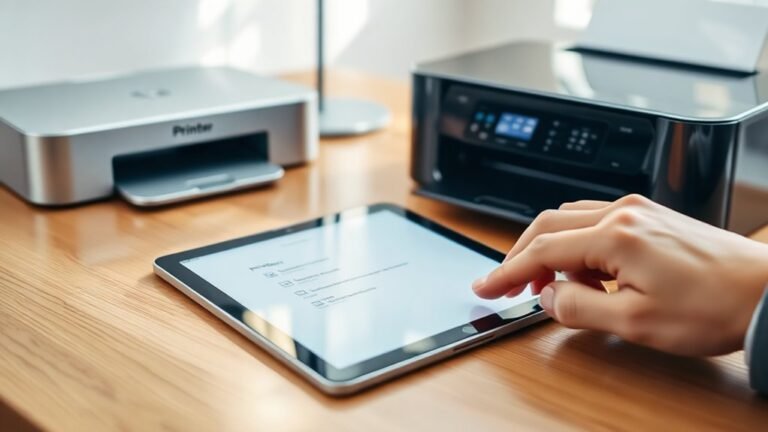
How to Add a Printer to an iPad in 10 Easy Steps
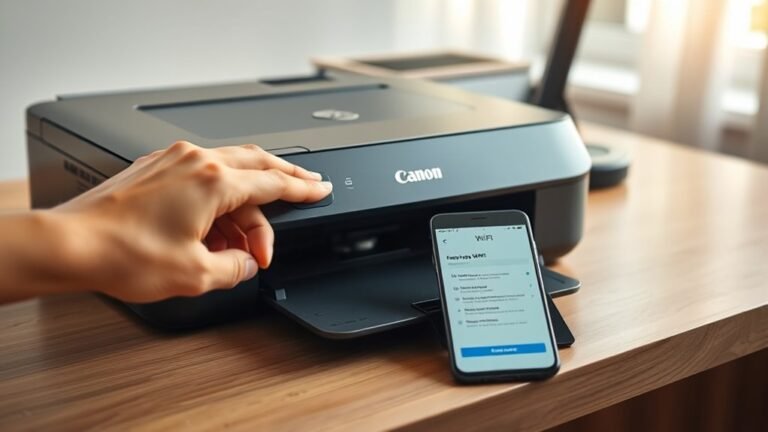
To add a printer to your iPad, first make sure your printer supports AirPrint and both devices are on the same Wi-Fi network. Open the app with your document or photo, tap the share or menu button, then select Print.
Choose your AirPrint printer from the list, adjust settings if needed, and tap Print. If your printer doesn’t appear, try restarting devices or use a third-party app for non-AirPrint models.
Keep going to find helpful troubleshooting tips and extra options. You’ll be printing in no time!