Where to Find IP Address on HP Printer in 5 Simple Steps
You can find your HP printer’s IP address easily in five simple steps. First, print a Network Configuration Page from the printer’s control panel or touchscreen.
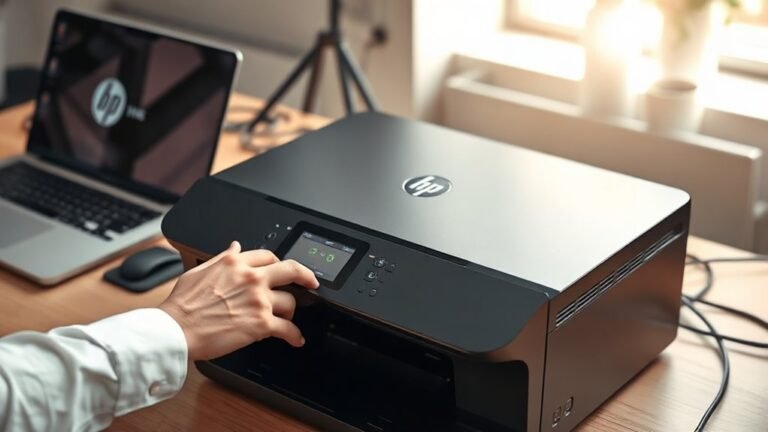
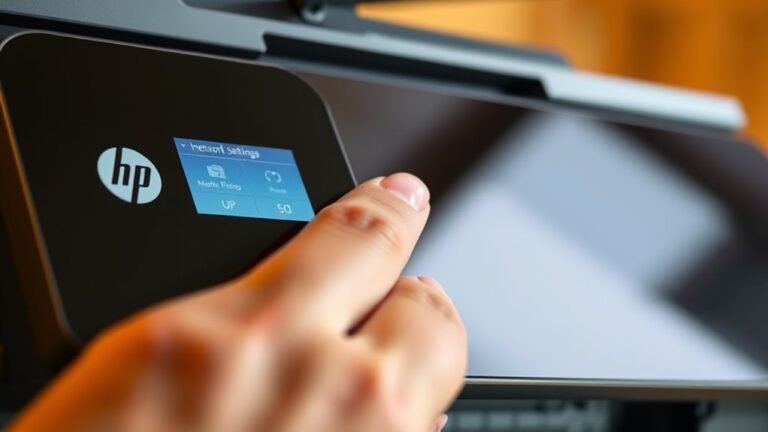
Second, check the control panel itself by browsing to Network or Wireless settings to view the IP. Third, use the HP Smart app to locate Printer Details.
Fourth, find it in Windows Devices and Printers under printer properties. Finally, check your router’s connected devices list for the address.
Keep going to uncover more handy methods.