How to Add a Printer to an Android Phone in 3 Easy Steps
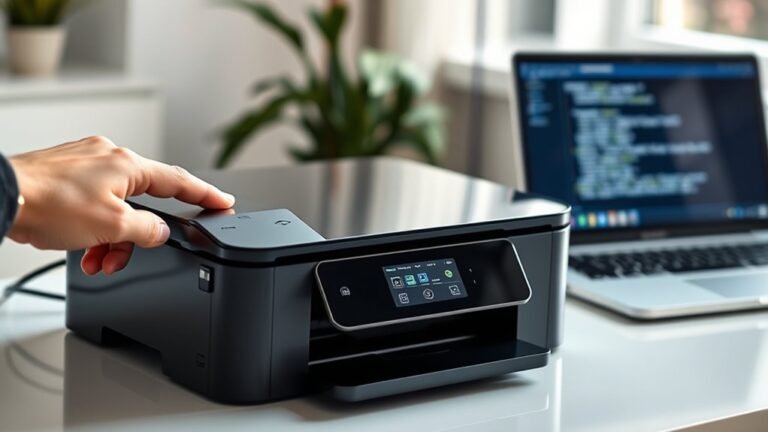
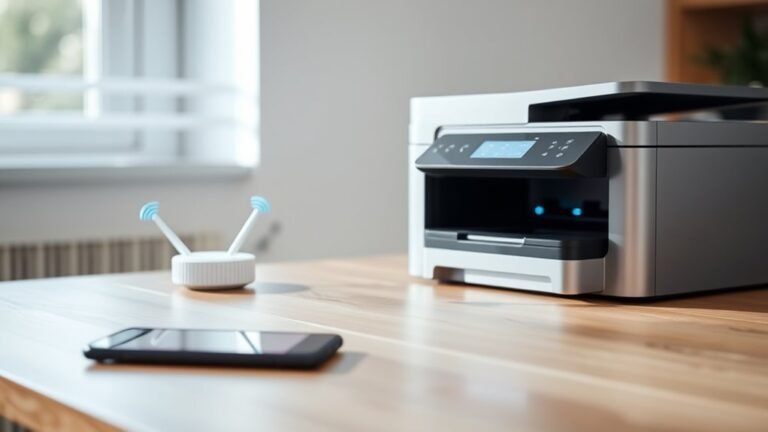
To add a printer to your Android phone, first confirm both devices are powered on and connected to the same Wi-Fi network.
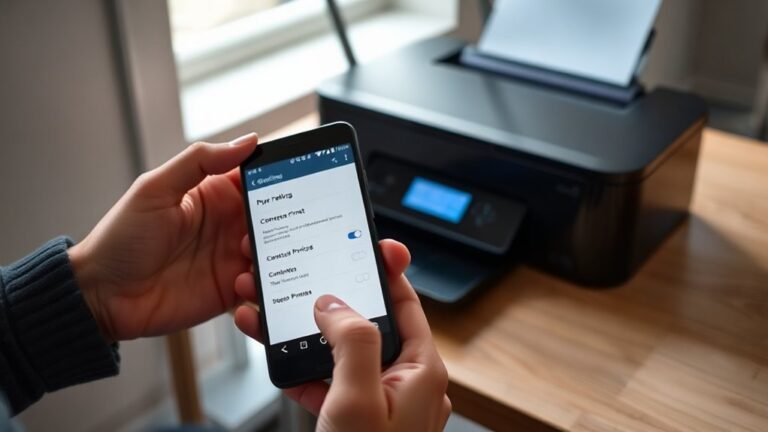
Next, open your phone’s Settings, go to “Connected devices” or “Printing,” and add a print service like Mopria.
Finally, select your printer from the available list to connect and start printing instantly.
If you run into issues or want to optimize your setup, there are simple tips and troubleshooting steps to help you along. Just take it step by step, and you’ll be printing in no time!