Why Is My Printer Not Printing and How to Fix It
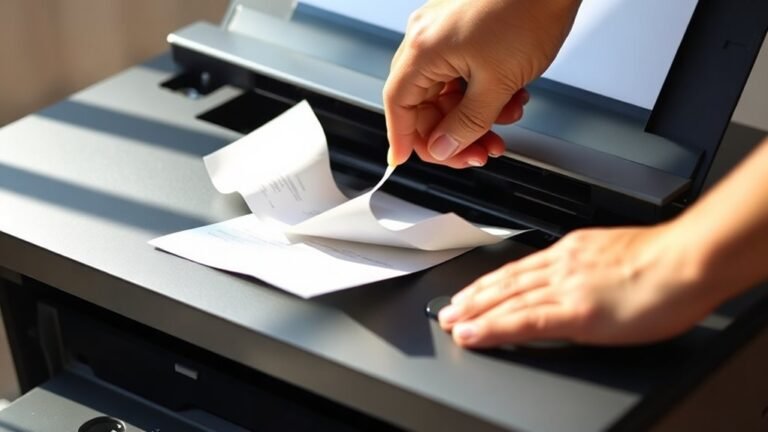
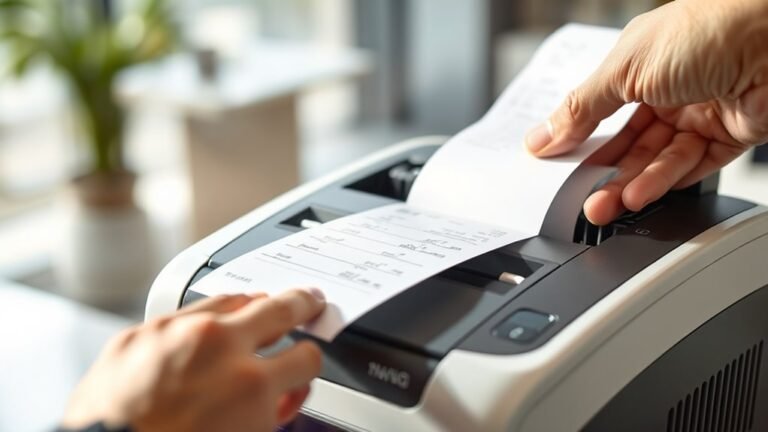
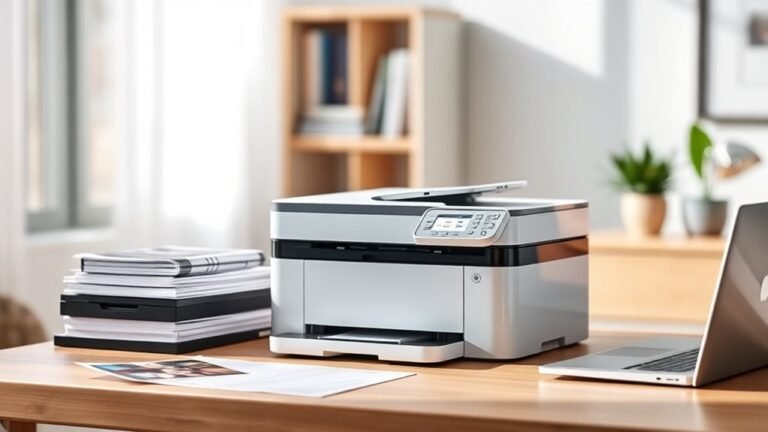
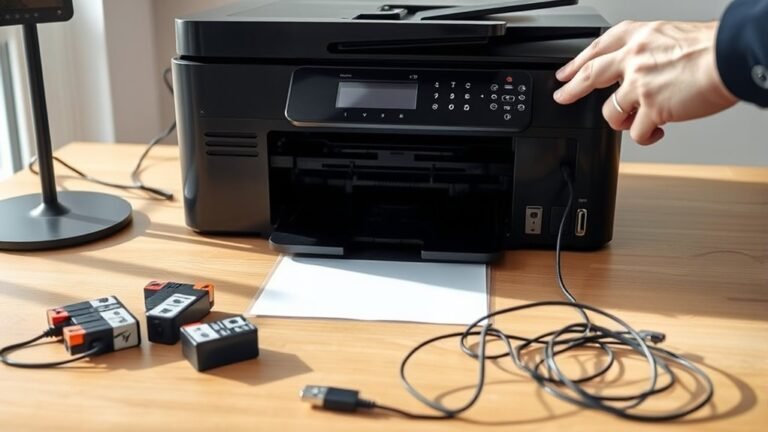
Your printer might not be printing due to paper jams, empty or dried-out ink cartridges, outdated drivers, or network connection issues. Start by checking for jams and clearing them safely.
Also, inspect ink levels, restart the printer and your computer, and update or reinstall drivers. Don’t forget to clear any stuck print jobs in the queue.
If these quick steps don’t work, you may need to check network settings or consider deeper troubleshooting. More detailed solutions can help you get your printer back on track.