How Much Does 3D Printer Filament Cost: 7 Key Factors
The cost of 3D printer filament depends on seven key factors that you should know about before buying.
First up is the material type—PLA is usually the cheapest option, while composite filaments tend to cost more.
Then, there’s spool size; buying larger spools can actually lower the price per kilogram, saving you money in the long run.
Bulk buying discounts are another way to cut costs, especially if you print a lot.
Filament quality also matters—a higher-quality filament means fewer failed prints, which saves both time and material.
Don’t forget about waste management and proper storage, too. Keeping your filament dry prevents moisture damage that can ruin prints.
Finally, think about printer compatibility. Some materials require heated chambers or special setups, which can affect your overall cost and print success.
Knowing these factors helps you pick the right filament for your budget and printer. Keep exploring, and you’ll find smart ways to save money while optimizing your 3D printing experience!
Key Takeaways
- Filament cost varies by material type, with PLA and PETG ranging $15–$28/kg and engineering blends $28–$100+ per kilogram.
- Larger spool sizes and bulk purchases reduce filament cost per kilogram by 15–20%.
- Printer compatibility impacts filament choice and cost, as ABS/ASA and TPU require special setups and heated chambers.
- Filament quality affects print success and waste, where poor quality increases reprints and overall costs.
- Proper storage and handling prevent moisture damage, preserving filament quality and reducing failed prints.
How Filament Material Type Affects Cost and Performance
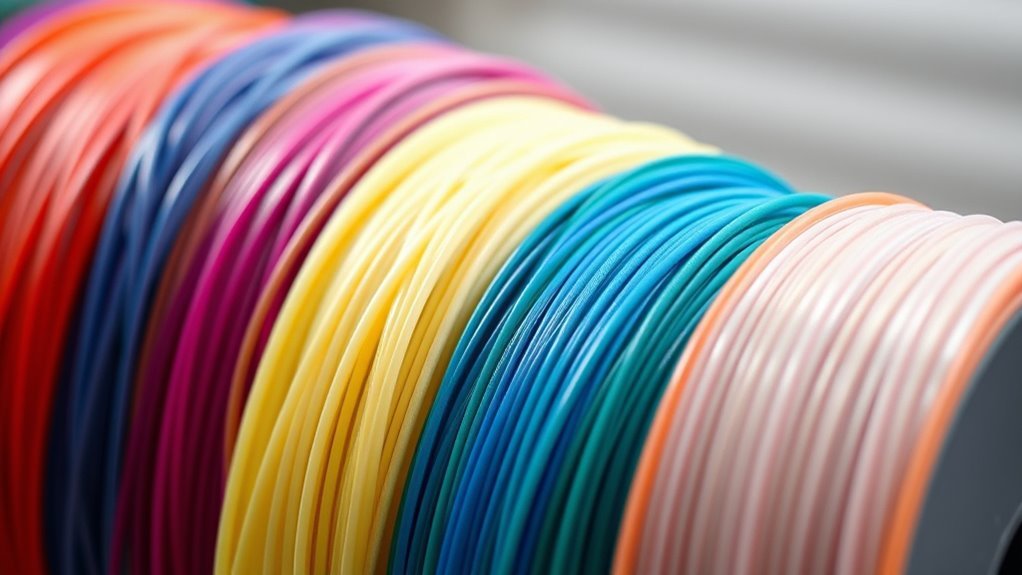
Although filament prices vary widely, the type of material you choose directly impacts both cost and print performance. PLA and PETG dominate as popular choices, with filament costs ranging around $15–$28 per kilogram.
PLA’s ease of use and dimensional stability make it a budget-friendly option. PETG offers better toughness and temperature resistance without much price increase.
If you need more strength, engineering and composite blends like carbon-fiber-infused or nylon-CF spools cost between $28 and $100+ per kilogram. These materials demand hardened nozzles due to their abrasiveness but deliver superior mechanical properties for functional parts.
Why Spool Size and Format Influence Filament Pricing
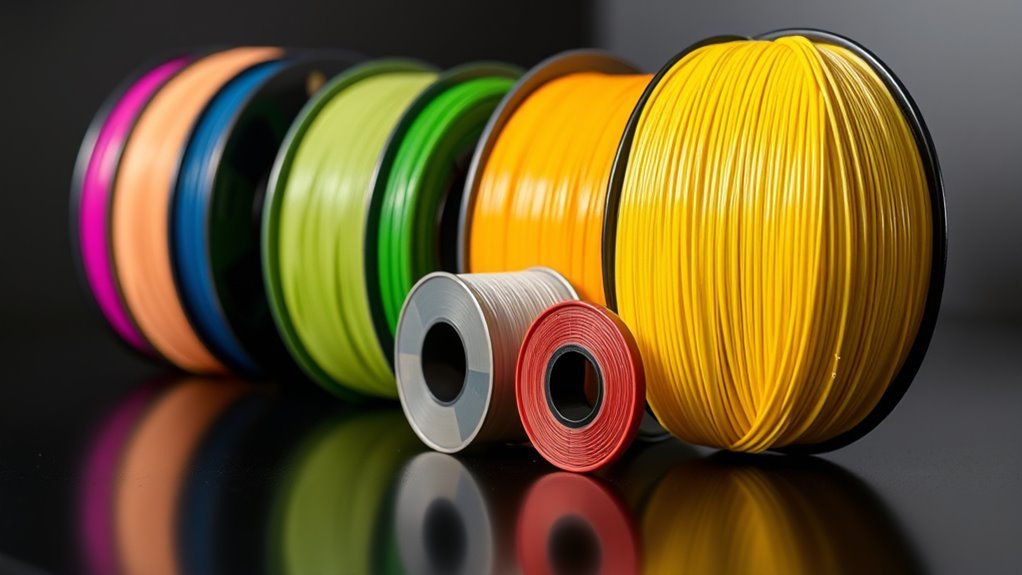
When you buy filament in larger spool sizes, like 2 to 10 kilograms instead of the usual 1 kilogram, you can cut the cost per kilogram by about 15 to 20 percent. That’s because manufacturers save on packaging and handling, and they pass those savings on to you.
Choosing the right spool format also matters. Using common, compatible spools lets you get cheaper Bulk 3D Printer Filament from different suppliers. On the other hand, proprietary or nonstandard spools often hike up the price per kilogram.
Larger spools mean fewer spool swaps and less wasted filament tail. This saves both material and labor, especially if you’re doing high-volume printing. Just remember, very large Bulk 3D Printer Filament spools need proper storage to keep their quality and actually save you money in the long run.
Bulk Buying and Supplier Deals to Cut Filament Costs
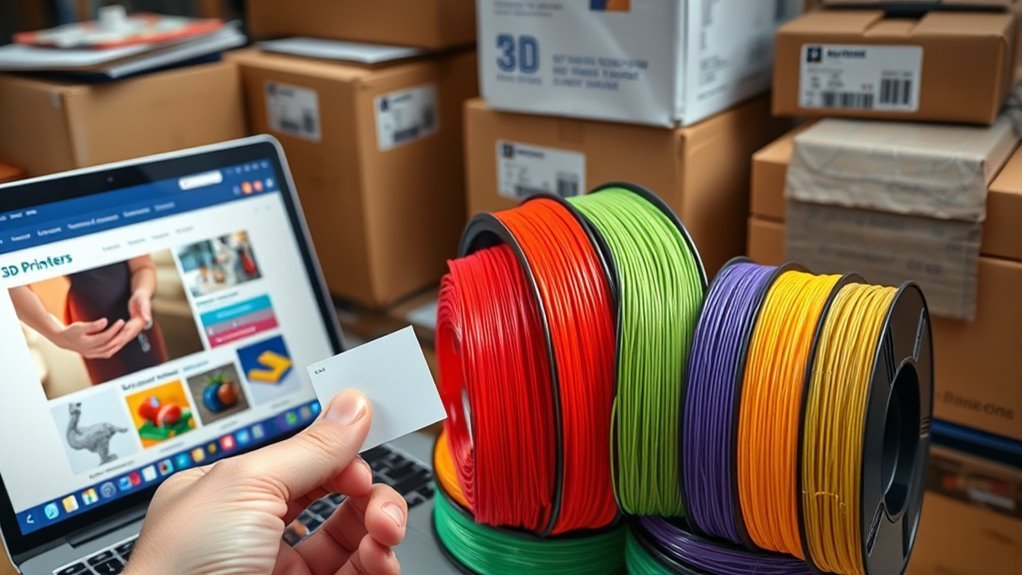
Bulk buying filament and securing supplier deals can markedly lower your overall 3D printing costs. By knowing your monthly usage, you can negotiate better quantity discounts and decide if larger spool formats or bulk drums suit your needs.
Committing to regular orders simplifies supplier relationships and often reveals price breaks. Plus, focusing on fewer SKUs boosts your purchasing power and reduces complexity.
| Purchase Type | Typical Discount | Best For |
|---|---|---|
| Single 1 kg spool | 0% | Low volume or testing |
| Multi-pack bundles | 15-20% | Moderate monthly usage |
| Bulk drums/spools | 15-20% | High monthly usage |
Try to use local suppliers and compare vendors to cut delivery costs. This way, you maximize savings when buying in bulk.
How Filament Quality Impacts Your Printing Expenses
Since filament quality directly influences print success, choosing the right material can noticeably impact your overall expenses. Poor material consistency, like diameter variance beyond ±0.05 mm, often causes extrusion issues that lead to failed prints and wasted filament. This raises your cost per usable part.
Cheaper filaments with poor moisture control risk bubbling and weak layers, so storing spools properly is essential. Premium filaments, though pricier per kilogram, offer better mechanical properties and heat resistance. This reduces reprints and replacements over time.
Color and opacity inconsistencies in low-quality filament force extra post-processing or reprints, increasing costs. However, some budget brands now provide improved material consistency and reliable extrusion. This lets you save 15–20% by buying in bulk without sacrificing print quality too much.
Choose wisely to balance upfront cost and long-term savings. It really pays off to think about more than just the sticker price.
Reducing Waste and Failed Prints to Save Filament
Although 3D printing offers incredible creative freedom, you’ll quickly see how failed prints and wasted filament can drive up costs. Minimizing these losses is key to saving money.
Here’s how you can reduce waste and failed prints:
- Plan for a 5–10% failure buffer, especially with long prints or new materials. This helps you better estimate filament needs and avoid surprises.
- Optimize designs and slicer settings—use lower infill, gyroid patterns, hollow sections, and thicker outer walls. Doing this can cut filament use by 10–30%, which is pretty significant.
- Batch identical parts together. This reduces the risk of a single failure ruining your whole print job and spreads setup waste across multiple prints.
- Perform regular printer maintenance and use reliable equipment. This lowers the chances of mechanical problems causing failed prints, saving you filament and time.
Storage and Handling Tips to Maintain Filament Quality
To keep your filament performing well, you need to store it properly and handle it with care. Store bulk filament in sealed containers or vacuum bags with desiccant packs to prevent moisture damage. Moisture can cause bubbling, poor adhesion, and brittle prints.
Keep spools in a dry cabinet or airtight box at under 20% relative humidity to avoid clogs and extrusion issues. For long-term storage, consider spool-less refills or stranded spool holders. It also helps to rotate your stock using FIFO to maintain color consistency and reduce moisture absorption.
If your filament does absorb moisture, dry it in an oven or filament dryer at recommended temperatures. Also, protect filament from dust, UV light, and temperature swings by keeping it away from windows and heaters. Doing this will help maintain your print quality.
Choosing Filament Types for Your Printer and Budget
When choosing filament, you’ll want to think about what your printer supports and how each material fits your budget. PLA and PETG offer a good balance between cost and quality.
Specialty filaments come with higher prices and extra requirements. Understanding these options helps you pick the best filament type for your projects without overspending.
Material Compatibility Considerations
Since your printer’s specifications dictate which filaments work best, you’ll need to check compatibility before choosing materials. Understanding material compatibility guarantees smooth printing and prevents costly damage.
First, verify your printer supports the filament type—PLA and PETG are common. But ABS, TPU, and specialty nylons might need an enclosed chamber or heated bed.
Next, confirm filament diameter and spool fit. Most printers use 1.75 mm filament and standard spools, but some proprietary systems limit your options.
Also, match your nozzle to the filament’s abrasiveness. Carbon or glass-filled filaments require hardened nozzles to avoid premature wear.
Finally, consider print speed and extruder setup. Flexible TPU prints slower and may need a direct-drive extruder to reduce wear.
Checking these factors upfront saves you time and money while optimizing print quality.
Balancing Cost Versus Quality
Choosing the right filament means weighing your printer’s capabilities against your budget and desired print quality. Commonly used filament types like PLA and PETG offer a reasonable cost per kilogram, typically between $15 and $28.
These budget-friendly options work well for prototyping and many functional parts without compromising reliability. But if you need high quality with superior strength or heat resistance, premium filaments are worth considering despite their higher cost per kilogram—often $28 to over $100.
To save money, buy larger spools or multi-pack bundles, which can cut your cost per kilogram by 15–20%. Just remember to store your filament properly to maintain consistent extrusion and surface finish, especially if you buy in bulk.
This balance helps you get the best value without sacrificing print performance. It’s all about finding what works best for your needs and budget.
Popular Filament Types
Picking the right filament type depends on your printer’s capabilities and your budget. PLA and PETG are the most popular choices because they’re easy to use and work with most printers.
Here’s a quick guide:
- PLA: Best for beginners and printers without heated chambers. Filament prices range from $18 to $28/kg retail but can drop to $10-$15/kg if bought in bulk.
- PETG: Offers better strength and flexibility than PLA, with filament prices around $15–$25/kg.
- ABS/ASA: Durable but requires a heated chamber. Prices vary between $17 and $30/kg.
- TPU: Flexible and pricier, usually $20–$37/kg. It needs specific printer setups.
Choose based on your printer’s specs and your budget. That way, you avoid compatibility issues and get the most value out of your filament.
Frequently Asked Questions
Is the Filament for a 3D Printer Expensive?
Filament for 3D printers isn’t usually expensive, especially if you stick with common materials like PLA or PETG.
Buying in bulk or multi-packs can save you more, making it affordable for hobbyist or casual use.
How to See How Much Filament a Print Will Use?
You can see filament usage by slicing your 3D model in software like Cura or PrusaSlicer. After slicing, check the estimated filament weight or length shown.
This estimate usually includes extra material from supports and purges to give you a more accurate idea of how much filament you’ll need. It’s pretty handy for planning your print!
Is Resin 3D Printing Better Than Filament?
Resin 3D printing is better if you want fine detail and smooth surfaces, especially for miniatures or jewelry. It really shines when precision matters.
But if you need larger, functional parts or simpler post-processing, filament printing is usually the smarter choice. It’s easier to handle and more practical for everyday use.
How Much to Get a 3D Print?
Getting a 3D print costs you anywhere from a few cents to around $4, depending on size and complexity.
Think of it as buying a coffee—small prints are cheap, but big ones can sip your budget faster than you expect.
Conclusion
When weighing filament factors, remember that material, size, and supplier deals greatly shape your spending. By balancing bulk buying with careful care and quality checks, you can cut costs while creating consistent, clean prints.
Smart storage stops spoilage, and savvy selections suit both your printer and pocket.
Stay sharp, save smart, and streamline your 3D printing spending by mastering these key filament factors for fantastic fabrication! Understanding how much 3D printer filament costs means paying attention to quality, quantity, and supplier offers.
With the right choices, you’ll not only reduce waste but also boost print reliability and overall satisfaction. Keep these tips in mind to make the most of your 3D printing budget without sacrificing performance or print quality.