How Does a LaserJet Printer Work?
A LaserJet printer works by using a laser to create sharp, clear prints through a series of precise steps. It all starts with a photosensitive drum that gets charged evenly with electricity.
Then, the laser beam targets specific areas on the drum, discharging them to form an exact electrostatic image.
Toner, which is a fine powder made from plastic resin and pigments, sticks only to those charged spots. After that, the toner is transferred onto paper by using opposite electrical charges.
Finally, heated rollers melt and fuse the toner into the paper fibers, making your print permanent and smudge-proof.
Pretty cool, right? If you’re curious about how each step ensures crisp prints or want to see how LaserJet printers stack up against inkjets, there’s plenty more to dive into!
Key Takeaways
- A photosensitive drum gets a uniform electrical charge and is then selectively discharged by a laser to form a latent electrostatic image. This is basically the blueprint of what’s going to be printed.
- Negatively charged toner particles stick to the discharged areas on the drum, which creates a visible toner image. It’s like the toner knows exactly where to go.
- The toner is then transferred from the drum to the paper by using an opposite charge applied by a transfer roller or a corona wire. This step gets the image onto the paper itself.
- Next, heated fuser rollers melt and bond the toner into the paper fibers. This process makes sure your prints don’t smudge or smear easily.
- Finally, cleaning blades remove any leftover toner from the drum, and erase lamps neutralize the charges. This prepares the drum for the next print job, so it’s ready to go again.
How a LaserJet Printer Creates an Electrostatic Image
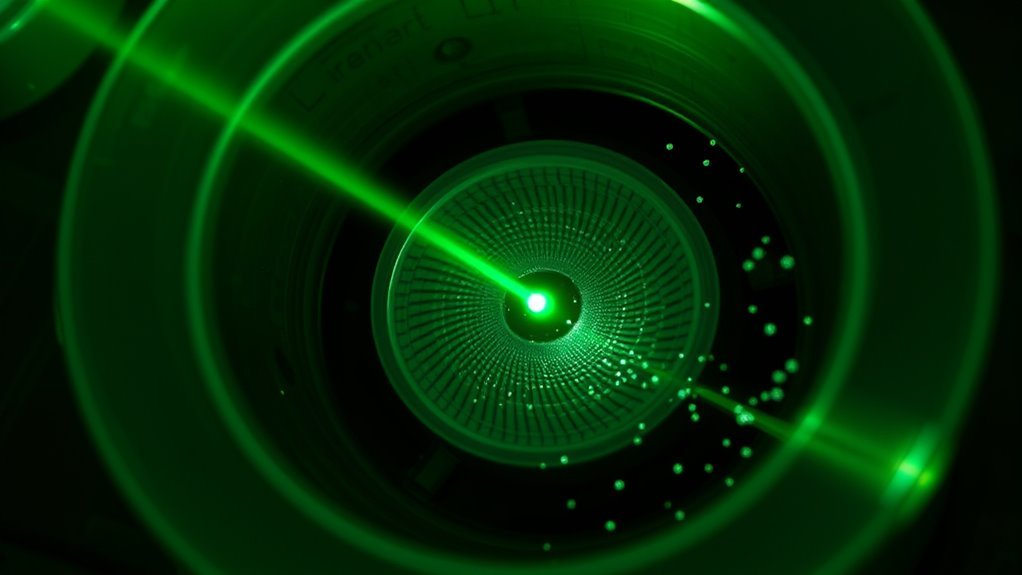
Before the printing process begins, the photosensitive drum receives a uniform electrical charge from a primary charge roller or corona device. This creates a controlled electrostatic surface.
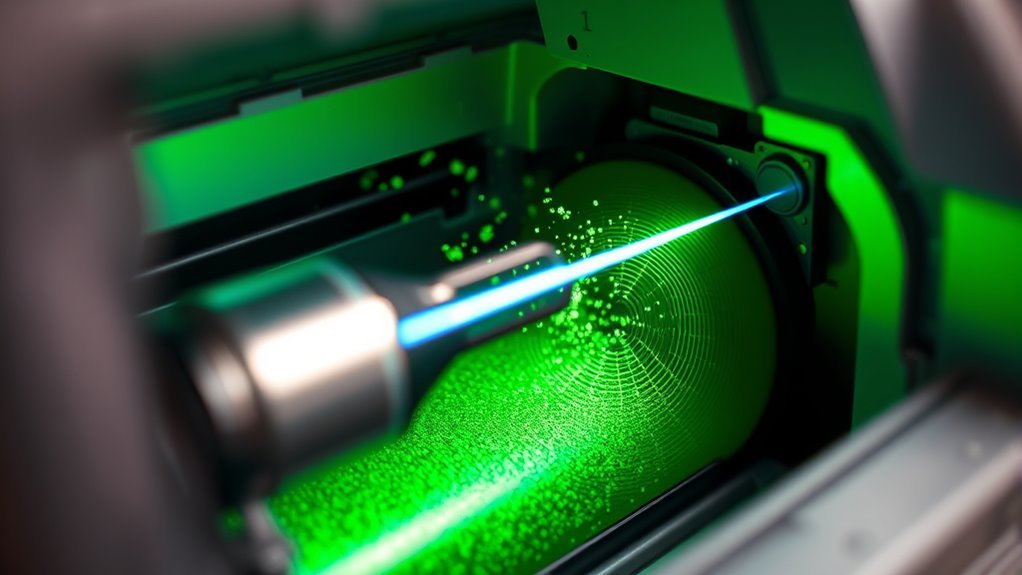
As the drum spins, a focused laser beam scans across it, selectively discharging tiny areas where light hits. This creates a latent electrostatic image on the drum that matches the content you want to print.
The discharged regions have a different surface potential than unexposed areas, forming a precise pattern of positive and negative charges. When toner particles are applied, they’re attracted to the charged areas, sticking only where the laser has drawn the image.
For color prints, the laser writes separate images for each color. This ensures sharp and accurate results.
This whole process sets the stage for transferring toner to your paper.
Cleaning and Conditioning the Drum for Quality Prints
To get clear, sharp prints, you need to remove leftover toner from the drum after each page. This step is super important because any leftover toner can mess up the next print.
You also have to neutralize any lingering charges so old images don’t show up again. Think of it like wiping the slate clean before starting fresh.
Finally, preparing the drum surface with the right charge guarantees toner sticks exactly where it should. That’s what makes your prints look crisp and professional every time.
Removing Residual Toner
After the toner transfers to the paper, the printer cleans off any leftover particles from the OPC drum using a rubber cleaning blade that scrapes off residual toner and deposits it into a waste hopper or washer bottle. This step is essential to prevent ghosting and streaks on your prints.
The rubber cleaning blade presses firmly against the OPC drum, making sure no toner remains stuck to its surface. By removing this excess toner, the waste hopper collects used particles, keeping the drum clean for the next print cycle.
Without this cleaning, leftover toner would cause faded spots or repeated images. So, the printer’s cleaning mechanism keeps your print quality sharp by efficiently clearing the OPC drum and managing toner waste before the drum is ready for the next page.
Neutralizing Drum Charges
Once the rubber cleaning blade removes leftover toner, the printer uses electrostatic erase lamps or discharge brushes to neutralize any remaining electrical charges on the OPC drum. This step is vital to prevent ghosting and guarantee a clean slate for the next print cycle.
After neutralization, the primary charge roller applies a uniform negative charge, preparing the drum for precise laser exposure. Here’s a quick overview of the neutralizing process:
| Component | Function | Result |
|---|---|---|
| Rubber Cleaning Blade | Removes residual toner | Prevents streaks and ghosting |
| Electrostatic (Erase) Lamps | Neutralize drum charges | Clears remaining electrical charge |
| Discharge Brushes | Assist in charge neutralization | Guarantees even charge removal |
| Primary Charge Roller | Applies uniform negative charge | Prepares drum for laser imaging |
| Waste Cavity/Bottle | Collects excess toner | Maintains toner density |
Preparing Drum Surface
Maintaining a clean and evenly charged drum surface is essential for producing sharp, consistent prints. After each print, the cleaning blade scrapes residual toner off the drum, preventing ghosting and streaks by collecting waste toner in a debris cavity.
Next, electrostatic erase lamps neutralize any leftover charge on the drum. This step ensures no unwanted toner clings during the next cycle.
Then, the primary charge roller reapplies a uniform negative charge across the drum, setting an even potential for the upcoming exposure. You’ll want to replace the cleaning blade periodically and keep the erase lamps in good condition to preserve the drum’s sensitivity and extend its life.
Properly preparing the drum surface guarantees each print starts with a fresh, clean slate. This way, you get clear, precise images every time.
How the Laser Exposure Step Forms the Image
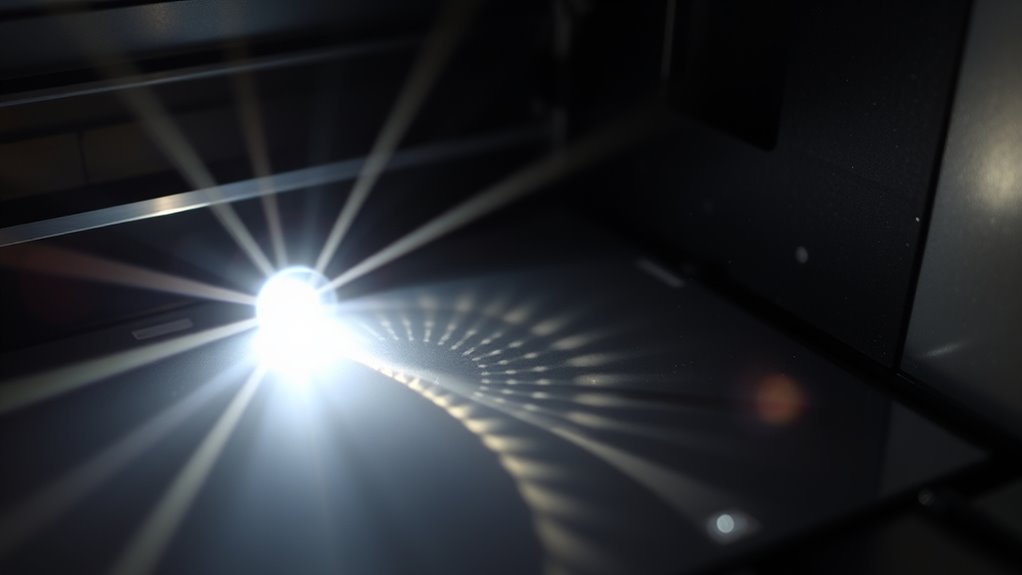
Once the drum has a uniform charge, the laser beam scans its surface, selectively reducing the charge where toner needs to stick. This process creates a latent electrostatic image that matches your print data exactly.
You’ll see how this precise charge reduction sets the stage for the toner to form your final print. It’s pretty neat how the laser’s careful work guides the whole printing process.
Laser Beam Function
A focused laser beam scans across the photosensitive drum, selectively discharging its surface to form a precise electrostatic image. The laser reflects off a fast-spinning multi-faceted mirror, sweeping line by line over the OPC drum.
Where the laser light hits, it lowers the drum’s surface charge, creating a pattern of charged and discharged areas—the latent image—that exactly matches the print data. This exposure depends on the laser’s spot size, coherence, and timing, which directly affect print resolution and sharpness, typically between 600 and 1200 dpi.
Your printer’s raster image processor (RIP) converts digital data into on/off pulses, controlling the laser’s modulation during scanning. In color LaserJets, this process repeats for each CMYK drum, aligning multiple latent images before toner application.
Latent Electrostatic Image
Although the photosensitive drum starts with a uniform high-voltage charge, the laser beam selectively discharges specific spots to create a precise pattern. This process, called laser exposure, targets the photosensitive (OPC) drum line by line, forming a latent electrostatic image.
The discharged areas have lower charge, defining where toner particles will stick later. High-speed laser exposure guarantees crisp images with resolutions up to 1200 dpi, making your prints sharp and detailed.
In color printers, separate latent images form for each color layer, guaranteeing perfect alignment.
You’ll appreciate how this step:
- Transforms invisible charges into detailed images
- Enables lightning-fast, precise printing
- Creates the foundation for vibrant, accurate prints
Drum Charge Reduction
Because the drum starts with a uniform negative charge, the laser beam can selectively reduce the charge on specific areas to form your image. The OPC drum is first given an even negative charge by a primary charge roller.
Then, the laser beam, controlled by your print data, sweeps across the drum using a spinning mirror. It strikes precise spots, lowering the negative charge in those regions.
This creates a high-contrast electrostatic pattern of charged and discharged zones. Toner particles, which carry a negative charge, are attracted only to the still-charged areas, not the laser-exposed ones.
This selective adhesion forms a visible image on the drum, ready for transfer to paper. Afterward, the drum is cleaned and reset for the next print cycle.
Developing and Applying Toner in LaserJet Printers
During the developing stage, the developer roller carefully carries negatively charged toner particles from the hopper and applies a thin, precise layer onto the photosensitive drum. The toner, mostly plastic resin mixed with pigments and additives, sticks only to the laser-exposed areas of the drum.
A control blade regulates the toner’s thickness on the developer roller, assuring consistent quality without streaks. In color printers, this process happens for each color toner separately, combining to create vivid images. Excess toner is collected and removed, keeping the drum ready for the next print cycle.
You’ll appreciate how this stage turns invisible laser patterns into visible images. It also maintains sharpness and detail in every print.
Plus, it assures your documents look professional every time.
How Toner Transfers From Drum to Paper
The transfer roller or secondary corona wire pulls the negatively charged toner particles from the photosensitive drum onto the paper by applying an opposite charge. As the paper moves beneath the OPC drum, the transfer roller creates an electrostatic field that attracts the toner precisely to the paper’s surface. This alignment guarantees your text and images come out sharp and well-positioned.
In color printers, the paper passes under multiple drums—cyan, magenta, yellow, and black—each transferring their layers sequentially to build the full-color image. Any toner that doesn’t transfer correctly is collected or scraped off the drum to avoid smudging.
For consistent results, the printer maintains correct voltage levels and keeps the paper dry and clean. That way, your prints don’t end up light, streaky, or ghosted.
How Fusing Makes Prints Permanent
Once the toner lands on the paper, the fuser steps in to make your print permanent by melting the tiny plastic particles and pressing them into the paper fibers. The fuser unit uses two heated rollers—one applying heat around 180–200°C and the other applying pressure—to liquefy the toner particles and bond them firmly to the paper.
This combination of heat and pressure guarantees your prints resist smudging and wear. The rollers’ non-stick surfaces prevent toner from sticking, keeping prints sharp and clean. Proper temperature and speed control are critical; too little heat or too fast a pass causes poor adhesion, while too much heat can damage the paper.
What Toner Is Made Of and Why It Matters
Although you might not give it much thought, toner plays a crucial role in determining the quality and durability of your prints. Toner is mostly powdered plastic resin blended with pigments and additives, designed to melt and fuse to paper during printing.
The toner particles are engineered to be small and uniform, ensuring sharp resolution and smooth coverage. To keep these particles flowing smoothly and prevent clumping, manufacturers add charge control agents and fine fumed silica.
These additives help control the electrostatic charge, ensuring toner particles consistently adhere to the charged drum. Properly formulated toner also matches specific printer models to optimize charge characteristics and page yield.
Understanding what toner is made of helps you appreciate why quality toner means better, longer-lasting prints. It’s pretty interesting once you know what’s inside!
Comparing LaserJet and Inkjet Printers for Your Needs
Now that you understand what toner is made of and how it affects print quality, it’s helpful to compare LaserJet and inkjet printers to decide which suits your needs.
Laser Printers work by using powdered toner and a heated fuser. They deliver sharp text and faster speeds, which is perfect for heavy-duty printing.
In contrast, inkjet printers use liquid ink. This gives better results for vibrant photos but comes with higher ongoing costs since ink cartridges run out faster than toner cartridges.
Think about what matters most to you:
- Need crisp, high-volume document printing that’s cost-effective?
- Want vivid, glossy photos with smooth color blends?
- Prefer lower upfront costs and occasional use?
Choosing based on your workload and media will help you get the most from your printer.
Frequently Asked Questions
How Does the Laser Printer Imaging Process Ensure That Toner Adheres Only to the Intended Areas on the Imaging Drum?
You make certain toner sticks only where needed by using a laser to discharge specific drum areas, creating an electrostatic image that attracts toner particles. The developer roller and control blade then meter toner density precisely to avoid unwanted deposition.
This way, toner only adheres to the parts of the drum that form the desired image. It’s a clever process that keeps everything clean and sharp!
What Is Laser?
A laser is a device that emits a focused, coherent beam of light with a single wavelength. You use it to precisely target and control where light hits, enabling sharp, detailed images or text to be created accurately.
It’s pretty cool because this precision means lasers are super useful in lots of fields, from medicine to manufacturing. Basically, lasers help us make things clearer and more exact.
What Are the 10 Functions of a Printer?
Think of your printer as a Swiss Army knife—it prints, scans, and copies. It also faxes, manages networks, and handles duplexing.
Plus, it finishes jobs, tracks usage, supports various media, and processes images. Basically, it gives you versatile, all-in-one document control.
Do I Need a Laser Printer?
You need a laser printer if you print lots of text or documents quickly. It’s great when you want sharp black-and-white prints and prefer something low maintenance.
Plus, it’s cost-effective if you handle high volumes. Perfect for office use or if you need something heavy-duty.
Conclusion
Now that you know how a LaserJet printer works—from creating an electrostatic image to fusing toner permanently—you can really appreciate the precision behind every print. It’s pretty amazing how all those tiny steps come together to give you crisp, clear pages.
Remember, “a stitch in time saves nine,” so keeping your printer clean and well-maintained is key. This simple care guarantees consistent quality and helps your printer last longer.
Whether you choose LaserJet or Inkjet, understanding these printing steps makes a big difference. When you know how the process works, you can pick the right printer for your needs with confidence. Trust the process, and your prints will always shine bright and professional every time you hit print.