What’s a 3D Printer and How Does It Work?
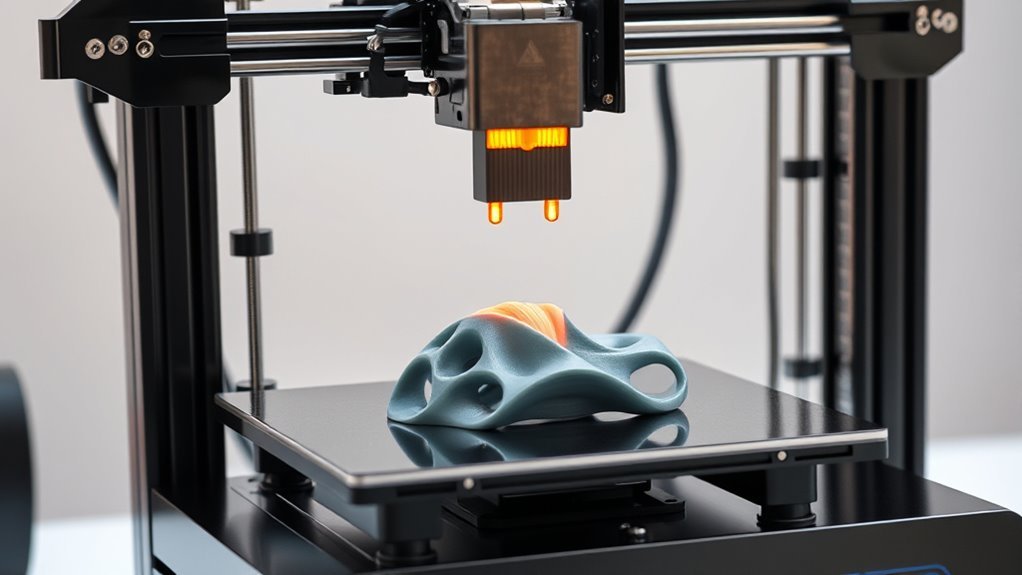
A 3D printer lets you turn digital models into real objects by layering melted plastic, much like a hot glue gun deposits glue.
It heats filament and precisely moves the nozzle to build your object layer by layer.
You control this process using software that slices your model into thin layers and sends instructions to the printer.
If you want to create detailed, smooth prints or troubleshoot issues, there’s more to explore about how it all works.
Understanding the basics of 3D printing can help you get the best results and bring your ideas to life.
So, whether you’re a beginner or looking to improve your skills, there’s plenty to learn about this fascinating technology!
Key Takeaways
- A 3D printer creates objects by depositing melted material layer by layer based on digital 3D models. It’s like building something up from the ground, one thin layer at a time.
- It uses a heated nozzle to melt filament like plastic, extruding it precisely onto a build platform. This nozzle moves carefully to make sure each bit goes exactly where it should.
- Stepper motors control the nozzle’s movements on X, Y, and Z axes to build layers accurately. So, the printer knows exactly how to position the material in three dimensions.
- Digital models are sliced into thin horizontal layers converted into G-Code for printer instructions. Think of slicing a loaf of bread—each slice guides the printer on what to do next.
- Bed leveling, temperature settings, and adhesion techniques ensure print quality and prevent warping. These adjustments help the printed object stick well and come out just right.
The Hot Glue Gun Analogy
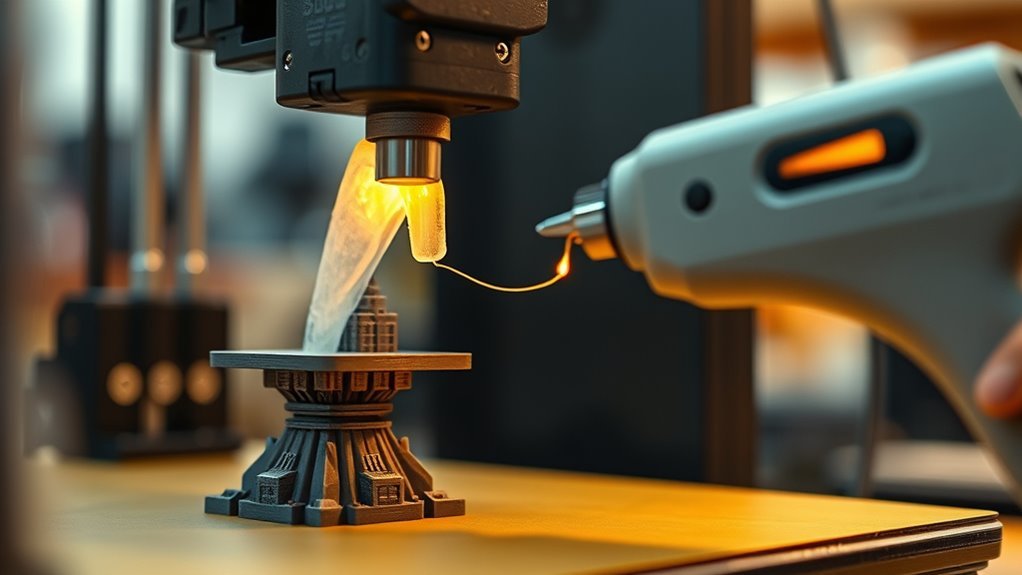
To understand how a 3D printer works, think of it as a super precise hot glue gun. The solid plastic filament acts like the glue stick, fed into the hotend where it melts.
The extruder motor pushes this filament into the hotend, similar to squeezing the trigger on a glue gun. As the melted plastic comes out of the nozzle, the printer moves it in exact patterns, building the object layer by layer.
The layer height, usually between 0.1 and 0.3 mm, controls how thick each deposited layer is, affecting the detail and smoothness of the final print. Instead of your hand, computer commands guide every movement, making sure each layer is precise and consistent.
Key Components of a 3D Printer
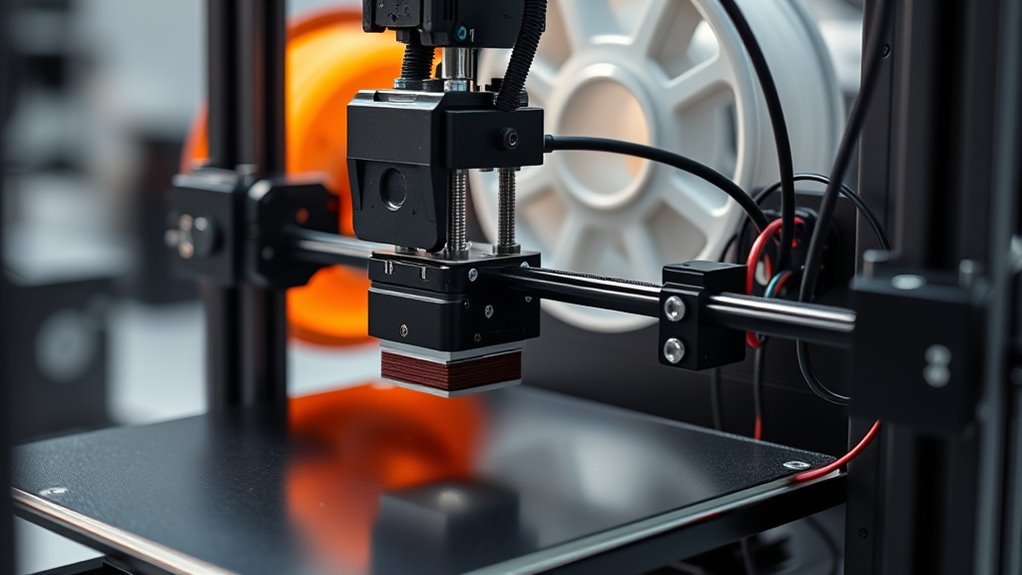
Every 3D printer relies on several key components working together to bring digital designs to life. You’ll find the hotend, which includes the heating block, temperature sensor, and nozzle. It melts filament and extrudes it precisely.
The hotend, with its heating block and nozzle, precisely melts and extrudes filament to create detailed 3D prints.
The heated bed keeps your print stuck down and helps prevent warping. Stepper motors move the nozzle and bed with high accuracy across three axes.
The extruder motor feeds filament into the hotend, either directly or through a Bowden tube. Finally, the controller board interprets commands to coordinate all parts seamlessly.
- Hotend with a precise nozzle for melting and extruding filament
- Heated bed for stable adhesion and reduced warping
- Stepper motors controlling X, Y, and Z movement
- Extruder motor and gear assembly feeding filament
- Controller board managing the entire printing process
Understanding the Printing Process
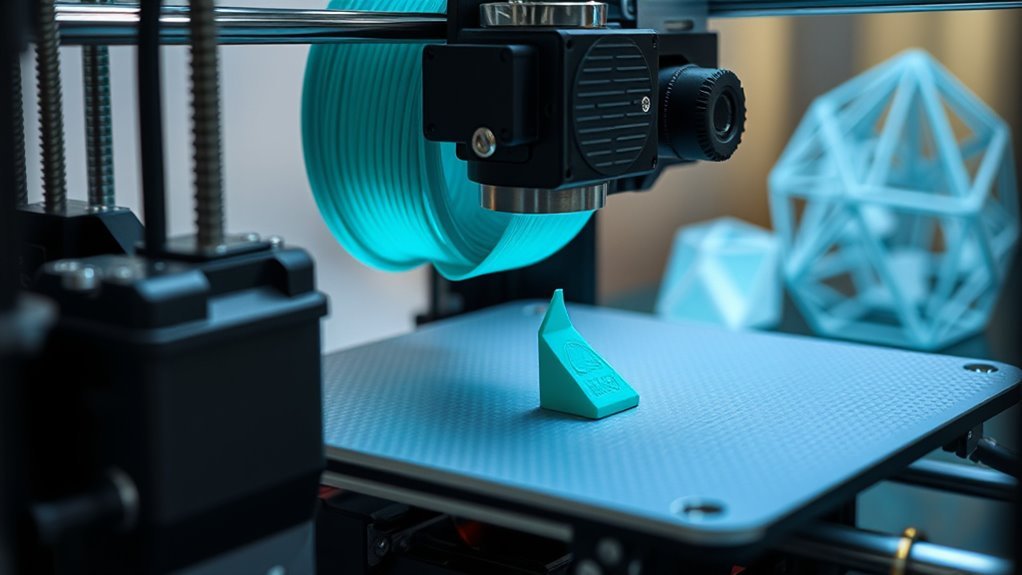
Getting a 3D print to come together involves carefully melting plastic filament and layering it precisely. In FDM printing, the hotend heats the filament (like PLA) to around 190–220°C, extruding it through a nozzle that lays down thin, bead-like roads on the build plate.
Before printing, a slicer converts your 3D model into G-Code. This code instructs the printer on nozzle movements, speeds, and temperatures for each layer.
The first layer is critical—it needs the right nozzle-to-bed distance, bed temperature, and initial speed to guarantee proper adhesion and prevent defects like warping.
After that, the printer’s motors synchronize filament extrusion with exact X, Y, and Z movements, building your object layer by layer.
Adjusting layer height lets you balance surface detail and print time effectively. So, tweaking these settings can make a big difference in your final print quality.
From Digital Model to Physical Object
You start with a 3D model that maps out your object’s shape in tiny triangles. Then, slicing software breaks that model into layers and generates the precise instructions your printer follows.
Finally, the printer heats filament and builds your object layer by layer. It’s amazing how digital designs turn into real-world creations like that!
3D Model Basics
Starting with a digital model stored as an STL or OBJ file, you’ll see the object represented by millions of tiny triangles forming a mesh that outlines its surface. This STL file acts as a blueprint, capturing the shape in precise detail.
Before printing, you use slicer software to convert the model into instructions your printer follows. The slicer sets key parameters like layer height, which controls the vertical resolution—smaller heights mean finer details but longer prints.
Here’s what you deal with:
- A mesh of triangles defining the object’s surface
- Ensuring the model is watertight and manifold
- Orienting the part for strength and minimal supports
You also set the layer height to balance detail and speed. Plus, you might add brims or supports for better adhesion and to handle overhangs.
This preparation bridges the digital design to a printable physical object. It’s all about getting your model ready so the printer can do its job perfectly.
Slicing Process Explained
Once your 3D model is prepped and oriented, the slicer takes over by converting that digital mesh into a series of thin horizontal layers. It slices the model based on your chosen layer height—typically between 0.1 and 0.3 mm—creating precise cross-sections.
The slicer also generates G‑Code, a set of instructions your printer follows line-by-line to control nozzle temperature, movement, and filament extrusion. You can customize settings like print speed, infill density, and support structures to balance quality, strength, and print time.
For example, lower layer heights improve detail but slow the process, while higher infill boosts durability. The slicer even adds supports when overhangs exceed printable angles, ensuring your print holds up during fabrication.
This slicing step bridges your digital design to a physical object ready for printing. It’s the crucial middleman turning your ideas into real-world creations.
Printing Execution Steps
Although the digital model forms the foundation, transforming it into a physical object requires several precise steps. This guide focuses on FDM printing, where the print head is mounted directly on the X-axis gantry.
You start by loading the sliced G-Code into the printer, then calibrate using a calibration cube to guarantee dimensional accuracy. The extruder melts filament and deposits it layer by layer as the build platform lowers.
After printing, you carefully remove the part and clean up any supports.
- Load sliced model (STL to G-Code)
- Transfer G-Code via USB, SD card, or Wi-Fi
- Calibrate printer using a calibration cube
- Extruder deposits melted filament layer by layer
- Remove and post-process the final print
This sequence guarantees your digital design becomes a precise, physical object.
Essential Tips for Successful Printing
To make certain successful 3D printing, you need to focus on getting the first layer just right by setting the nozzle-to-bed distance so the filament forms a smooth, slightly flattened line. Too close leads to clogs, while too far causes poor adhesion and messy strands.
Perfect the first layer by adjusting nozzle height for smooth, well-adhered filament lines—avoid clogs and gaps.
You also need to know how important it is to level the bed after temperature changes. Thermal expansion can shift the nozzle gap by up to 0.3 mm, so keeping an eye on that really pays off.
Start with PLA at 190–210°C and a heated bed at 50–60°C for reliable prints. It’s a good starting point that works well for most projects.
Use brims or rafts for small or warp-prone parts, and enable supports only on overhangs greater than 45°. This helps keep your prints clean without wasting material.
Keep your build surface clean, filament dry, and regularly check your extruder and nozzle to avoid under-extrusion. A little maintenance goes a long way in making sure your prints come out great every time.
Troubleshooting Common Issues
When your prints don’t turn out as expected, troubleshooting common issues can save both time and material. Start by checking the first layer—re-level the bed or adjust the Z-offset to keep the nozzle about 0.1–0.2 mm above the build plate for proper adhesion.
Noticing stringing? Try increasing retraction settings and lowering the print temperature slightly. If you see gaps or weak layers, inspect for under-extrusion causes like clogs or loose gears.
Warping? Use a heated bed and improve adhesion with glue or tape. Layer shifting often points to mechanical problems, so check belts, screws, and motors.
Here’s a quick checklist:
- Level bed and adjust Z-offset precisely
- Increase retraction and lower temperature to reduce stringing
- Clear clogs, tighten gears, and verify filament settings
- Use heated bed and adhesion aids to prevent warping
- Inspect belts, pulleys, and motors for layer shifts
Frequently Asked Questions
What Is a 3D Printer?
A 3D printer’s a machine you control with a computer that creates objects by layering melted plastic precisely.
You upload a digital design, and it builds your model layer by layer until it’s complete and tangible.
Pretty cool, right? It’s like turning your ideas into real things, one thin layer at a time.
Can You 3D Print Metal?
Yes, you can 3D print metal using lasers to fuse metal powders layer by layer. It’s a fascinating process that allows for creating complex metal parts with precision.
You’ll need specialized equipment and safety precautions. Plus, there’s post-processing involved, like heat treatment, to ensure the final product is strong and high-quality. This is especially important for critical applications.
How Much Does a 3D Print Cost?
You know what they say: “You get what you pay for.” A 3D print usually costs between $1 and $5 for small items.
But when you factor in machine wear and labor, it can easily reach $10 to $100 or more. So, the final price really depends on the size and complexity of what you’re printing.
How Much Does It Cost to Run a 3D Printer for 1 Hour?
You’ll spend about $0.30 to $1.50 per hour running a 3D printer, including electricity, filament, maintenance, and consumables. Costs vary with material use, print complexity, and how often you replace parts or deal with failed prints.
Keep in mind, if you’re printing something super detailed or using fancy materials, it might push the cost higher. Plus, those little extras like replacing worn-out nozzles or fixing a failed print can add up over time. So, it’s a good idea to factor in a bit of wiggle room when budgeting for your 3D printing projects.
Conclusion
Think of a 3D printer as a magical paintbrush, building your ideas layer by layer, just like a sculptor chisels stone into art. With each pass, it transforms digital dreams into tangible reality, guiding you from a blank canvas to a masterpiece.
By understanding its parts and process, you’re not just watching creation—you’re steering it. Embrace the journey, troubleshoot with patience, and watch your imagination take shape, one precise layer at a time.
A 3D printer works by adding material layer upon layer, following a digital blueprint to create three-dimensional objects. This process allows for incredible customization and rapid prototyping, making it a powerful tool in design and manufacturing.
So, whether you’re crafting prototypes, artistic models, or functional parts, knowing how a 3D printer operates helps you harness its full potential. Dive into the world of 3D printing, and turn your digital ideas into real-world creations with precision and creativity.