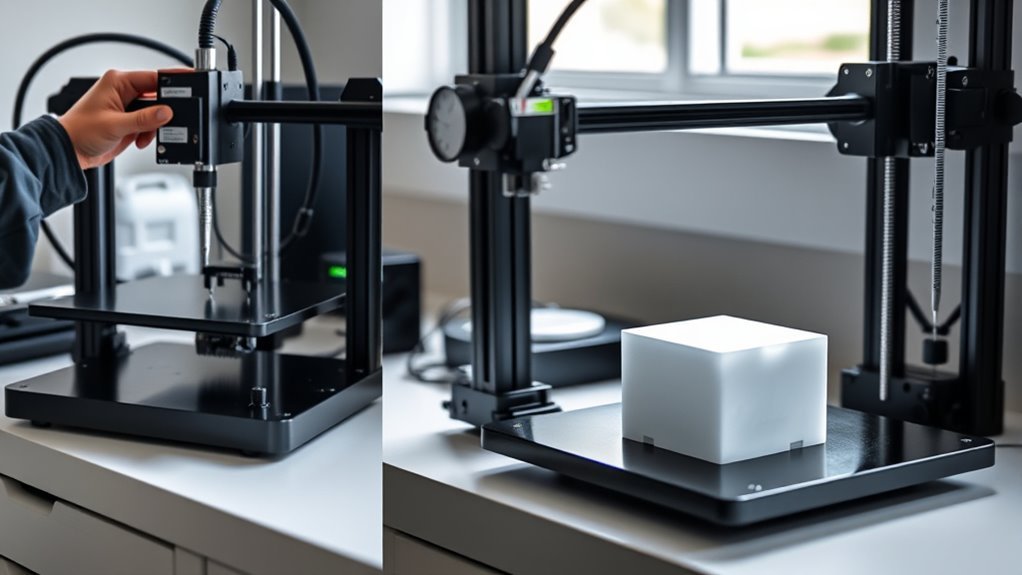
How to Calibrate a 3D Printer in 3 Easy Steps
Start by preparing your 3D printer for calibration. Tighten the belts, clean the nozzle and bed, and preheat both to the recommended printing temperatures. These simple steps help ensure your printer is ready to produce quality prints.
Next, level the bed carefully. Use a sheet of paper to set the perfect Z-offset so your first layer sticks well. This step is crucial for avoiding print failures and improving adhesion.
Finally, calibrate the extruder. Mark and extrude filament to adjust the steps per millimeter (steps/mm), then fine-tune the temperature for smooth filament flow and better print quality. Following these three easy steps lays a solid foundation before you dive into more detailed adjustments.
Key Takeaways
- Level the print bed by adjusting screws until the nozzle lightly grips a paper at multiple points after homing and preheating. This ensures the first layer sticks well and lays down smoothly.
- Calibrate extruder steps/mm by marking and extruding filament, then adjust firmware values and save to EEPROM. It might take a couple of tries, but it’s worth getting this right for consistent extrusion.
- Measure filament diameter accurately and input the average into slicer settings for precise extrusion flow. This helps avoid over or under-extrusion and improves overall print quality.
- Print a calibration cube to verify dimensional accuracy and adjust flow rate to match expected wall thickness. It’s a quick way to spot if your printer is off and fix it before a big print.
- Perform temperature tuning with a temperature tower to find optimal print temperature for adhesion and finish quality. Different filaments need different temps, so this step really helps nail down the sweet spot.
Preparing Your 3D Printer for Calibration
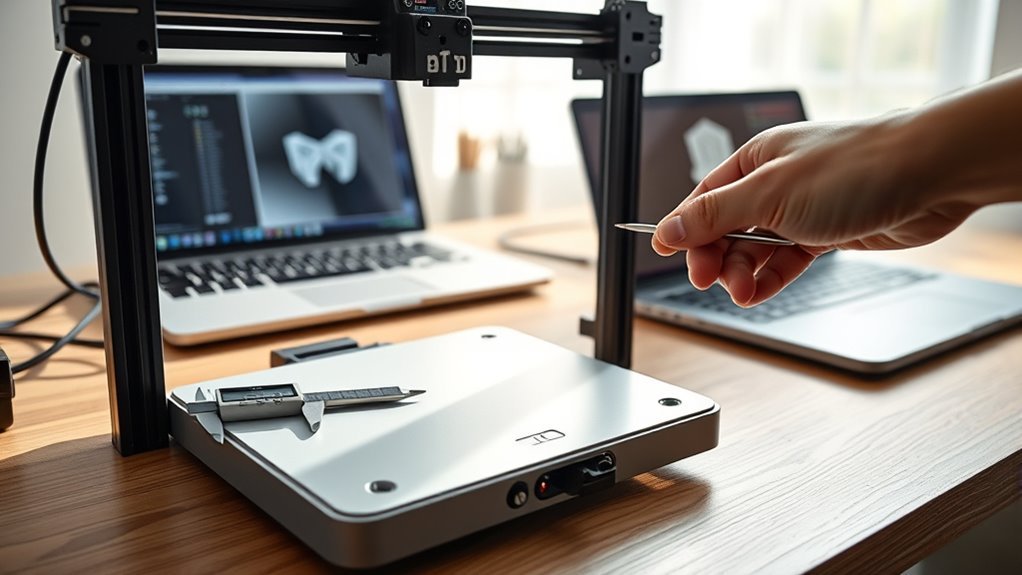
Before you begin calibrating your 3D printer, make sure to check its frame stability and motion. Tighten any loose belts or fasteners, and guarantee the lead screws and rails move smoothly without play in the gantry or bed.
Next, clean the nozzle and print bed thoroughly. Preheat temperatures to typical printing values—around 50–60°C for the bed and 200–210°C for the hotend—to account for thermal expansion during calibration.
Measure your filament diameter at several points using calipers, then average these measurements to improve extrusion accuracy.
Also, record your current extruder steps/mm and other EEPROM settings via the manual control interface, using commands like M501.
Finally, prepare a simple calibration print, such as a calibration cube, to verify your adjustments before moving on to bed leveling. It’s a good way to make sure everything is set up right before you dive deeper.
Bed Leveling and Z-Offset Adjustment
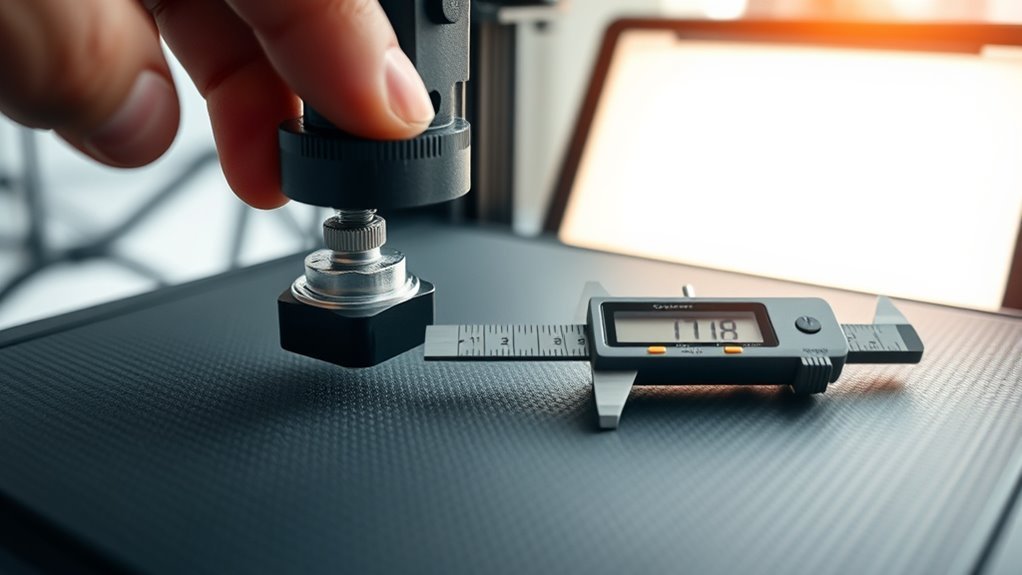
You’ll usually want to preheat the bed and nozzle to typical printing temperatures—around 60°C for the bed and 200°C for the nozzle—before starting bed leveling. This makes sure thermal expansion doesn’t mess with your adjustments.
Use the paper method or auto-probe to home the axes. Then, adjust the bed screws until a piece of paper slides with slight friction under the nozzle at all points.
Set the Z-offset so the first-layer height slightly squishes the filament (0.20–0.32 mm). This helps with good adhesion.
Print a first-layer test pattern to check for consistency. If needed, relevel after any changes.
Don’t forget to save your settings to EEPROM using M500 to keep your calibration safe.
| Step | Method | Goal |
|---|---|---|
| Bed Leveling | Paper method / Auto-probe | Uniform nozzle gap |
| Z-Offset | Manual adjust | Perfect first-layer height |
| Verification | Test pattern | Consistent extrusion, no gaps |
Extruder and Temperature Calibration
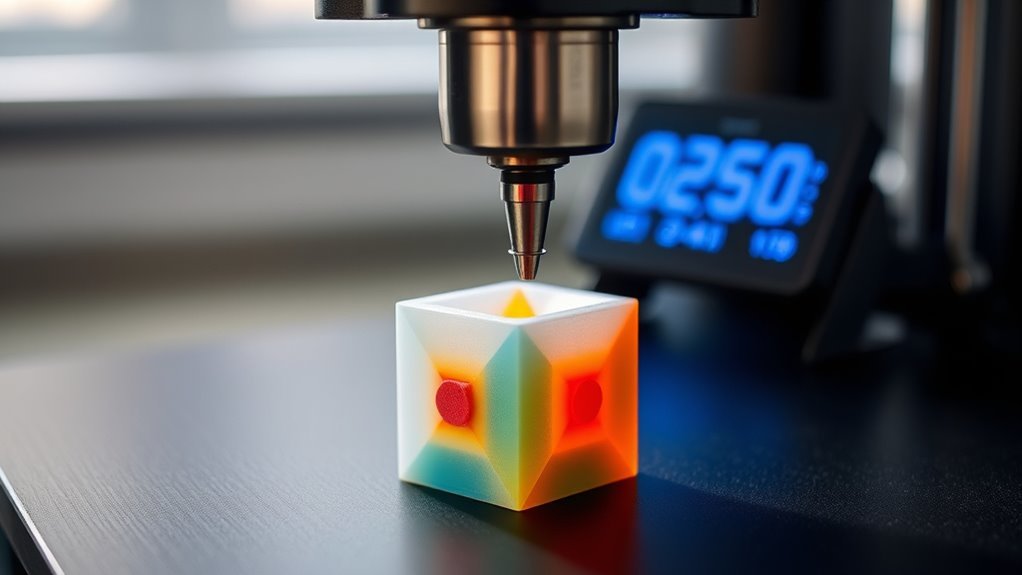
Start by heating the hotend to your filament’s recommended print temperature—around 200°C for PLA or 230–250°C for PETG. This helps guarantee accurate extrusion during calibration.
Begin by heating the hotend to your filament’s recommended temperature for precise extrusion calibration.
Next, measure your filament diameter in several spots with a digital caliper. Input the average into your slicer for precise volumetric flow.
To calibrate E-steps, mark 110 mm of filament, then extrude 100 mm. After that, calculate new E-steps using the formula and save the settings with M500.
Print a calibration cube or a single-wall test, then measure the wall thickness. Adjust the flow rate until it matches the expected thickness.
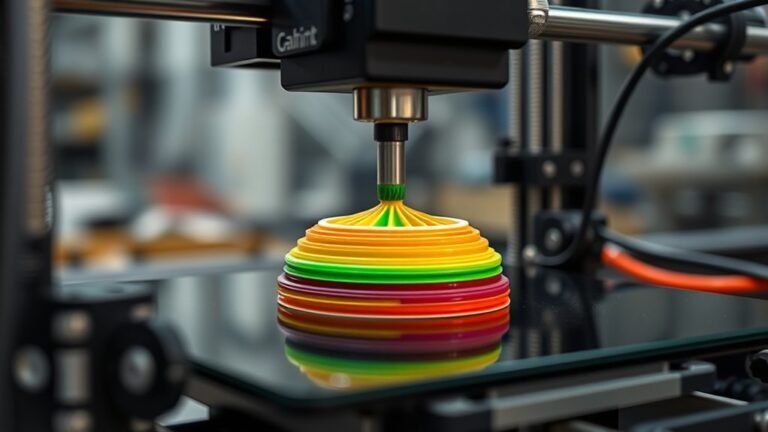
Finally, run a temperature tower to find the best hotend temperature that balances finish and adhesion. Once you’ve nailed that, recheck extrusion.
And don’t forget to set an ideal first layer bed temperature—it really helps with better adhesion.
Frequently Asked Questions
How Do You Calibrate a 3D Printer?
You start by checking mechanical parts, then level the bed and set Z-offset.
Next, calibrate extrusion steps by measuring filament extrusion. After that, adjust flow and temperature with test prints.
Finally, save your optimized printer settings to complete the calibration process. It’s all about getting your printer to perform at its best!
How to Calibrate Step by Step?
You’ll conquer calibration like a tech wizard by cleaning, homing axes, leveling the bed, setting Z-offset with test prints, calibrating extruder steps, tuning flow rate, and iterating prints until perfection shines in every layer.
Start by cleaning your printer to ensure nothing interferes with the process. Then, home all the axes to get a consistent starting point.
Next, level the bed carefully so your first layer sticks well. After that, set your Z-offset using test prints to find the perfect nozzle height.
Calibrate your extruder steps to make sure the right amount of filament is pushed through. Don’t forget to tune the flow rate to avoid over or under-extrusion.
Finally, keep iterating with test prints until every layer looks flawless. With patience, you’ll have your calibration dialed in like a pro!
Does a 3D Printer Need to Calibrate Every Time?
You don’t need to calibrate your 3D printer every time. Just do quick checks before prints and save full calibration for changes like new filament, nozzle swaps, or persistent print issues.
This way, you keep things running smoothly without spending extra time. It’s all about balancing convenience with quality.
How Do I Make My Printer Calibrate?
Think of calibrating your printer as tuning a musical instrument. You tighten belts, level the bed, adjust extrusion, and tweak steps per millimeter.
Follow these steps carefully, and your printer will sing flawless prints every time. It’s all about getting those settings just right!
Conclusion
Now that you’ve mastered these three easy steps, your 3D printer will perform like a dream—almost as if it’s printing with magic!
Remember, proper calibration isn’t just a one-time task; it’s the secret sauce to flawless prints every time.
Keep your bed perfectly leveled, nail your Z-offset, and fine-tune your extruder and temperature settings.
With a little practice, you’ll turn out masterpieces faster than you can say “3D printing wizard!”
Consistent calibration is key to achieving high-quality 3D prints. By regularly checking your printer’s settings, you ensure smoother layers, better adhesion, and fewer failed prints.
So, stay patient and keep tweaking your 3D printer calibration to unlock its full potential. Happy printing!