3 Best Color Printers Under 15000 for 2027
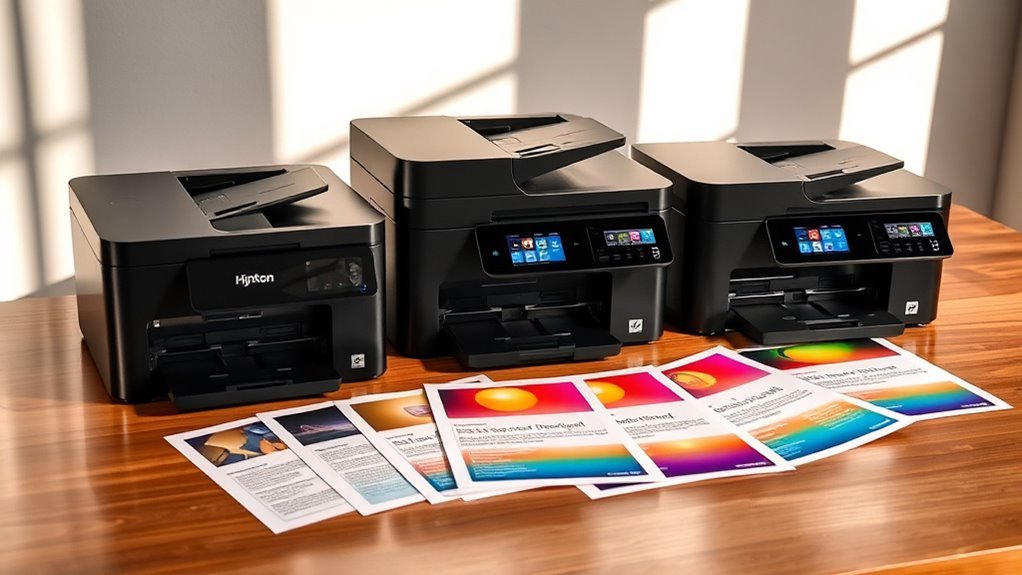
You’ll want the HP DeskJet 2923 for compact home use with reliable wireless printing and moderate volumes. It’s perfect if you need a simple, space-saving printer that won’t complicate your setup. Plus, it’s budget-friendly, making it a great choice for everyday tasks.
If you need high-volume color printing without breaking the bank on ink, the Canon MegaTank G3270 is the way to go. It offers refillable tanks that save you money over time and produces sharp, borderless prints that look professional. This model is ideal for those who print often and want quality without the hassle.
The Epson EcoTank ET-4800 is great too, providing multifunction features plus fax capabilities. Its cartridge-free design keeps running costs low, which is a huge bonus. Keep exploring to find which model fits your space, budget, and print needs best.
| Image | Name | Editor's Rating | Price |
|---|---|---|---|

|
|
||

|
|
||

|
|
HP DeskJet 2923 Color Inkjet Printer | Wireless | All-in-One
- Perfect for basic printing needs – Print everyday color documents like to-do lists, letters, financial documents and recipes
- KEY FEATURES – Color print, copy, scan, and a 60-sheet input tray, plus mobile and wireless printing
- OPTIMIZE PRINT FORMATTING WITH HP AI – Print web pages and emails with precision—no wasted pages or awkward layouts; HP AI easily removes unwanted content, so your...
- ICON LCD – Print your basic documents with ease from the intuitive control panel
- PRINT SPEED – Up to 7.5 ppm black, 5.5 ppm color

The HP DeskJet 2923 Color Inkjet Printer is designed to simplify your home printing needs. Its compact size fits neatly in small spaces, making it ideal for apartments or home offices. You can handle printing, copying, and scanning tasks with ease, all while enjoying wireless convenience.
This all-in-one printer connects via dual-band Wi-Fi, ensuring stable and fast printing without tangled cables. The intuitive icon LCD panel helps you manage tasks quickly, reducing hassle during busy days. With print speeds up to 7.5 ppm in black and 5.5 ppm in color, it balances performance with everyday use.
Maintenance is straightforward thanks to the included 6-month Instant Ink trial and HP’s AI optimization, which helps minimize wasted ink and pages. The 60-sheet input tray supports moderate print volumes, making it suitable for typical home use rather than heavy workloads.
Overall, the HP DeskJet 2923 combines easy setup, wireless control, and efficient ink management into a space-saving design. It meets the needs of users looking for reliable color printing and scanning without complexity.
Best for: compact home users who need reliable wireless color printing, copying, and scanning with easy smartphone integration.
What We Like:
- Reliable wireless printing with dual-band Wi-Fi
- Easy task management via icon LCD panel
- Includes 6-month Instant Ink trial and AI ink optimization
- Compact design fits small spaces comfortably
Specification:
| Feature | Details |
|---|---|
| Manufacturer | HP |
| Dimensions | Compact size (exact size not provided) |
| Weight | Not specified |
| Material | Not specified |
| Color Options | Not specified |
Canon MegaTank G3270 All-in-One Wireless Color Printer
- Wireless Print/Copy/Scan
- Up to 2 years of ink included (2)
- Print up to 6,000 black & white / 7,700 color pages using a single set of inks! (1)
- Save up to $1,000 on ink (1)
- 1.35” Square LCD display
Experience hassle-free, high-volume color printing with the Canon MegaTank G3270 All-in-One Wireless Color Printer. Designed for home and small office environments, this printer simplifies your daily tasks by combining printing, copying, and scanning in one compact device. Its wireless capability lets you print directly from smartphones and tablets, making it a convenient choice for busy users.
The Canon MegaTank system reduces frequent cartridge replacements by delivering up to 7,700 color pages per refill. This lowers your running costs and minimizes interruptions. Managing print jobs is straightforward with the easy-to-use 1.35″ LCD screen, helping you stay productive without unnecessary complexity.
With support for various paper sizes and borderless printing, the G3270 adapts to different projects effortlessly. It produces sharp images at a resolution of 4800 × 1200 dpi, ensuring clear and vibrant prints. While it only supports single-sided printing, its reliable output quality makes it a dependable option.
Maintenance is simple thanks to the refillable ink tanks, which help avoid messy cartridge changes. Its compact design fits well in limited spaces, offering powerful functionality without bulk.
Best for: Home users and small offices needing an affordable, wireless all-in-one printer with high-volume color output and low maintenance.
What We Like:
- High ink yield reduces frequent refills and lowers costs
- Wireless printing from mobile devices with app support
- Sharp 4800 × 1200 dpi resolution for vibrant color prints
- Supports multiple paper sizes and borderless printing
Specification:
| Feature | Details |
|---|---|
| Manufacturer | Canon |
| Dimensions (W×D×H) | Approx. 17.7 × 13.6 × 7.5 in (45 × 34.5 × 19 cm) |
| Weight | Approx. 5.9 kg (13 lb) |
| Color Options | Black |
| Connectivity | Wireless, USB 2.0 |
Epson EcoTank ET-4800 Wireless Color All-in-One Supertank Printer
- INNOVATIVE CARTRIDGE-FREE PRINTING — High-capacity ink tanks mean no more dealing with lots of tiny ink cartridges; Epson’s exclusive EcoFit ink bottles make filling...
- CLEAR AND VIBRANT PRINT QUALITY ― Create memorable prints and projects; Unique Micro Piezo Heat-Free Technology allows wireless color printer to produce sharp text and...
- ZERO CARTRIDGE WASTE — By using an Epson EcoTank printer you can help reduce the amount of cartridge waste ending up in landfills
- BUILT IN SCANNER AND COPIER ― All-In-One Epson EcoTank is more than a printer; High-resolution flatbed scanner and color display come together for easy document copying...
- LESS FREQUENT INK REPLACEMENT — Replacement ink bottles don't have to be changed nearly as often as ink cartridges¹; Printer, scanner and copier lets you print up to...
Experience hassle-free printing with the Epson EcoTank ET-4800, designed to keep your workflow smooth and your costs low. Its cartridge-free ink system tackles the frustration of frequent replacements, letting you print large volumes without interruption. This printer’s high-capacity ink tanks significantly reduce the need for refills.
Maintenance is simple with Epson EcoFit ink bottles that make refilling quick and less messy. The printer supports heavy printing with up to 4,500 pages in black and 7,500 pages in color, so you spend less time worrying about ink levels. Its Micro Piezo Heat-Free Technology ensures crisp text and vibrant photos on a wide range of paper types.
The all-in-one design combines printing, scanning, copying, and faxing with an intuitive color display. This makes it a versatile device that enhances productivity in any home office setting. However, to maintain optimal performance, genuine Epson ink is required, and the initial investment may be higher than cartridge-based printers.
Best for: Home office users and individuals who need a reliable, cost-effective all-in-one printer capable of handling high-volume printing with easy maintenance.
What We Like:
- Cartridge-free ink system with large capacity tanks reduces downtime and waste
- Prints up to 4,500 black and 7,500 color pages for extended use
- Includes scanner, copier, fax, and color display for comprehensive functionality
Specification:
| Feature | Details |
|---|---|
| Manufacturer | Epson |
| Dimensions | Approx. 14.8 x 13.0 x 9.8 in (37.6 x 33.0 x 24.9 cm) |
| Weight | Approx. 11.6 lb (5.25 kg) |
| Color Options | White |
| Ink System | Cartridge-free EcoTank with EcoFit refill bottles |
Factors to Consider When Choosing a Color Printer Under 15000
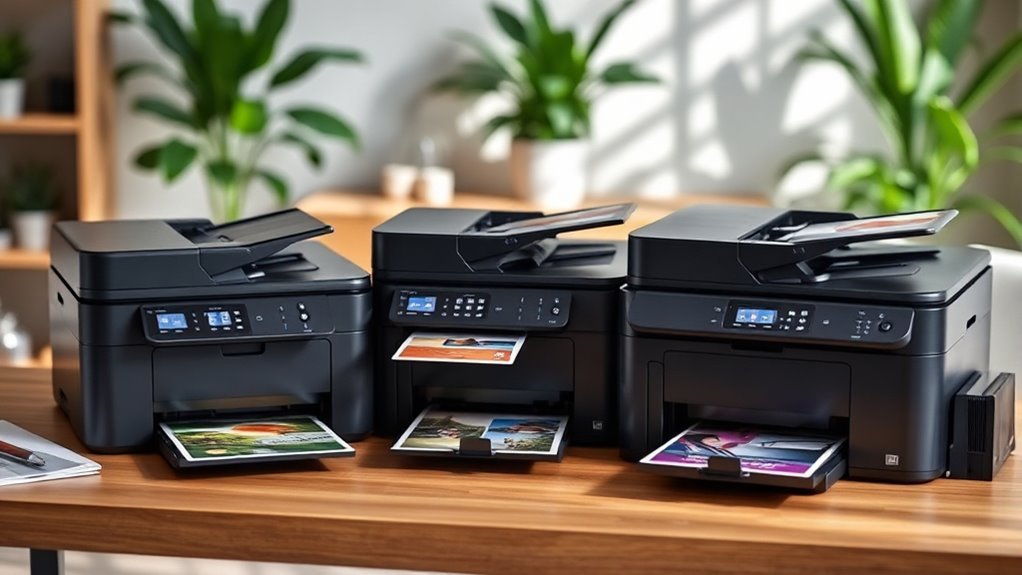
When choosing a color printer under 15000, you’ll want to compare print quality and check ink cost efficiency to keep expenses low.
Also, consider the connectivity options and how the device’s size and design fit your space.
Don’t forget to look at additional features that can make your printing experience smoother. It really helps to think about what you’ll use the printer for the most.
Print Quality Comparison
Although budget printers under 15000 may seem similar at first glance, their print quality can vary markedly depending on key factors. You should look for printers with higher maximum print resolution, like 4800 × 1200 dpi, for sharper photos and finer color gradations.
Check the color output depth and gamut—higher bit depth and wider gamut deliver smoother tones and more accurate colors. Also, consider the printing technology; smaller ink droplets and precise printhead placement enhance detail and reduce banding.
Don’t ignore the printer’s color page yield and ink delivery method, as consistent ink flow maintains vibrant colors over time. Finally, review print speeds across quality modes; higher-quality settings slow printing but substantially boost photo and graphic detail.
Ink Cost Efficiency
Print quality often grabs your attention first, but ink cost efficiency plays a major role in keeping your printer affordable over time. To gauge true running costs, compare the cost per page (CPP) by dividing cartridge or refill prices by their estimated page yields.
Refillable tank systems and high-yield ink bottles generally offer much lower CPP than standard cartridges, especially if you print a lot. Remember, color-heavy printing raises your overall CPP, so consider your typical usage mix.
Watch out for subscription or auto-replenishment plans—they might seem cheap initially but can add up after trial periods end. Also, factor in indirect costs like wasted pages from layout errors or maintenance cycles.
And don’t forget to check if the printer’s software helps optimize ink use to minimize unnecessary waste. It’s these little details that can really save you money in the long run.
Connectivity Options Available
Among the key features to prioritize in a color printer under 15000 is its connectivity options, which determine how easily you can send print jobs from various devices.
Make sure the printer supports both Wi-Fi—preferably dual-band 2.4/5 GHz—and USB connections for stable local printing from laptops, phones, or tablets.
Mobile printing protocols like AirPrint, Mopria, or a dedicated app let you print and scan directly from iOS and Android without installing drivers.
Ethernet and Wi-Fi Direct enhance reliability and simplify guest printing, especially when no router’s available.
Also, look for cloud printing and email-to-print features to send jobs remotely and receive scans online.
Finally, confirm network security support—WPA2/WPA3, password protection, and auto diagnostics—to keep your documents safe and connections steady.
Device Size And Design
After considering connectivity options that make sending documents easy and secure, you should turn your attention to the physical size and design of the printer. Measure your available desk or shelf space carefully, adding 10–15 cm (4–6 in) clearance in front and above for open trays and scanner lids.
If you plan to place the printer under cabinets or on a shelf, consider its height and depth—flatbed scanners typically add extra height even when closed. Look for compact or vertical designs that save space without sacrificing paper tray capacity.
Also, check the printer’s weight if you need portability; lighter models under 7 kg (15 lb) are easier to move. Finally, make certain the control panel and refill ports are easily accessible without repositioning the device.
Additional Features Offered
Several additional features can greatly enhance your experience with a color printer under 15000. Look for duplex printing to save paper and cut costs, especially if you print in high volumes.
A refillable ink-tank or high-yield cartridge system lowers your cost per page markedly compared to standard cartridges. Built-in scanner and copier functions with at least 600–1200 dpi optical resolution add versatility for digitizing documents and photos.
Wireless connectivity options like dual-band Wi-Fi, Wi-Fi Direct, and mobile app support let you print easily from smartphones, tablets, and computers. Also, a small color LCD or touchscreen simplifies setup and on-device tasks, showing ink levels and error messages for easier maintenance.
These features make your printer more efficient and user-friendly. So, it’s worth checking for them when you shop around!
Frequently Asked Questions
How Long Does the Printer Ink Typically Last?
Printer ink typically lasts three to six months, depending on your usage. If you print frequently, you’ll go through ink faster.
To save ink, you can adjust print quality or use draft mode for less critical documents. It’s a simple way to stretch your ink further without sacrificing too much on print clarity.
Are These Printers Compatible With macOS?
Yes, these printers are compatible with macOS. You’ll find easy-to-install drivers and seamless wireless connectivity.
Can These Printers Handle Photo Paper Printing?
Think of your printer as a skilled artist’s brush—it absolutely handles photo paper printing with precision and vibrant colors.
You’ll get sharp, detailed images that bring your memories to life, just like a masterpiece on canvas.
Do These Printers Support Mobile Printing Apps?
Yes, most of these printers support mobile printing apps. You can easily print directly from your smartphone or tablet using Wi-Fi connectivity and compatible apps like HP Smart, Epson iPrint, or Canon PRINT.
This makes printing convenient on the go. So, whether you’re at home or on the move, you’ve got printing covered without any hassle.
What Is the Average Print Speed for Color Documents?
Back in the days of telegrams, you’d expect about 5 to 12 pages per minute for color prints now.
You’ll find most printers under 15000 deliver speeds that balance quality and efficiency just right for everyday tasks.
Conclusion
When choosing a color printer under 15,000, you’ll want one that balances quality, wireless convenience, and cost-efficiency. Did you know that over 60% of home users now prefer all-in-one wireless printers for their versatility?
Whether it’s the HP DeskJet 2923, Canon MegaTank G3270, or Epson EcoTank ET-4800, each offers smart features that fit your budget. These printers are designed to make your printing experience hassle-free and affordable.
So, pick the one that suits your needs and enjoy hassle-free printing at a great price! With options like these best color printers under 15000, you get reliable performance, wireless convenience, and excellent print quality—all without breaking the bank. Happy printing in 2027!