5 Best Cheap Printers with Cheap Ink for 2027
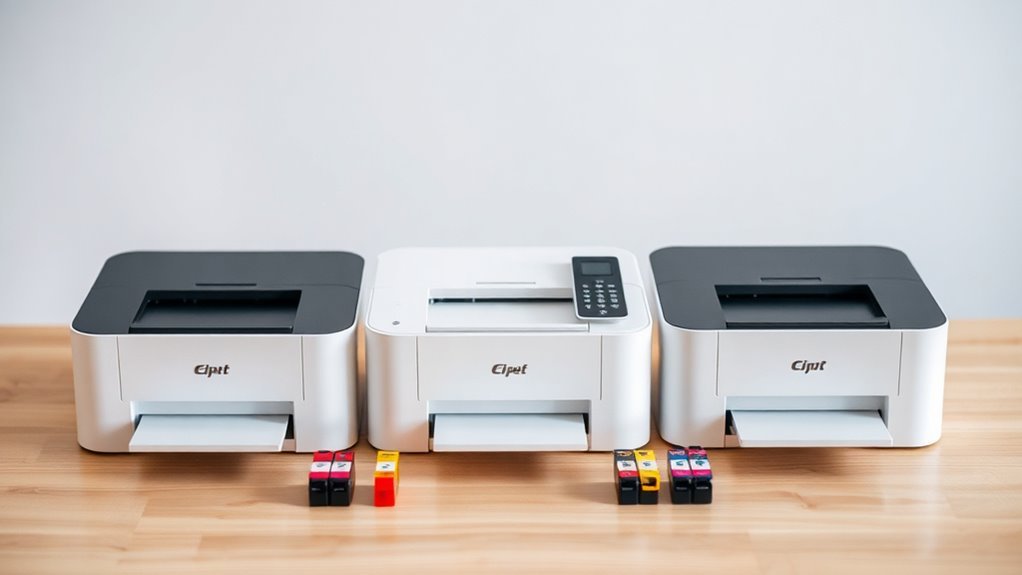
If you’re looking for budget-friendly printers with cheap ink in 2027, you’ve come to the right place. Finding the best cheap printers that also have low ink costs can really save you money in the long run.
Models like the HP Smart Tank 5003 and 7603, Epson EcoTank ET-2900 and ET-2988, and Canon MegaTank G3270 are some of the top picks. These all-in-one printers come with high-capacity refillable tanks that can last up to three years, which means fewer refills and less spending on ink.
They also make life easier by supporting wireless printing and offering good print quality. Plus, maintenance is straightforward, so you won’t have to worry much about upkeep. Keep exploring these options to find the perfect fit for your printing needs and save a bundle over time.
| Image | Name | Editor's Rating | Price |
|---|---|---|---|

|
|
||

|
|
||
|
|
||

|
|
||

|
|
HP Smart Tank 5003 Ink Tank Printer | 3 Years of Ink Included | All-in-One
- THE LAST PRINTER YOU'LL EVER NEED – Set it up once and print with confidence; no complicated maintenance, just easy, reliable printing you can count on
- FULLY LOADED WITH SAVINGS – Best for low-cost, high-volume printing—up to 3 years of HP Ink included; get up to 6,000 color or black pages right out of the box
- KEY FEATURES – Print, copy and scan, plus borderless prints, mobile and wireless printing
- MESS-FREE REFILL – Replenish ink with HP's easy-access, mess-free refill system; simply plug the ink bottles into this cartridge-free ink tank and let them drain—no...
- BEST PRINT QUALITY, PERIOD – Sharper text, richer colors, only with HP Smart Tank

Experience hassle-free printing with the HP Smart Tank 5003, designed to cut ink costs while delivering sharp, high-resolution output. This all-in-one printer lets you print, copy, and scan with ease, producing vibrant color documents up to 4800 x 1200 dpi. By including up to three years of ink, it eliminates frequent refills and keeps your printing running smoothly from day one.
The cartridge-free ink tank system makes maintenance simple and clean. Refill using original HP ink bottles without worrying about spills or wasted ink. Wireless printing from your phone or laptop adds convenience, while features like borderless photo printing and manual duplexing give you flexibility for various tasks.
This model suits budget-conscious users who need a reliable printer for high-volume home or small office use. While manual duplexing means some user involvement, it helps keep the design compact. The single 100-sheet tray is ideal for moderate printing demands, though larger jobs may need more frequent paper refills.
Best for: Budget-minded home users or small offices needing an efficient all-in-one printer with low ink expenses and versatile functionality.
What We Like:
- Up to three years of ink included for thousands of prints without interruption
- Cartridge-free ink tank system for mess-free refills
- Wireless printing from multiple devices for added convenience
- High-quality print resolution with borderless photo capability
Specification:
| Feature | Details |
|---|---|
| Manufacturer | HP |
| Dimensions | Not specified |
| Weight | Not specified |
| Color Options | Not specified |
| Print Resolution | Up to 4800 x 1200 dpi |
| Paper Tray | 1 tray, 100-sheet capacity |
Epson EcoTank ET-2900 Wireless All-in-One Printer
- Epson EcoTank includes enough ink to last up to 3 years⁴
- WORRY-FREE PRINTING — Epson EcoTank comes with enough ink to print up to 3,600 pages black/6,500 color⁹ for fewer out-of-ink frustrations. Each replacement ink bottle...
- SIMPLE INK REFILLING — Supersized ink tanks and uniquely keyed EcoFit bottles make refilling ink simple—no mess, no stress and no ink bottle mix-ups; fits in...
- THE WORLD’S #1 SELLING SUPERTANK PRINTER² — Epson invented EcoTank to revolutionize the way people print; we’ve sold 100 million EcoTanks worldwide⁷ and this is...
- KEY PRODUCTIVITY FEATURES — 11 black/6 color ISO ppm print speeds with zero warmup time, 100-sheet paper tray, high-resolution flatbed scanner and a 1.44" color display...
The Epson EcoTank ET-2900 redefines home printing by eliminating the hassle of frequent ink replacements. With enough ink to last up to three years, it significantly reduces ongoing costs and interruptions. Its cartridge-free system uses refillable EcoFit tanks, designed to prevent spills and mix-ups, making maintenance simple and clean.
This wireless all-in-one printer handles everyday tasks efficiently. It delivers sharp prints at speeds of 11 ppm for black and 6 ppm for color. The 100-sheet paper tray suits moderate print volumes, while the high-resolution scanner enhances versatility for home office needs.
Designed for convenience, the ET-2900 powers up instantly with no warmup time. The compact 1.44″ color display provides easy access to key functions, though it may be less intuitive for advanced settings. Overall, it balances functionality and simplicity for users focused on cost-effective, reliable printing.
Best for: Home users who need economical, high-volume printing with a simple, cartridge-free refill system.
What We Like:
- Ink supply lasts up to three years, minimizing replacements
- Cartridge-free design with easy, mess-free EcoFit refill bottles
- Wireless functionality with decent print speeds and a high-resolution scanner
Specification:
| Feature | Details |
|---|---|
| Manufacturer | Epson |
| Dimensions (W×D×H) | 14.8 × 12.2 × 7.5 inches |
| Weight | 8.8 lb (4 kg) |
| Color Options | White |
| Paper Tray Capacity | 100 sheets |
Epson EcoTank ET-2988 Wireless All-in-One Printer
- STRESS-FREE PRINTING — Epson EcoTank comes with enough ink to print up to 6,600 pages black/5,500 color¹⁰ for fewer out-of-ink frustrations. Each replacement ink...
- SIMPLE INK REFILLING — Supersized ink tanks and uniquely keyed EcoFit bottles make refilling ink simple—no mess, no stress and no ink bottle mix-ups
- THE WORLD’S #1 SELLING SUPERTANK PRINTER² — Epson invented EcoTank to revolutionize the way people print; we’ve sold 100 million EcoTanks worldwide⁷ and this is...
- ADVANCED PRODUCTIVITY FEATURES — Fast 15 black/8 color ISO ppm print speeds with zero warmup time, built-in scanner, 100-sheet paper tray, auto duplex printing and a...
- STUNNING PRINT QUALITY — High 4800 x 1200 dpi print resolution for exceptional photos and text; enjoy amazing image quality on a wide range of media
The Epson EcoTank ET-2988 offers a smart solution for those tired of constantly buying ink cartridges. Its high-capacity ink bottles can print thousands of pages, lasting up to three years. This reduces interruptions and cuts down on plastic waste, making it both convenient and eco-friendly.
Designed for ease of use, the ET-2988 supports wireless printing through apps like Epson Smart Panel, AirPrint, and Mopria. This means you can print directly from your smartphone or tablet without hassle. The all-in-one setup handles printing, copying, and scanning efficiently.
With print speeds up to 15 ppm for black and 8 ppm for color, this model fits well in small offices or home settings. Automatic duplex printing saves paper and effort. The compact design and color display make navigation simple, while genuine Epson ink ensures consistent quality.
Maintenance is straightforward thanks to the refillable ink tanks, reducing the need for frequent replacements. The 100-sheet tray capacity suits moderate printing volumes but may need topping up during heavier use.
Best for: individuals or small offices needing a cost-effective, low-maintenance all-in-one printer with a long-lasting ink supply and wireless mobile printing.
What We Like:
- Long-lasting ink bottles reduce frequent replacements and plastic waste
- Wireless and mobile printing with Epson Smart Panel, AirPrint, and Mopria
- Automatic duplex printing for efficient double-sided output
- User-friendly 1.44″ color display makes navigation easy
- Compact design fits small spaces without sacrificing functionality
Specification:
| Feature | Details |
|---|---|
| Manufacturer | Epson |
| Dimensions (W×D×H) | Approx. 14.8 × 12.5 × 5.7 in |
| Weight | Approx. 6.6 lb (3 kg) |
| Ink Type | Refillable EcoTank bottles |
| Connectivity | Wireless (Wi-Fi), USB |
| Print Speed | Up to 15 ppm (black), 8 ppm (color) |
| Paper Tray Capacity | 100 sheets |
HP Smart Tank 7603 Ink Tank Printer | 3 Years of Ink Included | All-in-One
- THE LAST PRINTER YOU'LL EVER NEED – Set it up once and print with confidence; no complicated maintenance, just easy, reliable printing you can count on
- FULLY LOADED WITH SAVINGS – Best for low-cost, high-volume printing—up to 3 years of HP Ink included; get up to 8,000 color or 6,000 black pages right out of the box
- KEY FEATURES – Print, copy and scan and fax, auto document feeder, magic touch control panel, plus borderless prints, mobile and wireless printing
- MESS-FREE REFILL – Replenish ink with HP's easy-access, mess-free refill system; simply plug the ink bottles into this cartridge-free ink tank and let them drain—no...
- BEST PRINT QUALITY, PERIOD – Sharper text, richer colors, only with HP Smart Tank
Experience seamless printing with the HP Smart Tank 7603, designed for users who need a long-lasting ink solution and versatile functionality. This all-in-one printer tackles your everyday tasks by combining printing, copying, scanning, and faxing in one reliable device.
The printer includes up to 3 years of ink, allowing you to print up to 8,000 color or 6,000 black pages without worrying about frequent refills. Its cartridge-free ink tank system simplifies maintenance and reduces mess, making it easier to keep your workspace clean.
With wireless and mobile printing capabilities, you can print from virtually anywhere, adding convenience to your routine. The borderless printing feature ensures sharp text and vivid colors for professional-looking documents and photos.
While it offers a larger footprint compared to compact models and requires careful setup to avoid spills, this printer delivers consistent performance with minimal upkeep. It’s an ideal choice for those who want a dependable, efficient all-in-one printer with a generous ink supply.
Best for: Users seeking a reliable, low-maintenance all-in-one printer with long-lasting ink supply and versatile wireless features.
What We Like:
- Up to 3 years of included ink for high page yields
- Cartridge-free ink tank design for easy, mess-free refills
- All-in-one functionality: print, copy, scan, fax
- Wireless and mobile printing for added convenience
- Borderless printing delivers sharp, vibrant results
Specification:
| Feature | Details |
|---|---|
| Manufacturer | HP |
| Dimensions | Not specified |
| Weight | Not specified |
| Color Options | Not specified |
| Ink System | Cartridge-free ink tank |
| Functions | Print, copy, scan, fax |
| Connectivity | Wireless, mobile printing |
Canon MegaTank G3270 All-in-One Wireless Color Printer
- Wireless Print/Copy/Scan
- Up to 2 years of ink included (2)
- Print up to 6,000 black & white / 7,700 color pages using a single set of inks! (1)
- Save up to $1,000 on ink (1)
- 1.35” Square LCD display
The Canon MegaTank G3270 is designed for users who want hassle-free printing without constant ink changes. Its innovative refillable MegaTank system delivers up to 6,000 pages in black and 7,700 pages in color per ink set, reducing interruptions and maintenance efforts. This means you can print for up to two years before needing a refill.
This all-in-one wireless color printer handles printing, copying, and scanning with ease. With Wi-Fi and USB connectivity, it fits seamlessly into home or small office setups. The printer produces sharp images at 4800 × 1200 dpi, ensuring clear and vibrant results every time.
Designed for versatility, it supports multiple paper sizes and types to accommodate different projects. Its compact size and simple 1.35″ LCD screen offer straightforward control without taking up much space. While it only prints single-sided pages and has moderate copying speed, it remains a reliable choice for everyday tasks.
Energy Star certification adds an eco-friendly aspect, helping reduce power consumption. Overall, the Canon MegaTank G3270 balances functionality with low maintenance, making it ideal for users who value efficiency and quality.
Best for: Home users and small offices looking for an economical all-in-one printer with high ink capacity and versatile media handling.
What We Like:
- High ink yield with up to 6,000 black and 7,700 color pages per refill set
- Wireless and USB connectivity supporting printing, copying, and scanning
- Sharp print resolution of 4800 × 1200 dpi for vibrant, clear output
- Supports a variety of paper sizes and types for different printing needs
- Energy Star certified for energy-efficient operation
Specification:
| Feature | Details |
|---|---|
| Manufacturer | Canon |
| Dimensions | Compact size (exact size not specified) |
| Weight | Not specified |
| Color Options | Not specified |
| Connectivity | Wi-Fi, USB |
| Print Resolution | Up to 4800 × 1200 dpi |
| Ink System | Refillable MegaTank |
Factors to Consider When Choosing a Cheap Printer With Cheap Ink
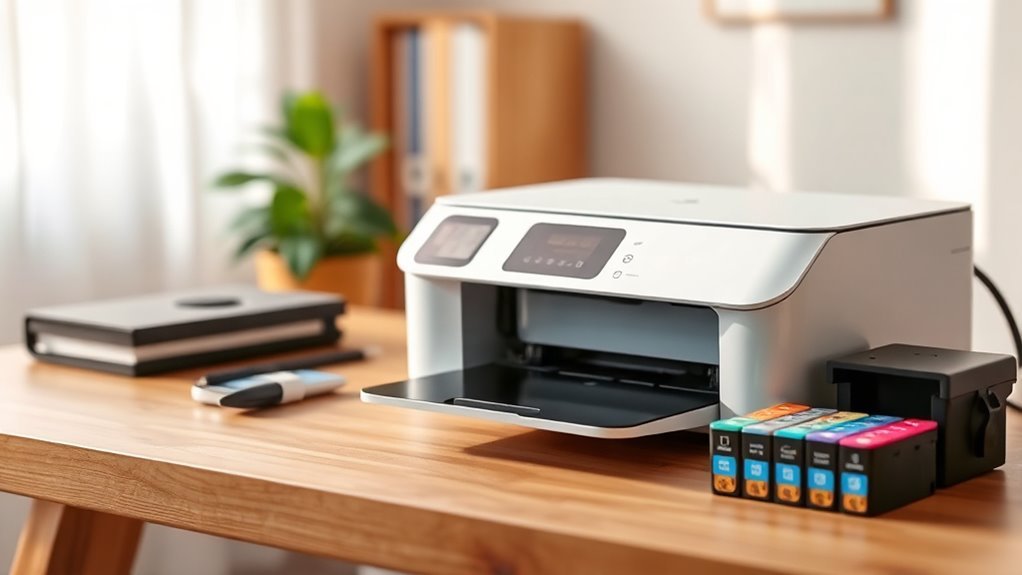
When picking a cheap printer with affordable ink, you’ll want to focus on ink cost efficiency and how much ink the printer can hold. Consider if it uses cartridge-free refill systems to save money and hassle.
Also, check print quality consistency and whether it connects smoothly with your devices. These little details can make a big difference in your overall experience.
Ink Cost Efficiency
Although upfront printer prices may seem low, you’ll want to calculate the true ink cost per page by dividing the price of replacement ink or bottles by their estimated yield. Look for printers with high-yield refillable tanks or large-capacity bottles, as they usually offer a much lower cost per page than standard cartridges.
Remember to assess black and color ink yields separately, since black ink often lasts longer and affects overall costs if you print mostly text. Don’t forget to factor in maintenance costs like printhead cleaning and wasted ink during priming, which can increase your effective ink consumption.
Finally, check both official yields and real-world test reviews under typical print coverage (around 5%) to avoid overestimating savings based solely on manufacturer claims. It’s a good idea to get the full picture before making your choice.
Printer Ink Capacity
Consider ink capacity as a critical factor when choosing a cheap printer with cheap ink, since it directly impacts how often you’ll need to replace supplies and your overall printing cost. Look for printers with high-capacity refillable tanks or XL ink bottles that can print thousands of pages—often between 3,000 and 8,000+—compared to typical cartridges yielding just a few hundred pages.
Always check the in-box ink yield specs; many advertise “years of ink included” with clear page counts to help you assess upfront value. Also, compare the cost per page by dividing the replacement ink price by its rated yield.
Opt for printers with individual color tanks (CMYK) so you only replace the colors you use most, reducing waste and saving money in the long run. It’s a smart way to keep your printing costs down without sacrificing quality.
Cartridge-Free Refill Systems
Since cartridge-free refill systems use built-in ink tanks and separate refill bottles, they can markedly reduce your printing costs by offering much higher ink volumes per bottle compared to traditional cartridges. These refillable tanks often yield thousands of pages right out of the box, so check the manufacturer’s page-yield estimates to gauge long-term expenses.
Look for color-coded or keyed bottle nozzles and spill-resistant designs to keep refills clean and prevent cross-contamination. It really helps make the whole refilling process less messy and more foolproof.
Keep in mind, these systems might need regular printhead cleaning or alignment. Using genuine ink is usually recommended too, to avoid clogs and protect your warranty.
Also, compare tank capacity and bottle sizes to figure out how often you’ll need to refill. That way, you can calculate the true cost per page for both black and color printing and see what works best for you.
Print Quality Consistency
When choosing a cheap printer with affordable ink, you’ll want to pay close attention to print quality consistency. Check the printer’s maximum print resolution—higher dpi, like 1200+ rendered dpi or up to 4800×1200 optimized dpi, guarantees finer details and smoother gradients.
Opt for refill systems with large, stable ink yields; they maintain uniform output better than small cartridges that fluctuate as ink runs low. Also, compare print speeds at typical quality settings since slower prints often deliver more consistent color density and sharp edges.
Don’t forget to evaluate scan and copy resolution plus color depth, as low specs here can cause banding and tonal inconsistencies. Finally, choose printers offering automatic or manual color calibration and ICC profile support to reduce variability in color accuracy across print jobs.
Connectivity And Compatibility
How will your new printer fit into your current tech setup? Make sure it supports both wireless and wired connections like Wi-Fi, Ethernet, or USB to seamlessly connect with your devices.
If you print from smartphones or tablets, confirm it works with mobile printing protocols such as AirPrint or Mopria. Check that your operating system—whether Windows, macOS, or Linux—is compatible.
Look for native drivers or reliable driverless printing options like IPP. For remote or shared access, consider multi-device and cloud printing features like email-to-print or app-based print-anywhere capabilities.
Finally, don’t overlook security: WPA2/WPA3 encryption, password-protected setup, and firmware updates will keep your network and printer safe and compatible as technology evolves.
Frequently Asked Questions
How Do Printer Ink Cartridges Impact Print Quality?
Printer ink cartridges directly affect print quality because they control color accuracy and sharpness.
If you use low-quality or empty cartridges, your prints will look faded, blurry, or streaky. So, always choose reliable ink for the best results.
Can These Printers Handle Photo Printing Well?
Yes, these printers can handle photo printing reasonably well, especially for casual use. You won’t get professional-quality photos, but they produce decent color and detail without breaking the bank or using expensive ink cartridges.
What Is the Average Print Speed of These Models?
The average print speed of these models is around 10 to 15 pages per minute for black and white, and 5 to 8 pages per minute for color.
You’ll find they balance speed with affordability nicely. It’s a good mix if you need decent output without breaking the bank.
Are These Printers Compatible With Mac and Windows?
Yes, these printers are compatible with both Mac and Windows systems. You’ll find easy setup options and driver support for both platforms.
Do These Printers Support Mobile Printing Apps?
Yes, these printers support mobile printing apps, letting you print directly from your smartphone or tablet.
You’ll find compatibility with popular apps like Apple AirPrint and Google Cloud Print, making wireless printing quick and easy.
Conclusion
When choosing a cheap printer with cheap ink, you want reliability that lasts, efficiency that saves, and quality that impresses. You want a printer that’s easy to set up, simple to use, and affordable to maintain.
Whether you pick an HP, Epson, or Canon, focus on ink costs, print volume, and wireless features. These are the key factors that make a big difference in your overall printing experience.
By balancing these factors, you’ll get a printer that fits your budget, meets your needs, and keeps your printing hassle-free. Remember, cheap printers with cheap ink don’t have to mean low quality or frustrating upkeep. With the right choice, you can enjoy smooth, efficient printing without breaking the bank. So, as you shop for the best cheap printers with cheap ink in 2027, keep these tips in mind to find the perfect match for your home or office needs.