How to Print From Phone to Wireless Printer in 5 Easy Steps
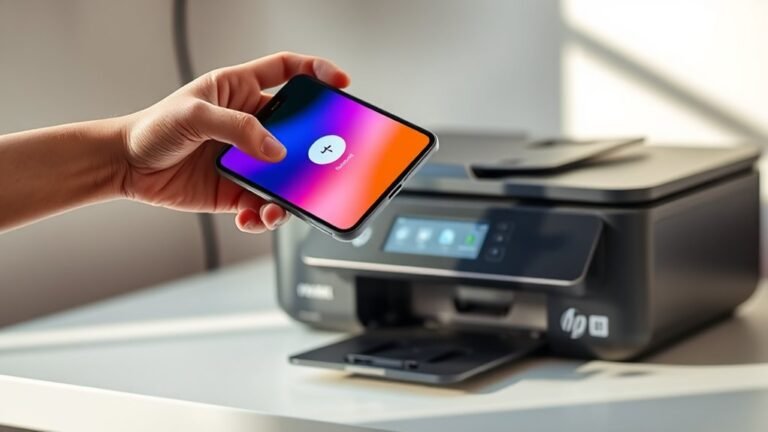
To print from your phone to a wireless printer, first make sure both devices are powered on and connected to the same Wi-Fi. Next, install a printing app like Epson iPrint or PrinterShare, granting necessary permissions.
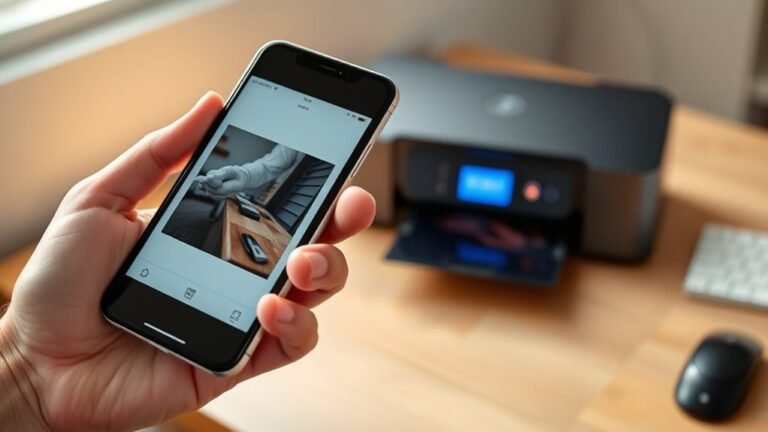
Then, open the app, find your printer, and connect. Adjust print settings like paper size and quality before sending your job.
If you run into trouble, try restarting devices or using a cable connection. Keep going to uncover helpful tips and fixes for smooth printing.