



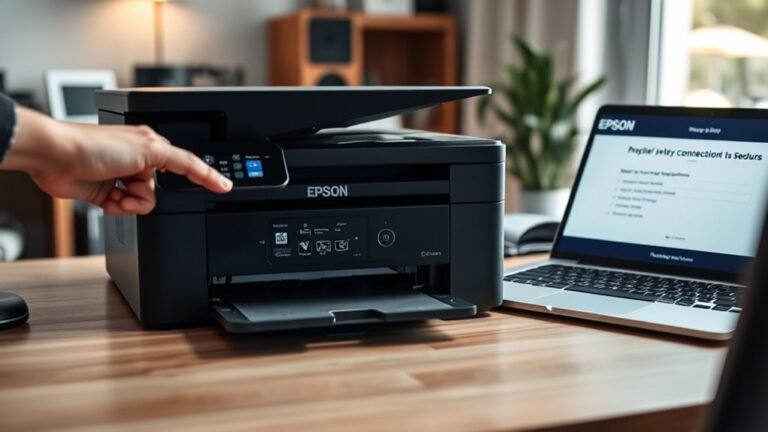
To get your Epson printer online, start by connecting it to your Wi-Fi using the printer’s network setup menu. Make sure to enter your exact password, or use WPS if that option is available.
Next...
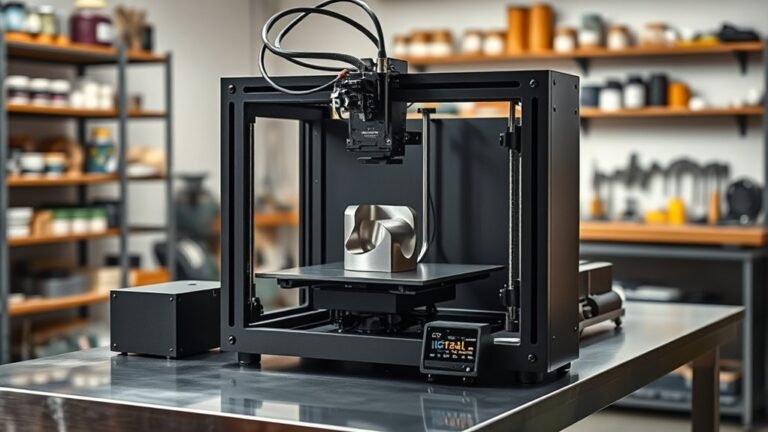
Metal 3D printers can cost you anywhere from a few hundred dollars for entry-level filament systems to over half a million dollars for advanced industrial powder-bed machines.
Keep in mind...
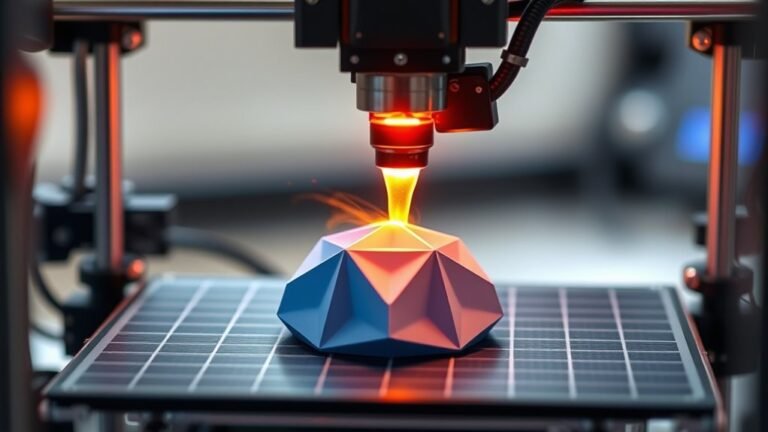
You start by preparing a digital 3D model, ensuring it’s error-free and properly oriented for printing. Next, you slice the model into thin layers and set print parameters like speed and...
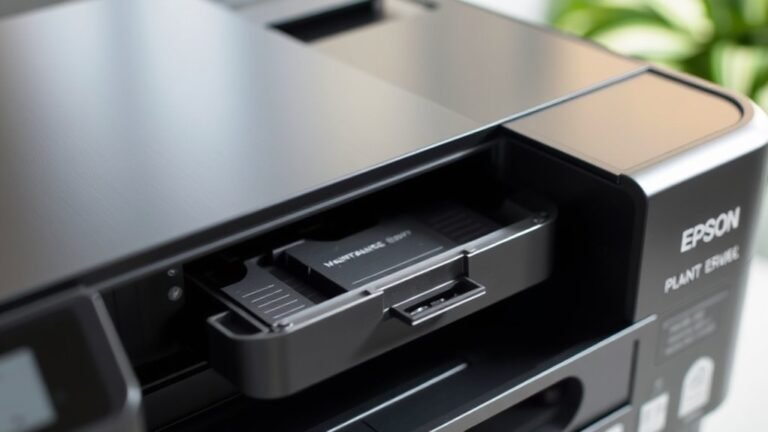
The maintenance box on your Epson printer collects excess ink from cleaning cycles to prevent leaks and keep your device running smoothly. When the maintenance light blinks, it’s warning you to...
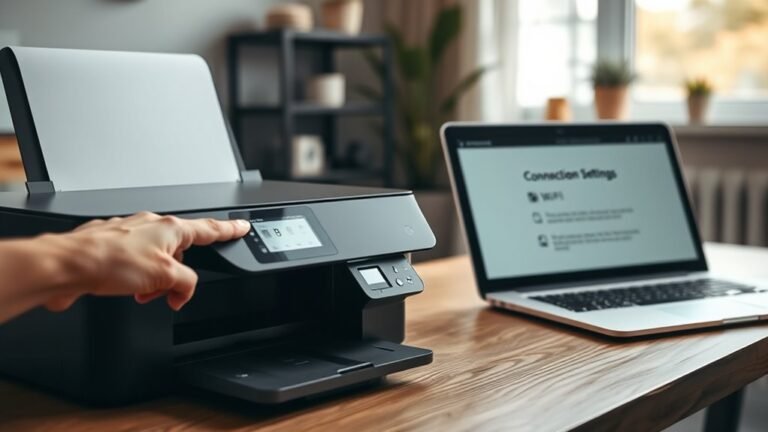
First, check your printer’s Wi-Fi compatibility and find your network’s SSID and password. Next, connect your printer using WPS by pressing both device buttons or use the printer’s control panel or...
The “Driver Unavailable” error means your PC can’t load the right driver for your printer. This usually happens because the driver files are missing, outdated, or just not compatible with your...
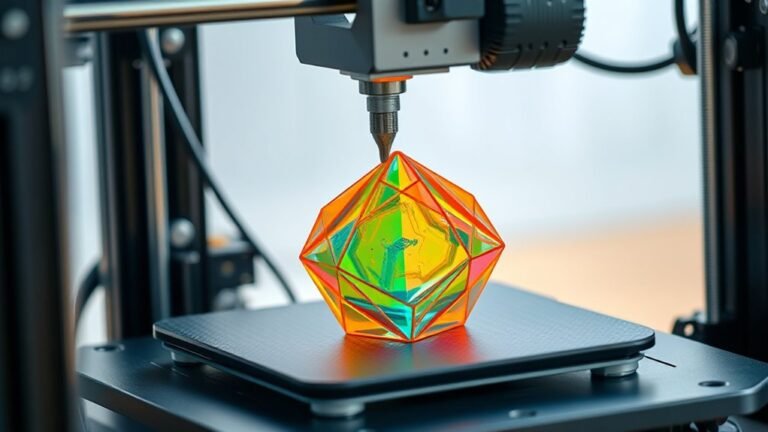
A 3D printer builds objects by melting filament like PLA or ABS and laying it down layer by layer, guided by precise nozzle movements in X, Y, and Z directions.
You start with a digital model, slice...
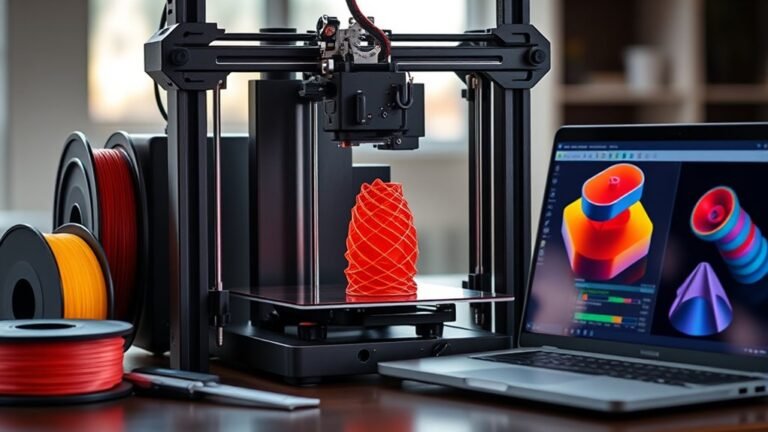
Before buying a 3D printer, know what you'll print—fine details need resin, strong parts match FDM or SLS. Consider build volume carefully; bigger projects need larger beds plus margin.
Resolution...
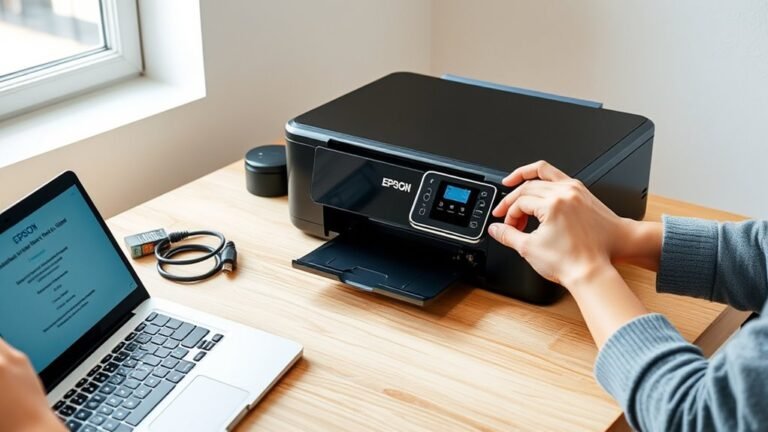
First, prepare your Epson printer and Wi-Fi details, powering on your printer with wireless enabled. Connect the printer to your Wi-Fi via its control panel using the Wi-Fi Setup Wizard.
Next...