5 Best Commercial Printers for Office Use in 2027
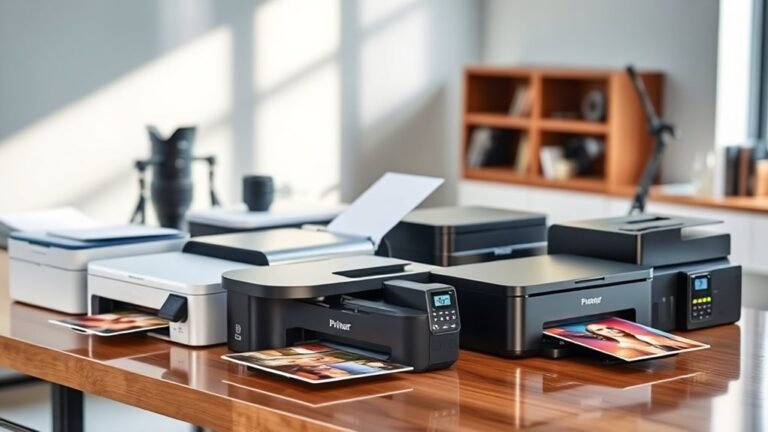
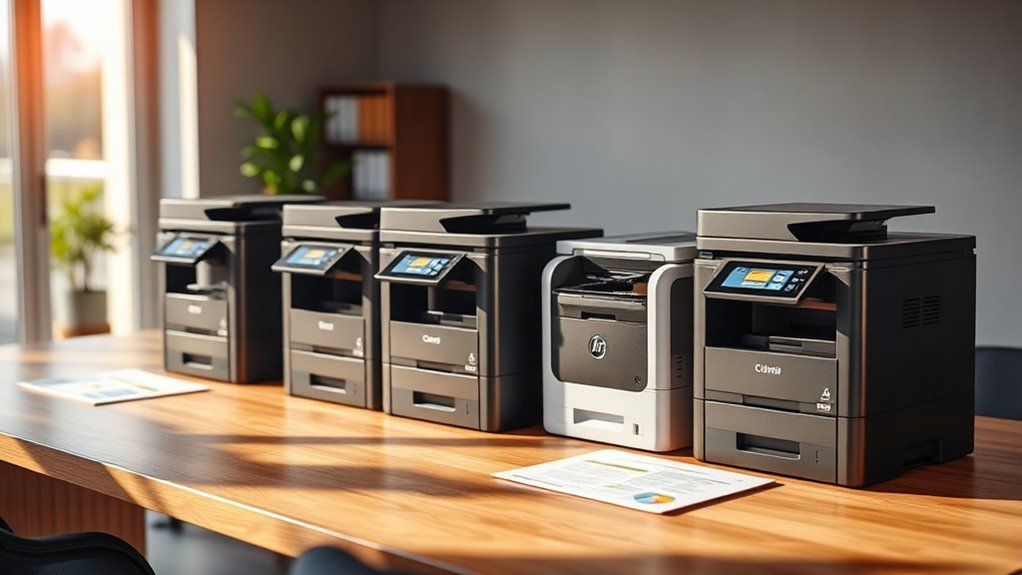
If you’re looking for the best commercial printers for office use in 2027, reliability and speed are top priorities. The Brother MFC-L5915DW is perfect for high-volume monochrome printing tasks, delivering consistent performance without slowing you down.
Need vibrant color prints with strong security features? The HP Color LaserJet Pro MFP 3301sdw is a great choice for small teams who want both quality and peace of mind. It handles color jobs efficiently while keeping your documents safe.
The Epson Workforce Pro WF-4930 stands out with its energy-efficient design and versatile printing options. Multiple trays make it easy to manage different paper sizes and types, adding convenience to your workflow.
For those who want cost-effective wide-format photo and document printing, the Epson EcoTank ET-15000 or the Pro ET-5800 are solid picks. Both come with refillable tanks and smart features to keep running costs low and productivity high.
Explore these options and find the best fit for your office needs today!
| Image | Name | Editor's Rating | Price |
|---|---|---|---|

|
|
||

|
|
||

|
|
||

|
|
||

|
|
Brother MFC-L5915DW Professional Laser Printer All-in-One
- FAST BUSINESS PRINTING AND COPYING: The Brother MFC-L5915DW business monochrome laser all-in-one printer delivers high-quality output and print and copy speeds of up to...
- LOW-COST OUTPUT: Help reduce operating costs by using the Brother Genuine TN920UXXL ultra high-yield 18,000-page replacement toner cartridge. Includes a Brother Genuine...
- FAST, HIGH-VOLUME SCANNING: The 70-page capacity(3) auto document feeder offers single-pass, two-sided scanning up to 56ipm(4). Features a large document glass for up to...
- FLEXIBLE CONNECTIVITY OPTIONS: Features built‐in Gigabit Ethernet and dual band wireless networking to seamlessly set up and share on your wired.

The Brother MFC-L5915DW Professional Laser Printer All-in-One is designed to keep busy offices running smoothly. It handles high-volume printing and copying with speeds up to 50 pages per minute, helping you meet tight deadlines without hassle. The fast output reduces wait times and keeps your workflow efficient.
This all-in-one device includes a 70-page auto document feeder that scans two-sided documents at 56 images per minute. It simplifies handling large batches of paperwork, saving time and effort. Network sharing is effortless with built-in Gigabit Ethernet and dual-band Wi-Fi, letting multiple users connect seamlessly.
Maintenance is straightforward thanks to the included 3,000-page toner cartridge. For heavy use, an optional ultra high-yield 18,000-page toner minimizes interruptions and lowers operating costs. Its monochrome laser technology delivers crisp text, perfect for professional documents.
While the printer’s size might be a consideration in smaller offices, its robust design supports demanding daily tasks. The monochrome output focuses on efficiency, though it does not support color printing.
Best for: Busy offices and professionals needing fast, reliable monochrome printing, scanning, and copying with strong network connectivity and cost-effective maintenance.
What We Like:
- Fast printing and copying up to 50 ppm for high productivity
- Efficient two-sided scanning with 70-page auto document feeder
- Flexible network options via Gigabit Ethernet and dual-band Wi-Fi
- Long-lasting toner options reduce downtime and operating costs
Specification:
| Feature | Details |
|---|---|
| Manufacturer | Brother |
| Dimensions (W x D x H) | Not specified |
| Weight | Not specified |
| Printing Speed | Up to 50 pages per minute |
| Scanning Speed | 56 images per minute (two-sided) |
| Auto Document Feeder | 70 pages |
| Connectivity | Gigabit Ethernet, Dual-band Wi-Fi |
| Toner Cartridge Yield | 3,000 pages (included), 18,000 pages (optional) |
| Printing Technology | Monochrome Laser |
HP Color LaserJet Pro MFP 3301sdw Printer
- FROM AMERICA'S MOST TRUSTED PRINTER BRAND – Perfect for small teams printing, scanning and copying professional-quality color documents and reports. Print speeds up to...
- PROFESSIONAL PRODUCTIVITY – Proficiency with every print—next-generation TerraJet toner brings your business to life with more vivid colors.
- ORIGINAL HP TONER CARTRIDGES – This HP printer uses Original HP 218A standard and 218X high yield LaserJet toner cartridges.
- UPGRADED FEATURES – Fast color printing, scan, copy, auto 2-sided printing, auto document feeder, and a 250-sheet input tray.
- AWARD-WINNING RELIABILITY – Performance you can count on page after page, and always ready for the high demands of business.
The HP Color LaserJet Pro MFP 3301sdw is designed to streamline printing for small teams and busy offices. It offers fast output with up to 30 ppm in color and 26 ppm in black, helping you meet tight deadlines without compromising quality. This printer simplifies your workflow by combining printing, scanning, and copying in one device.
Its automatic duplex printing saves paper and reduces manual effort. The flatbed scanner handles diverse document types, making it easy to digitize important files. Connectivity options include Wi-Fi, Ethernet, and mobile printing via the HP app, allowing for flexible and convenient operation from various devices.
Maintenance is straightforward, but keep in mind this model requires Original HP toner cartridges with embedded chips. Firmware updates enforce this to maintain consistent print quality and device reliability. The printer’s 250-sheet input capacity suits moderate volume needs but may require frequent refills in busier settings.
Security is a priority with HP Wolf Pro, which helps protect sensitive data and defend against cyber threats. Although the printer weighs 37.7 lb, it remains a solid, dependable choice for office environments where mobility is less critical.
Best for: Small teams and busy offices needing reliable, high-speed color printing with strong security and versatile connectivity.
What We Like:
- Fast print speeds up to 30 ppm in color and 26 ppm in black
- Automatic duplex printing with an integrated flatbed scanner
- Robust security features with HP Wolf Pro protection
- Flexible connectivity including Wi-Fi, Ethernet, and mobile printing
Specification:
| Feature | Details |
|---|---|
| Manufacturer | HP |
| Dimensions | Not specified |
| Weight | 37.7 lb (17.1 kg) |
| Color Options | Not specified |
| Connectivity | Wi-Fi, Ethernet, Mobile Printing |
Epson Workforce Pro WF-4930 Wireless All-in-One Printer
- Built for Speed — PrecisionCore Heat-Free technology delivers fast, high-volume printing with 25 (black)/12 (color) ISO ppm and fast first-page-out
- High-Precision Office Printing — Accurate dot placement and DURABrite Ultra instant-dry pigment inks for professional-quality prints
- High-Volume Durability for Heavy Workloads — Innovative heat-free technology engineered for reliability and reduced downtime
- Complete Duplex Solution — All-in-one printer with auto 2-sided print, copy, scan and fax; plus 50-sheet ADF
- Maximize Printing Productivity — High-performance office printer with 500-sheet paper capacity; includes two 250-sheet trays for added convenience
Experience efficient, high-volume printing designed to keep your office productive. The Epson Workforce Pro WF-4930 delivers fast output of up to 25 black and 12 color pages per minute, helping you meet tight deadlines without compromising quality.
This all-in-one printer uses PrecisionCore Heat-Free technology to reduce energy consumption and DURABrite Ultra pigment inks for sharp, professional prints. Dual 250-sheet trays and a 50-sheet automatic document feeder streamline large jobs, minimizing interruptions.
Wireless connectivity via Wi-Fi Direct and mobile apps like Apple AirPrint lets you print effortlessly from any device. The 4.3″ intuitive touchscreen and voice-activated printing simplify operation, saving time and reducing complexity.
Maintenance is straightforward but requires Epson Genuine Cartridges to ensure optimal performance and protect your investment. While color printing is slower than black, the printer balances speed with precision for professional results.
Best for: businesses and professionals needing a reliable, high-speed wireless all-in-one printer for demanding office environments.
What We Like:
- Fast print speeds with energy-efficient PrecisionCore technology
- Professional-quality prints with DURABrite Ultra pigment inks
- Large paper capacity with dual trays and automatic document feeder
- Easy wireless and mobile printing options
- User-friendly touchscreen and voice-activated controls
Specification:
| Feature | Details |
|---|---|
| Manufacturer | Epson |
| Dimensions (W x D x H) | 16.3 x 20.1 x 13.4 inches |
| Weight | 18.7 lbs (8.5 kg) |
| Ink Technology | DURABrite Ultra pigment inks |
| Connectivity | Wi-Fi Direct, Apple AirPrint |
| Display | 4.3-inch touchscreen |
Epson EcoTank ET-15000 Wireless All-in-One Wide-Format Supertank Printer
- PHOTO PRINTING — Ultra HD photo printer delivers borderless prints up to 13 in x 19 in with 6-color Claria Photo HD ink system including red and gray for enhanced color...
- COMPACT DESKTOP PRINTER — Wide format A3 plus printer is 30% smaller than predecessor and fits on desktop, easily fits on desktop while accommodating specialty media...
- WIRELESS CONNECTIVITY — Wi-Fi printer enables convenient printing from computers, smartphones and tablets with auto 2-sided document printing capability and 200-sheet...
- INDIVIDUAL INK SYSTEM — 6-color cartridge system with Claria Photo HD technology provides color accuracy and longevity; Designed for use with genuine Epson printer ink...
- SMART CONVENIENCE — Amazon Dash Replenishment Ready feature automatically tracks ink usage and orders replacement cartridges when running low; Supports uninterrupted...
Experience hassle-free printing with the Epson EcoTank ET-15000, a wireless all-in-one designed to simplify your workflow. Its cartridge-free system eliminates frequent ink replacements, letting you print up to 6,000 pages per refill. This reduces interruptions and lowers your printing costs.
The EcoTank ET-15000 handles wide-format, borderless prints up to 13 x 19 inches, ideal for professional-quality photos and documents. Scanning is easy with the auto document feeder, supporting sizes up to 8.5 x 14 inches, perfect for everyday office tasks.
Maintenance is straightforward thanks to the supersized refillable ink tanks, cutting down on waste and mess. Its compact design, 30% smaller than the previous model, fits neatly into home or small office spaces without sacrificing performance.
Connectivity options such as Wi-Fi and Ethernet offer flexible setups, while auto duplexing enables efficient double-sided printing. Although scan size is limited compared to print size and print speeds are moderate, this printer balances quality with convenience.
Best for: Users needing a versatile, cartridge-free wide-format printer that delivers vibrant photos and efficient ink usage for home or small office environments.
What We Like:
- Cartridge-free printing with large refillable tanks reduces cost and waste
- Produces vibrant, ultra HD photos and sharp black-and-white prints
- Compact design saves space while offering versatile connectivity
- Auto duplexing supports efficient double-sided printing
Specification:
| Feature | Details |
|---|---|
| Manufacturer | Epson |
| Dimensions (W×D×H) | Compact, 30% smaller than predecessor (exact size not specified) |
| Weight | Not specified |
| Printing Technology | Cartridge-free Supertank with 6-color Claria Photo HD ink |
| Max Print Size | 13 x 19 inches |
| Max Scan Size | 8.5 x 14 inches |
| Connectivity | Wi-Fi, Ethernet |
Epson EcoTank Pro ET-5800 Wireless Color All-in-One Supertank Printer
- 2 Years of Unlimited Ink promo valid for ET-5150, ET-5170, ET-5180, ET-5800, ET-5850, ET-5880, ET-16600 or ET-16650 printers purchased from 10/1/2021 to...
- Warning – Printer Designed For Use With Pigment Inks Only Use of Dye Inks May Cause Damage not covered by the Epson Limited Wnty
- You can save up to 80 percent with low-cost replacement ink bottles vs standard-capacity color laser toner cartridges (1) — very low cost per page with about 2 cents...
- Epson EcoTank is the #1 Best Selling Supertank Printer*
- Fast print speed — powered by PrecisionCore Heat-Free Technology up to 25 ISO ppm black (ƚ) no warmup time for fast first page out
Experience effortless productivity with the Epson EcoTank Pro ET-5800, designed to tackle the demands of busy offices. This wireless color all-in-one printer eliminates the hassle of cartridges by using high-yield ink tanks, helping you save both time and money. Its fast printing speeds keep your workflow smooth, delivering up to 25 ppm in black and 12 ppm in color.
Maintenance is simple with refillable ink bottles that reduce waste and lower costs. The printer’s user-friendly 4.3″ touchscreen and hands-free voice printing make everyday tasks quick and intuitive. Dual 250-sheet trays and duplex printing enhance efficiency, letting you handle large jobs without constant supervision.
Ideal for small to medium-sized offices, the EcoTank Pro ET-5800 combines scanning, copying, faxing, and wireless connectivity in one versatile device. Its DURABrite pigment inks produce sharp, borderless prints up to 8.5 x 14 inches, ensuring professional-quality results every time.
While initial ink yields may require an early refill, this Supertank printer offers a reliable, eco-friendly solution that balances performance with cost-efficiency.
Best for: small to medium-sized offices and busy professionals needing a cost-effective, high-volume wireless all-in-one printer with fast and versatile functionality.
What We Like:
- Cartridge-free Supertank design reduces printing costs and waste
- Fast duplex printing at up to 25 ppm black and 12 ppm color
- Intuitive 4.3″ touchscreen and voice-activated printing
- Dual 250-sheet trays support large print jobs
- Sharp, borderless prints up to 8.5 x 14 inches
Specification:
| Feature | Details |
|---|---|
| Manufacturer | Epson |
| Dimensions | Not specified |
| Weight | Not specified |
| Ink Type | DURABrite pigment inks |
| Connectivity | Wireless, Wi-Fi Direct |
| Paper Capacity | Dual 250-sheet trays |
| Display | 4.3″ color touchscreen |
| Print Speed | Up to 25 ppm (black), 12 ppm (color) |
Factors to Consider When Choosing a Commercial Printer for Office
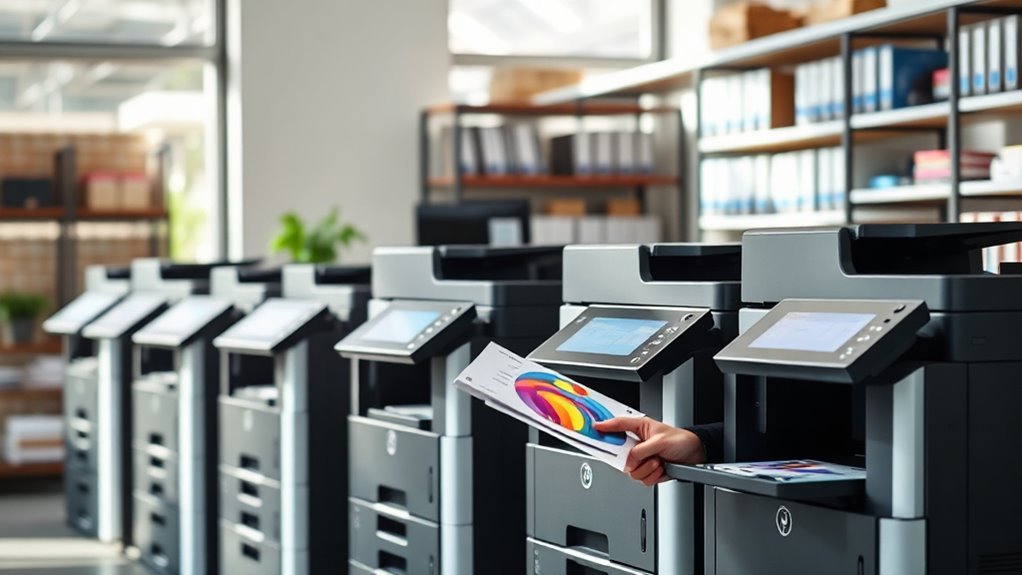
When choosing a commercial printer for your office, you’ll want to focus on printing speed and volume to keep up with your workload. Make sure it offers strong connectivity options and works seamlessly with your devices.
Don’t forget to weigh print quality, operating costs, and useful features like scanning or copying to get the most value. It’s all about finding the right balance that fits your needs and budget.
Printing Speed And Volume
Although print quality matters, matching your printer’s speed and volume capabilities to your office’s demands is crucial for maintaining smooth workflows. Start by evaluating how many pages you print monthly and pick a printer with a duty cycle well above that peak to avoid breakdowns.
Match print speed to your needs—if you handle high volumes, look for monochrome printers offering 30–50+ ppm. But smaller teams can manage with 20–30 ppm color models.
Don’t overlook first-page-out time and warm-up speed; slow starts can bottleneck your tasks. Also, consider duplex printing and ADF throughput to boost efficiency when scanning or copying.
Finally, check consumable yields—high-yield toner or supertank ink options minimize downtime and help you maintain steady, cost-effective printing.
Connectivity And Compatibility
How will your office connect and communicate with the printer? Make sure it supports your network interfaces like Gigabit Ethernet for wired connections, dual-band Wi-Fi 5 or 6 for wireless, and USB for direct access.
Check if it’s compatible with mobile and cloud printing standards such as AirPrint, Mopria, and SMTP. This way, smartphones, tablets, and remote workers can print without any hassle.
Look for multi-user authentication and directory integration (LDAP, Active Directory, SSO) to control access and enable secure printing features like PIN release.
Also, confirm that consumable policies suit your needs, including genuine or third-party cartridges. Be aware that firmware updates might affect compatibility.
Finally, verify it supports your OS, file formats, and drivers. It’s also good if it offers APIs or SDKs for automation and smooth integration with your document systems.
Print Quality And Resolution
Beyond connectivity and compatibility, you’ll want to focus on print quality and resolution to guarantee your office documents and graphics look professional.
For crisp text and business graphics, 600 dpi is usually enough. But if you want photo-quality color prints, it’s better to aim for 1200 dpi or higher.
Keep in mind, laser printers excel with sharp monochrome text and vector graphics. Inkjets, on the other hand, offer smoother gradients and richer colors thanks to their wider color gamut.
Also, check if the printer supports color profiles (ICC) for consistent output. It’s a handy feature that helps maintain color accuracy.
Don’t forget to consider halftoning, dot placement, and print engine stability—these factors impact real-world quality beyond just the specs.
And if your workload includes printing, scanning, and copying, make sure to compare the max resolutions for all modes. That way, you’ll get consistent fidelity throughout.
Consumables And Operating Costs
When choosing a commercial printer for your office, you should carefully evaluate consumables and operating costs to avoid surprises down the line. Calculate the total cost per page by dividing replacement consumable prices by their yield. Make sure you consider both color and black yields for color devices.
Also, compare standard and high-yield cartridges. High-yield options often lower costs in high-volume settings, even though they have higher upfront prices.
Don’t forget additional items like drums, fusers, and maintenance kits. These replacements can add significant expenses.
For ink-tank systems, factor in ink bottle costs and multi-thousand page yields. This will help you estimate long-term expenses more accurately.
Lastly, consider energy use and service plans. Printers with included maintenance and warranty coverage can reduce downtime and overall operating costs, even if consumable prices are similar.
Multifunction Features And Usability
Although choosing a commercial printer often focuses on print quality and cost, you shouldn’t overlook multifunction features and usability. Make sure the device supports all the functions you need—print, copy, scan, fax.
Plus, it should have automatic duplexing and an automatic document feeder (ADF) with at least 50–70 sheets. This helps with efficient two-sided, multi-page jobs.
Check out scan features too, like single-pass two-sided scanning and speeds around 50–56 images per minute. That way, you won’t have workflow delays slowing you down.
Look for flexible paper handling options, including multiple trays with 250–500 sheet capacity. Support for various media sizes is a big plus as well.
A color touchscreen with intuitive menus makes tasks faster and reduces the time it takes to train staff. Mobile and voice printing capabilities can speed things up even more.
Finally, choose printers with high-yield consumables, refillable tanks, and clear ink or toner indicators. These features minimize interruptions and make maintenance easier.
Frequently Asked Questions
How Often Should I Perform Maintenance on a Commercial Printer?
You should perform maintenance on your commercial printer at least monthly, or more often if usage is heavy. Regular cleaning, checking toner levels, and inspecting parts help prevent breakdowns and keep your printer running smoothly.
It might seem like a hassle, but staying on top of these tasks really pays off. Trust me, a little effort now can save you from a big headache later!
Are There Eco-Friendly Ink Options for These Printers?
Eco-friendly ink options are like green superheroes for your printer. You’ll find soy-based and vegetable inks that reduce environmental impact, save energy, and produce less waste—
helping you print responsibly without sacrificing quality or performance. It’s a win-win!
What Security Features Protect Sensitive Print Jobs?
You’ll find secure print release, user authentication, and encryption protect sensitive print jobs. These features guarantee only authorized users access documents, preventing data leaks.
They keep your confidential information safe throughout the printing process. So, you can trust that your sensitive data stays protected every step of the way.
Can These Printers Integrate With Cloud Storage Services?
Yes, these printers can integrate seamlessly with cloud storage services like Google Drive, Dropbox, and OneDrive. You’ll easily print, scan, and manage documents directly from the cloud.
This setup really boosts your office’s efficiency and flexibility. It makes handling documents way more convenient and straightforward.
How Does Printer Speed Affect Overall Office Productivity?
Printer speed affects your office productivity like a fast runner in a relay race—it keeps tasks flowing smoothly without delays. When your printer works quickly, you won’t waste time waiting, letting everyone stay focused and efficient.
It’s pretty simple: faster printing means less downtime. And that helps the whole team keep moving forward without getting stuck. So, having a speedy printer really makes a difference in getting things done.
Conclusion
Choosing the perfect commercial printer for your office might feel like trying to pick a favorite child—impossible and slightly stressful. But don’t worry, these top contenders have got your back, whether you want speedy laser precision or eco-friendly ink tanks.
So go ahead, make that “easy” decision, and watch your office printing woes vanish—until the next paper jam, of course. Because nothing says productivity like a little printer drama!
When it comes to the best commercial printers for office use, finding the right balance between speed, quality, and cost-efficiency is key. Whether you need a high-volume laser printer or an ink tank model that saves on ink, there’s something here for every office setup. So, get ready to boost your workflow with a commercial printer that delivers reliability and performance without the hassle. Your office printing solution is just a choice away!