6 Best Cheapest Laser Printers for 2027
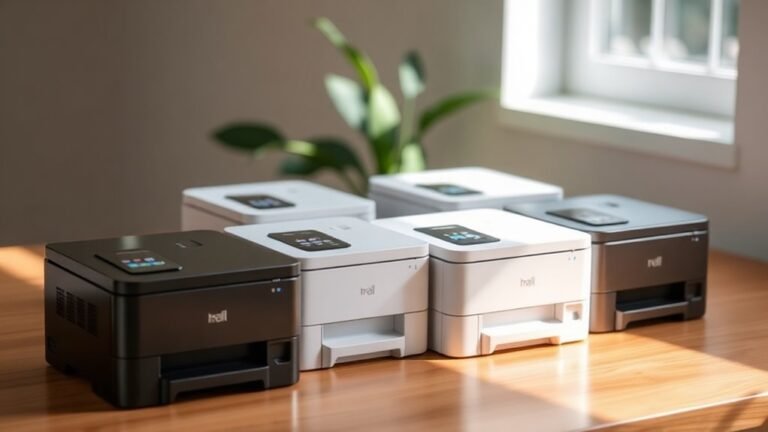
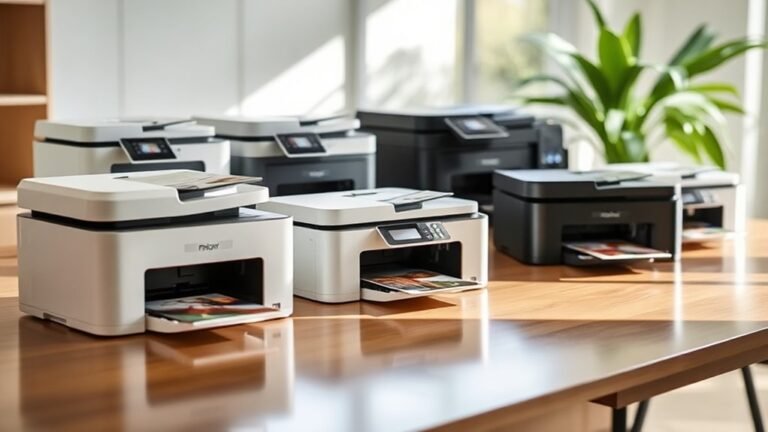
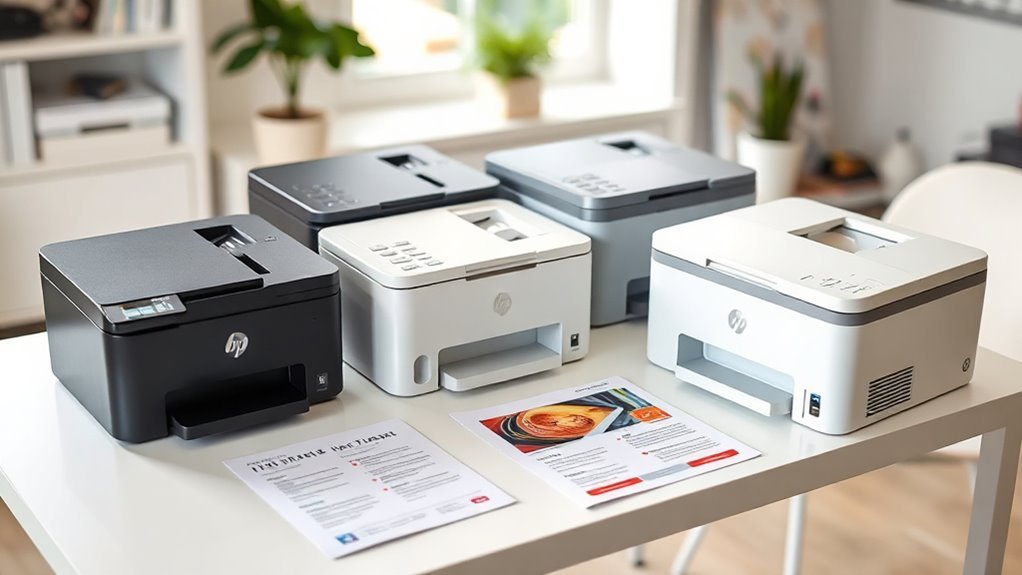
If you’re on the hunt for the 6 best cheapest laser printers for 2027, you’ve come to the right place.
These budget-friendly options deliver fast, sharp monochrome prints without breaking the bank. Plus, many come with reliable wireless connectivity, making them perfect for both home offices and small businesses.
Consider models like the HP LaserJet M110w, Canon imageCLASS LBP122dw, and Brother HL-L2405W. They’re known for solid performance and ease of use.
If you’re open to renewed options, the HP P1505, HP MFP M139w, and HP P2015 offer great value with energy-efficient features and simple maintenance.
All in all, these printers blend affordability with quality, saving you time and money.
Keep reading to find the perfect fit for your workspace and printing needs!
| Image | Name | Editor's Rating | Price |
|---|---|---|---|

|
|
||

|
|
||

|
|
||

|
|
||

|
|
HP LaserJet M110w | Monochrome | Laser Printer
- FROM AMERICA'S MOST TRUSTED PRINTER BRAND – Perfect for small teams printing professional-quality black & white documents and reports. Perfect for 1-3 people
- WORLD'S SMALLEST LASER IN ITS CLASS – Precision laser printing that fits anywhere
- FAST PRINT SPEEDS – Up to 21 black-and-white pages per minute single-sided
- WIRELESS WITH SELF-RESET – Helps you stay connected
- PRINT FROM ANY DEVICE – Wireless printing from any mobile device, PC or tablet. Works with Microsoft, Mac, AirPrint, Android, Chromebook and more

Experience efficient and precise printing with the HP LaserJet M110w, designed to meet the needs of small teams and home offices. This compact laser printer delivers sharp, clear text at a speed of up to 21 pages per minute, helping you complete tasks quickly and maintain productivity.
Its wireless capability allows seamless printing from your phone, tablet, or PC through the HP Smart app. This flexibility lets you print without being tethered to a desk, making it easier to manage documents on the go. The printer also supports USB connections for direct, reliable access.
Weighing just 9 pounds, the HP LaserJet M110w fits comfortably in limited spaces, ideal for environments where space is at a premium. Its energy-efficient design, including Auto Power On and Energy Star certification, helps reduce electricity usage while maintaining performance.
Maintenance is straightforward with easy-to-replace toner cartridges and a modest paper capacity of 150 sheets. While it only prints in monochrome, it meets the essential needs of small workgroups without unnecessary complexity.
Best for: Small teams or home offices requiring a compact, budget-friendly monochrome laser printer that balances speed and convenience.
What We Like:
- Fast printing at up to 21 pages per minute with sharp 600 x 600 dpi quality
- Wireless printing via HP Smart app plus USB connectivity
- Compact and lightweight design fits tight spaces easily
- Energy-efficient with Auto Power On and Energy Star certification
Specification:
| Feature | Details |
|---|---|
| Manufacturer | HP |
| Dimensions | Compact (exact size not provided) |
| Weight | 9 lb (approx. 4.1 kg) |
| Print Technology | Monochrome Laser |
| Print Speed | Up to 21 pages per minute |
| Print Resolution | 600 x 600 dpi |
| Connectivity | Wireless, USB |
| Paper Capacity | 150 sheets |
Canon imageCLASS LBP122dw – Wireless Monochrome Duplex Laser Printer
- Wireless, duplex printer (print-only)
- Fast print speeds up to 30 pages per minute (black and white)
- Print on-the-go with Canon PRINT app and more.
- Uses Canon GENUINE Toner 071 / 071 high-capacity
- Compact design fits almost anywhere in your home, great for home use and personal printing
The Canon imageCLASS LBP122dw offers fast and dependable black-and-white printing that fits perfectly in home or small office settings. Its high-speed output helps reduce waiting times, delivering up to 30 pages per minute with crisp 2400 x 600 dpi resolution. Starting your first page in just over five seconds means less downtime and more productivity.
This compact laser printer features automatic duplex printing, making double-sided documents easy without manual intervention. It supports various paper sizes up to 8.5 x 14 inches, accommodating diverse printing needs. The printer’s wireless and wired connectivity options, including USB, Wi-Fi, and Ethernet, offer flexible integration into different work environments.
Maintenance is straightforward with a 150-sheet paper capacity that balances size and convenience, although frequent refills may be needed during heavy use. Designed primarily for monochrome printing, it ensures sharp, clear output but lacks scanning or copying functions, focusing solely on print tasks.
Best for: Individuals and small offices requiring efficient, reliable black-and-white printing with automatic duplex capabilities.
What We Like:
- Fast print speeds up to 30 pages per minute with sharp resolution.
- Automatic duplex printing saves time and paper.
- Multiple connectivity options including mobile printing via Canon PRINT Business app.
- Compact design fits easily in limited spaces.
Specification:
| Feature | Details |
|---|---|
| Manufacturer | Canon |
| Dimensions | Compact (specific size not provided) |
| Weight | Not specified |
| Print Speed | Up to 30 ppm |
| Print Resolution | 2400 x 600 dpi (monochrome) |
| Paper Capacity | 150 sheets |
| Connectivity | USB, Wi-Fi, Ethernet |
| Duplex Printing | Automatic |
HP P1505 Laserjet Printer (Renewed)
- Print speed of up to 23 ppm (letter)
- Print resolution of 600 x 600 dpi, with HP's image enhancement for crisp text
- Print resolution of 600 x 600 dpi, with HP's image enhancement for crisp text
- Hi-Speed USB 2.0 connection
- Compact design that fits on a desk or shelf
The HP P1505 LaserJet (Renewed) delivers dependable printing for those who need fast, clear monochrome documents. It tackles everyday printing tasks efficiently, producing sharp text at up to 23 pages per minute. This printer is designed to fit comfortably on a desk without taking up much space.
Its compact design weighs just 13 pounds, making it easy to move or reposition as needed. The printer uses instant-on fuser technology, which cuts down warm-up time and helps you get prints quickly without long waits. It handles plain paper smoothly with a 250-sheet input capacity, reducing the need for frequent refills.
Connecting is simple via USB 2.0, compatible with both Windows and Mac systems. The HP P1505 uses the 36A black toner cartridge, which is easy to replace and maintain. This renewed model offers a straightforward solution for small offices or individuals who require reliable black-and-white printing without extra features.
Best for: small offices or individuals needing a compact, efficient monochrome laser printer with reliable performance.
What We Like:
- Fast printing speed with quick first-page output
- Compact and lightweight for easy placement
- Instant-on fuser technology saves warm-up time
- Simple USB 2.0 connectivity for easy setup
Specification:
| Feature | Details |
|---|---|
| Manufacturer | HP |
| Dimensions | 13.4 x 14.2 x 9.6 in |
| Weight | 13 lb (5.9 kg) |
| Print Resolution | 600 x 600 dpi (enhanced to 1200 x 1200 dpi) |
| Print Speed | Up to 23 pages per minute |
| Connectivity | USB 2.0 |
| Paper Capacity | 250 sheets |
| Toner Cartridge | HP 36A (Black) |
Brother HL-L2405W Wireless Compact Monochrome Laser Printer
- BEST FOR HOMES & HOME OFFICES – Engineered for consistent, premium print quality, the Brother HL-L2405W Monochrome (Black & White) Laser Printer delivers sharp, crisp...
- COMPACT, CONNECTED PRINTER – Flexible connection options make this an ideal printer for home use and at-home offices. Securely connect to multiple devices with built-in...
- BROTHER MOBILE CONNECT APP – Manage your printer remotely and print from your mobile device anytime, from almost anywhere. Order Brother Genuine Supplies, track toner...
- VERSATILE PAPER HANDLING – Enjoy seamless, reliable everyday printing with the 250-sheet paper tray(4) and a manual feed slot that enables printing on envelopes and...
- BROTHER IS AT YOUR SIDE – Backed by Brother with a 1-year limited warranty and free online, call, or live chat support for the life of your printer
The Brother HL-L2405W is designed to meet the needs of small home offices that require quick, clear black-and-white printing without complications. It delivers sharp text at speeds up to 30 pages per minute, helping you maintain productivity throughout your busy workday.
This compact printer features dual-band wireless connectivity, making it easy to connect multiple devices without interruption. A USB port also allows for direct, local printing when needed. Its 250-sheet tray minimizes the need for frequent paper refills, while the manual feed slot handles envelopes and specialty paper up to 8.5 x 14 inches, offering flexibility for varied print jobs.
Maintenance is straightforward with Brother Genuine Supplies, ensuring reliable print quality and long-lasting performance. The option to use the Refresh EZ Print Subscription simplifies toner replacement, reducing downtime and hassle.
While it only supports monochrome printing and requires manual feeding for envelopes, the HL-L2405W balances efficiency and practical features in a compact design. It is a solid choice for users who prioritize speed, reliability, and wireless convenience.
Best for: Small home offices and individuals needing fast, sharp black-and-white printing with reliable wireless connectivity and cost-effective toner management.
What We Like:
- Fast print speed up to 30 pages per minute improves workflow efficiency
- Dual-band wireless and USB connectivity support versatile device connections
- Large 250-sheet paper tray reduces paper refill frequency
- Manual feed slot handles envelopes and specialty papers up to legal size
Specification:
| Specification | Details |
|---|---|
| Manufacturer | Brother |
| Dimensions (W x D x H) | 14.2 x 14.2 x 7.2 inches |
| Weight | 15.4 lbs (7 kg) |
| Color Options | White |
| Connectivity | Dual-band Wireless, USB |
HP LaserJet MFP M139w Wireless Printer (Renewed)
- Fast Monochrome Printing: Reliable black and white printing for everyday documents Wireless Connectivity: Print from smartphone, tablet, or laptop using Wi-Fi and HP...
Experience hassle-free printing with the HP LaserJet MFP M139w, designed to meet the needs of small offices and home users. This wireless all-in-one device simplifies your workflow by combining printing, copying, and scanning in one compact unit. Its crisp 600 dpi output ensures clear monochrome documents, making daily tasks efficient and professional.
Wireless connectivity via Wi-Fi and the HP Smart App lets you print directly from smartphones, tablets, or laptops. This feature eliminates the need for cables and gives you freedom to print from anywhere in your space. The printer’s compact design fits neatly into tight areas, saving valuable desk space.
Maintenance is straightforward, with auto-on/off technology reducing energy consumption and extending the device’s lifespan. The paper tray supports up to 150 sheets, suitable for moderate workloads. While it only prints in black and white, it delivers dependable performance for text-heavy documents.
Best for: Small offices and home users seeking a compact, budget-friendly wireless monochrome all-in-one printer with reliable multi-function capability.
What We Like:
- Wireless printing via Wi-Fi and HP Smart App for mobile convenience
- Compact footprint ideal for limited workspace
- Energy-saving Auto-On/Off technology
- Clear 600 dpi monochrome print quality
Specification:
| Feature | Details |
|---|---|
| Manufacturer | HP |
| Dimensions | Compact design (exact size not specified) |
| Weight | Not specified |
| Color Options | Black and white only |
| Paper Capacity | Up to 150 sheets input |
| Print Speed | Up to 19 pages per minute |
HP LaserJet P2015 CB366A Laser Printer – (Renewed)

- This Certified Refurbished product is tested and certified to look and work like new. The refurbishing process includes functionality testing, basic cleaning, inspection...
- Hewlett Packard Refurbish Laserjet P2015 Laser Printer (CB366A)
- Professionally Refurbished ; 90 Day Warranty ; Does Not Come with Toner
- Pictures are used as Reference.
The HP LaserJet P2015 is a dependable choice for offices seeking consistent monochrome printing. It delivers sharp text and clear images at a steady speed of 27 pages per minute, helping to keep workflows smooth and efficient. Its straightforward design focuses on functionality without complexity.
This renewed printer supports versatile paper handling with three trays holding up to 550 sheets in total. USB and Ethernet connectivity options make it easy to integrate into existing office networks. The user-friendly touch panel simplifies operation and print management.
Maintenance is straightforward, with certified refurbishment ensuring thorough testing and reliability. While it requires manual duplexing, this feature allows users to reduce paper use when needed. The device ships with all essential accessories for quick setup.
Though its 600 x 600 dpi resolution is modest compared to newer models, it remains suitable for typical office documents. The printer may arrive in a generic box, which reflects its renewed status but does not affect performance.
Best for: small to medium offices needing a reliable, budget-conscious monochrome laser printer with solid print speed and flexible paper capacity.
What We Like:
- Consistent 27 ppm print speed for efficient document handling
- Certified refurbished for reliability and tested performance
- Multiple trays with up to 550-sheet capacity
- Simple USB and Ethernet connections for easy integration
- Manual duplexing helps reduce paper use without complexity
Specification:
| Feature | Details |
|---|---|
| Manufacturer | HP |
| Model | LaserJet P2015 (CB366A) |
| Print Technology | Laser |
| Print Speed | Up to 27 pages per minute |
| Print Resolution | 600 x 600 dpi |
| Paper Capacity | Up to 550 sheets (3 trays) |
| Connectivity | USB, Ethernet |
| Dimensions (W×D×H) | 14.4 × 14.1 × 9.8 inches |
| Weight | Approximately 18.7 lbs |
Factors to Consider When Choosing the Cheapest Laser Printer
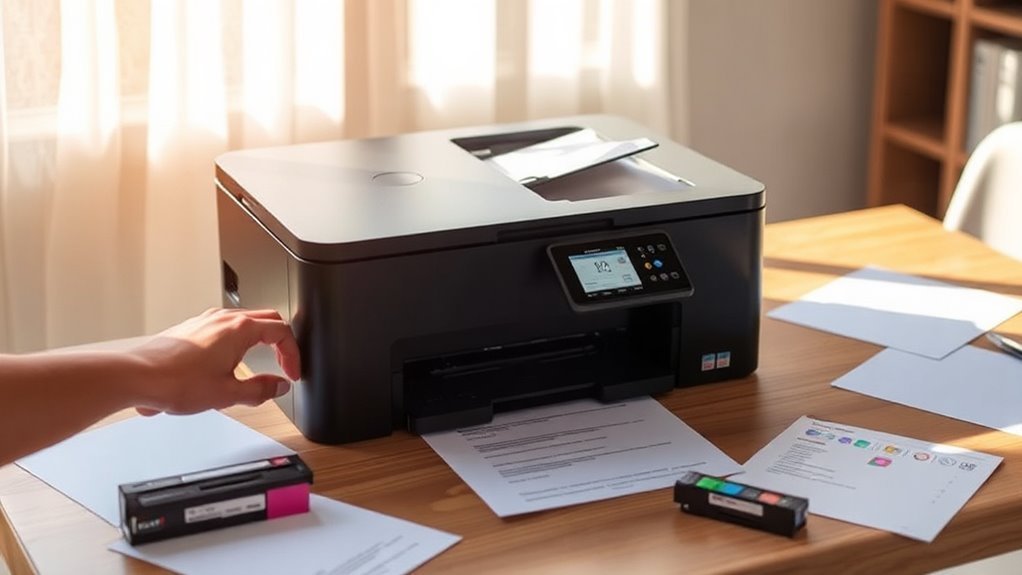
When choosing the cheapest laser printer, you’ll want to focus on print speed and quality to match your needs. Don’t forget to check connectivity options and paper handling capacity for smooth operation.
Also, consider energy efficiency ratings to keep your costs low over time. These little details can really make a difference in the long run.
Print Speed Importance
Because print speed directly impacts your efficiency, especially in busy environments, it’s important to evaluate how many pages per minute a laser printer can handle. Models vary, offering speeds from 19 to 30 pages per minute.
If you often print large batches, a faster printer—around 30 pages per minute—can cut down waiting time and boost productivity. Don’t overlook the initial page print time; some printers deliver the first page in as little as 5.3 seconds, perfect for quick jobs.
For smaller teams or home offices, choosing a printer with at least 21 pages per minute helps avoid delays without overspending. Knowing these specs guarantees you pick a printer that matches your workflow, saving you from paying for unnecessary speed you won’t use.
Print Quality Resolution
Print speed gets your pages out quickly, but the sharpness and clarity of those pages rely on print quality resolution. Measured in dots per inch (dpi), higher dpi values mean better detail.
Most laser printers offer 600 x 600 dpi, while some go up to 2400 x 600 dpi for finer prints. If you print mostly text, especially on monochrome models, resolution directly affects how clear and legible your documents appear.
Keep in mind that a printer’s ability to handle different paper types and sizes can also influence the final look. To maintain that crisp quality, you’ll want to perform regular maintenance and stick to compatible toner cartridges.
Choosing a model with advanced imaging technology will give you sharper text and graphics without breaking the bank.
Connectivity Options Available
Although price is a key factor, you’ll want to take into account the connectivity options a laser printer offers to make certain it fits smoothly into your workflow. Consider whether you need USB, Wi-Fi, or Ethernet connections, as these determine how easily the printer integrates with your devices.
Wireless connectivity is especially handy if you want to print directly from smartphones or tablets, adding flexibility in small or home offices. Look for printers supporting dual-band Wi-Fi (2.4GHz/5GHz) to boost performance and reduce network interference.
Also, check if the printer works with printing apps for easy remote management. Finally, verify the connectivity options match your operating systems and devices to avoid compatibility headaches and make your printing experience hassle-free.
Paper Handling Capacity
When choosing the cheapest laser printer, you’ll want to evaluate its paper handling capacity to keep your workflow running smoothly. Look for models with trays holding up to 250 sheets to reduce frequent refills.
Also, check if the printer offers manual feed slots for specialty media, giving you more printing flexibility. Consider printers that support various media sizes—from standard letter to larger formats—to handle diverse projects.
Don’t overlook the output tray capacity; some can hold up to 100 sheets, helping you manage printed documents efficiently. Finally, opt for duplex printing capabilities, which allow automatic double-sided printing.
This feature not only saves paper but also speeds up your tasks by cutting down on manual flipping. These factors guarantee your printer meets your everyday demands without breaking the bank.
Energy Efficiency Ratings
Since energy costs can add up over time, choosing a laser printer with a strong energy efficiency rating can help you save money in the long run. Look for models with Energy Star certification, as they meet strict power consumption guidelines.
Printers that offer auto power-on and auto-off features are great because they reduce energy use when the device isn’t active. Many modern laser printers also come with eco-mode settings, which lower power consumption without sacrificing print quality.
Keep in mind that laser printers typically use between 300 to 600 watts while printing, so selecting an energy-efficient model can make a noticeable difference in your electricity bills. Prioritizing energy efficiency guarantees you get long-term savings and a more environmentally friendly printer overall.
Warranty And Support
Understanding the warranty and support options is essential when choosing the cheapest laser printer because they directly affect your long-term costs and peace of mind. Warranty durations vary widely, typically from 90 days to one year, so check what’s offered.
Limited warranties cover parts and labor for a specific time, but some manufacturers provide extended plans for added protection. Also, see if the warranty applies to refurbished models if that’s your choice.
Support availability matters too—online chat, phone assistance, and forums can save you time when troubleshooting. Finally, make sure replacement parts and service centers are accessible, as this influences maintenance costs and printer reliability.
Prioritizing solid warranty and support helps you avoid unexpected expenses and keeps your printer running smoothly. It’s definitely worth taking the time to understand these details before making your purchase.
Device Compatibility Range
Choosing a laser printer with broad device compatibility can save you time and frustration. Make certain the printer supports multiple operating systems like Windows, Mac, Android, and iOS. This guarantees you can print from any device without hassle.
Wireless connectivity options such as Wi-Fi and Bluetooth are essential for printing from smartphones, tablets, and laptops without tangled cables. Look for printers that offer app integration to simplify mobile printing and provide extra functions like scanning or cloud access.
Also, check if the printer works smoothly with the software you use daily to avoid workflow interruptions. Finally, consider printers that receive regular firmware updates to stay compatible with new devices and operating systems as they emerge.
This future-proofs your purchase and keeps it running smoothly. It’s definitely worth taking the time to find a printer that ticks all these boxes!
Additional Useful Features
Several additional features can make a cheap laser printer much more practical and cost-effective for your needs. Look for wireless connectivity like Wi-Fi or Bluetooth so you can print directly from your smartphone or tablet without hassle.
Automatic duplex printing is another smart feature, letting you print on both sides of the paper and saving you money. Energy efficiency matters too—printers with auto power on/off and ENERGY STAR certification can cut down your electricity bills.
Don’t overlook printing speed; a faster printer boosts your productivity, especially if you print frequently. Finally, verify the printer supports your operating system and mobile printing apps to guarantee smooth integration and easy access.
These features help you get the most value from an affordable laser printer. It’s all about making your printing experience easier and more efficient!
Frequently Asked Questions
How Do Laser Printers Compare to Inkjet Printers in Print Quality?
Laser printers deliver sharper text and faster printing, so you’ll get crisp documents.
However, inkjet printers excel at vibrant color photos.
You’ll choose based on whether you prioritize text clarity or color richness in your prints.
What Is the Average Lifespan of a Monochrome Laser Printer?
You might picture a sturdy machine humming reliably for years—that’s spot on.
A monochrome laser printer usually lasts about 5 to 7 years with regular use, handling tens of thousands of pages before needing replacement.
Are Laser Printers Safe for Home Use Regarding Ozone Emission?
Yes, laser printers are generally safe for home use regarding ozone emission. You’ll find modern models have built-in filters that minimize ozone.
Can Laser Printers Print on Different Types of Paper Materials?
You can print on over 90% of paper types with laser printers, including cardstock and labels. Just make sure your printer supports the material’s thickness.
Also, try to avoid heat-sensitive papers to prevent jams or damage. It’s pretty important to keep that in mind when choosing your paper!
How Energy-Efficient Are Laser Printers Compared to Other Printer Types?
You’ll find laser printers generally use more energy than inkjets, especially during warm-up and printing. However, newer models have improved efficiency.
Conclusion
Choosing the right laser printer doesn’t have to feel like searching for a needle in a haystack. Whether you pick the reliable HP LaserJet M110w or the wireless convenience of the Brother HL-L2405W, these budget-friendly options are your trusty sidekicks in the printing saga.
Just like a classic tale, your perfect printer is out there—ready to make your everyday tasks smoother without breaking the bank. So, gear up and print on! When looking for the cheapest laser printers in 2027, focus on models that balance affordability with quality and features. This way, you get the best value without sacrificing performance.
With the right choice, your laser printer will be a dependable partner for both home and office use. Remember, the best cheapest laser printers combine cost-efficiency, reliability, and convenience—making your printing experience hassle-free and budget-friendly.