5 Best Cheap Home All-in-One Printers for 2027
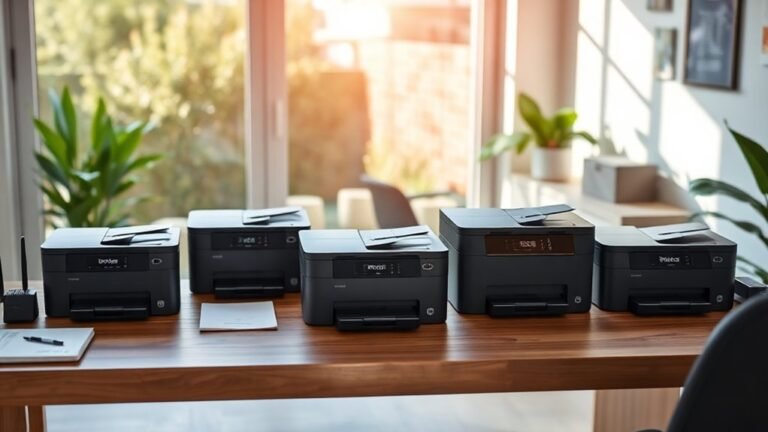
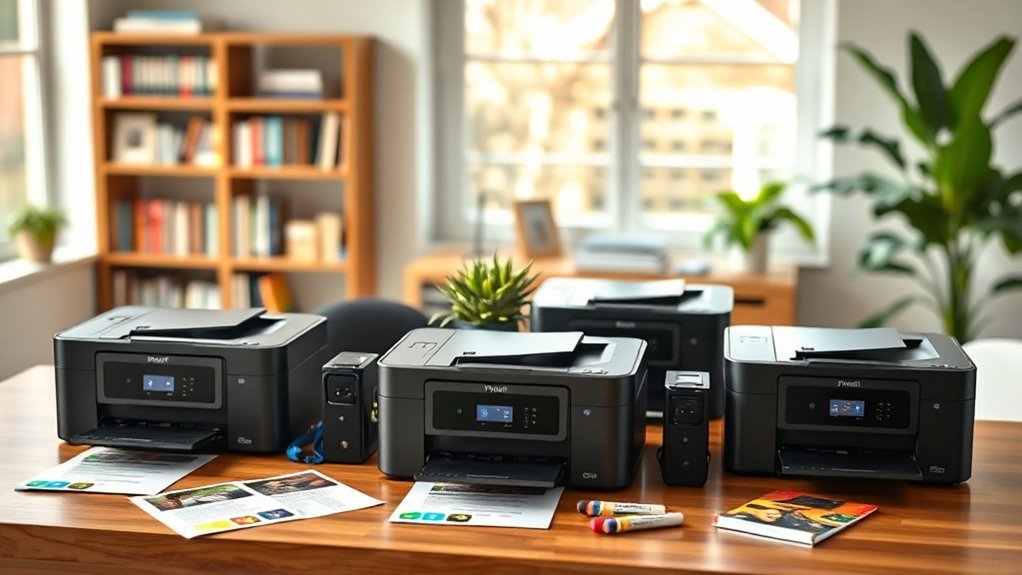
You’ll want compact, reliable, and budget-friendly all-in-one printers for everyday home use. The HP DeskJet 2923 fits the bill perfectly with its easy operation and affordable price. If you’re looking for cost-effective, long-lasting ink, the high-yield Canon MegaTank G3270 is a great choice.
The HP Envy 6155 offers vibrant color prints and automatic duplexing, making it super convenient. Meanwhile, the Canon PIXMA TS3720 and Epson EcoTank ET-2900 stand out with easy setup and refillable tanks.
Each printer is wireless and supports mobile printing, which makes tackling home tasks a breeze. Keep exploring to discover which one suits your needs best!
| Image | Name | Editor's Rating | Price |
|---|---|---|---|

|
|
||

|
|
||

|
|
||

|
|
HP DeskJet 2923 Color Inkjet Printer | Wireless | All-in-One
- Perfect for basic printing needs – Print everyday color documents like to-do lists, letters, financial documents and recipes
- KEY FEATURES – Color print, copy, scan, and a 60-sheet input tray, plus mobile and wireless printing
- OPTIMIZE PRINT FORMATTING WITH HP AI – Print web pages and emails with precision—no wasted pages or awkward layouts; HP AI easily removes unwanted content, so your...
- ICON LCD – Print your basic documents with ease from the intuitive control panel
- PRINT SPEED – Up to 7.5 ppm black, 5.5 ppm color

The HP DeskJet 2923 is designed to bring reliable, affordable color printing to your home without taking up much space. Its compact all-in-one design lets you print, scan, and copy with ease, making everyday tasks simpler and more efficient. This printer works quietly and fits neatly on your desk or shelf.
With wireless dual-band Wi-Fi and the HP App, you can print or scan directly from your smartphone, cutting down on clutter and saving time. The 60-sheet input tray handles regular printing needs, while HP AI technology helps reduce wasted pages by optimizing content before printing.
Maintenance is straightforward with a 6-month Instant Ink trial that keeps your cartridges supplied without hassle. After the trial, you can choose to continue with an ink subscription or manage refills yourself. Print speeds of up to 7.5 ppm black and 5.5 ppm color suit typical home use but may be slower for heavy workloads.
Best for: individuals and families seeking an affordable, compact all-in-one printer with wireless convenience for everyday home use.
What We Like:
- Compact design ideal for small spaces
- Wireless dual-band Wi-Fi and mobile app support
- HP AI reduces paper waste for smarter printing
- Includes 6-month Instant Ink trial for easy ink management
Specification:
| Feature | Details |
|---|---|
| Manufacturer | HP |
| Dimensions (W x D x H) | 16.65 x 12.13 x 5.55 inches |
| Weight | 5.15 lb (2.34 kg) |
| Color Options | White/Black |
| Connectivity | Wireless dual-band Wi-Fi |
Canon MegaTank G3270 All-in-One Wireless Color Printer
- Wireless Print/Copy/Scan
- Up to 2 years of ink included (2)
- Print up to 6,000 black & white / 7,700 color pages using a single set of inks! (1)
- Save up to $1,000 on ink (1)
- 1.35” Square LCD display
The Canon MegaTank G3270 is designed to keep your printing hassle-free for up to two years. Its refillable MegaTank system offers a high ink yield, printing up to 6,000 black and 7,700 color pages per ink set. This means fewer interruptions and lower running costs, perfect for both home and office environments.
This all-in-one device handles printing, scanning, and copying with sharp detail at 4800 × 1200 dpi resolution. Wireless and USB connectivity, along with smartphone app control, make it easy to operate from anywhere in your space. You can print conveniently without connecting directly to a computer.
Maintenance is straightforward thanks to the large ink tanks, which reduce the need for frequent refills and cartridge changes. While it supports only single-sided (simplex) printing, its 100-sheet paper capacity and borderless printing add practical convenience to everyday tasks.
Compact yet efficient, the G3270 supports various media types and combines high-yield ink with versatile functionality. Its footprint may be sizable for very small spaces, but it balances this with cost-effective performance and ease of use.
Best for: Home and home office users who need a cost-effective, high-yield all-in-one printer with wireless connectivity and versatile media support.
What We Like:
- High ink yield reduces frequent refills and lowers printing costs
- Refillable MegaTank system for easy maintenance
- Wireless and USB connectivity with smartphone app control
- Sharp print resolution for clear, professional-quality output
- Versatile media support with borderless printing options
Specification:
| Feature | Details |
|---|---|
| Manufacturer | Canon |
| Dimensions (W×D×H) | 21.9 × 16.4 × 10.6 inches |
| Weight | Not specified |
| Color Options | Not specified |
| Print Resolution | Up to 4800 × 1200 dpi |
| Connectivity | Wireless, USB |
| Paper Capacity | 100 sheets |
HP Envy 6155 Wireless All-in-One Inkjet Printer
- FROM AMERICA'S MOST TRUSTED PRINTER BRAND – The Envy 6155 is perfect for homes printing everyday high-quality color documents like homework and borderless photos. Print...
- 3 MONTH TRIAL OF INSTANT INK – Subscribe to the Instant Ink delivery service to get ink delivered directly to your door before you run out, and you save up to 50% on...
- KEY FEATURES – Color print, copy and scan, plus auto 2-sided printing and a 100-sheet input tray
- HP'S MOST INTUITIVE COLOR TOUCHSCREEN – Smoothly navigate your printer with the easy-to-use 2.4" touchscreen
- WIRELESS PRINTING – Stay connected with our most reliable dual-band Wi-Fi, which automatically detects and resolves connection issues
The HP Envy 6155 Wireless All-in-One Inkjet Printer is designed to make home printing simple and efficient. It tackles everyday tasks like homework, documents, and vibrant photos with ease. This all-in-one device lets you print, scan, and copy, saving space and adding convenience.
Its automatic duplex printing helps reduce paper waste, while the 100-sheet tray handles multiple pages without frequent refills. You get clear black-and-white prints at up to 10 ppm and color prints at 7 ppm, supporting moderate home use. The compact design includes a 2.4″ color touchscreen for easy navigation.
Connecting is straightforward with dual-band Wi-Fi, letting you control the printer through the HP App on your smartphone. AI print optimization ensures every page is sharp and precise. Maintenance is user-friendly, though the printer requires original HP cartridges, which are secured by firmware.
The printer’s eco-conscious build includes recycled materials and a 3-month Instant Ink trial to help manage ink conveniently. Its wireless and mobile features make it a practical choice for home users who need reliable color printing with minimal hassle.
Best for: home users needing an all-in-one printer for everyday color documents, homework, and vibrant borderless photos with convenient wireless and mobile features.
What We Like:
- Automatic duplex printing and a 100-sheet input tray for efficient page handling
- Easy wireless control via 2.4″ color touchscreen and HP App with AI print optimization
- Eco-friendly design with recycled plastic and a 3-month Instant Ink trial
Specification:
| Feature | Details |
|---|---|
| Manufacturer | HP |
| Dimensions (W×D×H) | 17.28 × 14.21 × 5.55 in |
| Weight | 13.8 lb |
| Color Options | Black |
| Connectivity | Dual-band Wi-Fi |
Canon PIXMA TS3720 Wireless All-in-One Printer
No products found.
Looking for a compact printer that handles everyday home tasks with ease? The Canon PIXMA TS3720 Wireless All-in-One Printer offers a practical solution for printing, copying, and scanning in one device. Its wireless design helps reduce clutter and allows you to print from anywhere in your home.
This printer produces sharp black text and vibrant photos thanks to its hybrid ink system and high resolution of 4800 x 1200 dpi. The 1.5″ LCD screen simplifies operation and setup, making routine maintenance and cartridge replacement straightforward. Its compact size fits well in small spaces, making it ideal for home use.
With dual-band Wi-Fi and support for mobile printing through the Canon PRINT app, AirPrint, and Mopria, connecting your devices is seamless. The rear tray holds up to 60 sheets and supports various paper sizes, including borderless 5″ x 7″ photos, enhancing versatility for different projects.
While it only prints single-sided and at a modest speed, this printer meets basic needs without unnecessary complexity. Its straightforward interface and lightweight design ensure easy handling but may limit advanced control options.
Best for: individuals or families seeking an affordable, compact, and easy-to-use all-in-one printer for basic home printing, copying, and scanning tasks.
What We Like:
- Sharp text and vivid photo printing with hybrid ink technology
- Wireless connectivity with dual-band Wi-Fi and mobile app support
- Compact design fits small spaces and offers easy setup
- Supports various paper sizes including borderless photo printing
- Simple maintenance with easy cartridge replacement
Specification:
| Feature | Details |
|---|---|
| Manufacturer | Canon |
| Dimensions | Compact (exact size not provided) |
| Weight | Lightweight (exact weight not provided) |
| Color Options | Not specified |
| Print Resolution | 4800 x 1200 dpi |
| Screen Size | 1.5 inches LCD |
| Paper Capacity | 60 sheets (rear tray) |
| Connectivity | Dual-band Wi-Fi, Canon PRINT app, AirPrint, Mopria |
Epson EcoTank ET-2900 Wireless All-in-One Printer
- Epson EcoTank includes enough ink to last up to 3 years⁴
- WORRY-FREE PRINTING — Epson EcoTank comes with enough ink to print up to 3,600 pages black/6,500 color⁹ for fewer out-of-ink frustrations. Each replacement ink bottle...
- SIMPLE INK REFILLING — Supersized ink tanks and uniquely keyed EcoFit bottles make refilling ink simple—no mess, no stress and no ink bottle mix-ups; fits in...
- THE WORLD’S #1 SELLING SUPERTANK PRINTER² — Epson invented EcoTank to revolutionize the way people print; we’ve sold 100 million EcoTanks worldwide⁷ and this is...
- KEY PRODUCTIVITY FEATURES — 11 black/6 color ISO ppm print speeds with zero warmup time, 100-sheet paper tray, high-resolution flatbed scanner and a 1.44" color display...
The Epson EcoTank ET-2900 transforms the home printing experience with its cartridge-free ink system designed to save time and money. This wireless all-in-one printer comes with enough ink to print for up to three years without needing a refill, eliminating frequent interruptions and costly replacements.
Its refillable tanks use EcoFit bottles that prevent spills and mixing errors, simplifying maintenance and reducing waste. This design is perfect for users who want hassle-free printing without dealing with traditional cartridges.
The ET-2900 offers fast printing speeds and a 100-sheet tray, making it suitable for everyday home tasks. The high-resolution flatbed scanner adds versatility, while the compact build in a sleek white finish fits well in any workspace.
Navigation is straightforward with its 1.44″ color display, though users seeking larger controls might find it somewhat limited. While print speeds are moderate, they balance well with the printer’s economical ink use and convenience.
Best for: Home users seeking a cost-effective, low-maintenance wireless all-in-one printer with a long-lasting ink supply.
What We Like:
- Ink supply lasts up to three years, reducing refill frequency
- Cartridge-free refillable tanks with spill-proof EcoFit bottles
- Fast print speeds with a 100-sheet capacity and high-resolution scanner
- Compact, sleek design fits easily in home offices
Specification:
| Feature | Details |
|---|---|
| Manufacturer | Epson |
| Dimensions | Approx. 14.8 x 11.4 x 7.6 inches |
| Weight | Approx. 8.8 lbs |
| Color Options | White |
| Display | 1.44″ Color LCD |
| Print Speeds | 11 ppm (black), 6 ppm (color) |
Factors to Consider When Choosing a Cheap Home All in One Printer
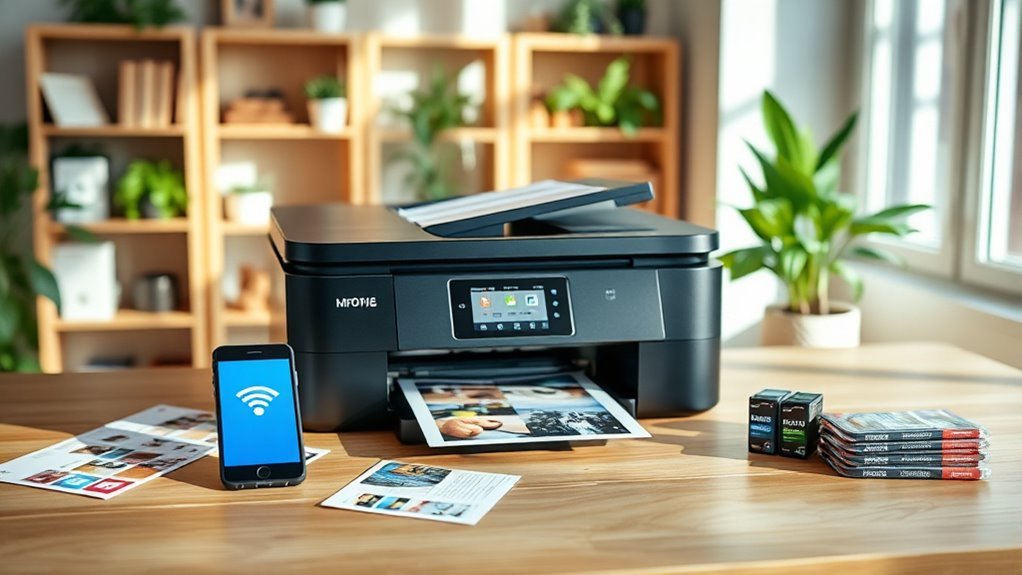
When picking a cheap all-in-one printer for your home, you’ll want to focus on print quality and speed to match your needs. Check the connectivity options and ink efficiency to keep costs low and convenience high.
Also, consider the device’s size, design, and extra features to guarantee it fits your space and tasks. It’s all about finding the right balance between what you need and what fits your budget.
Print Quality and Speed
Consider print quality and speed carefully, as they directly impact your experience with a budget all-in-one printer. Look for stated print speeds—typically 5–11 ppm for black and 4–7 ppm for color—to estimate how long large jobs will take.
Check maximum print resolution (dpi); higher dpi, up to 4800 × 1200, means finer photo and color detail, while standard documents need much less. If you often print multi-page documents, choose a model with duplex printing for faster, automatic two-sided output.
Also, consider scanner and copier resolution and speed since they affect the quality and efficiency of digitizing or copying. Finally, pay attention to the ink system and page yield; refillable tanks or high-yield cartridges help maintain consistent color and lower costs over time, especially for frequent color printing.
Connectivity Options Available
For seamless printing and scanning, you’ll want a printer that supports dual-band Wi-Fi, covering both 2.4 GHz and 5 GHz frequencies. This helps minimize interference and boost connection reliability across your devices.
Make sure it supports mobile printing standards like AirPrint and Mopria, or offers an official app. That way, you can print directly from your smartphone or tablet without any hassle.
It’s also smart to pick a model with both wireless and wired connections—Wi-Fi, USB, and possibly Ethernet. This will fit various home setups easily.
Look for easy setup wizards or automatic connection repair features to save time. Finally, if scanning or remote management matters, confirm the printer offers cloud or app-based scanning and remote print options. This ensures smooth document handling anywhere.
Ink Efficiency and Cost
Although upfront printer prices might seem low, ink efficiency and ongoing costs often have a bigger impact on your budget. Start by checking if the printer uses cartridges or refillable tanks; refillable tanks usually print thousands more pages per fill, cutting your per-page cost markedly.
Compare ink yields and calculate the cost per page by dividing the ink set cost by its yield—this reveals the true expense over time. Look for models offering high-yield or XL cartridges and bundled starter ink, which reduce replacement frequency and expenses.
Consider subscription plans only if they genuinely lower your per-page cost, as they can sometimes lock you into higher fees. Also, factor in how much color versus black-and-white you print, since color ink runs out faster and can increase costs.
Device Size and Design
Ink costs matter, but how your printer fits into your space can be just as important. Measure your available area and choose a printer with a footprint that fits comfortably—most compact models range from 12 to 22 inches wide and 5 to 11 inches tall.
Don’t forget to check depth and clearance for the paper tray and lid. If you move your printer often, weight matters too; lighter units weigh under 9 pounds, while feature-rich ones can reach 13 pounds or more.
Look for designs offering easy access to input/output trays and scanner lids so everyday tasks stay hassle-free. Also, consider control panel placement and display type for ease of use.
Finally, pick a model with tidy cable routing and rear or side ports to keep your desk clutter-free and the printer close to walls.
Additional Features Included
When choosing a cheap home all-in-one printer, you’ll want to prioritize features that enhance convenience and reduce ongoing costs. Look for built-in duplex printing to save paper and avoid manual flipping for double-sided documents.
Wireless dual-band Wi-Fi and a mobile app support make it easy to print and scan directly from your smartphone or tablet. Plus, models with refillable ink tanks or high-yield cartridges offer big savings on ink over time.
An integrated touchscreen or LCD helps keep navigation and setup straightforward without needing a computer. And don’t forget additional perks like borderless photo printing, automatic document optimization, and ink subscription options.
These extras can really streamline your workflow and cut down on wasted pages. Focusing on these features guarantees you get a practical, budget-friendly printer that fits your everyday needs.
Frequently Asked Questions
How Do All-In-One Printers Connect to Smartphones?
All-in-one printers connect to your smartphone via Wi-Fi, Bluetooth, or NFC. You just need to enable the connection, install the printer’s app, and follow the prompts to print, scan, or copy directly from your phone.
It’s pretty straightforward once you get the hang of it. Just make sure your phone and printer are on the same network if you’re using Wi-Fi. Then, you’re good to go!
Can I Print Photos Directly From a USB Drive?
You can’t judge a book by its cover—yes, you can print photos directly from a USB drive if your all-in-one printer has a USB port and supports direct photo printing.
Just plug in and select your images! It’s that simple. No need to transfer files to your computer first.
What Is the Average Lifespan of Ink Cartridges?
Ink cartridges usually last about 200 to 400 pages, but it depends on your printer and usage.
You’ll notice colors fading or streaks when they’re low, so replace them promptly to keep prints sharp and clear.
Are Cheap All-In-One Printers Compatible With Mac and Windows?
You’ll find most cheap all-in-one printers dance gracefully with both Mac and Windows. They’re designed to play nice, so you won’t need to wrestle with compatibility issues when setting up your home office.
It makes life a lot easier, right? Just plug and play without the hassle.
How Do I Troubleshoot Paper Jams in These Printers?
You’ll want to turn off the printer first, then gently remove any jammed paper. After that, check the paper tray to make sure the sheets aren’t misaligned.
Next, take a look at the rollers to see if there’s any debris stuck on them. Once that’s done, restart the printer.
If the jams keep happening or you see error messages, it’s a good idea to consult the manual. It usually has some helpful tips to get things back on track.
Conclusion
When choosing a cheap home all-in-one printer, you want reliability and versatility without breaking the bank. Did you know 60% of home users prioritize wireless connectivity for convenience?
Whether you pick the HP DeskJet 2923 or the Epson EcoTank ET-2900, these options balance affordability and quality. With features like wireless printing and ink efficiency, you’ll get great value.
So, go ahead—pick one that fits your needs and print with ease! Finding the best cheap home all-in-one printer means looking for a model that offers dependable performance, multiple functions, and budget-friendly pricing. These printers are perfect for everyday tasks like scanning, copying, and wireless printing, making them ideal for any household. Choosing the right printer ensures you enjoy hassle-free printing without overspending, giving you the best value for your money.