3 best cheap 3d printer for beginners 2026
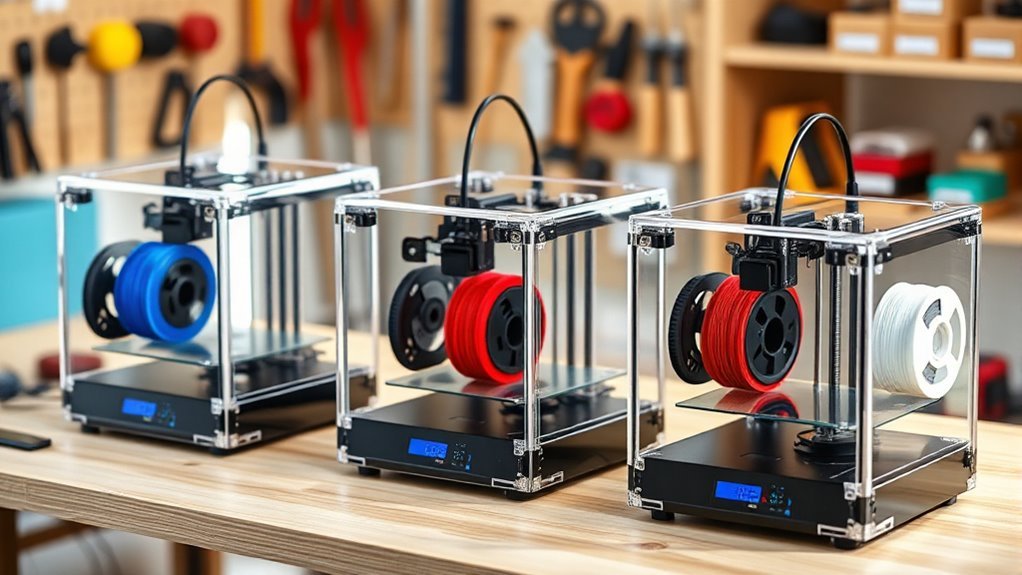
If you’re just starting out in 3D printing and looking for the best cheap 3D printer for beginners in 2026, there are some great options to consider. These printers are budget-friendly, easy to use, and perfect for learning the ropes without breaking the bank.
Whether you want reliability, colorful prints, or sturdy design, there’s something here for you.
The Geeetech Mini offers a compact design with easy setup and reliable direct drive extrusion. It’s perfect for small projects and those who want a straightforward experience.
The Anycubic Kobra X Multicolor stands out with quick one-click multicolor printing and smart error detection. It’s great for beginners who want to experiment with variety and creativity.
The MALYAN M320 Mini features a sturdy metal frame and a touchscreen for smooth operation. Each of these fits your budget and skill level, so exploring them further can help you find the right fit for your creative goals.
| Image | Name | Editor's Rating | Price |
|---|---|---|---|

|
|
||

|
|
Geeetech Mini 3D Printer for Kids and Beginners
No products found.
The Geeetech Mini 3D Printer offers a straightforward solution for beginners and kids eager to explore 3D printing. Its compact design fits easily on any desk, making it ideal for small spaces. The printer’s reliable direct drive extruder ensures smooth and precise filament feeding, reducing common printing issues like clogging.
Maintenance is simple thanks to the removable magnetic heated build plate, which helps prevent warping and allows for quick print removal. The 16-point full auto-leveling system minimizes manual adjustments, saving time and improving the quality of your prints. This makes it easier for new users to achieve consistent results without frustration.
With a print speed up to 250 mm/s and compatibility with TPU and PLA filaments, the printer supports a variety of creative projects. While its print area is limited to 3.94 × 4.33 × 3.94 inches, this size is well-suited for educational use and small DIY models. The plug-and-play design with TF card support enhances convenience for users with minimal technical experience.
Best for: Beginners, kids, and educators looking for a compact and easy-to-use 3D printer for learning and small projects.
What We Like:
- Fully assembled with easy knob and one-button filament control
- 16-point auto-leveling and heated magnetic build plate reduce print defects
- Direct drive extruder with dual metal gears for precise filament handling
Specification:
| Feature | Details |
|---|---|
| Manufacturer | Geeetech |
| Print Area | 3.94 × 4.33 × 3.94 inches |
| Max Print Speed | 250 mm/s |
| Supported Filaments | TPU, PLA |
| Build Plate | Heated, removable, magnetic |
| Leveling System | 16-point full auto-leveling |
| Assembly | Fully assembled |
Anycubic Kobra X Multicolor 3D Printer, Easy One-Click Printing
- 【Vivid 19-Color and Versatile Materials】Unleash creativity beyond limits. The Kobra X supports 4-color standard and expands up to 19 colors with 4 ACE 2 Pro for...
- 【600mm/s High Speed Performance】Don't let slow speeds limit your creativity. This high-speed FDM 3D printer reaches up to 600mm/s, completing tasks significantly...
- 【True Plug & Play Experience】Start your first project in as little as 15 minutes. The Kobra X arrives with a user-friendly setup and LeviQ 3.0 automatic bed leveling...
- 【LeviQ 3.0 Perfect First Layer】Forget the frustration of manual bed leveling that plagues beginner machines. The LeviQ 3.0 system utilizes 49-point full-auto leveling...
- 【Quiet & Reliable for Home】The ultra-quiet ≤48 dB operation ensures the living or learning space remains peaceful. Combined with power loss recovery and filament...
The Anycubic Kobra X Multicolor 3D Printer transforms how you bring your designs to life. With just one click, it handles vibrant, multi-material prints, making complex projects simpler and more accessible. Its ability to support up to four colors immediately, with an option to expand to 19, lets you add depth and detail without hassle.
This printer’s adaptive extrusion force compensator ensures smooth material transitions, reducing print errors and enhancing quality. The hardened steel nozzle heats up to 300°C, allowing consistent extrusion across various filaments. Quick printing speeds up to 600 mm/s combined with LeviQ 3.0 auto bed leveling save time and minimize setup frustrations.
Maintenance is straightforward thanks to reliable components and intelligent monitoring. Real-time tracking with AI error detection helps catch issues early, while quiet operation keeps your workspace comfortable. Setup is user-friendly, enabling beginners to start printing in about 15 minutes.
While the 260 × 260 × 260 mm build volume suits most projects, it may limit very large prints. Expanding to 19 colors requires additional hardware, which can add complexity and cost. The recommended TPU hardness of 68D may also restrict flexibility options for some users.
Best for: hobbyists and educators seeking an easy-to-use, multicolor 3D printer with fast setup and reliable performance for vibrant, multi-material projects.
What We Like:
- Supports up to 4 colors out of the box, expandable to 19 for detailed models
- Adaptive extrusion and LeviQ 3.0 auto bed leveling ensure smooth, precise prints
- Real-time AI error detection and quiet operation enhance reliability and user comfort
Specification:
| Feature | Details |
|---|---|
| Manufacturer | Anycubic |
| Build Volume | 260 × 260 × 260 mm |
| Nozzle Material | Hardened Steel |
| Max Nozzle Temp | 300°C |
| Print Speed | Up to 600 mm/s |
| Color Support | 4 colors (expandable to 19) |
| Bed Leveling | LeviQ 3.0 Auto Bed Leveling |
| TPU Hardness | Recommended 68D |
MALYAN M320 Mini 3D Printer for Beginners
- Compact Build Volume 3D Printer for Everyday Projects:With a 150×150×150 mm compact build volume, the M320 is perfect for daily creative projects. Featuring a heated...
- Fully Assembled 3D Printer with Touchscreen for Easy Use:The M320 comes fully assembled and factory-calibrated, ready to print out of the box. Thanks to the intuitive...
- Magnetic Removable Build Plate :The detachable magnetic platform ensures strong adhesion during printing, while allowing you to remove models effortlessly by bending...
- Compact, Sturdy, and Stable Metal Frame 3D Printer:Featuring a full-metal frame in a lightweight, space-saving design, the M320 stays stable during printing while...
- Ideal for Learning, Creating, and Prototyping:Whether for educational projects, family DIY fun, cosplay miniatures, or professional prototyping, the M320 brings your...
Experience the ease of 3D printing with the MALYAN M320 Mini, designed specifically for beginners and young users. Its fully assembled design and intuitive touchscreen simplify the printing process, making it accessible without the need for technical setup. This printer’s compact metal frame fits neatly in small spaces while delivering a respectable 150 × 150 × 150 mm print volume.
The heated bed and support for various 1.75 mm filaments such as PLA and PETG ensure strong adhesion and reliable prints. Maintenance is straightforward thanks to the magnetic flexible build plate, which allows you to remove finished prints easily by bending it. This feature reduces wear and tear and saves time during post-printing.
Ideal for home, classroom, or office environments, the lightweight MALYAN M320 Mini is ready to use immediately out of the box. Its design targets educational and DIY projects, helping users learn and create without frustration. While it lacks advanced features for professional users, it provides lifetime support and expert assistance for smooth operation.
The printer’s small build volume may limit larger projects, and it includes only a small starter amount of filament, so additional materials will be needed for extended use. Nevertheless, it offers a reliable entry point into 3D printing with a focus on ease and convenience.
Best for: beginners, kids, and hobbyists seeking a compact, user-friendly 3D printer for learning and small-scale projects.
What We Like:
- Fully assembled with touchscreen for immediate use
- Compact metal frame with heated bed for strong print adhesion
- Magnetic flexible build plate for simple print removal
- Supports multiple 1.75 mm filaments like PLA and PETG
- Lifetime technical support available
Specification:
| Feature | Details |
|---|---|
| Manufacturer | MALYAN |
| Print Volume | 150 × 150 × 150 mm |
| Filament Diameter | 1.75 mm |
| Supported Filaments | PLA, PETG |
| Frame Material | Metal |
| Build Plate | Magnetic, flexible |
| Weight | Lightweight |
Factors to Consider When Choosing a Cheap 3D Printer for Beginners 2026
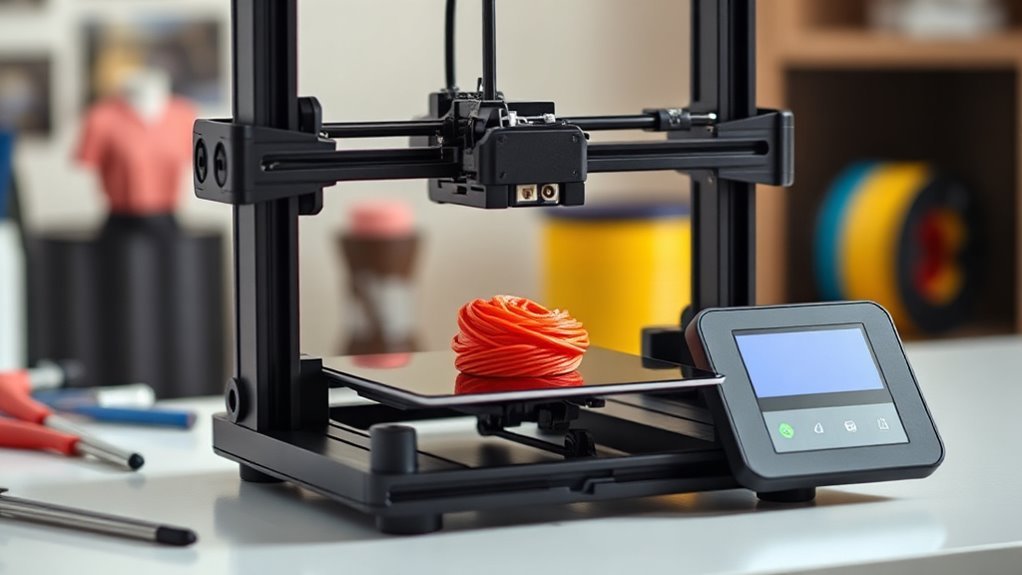
When choosing a cheap 3D printer for beginners in 2026, you’ll want to focus on print quality and accuracy to get the best results. It really makes a difference in how your projects turn out.
Also, consider how easy the setup is, along with the build volume size to make certain it fits your projects. You don’t want to get stuck with a printer that’s too small or complicated to start.
Don’t forget to check filament compatibility and bed leveling features for a smoother printing experience. These little things can save you a lot of hassle down the road.
Print Quality And Accuracy
Although budget 3D printers have limitations, you can still achieve impressive print quality and accuracy by focusing on key factors. Start by considering layer height resolution; typical values range from 0.05 to 0.3 mm. Lower heights offer finer vertical details but take longer to print.
Nozzle diameter also matters—0.4 mm nozzles strike a good balance, while smaller nozzles improve fine features. It’s worth paying attention to the motion system quality too. A rigid frame, precise lead screws, or well-tensioned belts help reduce layer shifts and ringing.
Extruder and hotend performance affect extrusion consistency, especially with flexible filaments and faster speeds. And don’t forget reliable bed leveling and first-layer adhesion—they’re vital for consistent Z-height and dimensional accuracy throughout your prints.
Ease Of Setup
Since ease of setup can make or break your initial 3D printing experience, you’ll want a printer that’s ready to go right out of the box. Look for models labeled “fully assembled” or “plug-and-play” so you can start printing within 15–30 minutes.
Features like automatic bed leveling save you from manual adjustments, ensuring smooth first layers. Pre-calibrated firmware and included sample prints simplify initial calibration without complex slicer tweaks.
A clear, intuitive interface with on-screen prompts guides you through filament loading and print start, reducing confusion. Don’t overlook thorough quick-start guides and responsive customer support, which help resolve setup hiccups fast.
Choosing a printer with these ease-of-setup features lets you focus on printing, not troubleshooting, making your beginner experience much smoother.
Build Volume Size
Selecting the right build volume size guarantees your 3D printer can handle the projects you want without wasting space or resources. If you mainly print small figurines or school projects, a build volume around 150×150×150 mm usually suffices.
However, if you plan to create functional parts or larger prototypes, consider volumes of 200–300 mm or more. Don’t forget the Z height; tall vertical prints need enough height even if the X/Y footprint is smaller.
Keep in mind that bigger volumes increase the printer’s size, weight, and power consumption, and can raise bed-warp risks. Also, larger volumes mean longer print times and more filament use.
Filament Compatibility Options
After choosing a build volume that fits your project needs, you’ll want to take into account which filaments your 3D printer can handle. Make sure the printer supports the standard 1.75 mm filament, as most beginner-friendly options like PLA, PETG, and TPU come in this size.
Check the maximum nozzle and hot-end temperature—ideally 240°C to 300°C or higher—to guarantee compatibility with materials like PETG or specialty filaments. It’s pretty important to make sure your printer can handle the heat.
Consider whether the extruder is direct-drive or Bowden; direct-drive is better for flexible filaments like TPU due to a shorter filament path and stronger torque. This can make a big difference when printing tricky materials.
A heated bed with a temperature range up to around 100°C helps print materials prone to warping, such as PETG. Plus, having a heated bed just makes things smoother overall.
Finally, confirm the printer accepts common spool sizes and offers features like filament run-out sensors or easy loading. These little things can save you from failed prints and lots of frustration.
Bed Leveling Features
Mastering bed leveling can make a huge difference in your 3D printing success, especially as a beginner. Automatic bed leveling with multi-point probes, like 16–49 points, compensates for uneven beds and boosts first-layer reliability far better than manual adjustments.
Look for printers featuring mesh bed leveling, which stores a detailed height map and adjusts the Z-axis in real time to prevent warping and nozzle crashes on uneven surfaces. It’s a game changer for keeping your prints consistent.
Consider the probe type: inductive or capacitive sensors work best on metal beds, BLTouch-style probes handle any surface, while optical sensors may struggle with reflective or transparent plates.
Heated beds paired with flexible magnetic PEI or spring steel build plates also help by simplifying model removal and maintaining consistent adhesion throughout your prints. These features really make printing smoother and less frustrating.
Support And Warranty
While affordable 3D printers can save you money upfront, having reliable support and warranty coverage guarantees you don’t face costly downtime or repairs alone. Check warranty length—6 to 12 months is typical—and make certain it covers key parts like the hotend, motherboard, and stepper motors.
Also, verify the return or replacement window, usually around 30 days. Understand conditions that might void the warranty, such as damage or improper assembly.
Confirm that technical support is responsive via email, phone, or live chat, with reply times ideally within 24 to 72 hours. Make sure spare parts and consumables are easy to find and affordable.
And don’t forget to look for community resources. Plus, check whether using third-party parts affects your warranty to avoid surprises down the line.
Frequently Asked Questions
Can These Printers Use Third-Party Filament Brands?
Yes, you can usually use third-party filament brands with these printers. Just make sure the filament matches the printer’s specifications, like diameter and temperature settings.
That way, you’ll avoid issues and get the best print quality. It’s pretty straightforward once you know what to look for!
What Safety Features Do These Beginner 3D Printers Have?
You’ll find these printers include features like thermal runaway protection, auto shut-off, and power recovery. They often have enclosed build areas to prevent burns and sensors that pause printing if issues like filament jams occur, keeping you safe.
These safety measures make it easier for beginners to focus on learning without worrying too much about accidents. Plus, having these protections means you can leave the printer running with a bit more peace of mind.
How Noisy Are These 3D Printers During Operation?
You won’t find these 3D printers too noisy; most run quietly with minimal vibration.
Some models include noise-dampening features, so you can comfortably print without distraction, even in shared or small spaces.
Are Replacement Parts Readily Available for These Models?
Like having spare wands in a wizard’s toolkit, replacement parts for these models are usually easy to find.
You’ll often get community support and affordable options, so you won’t be stuck waiting or paying a fortune.
What Software Compatibility Do These Printers Offer?
You’ll find most budget 3D printers compatible with popular software like Cura, PrusaSlicer, and Simplify3D. They often support Windows, macOS, and Linux, making it easy for you to start printing without compatibility issues.
Conclusion
Choosing your first 3D printer is like planting a seed for creativity—you want the right tools to help it grow. The Geeetech Mini, Anycubic Kobra X, and MALYAN M320 each offer beginner-friendly features without breaking the bank.
By considering ease of use, print quality, and budget, you’ll find a printer that sparks your imagination and brings your ideas to life. These cheap 3D printers for beginners are designed to get you started without overwhelming you.
Jump in and watch your creativity bloom! With the best cheap 3D printers for beginners in 2026, you can explore endless possibilities while staying on budget. Whether it’s crafting prototypes or fun projects, these affordable options make 3D printing accessible and enjoyable for everyone.