2 Best CD Printers for 2027
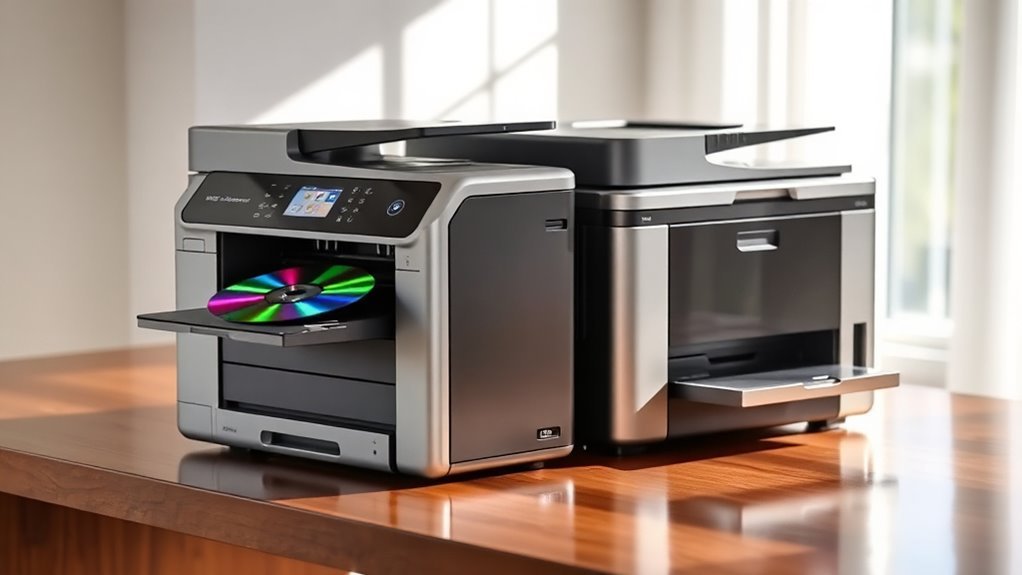
You’ll want the Epson Discproducer PP-100III for high-volume, unattended disc publishing with sharp, vibrant prints thanks to its MicroPiezo inkjet tech and automated robotic arm handling up to 100 discs. This printer is perfect if you need efficiency and quality in one package.
Pair it with waterproof printable CD labels that work with laser and inkjet printers. These labels offer durable, water- and oil-resistant identification, making your discs look professional and last longer.
Together, they guarantee professional, reliable results for 2027. Keep exploring to discover how these features match different needs and workflows. You might find exactly what fits your disc printing projects perfectly!
| Image | Name | Editor's Rating | Price |
|---|---|---|---|
|
|
||

|
|
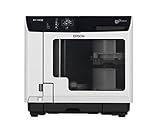
Epson Discproducer PP-100III CD/DVD/Blu-ray Disc Publisher and Printer
- Simple, unattended production — easily create multiple CD, DVD or Blu-ray discs. PP-100III holds up to 100 discs for automated printing and duplication
- High-quality printing — get sharp text and stunning graphics with patented MicroPiezo technology
- Economical and easy to maintain— low total cost of ownership with six high-capacity ink cartridges (each with low ink sensors) and a field-replaceable waste tank. Also...
- Reliable automation — Discproducer's proven robotic arm and patented AcuGrip technology ensure that only one disc is placed in the drive or on the printer at one time
- Compact, durable design — PP-100III's rugged construction and space-saving format is build to last
The Epson Discproducer PP-100III is designed to streamline high-volume disc publishing with minimal supervision. Its automated robotic arm, featuring AcuGrip technology, handles up to 100 CDs, DVDs, or Blu-ray discs smoothly, saving you time and effort. This system helps reduce errors and keeps your workflow efficient.
Printing sharp text and vibrant images is easy, thanks to Epson’s patented MicroPiezo inkjet technology. The device uses six high-capacity ink cartridges, which lowers maintenance needs and ensures consistent, professional-quality results. Its compact and durable build fits neatly into busy environments without taking up much space.
Connecting the Discproducer is straightforward via USB, and Epson Total Disc Maker software simplifies disc creation, making it accessible for healthcare, legal, and music professionals. While it focuses solely on printing, its reliability and ease of use make it a practical choice for unattended disc production.
Though limited to USB connectivity and lacking scanning or copying features, it excels in delivering high-quality prints for specialized disc publishing tasks.
Best for: professionals and businesses in healthcare, legal, and music industries needing high-volume, unattended disc publishing and printing.
What We Like:
- Automated robotic arm holds and manages up to 100 discs smoothly.
- Sharp, vibrant prints with six high-capacity ink cartridges.
- Compact, durable design fits tight workspaces.
- Simple USB connectivity with easy-to-use software.
- Low maintenance for continuous operation.
Specification:
| Feature | Details |
|---|---|
| Manufacturer | Epson |
| Dimensions | Not specified |
| Weight | Not specified |
| Material | Durable construction |
| Color Options | Standard Epson white/gray |
Waterproof Printable CD Labels for Laser & Inkjet Printer, 20 Disc
- 10-Sheet Value Pack - Includes 10 printable US Letter sheets with 20 CD labels and 40 spine labels, ideal for organizing CDs, DVDs, photo archives, music discs, training...
- Laser & Inkjet Printer Compatible - Designed for both laser and inkjet printers, allowing you to create clean text, vivid graphics, logos, photos, and custom disc designs...
- Water, Oil & Scratch Resistant - The durable printable surface helps protect your finished CD labels from splashes, fingerprints, oil marks, and everyday scratches for a...
- Strong Adhesion, No Lifting - Permanent adhesive helps labels stay firmly attached to discs and case spines without peeling, lifting, or wrinkling during long-term...
- Reliable in Different Environments - Built for lasting use with a working temperature range from -10°C to 70°C, helping labels stay secure whether stored in offices...
These waterproof printable CD labels deliver a professional finish that lasts. Designed for both laser and inkjet printers, they ensure your discs stay clearly identified and protected. The labels resist water, oil, and scratches, shielding your CDs from everyday damage.
Each pack includes 20 CD labels and 40 spine labels on 10 sheets, formatted for US Letter paper. This setup simplifies organization and labeling, whether for personal collections or business archives. The permanent adhesive keeps labels firmly in place without peeling or wrinkling.
The labels perform reliably within a temperature range of -10°C to 70°C, making them suitable for home, office, or archival storage. They support text, graphics, logos, and photos, allowing for customized designs that enhance your disc presentation.
Maintenance is easy, as the durable coatings protect against smudges and wear, ensuring your labels remain intact and legible over time. Free templates from Risepekt help streamline the design process for a polished, consistent look.
Best for: Professionals and individuals needing durable, customizable CD and spine labels that work seamlessly with laser and inkjet printers.
What We Like:
- Water, oil, and scratch-resistant for long-lasting durability
- Compatible with both laser and inkjet printers
- Permanent adhesive prevents peeling and wrinkling
- Includes both CD and spine labels for organized storage
- Supports custom designs with free template access
Specification:
| Feature | Details |
|---|---|
| Manufacturer | Risepekt |
| Quantity | 20 CD labels, 40 spine labels |
| Sheets per pack | 10 |
| Paper size | US Letter (8.5″ x 11″) |
| Printer type | Laser and Inkjet |
| Temperature range | -10°C to 70°C |
Factors to Consider When Choosing a Cd Printer
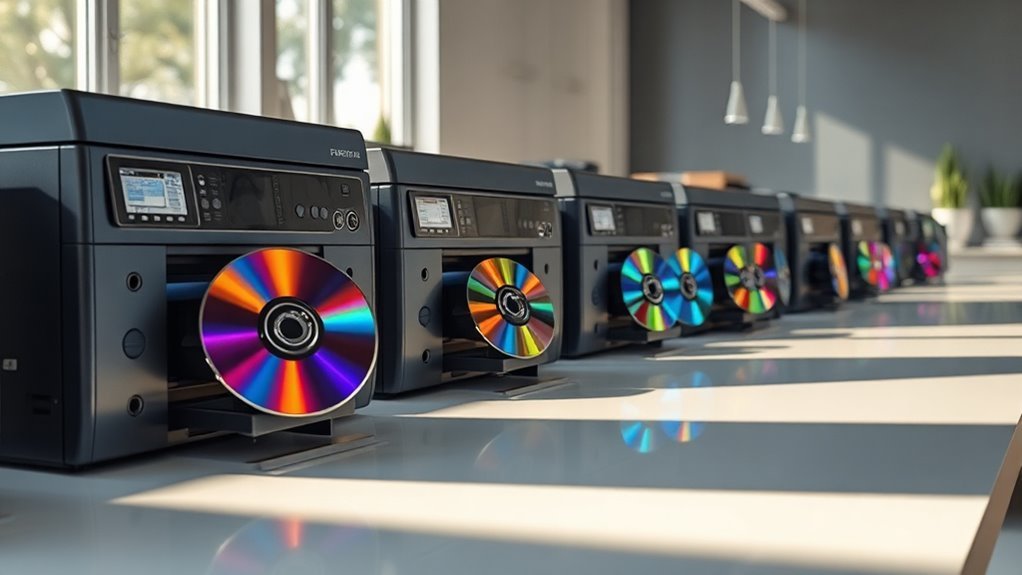
When choosing a CD printer, you’ll want to take into account printing technology, automation, and capacity to match your needs. Pay close attention to print quality, media compatibility, and the connectivity options available.
These factors will help you find a printer that fits your workflow and delivers professional results. It’s really about balancing what you need with what the printer offers. That way, you get the best results without any hassle.
Printing Technology Options
Choosing the right printing technology can make or break the quality and durability of your CD prints. Inkjet printers spray pigment or dye-based inks directly, giving you vibrant colors and photo-quality graphics. But keep in mind, they need drying time and use more ink.
Thermal or dye-sublimation printers transfer dye from a ribbon, producing smudge-resistant, long-lasting images with smooth gradients. They usually cost more per print though.
If you only need simple text or monochrome graphics, thermal contact printers offer fast, low-cost solutions. However, they lack color and detail.
Pay attention to print resolution (dpi) and ink channels—higher values mean sharper, richer prints. And finally, make sure your discs are compatible with the printer’s technology. Some printers require special coatings to guarantee proper ink adhesion and durability under various conditions.
Automation and Capacity
Although selecting the right printing technology is essential, you’ll also want to focus on automation and capacity to keep your production efficient. Start by checking the maximum disc tray or hopper capacity to match your batch sizes—automated systems can hold 50 to 200 discs, minimizing manual handling.
Evaluate the automation level, including robotic disc pick-and-place and auto-duplex printing, so the printer can run unattended longer. Throughput rate matters, too; higher-capacity machines print and duplicate more discs per hour than manual models.
Look for reliable disc handling with jam detection and re-feed features to reduce downtime. Finally, consider consumables and maintenance, such as field-replaceable waste tanks and larger ink cartridges, which support continuous, automated operation without frequent interruptions.
Print Quality and Resolution
Beyond automation and capacity, print quality and resolution play a major role in producing professional-looking discs that stand out. You’ll want to check the printer’s maximum DPI; a resolution of 1200 x 1200 or higher guarantees finer detail and smoother gradients, essential for photos and small text.
Pay attention to the ink system—printers with multi-color cartridges or dedicated color channels deliver better color accuracy and richer tonal shifts. Also, consider the print method: inkjet excels at vibrant colors and photographic detail, while thermal retransfer offers sharper text and durability.
Don’t forget to verify color management support, like ICC profiles and calibration tools, for consistent results. Finally, look for printers with small minimum dot sizes and advanced halftoning to reduce banding and produce smooth skin tones on curved disc surfaces.
Media Compatibility Range
Many CD printers vary widely in the types of media they support, so you’ll want to verify compatibility before making a purchase. First, check which disc formats the printer supports—CD-R, CD-RW, DVD-R, DVD+R, or even Blu-ray BD-R/BD-RE.
Also, confirm the printable surface types it accepts, such as inkjet-printable, hub-printable, satin, or glossy discs. Inkjet models need specially coated media, so that’s something to keep in mind.
Don’t overlook disc size and hub-ring compatibility, especially if you plan to print on mini-discs or those with wide-clearance hubs. It’s an easy detail to miss but important if you want everything to fit right.
Make sure to verify if the printer handles your preferred label type, whether it’s direct-to-disc printing or adhesive labels. Some printers can’t accommodate thicker labels, so double-check before you buy.
Finally, think about your storage environment and check the media’s resistance to temperature, humidity, water, and oil. This will help guarantee your prints last as long as you need them to.
Connectivity and Software
When picking a CD printer, you’ll want to make sure it offers the right connectivity options, such as USB 3.0 for fast direct connections or Wi-Fi for easy network sharing. Check if it supports Ethernet for multi-user access in networked environments.
Make sure the software is compatible with your operating system—Windows or macOS—and includes dedicated disc-printing applications or drivers that handle template imports and color management. It’s really handy when the software comes bundled or supports third-party design tools with disc-specific templates, barcode reading, and batch printing to streamline your workflow.
Also, verify support for common file formats like JPEG, PNG, and PDF, plus ICC profiles for color accuracy. If the printer is networked, remote management and firmware updates can boost reliability, especially for unattended or high-volume jobs.
Durability and Maintenance
Since you’ll rely on your CD printer for consistent output, durability and maintenance are essential factors to keep in mind. Check the duty cycle and media capacity to confirm the printer can handle your expected monthly disc volume without frequent wear.
Opt for models with robust disc-handling mechanisms like robotic arms or cassettes, paired with sensors for accurate single-disc pickup to minimize jams. Look for easy-to-replace consumables—individual ink cartridges, waste-ink tanks, and feed rollers—to reduce downtime and maintenance costs.
Built-in features such as automatic head cleaning, low-ink alerts, and firmware updates help prevent defects and prolong printhead life. Finally, verify the printer suits your environment by checking its operating temperature, humidity tolerance, and dust resistance for reliable performance over time.
Frequently Asked Questions
Can CD Printers Handle Bulk Printing Orders?
Yes, you can handle bulk printing orders with many CD printers, but you’ll want a model designed for high volume. These printers speed up the process and maintain quality, so you won’t waste time or materials.
It really makes a difference when you choose the right machine. That way, you can keep everything running smoothly without any hiccups.
Are There Eco-Friendly Ink Options for CD Printers?
You can choose eco-friendly ink options for CD printers that minimize environmental impact. These inks often use vegetable-based or water-based formulas, letting you print vibrant discs while reducing harmful chemicals and waste in your workspace.
It’s a great way to stay green without sacrificing quality. Plus, using these inks can help keep your printing area healthier and cleaner.
How Long Do Printed CD Labels Typically Last?
Printed CD labels typically last 3 to 5 years, depending on ink quality and storage conditions. You’ll want to avoid direct sunlight and moisture to keep labels vibrant and intact for as long as possible.
Can CD Printers Print on Non-Standard Disc Sizes?
Some CD printers can print on non-standard disc sizes, but compatibility varies. You’ll want to check your printer’s specifications closely to confirm if it supports unique or unusual discs before you proceed with printing.
It’s always a good idea to double-check because not all printers handle those odd sizes well. That way, you avoid wasting discs or ink on something that won’t come out right.
Is Specialized Software Required for CD Printing Designs?
You don’t always need specialized software for CD printing designs; many printers work with common graphic programs like Photoshop or Illustrator.
However, using dedicated software can simplify alignment and enhance print quality, making your job easier.
It’s really about what you find most comfortable and what the printer supports. Sometimes, sticking with familiar tools is just fine!
Conclusion
When choosing a CD printer, you might focus on high-tech automation like the Epson Discproducer PP-100III, or you could prioritize simple, budget-friendly options like waterproof printable labels.
While cutting-edge machines offer speed and precision, sometimes ease and affordability win. Both choices meet your needs, but it’s the balance between advanced features and practical use that really matters.
Ultimately, your perfect CD printer blends innovation with convenience, not just one or the other. Whether you lean towards sophisticated technology or straightforward, cost-effective solutions, the best CD printers for 2027 deliver reliability and quality. Finding that sweet spot means you get a printer that fits your workflow and budget, making CD printing easier and more efficient. So, think about what matters most to you—speed, price, or simplicity—and choose a CD printer that ticks those boxes.