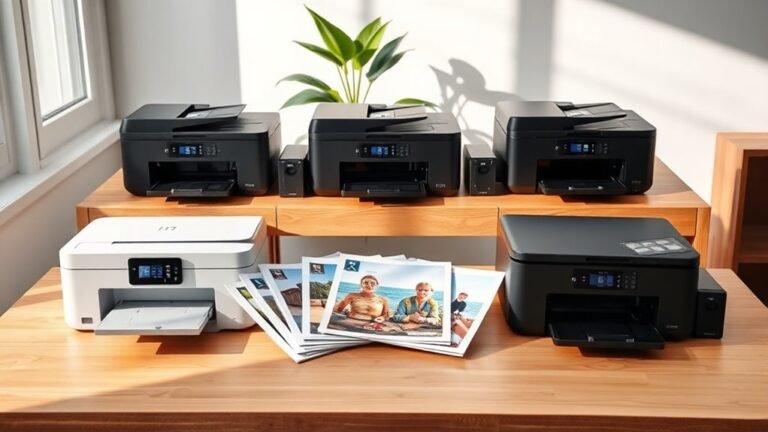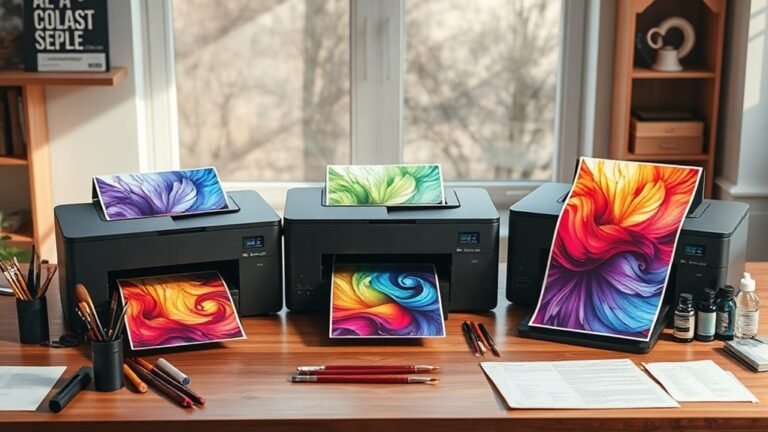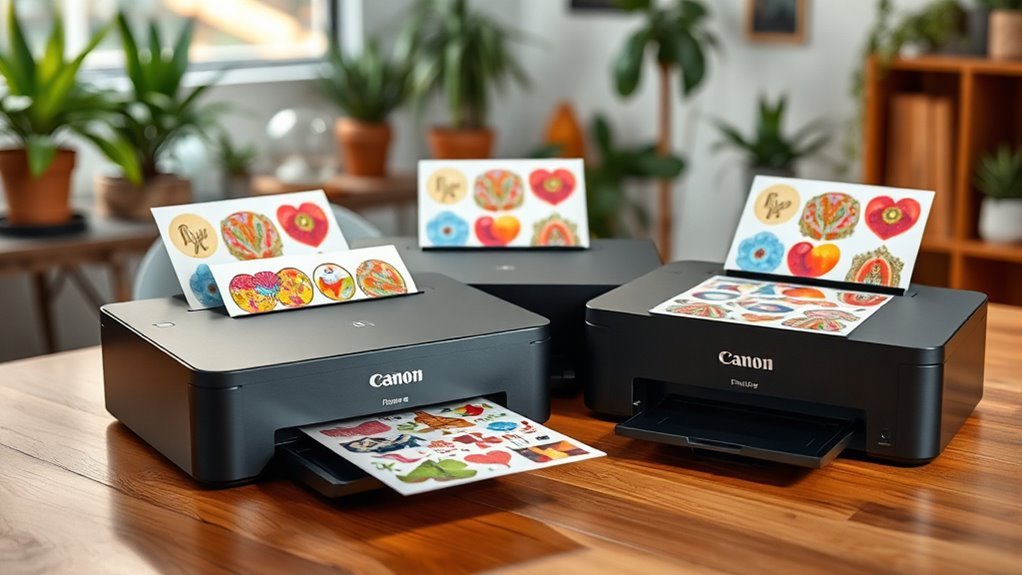
3 Best Canon Printers for Printing Stickers in 2027
You’ll want Canon models that handle thick vinyl sheets easily and support dye-based inks for vibrant, water-resistant colors. These features are crucial for getting those eye-catching, durable stickers that stand out. Plus, precise margin control is a must for full-bleed, detailed sticker designs.
Look for printers with straight-through or rear-feed paper paths to reduce jams when using specialty media. High DPI is also important to ensure your prints come out sharp and professional. Don’t forget to check compatibility with glossy vinyl papers like Koala or standard printable vinyl sheets.
Keep going to uncover the top Canon picks and pro tips that will help you nail your sticker printing every time. Trust me, with the right printer, your stickers will look fantastic and last long.
| Image | Name | Editor's Rating | Price |
|---|---|---|---|
|
|
||

|
|
||

|
|
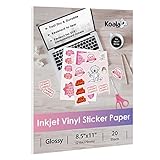
Koala Printable Vinyl Sticker Paper for Inkjet Printer, Glossy 20 Sheets
- IMPORTANT NOTE 1: This vinyl sticker paper is Incompatible with ET-2760, ET-4850, ENVVY 6000, 6400, 6455e, 7830, 7900e, OfficeJeit Pro 8020, 9010e, 9125E... If your...
- IMPORTANT NOTE 2: Use only dye ink to print. Pigment ink will smear and not dry properly on this sticker paper.
- VIBRANT GLOSS FINISH: Enhance your designs with KOALA glossy vinyl sticker paper that makes colors pop with vibrancy and clarity. Ideal for professional and eye-catching...
- WATER-RESISTANT & DURABLE: Crafted from vinyl material, our sticker paper is water-resistant and ensures durability in various conditions. For full waterproofness and...
- PRINTER AND INK COMPATIBILITIES: The printable sticker paper is compatible with some inkjet printer that supports thick label paper. Make sure to refer to your...

Bring your sticker projects to life with the Koala Printable Vinyl Sticker Paper, specially made for inkjet printers. This glossy, vibrant vinyl paper ensures your designs pop with bright, clear colors that stand out on any surface. Its water-resistant quality protects your stickers from smudges and spills, making it ideal for labels and decals.
Designed for inkjet printers that handle thicker paper, it’s important to use dye ink for the best results. Pigment ink can smear and won’t dry properly on this material, so sticking to dye ink will keep your prints sharp and clean. For added protection and durability, applying a laminate or sealer after printing can make your stickers fully waterproof.
Maintenance is simple—store the sheets flat and avoid exposure to extreme heat or moisture before printing. Each pack contains 20 sheets, giving you plenty of material for multiple projects or large batches. The Koala Printable Vinyl Sticker Paper is a practical choice for anyone needing reliable, high-quality printable vinyl.
Best for: Creatives and small business owners with compatible inkjet printers who want to produce vibrant, water-resistant stickers using dye ink.
What We Like:
- Glossy vinyl surface enhances color vibrancy and clarity
- Water-resistant material resists smudging and moisture
- Compatible with thick-paper-capable inkjet printers
- Comes in a 20-sheet pack for extensive use
- Supports added lamination for full waterproofing
Specification:
| Feature | Details |
|---|---|
| Manufacturer | Koala |
| Sheet Size | Standard letter size (8.5 x 11 in) |
| Quantity | 20 sheets |
| Material | Glossy vinyl |
| Printer Type | Inkjet (dye ink only) |
| Color Finish | Glossy |
Printable Vinyl Sticker Paper, 8.5 x11 Glossy White 50 Sheets
- High Quality Printable Vinyl Sticker Paper: Package includes 50 white vinyl sheets of Printable Sticker Paper for printer. Glossy finish. Standard Letter Size 8.5"x11".
- Water-Resistant and Vivid Colors:These printable vinyl for inkjet printer is very beautifully, retain color well, good waterproof effect, scratch and tear resistant...
- GREAT HOLD INK AND QUICK DRY: Our waterproof sticker paper dries quickly after printing and made from durable materials, so you can be confident that your designs are...
- EASY TO USE AND CUT: Easily make your own printable stickers with our sticker paper. Vinyl stickers are highly adhesive and stable, the stickers will not come off easily...
- DIY Personalized Stickers: Unleash your unlimited creativity with your glossy sticker paper. Printable Vinyl Sticker Paper will stick on all flat surfaces, plastic...
Discover the ease of creating vibrant, long-lasting stickers with Printable Vinyl Sticker Paper. Its glossy white finish enhances colors, making your designs stand out sharply. The waterproof surface protects your artwork from smudges and moisture, ensuring durability for everyday use.
Sized at 8.5 by 11 inches, this paper fits standard inkjet printers and dries quickly to prevent smearing. Its strong adhesive secures stickers firmly to flat surfaces like glass, plastic, wood, and metal. This makes it an excellent choice for personalized car decals, mugs, or labeling products.
The material works seamlessly with die-cutters such as Silhouette, allowing for precise cuts and creative projects. To maintain optimal print quality, use original ink and set your printer to Best Print Mode with glossy settings. This helps avoid ink smudges and maximizes color vibrancy.
While optimized for inkjet printers, it may not perform well with laser printers. The paper’s standard thickness balances flexibility and durability but is lighter than some heavier vinyl options. Proper printer settings are recommended for best results.
Best for: DIY enthusiasts and small business owners seeking durable, vibrant, and waterproof vinyl sticker sheets compatible with inkjet printers and die-cut machines.
What We Like:
- Glossy, waterproof finish ensures vivid, long-lasting colors
- Strong adhesive sticks reliably to multiple flat surfaces
- Compatible with Silhouette and similar die-cutters
- Quick-drying ink formula minimizes smearing
Specification:
| Feature | Details |
|---|---|
| Manufacturer | Not specified |
| Dimensions | 8.5 x 11 inches |
| Sheet Count | 50 sheets |
| Material | Glossy vinyl |
| Printer Type | Inkjet compatible |
| Finish | Glossy, waterproof |
Printer Paper Sticker Matte, 8.5×11 Adhesive Printable Sheets Inkjet Laser
- Advanced Ink-Locking Technology: Engineered with a specialized coating, the paper locks in ink quickly to prevent bleeding, smudging, or fading, ensuring...
- Durable and Tear-Resistant Material: The heavy-duty, tear-resistant material is durable enough for indoor use and light outdoor applications, maintaining quality and...
- Strong Multi-Surface Adhesive: The strong adhesive backing sticks securely to a wide range of surfaces including paper, cardboard, plastic, glass, metal, and more...
- Convenient Pack Size: Each pack includes 40 wrinkle-free, easy-to-load sheets that fit all standard printers, ensuring smooth feeding and consistent results for all your...
- Versatile Applications: Suitable for bulk labeling, creative projects, daily organization, and various crafting needs, these matte full sheet sticker papers turn ideas...
Matte printable sheets are the ideal solution for creating durable, professional-looking stickers that resist tears and smudges. These Printer Paper Sticker Matte sheets by ZGBGCL transform your printing projects by locking ink quickly, ensuring clear, vibrant results every time. Their heavy-duty coating prevents bleeding and fading, giving your labels and crafts a clean, polished finish.
Designed for compatibility with both inkjet and laser printers, these adhesive sheets make printing straightforward and reliable. The strong permanent backing adheres firmly to surfaces like glass, plastic, and metal, yet typically peels off without residue. This balance makes them perfect for organizing or crafting without worrying about messy cleanup.
Maintenance is simple: use the correct printer settings for best results, and store the sheets in a dry place to maintain their adhesive strength. While these sheets excel indoors or in light outdoor settings, they are less suited for prolonged exposure to harsh weather.
With a classic white matte finish and standard 8.5 x 11-inch size, they fit most printing needs but offer limited shape and color options. Their tear-resistant design and smudge-proof surface ensure your stickers look great and last.
Best for: Individuals and businesses needing high-quality, durable, and professional-looking printable matte stickers for labeling, crafting, or organizing projects.
What We Like:
- Heavy-duty, tear-resistant paper with strong permanent adhesive
- Compatible with inkjet and laser printers for vibrant, smudge-resistant prints
- Matte finish offers a non-glossy, professional look with excellent ink locking
- Adheres well to multiple surfaces and usually removes cleanly
- Ideal for indoor and light outdoor applications
Specification:
| Feature | Details |
|---|---|
| Manufacturer | ZGBGCL |
| Dimensions | 8.5 x 11 inches (21.6 x 27.9 cm) |
| Quantity | 40 sheets |
| Material | Matte coated adhesive paper |
| Color | White |
| Printer Compatibility | Inkjet and Laser |
Factors to Consider When Choosing a Canon Printer for Printing Stickers
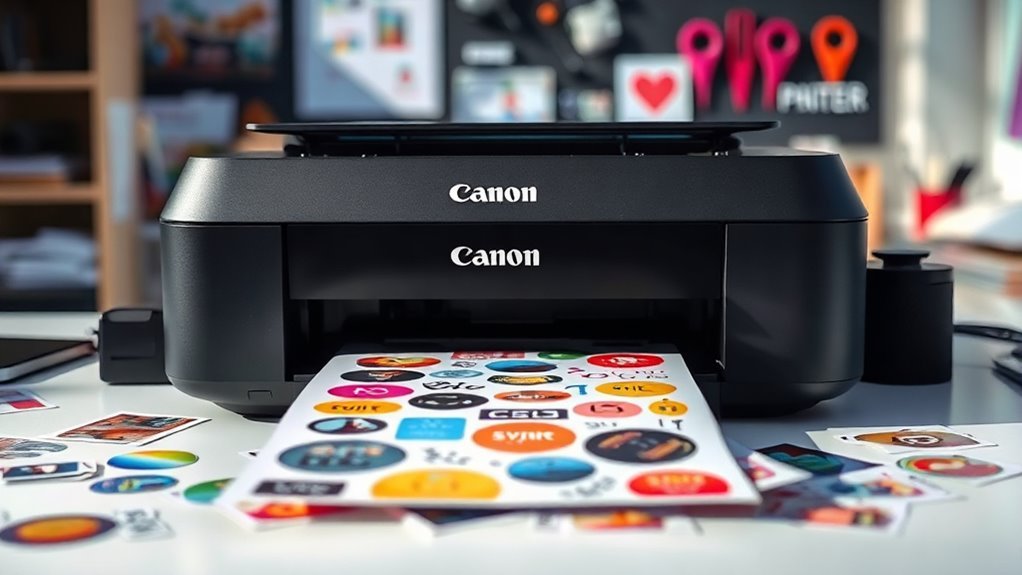
When choosing a Canon printer for stickers, you need to check if it works well with vinyl and the type of ink it uses. Print quality, finish, and how durable or water-resistant your stickers will be are also key factors.
Don’t forget to take into account the sheet size and how many you can print at once to match your needs. It’s all about making sure the printer fits what you want to do.
Printer Compatibility With Vinyl
Although many Canon printers can handle standard paper, not all models work well with vinyl sticker sheets. You need to confirm your chosen model supports thick or specialty media by checking its maximum paper weight and media thickness specs.
Printers with a limited platen gap might struggle to feed vinyl sheets smoothly. Also, if you plan to use inkjet printable vinyl, verify the printer accepts dye-based inks since some models configured for pigment inks or thermal drying may not dry dye inks properly on vinyl surfaces.
Look for printers offering a straight-through or rear-feed paper path to reduce curling and jams. Finally, make certain the driver supports media types like “photo paper” or “glossy” and allows high-quality print modes.
Plus, check the maximum printable sheet size to accommodate full-sheet vinyl labels.
Ink Type Requirements
Since ink type directly affects your stickers’ appearance and durability, you’ll want to choose a Canon printer that uses inks suited to your specific media and usage needs. Pigment-based inks resist smudging and water better, making them ideal for long-lasting or outdoor stickers.
However, many glossy and vinyl sticker papers require dye-based inks because pigment inks can sit on the surface and smear. Dye inks offer brighter colors but remain water-soluble unless sealed.
If you print on coated stocks, confirm your printer’s ink bonds well with the coating, often needing dye inks or special profiles. Avoid mixing dye and pigment inks in one print, as it can cause drying issues and color shifts.
Print Quality And Finish
Achieving vibrant, sharp, and professional-looking stickers starts with selecting a Canon printer that excels in print quality and finish. You’ll want a printer with a high DPI—at least 2400 x 1200 optimized—to capture fine details and crisp text.
Look for models supporting glossy and vinyl media, plus dedicated photo or premium paper modes to boost color saturation and gloss. Dye-based inks are ideal for glossy vinyl stickers, delivering richer color vibrancy than pigment inks.
Make sure the printer handles thicker media weights smoothly to avoid feeding issues and guarantee an even finish. Finally, choose a printer with fine droplet size and a wide color gamut to create smooth gradients and accurate color matching, giving your stickers a truly professional appearance.
Durability And Water Resistance
When choosing a Canon printer for sticker printing, you’ll want to focus on durability and water resistance to guarantee your designs hold up over time. Start by selecting sticker media with a waterproof substrate like vinyl instead of plain paper to resist moisture and light exposure.
Check if your printer’s output is fully waterproof or just water-resistant; many inkjet prints need an overlaminate or clear sealer spray for full protection. Dye-based inks often work best with printable vinyl, but make sure the ink bonds well and dries quickly to avoid smearing.
Also, consider waterproof adhesives and non-porous backings to keep stickers stuck in wet or humid conditions. Finally, think about environmental exposure—UV-resistant coatings and abrasion protection can greatly extend your stickers’ lifespan.
Sheet Size And Quantity
Protecting your stickers from water and wear is only part of the equation; you also need to take into account the sheet size and quantity your Canon printer can handle. First, verify the printer supports your preferred sheet sizes—whether it’s standard 8.5 x 11 inch, A4, or specialty vinyl—to avoid misfeeds or print errors.
If you regularly print on thick or vinyl sticker sheets, choose a model with a straight-through or rear feed path to reduce bending and jamming. Also, match your typical print volume with the printer’s capacity for handling bulk jobs to avoid frequent manual reloads.
Finally, confirm the maximum paper weight and thickness your printer supports and pick one with driver settings that allow precise margin control for full-bleed or multiple-up layouts. This will help minimize wasted sheets.
Adhesive And Application
Understanding adhesive and application factors plays a crucial role in selecting the right Canon printer for sticker printing. First, verify your printer supports the sticker material’s thickness and finish. This guarantees the adhesive backing feeds smoothly without jamming or peeling.
Use ink compatible with both sticker media and adhesive. Dye inks work well on coated vinyl, while pigment inks may not dry properly on glossy adhesive films, risking weakened adhesion.
Consider your sticker’s final surface—high-tack adhesives suit plastics or metal. On the other hand, low-tack adhesives work for walls or temporary labels.
Also, think about post-print treatments like lamination. It boosts durability but might reduce tackiness.
If you plan die-cutting, guarantee your printer maintains dimensional accuracy. Plus, make sure the adhesive tolerates cutting without lifting or gumming your cutter.
Frequently Asked Questions
Can Canon Printers Print Stickers on Non-Vinyl Materials?
Yes, you can print stickers on non-vinyl materials with Canon printers. Just make sure the material is compatible with your printer’s ink type and feed mechanism.
Also, adjust settings to avoid smudging or paper jams for the best results. It’s all about finding the right balance to get your stickers looking great!
How Do I Maintain My Canon Printer for Sticker Printing Longevity?
You should clean the print head regularly and use high-quality ink and sticker paper. Keeping your printer dust-free is also really important.
Run test prints often to catch any issues early on. Oh, and don’t forget to update your printer’s firmware – this helps keep your sticker printing smooth and long-lasting.
Are Canon Printers Compatible With Third-Party Ink for Stickers?
Yes, Canon printers can work with third-party ink for stickers, but you should be cautious. Using non-genuine ink might void your warranty, affect print quality, or cause clogging.
What Is the Average Cost per Sticker Print With Canon Printers?
You’ll typically spend around 5 to 15 cents per sticker print with Canon printers, depending on ink type and paper quality.
Using third-party ink can lower costs, but it might affect print quality and durability. So, it’s a bit of a trade-off to keep in mind.
Can Canon Printers Print Waterproof Stickers Without Lamination?
Canon printers can’t print truly waterproof stickers without lamination. You’ll need special waterproof ink or lamination to protect your stickers from water damage.
Otherwise, regular prints will smudge or fade when wet. So, if you want your stickers to last around water, lamination is the way to go.
Conclusion
So, you want to print stickers like a pro with a Canon printer? Easy—just pick one that doesn’t make you cry over smudged ink or paper jams.
Remember, glossy or matte, 20 sheets or 50, it’s all about pretending you know what you’re doing.
With these options, you’ll be the sticker king or queen in no time—because nothing says “I’ve got my life together” like perfectly printed, peel-and-stick masterpieces.
Happy printing!
Choosing the best Canon printer for printing stickers in 2027 means focusing on quality, reliability, and ease of use. Whether you’re into glossy or matte finishes, these printers handle different paper types and sizes without fuss. With the right Canon printer, you avoid smudges and jams, making your sticker projects smooth and fun. So go ahead, pick your perfect Canon printer, and start creating those standout stickers that show off your style and creativity!