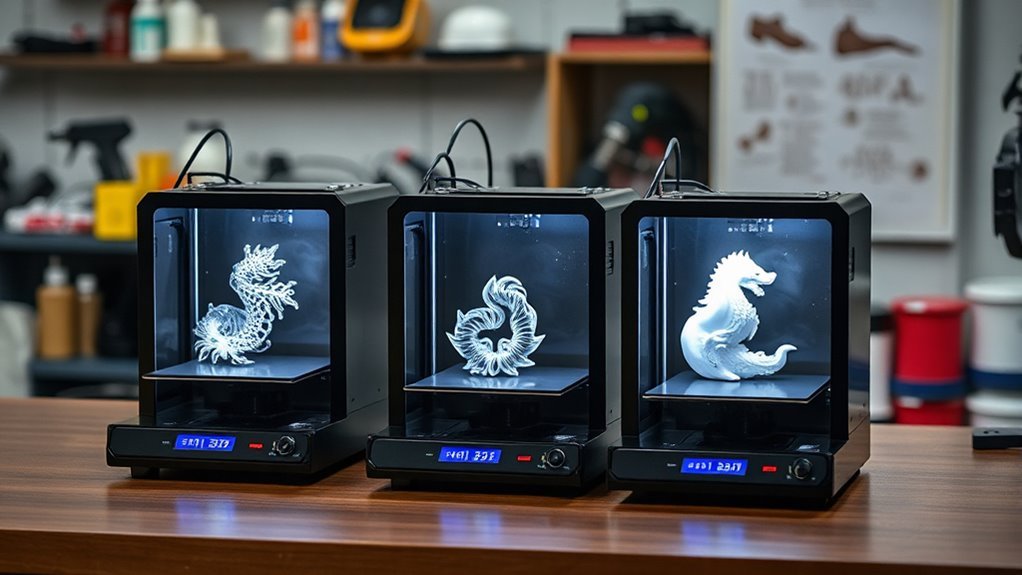
5 Best Budget SLA 3D Printers for 2027 That Impress and Deliver
If you’re looking for sharp, reliable resin prints without breaking the bank, budget SLA 3D printers are a great place to start. These printers offer impressive detail and performance, making them perfect for hobbyists and professionals alike.
Check out the ANYCUBIC Photon Mono 4, which features a 7″ 10K LCD for crisp, high-resolution prints. ELEGOO’s Mars 5 series comes with smart sensors and easy leveling, so you get precise results with less hassle.
For larger or professional projects, the Saturn 3 models paired with Mercury wash-and-cure stations really streamline your workflow. When choosing the best budget SLA printer, consider build volume, resolution, and ease of use. Keep exploring to discover what makes these printers truly stand out!
| Image | Name | Editor's Rating | Price |
|---|---|---|---|

|
|
||
|
|
||

|
|
||

|
|
||

|
|
ANYCUBIC Photon Mono 4, Resin 3D Printer with 7” 10K Mono LCD Screen
- 【7'' 10K High Resolution】Photon Mono 4 boasts an impressive 105% increase in print precision compared to Mono 2. With a resolution of 9024x5120, each pixel measures a...
- 【Powerful Light Source】The time-tested Anycubic LighTurbo matrix light source technology delivers stable, balanced, and uniform lighting to reduce layer lines and...
- 【Sufficient Print Size】With a generous maximum build volume of 6.04'' x 3.42'' x 6.49''/153.4mm x 87mm x 165mm, you have ample print space to easily tackle your daily...
- 【Laser-engraved Print Platform 2.0】With a new design, the laser engraving platform of the photon mono 4 improves adhesion to mitigate lifting and warping of the model...
- 【User-friendly Function】The 4-point leveling method is ideal for beginners, after the first leveling and tightening the 4 screws, no need to repeat leveling. Photon...
Experience precision printing like never before with the ANYCUBIC Photon Mono 4. This resin 3D printer is designed to tackle the common frustrations of uneven surfaces and slow print speeds. Its 7-inch 10K monochrome LCD screen offers outstanding detail, enhancing every layer with remarkable clarity.
The printer’s LighTurbo matrix light source ensures consistent and uniform illumination. This technology reduces visible layer lines, resulting in ultra-smooth finishes. Maintenance is straightforward, with a laser-engraved platform that promotes strong adhesion and helps prevent warping or lifting during prints.
With a compact build volume of 6.04 x 3.42 x 6.49 inches, the Photon Mono 4 suits detailed projects without taking up excessive space. Its user-friendly design balances speed and quality, making it ideal for both hobbyists and professionals who need reliable, high-precision results.
Best for: hobbyists and professionals seeking a high-precision, budget-friendly resin 3D printer with excellent surface quality and reliable performance.
What We Like:
- High-resolution 10K monochrome LCD for exceptional detail.
- Uniform LighTurbo light source reduces layer lines.
- Laser-engraved platform improves print adhesion.
- Compact size balances workspace and build volume.
- Simple maintenance and consistent performance.
Specification:
| Feature | Details |
|---|---|
| Manufacturer | ANYCUBIC |
| Dimensions | Not specified |
| Weight | 7.7 lb (3.5 kg) |
| LCD Screen Size | 7 inches |
| Resolution | 9024 x 5120 (10K monochrome) |
| Build Volume | 6.04 x 3.42 x 6.49 inches |
| Light Source | LighTurbo matrix |
ELEGOO Mars 5 Resin 3D Printer
- 【Effortless Magic with One-Click Automatic Leveling】Effortless precision is just a click away. ELEGOO Mars 5 resin 3D printer offers advanced automatic leveling...
- 【Print Smarter, Print Worry-Free】With a smart mechanical sensor, ELEGOO Mars 5 resin printer supports residue detection to prevent damage to the LCD screen. Plus...
- 【One-Click Self-Check, Ensuring Reliable Prints】Tired of setup hassles and unexpected errors ruining your printing projects? With just a simple click, ELEGOO Mars...
- 【4K Mono LCD for Stunning Details】Featuring a 4K mono LCD with advanced COB light source, ELEGOO Mars 5 impresora 3D de resina faithfully reproduces intricate details...
- 【Advanced Overheat Protection, Cool and Safe】No more overheating worries. The advanced overheat protection automatically halts printing and triggers an alarm if the...

Experience precision and ease with the ELEGOO Mars 5 Resin 3D Printer. This printer is designed to deliver sharp, highly detailed prints without the frustration of complex setup. Its 4K monochrome LCD and COB light source work together to produce crisp textures and fine details, enhancing your creative projects.
Maintenance is straightforward thanks to the automatic one-click leveling and self-check system. These features help prevent errors before printing starts, saving time and reducing wasted resin. Smart sensors monitor resin residue to protect the LCD, while alerts notify you of resin shortages or leveling problems.
The printer’s compact design prioritizes reliability and safety. An efficient cooling system and overheat protection ensure consistent performance during extended print jobs. Although the build volume is modest and the unit weighs over 14 pounds, it remains a solid choice for detailed, professional-quality prints.
Best for: hobbyists and professionals who want precise resin 3D prints with minimal setup and maintenance.
What We Like:
- Sharp detail from 4K mono LCD and COB light source
- Easy setup with automatic leveling and self-check
- Smart sensors and alarms reduce waste and protect components
- Reliable cooling and overheat protection for long prints
Specification:
| Feature | Details |
|---|---|
| Manufacturer | ELEGOO |
| Dimensions | Compact design |
| Weight | Over 14 pounds (~6.4 kg) |
| Printing Technology | Resin 3D Printing |
| Display | 4K Monochrome LCD |
| Build Volume | Relatively small |
ELEGOO Mars 5 MSLA Resin 3D Printer, Smart Mechanical Sensor
- 【Intelligent Mechanical Sensor】ELEGOO Mars 5 3D printer features a built-in intelligent mechanical sensor that detects printing issues like low resin, foreign...
- 【Intelligent Automatic Leveling】ELEGOO Mars 5 MSLA 3D printer features a built-in intelligent sensor and spring for automatic leveling. Simply unpack, power on, and...
- 【6.6-inch Mono 4K LCD Screen】ELEGOO Mars 5 3D printer is equipped with a 6.6-inch 4K monochrome LCD screen with 4098*2560px resolution and 35*35μm XY resolution. It...
- 【COB & Heat Dissipation System】ELEGOO Mars 5 features a COB light source with 92% light uniformity, ensuring high-precision printing and smooth model surfaces. Large...
- 【User-Friendly Design】ELEGOO Mars 5 offers upgrades like adjustable foot pads, one-touch build plate locking, replaceable tank lock, dual chute pouring spouts, and a...
The ELEGOO Mars 5 MSLA Resin 3D Printer brings precision and reliability into a compact design. Its smart mechanical sensor detects resin levels, foreign objects, overheating, and release film status. This reduces downtime and enhances safety, ensuring your prints complete without unexpected interruptions.
With a 6.6-inch monochrome 4K LCD, it delivers sharp 35 μm XY resolution and fast print speeds up to 70 mm/h. The intelligent automatic leveling simplifies setup — just power on and start printing. This makes it perfect for hobbyists and small workshops seeking smooth operation and consistent quality.
Maintenance is straightforward but essential. Regular cleaning of the resin tank protects the LCD and release film, preserving print quality and extending the printer’s lifespan. Features like a laser-engraved build plate and dual pouring spouts add convenience and precision to your workflow.
While it weighs over 19 pounds, which may limit portability, its robust build supports stable printing. Overall, the ELEGOO Mars 5 combines smart technology with user-friendly design to improve your 3D printing experience.
Best for: Hobbyists and small workshops needing a reliable resin 3D printer with advanced safety features and high-resolution results.
What We Like:
- Smart mechanical sensor enhances safety and uptime.
- High-precision 6.6-inch monochrome 4K LCD with fast print speeds.
- Easy automatic leveling for quick setup.
- Convenient laser-engraved build plate and dual pouring spouts.
- Efficient cooling system for stable performance.
Specification:
| Feature | Details |
|---|---|
| Manufacturer | ELEGOO |
| Dimensions | Not specified |
| Weight | Over 19 lb (approx. 8.6 kg) |
| Resin Tank | Requires regular cleaning |
| LCD Screen Size | 6.6 inches (monochrome 4K) |
| XY Resolution | 35 μm |
| Max Print Speed | Up to 70 mm/h |
ELEGOO Saturn 3 MSLA 3D Printer & Mercury X Station
- 【Perfect Match Purchase】 You don't have to look for matches repeatedly.
- 【Wide Application】 It can be used in figure printing, utility tool printing, jewelry design, etc.
- 【Wide Compatibility】 The printer is compatible with various types of resins.
- 【Excellent Performance]】Our printer has excellent printing accuracy and detail performance.
- 【Stable Performance】 Strict manufacturing process, stability and reliability are trustworthy.
Experience the precision and versatility of the ELEGOO Saturn 3 MSLA 3D Printer & Mercury X Station bundle, designed to elevate your creative projects. This combination delivers professional-grade detail without overwhelming your budget, making complex designs more accessible and efficient.
The Saturn 3 excels in printing fine details across a range of resins, perfect for producing intricate figures, jewelry, or functional industrial parts. Its stable MSLA technology ensures consistent results, while operating costs remain lower than typical FDM printers, helping you save on consumables.
Maintenance is straightforward with the included Mercury X Wash and Cure Station, which streamlines post-processing to save you time and effort. This setup allows you to focus more on creation and less on cleanup, improving overall workflow and output quality.
While it weighs 46 pounds, which can limit portability, the printer offers a solid build that supports reliable operation. The bundle suits professionals who need detailed, accurate prints combined with efficient finishing tools.
Best for: Professionals and creators requiring high-precision MSLA 3D printing with versatile resin compatibility for detailed models and prototypes.
What We Like:
- Exceptional printing accuracy for detailed, professional-quality results
- Stable performance with lower consumable costs than FDM printers
- Includes Mercury X Wash and Cure Station for efficient post-print processing
- Supports a wide range of resin types for diverse applications
Specification:
| Feature | Details |
|---|---|
| Manufacturer | ELEGOO |
| Dimensions | Not specified |
| Weight | 46 lb (20.87 kg) |
| Material | Resin-compatible components |
| Color Options | Not specified |
ELEGOO Saturn 3 3D Printer with Mercury Plus V3 Station
- ELEGOO Saturn 3 MSLA 12K 3D Printer, Desktop Resin 3D Printer with 10-Inch Monochrome LCD, Voxeldance Tango Slicer, Large Printing Size of 8.62x4.84x9.84 inches
- ELEGOO Mercury Plus V3.0 Wash and Cure Station, 7.5 L Large Capacity, Compatible with Mars Saturn Photon Halot MSLA LCD DLP 3D Printers
Experience the ease of creating detailed, large-scale models with the ELEGOO Saturn 3 3D Printer paired with the Mercury Plus V3 Station. This combination is designed to tackle common challenges in resin 3D printing, such as limited build size and post-processing time. The Saturn 3’s generous build volume lets you bring bigger ideas to life without losing precision.
The printer uses a 10-inch monochrome LCD, which speeds up printing and extends screen life, reducing downtime. Its design supports consistent, high-quality outputs, ideal for detailed prototypes or artistic projects. Maintenance is simplified by the Mercury Plus V3 Station, which provides a spacious 7.5-liter wash area compatible with multiple ELEGOO models. This ensures thorough cleaning and curing, saving you time and effort.
Together, these tools streamline your workflow from printing to finishing, minimizing errors and improving efficiency. While beginners might face a learning curve with MSLA technology, the system’s reliable performance benefits hobbyists and small businesses aiming for professional-quality prints.
Best for: hobbyists and small business users seeking an affordable, large-format SLA 3D printing solution with integrated post-processing.
What We Like:
- Large build volume for bigger, detailed prints
- Fast, durable 10-inch monochrome LCD screen
- Efficient wash and cure station with broad compatibility
- Streamlined post-processing for faster project completion
Specification:
| Feature | Details |
|---|---|
| Manufacturer | ELEGOO |
| Printer Build Volume | 8.62 x 4.84 x 9.84 inches |
| LCD Screen Size | 10-inch monochrome |
| Wash Station Capacity | 7.5 liters |
| Compatible Printers | Multiple ELEGOO models |
Factors to Consider When Choosing a Budget SLA 3D Printer
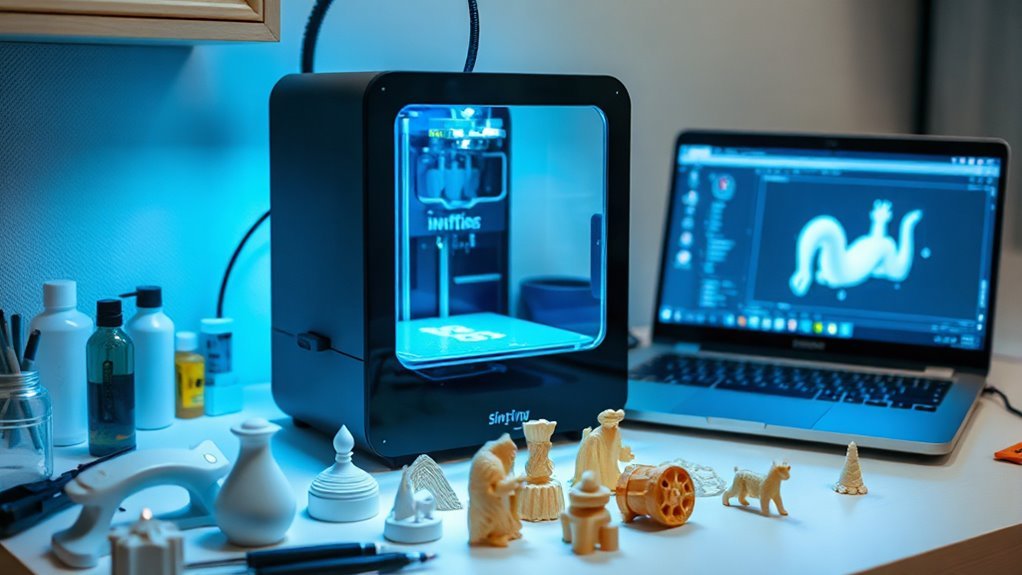
When choosing a budget SLA 3D printer, you’ll want to balance print resolution with your build volume needs. Consider whether speed or quality matters more for your projects.
Also, check how user-friendly the machine is. It can make a big difference, especially if you’re new to 3D printing.
Don’t forget to review the warranty and support options. Protecting your investment is always a smart move.
Print Resolution Importance
Although print resolution isn’t the only factor to weigh, it plays a pivotal role in determining the detail and quality your budget SLA 3D printer can achieve.
Print resolution involves both XY pixel size and Z layer height—smaller XY pixels (around 17–20 μm) deliver sharper edges and finer surface details, while finer Z layers (under 50 μm) reduce visible layer lines.
Keep in mind, the LCD’s native resolution and screen size affect pixel dimensions, so a higher pixel count means crisper prints.
However, optical quality and light uniformity also impact how accurately resin cures, so nominal pixel size doesn’t always translate to real-world detail.
Choose your printer’s resolution based on what you plan to print: ultra-fine details need higher resolution, but for functional parts, coarser settings save time without sacrificing usability.
Build Volume Needs
Picking the right build volume means matching your printer’s capacity to the largest parts you plan to create, plus some extra space for supports and rafts. Measure your models carefully and add 10–20% headroom in X, Y, and Z dimensions to avoid surprises.
Think about your print orientation: taller Z height suits single, tall prints, while a wider X/Y lets you batch multiple small parts efficiently. Keep in mind the usable volume is often smaller than the nominal size due to peel distances and platform borders—usually subtract 2–5 mm to find the real printable area.
If you want to grow your projects, prioritize a slightly larger build volume, even on a budget. Small LCD sizes (4–7 inches) can really limit part size and batch capacity, so it’s worth considering a bit more space upfront.
Speed Versus Quality
Since speed and quality often pull in opposite directions, you’ll need to balance these factors carefully when choosing a budget SLA 3D printer. Faster prints come from thicker layers (0.05–0.1 mm) and shorter exposure times, but this reduces vertical resolution and makes layer lines more visible.
If you want finer details and smoother surfaces, opt for smaller layer heights (20–30 µm) and higher XY resolution, though this doubles print time. Some printers use faster light sources and smart exposure to speed things up without sacrificing too much quality.
But pushing exposure too far can cause overcure and lose small feature accuracy. Remember, total workflow time includes post-curing and cleaning, so speeding up printing alone won’t always shorten your overall project time.
Choose based on whether detail or speed matters most for your needs.
Ease of Use
A budget SLA 3D printer that’s easy to use can save you time and frustration, especially if you’re new to resin printing. Look for models with automatic or one-click leveling and guided setup workflows to cut down calibration time and first-print headaches.
A monochrome LCD with high native resolution and small pixels not only speeds up exposure but also assures consistent layer quality. This makes tuning less of a chore.
Features like resume-on-power-loss and simple, removable build plates help reduce failed prints and simplify part removal. Intuitive touchscreen controls, responsive slicer software, and straightforward USB or SD file transfers minimize your learning curve.
Built-in safety checks like resin-level detection and temperature alerts keep errors and maintenance issues at bay. This way, you can focus on printing without worrying too much about things going wrong.
Warranty and Support
When choosing a budget SLA 3D printer, you’ll want to carefully evaluate the warranty and support options to protect your investment. Check the length and coverage—does it protect key parts like the LCD, power supply, and mechanics for at least 1–2 years?
Make sure to confirm what’s included: parts, labor, shipping, and whether consumables or user errors are excluded. Look for multiple support channels like email, phone, or live chat, and note their typical response times to avoid frustrating delays.
Also, verify if the manufacturer offers firmware updates, spare parts, and clear repair guides to extend your printer’s life. Finally, review return and repair policies, including response windows and whether replacements are provided, so you can minimize downtime if issues arise.
Frequently Asked Questions
How Do SLA Printers Compare to FDM Printers in Print Quality?
You’ll find SLA printers deliver finer details and smoother surfaces than FDM printers because they use resin cured by lasers. This method allows for much higher precision in the final print.
On the other hand, FDM printers extrude melted filament, which can leave visible layer lines and less precision overall. So, if you’re after super fine detail, SLA is usually the way to go.
What Safety Precautions Are Needed When Handling Resin?
You should always wear nitrile gloves and safety goggles when handling resin. Work in a well-ventilated area to avoid fumes.
Try to avoid skin contact as much as possible. And if you do spill any resin, clean it up immediately.
Proper disposal of resin waste is essential too. It helps keep your workspace safe and environmentally friendly.
Can SLA Printers Be Used for Dental or Jewelry Applications?
You’ll find SLA printers perfect for dental and jewelry work—they create insanely detailed, precise models!
You can craft crowns, dentures, or intricate rings with ease, making your designs come to life with stunning accuracy every time.
How Long Do Resin Prints Typically Take to Cure?
Resin prints typically take 2 to 10 minutes to cure under a UV light, depending on the print size and resin type.
You’ll want to follow your resin’s guidelines for the best results and durability.
Every resin can behave a little differently, so sticking to the recommended cure times is usually your best bet.
Plus, a proper cure helps make your prints stronger and less sticky to the touch.
What Post-Processing Steps Are Required After Printing?
You’ll need to rinse your print in isopropyl alcohol, cure it under UV light, and remove any supports carefully.
Sanding and painting come next if you want a smooth, polished finish. It’s all about getting those perfect details just right.
Conclusion
Choosing the right budget SLA 3D printer can feel like finding a needle in a haystack. But with options like the ANYCUBIC Photon Mono 4 and ELEGOO Mars 5 series, you’re set to make a smart pick.
These printers deliver impressive quality without breaking the bank. Keep your needs and features in mind, and you’ll be creating stunning resin prints in no time.
With budget SLA 3D printers, you don’t have to sacrifice quality for affordability. Whether you’re a hobbyist or a professional, these models impress and deliver consistent results.
So go ahead, explore the best budget SLA 3D printers for 2027—they’ll help turn your ideas into reality faster than you’d expect.