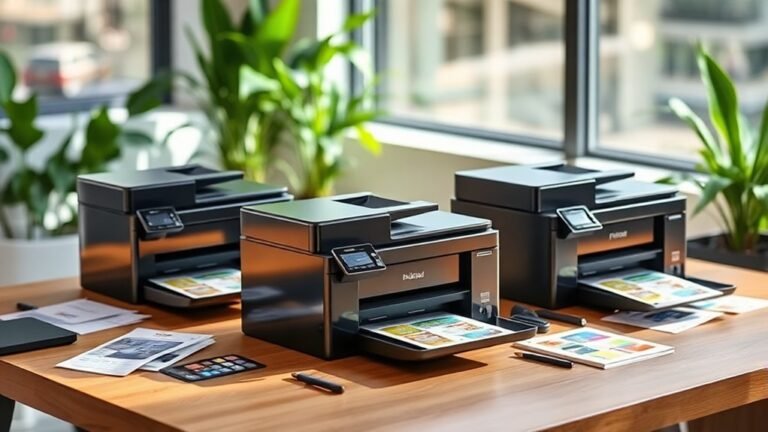
6 Best Black White Printers for 2027
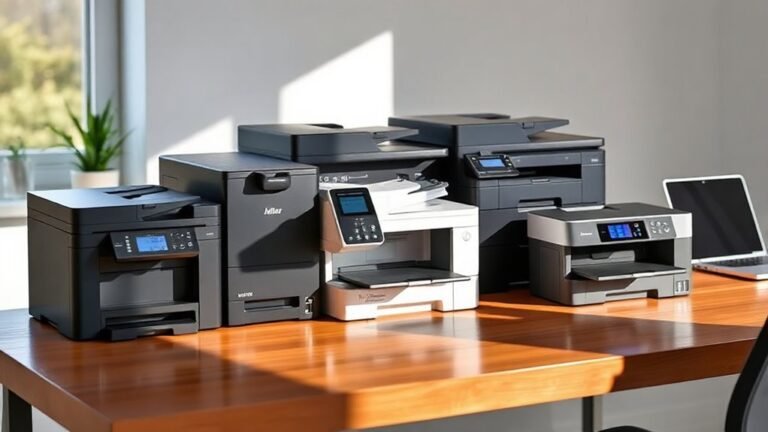
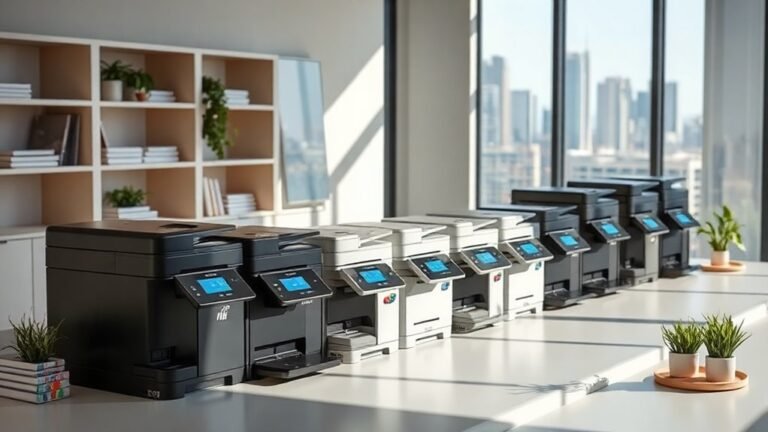
You’ll find top black-and-white printers like the Brother HL-L2405W and DCP-L2640DW offering fast, sharp prints with wireless dual-band support and eco-friendly features. These models are perfect if you need reliable performance without sacrificing quality.
The HP LaserJet M110w is ultra-compact, making it ideal for tight spaces where every inch counts. On the other hand, Canon’s LBP6030w balances efficiency with good print quality, so you get the best of both worlds.
For multifunction needs, the HP Jet Pro 3105sdw and Pro 3001dw deliver speed, security, and versatile connectivity. Whether you’re printing documents, scanning, or copying, these printers handle it all smoothly. Explore these options to pick the right fit for your workspace and printing demands.
| Image | Name | Editor's Rating | Price |
|---|---|---|---|

|
|
||

|
|
||

|
|
||

|
|
||

|
|
Brother HL-L2405W Wireless Monochrome Laser Printer
- BEST FOR HOMES & HOME OFFICES – Engineered for consistent, premium print quality, the Brother HL-L2405W Monochrome (Black & White) Laser Printer delivers sharp, crisp...
- COMPACT, CONNECTED PRINTER – Flexible connection options make this an ideal printer for home use and at-home offices. Securely connect to multiple devices with built-in...
- BROTHER MOBILE CONNECT APP – Manage your printer remotely and print from your mobile device anytime, from almost anywhere. Order Brother Genuine Supplies, track toner...
- VERSATILE PAPER HANDLING – Enjoy seamless, reliable everyday printing with the 250-sheet paper tray(4) and a manual feed slot that enables printing on envelopes and...
- BROTHER IS AT YOUR SIDE – Backed by Brother with a 1-year limited warranty and free online, call, or live chat support for the life of your printer

The Brother HL-L2405W offers a practical solution for those needing a dependable black-and-white printer that fits neatly on a home office desk. Its compact design saves space while delivering sharp, clear prints with a resolution of 1200 x 1200 dpi. This laser printer handles printing tasks swiftly, producing up to 30 pages per minute to keep your workflow moving efficiently.
Wireless dual-band connectivity allows you to print effortlessly from laptops, smartphones, or tablets, eliminating cable clutter. The 250-sheet paper capacity reduces frequent refills, and manual duplex printing provides a cost-effective way to print double-sided documents, though it requires user attention.
Maintenance is straightforward with the Brother Mobile Connect app, which helps you monitor toner levels and manage print jobs remotely, minimizing downtime. Weighing just 15.1 pounds, the printer is easy to reposition without sacrificing performance or quality.
While it lacks multifunction options like scanning or copying, this monochrome laser printer is ideal for focused black-and-white printing needs, delivering reliable results in a space-saving package.
Best for: Small home offices or individuals needing a compact, efficient wireless monochrome laser printer for everyday document printing.
What We Like:
- Fast printing speed of up to 30 ppm with high-quality 1200 x 1200 dpi resolution
- Dual-band wireless connectivity for seamless printing from multiple devices
- Compact footprint with a 250-sheet capacity to reduce paper refills
- Remote management and toner monitoring through the Brother Mobile Connect app
Specification:
| Feature | Details |
|---|---|
| Manufacturer | Brother |
| Dimensions (W x D x H) | 14.2 x 14.0 x 7.2 inches |
| Weight | 15.1 lbs (6.85 kg) |
| Printing Technology | Monochrome Laser |
| Print Resolution | 1200 x 1200 dpi |
| Print Speed | Up to 30 pages per minute |
| Connectivity | Wireless Dual-Band (2.4 GHz & 5 GHz) |
| Paper Capacity | 250 sheets |
HP LaserJet M110w | Monochrome | Laser Printer
- FROM AMERICA'S MOST TRUSTED PRINTER BRAND – Perfect for small teams printing professional-quality black & white documents and reports. Perfect for 1-3 people
- WORLD'S SMALLEST LASER IN ITS CLASS – Precision laser printing that fits anywhere
- FAST PRINT SPEEDS – Up to 21 black-and-white pages per minute single-sided
- WIRELESS WITH SELF-RESET – Helps you stay connected
- PRINT FROM ANY DEVICE – Wireless printing from any mobile device, PC or tablet. Works with Microsoft, Mac, AirPrint, Android, Chromebook and more
The HP LaserJet M110w is designed for small offices and individuals who need reliable, fast black-and-white printing without taking up much space. Its compact size, the smallest in its class, fits neatly on any desk, solving workspace constraints while maintaining strong performance.
This printer delivers sharp, clear documents at up to 21 pages per minute with a 600 x 600 dpi resolution. It handles everyday office tasks like reports and forms efficiently, helping you stay productive without delays or hassle.
Setup is straightforward with wireless and USB connections, compatible with Windows, macOS, Android, and more. The HP Smart app enhances convenience by allowing printing and scanning directly from your smartphone, simplifying your workflow.
Maintenance is simple but requires original HP toner cartridges, which ensures quality prints but can increase supply costs. The single paper tray holds up to 150 sheets, so frequent refills may be necessary for large print volumes.
Best for: Small teams or individuals requiring a compact, efficient monochrome laser printer for daily office documents.
What We Like:
- Compact design ideal for limited desk space
- Fast printing speed with clear text output
- Easy wireless setup and broad device compatibility
- Mobile printing and scanning through HP Smart app
Specification:
| Feature | Details |
|---|---|
| Manufacturer | HP |
| Dimensions | Compact, smallest in class (exact size not specified) |
| Weight | Lightweight (exact weight not specified) |
| Color Options | Monochrome (Black and White) |
Brother DCP-L2640DW Wireless Compact Monochrome Printer
- BEST FOR SMALL BUSINESSES – Engineered for extraordinary productivity, the Brother DCP-L2640DW Monochrome (Black & White) 3-in-1 combines laser printer, scanner, copier...
- FAST PRINTER WITH EFFICIENT SCANNING – Produces documents quickly with print speeds up to 36 ppm(2) and scan speeds up to 23.6/7.9 ipm(3) (black/color). A 50-page auto...
- FLEXIBLE CONNECTION OPTIONS – Easily navigate the changing demands of your business with secure multi-device connectivity via built-in dual-band wireless (2.4GHz...
- BROTHER MOBILE CONNECT APP – Print, scan, and manage your wireless printer anytime, from almost anywhere from your mobile device. Order Brother Genuine Supplies, track...
- CHOOSE BROTHER GENUINE TONER – When it’s time to replace your toner, be sure to choose Brother Genuine TN830 or TN830XL replacement toner. And with Refresh EZ Print...
Experience reliable and efficient printing with the Brother DCP-L2640DW, designed to meet the demands of small businesses and home offices. This wireless compact monochrome printer offers fast output, helping you stay productive without long waits. It prints up to 36 pages per minute, with the first page ready in just 8.5 seconds.
The all-in-one device handles printing, copying, and scanning with ease. Its 50-page auto document feeder and 250-sheet tray reduce interruptions, making it ideal for daily tasks. You get versatile connectivity options, including dual-band Wi-Fi, Ethernet, and USB, allowing flexible placement in your workspace.
Maintenance is straightforward, thanks to features like duplex printing and toner-saving modes that lower costs and reduce waste. ENERGY STAR certification and EPEAT Silver rating highlight its eco-friendly design. While it prints only in monochrome and has a moderate paper capacity, it balances performance with compact size and energy efficiency.
Best for: Small businesses and home offices needing fast, reliable monochrome printing, copying, and scanning with wireless connectivity and compact design.
What We Like:
- Fast print and copy speed up to 36 ppm with quick first-page output
- Multiple connectivity options including dual-band Wi-Fi and Ethernet
- Eco-conscious features like duplex printing and toner save mode
- Compact design fits easily in small office spaces
- Simple maintenance helps reduce operating costs
Specification:
| Specification | Details |
|---|---|
| Manufacturer | Brother |
| Dimensions (W x D x H) | 16.1 x 15.7 x 12.5 inches |
| Weight | 14.3 lbs (6.5 kg) |
| Color Options | White |
| Connectivity | Dual-band Wi-Fi, Ethernet, USB |
| Paper Capacity | 250-sheet tray |
Canon imageCLASS LBP6030w Wireless Monochrome Laser Printer
- FAST PRINT SPEEDS: Print up to 19 pages per minute.
- COMPACT DESIGN: Space-saving, compact design fits anywhere in your home, school or small office.
- WIRELESS CONNECTIVITY: Print from almost anywhere in your workspace using your compatible mobile device.
- PAPER CAPACITY: Up to 150 sheets.
- SUSTAINABILITY: Uses less than 2 watts in Energy Saver mode.
The Canon imageCLASS LBP6030w is designed to bring efficient and dependable monochrome printing to small offices and home workspaces. Its fast print speed of up to 19 pages per minute helps reduce wait times, making daily tasks smoother. The printer produces sharp text with a resolution of 600 x 600 dpi, enhanced to 2400 x 600 dpi, ensuring clear and professional documents.
This laser printer’s compact, lightweight design fits neatly on any desk, saving valuable space without sacrificing performance. Wireless connectivity allows you to print seamlessly from laptops or mobile devices, eliminating cable clutter and offering convenient placement. The 150-sheet paper tray supports consistent productivity with fewer interruptions.
Maintenance is straightforward with the Canon Genuine Toner 125, which provides reliable print quality and helps keep the printer running efficiently. Energy-saving features help reduce power consumption during idle times, contributing to a more eco-friendly workspace. While it supports only monochrome printing and has a limited paper capacity, it meets the needs of users focused on black-and-white documents.
Best for: Small offices, home offices, and individuals needing fast, wireless monochrome printing with a compact footprint.
What We Like:
- Reliable print speeds up to 19 ppm for quick output
- Wireless printing from laptops and mobile devices
- Compact and lightweight design ideal for limited desk space
- Efficient toner usage with Canon Genuine Toner 125
- Energy-saving features reduce power consumption
Specification:
| Feature | Details |
|---|---|
| Manufacturer | Canon |
| Dimensions | Compact (exact size not specified) |
| Weight | 11 lb (5 kg) |
| Color Options | White |
| Print Technology | Monochrome Laser |
| Connectivity | Wireless (Wi-Fi), USB 2.0 |
HP LaserJet Pro 3105sdw Monochrome Laser Printer | All-in-One
No products found.
The HP LaserJet Pro 3105sdw is designed to meet the demands of busy small business teams. It delivers fast, sharp monochrome prints at speeds up to 33 pages per minute, helping you complete tasks efficiently. The crisp 1200 x 1200 dpi resolution ensures all documents look professional.
This all-in-one printer simplifies daily work by combining printing, copying, scanning, and faxing in one device. Duplex printing and scanning reduce paper use and save time, supporting more sustainable office practices. The compact design fits well in limited spaces without sacrificing performance.
Connectivity is seamless with options like Wi-Fi, Ethernet, USB, and Apple AirPrint. Managing the printer remotely through the HP app adds convenience and control, especially for teams of up to seven users. HP Wolf Pro Security protects sensitive information, reinforcing office data safety.
Maintenance is straightforward but note that the single paper tray holds up to 250 sheets, which may require refilling during heavy use. Also, the printer only supports original HP toner cartridges due to cartridge authentication, which ensures quality but may increase operating costs.
Best for: Small to medium business teams or workgroups needing a reliable, fast monochrome all-in-one printer with advanced connectivity and security features.
What We Like:
- Fast printing speed of up to 33 ppm with high-resolution output
- All-in-one functionality with duplex printing and scanning
- Multiple connectivity options including Wi-Fi and mobile app control
- Enhanced security through HP Wolf Pro Security features
Specification:
| Feature | Details |
|---|---|
| Manufacturer | HP |
| Dimensions | Compact design (exact size not provided) |
| Weight | Not specified |
| Color | Monochrome (black and white) |
| Paper Capacity | Single tray, 250 sheets |
| Print Resolution | 1200 x 1200 dpi |
| Print Speed | Up to 33 pages per minute |
| Connectivity | Wi-Fi, Ethernet, USB, AirPrint |
HP Laserjet Pro 3001dw Wireless Printer (3G65OF)
- FROM AMERICA'S MOST TRUSTED PRINTER BRAND – Perfect for small teams printing professional-quality black & white documents and reports plus auto 2-sided printing...
- SUPER-FAST PRINT SPEEDS – Up to 35 black-and-white pages per minute single-sided
- STAYS CONNECTED – Intelligent Wi-Fi looks for the best connection to stay online and ready to print
- PROTECTS YOUR DATA – Includes HP Wolf Pro Security with customizable settings so your printer and information are always secure
- PRINT FROM ANY DEVICE – Wireless printing from any mobile device, PC or tablet. Ethernet and Bluetooth included. Works with Microsoft, Mac, AirPrint, Android...
The HP LaserJet Pro 3001dw is designed to deliver fast, reliable black-and-white printing for busy small offices. It prints up to 35 pages per minute, helping your team reduce wait times and increase productivity. With sharp 1200 x 1200 dpi resolution, your documents come out clear and professional every time.
This printer offers auto duplexing, which cuts paper use in half, making your workflow more efficient and eco-friendly. Supporting up to seven users, it connects easily via Ethernet, Wi-Fi, Bluetooth, or USB, fitting seamlessly into diverse office setups. You can also manage print jobs remotely using HP Smart Shortcuts or Alexa voice commands.
Maintenance is straightforward thanks to a 250-sheet input tray that reduces frequent refills. The machine supports only Original HP cartridges, ensuring consistent quality, though firmware updates enforce this limitation. Security is strong with features like PIN release and HP Wolf Pro Security, protecting sensitive information.
Its compact design suits small offices needing dependable, high-speed monochrome output without taking up much space. While it only prints in monochrome and has a single tray, it excels in performance and connectivity for everyday business needs.
Best for: small teams or offices needing fast, reliable monochrome printing with versatile connectivity and secure remote management.
What We Like:
- High print speed with sharp 1200 x 1200 dpi quality
- Auto duplexing for paper savings
- Multiple connectivity options including Wi-Fi and Bluetooth
- Strong security features like PIN release and HP Wolf Pro Security
- Compact design fits small office spaces
Specification:
| Feature | Details |
|---|---|
| Manufacturer | HP |
| Model | LaserJet Pro 3001dw |
| Print Speed | Up to 35 ppm |
| Print Resolution | 1200 x 1200 dpi |
| Connectivity | Ethernet, Wi-Fi, Bluetooth, USB |
| Input Capacity | 250 sheets |
| Color Output | Monochrome only |
| Security Features | PIN release, HP Wolf Pro Security |
| Dimensions (W x D x H) | Approx. 15.4 x 14.3 x 9.2 in |
| Weight | Approx. 15.4 lb |
Factors to Consider When Choosing a Black White Printer
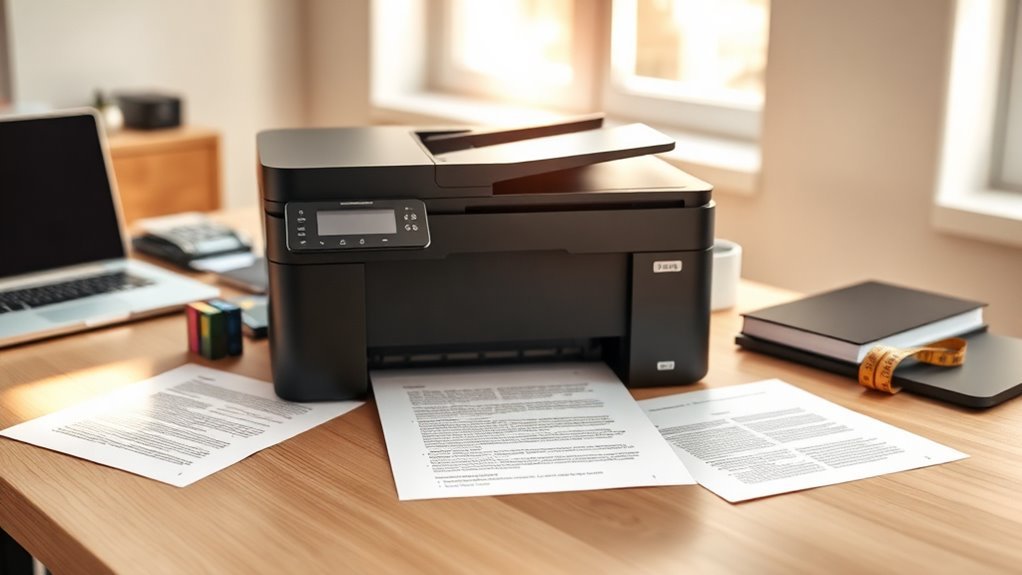
When choosing a black and white printer, you’ll want to compare print speeds and check which connectivity options fit your setup.
Also, consider the print quality resolution and how much paper the device can handle without constant refills.
Don’t forget to think about the printer’s size and weight to guarantee it fits comfortably in your space.
Print Speed Comparison
Although print speed isn’t the only factor to take into consideration, it plays a crucial role in choosing a black and white printer that fits your needs. Print speed, measured in pages per minute (ppm), varies widely—from around 19 ppm for basic personal printers to over 35 ppm for high-performance office models.
You’ll also want to consider first-page-out time, which impacts how quickly your printer starts producing pages, typically between 4 and 9 seconds. If you need multifunction capabilities, check copy and scan speeds, as they may differ from print speeds.
High-speed printers often feature robust processors and larger paper handling, supporting sustained workloads without slowdowns. Don’t forget duplex printing: automatic duplex reduces effective throughput compared to one-sided printing but saves paper and time overall.
Connectivity Options Available
Among the key factors to weigh in choosing a black and white printer, connectivity options play a vital role in ensuring seamless printing experiences. You’ll want one that supports both 2.4 GHz and 5 GHz Wi-Fi bands to reduce interference and maintain reliable wireless connections.
If you need stable shared access, especially in an office, look for Ethernet capability. USB 2.0 or USB-A ports allow easy, direct connections without relying on a network.
Don’t forget mobile printing support like AirPrint, Mopria, or dedicated apps for printing from smartphones and tablets. Features like automatic network reconnection, Bluetooth provisioning, or app-based setup make configuration and ongoing management much simpler.
Prioritizing these connectivity options will keep your printing smooth and flexible. It really helps avoid annoying interruptions and keeps things running hassle-free.
Print Quality Resolution
Selecting the right print quality resolution can markedly impact the clarity and detail of your black and white prints. For typical office documents, 600 x 600 dpi usually delivers sharp, readable text.
But if you print detailed graphics, fine lines, or small fonts, opting for 1200 x 1200 dpi guarantees crisper text and finer halftone reproduction. Keep in mind, resolution alone doesn’t guarantee quality; the printer’s driver and halftoning algorithms also shape the final output.
When scanning or copying, matching or exceeding your printer’s native resolution helps retain image detail. Higher resolutions can slow processing and increase file sizes, so balance your need for detail with speed and storage constraints.
Choose a resolution that fits your typical print jobs without sacrificing performance. It’s all about finding the right balance for what you usually print.
Paper Handling Capacity
Print quality resolution sets the foundation for your output, but how you handle paper can affect your workflow just as much. Check the input tray capacity—typically 150 to 250 sheets—to match your usual print volume and avoid constant refills.
Also, consider the output tray and feeder capacities if you run unattended jobs; output trays often hold 100–150 sheets, while automatic document feeders (ADFs) on multifunction printers (MFPs) can handle up to 50 sheets. Make sure the printer supports the paper sizes you use most, like letter, legal, envelopes, or cardstock.
Don’t forget to confirm the maximum media size, usually up to 8.5″ x 14″. Look for automatic duplexing to save paper and time, plus a manual feed slot for specialty stock. Just be sure the recommended paper weight fits your needs.
Device Size And Weight
When choosing a black and white printer, you’ll want to carefully consider its size and weight to make certain it fits your workspace and usage needs. Check the printer’s footprint—depth, width, and height—to make sure it fits your desk or shelf.
Compact models can be as small as 7–13 inches tall and 7–16 inches deep. Also, consider weight: lighter printers under 10 pounds are easy to move, while multifunction or high-capacity devices may weigh 20–30+ pounds and need a dedicated stand.
Don’t forget to factor in extra space for paper trays and output areas, especially if trays hold 150–250 sheets. If you share or move the printer often, prioritize slim, lightweight designs and make certain ports remain accessible when placed.
Larger models offer more features but require sturdy, permanent setups. So, think about how you plan to use the printer and where it will live before making your choice.
Maintenance And Support
Beyond size and placement, keeping your black and white printer running smoothly depends heavily on maintenance and support. First, check the manufacturer’s limited warranty length and coverage—parts, labor, and service options—to avoid surprise repair costs.
Next, verify technical support availability and channels like phone, live chat, or online knowledge bases. Also, see whether support is lifetime or time-limited, since quick help reduces downtime.
Make sure it’s easy to get consumables and replacement parts. Check if there are high-yield or multi-pack options to help lower costs.
Look for self-service features like toner-save modes, automatic duplexing, and removable drum units that simplify upkeep.
Finally, consider subscription refill programs and their terms, billing, geographic limits, and compatibility checks. These factors impact your long-term maintenance and total ownership costs.
Frequently Asked Questions
How Do Monochrome Printers Compare in Energy Consumption?
Monochrome printers generally use less energy than color printers because they only focus on black ink. You’ll find they’re more efficient during printing and standby, helping you save on electricity without sacrificing speed or quality.
What Is the Typical Lifespan of Toner Cartridges?
Toner cartridges usually last for about 2,000 to 5,000 pages, like a marathon runner pacing themselves.
You’ll get the best mileage by printing efficiently and replacing cartridges before quality drops noticeably.
Are These Printers Compatible With macOS and Linux?
Yes, you’ll find most black and white printers compatible with macOS and Linux. That said, you should double-check specific models to be sure.
Manufacturers often provide drivers or support open-source alternatives. This helps ensure smooth printing across these operating systems.
Can These Printers Handle Double-Sided Printing Automatically?
Imagine your printer as a skilled bookbinder—it flips pages on its own.
Yes, these printers handle double-sided printing automatically, saving you time and effort.
What Warranty Options Are Available for Black and White Printers?
You’ll find most black and white printers offer at least a one-year warranty, with options to extend coverage.
Some manufacturers include accidental damage protection or on-site repairs, so check details before buying to make certain the best support.
Conclusion
Choosing the right black and white printer is like picking the perfect pair of shoes—you want comfort, reliability, and style that fits your needs. Brother’s HL-L2405W impressed me with its speed, much like slipping into sneakers that just click with every step.
Whether you’re printing documents or photos, focusing on wireless capability, print speed, and cost will keep you walking confidently into 2027. With the best monochrome printer by your side, every print job feels effortless and smooth.
When searching for the best black and white printer for 2027, remember to prioritize ease of use and efficiency. Wireless printing options and budget-friendly costs make all the difference, especially if you print regularly. So, take your time and choose the printer that fits your lifestyle perfectly—you’ll thank yourself every time you hit “print.”