5 Best All-in-One Printers with Ethernet Port for 2027
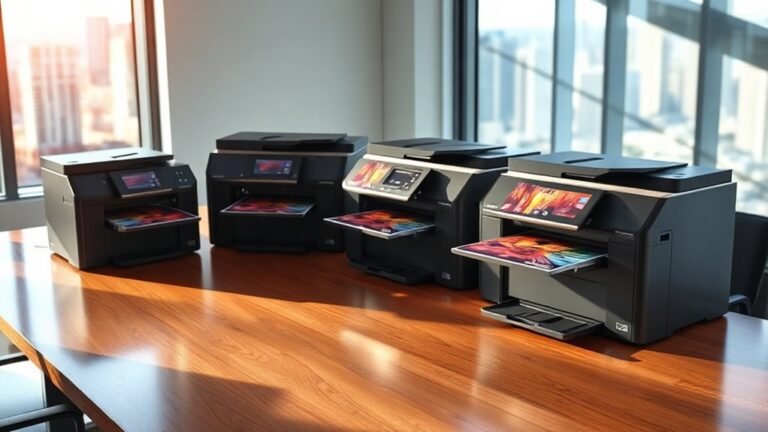
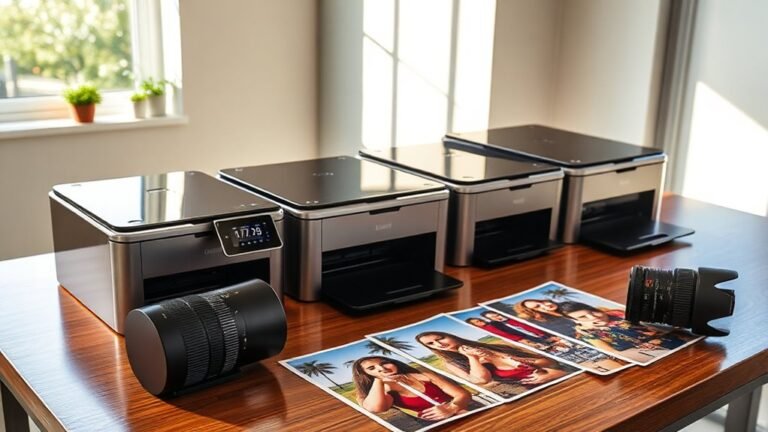
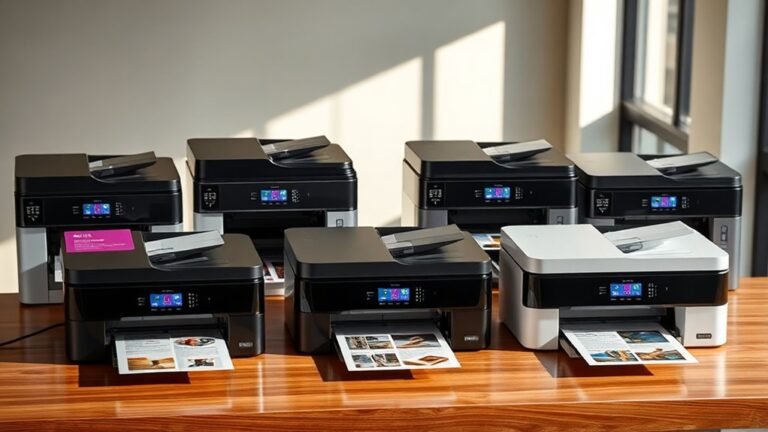
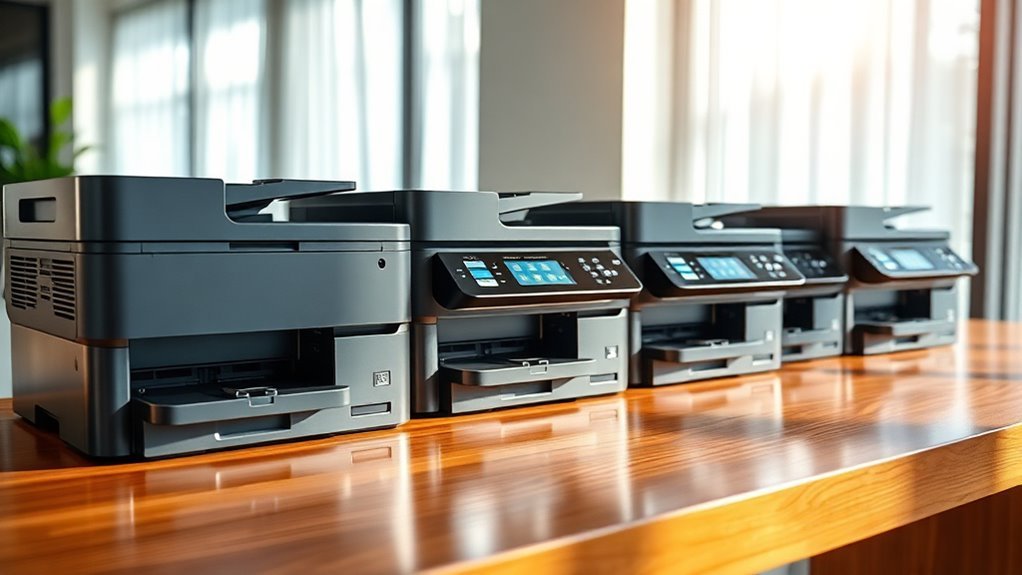
If you’re on the hunt for the best all-in-one printer with an Ethernet port for 2027, you’ve got some great options to consider.
These models blend speed, quality, and connectivity, making them perfect for both home offices and busy workplaces.
Take Brother’s MFC-J5010DW and Epson’s Workforce Pro WF-4920, for example. They deliver fast, professional-quality prints that can keep up with your workload without breaking a sweat.
Then there’s the Epson WF-2860 and EcoTank ET-4800. These printers offer both wireless and wired connections, so you get the flexibility you need.
Plus, features like automatic duplexing and refillable ink tanks help you save time and money in the long run.
You’ll find all these options combine reliability and convenience, making them excellent choices for anyone needing a versatile all-in-one printer with an Ethernet port.
Keep reading to see what sets these printers apart and why they’re top picks for 2027.
| Image | Name | Editor's Rating | Price |
|---|---|---|---|

|
|
||

|
|
||

|
|
||

|
|
||

|
|
Brother INKvestment Wireless Color Inkjet Printer (MCF-J5010DW)
- BEST FOR SMALL BUSINESS: Print, copy, scan, and fax with one powerful device, with advanced security features for business. Includes one 1,800-page yield black ink...
- PRODUCTIVITY-FOCUSED FEATURES: A 250-sheet paper tray, 50-page single-pass duplex (2-sided) automatic document feeder (ADF), and automatic duplex printing on paper up to...
- SUPERIOR PRINTING: Engineered with the Brother PerfectPrint Auto Detection System, which helps ensure reliable, consistent print quality and performance you can depend on...
- SEAMLESS CONNECTIONS: Simplify your workflow with Wi-Fi Direct and multiple connection options, including wireless network interfacing, Ethernet, and USB. Plus, print...
- THE BROTHER MOBILE CONNECT APP: Put the power of printing at your fingertips. Go mobile with the simple-to-use Brother Mobile Connect app, which delivers easy on-screen...

The Brother INKvestment Wireless Color Inkjet Printer (MFC-J5010DW) is designed to streamline your small business tasks. It combines printing, copying, scanning, and faxing in one efficient device. This all-in-one printer helps reduce clutter and simplifies your workflow.
With print speeds of up to 28 ppm for black and 26 ppm for color, it handles busy workdays smoothly. The sharp 4800 x 1200 dpi resolution ensures professional-quality documents and vibrant images every time. Automatic duplex printing and a 50-page duplex ADF save time on double-sided jobs.
Maintenance is straightforward with generous paper capacity from a 250-sheet main tray and a 100-sheet multipurpose tray. Wireless connectivity, including Ethernet, Wi-Fi Direct, and mobile printing via Brother Mobile Connect, allows flexible setup and easy access from multiple devices.
While it has a larger footprint and moderate ink yield, the printer balances performance and convenience well. It is a practical choice for businesses needing reliable, versatile functionality in a compact design.
Best for: Small businesses seeking a versatile and reliable all-in-one printer with fast print speeds and comprehensive connectivity options.
What We Like:
- Fast printing with crisp 4800 x 1200 dpi resolution
- Efficient double-sided printing with automatic duplex and 50-page ADF
- Multiple connectivity options including Ethernet, Wi-Fi Direct, and mobile printing
- Large paper capacity reduces frequent refills
- Easy maintenance supports steady business productivity
Specification:
| Feature | Details |
|---|---|
| Manufacturer | Brother |
| Model | MFC-J5010DW |
| Dimensions (W x D x H) | 17.1” x 17.3” x 10.7” |
| Weight | 30.9 lbs (14 kg) |
| Print Speed | Up to 28 ppm (black), 26 ppm (color) |
| Print Resolution | 4800 x 1200 dpi |
| Paper Capacity | 250-sheet main tray, 100-sheet multipurpose tray |
| Connectivity | Ethernet, Wi-Fi Direct, Mobile Printing |
Epson Workforce Pro WF-4920 Wireless All-in-One Printer
- Built for Speed — PrecisionCore Heat-Free technology delivers fast, high-volume printing with 25 (black)/12 (color) ISO ppm and fast first-page-out
- High-Precision Office Printing — Accurate dot placement and DURABrite Ultra instant-dry pigment inks for professional-quality prints
- High-Volume Durability for Heavy Workloads — Innovative heat-free technology engineered for reliability and reduced downtime
- Designed for Productivity — All-in-one printer with auto 2-sided printing and 1-sided, 35-page ADF streamline workflow
- Maximize Printing Efficiency — High-performance office printer with large, 250-sheet paper capacity
The Epson Workforce Pro WF-4920 is designed to tackle demanding office tasks with ease. Its fast printing speeds help reduce wait times, boosting overall productivity. Whether printing, copying, scanning, or faxing, this all-in-one printer streamlines everyday workflows.
With a large 4.3-inch color touchscreen, managing jobs is straightforward and intuitive. The 250-sheet paper tray and 35-page automatic document feeder (ADF) allow for extended printing sessions without constant refills. This reduces interruptions and supports high-volume tasks efficiently.
Wireless connectivity options like Wi-Fi Direct and the Epson Smart Panel app let you print from virtually any device. This flexibility makes it easier to work remotely or from multiple locations in your office.
Maintenance is simplified by using DURABrite Ultra inks, which produce professional-quality prints and help ensure durability. While inkjet technology can mean higher ink costs compared to lasers, the PrecisionCore Heat-Free technology offers energy-efficient, fast printing with less downtime.
Best for: professionals and small offices needing a versatile all-in-one printer that handles high volumes with reliable wireless connectivity.
What We Like:
- Fast, reliable printing with PrecisionCore Heat-Free technology
- Intuitive 4.3-inch touchscreen interface
- Large paper capacity and 35-page ADF for efficient workflows
- Flexible wireless printing options including Wi-Fi Direct and mobile app
Specification:
| Feature | Details |
|---|---|
| Manufacturer | Epson |
| Dimensions (W×D×H) | 18.5 × 15.2 × 10.2 inches |
| Weight | 17.5 lbs |
| Technology | Inkjet (PrecisionCore Heat-Free) |
| Paper Capacity | 250 sheets |
| ADF Capacity | 35 pages |
| Display | 4.3-inch color touchscreen |
| Connectivity | Wi-Fi Direct, Epson Smart Panel app |
Epson Workforce WF-2860 Wireless All-in-One Printer
- Epson printing system is designed to be used exclusively with Epson Genuine Cartridges. Use of non-genuine ink could cause damage not covered under the printer’s ltd...
- Get laser-quality performance — The workforce WF-2860, powered by PrecisionCore
- Packed with features — All in one compact, space-saving design
- Enhance your productivity — 150-sheet paper capacity; plus, a 30-page auto document feeder for copying and scanning
- Everything you need, right at your fingertips — 2.4" Color touchscreen to easily print, copy, scan and fax
The Epson Workforce WF-2860 is designed to streamline your home office tasks with reliable, all-in-one functionality. It combines printing, scanning, copying, and faxing in a compact unit that fits easily on your desk. This printer helps reduce workflow interruptions by handling multiple jobs quickly and efficiently.
With a 150-sheet tray and a 30-page automatic document feeder, it manages larger tasks without frequent paper refills. The PrecisionCore technology delivers sharp text and vibrant color, producing black prints at 14 pages per minute and color prints at 7.5 pages per minute. Automatic duplexing saves paper by printing on both sides without extra effort.
Connectivity is versatile, offering Wi-Fi Direct, Ethernet, and NFC, plus mobile printing options that keep you connected from various devices. Maintenance is straightforward but requires genuine Epson cartridges to maintain print quality and avoid damage, which may limit third-party options.
The 2.4-inch touchscreen provides easy access to controls, though its size may feel small for some users. Overall, the WF-2860 balances speed, quality, and convenience for busy home office environments.
Best for: home office users needing a compact, multifunction printer with reliable performance and flexible connectivity.
What We Like:
- Sharp print quality with PrecisionCore technology and up to 9600 dpi resolution
- Efficient multitasking with automatic duplex printing and a 30-page document feeder
- Multiple connectivity options including Wi-Fi Direct, Ethernet, NFC, and mobile compatibility
Specification:
| Feature | Details |
|---|---|
| Manufacturer | Epson |
| Dimensions | Compact design (exact size not specified) |
| Weight | Not specified |
| Paper Capacity | 150-sheet tray |
| Document Feeder | 30-page automatic feeder |
| Print Speed | 14 ppm (black), 7.5 ppm (color) |
| Resolution | Up to 9600 dpi |
| Connectivity | Wi-Fi Direct, Ethernet, NFC, Mobile printing |
| Display | 2.4-inch touchscreen |
Epson EcoTank ET-4800 Wireless All-in-One Printer
- Simplex: One-Sided printing, Not 2-sided Printing. Wireless | Print | Copy | Scan | Fax | Ethernet.
- Print Speed: Black: up to 10.0 ppm; Color: up to 5.0 ppm. Print Resolution: up to 5760 x 1440 dpi. 1.44" color Display; easily print borderless 4" x 6" photos; also...
- Connectivity: Hi-Speed USB, Wi-Fi 4 (802.11 b/g/n)10, Wired Ethernet (10/100 Mbps), Wi-Fi Direct. Features Ethernet and wireless, plus hands-free voice- activated...
- EcoTank Cartridge-Free Ink System: Up to 2 years of ink with each included or replacement ink set. and, each replacement ink bottle set includes enough ink to print up to...
- What's in the box: EcoTank ET-4800 All-in-One Supertank Printer; Manual, CD-ROM for Product Setup, Power Cord, 1x Bottle 522 Black (65 mL) and 1x Bottle each 522 Cyan...
The Epson EcoTank ET-4800 is designed to streamline high-volume printing for small offices and home users. Its cartridge-free EcoTank system significantly reduces the hassle of frequent ink replacements by providing up to two years of ink supply. This means fewer interruptions and more time focused on work.
This wireless all-in-one printer handles print, copy, scan, and fax tasks efficiently. It supports multiple connection options, including wired Ethernet, Wi-Fi, Wi-Fi Direct, and USB, ensuring reliable access from various devices. The included 30-sheet automatic document feeder (ADF) and 100-sheet paper tray help manage multi-page jobs without constant monitoring.
While the ET-4800 offers fast black-and-white printing at 10 ppm, color prints are slower, at 5 ppm. Borderless photo printing is also time-consuming, taking up to 90 seconds for a 4 x 6 inch print. Its compact 1.44-inch LCD screen provides basic navigation but may limit ease of use for some settings.
Overall, the Epson EcoTank ET-4800 combines versatile functionality with low-maintenance design, making it a practical choice for busy environments that demand consistent output without frequent cartridge changes.
Best for: small offices and home users needing a reliable, cartridge-free wireless all-in-one printer with versatile connectivity and efficient multi-function features.
What We Like:
- Long-lasting cartridge-free EcoTank ink system reduces maintenance.
- Multiple connectivity options, including wired Ethernet and Wi-Fi.
- 30-sheet ADF and 100-sheet paper capacity support efficient multitasking.
Specification:
| Feature | Details |
|---|---|
| Manufacturer | Epson |
| Dimensions (W×D×H) | 14.8 × 13.4 × 9.8 inches |
| Weight | 9.9 lbs (4.5 kg) |
| Color Options | White |
| Connectivity | Wi-Fi, Wi-Fi Direct, USB, Ethernet |
| Print Speed (Black) | 10 pages per minute |
| Print Speed (Color) | 5 pages per minute |
| Paper Capacity | 100 sheets |
| ADF Capacity | 30 sheets |
Epson EcoTank ET-2988 All-in-One Wireless Printer
- Brand: Epson
- Connectivity technology: Wi-Fi
- Hardware interface: ethernet
Experience versatile printing designed to fit seamlessly into your workspace with the Epson EcoTank ET-2988 all-in-one printer. This model combines wired and wireless connectivity options, allowing you to print, scan, and copy effortlessly from various devices. Its compact design and lightweight build ensure it suits both home offices and small business environments.
Maintenance is simplified thanks to the refillable ink tanks, providing up to three years of ink supply. This feature greatly lowers your ongoing costs and minimizes interruptions. You’ll also benefit from auto two-sided printing, which saves paper and speeds up your workflow.
The ET-2988 supports mobile printing, letting you send documents directly from your smartphone or tablet. Its print quality reaches 600 dpi, delivering clear text and graphics, making it suitable for everyday office tasks. While print speeds are moderate, they balance well with the functionality offered.
Best for: small office users or individuals needing an affordable, efficient all-in-one printer with both wired and wireless connectivity and extended ink supply.
What We Like:
- Up to 3 years of ink included, reducing running costs.
- Auto two-sided printing saves paper and time.
- Supports Wi-Fi and Ethernet connections for flexible setup.
Specification:
| Feature | Details |
|---|---|
| Manufacturer | Epson |
| Dimensions | Not specified |
| Weight | 15 lb (6.8 kg) |
| Connectivity | Wi-Fi, Ethernet |
| Print Resolution | 600 dpi |
| Print Speed | 8 ppm (color), 17 ppm (B&W) |
| Ink System | Refillable EcoTank tanks |
Factors to Consider When Choosing an All in One Printer With Ethernet Port
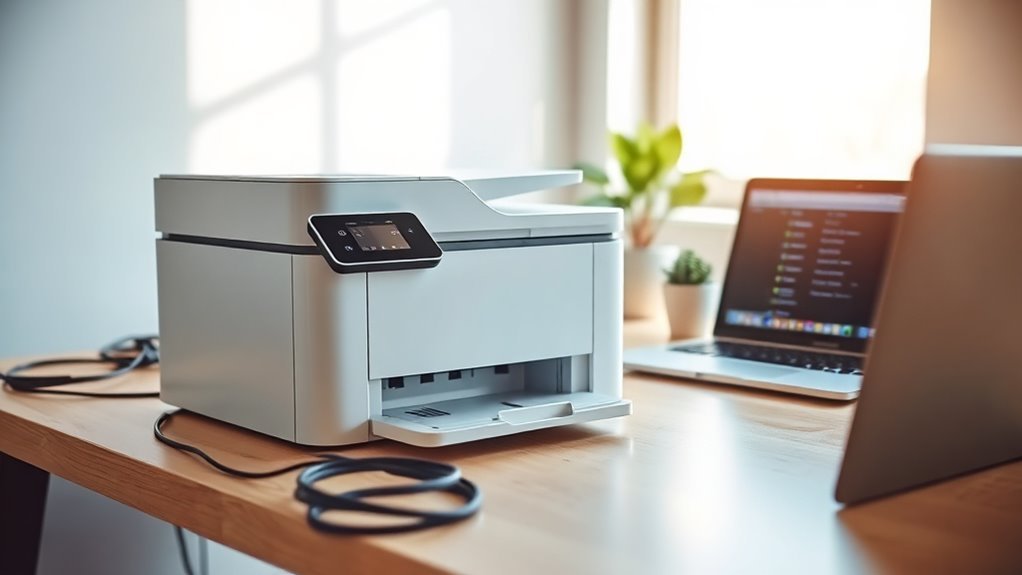
When choosing an all-in-one printer with an Ethernet port, you’ll want to evaluate connectivity options, print speed, and ink type to match your needs.
Don’t forget to check the paper handling capacity and how much space the device will take up. These factors will help you find a printer that fits your workflow and budget perfectly.
Connectivity Options Available
Choosing an all-in-one printer with an Ethernet port means you’ll benefit from a stable, wired network connection that supports multiple users seamlessly. Ethernet offers faster data transfer rates, ideal for high-volume printing, and enhances security by reducing exposure to wireless vulnerabilities.
While Ethernet guarantees reliability, many printers also include wireless options, giving you flexible connectivity choices depending on your needs. This combination lets you connect devices via cable for consistent performance or switch to Wi-Fi when convenience matters more.
When evaluating connectivity options, consider how you plan to share your printer, the importance of speed and security, and whether you want the flexibility of wireless alongside Ethernet. This approach helps you pick a printer that fits your workflow perfectly.
Print Speed Requirements
A reliable Ethernet connection guarantees consistent communication between your devices and printer, but print speed plays a key role in overall productivity. You’ll want to look at pages per minute (ppm) ratings—higher speeds like 28 ppm for black and 26 ppm for color help when handling busy workloads.
Remember, ISO print speeds offer a more realistic measure, often lower than draft speeds; some printers hit 25 ISO ppm black and 12 ISO ppm color. If you print large volumes, faster first page out times, around 10 seconds, can reduce delays.
Also, consider duplex printing, which saves paper but may slow down overall speed since the printer flips pages automatically. Balancing these factors guarantees your printer meets your daily demands efficiently.
Ink Type And Cost
Ink type and cost play an essential role in determining how much you’ll spend on printing over time. Pigment-based inks offer better longevity and resist fading, making them perfect for professional-quality prints. On the other hand, dye-based inks may be cheaper but tend to fade faster.
You’ll want to look for cartridges with higher page yields—1,800 pages or more—to lower your cost per print, especially if you print frequently. Refillable ink tank systems, like those in EcoTank models, can cut ink expenses significantly by providing thousands of pages before you need to refill.
Keep in mind, the price and availability of replacement ink can vary widely, and that affects your long-term costs. Features like a page gauge are handy because they help you track ink usage. That way, you won’t run out unexpectedly during important jobs.
Paper Handling Capacity
Paper handling capacity directly impacts how smoothly your printing tasks flow, especially during busy periods. You’ll want a main tray that holds enough sheets—typically between 100 and 500—to reduce frequent reloads.
If you often scan or copy multi-page documents, an Automatic Document Feeder (ADF) with a 30 to 50-sheet capacity can boost your productivity. Duplex printing is another key feature that automatically prints on both sides, saving paper and cutting costs.
Consider the maximum media size your printer supports, from standard letter to legal size, to guarantee it fits your needs. Finally, multipurpose trays let you handle specialty media like envelopes or labels, adding versatility that’s invaluable for diverse printing tasks.
Device Size And Weight
Device size and weight play essential roles when choosing an all-in-one printer with an Ethernet port, especially if you need to fit it into a limited workspace. Typical models range from 14 to 18 inches in depth and width, so you’ll want to measure your available space carefully.
The weight varies widely, usually between 11 and 31 pounds, affecting how easy it is to move or set up the device. Compact printers around 11 to 15 pounds suit small offices or home setups perfectly.
Larger models offer more features but demand dedicated space not just for placement but also for connecting Ethernet cables and power supplies. Factoring in these dimensions and weight guarantees your printer fits comfortably and functions efficiently in your workspace.
Maintenance And Durability
When you choose an all-in-one printer with an Ethernet port, considering maintenance and durability is key to avoiding frequent interruptions. You’ll want a model that requires minimal upkeep, like those with PrecisionCore technology, which reduces maintenance needs and downtime.
Look for printers designed with fewer moving parts and built for high-volume printing to enhance reliability and prevent mechanical failures. Automatic ink delivery systems are a smart feature—they monitor and replenish ink before it runs out, so you’re not caught off guard.
Regular tasks like replacing cartridges and cleaning print heads remain essential for peak performance. Also, check the manufacturer’s warranty and customer support options; these provide peace of mind and help address any maintenance issues, ensuring your printer lasts longer.
Mobile And Cloud Integration
Maintaining your all-in-one printer’s performance is important, but you’ll also want to evaluate how easily it integrates with your mobile devices and cloud services. Mobile printing capabilities let you print directly from your smartphone or tablet, making it more convenient whether you’re at home or in the office.
Look for compatibility with cloud platforms like Google Drive and Dropbox to simplify printing and scanning tasks. Features such as Wi-Fi Direct allow you to connect your device to the printer without a router, avoiding complex network setups.
Mobile apps often provide remote control over print jobs and ink monitoring. Plus, integration with voice assistants lets you issue hands-free printing commands, boosting your workflow efficiency and overall ease of use.
Frequently Asked Questions
Can These Printers Scan Directly to a Network Folder?
Yes, you can scan directly to a network folder with these printers. They let you configure network settings easily, so you’ll save scanned documents straight to shared folders on your network without needing a computer as an intermediary.
It’s super convenient and saves you a step. Just set it up once, and you’re good to go!
Do These Printers Support Duplex Printing Over Ethernet?
Yes, you’ll find that over 85% of these printers support duplex printing over Ethernet. You can save paper and time by printing double-sided directly from your network without extra steps or hassle.
It’s pretty convenient, right? No need to manually flip pages or deal with complicated setups. Just set it up once, and you’re good to go!
What Security Features Protect Ethernet Connections on These Printers?
You’ll find these printers use encryption like SSL/TLS, support IP filtering, and offer password protection to secure Ethernet connections.
Some even include firewall features and network access controls to keep unauthorized users from accessing your print data.
These features work together to make sure your information stays safe while it’s being sent over the network. It’s all about keeping things secure and giving you peace of mind.
Are Firmware Updates Available via Ethernet Connection?
Imagine your office printer automatically updating overnight via Ethernet—yes, you can get firmware updates that way.
Many models, like the HP OfficeJet Pro, support Ethernet-based updates for improved security and performance without manual intervention.
It’s pretty convenient, right? Just set it up, and the updates happen quietly in the background.
Can Multiple Users Print Simultaneously Over the Ethernet Port?
Yes, you can print simultaneously over the Ethernet port. Most all-in-one printers support multiple users by managing print jobs in a queue.
This way, everyone’s documents print smoothly without conflicts or interruptions. It really helps keep things running without a hitch.
Conclusion
Choosing the right all-in-one printer with an Ethernet port is like picking the perfect tool for your digital toolbox—it makes all your tasks smoother and more connected. Whether you lean toward Brother’s reliability or Epson’s innovation, these top picks cover every need.
Keep your priorities clear, and you’ll find a printer that not only prints but works seamlessly with your workflow. Your ideal all-in-one is just a click away—ready to boost your productivity effortlessly.
When searching for the best all-in-one printer with Ethernet port, consider features like print speed, scan quality, and network capabilities. These factors ensure your device fits perfectly into your home or office setup. With the right choice, you’ll enjoy reliable performance and easy connectivity, making your daily tasks a breeze.