4 Best All-in-One Kyocera Printers for 2027
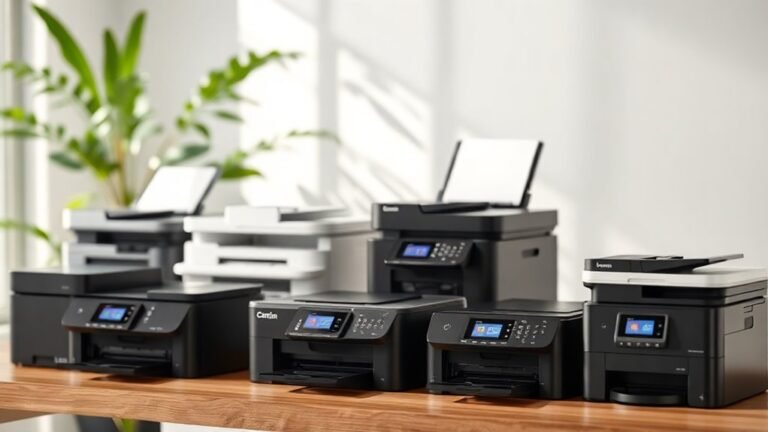
If you’re on the hunt for reliable Kyocera all-in-one printers in 2027, you’ve got some great options to consider. These printers are perfect for a range of office needs, whether you’re handling color or black-and-white printing. Kyocera’s models combine speed, quality, and efficiency, making them solid choices for busy workplaces.
First up is the MA2600cwfx. It’s ideal for small to medium offices and delivers vibrant color prints at 27 pages per minute.
Then there’s the MA4500ifx, built for fast, crisp monochrome printing, pumping out 47 pages per minute.
For high-volume color workflows, the MA4000cifx handles 42 pages per minute with ease.
And if you need heavy-duty black-and-white printing, the MA4000x offers 42 pages per minute plus a large paper capacity. Each model suits different office speeds and tasks, so you’ll find plenty of details to help you pick the perfect fit.
| Image | Name | Editor's Rating | Price |
|---|---|---|---|

|
|
||
|
|
||
|
|
||

|
|
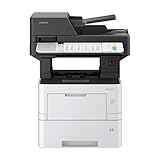
KYOCERA ECOSYS MA2600cwfx All-in-One Color Laser Printer, 27 ppm
- VERSATILE: Copy/Scan/Print/Fax Color Laser All-in-One Printer
- QUALITY: High quality output at true 1200 x 1200 dpi
- SPEED: Up to 27 pages per minute
- CONTROL PANEL: Color 4.3" TSI with touch panel
- EFFORTLESS SETUP: Connect to a Wi-Fi network easily using your mobile device.
The KYOCERA ECOSYS MA2600cwfx is designed to keep your office running smoothly with fast, vibrant color printing. It tackles printing, copying, scanning, and faxing tasks efficiently, producing up to 27 pages per minute. This speed helps reduce wait times and keeps your workflow steady.
With a sharp 1200 x 1200 dpi resolution, every document comes out clear and professional. The printer’s 1 GB memory and 300-sheet capacity allow for large jobs without constant interruptions. Managing tasks is simple thanks to the intuitive 4.3″ color touch screen.
Connectivity options like Ethernet, USB, Wi-Fi, and Wi-Fi Direct provide flexible network access. However, its 55.1-pound weight means it’s better suited for a stable office setup rather than frequent relocation. It works best on plain paper, so specialty media use is limited.
Maintenance is straightforward, with four toner cartridges delivering consistent color quality and efficiency. This device suits busy small to medium offices needing reliable, high-quality color laser printing all in one unit.
Best for: Small to medium-sized offices and professionals requiring a fast, versatile all-in-one color laser printer with advanced connectivity and sharp output.
What We Like:
- Consistent 27 ppm speed in both color and black & white
- Multiple connectivity options including Wi-Fi Direct
- Large 300-sheet input capacity for uninterrupted printing
- Sharp 1200 x 1200 dpi resolution ensures professional results
Specification:
| Feature | Details |
|---|---|
| Manufacturer | KYOCERA |
| Dimensions | Not specified |
| Weight | 55.1 lb (25 kg) |
| Printing Speed | Up to 27 pages per minute |
| Resolution | 1200 x 1200 dpi |
| Memory | 1 GB |
| Paper Capacity | 300 sheets |
| Connectivity | Ethernet, USB, Wi-Fi, Wi-Fi Direct |
| Display | 4.3″ color touch screen |
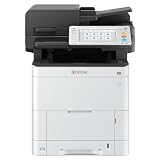
KYOCERA ECOSYS MA4500ifx All-in-One Monochrome Laser Printer, 47 ppm
- VERSATILE: Copy/Scan/Print/Fax BW Laser All-in-One Printer
- QUALITY: High quality output at 1200 x 1200 dpi
- SPEED: Up to 47 pages per minute black and white
- SECURITY: Our optional, enhanced K-Level security features provide peace of mind when protecting the data, network, and device.
- CONTROL PANEL: 7" Color Touch Screen Control Panel
The KYOCERA ECOSYS MA4500ifx is designed to keep busy offices running smoothly. With a fast print speed of 47 pages per minute, it tackles large workloads efficiently, reducing wait times. Its sharp 1200 x 1200 dpi resolution ensures every black-and-white document is clear and professional.
This all-in-one laser printer streamlines office tasks by combining printing, copying, scanning, and faxing. The intuitive 7-inch touchscreen makes navigation simple, while automatic duplex printing saves both time and paper. Its 250-sheet capacity fits typical office needs, though very high-volume users may need to refill more often.
Maintenance is straightforward with the long-lasting TK-3402 toner cartridge, which helps keep running costs low. Gigabit Ethernet connectivity allows seamless integration into your existing network. Optional enhanced K-Level security features protect sensitive data, offering peace of mind in today’s digital environment.
Best for: Busy offices and professionals needing a reliable monochrome all-in-one printer that delivers sharp output and versatile functionality.
What We Like:
- Fast print speed of up to 47 ppm for efficient document processing
- Crisp 1200 x 1200 dpi resolution for professional-quality prints
- User-friendly 7-inch touchscreen and automatic duplex printing
- Long-lasting, economical TK-3402 toner cartridge
- Enhanced optional security features for data protection
Specification:
| Feature | Details |
|---|---|
| Manufacturer | KYOCERA |
| Print Speed | 47 pages per minute (ppm) |
| Resolution | 1200 x 1200 dpi |
| Functions | Print, Copy, Scan, Fax |
| Touchscreen Size | 7 inches |
| Paper Capacity | 250 sheets |
| Connectivity | Gigabit Ethernet, USB 2.0 port |
| Toner Cartridge | TK-3402 |
KYOCERA ECOSYS MA4000cifx All-in-One Color Laser Printer, 42 ppm
- VERSATILE: Copy/Scan/Print/Fax Color Laser All-in-One Printer
- QUALITY: High quality output at 1200 x 1200 dpi
- SPEED: Up to 42 pages per minute
- CONTROL PANEL: Color 7" TSI with touch panel
- HyPAS compatible
Experience fast, high-quality printing with the KYOCERA ECOSYS MA4000cifx, designed to keep busy offices running smoothly. This all-in-one color laser printer delivers vibrant colors and sharp black-and-white prints at up to 42 pages per minute. Its 1200 x 1200 dpi resolution ensures your documents look professional every time.
The MA4000cifx combines printing, copying, scanning, and faxing in one device. A dual scan document processor and automatic duplexing reduce manual tasks and increase efficiency. Operation is straightforward thanks to the intuitive 7″ color touch panel.
Built for reliability, this printer supports seamless connectivity through Gigabit Ethernet and USB ports. Its robust paper handling includes two trays and a 50-sheet feeder, minimizing interruptions during large print jobs. Routine maintenance is simple, helping maintain consistent performance.
While it offers powerful functionality, the printer’s weight of 107 pounds limits portability. It supports only standard letter-size paper and plain media, which may restrict some specialized printing needs. Additionally, its power consumption is relatively high at 11,148 watts.
Best for: Busy offices and professionals needing a versatile, fast, and reliable all-in-one color laser printer.
What We Like:
- High-speed output with sharp 1200 x 1200 dpi resolution
- All-in-one functionality with dual scan document processor
- Easy-to-use 7″ color touch panel
- Flexible connectivity options via Gigabit Ethernet and USB
- Robust paper handling with multiple trays and feeder
Specification:
| Feature | Details |
|---|---|
| Manufacturer | KYOCERA |
| Dimensions (W x D x H) | Not specified |
| Weight | 107 lb (48.5 kg) |
| Print Speed | Up to 42 ppm |
| Print Resolution | 1200 x 1200 dpi |
| Paper Size Supported | Letter (8.5 x 11 inches) |
| Media Type | Plain paper only |
| Connectivity | Gigabit Ethernet, USB |
| Display | 7″ Color Touch Panel |
KYOCERA ECOSYS MA4000x Monochrome Multifunctional Laser Printer, 42ppm
- High speeds up to 42 ppm b&w
- Display: 5 line LCD with Hard Key Control Panel
- High quality output
- Standard Wireless
Experience efficient document handling with the KYOCERA ECOSYS MA4000x, built to streamline your office tasks. This monochrome multifunction printer excels at fast printing, copying, and scanning, keeping your workflow smooth and uninterrupted. Its design focuses on practical performance, helping busy teams reduce downtime.
The printer delivers sharp text quality with a 600 x 600 dpi resolution and offers clear copies at 1200 dpi. Automatic duplex printing and a dual scan document processor save time by handling two-sided documents and multi-page scans quickly. With an 850-sheet capacity, you won’t need to stop often to reload paper.
Maintenance is straightforward, thanks to its reliable build and simple controls via a 5-line LCD panel. Connectivity options include Ethernet and USB, making integration into your existing office setup hassle-free. Free OCR and cloud utilities provide added convenience for digitizing and sharing documents.
While it only supports monochrome printing and has a single paper tray, it performs well for high-volume black-and-white tasks. The ECOSYS MA4000x is designed to meet the needs of busy offices requiring dependable multifunction capabilities without unnecessary complexity.
Best for: Offices and workgroups that demand fast, reliable monochrome printing combined with efficient copying and scanning.
What We Like:
- Fast print speed of 42 ppm supports high productivity.
- Automatic duplex printing and dual scan save time on document handling.
- Large 850-sheet capacity reduces paper refills.
- Simple maintenance with intuitive controls.
- Versatile connectivity via Ethernet and USB.
Specification:
| Feature | Details |
|---|---|
| Manufacturer | KYOCERA |
| Print Speed | 42 pages per minute (ppm) |
| Print Resolution | 600 x 600 dpi |
| Copy Resolution | 1200 dpi |
| Paper Capacity | 850 sheets |
| Connectivity | Ethernet, USB |
| Control Panel | 5-line LCD |
| Color | Monochrome |
Factors to Consider When Choosing an All in One Kyocera Printer
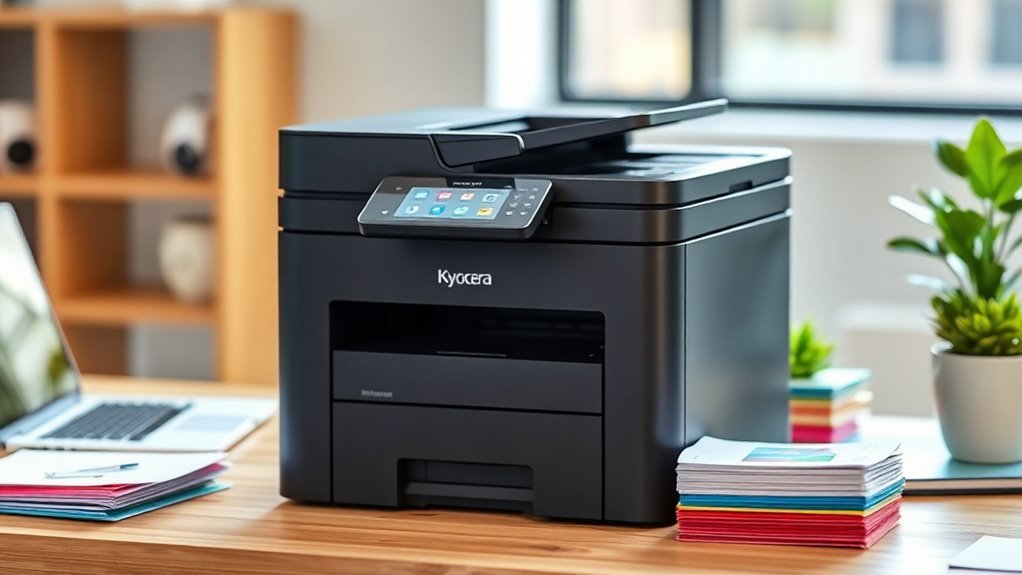
When choosing an all-in-one Kyocera printer, you’ll want to compare print speeds and decide between color or monochrome options. It really depends on what kind of printing you do most.
Also, consider the connectivity features and how much paper the printer can handle. These things can make a big difference in your day-to-day use.
Don’t forget to check the control panel’s ease of use. A simple, user-friendly panel can really make your workflow smoother and save you time.
Print Speed Comparison
Although print speed might seem straightforward, several factors affect how quickly a Kyocera all-in-one printer handles your tasks. You should compare pages per minute (ppm) for both color and black-and-white to match your workflow needs—higher ppm means less waiting for large jobs.
Don’t overlook first-page-out time; shorter initial print times speed up single-page or intermittent printing. Also, consider duplex printing speed separately, as two-sided jobs often run slower than single-sided ones.
Match the rated ppm to your daily volume—high ppm suits heavy use, while lower ppm models fit light to moderate tasks. Finally, factor in print resolution and job complexity since high-quality images or detailed prints can reduce sustained throughput despite the rated ppm.
Color Vs Monochrome
Choosing between a color and a monochrome Kyocera printer depends largely on your printing needs and budget. If you print lots of text-heavy documents like invoices or contracts, a monochrome model makes sense.
It offers faster print speeds, lower cost per page, and simpler maintenance with just one black toner.
However, if your work involves marketing materials, presentations, or photos, you’ll want a color printer. Color Kyocera devices handle graphics with higher resolution and depth, but they require four toner cartridges, raising replacement costs and complexity.
Ultimately, pick monochrome for speed and economy in black-and-white tasks, and choose color when accurate, vibrant output is essential for your materials. This decision shapes your overall printing efficiency and expenses.
Connectivity Options Available
You’ll often find that connectivity options make or break the convenience of an all-in-one Kyocera printer. You should look for wired Ethernet—preferably Gigabit—and USB 2.0 or 3.0 ports to guarantee fast, reliable connections for both networked offices and direct computer attachments.
Wireless features like Wi-Fi and Wi-Fi Direct let you print effortlessly from smartphones and tablets. This simplifies setup without extra cabling, which is always a plus.
If you need to handle high-volume scanning or connect to multiple networks, check for duplex scanning, ADF networking, multiple Ethernet ports, or VLAN compatibility. These features can really make a difference in busy environments.
Also, make sure your printer supports mobile printing protocols like AirPrint, Mopria, and PCL/PS drivers for broad device compatibility. It’s all about making your life easier.
Finally, prioritize remote management and security features such as secure printing, user authentication, TLS/SSL, and optional enhanced security modules. Protecting your data is key, so don’t overlook these important options.
Paper Handling Capacity
When selecting an all-in-one Kyocera printer, pay close attention to its paper handling capacity to match your daily print demands. Check the maximum sheet capacity, including input and optional trays, to reduce how often you’ll need to refill paper during busy days.
Look at the number and types of trays—standard, multipurpose, or optional cassettes—so you can load various paper sizes and weights without constantly swapping. Confirm if the printer offers automatic duplexing, as it affects how paper feeds and the throughput for double-sided jobs.
Don’t forget the output tray’s capacity and media weight support to make certain it can hold completed prints and thicker materials like cardstock or envelopes. Also, consider the ADF capacity and whether it supports single or dual-scan feeding for efficient scanning and copying.
Control Panel Features
Explore the control panel features to get the most out of your Kyocera all-in-one printer. A color touchscreen between 4 and 7 inches offers intuitive navigation, letting you configure settings and preview scans or print jobs directly on the device.
Physical controls like hard keys or a numeric keypad come in handy for quick fax entry, job cancellations, and accessibility when touchscreens aren’t ideal. These make managing tasks straightforward, no matter your preference.
Look for on-panel functions such as job preview, duplex settings, and toner status updates to avoid relying on your computer for routine tasks. It’s pretty convenient to handle these right from the printer itself.
Customizable home screens or shortcuts let you map frequent actions—like scan-to-folder or copy presets—to one-touch icons, speeding up workflows. This way, you save time and keep things running smoothly.
Secure access options, including PIN or card authentication, protect sensitive documents and control usage effectively. So, you can feel confident your information stays safe while keeping things efficient.
Memory And Processor
Boost your Kyocera printer’s performance by choosing the right memory and processor. For basic tasks like printing and scanning, aim for at least 512 MB to 1 GB of RAM.
If you handle heavy multitasking, large color jobs, or complex PDFs, consider 2 GB or more. A faster processor speeds up time to first page and manages large print jobs, duplex scans, and multiple network requests more efficiently.
Multi-core processors paired with ample memory reduce delays in rasterization and spooling, especially for high-resolution images. Insufficient memory can cause slow throughput, latency, and job failures during busy periods.
If you use advanced features like OCR or embedded apps, prioritize models with expandable memory and powerful CPUs. This will keep your printer responsive and future-proof your investment.
Warranty And Support
How do you guarantee your Kyocera printer stays reliable long after purchase? Start by verifying the length and scope of the manufacturer’s warranty—check if it covers parts, labor, and on-site service. It’s also important to understand the differences between limited, full, and extended warranties.
Confirm available support channels like phone, email, live chat, or on-site technicians. Plus, get a sense of typical response times for repairs and parts replacement.
Check if consumables such as toner and drums are covered or if they require separate contracts. Don’t forget to review any warranty exclusions that might apply.
Also, make sure the vendor provides firmware and driver updates along with ongoing software support and security patches. This keeps your printer running smoothly and securely.
Finally, consider optional services like extended warranties or maintenance agreements. Compare costs and coverage so you know what works best for keeping your printer in top shape.
Frequently Asked Questions
What Is the Warranty Period for Kyocera All-In-One Printers?
Kyocera all-in-one printers typically come with a one-year limited warranty. You can often extend it by registering your product or purchasing additional coverage. This gives you extra peace of mind for repairs and support beyond the initial period.
Are Kyocera Printers Compatible With macOS and Linux?
You might be surprised, but yes, Kyocera printers do support macOS and Linux.
You’ll just need to download the right drivers from their website, and you’re good to go with smooth, reliable printing across platforms.
How Energy-Efficient Are Kyocera All-In-One Printers?
You’ll find Kyocera all-in-one printers are highly energy-efficient, often featuring low power consumption modes and ENERGY STAR certification. They really help cut down on electricity use without sacrificing performance.
What Types of Toner Cartridges Do Kyocera Printers Use?
You’ll find Kyocera printers using standard, high-yield, and ultra high-yield toner cartridges.
You can choose original or compatible cartridges, balancing cost, quality, and page yield to match your printing needs. This helps keep your device running smoothly.
Can Kyocera Printers Connect via Wi-Fi and Mobile Printing Apps?
Yes, Kyocera printers connect via Wi-Fi and support mobile printing apps. You’ll easily print from your smartphone or tablet using Kyocera’s app or standard services like Apple AirPrint and Google Cloud Print.
It’s pretty straightforward and convenient. So, whether you’re at home or in the office, printing on the go is no hassle at all!
Conclusion
When choosing your all-in-one Kyocera printer, look for speed that keeps up with your pace, quality that makes every print sharp and clear, and features that match your unique needs. Whether you want vibrant color or efficient monochrome, compact design or advanced functionality, Kyocera has you covered.
Don’t just pick a printer—choose a reliable partner that works hard, saves you time, and fits perfectly into your workflow. With Kyocera’s all-in-one printers, you get more than just printing; you get efficiency, durability, and smart features designed to boost your productivity.
Finding the best all-in-one Kyocera printer means focusing on what matters most to you, from fast print speeds to high-quality output. So, whether it’s for your home office or a busy workplace, Kyocera’s printers deliver consistent performance and value. Make your choice today and enjoy a seamless printing experience tailored to your needs.