6 Best 3D Printers for Teens in 2027 to Spark Creativity
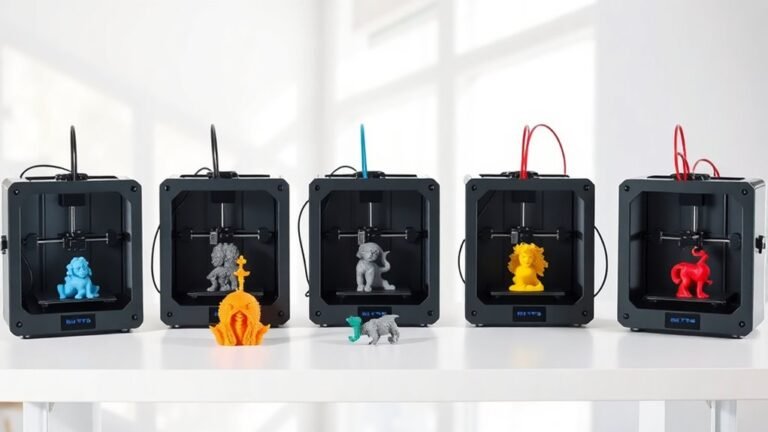
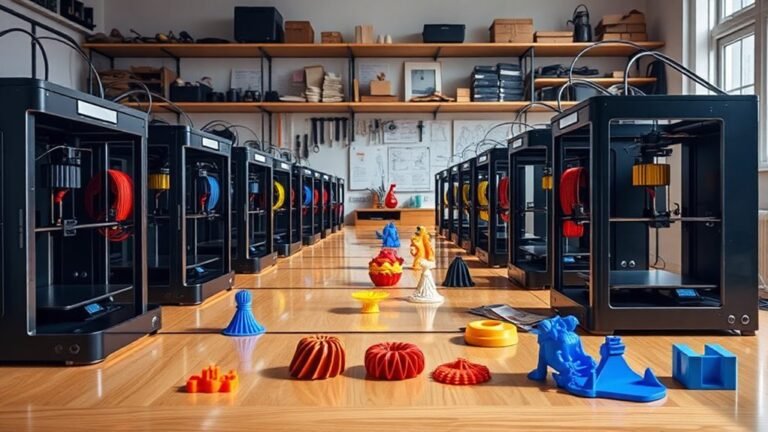
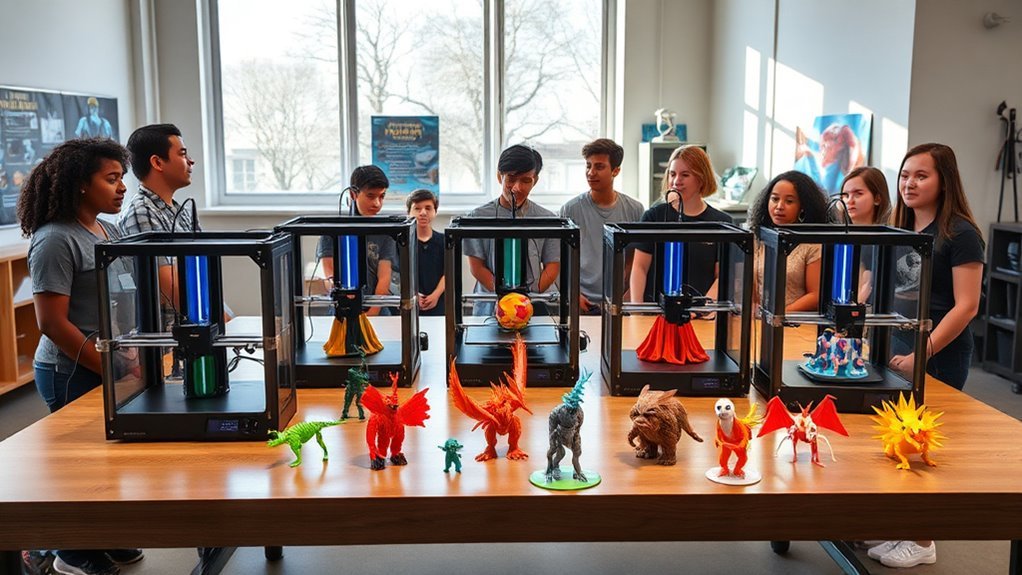
If you’re on the hunt for the best 3D printers for teens in 2027, you want something that sparks creativity and is easy to use. The right 3D printer can turn ideas into reality, making it perfect for young creators exploring design and tech. Whether your teen is a beginner or ready to dive into more complex projects, there are options that fit all skill levels.
Consider the Bambu Lab P1S Combo with multi-color AMS for vibrant, eye-catching prints. Or check out the A1, which is super easy to use, starts quickly, and operates quietly. These models are excellent for getting started without any hassle.
The Entina Tina2C Mini is great too—it comes fully assembled and even includes colorful PLA filament, so your teen can start printing right away. If native multicolor printing is important, the Anycubic Kobra X and ELEGOO Centauri 2 offer reliable setups with that feature. Each printer balances ease, speed, and quality, making them perfect for beginners looking to create something special.
Take your time exploring these options to find the perfect match for your teen’s creative journey.
| Image | Name | Editor's Rating | Price |
|---|---|---|---|

|
|
||

|
|
||

|
|
||

|
|
||

|
|
Bambu Lab P1S Combo, P1S 3D Printer and AMS, Multi-Color 3D Printing
- Up to 16 Colors: Bring your designs to life with vibrant multi-color/multi-material printing capabilities, perfect for showcasing your creativity. Note: Connecting Bambu...
- 500mm/s and 20000 mm/s² Acceleration True High Speed: Don't wait around for your masterpieces. Lightning-fast printing speed lets you focus on creating, not waiting.
- Enclosed Design: Fully enclosed body improves print performance for advanced filaments. Automatic Bed Leveling: Say hello to high-quality, successful prints. Auto bed...
- Set Up in 15 Minutes: Spend more time printing and less time setting up. User-friendly design ensures a hassle-free assembly experience for all skill levels.
- Supported Filament: Ideal: PLA, PETG, TPU, PVA, PET ABS, ASA; Capable : PA, PC; Not Recommended: Carbon/Glass Fiber Reinforced Polymer.
The Bambu Lab P1S Combo transforms creative ideas into vibrant, multi-color 3D prints effortlessly. It combines the P1S printer with the AMS, enabling up to 16 colors in a single print to make projects truly stand out. This setup is designed for quick assembly, letting users start printing within about 15 minutes.
Its CoreXY motion system ensures prints are not only fast but also highly precise, reaching speeds up to 500 mm/s. The fully enclosed frame supports a range of advanced filaments like PLA, PETG, and TPU, expanding material options for diverse projects. Automatic bed leveling simplifies maintenance and improves print reliability, reducing common setup frustrations.
Though the printer weighs 47.5 pounds, which may limit portability, its robust design offers stability during high-speed printing. Users should note the AMS is essential for multi-color functionality, adding some complexity to the setup. It is not suited for carbon or glass fiber reinforced polymers, focusing instead on standard and flexible filaments.
This 3D printer is an excellent choice for teens and beginners seeking a user-friendly tool that sparks creativity with multi-material printing capabilities.
Best for: Teens and beginners interested in multi-color 3D printing who want a fast, reliable, and easy-to-set-up printer with advanced filament support.
What We Like:
- Supports up to 16 colors with AMS for vibrant, multi-material prints
- Fast and precise CoreXY motion system with speeds up to 500 mm/s
- User-friendly setup and automatic bed leveling for hassle-free printing
- Fully enclosed design allowing use of advanced filaments like TPU
- Stable build quality despite its relatively heavy weight
Specification:
| Specification | Details |
|---|---|
| Manufacturer | Bambu Lab |
| Dimensions | Not specified |
| Weight | 47.5 lb (21.5 kg) |
| Material Compatibility | PLA, PETG, TPU (no carbon/glass fiber reinforced) |
| Color Options | Multi-color (up to 16 with AMS) |
Bambu Lab A1 3D Printer, Ready-to-Use FDM 3D Printer for Beginners and Kids
- High-Speed Precision: Experience unparalleled speed and precision with the Bambu Lab A1 3D Printer. With an impressive acceleration of 10,000 mm/s², the A1 delivers...
- Multi-Color Printing with AMS lite: Unlock your creativity with vibrant and multi-colored 3D prints. The Bambu Lab A1 3D printers make multi-color printing accessible and...
- Full-Auto Calibration: Say goodbye to manual calibration hassles. The A1 3D printer takes care of all the calibration processes automatically, ensuring optimal...
- Active Flow Rate Compensation: Achieve consistently smooth prints with active flow rate compensation. The algorithm actively compensates the flow rate according to the...
- Easy and Quiet 3D Printing: Experience effortless printing with the Bambu Lab A1 FDM 3D printer. Its user-friendly interface and simplified touchscreen make it easy to...
The Bambu Lab A1 3D Printer is an excellent choice for beginners and kids eager to explore 3D printing. It delivers fast, precise prints thanks to its impressive acceleration of 10,000 mm/s². This speed allows users to complete projects quickly without compromising on detail.
Maintenance is simple with the full-auto calibration and active flow rate compensation, which ensure consistent print quality every time. The user-friendly touchscreen and 1-Clip quick-swap nozzle make operation and upkeep straightforward, even for those new to 3D printing.
While the printer supports multi-color printing, it requires the AMS Lite system, which is sold separately. This flexibility allows users to upgrade as their skills grow but may add to the overall investment. Quiet operation is another benefit, as active motor noise canceling keeps distractions to a minimum.
Designed primarily for beginners and kids, the Bambu Lab A1 balances ease of use with reliable performance. It may not have advanced features that professionals seek, but it effectively meets the needs of young makers and hobbyists.
Best for: Beginners and kids who want a fast, easy-to-use 3D printer with precise results and optional multi-color printing.
What We Like:
- Fast printing speed with high acceleration and precision
- Full-auto calibration ensures hassle-free setup
- Easy maintenance with quick-swap nozzle system
- Quiet operation thanks to active noise canceling
Specification:
| Feature | Details |
|---|---|
| Manufacturer | Bambu Lab |
| Dimensions | Not specified |
| Weight | Not specified |
| Printing Technology | FDM (Fused Deposition Modeling) |
| Acceleration | 10,000 mm/s² |
| Color Options | Multi-color printing with AMS Lite (sold separately) |
Bambu Lab P1S 3D Printer, Ready-to-Use FDM 3D Printer
- Up to 16 Colors: Bring your designs to life with vibrant multi-color/multi-material printing capabilities, perfect for showcasing your creativity. Note: Connecting Bambu...
- 500mm/s and 20000 mm/s² Acceleration True High Speed: Don't wait around for your masterpieces. Lightning-fast printing speed lets you focus on creating, not waiting.
- Enclosed Design: Fully enclosed body improves print performance for advanced filaments. Automatic Bed Leveling: Say hello to high-quality, successful prints. Auto bed...
- Set Up in 15 Minutes: Spend more time printing and less time setting up. User-friendly design ensures a hassle-free assembly experience for all skill levels.
- Supported Filament: Ideal: PLA, PETG, TPU, PVA, PET ABS, ASA; Capable : PA, PC; Not Recommended: Carbon/Glass Fiber Reinforced Polymer.
Step into the world of 3D printing with the Bambu Lab P1S, a machine designed to blend speed and simplicity seamlessly. This printer tackles the common frustrations of slow printing times and complex setups by delivering fast, precise prints right out of the box.
With printing speeds reaching up to 500 mm/s, it dramatically cuts down wait times. The CoreXY enclosed design ensures smooth, accurate movement, while the automatic bed leveling feature removes the hassle of manual adjustments. This makes it ideal for users who want reliable results without constant tweaking.
The P1S supports up to 16 colors with its AMS system, allowing for vibrant, multi-material projects. It works well with popular filaments such as PLA, PETG, and TPU, offering creative flexibility for various applications and materials.
Maintenance is straightforward thanks to its user-friendly setup, which takes about 15 minutes. However, it’s important to note that this printer is not suited for carbon or glass fiber reinforced polymers. Its enclosed frame might also limit access during prints, which could affect some workflows.
Best for: Teens and beginners seeking a fast, easy-to-use 3D printer that supports multi-color and multi-material creativity.
What We Like:
- High-speed printing up to 500 mm/s with precision acceleration
- Supports 16 colors and diverse filament types including PLA, PETG, and TPU
- Quick setup with automatic bed leveling for reliable first prints
- Enclosed design enhances print quality and safety
Specification:
| Feature | Details |
|---|---|
| Manufacturer | Bambu Lab |
| Dimensions | Compact (specific size not provided) |
| Weight | Not specified |
| Material Support | PLA, PETG, TPU |
| Color Options | Multi-color printing via AMS system |
Entina Tina2C Mini 3D Printer Starter Bundle
- Complete Starter Bundle with 1kg PLA: Includes four 250g rolls of PLA filament in different colors. Start creating colorful toys, decorations, and DIY projects without...
- Fully Assembled & Ready in 5 Minutes: No complicated assembly required. The Tina2C mini 3D printer comes ready for guided setup through the Poloprint Cloud app, helping...
- 3500+ Models, New Designs Added Daily: Explore over 3500 printable models and 25+ DIY modules through the app. Discover fresh creative projects and hands-on STEM...
- Auto Leveling & Power-Loss Recovery: Automatic bed leveling improves first-layer setup and reduces manual adjustments. Power-loss recovery helps resume interrupted...
- Magnetic Build Plate & Quick-Swap Nozzle: The flexible magnetic plate helps release finished prints with a gentle bend, while the quick-swap nozzle design makes routine...
Step into the world of 3D printing with the Entina Tina2C Mini 3D Printer Starter Bundle, designed to make creativity accessible and straightforward. This compact printer arrives fully assembled, allowing users to begin printing within minutes via the intuitive Poloprint Cloud app. Its seamless setup removes common barriers, enabling beginners and teens to focus on making, not troubleshooting.
Connectivity options include WiFi and offline printing via a TF card, providing flexible control without complicated wiring. The mini printer’s user-friendly features such as auto bed leveling and power-loss recovery ensure prints complete smoothly, even if interruptions occur. The magnetic flexible build plate makes removing finished models effortless and reduces maintenance time.
The starter bundle includes four colorful PLA filament rolls and access to a vast library of over 3,500 models. This variety sparks creativity and provides a rich resource for new users to explore different designs. Compact and quiet, this printer fits comfortably in both classroom and home environments, supporting young makers in their learning journey.
With a modest build volume of 3.9 x 3.9 x 3.9 inches, it’s ideal for small projects but may limit larger prints. WiFi is limited to 2.4 GHz networks, which could affect connectivity in some modern setups. Weighing 11.68 pounds, it balances sturdiness with portability.
Best for: Teens and beginners seeking a hassle-free, fully assembled 3D printer equipped with creative materials and easy-to-use features.
What We Like:
- Ready to print in about 5 minutes with guided Poloprint Cloud app setup
- Includes four vibrant PLA filament rolls and access to over 3,500 printable models
- Features auto bed leveling, power-loss recovery, and magnetic flexible build plate for ease of use
- Compact design suitable for classrooms and home use
- Quiet operation enhances usability in shared spaces
Specification:
| Feature | Details |
|---|---|
| Manufacturer | Entina |
| Build Volume | 3.9 x 3.9 x 3.9 inches |
| Weight | 11.68 pounds |
| Connectivity | WiFi (2.4 GHz), TF card |
| Included Filament | Four colorful PLA rolls |
| Special Features | Auto bed leveling, power-loss recovery, magnetic flexible build plate |
Anycubic Kobra X Multicolor 3D Printer, Easy Setup, Native 4-Color
- 【 Newest Level - 19-Color with 4 ACE 2 Pro】Why settle for one color when you can have multicolor? The Kobra X comes born with 4 colors built-in. It is innovative 3D...
- 【 Savings 2X Time】Stop wasting hours and filament on purging! Kobra X impresora 3D reduces the filament and machine travel path by 81.25%, so 2X the Speed, and...
- 【Hardened Precision & High Speed 】 Equipped with a high-durability hardened steel nozzle and vibration compensation, the Kobra X ensures every layer remains smooth...
- 【Flawless First Layer with LeviQ 3.0】The LeviQ 3.0 and auto bed leveling system uses a 49-point calibration and advanced leveling algorithm to ensure 100% bed...
- 【Smart AI Monitoring & Large Model Library】APP remote control, features Spaghetti detection and foreign object detection. The innovative top-mount spool holder...

Step into the world of vibrant 3D printing with the Anycubic Kobra X Multicolor, designed to bring your creative ideas to life in four colors simultaneously. This printer removes the hassle of swapping filaments, allowing you to produce colorful, detailed projects effortlessly. Its generous 260mm³ build volume offers ample space for a variety of designs, making it ideal for hobbyists and learners.
Setup is straightforward and quick, typically completed in about 15 minutes. The LeviQ 3.0 automatic bed leveling system ensures your prints start perfectly every time, reducing frustration and wasted material. Maintenance is simplified by the hardened steel nozzle and vibration compensation, which contribute to consistent, high-quality outputs without frequent adjustments.
Connectivity options include both Wi-Fi and LAN, enabling you to monitor and control your prints remotely via the Anycubic app. This feature offers convenience and flexibility, whether you’re in a classroom or at home. The printer supports multiple filament types, broadening your material choices for different project needs.
While the printer excels in multicolor printing, users should note that filament is not included and must be purchased separately. Expanding beyond four colors requires additional units, which are sold separately. The build volume may also limit very large creations but suits most standard projects.
Best for: Teens and beginners looking for an easy-to-use multicolor 3D printer that balances reliable performance with user-friendly setup.
What We Like:
- Native 4-color printing streamlines creating vibrant, multicolor models
- LeviQ 3.0 auto bed leveling delivers smooth, consistent first layers
- Dual-band Wi-Fi and LAN connectivity with app monitoring for remote control
- Hardened steel nozzle and vibration compensation enhance print quality and durability
Specification:
| Feature | Details |
|---|---|
| Manufacturer | Anycubic |
| Print Volume | 260 × 260 × 260 mm |
| Nozzle Material | Hardened Steel |
| Connectivity | Wi-Fi (dual-band), LAN |
| Setup Time | Approximately 15 minutes |
| Color Capability | 4-color native printing |
ELEGOO Centauri 2 Combo 3D Printer, Beginner-Friendly Multicolor Printing

- 4-Color Printing with CANVAS: Create vibrant multi-color models effortlessly with CANVAS 4-color printing. Independent motors, instant color switching, RFID filament...
- Start Printing with Confidence: Full auto calibration and smart pre-print checks simplify setup, while 22 intelligent sensors monitor every print in real time. From first...
- Designed for Speed: Experience faster creation with a high-speed CoreXY system reaching up to 500mm/s and 20,000mm/s² acceleration. The rigid aluminum frame and...
- Smoother, Sharper, Smarter: From the first layer to the final detail, intelligent calibration, vibration compensation, and precise extrusion control help produce clean...
- A Seamless Workflow from Idea to Print: Simplify your entire workflow with the ELEGOO ecosystem. Discover ready-to-print models on Nexprint, prepare projects with...
The ELEGOO Centauri 2 Combo revolutionizes multicolor 3D printing for beginners. Its 4-color CANVAS printing with instant color switching lets you bring complex designs to life without a steep learning curve. The RFID filament recognition simplifies material changes, reducing errors and wasted prints.
This printer’s high-speed CoreXY motion system paired with a sturdy aluminum frame ensures every print is smooth and precise, even at temperatures up to 350°C. Automatic calibration and 22 real-time sensors keep your projects on track, minimizing the need for manual adjustments.
Maintenance is straightforward thanks to its user-friendly interface and reliable hardware. The 5-inch touchscreen makes operation intuitive, while the ELEGOO Matrix app allows remote control and monitoring, adding convenience for busy users or teens learning 3D printing.
With this combo, you get a machine designed for reliable multicolor outputs and easy upkeep. Its weight of 33 pounds adds stability but may reduce portability, and mastering its speed features might take some practice. Still, it’s a versatile choice for creative users seeking advanced functionality in a beginner-friendly package.
Best for: Beginners and hobbyists wanting a user-friendly multicolor 3D printer with advanced features and remote management.
What We Like:
- Supports 4-color CANVAS printing with quick color switching and RFID filament detection
- High-speed CoreXY system with a rigid aluminum frame for accuracy and smooth prints
- Full auto calibration and 22 sensors ensure consistent, reliable printing
- Easy operation via 5-inch touchscreen and remote control through ELEGOO Matrix app
Specification:
| Feature | Description |
|---|---|
| Manufacturer | ELEGOO |
| Dimensions (L×W×H) | Not specified |
| Weight | 33 lb (15 kg) |
| Frame Material | Aluminum |
| Printing Technology | Multicolor FDM (CANVAS) |
| Max Nozzle Temperature | 350°C |
| Display | 5-inch Touchscreen |
Factors to Consider When Choosing a 3d Printer for Teen
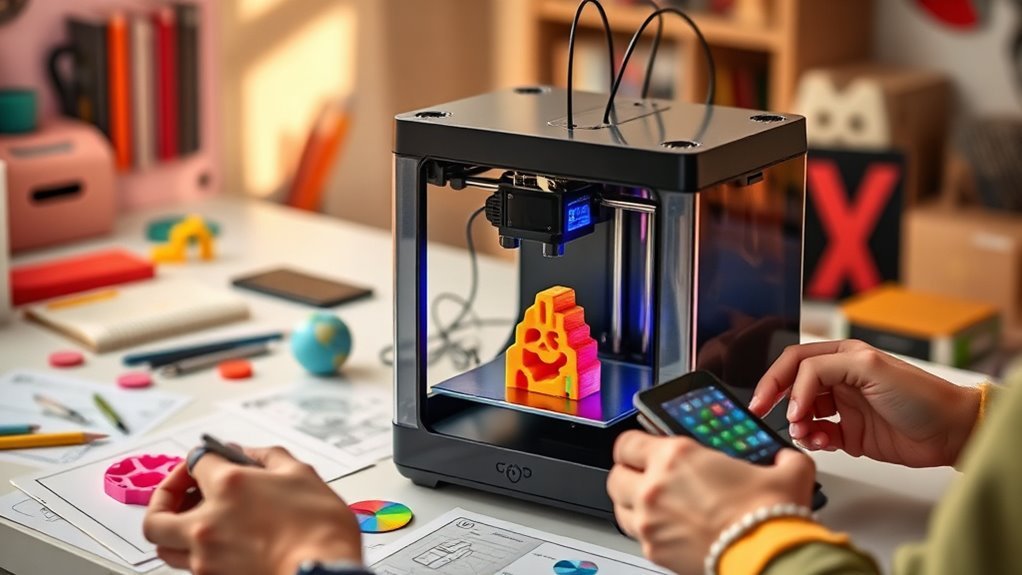
When picking a 3D printer for a teen, you’ll want to focus on safety features and how easy the printer is to use. It’s important that the printer feels approachable and not too complicated.
Consider the print quality and whether multi-color printing options matter to you. These features can make projects more exciting and visually appealing.
Don’t forget to check the printer’s speed and overall efficiency to keep projects moving smoothly. After all, no one likes waiting forever for a print to finish!
Safety Features Importance
Since 3D printers involve high temperatures and moving parts, prioritizing safety features is essential when choosing one for a teen. Look for enclosed build chambers and guarded hotend areas—they reduce burn risks by limiting access to hot components.
Features like automatic bed leveling, filament runout detection, and power-loss recovery prevent failed prints, minimizing unsafe troubleshooting. Thermal runaway protection and firmware-enforced temperature limits keep heaters from overheating, reducing fire hazards.
Child-safe options such as locked interfaces or PIN-protected controls help stop unauthorized changes and accidental starts. Also, choose printers that use non-toxic, low-odor filaments like PLA, combined with good ventilation or filtration, to limit exposure to harmful particles.
These safety measures guarantee a secure and worry-free 3D printing experience for your teen.
Ease of Use
Along with safety, ease of use plays a big role in selecting the right 3D printer for a teen. You want a model that’s fully assembled or nearly plug-and-play, with setup times under 30 minutes and clear guided onboarding to keep frustration low.
Features like automatic bed leveling and auto Z-offset help reduce trial and error, boosting first-print success. An intuitive touchscreen with one-tap start, pause, and cancel controls makes daily operation straightforward.
Look for filament runout detection, power-loss resume, and easy-access build plates to minimize interruptions and simplify print removal. Quick-swap nozzles, modular extruders, and slicer profiles with beginner presets also cut maintenance complexity.
This way, teens can focus on learning and creating instead of troubleshooting.
Print Quality Expectations
Though 3D printers for teens may not match professional-grade machines, you can still expect solid print quality suitable for classroom projects and hobbies. Most classroom-level FDM printers offer layer heights from 0.1 to 0.3 mm.
A 0.1 mm layer height delivers finer detail but takes longer, while 0.3 mm prints faster with coarser layers. Expect dimensional accuracy within ±0.1–0.5 mm, so plan designs and post-processing accordingly.
Surface finish depends on nozzle size and print speed—smaller nozzles (0.2–0.4 mm) and slower speeds yield smoother results. For fine features like thin walls or small text, calibrated extrusion, proper filament (like PLA), reduced layer height, slower speeds, and supports are key.
When printing mating parts, allow 0.2–0.5 mm clearance per side. Run test prints to confirm proper fit before final builds.
Multi-Color Printing Options
When exploring multi-color printing options for a teen’s 3D printer, you’ll find several methods that vary in complexity and cost. Single-extruder color mixing offers smooth shifts and saves hardware but demands precise filament control.
Multi-extruder setups enable true simultaneous multi-material printing and easier switching between filament types, but they add printhead weight and require more calibration.
External multi-spool systems feed multiple filaments into one hotend, supporting up to 16 colors without extra hotends. Though, they need careful filament management and compatible firmware.
For teens, prioritize ease of use—look for automated filament switching and slicer presets. Also, guarantee reliable multi-filament printing.
And don’t forget to check if the system supports the colors and filament types your teen wants. It’s all about balancing creativity with manageable maintenance and reliability.
Speed and Efficiency
If you want your teen’s 3D printing projects to finish quickly without sacrificing quality, focus on printers with high acceleration and travel speeds. Look for models boasting max travel speeds between 200–500 mm/s and acceleration settings around 5,000–20,000 mm/s². These specs cut down print time by speeding up layer shifts and perimeter moves.
Consider nozzle size and layer height carefully: a 0.4 mm nozzle with 0.12–0.2 mm layers balances detail and speed. But if you want to go faster, larger nozzles (0.6–0.8 mm) can halve print times, though they do reduce fine detail.
Multi-color setups add print time because of filament changes. So, if speed is your priority, sticking to simpler single-extruder prints is the way to go.
Also, features like resume-after-power-loss and fast heating beds help minimize downtime. These little perks boost overall efficiency and keep your teen’s creative flow going strong.
Maintenance and Durability
Because teens often handle their own 3D printer upkeep, choosing a model with easy-to-replace parts and modular components makes maintenance straightforward and less frustrating. Look for printers with nozzles, PTFE liners, belts, and build plates that are simple to swap out. Make sure spare parts are affordable and widely available.
Prioritize machines with tool-free removal for routine tasks and auto-calibration features like auto bed leveling to cut down on manual adjustments. Durable printers typically have metal frames, hardened rods, and quality extruders. These features help them withstand wear from fast printing and flexible filaments.
Also, check for clear documentation, active community support, and regular firmware updates. These things help you troubleshoot quickly and extend the printer’s lifespan. In the end, they make maintenance easier and more reliable for teens.
Budget and Value
Although 3D printers come in a wide price range, you’ll want to balance upfront costs with ongoing expenses like filament, replacement parts, and accessories.
For a beginner teen, expect to spend $150–$400 on a reliable basic FDM printer that handles PLA well. Higher-end models with features like enclosed chambers or multi-material printing push toward $400–$1,200.
Remember, filament costs $20–$30 per kilogram for standard types, while specialty filaments run $30–$80. Also, budget $50–$200 yearly for maintenance supplies and spare parts.
Don’t forget electricity and potential upgrades that add to long-term expenses. Focus on value by choosing printers with teen-friendly features like easy setup, safety enclosures, and quiet operation—skip costly industrial options that won’t match your teen’s needs or skill level.
Frequently Asked Questions
What Maintenance Is Required for These 3D Printers?
You’ll need to regularly clean the print bed and lubricate moving parts. Also, keep an eye out for nozzle clogs, which can really mess up your prints.
Updating the firmware is important too—it keeps your printer running with the latest features and fixes. Don’t forget to calibrate the printer regularly. Properly storing your filament helps a lot as well, keeping prints consistent and your machine in good shape overall.
Are These Printers Compatible With Macos and Windows?
You know, “variety is the spice of life.” These printers are compatible with both macOS and Windows, so you won’t have trouble connecting them.
Just install the right software, and you’re ready to create!
What Safety Features Do These 3D Printers Include?
You’ll find these 3D printers include safety features like enclosed print areas, automatic shutoff, and thermal protection.
They also have non-toxic filament options and child-lock settings to keep you safe while freeing your creativity.
Can These Printers Use Third-Party Filament Brands?
Of course, they only accept their own brand—just kidding!
You’ll find most 3D printers compatible with various third-party filaments, giving you flexibility to experiment with different materials without being locked into one pricey brand.
How Long Does It Take to Complete a Typical 3D Print?
It usually takes you anywhere from 30 minutes to several hours to complete a typical 3D print, depending on the object’s size, complexity, and printer speed.
Smaller, simpler prints finish much faster. So, if you’re printing something tiny and straightforward, you can expect it done pretty quickly.
Conclusion
Choosing the right 3D printer for you means finding one that’s easy to use, sparks creativity, and fits your budget. Whether you want vibrant multicolor prints, reliable performance, or a beginner-friendly setup, these options have you covered.
You’ll learn new skills, bring your ideas to life, and enjoy hours of fun. So pick a printer that inspires, challenges, and excites you—because your creative journey starts now.
Finding the best 3D printer for teens is all about balancing ease of use with features that fuel imagination. With the right printer, you can explore endless creative possibilities, from colorful designs to functional projects. Whether you’re a beginner or ready to take on more complex prints, these printers make 3D printing accessible and enjoyable. So go ahead, dive into the world of 3D printing, and watch your ideas come to life in exciting new ways!