4 best budget 3d printer 2026 under 1000
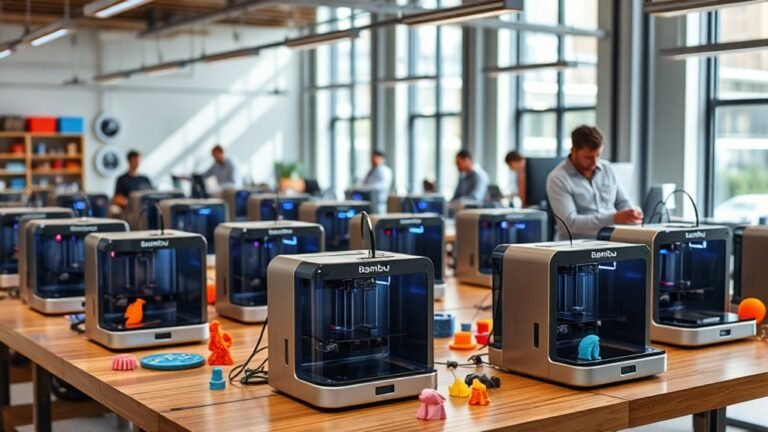
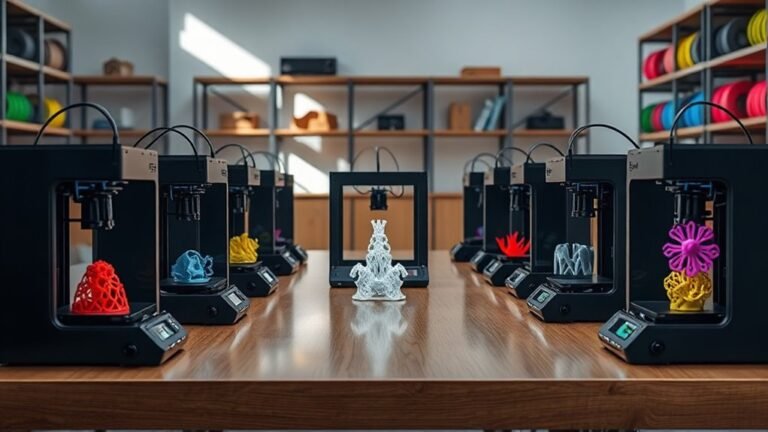
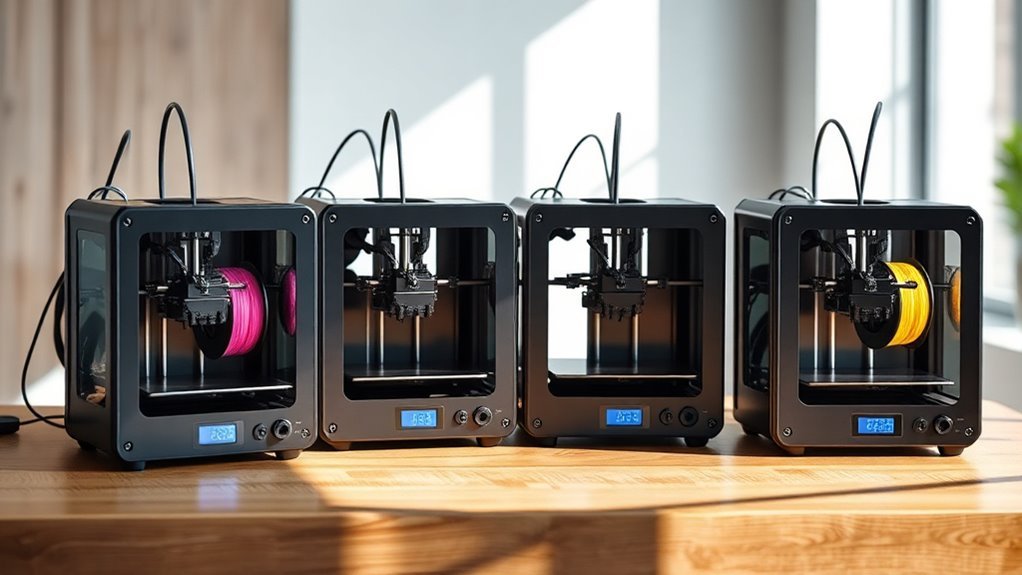
You’ll find four top budget 3D printers under $1000 in 2026 that balance multicolor printing, speed, and build volume. These budget-friendly 3D printers are perfect for hobbyists and small businesses looking to get high-quality prints without breaking the bank.
Whether you want vibrant multicolor models, fast print speeds, or large build areas, there’s something here for you.
The Anycubic Kobra X Multicolor offers native 4-color printing with easy setup, making it great for creative projects.
Meanwhile, the Longer LK5 Pro 3 delivers a massive 300×300×400 mm build area, ideal for bigger prints.
The ENTINA TINA2PLUS excels at fast printing speeds up to 250 mm/s, perfect for beginners and makers who want quick results.
Then there’s the Creality K2 SE Combo, which supports expandable multicolor setups to boost your creativity.
Keep exploring for details on features and benefits.
| Image | Name | Editor's Rating | Price |
|---|---|---|---|

|
|
||

|
|
||

|
|
Anycubic Kobra X Multicolor 3D Printer, Easy Setup, Native 4-Color
- 【 Newest Level - 19-Color with 4 ACE 2 Pro】Why settle for one color when you can have multicolor? The Kobra X comes born with 4 colors built-in. It is innovative 3D...
- 【 Savings 2X Time】Stop wasting hours and filament on purging! Kobra X impresora 3D reduces the filament and machine travel path by 81.25%, so 2X the Speed, and...
- 【Hardened Precision & High Speed 】 Equipped with a high-durability hardened steel nozzle and vibration compensation, the Kobra X ensures every layer remains smooth...
- 【Flawless First Layer with LeviQ 3.0】The LeviQ 3.0 and auto bed leveling system uses a 49-point calibration and advanced leveling algorithm to ensure 100% bed...
- 【Smart AI Monitoring & Large Model Library】APP remote control, features Spaghetti detection and foreign object detection. The innovative top-mount spool holder...

If you need a multicolor 3D printer that simplifies complex prints, the Anycubic Kobra X Multicolor offers a smart solution. Its native 4-color system drastically cuts filament purging and travel time, making your prints faster and cleaner. This efficiency reduces material waste and speeds up production.
Setting up is straightforward with the LeviQ 3.0 auto bed leveling, which ensures your first layer sticks perfectly every time. The printer’s smart AI monitoring detects printing issues like spaghetti errors and object misplacements, allowing you to intervene early and avoid failed prints. Maintenance is minimal, helping you focus on creativity instead of troubleshooting.
Designed for versatility, the Kobra X Multicolor supports various filament types and reaches speeds up to 600 mm/s. Its quiet operation and remote control features make it easy to manage prints without constant supervision. This printer is built to handle detailed, colorful projects with consistency and ease.
Best for: hobbyists, educators, and professionals seeking a reliable, user-friendly multicolor 3D printer that balances speed, quality, and convenience.
What We Like:
- Efficient 4-color system reduces waste and boosts print speed
- Precise LeviQ 3.0 auto leveling for consistent print quality
- AI monitoring detects printing errors early
- Quiet operation with remote control capabilities
Specification:
| Feature | Details |
|---|---|
| Manufacturer | Anycubic |
| Dimensions | Not specified |
| Weight | Not specified |
| Color Options | Native 4-color printing |
| Max Print Speed | 600 mm/s |
| Bed Leveling | LeviQ 3.0 Auto Bed Leveling |
| AI Features | Spaghetti and object detection |
Longer LK5 Pro 3 3D Printer Large Build Volume
- 【Stable Triangular Structure & Higher Precision】3D printer uses reinforced inclined rods to form a stable triangular structure, minimizing vibration and ensuring...
- 【Larder Build Volume & Faster Printing Speed】The Longer LK5 Pro 3D printer measures about 20 x 20 x 15 inches, has a large build volume of 11.8 x 11.8x 15.7in...
- 【Advanced Extruder Technology:】Enhance print quality with our silicon carbide lattice glass platform, ensuring uniform temperature for strong adhesion and preventing...
- 【Filament Depletion Detection & Auto-Resume Printing】The LK5 Pro 3D printer, with its upgraded 32-bit mainboard, ensures improved print quality. It features sensors...
- 【Ultra-Quiet Driver & Open-Source Firmware】Experience the Longer LK5 Pro 3D printer, featuring an ultra-quiet TMC2209 driver and open-source firmware. Customize your...
The Longer LK5 Pro 3 is designed for creators who need a large build volume without sacrificing precision. Its spacious 300 × 300 × 400 mm printing area allows you to work on detailed, sizable projects with ease. This printer helps you bring ambitious designs to life while maintaining consistent accuracy.
Thanks to its stable triangular frame and automatic X-Y calibration, the LK5 Pro 3 delivers precise layer alignment up to 0.1 mm. The silicon carbide glass bed ensures strong adhesion and even heating, which minimizes warping and improves print quality. This makes maintenance straightforward and reduces print failures.
The printer also includes practical features like filament runout detection and power-loss recovery. These enhance reliability by preventing unexpected print interruptions. With quiet TMC2209 drivers, the device operates smoothly and without excess noise, making it suitable for home or educational environments.
Assembly is mostly complete at 90%, allowing beginners to start printing quickly. However, some setup is still required, so new users may benefit from following detailed instructions. While the printer supports common filaments like PLA, ABS, PETG, and wood-filled, material choices are somewhat limited.
Best for: users needing a large build volume combined with reliable, precise 3D printing and straightforward setup, especially beginners and educators.
What We Like:
- Large 300 × 300 × 400 mm build volume for ambitious projects
- Stable frame with automatic X-Y calibration for high precision
- Filament runout detection and power-loss recovery for print reliability
- Silicon carbide glass bed reduces warping through uniform heating
- Quiet operation thanks to TMC2209 drivers
Specification:
| Feature | Details |
|---|---|
| Manufacturer | Longer |
| Build Volume | 300 × 300 × 400 mm |
| Frame | Triangular, stable |
| Bed Material | Silicon carbide glass |
| Drivers | TMC2209 (quiet) |
| Pre-Assembly | 90% |
| Supported Filaments | PLA, ABS, PETG, wood-filled |
| Weight | 28.2 lb (12.8 kg) |
ENTINA TINA2PLUS 3D Printer,250 mm/s Fast Printing from Beginners to Makers
- Fully Pre-Assembled, Ready to Print Right Out of the Box : The TINA2 PLUS comes fully pre assembled and pre-calibrated. Just unbox, plug in, load filament, and start...
- High-Speed Printing with Precision Detail : This 3d printer delivers print speeds up to 250 mm/s, dramatically reducing overall print time. With a printing accuracy of...
- One-Touch Auto Leveling for Consistent First Layers : The TINA2 PLUS features a 9-point one-touch auto leveling system that helps align your build plate accurately every...
- Ultra-Quiet Printing Under 45dB : This 3 d printer is equipped with an upgraded silent motherboard and adjustable cooling fan, keeping operating noise below 45 decibels...
- Flexible Connectivity & Filament Compatibility : The TINA2 Plus supports multiple connection methods: TF card, USB, and Wi-Fi. With a 245°C nozzle and 80°C heated bed...
Experience fast and effortless 3D printing with the ENTINA TINA2PLUS 3D Printer, designed for both beginners and makers. Its speed of up to 250 mm/s lets you complete projects quickly without sacrificing print quality. The fully pre-assembled and pre-calibrated setup means you can start printing immediately, saving time and frustration.
Maintenance is simplified with the 9-point one-touch auto leveling that ensures perfect first layers every time. Filament runout detection pauses your print to protect your work, reducing waste and failed prints. The dual Z-axis design combined with a PEI spring steel magnetic bed improves stability and makes part removal smooth.
This printer is crafted for ease of use with quiet operation below 45 dB, suitable for home or classroom environments. Connectivity options include Wi-Fi, USB, and TF card, allowing you to control prints remotely via the Polypoint Cloud app or popular slicer software. The clear control panel provides real-time printing information for seamless monitoring.
While its print volume of 100 × 105 × 100 mm suits small to medium projects, larger builds may require a different model. The nozzle’s 245°C max temperature and heated bed limit the use of some advanced filaments but cover most common materials.
Best for: Beginners, students, hobbyists, and makers seeking a fast, easy-to-use 3D printer with reliable features and remote access.
What We Like:
- Pre-assembled with one-touch 9-point auto leveling and filament runout detection
- Fast printing speeds up to 250 mm/s with stable dual Z-axis and magnetic PEI bed
- Quiet operation under 45 dB ideal for shared spaces
- Multiple connectivity options including Wi-Fi and remote control via Polypoint Cloud app
Specification:
| Feature | Details |
|---|---|
| Manufacturer | ENTINA |
| Print Speed | Up to 250 mm/s |
| Print Volume | 100 × 105 × 100 mm |
| Max Nozzle Temperature | 245°C |
| Heated Bed Max Temp | 80°C |
| Connectivity | Wi-Fi, USB, TF Card |
| Noise Level | Under 45 dB |
| Bed Type | PEI Spring Steel Magnetic |
| Assembly | Fully Pre-assembled |
Creality K2 SE Combo 3D Printer, Support Multicolor Printing with CFS
No products found.
Experience the power of vibrant multicolor 3D printing with the Creality K2 SE Combo. This printer is designed to overcome the limits of single-color projects by enabling detailed, multicolor creations. Its innovative Color Filament System (CFS) allows seamless connection of up to 16 colors by adding extra CFS units, making complex designs easier to achieve.
The sturdy aerospace-grade aluminum frame ensures stable, high-speed printing at up to 500 mm/s. This stability reduces errors and improves surface quality, helping you produce professional-grade models quickly. Its compact build volume of 220 × 215 × 245 mm fits comfortably on your desk, ideal for small-scale projects.
Maintenance is straightforward with features like a direct-drive extruder and filament run-out sensor, which help prevent print failures. Smart auto-leveling simplifies setup, so you spend less time adjusting and more time creating. These qualities make the printer reliable for frequent use and multicolor experimentation.
While the printer supports multiple colors, expanding to full 16-color capability requires purchasing additional CFS units, increasing the overall cost. The moderate build size may restrict larger prints, and the machine’s weight of 48.5 pounds affects portability.
Best for: hobbyists, designers, educators, and small workshops seeking reliable, vibrant multicolor 3D printing for creative projects and rapid prototypes.
What We Like:
- Expandable multicolor printing with up to 16 colors via CFS modules
- High-speed printing with a rigid aerospace-grade aluminum frame
- Direct-drive extruder and filament sensor for consistent, clean prints
- Smart auto-leveling for easy setup and reliable results
Specification:
| Feature | Details |
|---|---|
| Manufacturer | Creality |
| Build Volume | 220 × 215 × 245 mm |
| Weight | 48.5 lb (22 kg) |
| Frame Material | Aerospace-grade aluminum |
| Color Support | Up to 16 colors (with CFS) |
Factors to Consider When Choosing a Budget 3D Printer 2026 Under 1000
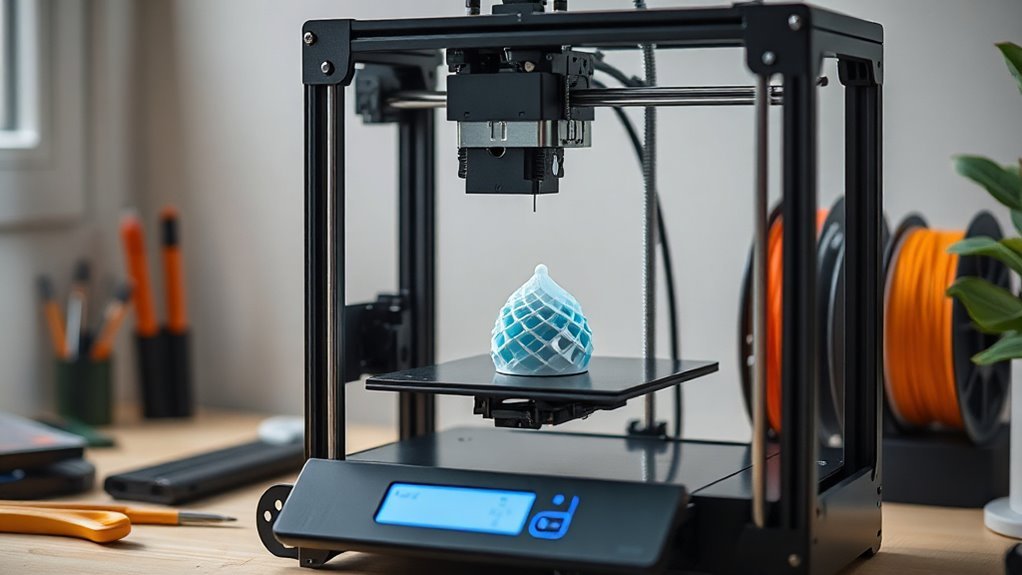
When choosing a budget 3D printer under $1000, you’ll want to focus on print quality and speed to get the best results. Consider the build volume and size to make certain it fits your projects.
Also, check if it supports multicolor printing for added creativity. Don’t forget ease of setup and material compatibility to make your printing experience smooth and versatile.
Print Quality And Speed
Although budget 3D printers under $1000 offer impressive features, you’ll need to balance print quality and speed carefully to get the best results. Layer height and nozzle diameter mainly control surface finish—lower layer heights (around 0.1 mm) yield finer details but increase print time.
While many printers claim peak speeds up to 600 mm/s, reliable quality usually means printing at 40–80 mm/s for PLA and slower for flexible materials. Look for a stiff frame and good vibration damping to reduce ringing and maintain dimensional accuracy at higher speeds.
Hotend temperature and cooling capacity also affect how fast you can print engineering filaments without sacrificing quality. Finally, extrusion system precision influences stringing and retraction, so consider direct drive setups for cleaner prints when pushing speed limits.
Build Volume And Size
Since build volume directly limits the size of your projects, you’ll want to choose a 3D printer with dimensions that match your typical printing needs. Budget printers range from compact 100×100×100 mm to larger 300×300×400 mm volumes.
Bigger build spaces let you print single-piece assemblies or large prototypes, but keep in mind this can increase print time, filament use, and risks like warping. Don’t forget to check the printer’s physical footprint and height to make sure it fits your workspace, including spool placement and cable management.
If you plan on printing tall or large parts, prioritize models with rigid frames and stable motion systems to keep accuracy consistent. Also, keep in mind that some add-ons might reduce the effective build volume, so verify this if you intend to upgrade later.
Multicolor Printing Capability
Explore multicolor printing capabilities carefully to enhance your projects without overspending or complicating your workflow. First, check the multicolor method—single-nozzle multi-filament systems simplify hardware but may need extensive purging. On the other hand, multi-extruder setups offer cleaner color transitions but come with added complexity.
Consider how many colors the printer supports and whether you can expand this number. More colors mean more filament management, so keep that in mind. Also, evaluate filament shift efficiency to reduce waste and save time during color swaps.
Make sure the firmware and slicer support multicolor workflows with features like advanced G-code handling and color assignments. This helps you avoid manual adjustments, which can be a pain. Finally, think about print speed and thermal control since quick tool changes and color mixing require stable extrusion to prevent color boundary artifacts.
Ease Of Setup
Getting started with a new 3D printer shouldn’t feel like a chore, especially when you’re on a budget. Choose a model that arrives at least 90% pre-assembled to cut setup time to under 30 minutes and avoid common mechanical mistakes.
Automatic bed leveling with multi-point or mesh systems, plus guided setup wizards, transform what could take hours into just minutes, boosting your first-layer success. Look for printers that include clear starter kits—pre-sliced sample files, basic tools, and build surfaces like PEI spring steel sheets—to simplify your onboarding without extra purchases.
Intuitive touchscreens, step-by-step tutorials, or companion apps help flatten the learning curve. And built-in sensors like filament runout detection and power-loss resume prevent interruptions, saving you time and frustration during early prints.
Material Compatibility
When selecting a budget 3D printer under $1000, you’ll want to prioritize material compatibility to guarantee your projects turn out as expected. Start by checking the nozzle and hotend temperature ratings—look for at least 240–300°C to handle common filaments like PLA, PETG, TPU, and higher-temp options like ASA or nylon.
Decide if you need a direct-drive extruder, since it manages flexible filaments (TPU, TPE) better than Bowden setups, reducing buckling issues. A heated bed reaching 80–110°C with a suitable build surface (PEI, glass, textured) helps prevent warping and guarantees adhesion for ABS and specialty blends.
Also, confirm quality filament path components and compatible firmware that support adjustable settings. This way, you can reliably print with abrasive or composite materials without clogging or wear problems.
Frequently Asked Questions
How Do I Maintain and Clean a Budget 3D Printer?
You should regularly clean the nozzle and bed, lubricate moving parts, and check belts for tension.
Don’t forget to update firmware and remove filament residue to keep your 3D printer running smoothly and producing quality prints.
Keeping up with these simple steps really helps avoid bigger issues down the line. Plus, it ensures your prints come out looking great every time!
What Types of Filaments Are Compatible With Budget 3D Printers?
You’ll find PLA, ABS, and PETG filaments most compatible with budget 3D printers. These materials print reliably, are affordable, and offer good strength.
Just check your printer specs before buying specialty filaments like TPU or nylon. They can be a bit trickier to work with, especially on entry-level machines.
Are There Any Safety Precautions for Using Budget 3D Printers?
Yes, you should always ventilate your workspace and avoid touching the hot nozzle. It’s important to keep the printer on a stable surface to prevent any accidents.
Also, never leave your printer unattended while it’s printing. Using gloves and safety glasses can help protect you from potential hazards. Just a few simple steps can keep things safe and smooth!
Can Budget 3D Printers Be Upgraded or Customized?
Yes, you can upgrade and customize budget 3D printers. You’ll often swap parts like nozzles, add better extruders, or install new firmware to improve performance and print quality.
It’s all about tailoring the printer to your specific needs. With a few tweaks here and there, even an affordable printer can deliver great results.
What Software Is Recommended for Designing 3D Models?
Imagine sculpting clay; software like Tinkercad, Fusion 360, or Blender lets you shape your ideas digitally.
You’ll find them user-friendly, powerful, and perfect for turning your creative visions into 3D models effortlessly.
Conclusion
Choosing the right budget 3D printer under $1000 in 2026 is like planting a seed in your creative garden. Whether you opt for the colorful blooms of the Anycubic Kobra X or the sturdy branches of the Longer LK5 Pro 3, each offers a unique path to bring your ideas to life.
With careful thought, your new printer will be the gentle breeze that turns dreams into tangible wonders, nurturing your craft with every layer. Finding the best budget 3D printer under $1000 means balancing quality, features, and price to get the most value.
So, as you explore options for the best budget 3D printer 2026 under 1000, remember that the right choice will support your creativity and projects for years to come. Taking the time to pick the perfect printer ensures your investment pays off with amazing prints and endless possibilities.