4 Best Budget 3D Printer Kits for 2027
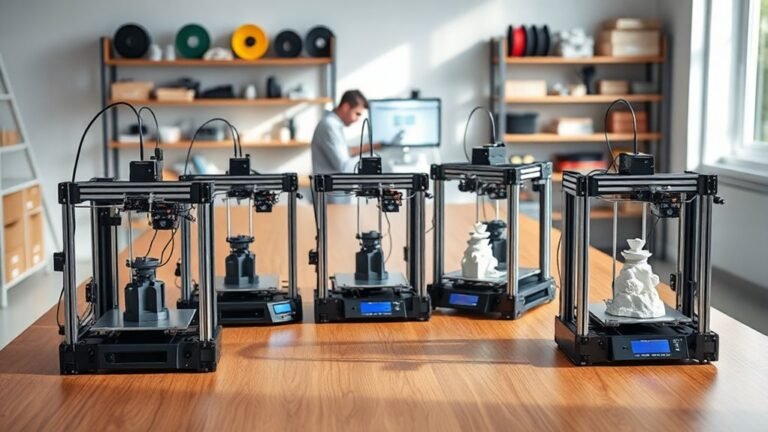
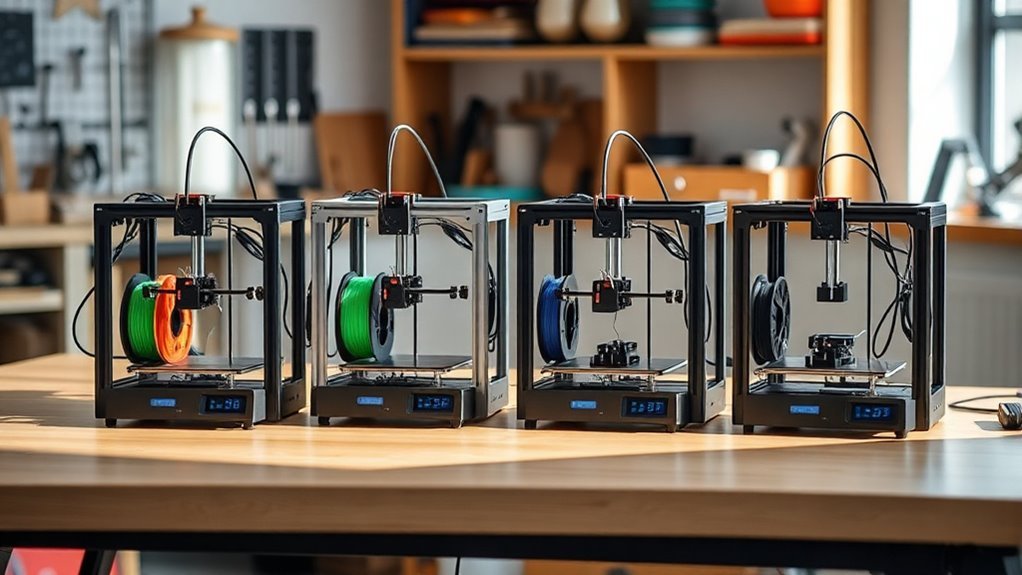
If you want reliable 3D printing without overspending, consider these four budget-friendly 3D printer kits for 2027. These kits are perfect for hobbyists and beginners looking to get started without breaking the bank. Whether you need quality prints, easy maintenance, or flexible filament options, there’s something here for you.
The 45-piece tool kit offers all-inclusive cleaning and finishing tools to keep your prints looking sharp. Meanwhile, the 50-piece DONTRD kit includes a compact case, making upkeep super easy and organized.
For fast, easy prints, the Creality Ender 3 V3 SE bundle comes with 2 kg of PLA filament, so you can start printing right away. If you’re new or want flexible filament support, the Q3D OneUP V2 is a solid choice. Keep exploring to find the best fit for your needs.
| Image | Name | Editor's Rating | Price |
|---|---|---|---|

|
|
||

|
|
||

|
|
||

|
|
45 Pcs 3D Printer Tool Kit, Cleaning, Finishing, Measuring, Support Removal
- PRINTING EXPERIENCE ENHANCED: This product contains all the essential tools a maker needs to successfully 3D print, as well as additional items to further simplify your...
- 45 Pieces SET: product includes 1 set of deburring tools(1 pc NB1100 deburring tool handle & 6 pcs deburring blades), Electronic Digital Caliper, 10 pcs Cleaning Needles...
- FOR REFINED POST-PROCESSING: YEETIN 3D Printing Tool Kits entail multiple tools specifically chosen and proven to refine your 3D printing, use the nozzle cleaning kit to...
- EXCELLENT PACKAGE:All of these essential tools are packed in a travel-size tool pouch that allows you to easily store and carry them, and also prevents them from...
- GIFT IDEA FOR 3D PRINT MAKER: We have chosen quality tools for this kit based on the experience of 3d printing enthusiasts and our staff, even novice or professional 3d...

The 45-piece 3D printer tool kit is designed to simplify your post-printing tasks and improve your workflow. It addresses common challenges like removing support material cleanly and measuring with precision, helping you achieve professional-quality results every time.
This kit includes essential tools for cleaning, finishing, and measuring your prints. An electronic digital caliper ensures accurate dimensions, while the nozzle cleaning set keeps your printer running smoothly. Compact and organized, the travel-size pouch makes maintenance on the go effortless.
With tools like spatulas, flush cutters, and deburring blades, you can refine your prints with ease. The included glue stick adds versatility for minor repairs or assembly. This comprehensive set supports both beginners and seasoned users in maintaining and perfecting their 3D projects.
While the kit covers a broad range of needs, casual users might find some tools less necessary. Also, the durability of certain items isn’t specified, which may impact long-term use. Still, the variety and portability make it a practical addition to any 3D printing setup.
Best for: 3D printing enthusiasts and professionals seeking a complete and portable tool kit for cleaning, finishing, measuring, and support removal.
What We Like:
- Wide range of tools for all post-processing stages
- Precise measurements with electronic digital caliper
- Compact pouch for easy storage and transport
- Includes nozzle cleaning kit for printer maintenance
- Versatile tools for finishing and minor repairs
Specification:
| Feature | Details |
|---|---|
| Manufacturer | Not specified |
| Number of Pieces | 45 |
| Dimensions (Pouch) | Travel-size (approximate) |
| Weight | Not specified |
| Material | Various (metal, plastic) |
| Color Options | Not specified |
50-Piece 3D Printer Tool Kit with Case
- Complete tool set: This 50-Pcs 3D printer tool kit includes a wide range of commonly used 3D printing accessories, supporting printer maintenance, model post-processing...
- Assists with nozzle and build plate care: Equipped with nozzle cleaning needles, brushes and scraper, helping to clean nozzle residue, remove adhesive from the build...
- Supports model detail finishing: Includes deburring tools, various precision files, engraving knives and wire cutters, helping to handle burrs and layer lines and improve...
- Suitable for users of all levels: The tools are well-organized and easy to use, ideal for beginners in 3D printing, and also convenient for experienced users.
- Easy storage and portability: All 50 pieces are stored in a portable storage case, helping keep tools organized and reducing the risk of loss.
Keep your 3D printer running smoothly with this 50-piece 3D printer tool kit designed for both FDM and SLA models. It tackles common maintenance issues like clogged nozzles and messy build plates, helping you avoid print failures and wasted material. The kit’s tools make upkeep straightforward and efficient.
For post-processing, the kit includes precision tools that refine your prints by smoothing layer lines and removing imperfections. This improves the final appearance of your models without needing extra equipment. Each tool is thoughtfully selected to enhance your workflow.
All 50 pieces fit securely in a compact case, keeping your tools organized and easy to find. This design prevents loss and mess, whether you’re at home or on the go. Its lightweight nature means it won’t weigh you down during transport.
While the kit covers essential tasks, it may lack some advanced tools for specialized printing needs. The tools are light, which may affect durability under heavy use. Additionally, the product is scheduled for release on September 22, 2025.
Best for: 3D printing enthusiasts and professionals seeking a practical, organized toolkit for routine maintenance and model finishing.
What We Like:
- Comprehensive selection of maintenance and finishing tools.
- Portable case keeps tools neat and accessible.
- Suitable for both beginner and experienced users.
- Helps prevent common print issues and improves model quality.
Specification:
| Feature | Details |
|---|---|
| Manufacturer | DONTRD |
| Pieces | 50 |
| Weight | 1.6 oz (approx. 45 g) |
| Compatibility | FDM and SLA 3D printers |
| Storage Case | Included, portable and compact |
Creality Ender 3 V3 SE 3D Printer with 2kg PLA Filament Bundle
- 250MM/S HIGH-SPEED PRINTING: Ender 3 V3 SE 3d printer can print at up to 250mm/s speed with 2500mm/s²acceleration, faster than ender 3, ender 3 v2, ender 3 pro, ender...
- START PRINTING WITHIN 20Mins: Creality Ender 3 V3 SE 3D printer is easy to put together in 3 steps within about 20 minutes only. It equips CR Touch for auto leveling and...
- CAPABLE "SPRITE" DIRECT EXTRUDER: The "Sprite" Direct Extruder of Ender 3 V3 SE enables smooth feeding of various filaments, including PLA, PETG, and TPU. And the...
- Cost-Effective Filament Bundle: Get 2 "1kg" spools of PLA filament for the price of 1 with classic black and white color
- Smooth and Stable Printing: Patented design and manufacturing process ensures smooth, clog-free printing
The Creality Ender 3 V3 SE 3D printer offers a powerful solution for hobbyists who want fast, reliable printing without complicated setups. Its high-speed capabilities reach up to 250 mm/s, allowing you to complete projects quickly while maintaining impressive print quality.
Assembly is straightforward and takes about 20 minutes. The CR Touch auto-leveling combined with a strain sensor makes bed leveling simple and precise, reducing the frustration often experienced during printer setup.
This model features the Sprite Direct Extruder, which ensures smooth filament feeding and minimizes clogs. It supports various materials such as PLA, PETG, and TPU, giving users flexibility in their creative work.
Maintenance is user-friendly, thanks to clear motion graphics that guide you through leveling and adjustments. The included 2 kg PLA filament bundle in black and white lets you start printing immediately with reliable material.
Best for: hobbyists and makers seeking an easy-to-use, fast 3D printer with versatile filament support and hassle-free setup.
What We Like:
- High-speed printing up to 250 mm/s with consistent quality
- Easy assembly with CR Touch auto-leveling and strain sensor
- Smooth extrusion via the Sprite Direct Extruder supporting multiple filaments
- Includes 2 kg of black and white PLA filament to begin printing right away
Specification:
| Feature | Details |
|---|---|
| Manufacturer | Creality |
| Dimensions | Not specified |
| Weight | Not specified |
| Material Compatibility | PLA, PETG, TPU |
| Included Filament | 2 kg PLA (black & white) |
Q3D OneUP 3D Printer Kit – Version 2
- Version 3 Improves Reliability, Speed and Print Quality
- New Q3D Metal Hotend
- 50 Micron Layer! Double the Resolution of Its Competitors
- Now Up to 100mm/s Print Speeds
- Easier Than Ever to Assemble (2-6 Hours), No Soldering or Crimping Required
The Q3D OneUP 3D Printer Kit – Version 2 offers an efficient solution for those eager to start 3D printing quickly. Its simplified design allows assembly in as little as two hours, helping beginners avoid frustration and get printing sooner. The open-frame layout makes it easy to monitor filament feed and perform maintenance without disassembling the unit.
This printer delivers a compact build volume of 100 × 100 × 125 mm, which suits smaller projects and detailed prints. It prints consistently at speeds up to 100 mm/s with 50-micron layer resolution, providing high-quality results. The upgraded metal hotend and auto-adjusting extruder enhance reliability and reduce the chance of print failures.
Constructed with a CNC-cut melamine frame, this kit remains lightweight yet rigid, supporting precise, stable printing even at higher speeds. Its compatibility with a variety of filaments, including PLA, ABS, and flexible NinjaFlex, offers versatility for different project needs.
Best for: beginners and hobbyists seeking a reliable, easy-to-assemble 3D printer kit that balances print quality with versatile material use.
What We Like:
- Quick, straightforward assembly process
- Supports flexible and specialty filaments
- Lightweight but sturdy melamine frame
- Reliable metal hotend with auto-adjusting extruder
Specification:
| Feature | Details |
|---|---|
| Manufacturer | Q3D |
| Build Volume | 100 × 100 × 125 mm |
| Max Print Speed | 100 mm/s |
| Layer Resolution | 50 microns |
| Frame Material | CNC-cut melamine |
| Compatible Filaments | PLA, ABS, NinjaFlex |
Factors to Consider When Choosing a Budget 3d Printer Kit
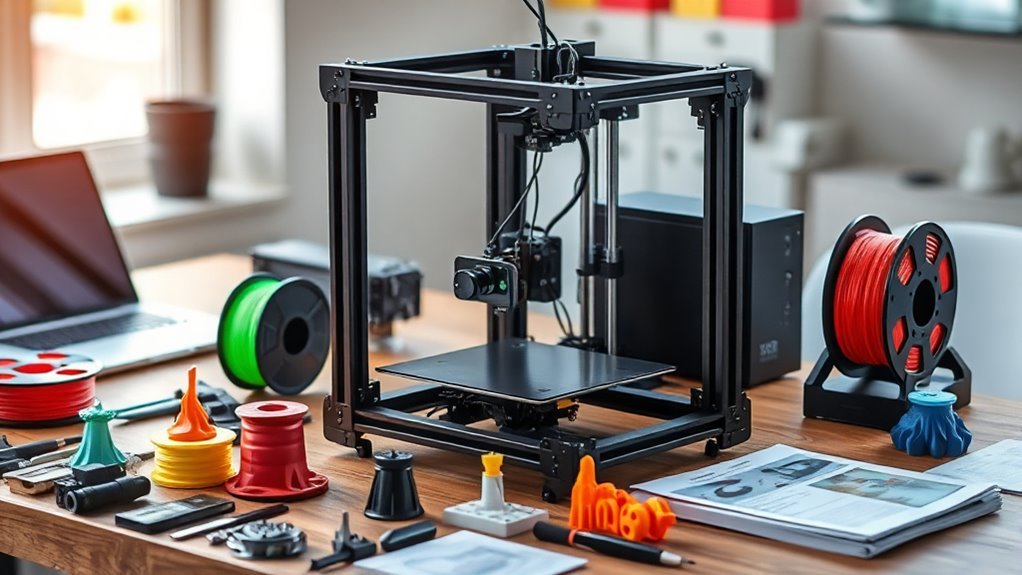
When picking a budget 3D printer kit, you’ll want to focus on print quality and speed to get the results you need. Consider how easy it is to assemble and set up, plus what materials it supports.
Don’t forget to check the tool kit, accessories, and the build volume capacity to match your projects. These factors can really make a difference in your overall experience and the final output.
Print Quality And Speed
Print quality and speed play essential roles in deciding which budget 3D printer kit suits your needs. Look for layer resolution specs between 50 and 200 microns to predict surface smoothness and detail accuracy.
Consider maximum print speed and acceleration—over 100 mm/s is great. But remember, higher speeds need a stiffer frame and good cooling to maintain quality.
Check if the kit includes or supports a reliable extruder and metal hotend for consistent filament feeding and melt control.
Evaluate the rigidity of the motion system, like quality linear rails and precise lead screws, to reduce layer defects at faster speeds.
Finally, assess cooling features such as part cooling fans and heated beds. These improve overhangs, bridging, and first-layer adhesion across different speeds.
Assembly And Setup Ease
Several key factors influence how easy it will be to assemble and set up your budget 3D printer kit. First, check the estimated assembly time and skill level—kits claiming 20–120 minutes are generally more beginner-friendly than those needing hours and advanced tools.
Look for kits that include necessary tools like hex keys and wrenches, so you won’t have to buy extras. Prefer models with guided or auto-bed-leveling features and clear UI prompts to simplify calibration.
Also, consider kits offering pre-assembled parts, such as pre-wired gantries or pre-mounted motors, which reduce wiring and alignment work. Finally, make sure the instructions have step-by-step visuals or videos and clearly list any additional tools required. That way, you’ll be prepared before you even start building.
Material Compatibility Range
After making certain your 3D printer kit is straightforward to assemble and set up, you’ll want to check its material compatibility range. Start by verifying the maximum hotend and heated bed temperatures to match the filaments you plan to use—PLA prints around 180–220°C, while ABS and Nylon need higher temps above 230°C.
Check if the extruder is direct drive or Bowden; flexible filaments like TPU require a direct drive setup for smooth feeding. Look at the nozzle material and size, especially if you want to print abrasive composites that need hardened steel nozzles.
Finally, confirm the build plate surface and max bed temperature support adhesion for tougher materials. Also, see if printing specialty filaments like PVA or elastomers requires any upgrades like an all-metal hotend or enclosure. It’s all about making sure your printer can handle what you want to create!
Tool Kit And Accessories
Equip yourself with the right tools to keep your 3D printer running smoothly and your prints flawless. When choosing a budget 3D printer kit, make sure it includes essential maintenance tools like nozzle-cleaning needles and wire brushes to prevent clogs.
Post-processing accessories such as deburring tools, art-knife blades, needle files, and flush cutters help you easily remove supports and refine your prints’ surface finish. A precision measuring tool, like an electronic caliper, is vital for verifying dimensions and tolerances accurately.
Also, prioritize kits with organized, portable storage solutions to keep small tools secure and prevent loss. Finally, guarantee the kit offers build-plate and extrusion care tools—scrapers, spatulas, and long-nose pliers—to safely remove prints and maintain your printer’s core components.
Build Volume Capacity
Maintaining your 3D printer with the right tools sets a solid foundation, but understanding the build volume capacity helps you know the limits of what you can create. Build volume, shown as X × Y × Z in millimeters, defines the largest single part you can print without splitting it.
Budget kits usually offer volumes from small (around 100 × 100 × 125 mm) for minis and prototypes to medium (about 220 × 220 × 250 mm) for most hobbyist projects. Larger volumes mean bigger frames and moving parts, which can slow print speeds or require sturdier mechanics.
Also, check the usable build volume after accounting for bed mounts and endstops, not just nominal specs. And if you plan to print multiple parts simultaneously, pick a volume that fits their combined size, not only the largest piece.
Price And Warranty Options
When choosing a budget 3D printer kit, you’ll want to set a realistic budget that covers not only the printer itself but also initial consumables like filament and adhesives, plus basic tools. Low-cost kits often need extra purchases to be fully functional.
Compare warranty length and coverage carefully—you want at least a one-year warranty on major parts like motors, hotends, and control boards. Check if the warranty requires registration, includes restocking or shipping fees, or limits coverage to the original buyer to avoid surprise costs.
Balancing upfront savings against potential repair expenses is key. Kits with clear RMA procedures and accessible replacement parts reduce downtime and unexpected financial hits. This way, you get the most value and reliability from your budget 3D printer kit.
Frequently Asked Questions
How Long Does Assembly Typically Take for These 3D Printer Kits?
Assembly typically takes you 4 to 8 hours, depending on your experience and the kit’s complexity. You’ll want to follow the instructions carefully.
It might take you some extra time calibrating the printer to get the best print quality. But don’t worry, taking it slow really pays off in the end!
Are These Kits Compatible With Third-Party Filaments?
You can practically print with any filament under the sun! These kits usually support third-party filaments, giving you endless material options.
Just double-check specs and settings to avoid headaches and get the best results every time. It’s worth a quick look before you start printing!
What Software Is Recommended for Beginners Using These Kits?
You should try Ultimaker Cura or PrusaSlicer; both are user-friendly and free. They simplify slicing models and work well with most printers.
These programs help you get started quickly without overwhelming you with complicated features. They’re great for beginners who want to dive right in and start printing.
Can These Printers Handle Multi-Color Printing?
Yes, many budget 3D printer kits can handle multi-color printing through dual extruders or by pausing prints to switch filaments.
You’ll need compatible software and some practice to get smooth, vibrant results. It might take a bit of trial and error, but it’s definitely doable!
What Warranty Options Are Available for These Budget 3D Printer Kits?
Warranty options vary, but you’ll usually find 1-year coverage covering parts and labor.
Some brands throw in extended warranties or replacement guarantees, so you don’t feel like you’re sailing solo if your printer hits rough waters.
Conclusion
When choosing your budget 3D printer kit, remember that over 60% of hobbyists say having the right tools makes all the difference in print quality and ease. Whether you pick an all-inclusive tool kit or a reliable printer like the Creality Ender 3 V3 SE, investing in quality gear pays off.
You’ll enjoy smoother builds and fewer frustrations, making your 3D printing journey way more fun and rewarding. So, gear up smartly and start creating!
Finding the best budget 3D printer kits for 2027 means focusing on value and reliability. With the right setup, you’ll get consistent results without breaking the bank. Whether you’re a beginner or a seasoned maker, choosing a solid kit ensures your prints come out looking great every time. So, dive into the world of 3D printing with confidence and watch your creativity take shape!