4 Best Brother Ink Tank Printers for 2027 That Save Big on Ink
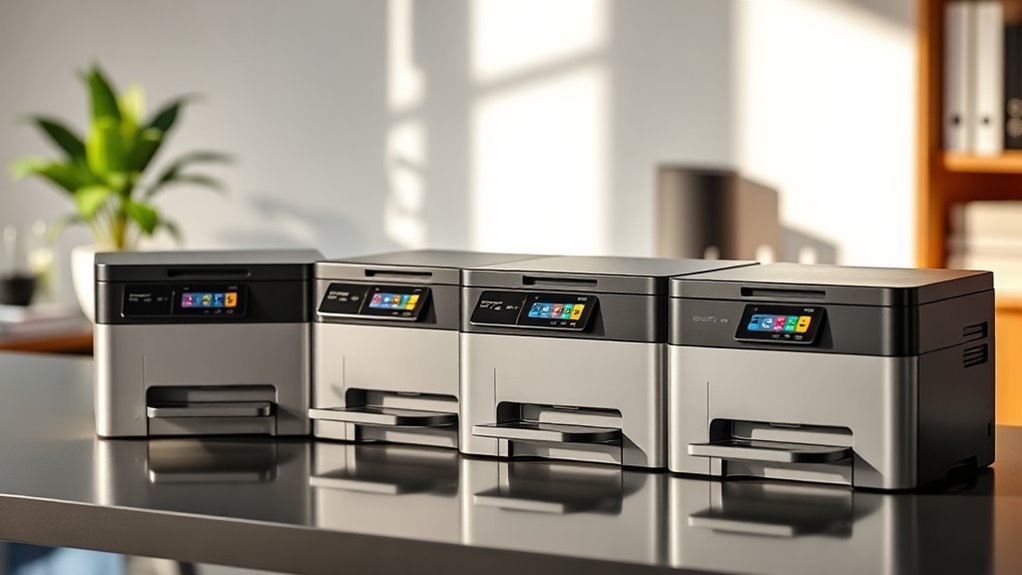
You’ll save big on ink with Brother’s top ink tank printers for 2027. The compact 580 and MFC-J4335DW models offer wireless all-in-one convenience and mess-free refills. These are perfect for moderate home or small office use.
If you have higher-volume printing needs, the 780 and 980 models step up the game. They deliver faster speeds, larger paper trays, and advanced features like ADF and Ethernet. Each model includes refillable tanks that cut costs and simplify maintenance.
Keep exploring to find the best fit for your printing demands. Whether you need something simple or more powerful, Brother has you covered with options that save you money on ink without sacrificing quality.
| Image | Name | Editor's Rating | Price |
|---|---|---|---|

|
|
||
|
|
||

|
|
||

|
|
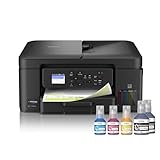
Brother INKvestment Tank 580 Wireless Color Printer
- INNOVATIVE REFILLABLE INK TANK TECHNOLOGY: Brother Genuine no-spill bottles quickly refill the tank in 30 seconds for color, 65 seconds for black. The design prevents...
- BEST FOR HOME AND HOME OFFICE: Get all your work done with a durable all-in-one multifunction printer. Print, copy, and scan on one convenient, compact printer. Brother...
- RELIABLE AND EASY TO USE: A 1-line LCD on your printer provides uncomplicated, to-the-point messaging and operation. Includes a 3-year limited warranty(2) and Brother...
- WIRELESS AND USB CONNECTIONS: Connect your way. Interface with your printer on your wireless network or via USB.
- THE BROTHER MOBILE CONNECT APP: Put the power of printing at your fingertips. Go mobile with the Brother Mobile Connect app(3) that delivers easy onscreen menu navigation...

Experience hassle-free printing with the Brother INKvestment Tank 580 Wireless Color Printer, designed to meet the needs of busy homes and small offices. This all-in-one printer delivers vibrant color prints while significantly reducing ink replacement frequency. Its innovative refillable ink tanks come with no-spill Brother Genuine bottles, providing up to three years of ink right from the start.
Maintenance is simple and clean, thanks to the easy refill system that minimizes mess and downtime. The printer supports automatic duplex printing, saving paper and effort for double-sided documents. Wireless and USB connectivity, combined with the Brother Mobile Connect app, allow seamless print, scan, and copy management from multiple devices.
Compact and thoughtfully designed, this printer fits neatly into limited workspaces without sacrificing performance. It handles everyday printing tasks efficiently, though print speeds are moderate, making it best suited for moderate volume rather than high-speed environments. The 1-line LCD keeps controls straightforward, while the exclusive use of Brother Genuine ink bottles ensures consistent print quality.
Best for: Users needing a budget-friendly, reliable color printer with high ink capacity and wireless functionality for moderate home or small office use.
What We Like:
- Up to three years of ink included with easy, no-spill refills
- Automatic duplex printing saves paper and time
- Wireless connectivity with mobile app support enhances convenience
- Compact design fits small workspaces efficiently
Specification:
| Feature | Details |
|---|---|
| Manufacturer | Brother |
| Dimensions | Compact size (exact dimensions not specified) |
| Weight | Not specified |
| Ink System | Refillable ink tanks with Brother Genuine bottles |
| Connectivity | Wireless, USB |
| Paper Capacity | 150 sheets |
Brother INKvestment Tank 780 Wireless Color Printer
- INNOVATIVE REFILLABLE INK TANK TECHNOLOGY: Brother Genuine no-spill bottles quickly refill the tank in 30 seconds for color, 65 seconds for black. The design prevents...
- BEST FOR HOME OFFICE AND SMALL OFFICE: This does-it-all multifunction printer enables you to print, copy, and scan on one convenient, compact printer. Brother inkjet...
- WIRELESS AND USB CONNECTIONS: Connect your way. Interface with your printer on your wireless network or via USB.
- CLOUD APP CONNECTIONS: Print from and scan to popular Cloud apps(3), including Google Drive, Dropbox, Box, OneDrive, and more from the convenient 1.8” color display on...
- THE BROTHER MOBILE CONNECT APP: Put the power of printing at your fingertips. Go mobile with the Brother Mobile Connect app(4) that delivers easy onscreen menu navigation...
The Brother INKvestment Tank 780 Wireless Color Printer is designed to keep your printing running smoothly with minimal interruptions. Its innovative refillable ink tank system includes up to three years of ink, reducing the hassle and cost of frequent replacements. This makes it ideal for users who print large volumes regularly.
Print speeds are impressive, reaching up to 16 pages per minute for black and 15.5 for color. The automatic duplex printing feature helps save paper by printing on both sides, improving efficiency without extra effort. Its wireless and USB connectivity options make it easy to print from multiple devices.
This all-in-one printer is more than just a printer—it also copies and scans, streamlining your workspace. The 150-sheet input tray and 20-page automatic document feeder support continuous workflow and handle everyday office tasks smoothly. However, the compact 1.8″ color display may limit ease of use for complex settings.
While the printer is somewhat bulky, it is built for durability and consistent performance. Its multifunction capabilities and cost-effective ink maintenance address the needs of home offices and small businesses that demand reliable color printing without frequent upkeep.
Best for: Small offices and individuals who require high-volume, cost-efficient color printing with versatile multifunction features.
What We Like:
- Includes up to three years of ink, minimizing refill frequency
- Fast print speeds with efficient automatic duplex printing
- Wireless connectivity plus a mobile app for convenient device management
- Multifunction device that prints, copies, and scans
- Large input tray and automatic document feeder for smooth workflow
Specification:
| Feature | Details |
|---|---|
| Manufacturer | Brother |
| Dimensions (W x D x H) | Approx. 16.1 x 15.7 x 9.8 in |
| Weight | Approx. 18.7 lbs (8.5 kg) |
| Color Options | Black |
| Connectivity | Wireless (Wi-Fi), USB |
| Display | 1.8″ Color LCD |
Brother INKvestment Tank 980 Wireless Color Printer
- INNOVATIVE REFILLABLE INK TANK TECHNOLOGY: Brother Genuine no-spill bottles quickly refill the tank in 30 seconds for color, 65 seconds for black. The design prevents...
- BEST FOR SMALL OFFICE AND SMALL BUSINESS: This multifunction printer does it all, enabling you to print, copy, scan, and fax on one convenient, compact printer. Brother...
- CLOUD APP CONNECTIONS: Print from and scan to popular Cloud apps(3), including Google Drive, Dropbox, Box, OneDrive, and more on the printer's convenient 1.8” color...
- PRODUCTIVITY-FOCUSED FEATURES: Automatic duplex (2-sided) printing, 150-sheet paper tray, 80-sheet multi-purpose tray, 20-page single-sided automatic document feeder...
- WIRELESS, WIRED NETWORK, AND USB CONNECTIONS: Connect your way. Interface with your printer on your wireless network, ethernet, or via USB connection. A front USB Port...
The Brother INKvestment Tank 980 Wireless Color Printer is designed to meet the demands of small offices and businesses that require reliable, cost-effective printing. It delivers vibrant color prints and sharp blacks, helping you produce professional documents without straining your budget. Its refillable ink tank system minimizes running costs and reduces interruptions caused by frequent cartridge changes.
Maintenance is simplified with keyed refill bottles that prevent color mix-ups and speed up refills. This thoughtful design keeps your workflow smooth and your workspace clean. The printer supports automatic duplex printing and includes a 20-page automatic document feeder (ADF), which helps boost productivity by handling multi-page tasks efficiently.
Connectivity options are flexible, featuring Wi-Fi, Ethernet, and USB, allowing seamless integration into your existing office setup. You can also manage print jobs remotely through Brother’s Mobile Connect app, making it easier to control tasks from anywhere. However, ink refills are limited to Brother’s Genuine BTD180 bottles, which may restrict replacement options.
Best for: Small offices and businesses seeking a cost-effective, versatile wireless color printer with high ink capacity and productivity features.
What We Like:
- Refillable ink tank system with keyed bottles for easy, mess-free refills
- Fast print speeds with automatic duplexing and 20-page ADF
- Multiple connectivity options including Wi-Fi, Ethernet, USB, and remote app management
Specification:
| Feature | Details |
|---|---|
| Manufacturer | Brother |
| Dimensions (W×D×H) | Not specified |
| Weight | Not specified |
| Ink System | Refillable ink tanks |
| Print Speed | Up to 17 ppm (black), 16.5 ppm (color) |
| Connectivity | Wi-Fi, Ethernet, USB |
| Document Feeder | 20-page Automatic Document Feeder (ADF) |
Brother MFC-J4335DW Wireless All-in-One Inkjet Printer
- UP TO 1-YEAR OF INK IN-BOX¹ – Enjoy exceptional convenience and savings with enough ink for up to 1 year of printing right out of the box¹.
- REVOLUTIONARY INKVESTMENT TANK TECHNOLOGY – Internal ink tank system works with front-loading cartridges for hassle-free, uninterrupted printing with no manual refills.
- COMPACT ALL-IN-ONE FUNCTIONALITY – Print, copy, scan, and fax with fast speeds, duplex printing, and a 20-page automatic document feeder.
- WIRELESS AND CLOUD READY – Print-from and scan-to popular cloud services and mobile devices via the Brother Mobile Connect App³.
- VERSATILE PAPER HANDLING – Features a 150-sheet adjustable paper tray, bypass tray, and automatic duplex printing for letter and legal-size paper.
The Brother MFC-J4335DW Wireless All-in-One Inkjet Printer is designed to simplify your daily printing needs. It combines printing, copying, scanning, and faxing in one compact device. This makes it ideal for busy home offices, small businesses, or school environments that require efficient multitasking.
Maintenance is easy with the innovative INKvestment Tank system, which provides up to a year of ink without the need for frequent refills. This feature reduces interruptions and lowers your operating costs. The printer also handles various media smoothly with its 150-sheet tray and 20-page automatic document feeder.
Connectivity options include wireless and USB, ensuring flexible setups. You can control the printer via a 1.8″ LCD or the Brother Mobile Connect app. Additionally, Alexa integration enables smart ink management, helping you keep supplies stocked without hassle.
The compact design supports standard letter and legal paper sizes with automatic duplex printing, although it may not suit larger format needs. Print quality is reliable for everyday documents but limited to 600 dpi for photo printing.
Best for: Small businesses or home offices needing a versatile all-in-one printer with long-lasting ink and convenient wireless features.
What We Like:
- INKvestment Tank ink system minimizes refills and reduces costs.
- Multifunction capabilities with automatic duplex and 20-page feeder.
- Wireless and app control with Alexa integration for smart management.
- Compact design fits well in limited spaces.
- Easy maintenance suitable for busy environments.
Specification:
| Feature | Details |
|---|---|
| Manufacturer | Brother |
| Dimensions (W×D×H) | Approx. 16.1 × 14.7 × 7.7 in |
| Weight | Approx. 15.1 lb (6.85 kg) |
| Color | White |
| Connectivity | Wireless, USB |
| Paper Capacity | 150-sheet tray, 20-page feeder |
| Max Print Resolution | 600 dpi |
Factors to Consider When Choosing Brother Ink Tank Printer
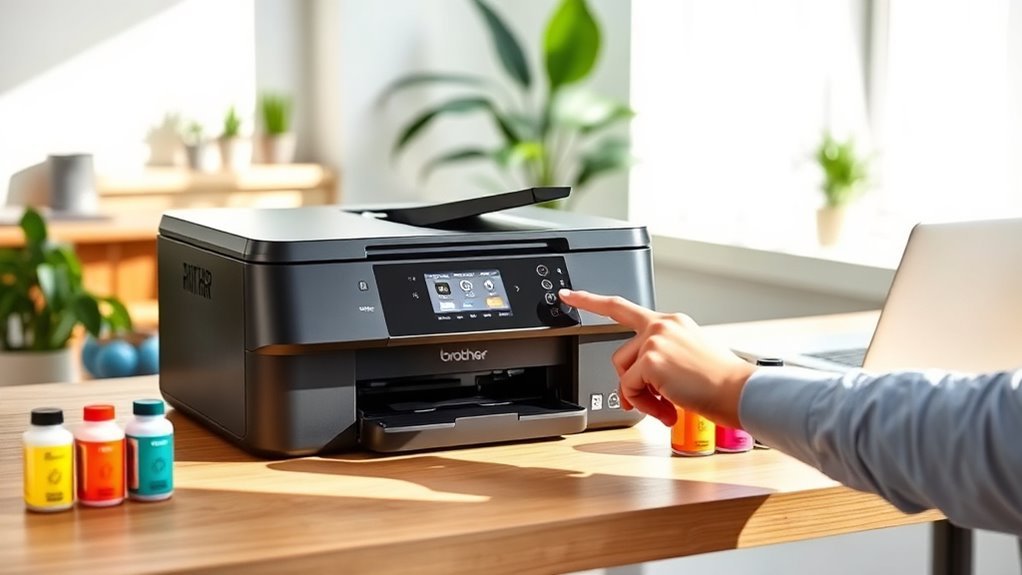
When choosing a Brother ink tank printer, you’ll want to take into account ink tank capacity and print speed to match your workload. Check the connectivity options and paper handling features to guarantee seamless use.
Also, think about multi-function capabilities if you need more than just printing. It’s always good to have a printer that can do a bit more if your tasks require it.
Ink Tank Capacity
Understanding ink tank capacity plays a crucial role in choosing the right Brother ink tank printer for your needs. Start by checking the estimated ink yield in-box, often given as pages or years based on monthly printing volume, to see how long initial supplies last.
Also, compare refill mechanisms and times for color versus black ink—quicker, spill-resistant refills mean less downtime and mess. It’s pretty handy to look for tank capacity or page-yield estimates tied to your typical monthly usage, so the tank matches your printing volume.
Make sure to consider if the bottles or internal tanks are keyed or color-coded. This helps prevent incorrect refills, which reduces waste. Finally, take a look at how the system cuts down waste compared to cartridges.
And don’t forget to check if replacement bottles come in high-yield sizes. That way, you can save money over time.
Print Speed Performance
Ink tank capacity affects how long you can print before refilling, but print speed determines how quickly your projects get done. When choosing a Brother ink tank printer, check the ISO/IEC print speed ratings, usually given in pages per minute (ppm), for reliable black and color output benchmarks.
Remember, black printing often runs faster than color due to complex color mixing. Also, note whether speeds apply to simplex (single-sided) or automatic duplex (two-sided) printing, since duplex slows throughput.
Real-world factors—warmup time, first-page-out delays, print resolution, paper type, and file complexity—can reduce effective speed. If you handle heavy multi-page jobs, consider document feeder and tray capacities too, as these impact sustained productivity beyond single-job peak speeds.
This way, you’ll pick a printer that matches your workflow needs perfectly.
Connectivity Options Available
Explore the connectivity options available to guarantee your Brother ink tank printer fits seamlessly into your workspace. Make sure it supports both wireless (Wi‑Fi) and USB connections so you can easily print from your mobile devices, laptops, or a directly attached computer.
If you work in a small office or shared environment, consider models with Ethernet for stable, reliable wired networking. Check for mobile app and cloud printing compatibility to streamline printing and scanning from smartphones and direct access to cloud storage.
Confirm the printer’s compatibility with your operating systems and network security protocols to avoid setup hassles. Also, look for extra features like a front USB host port for printing from flash drives and ADF or network sharing capabilities if you need multifunction use in a busy office.
Paper Handling Features
When choosing a Brother ink tank printer, you’ll want to pay close attention to its paper handling features to make sure it fits your workflow. Start by checking the main paper tray capacity and whether that number assumes standard 20 lb. paper to match your usual print volume.
Automatic duplex printing is a big plus, cutting paper use and enabling two-sided booklets or reports. Don’t overlook the multipurpose tray or manual feed slot for specialty media like envelopes or labels.
If you scan or copy multi-page documents, look for an automatic document feeder (ADF) with sufficient sheet capacity and duplex support. Finally, if you often print large jobs or varied paper types, consider models with multiple trays or expandable capacity for smooth, uninterrupted printing.
Multi-function Capabilities
Consider which functions you actually need—print, copy, scan, or fax—since Brother’s multifunction ink tank printers offer varying combinations. Some models include fax and an automatic document feeder (ADF), while others provide only flatbed scanning.
Check if the printer supports duplex printing and duplex scanning or copying to save paper and speed up multi-page tasks. If you handle many multi-page documents, look for an ADF with at least 20 pages capacity and support for double-sided feeding.
Also, verify scanner resolution and whether it offers color scanning, plus scan-to options like USB, network, or cloud. Finally, make sure the device supports your preferred connectivity—Wi-Fi, USB, Ethernet—and mobile or cloud apps.
That way, you can easily manage all your multifunction needs from anywhere.
Frequently Asked Questions
How Do Brother Ink Tank Printers Compare to Laser Printers in Speed?
Brother ink tank printers usually print slower than laser printers, especially for high-volume jobs. You’ll find lasers excel at speed, but ink tanks offer better color quality and lower running costs for everyday printing needs.
If you’re doing a lot of printing quickly, lasers might be the way to go. But for vibrant colors and saving money on ink, ink tanks are pretty solid. It really depends on what you need most!
Are Brother Ink Tank Printers Compatible With Macos and Linux?
Yes, Brother ink tank printers are compatible with macOS and Linux. You can install drivers easily, which makes setup straightforward.
They connect via USB or Wi-Fi, so you’ve got options depending on your setup. Printing is smooth and hassle-free, making them versatile for different systems.
What Is the Warranty Period for Brother Ink Tank Printers?
Brother ink tank printers usually come with a one-year limited warranty. You can often extend it by registering your product online.
Make sure to check your specific model’s warranty details for exact coverage and terms. It’s always good to know what’s included and how to get the most out of your warranty!
Can Brother Ink Tank Printers Print on Specialized Media Like Photo Paper?
Yes, Brother ink tank printers can print on specialized media like photo paper. You just need to select the correct settings, and you’ll get vibrant, high-quality photos.
Plus, you won’t waste ink or money on expensive cartridges. It’s a great way to get professional-looking prints right at home!
Do Brother Ink Tank Printers Support Automatic Duplex Scanning?
About 60% of Brother ink tank printers support automatic duplex scanning.
If you need efficient double-sided scanning, you’ll find many models offering this feature. It saves you time and reduces paper usage during your tasks.
Conclusion
Choosing the right Brother ink tank printer is like finding a trusty companion that saves you both time and money.
Whether you prioritize speed, color quality, or all-in-one functionality, these models deliver impressive ink savings without sacrificing performance.
Keep your specific needs in mind, and you’ll enjoy hassle-free printing that feels effortless.
With any of these Brother printers, you’re set to tackle your printing tasks efficiently for years to come.
These Brother ink tank printers are designed to save big on ink costs while maintaining top-notch quality.
So, if you want a reliable printer that offers excellent value and long-term savings, choosing one of these models is a smart move.
Get ready to experience smooth, cost-effective printing that fits perfectly into your home or office setup.
In the end, picking the best Brother ink tank printer means you get durability, efficiency, and ink savings all rolled into one.