4 Best All-in-One Samsung Printers for 2027
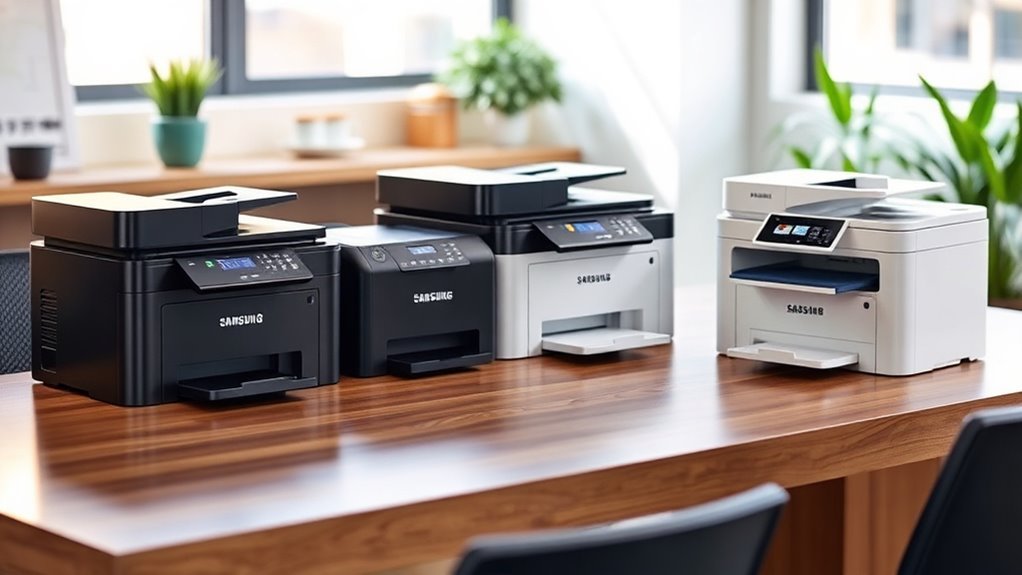
If you want reliable, all-in-one Samsung printers for 2027, consider some top options that blend performance and convenience.
The HP Samsung Xpress SL-C480FW is great for wireless color printing, offering sharp, vibrant results right from your desk.
Then there’s the compact yet fast HP Samsung Xpress M2070FW, perfect for smaller spaces without sacrificing speed.
For those who need high-speed output, the Samsung Xpress M3065FW (renewed) is a solid choice.
The HP Samsung Xpress C1860FW stands out with its large capacity and versatile connections, making it ideal for busy offices.
Each model combines printing, scanning, copying, and faxing with sharp resolution and eco-friendly features.
Keep exploring to find the perfect Samsung all-in-one printer that fits your needs and workspace.
You’ll find a smart, efficient solution waiting for you!
| Image | Name | Editor's Rating | Price |
|---|---|---|---|
|
|
||

|
|
||

|
|
||

|
|
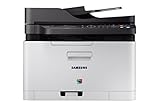
HP Samsung Xpress SL-C480FW Wireless Color Printer
- Easy mobile printing with Samsung mobile Print and Google cloud Print
- Saves up to 20 percent on operating costs with one-touch Eco button
- Produces smooth images and clean text with ReCP technology and smart color management system (cms)
- Prints faster with advanced 800 MHz cpu
Experience seamless productivity with the HP Samsung Xpress SL-C480FW, designed to handle multiple tasks effortlessly. This wireless color printer combines printing, scanning, copying, and faxing into one compact device, making it ideal for home offices or small businesses.
Its wireless connectivity simplifies setup and lets you print from your phone or laptop without hassle. The advanced 800 MHz processor ensures smooth operation, while the 1200 x 1200 dpi resolution delivers crisp, clear prints that meet everyday professional needs.
Maintenance is straightforward, thanks to the one-touch Eco button that helps reduce operating costs by up to 20%. Although the color print speed is modest at 1 page per minute, the black-and-white output is faster at 19 ppm, suitable for typical office demands.
Paper handling is basic with a single 250-sheet tray, which fits well in limited spaces but may require frequent refills during heavy use. Connectivity is limited to USB 2.0, without Ethernet or newer wireless standards, which may affect integration in more complex networks.
Best for: users needing a reliable multifunction wireless color printer for home or small office environments with convenient mobile printing features.
What We Like:
- Combines printing, scanning, copying, and faxing in one device
- High-quality prints with 1200 x 1200 dpi resolution
- One-touch Eco button reduces operating costs
- Wireless printing support for mobile devices
Specification:
| Feature | Details |
|---|---|
| Manufacturer | HP Samsung |
| Print Speed | 19 ppm (B/W), 1 ppm (Color) |
| Resolution | 1200 x 1200 dpi |
| Processor | 800 MHz CPU |
| Paper Capacity | 250 sheets |
| Connectivity | Wireless, USB 2.0 |
| Dimensions (W×D×H) | Not specified |
| Weight | Not specified |
HP Samsung Xpress M2070FW Wireless Laser Printer
- GREAT VALUE FOR YOUR HOME OFFICE - This Samsung all-in-one laser printer features superior print quality, NFC + WiFi connectivity, monochrome laser printing, copy, scan...
- GET PRINT ON TAP - NFC enables your mobile device to connect and communicate with your printer. Simply tap your NFC-enabled phone or tablet to this monochrome laser...
- EASY MOBILE PRINTING - Download the free Samsung Mobile Print app, use AirPrint or Google Cloud Print and print directly with your mobile device from this wireless laser...
- FAST SPEED PRINTING - Print up to 21 pages per minute. Recommended monthly volume of 100-1,500 pages.
- PROFESSIONAL IMAGE QUALITY – Get sharp, crisp images and text produced by Samsung's innovative imaging technology.
The HP Samsung Xpress M2070FW offers a compact solution for small offices needing efficient wireless printing and multifunction capabilities. It handles printing, scanning, copying, and faxing in one device, saving space and streamlining workflows. This versatility helps reduce the need for multiple machines, making daily tasks simpler.
Its printing speed of up to 21 pages per minute ensures that busy offices keep moving without delays. The sharp 1200 x 1200 dpi resolution delivers clear, professional-quality documents. Samsung’s ReCP technology enhances print clarity, improving text and image details for better presentations.
Maintenance is straightforward with the Eco Driver feature, which reduces toner use by up to 20%, lowering operating costs. Using the Samsung MLT-D111S cartridge also supports consistent print quality over time. Connectivity options like NFC, WiFi, Ethernet, and USB enable flexible device access and mobile printing through Samsung’s app, AirPrint, or Google Cloud Print.
However, the printer is best suited for moderate use, with a monthly recommended volume of 100 to 1,500 pages. NFC printing works only with Android devices, which may limit some mobile users. Despite these limitations, the compact design and multifunction features make the Xpress M2070FW a practical choice for small office environments.
Best for: Small office users needing a versatile wireless laser printer with multifunction features and efficient maintenance.
What We Like:
- Fast printing speed with sharp 1200 x 1200 dpi output
- Multiple connectivity options including NFC, WiFi, Ethernet, and USB
- Eco Driver reduces toner consumption by up to 20%
- Compact multifunction design saves workspace
- Supports mobile printing via Samsung app, AirPrint, and Google Cloud Print
Specification:
| Feature | Details |
|---|---|
| Manufacturer | HP Samsung |
| Dimensions (W x D x H) | Approx. 16.1 x 14.9 x 13.8 in (41 x 38 x 35 cm) |
| Weight | Approx. 16.5 lb (7.5 kg) |
| Print Speed | Up to 21 ppm |
| Print Resolution | 1200 x 1200 dpi |
| Connectivity | NFC, WiFi, Ethernet, USB |
| Cartridge | Samsung MLT-D111S |
Samsung Printer Xpress M3065FW Laser All-in-One (Renewed)
- 4-in-One: Print, Copy, Scan, Fax
- Network and Wireless Ready: Hi-Speed USB 2.0, Ethernet 10/100 Base Tx, Wireless 802.11 b/g/n.
- Automatic duplexing (two sided printing)
The Samsung Printer Xpress M3065FW is designed to make your black-and-white printing tasks faster and more efficient. With a rapid 31 pages per minute output, it helps reduce wait times and keeps your workflow smooth. Its all-in-one design combines printing, copying, scanning, and faxing, providing versatile functionality in a compact device.
Wireless and wired connectivity options like USB, Ethernet, and Wi-Fi allow seamless integration with laptops, tablets, and smartphones. This flexibility means you can print from multiple devices without hassle. Automatic duplexing cuts paper use and streamlines double-sided printing, saving both time and resources.
Maintenance is straightforward with a 250-sheet paper capacity, reducing frequent refills during moderate use. The sharp 4800 x 600 dpi resolution ensures clear, professional-quality documents suitable for home offices or small businesses. While it only supports black-and-white printing, it delivers reliable performance where color is not needed.
Best for: Small office or home users who require fast, dependable monochrome printing with versatile connectivity and multifunction features.
What We Like:
- Fast 31 ppm printing speed enhances productivity
- Automatic duplexing saves paper and effort
- Multiple connectivity options for device flexibility
- Sharp print resolution for clear documents
Specification:
| Feature | Details |
|---|---|
| Manufacturer | Samsung |
| Dimensions (W×D×H) | Not specified |
| Weight | Not specified |
| Print Speed | 31 pages per minute (black & white) |
| Print Resolution | 4800 x 600 dpi |
| Paper Capacity | 250 sheets |
| Connectivity | USB, Ethernet, Wi-Fi |
| Functions | Print, Copy, Scan, Fax |
| Color Printing | No |
HP Samsung Xpress C1860FW Wireless Color Laser Printer
- Near Field Communication (NFC) Print
- 4-in1 Multifunction
- Large 4.3" Color Touch Screen for Easy Operation
- Vibrant Color and Razor-sharp Text and Graphics
- Easy Mobile Printing
Professionals who demand efficient, high-quality color printing will find the HP Samsung Xpress C1860FW an excellent solution. This wireless color laser printer combines printing, scanning, copying, and faxing into one compact device, simplifying office workflows. Its 4.3-inch color touch screen makes navigating tasks straightforward and reduces time spent on setup.
This printer delivers crisp color and black-and-white prints at speeds up to 18 pages per minute, helping keep up with busy schedules. Automatic duplex printing cuts paper use and streamlines double-sided jobs. With a 500-sheet capacity, you can print larger batches without constant refills.
Connectivity options like NFC, WiFi, Ethernet, and USB ensure smooth printing from laptops, desktops, or smartphones, fitting into diverse work environments. Designed to handle media sizes up to 8.5 x 14 inches, it accommodates everyday office documents easily.
Maintenance is straightforward, but its single paper tray may require more frequent refills when handling varied media types. Weighing 47.3 pounds, it is best suited for stationary use rather than frequent relocation.
Best for: Professionals and small offices needing a versatile, wireless color laser printer that balances multi-functionality with reliable performance.
What We Like:
- Combines print, scan, copy, and fax in one device
- Fast printing with sharp 1200 dpi resolution
- Automatic duplex printing saves time and paper
- Multiple connectivity choices for flexible use
- Large 500-sheet capacity reduces interruptions
Specification:
| Feature | Details |
|---|---|
| Manufacturer | HP Samsung |
| Dimensions (W×D×H) | Not specified |
| Weight | 47.3 lb (21.5 kg) |
| Color Options | Not specified |
| Media Size | Up to 8.5 x 14 inches |
Factors to Consider When Choosing an All in One Samsung Printer
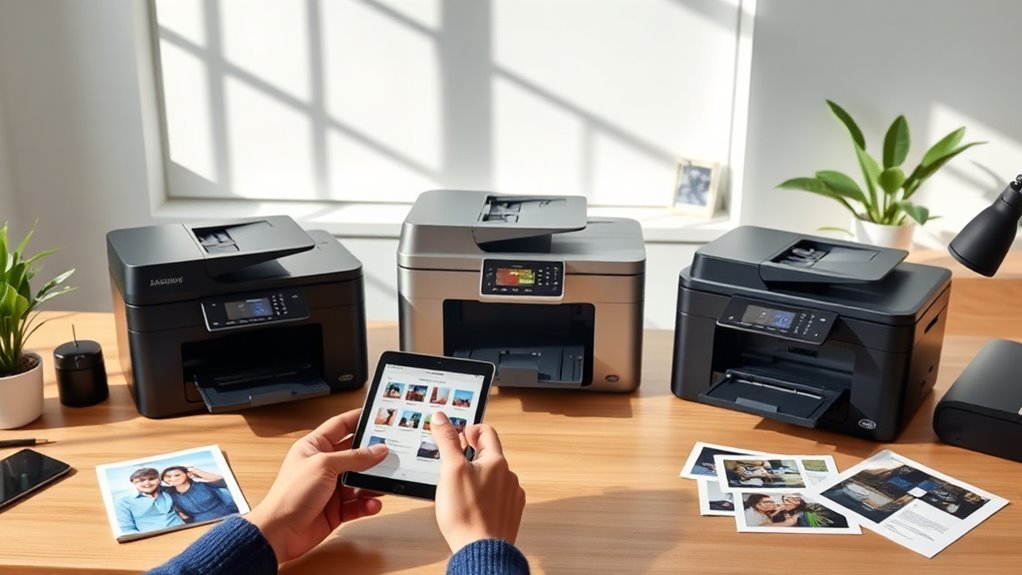
When choosing an all-in-one Samsung printer, you’ll want to contemplate which functions you need and how fast it can print. It’s pretty important to get a model that matches your pace and workload.
Check the connectivity options and make sure it supports mobile printing for convenience. Being able to print from your phone or tablet makes life so much easier these days.
Don’t forget to compare print quality and resolution to get the best results for your tasks. After all, crisp and clear prints make a big difference, whether it’s for work or personal use.
Printer Functions Overview
Although all-in-one Samsung printers pack multiple functions into a single device, understanding their key features helps you choose the right model for your needs. These printers typically combine printing, scanning, copying, and faxing, offering versatile solutions for both home and office use.
You’ll find models with print resolutions up to 1200 x 1200 dpi, ensuring sharp text and vibrant images. Many support automatic duplexing, letting you print double-sided to save paper.
Connectivity is flexible, with options like WiFi, NFC, and USB, so you can easily link your devices. While print speeds vary, these functions focus on delivering quality and convenience.
Knowing these features upfront lets you pick a Samsung all-in-one that fits your workflow perfectly. It’s all about making your printing tasks easier and more efficient!
Print Speed Comparison
Since print speed directly impacts your productivity, it’s essential to compare how different Samsung all-in-one printers handle various tasks. Monochrome laser models can reach up to 31 pages per minute, making them ideal for high-volume black-and-white printing.
Color laser printers, however, typically print just one color page per minute. That might slow you down if you frequently print in color. Most all-in-one printers balance speed with versatility, offering black-and-white print speeds between 18 and 21 pages per minute.
Consider the monthly recommended page volume too—some models handle as few as 100 pages, while others support up to 1,500. This helps match different workload demands.
Also, duplex printing can save paper but may reduce print speed if not optimized. So, factor that into your choice depending on your typical printing needs.
Connectivity Options Available
Choosing the right connectivity options can make a big difference in how easily you integrate your Samsung all-in-one printer into your workflow. Most models offer USB 2.0 for direct, reliable connections to your computer.
If you prefer wireless freedom, WiFi support lets you print from multiple devices without cables. Some printers also include NFC, enabling quick printing by simply tapping compatible smartphones or tablets.
For a stable, fast network setup, select models feature Ethernet connectivity. Mobile printing is another convenience, with apps like Samsung Mobile Print and compatibility with Google Cloud Print and AirPrint.
This means you can print effortlessly from your mobile devices. Considering these options guarantees your printer fits seamlessly into your environment, enhancing productivity and flexibility.
Print Quality and Resolution
When you evaluate an all-in-one Samsung printer, print quality and resolution play an essential role in guaranteeing your documents and images come out sharp and detailed. Print resolution, measured in dots per inch (dpi), typically ranges from 600 x 600 dpi to 4800 x 600 dpi.
Higher dpi means finer detail in both color and monochrome prints. Samsung’s ReCP technology further sharpens edges and enhances color vibrancy, producing cleaner pages.
Don’t overlook copy and scan resolutions—they often match or exceed print quality, guaranteeing your reproductions stay crisp. Also, consider print speed (pages per minute), especially if you print in volume.
Faster speeds maintain efficiency without sacrificing quality. Choosing a printer balancing high resolution and speed guarantees professional results every time.
Mobile Printing Features
Print quality and resolution matter a lot, but in today’s connected world, mobile printing features can make a big difference in how you use your all-in-one Samsung printer.
Many Samsung models support mobile printing through the Samsung Mobile Print app, letting you print directly from your smartphone or tablet. Compatibility with AirPrint and Google Cloud Print means you won’t need extra software to print from various devices.
Some printers even have NFC, so you can print instantly by tapping your NFC-enabled device. Beyond printing, these mobile features often include scanning and copying documents right from your phone.
Plus, cloud printing options let you access and print documents stored in cloud services without hassle, making your workflow smoother and more flexible wherever you are.
Paper Handling Capacity
A printer’s paper handling capacity directly affects how often you’ll need to reload paper during tasks. If you handle high-volume printing, look for models with a maximum sheet capacity of 250 or more. This lets you print longer without interruptions.
Also, consider how many trays the printer offers; multiple trays mean you can load different media types simultaneously, boosting your efficiency. Automatic duplex printing is another key feature—it saves paper by printing on both sides automatically.
Finally, check the maximum media size the printer supports. If you often print larger documents, like legal-sized pages (8.5 x 14 inches), make certain your printer can handle them. Choosing the right paper handling capacity guarantees your printer fits your workload and project needs perfectly.
Warranty and Support
Beyond paper handling, you’ll want to pay close attention to warranty and support options before choosing your Samsung all-in-one printer. Warranty terms can vary widely—some models offer a one-year limited warranty, while renewed products might only include 90 days of coverage. Be certain to check these details carefully.
Customer support availability also matters; some printers come with 24/7 web support, which can be a lifesaver when you face technical issues. Don’t forget to review the retailer’s return policy, as some provide a 30-day guarantee if you’re not satisfied.
Additionally, many printers include helpful installation guides and troubleshooting manuals. Considering these factors will help guarantee long-term satisfaction and smooth printer maintenance.
Frequently Asked Questions
How Do Samsung Printers Compare to Other Brands in Energy Efficiency?
You’ll find Samsung printers generally match other brands in energy efficiency, often featuring eco modes and low power consumption.
They help you save energy without sacrificing performance, making them a smart, environmentally friendly choice.
Are Samsung All-In-One Printers Compatible With macOS Ventura?
You’ll be glad to know Samsung all-in-one printers are compatible with macOS Ventura. Just make certain you download the latest drivers and software updates from Samsung’s website to guarantee smooth printing and scanning without any hiccups.
It’s pretty straightforward, really. Once you have everything updated, your printer should work without any issues.
What Are the Environmental Impacts of Samsung Printer Cartridges?
Samsung printer cartridges can contribute to environmental waste if not recycled properly. You should recycle cartridges to reduce landfill impact, conserve resources, and lower harmful chemical release.
Doing this helps you minimize your environmental footprint responsibly. It’s an easy way to make a positive difference without much effort. Just remember, recycling is key!
Can Samsung Printers Connect Directly to Mobile Hotspots Without Wi-Fi?
You won’t find Samsung printers dancing directly with mobile hotspots without Wi-Fi—they rely on a Wi-Fi connection to link up.
Do Samsung Printers Support Automatic Two-Sided Scanning?
Yes, many Samsung printers support automatic two-sided scanning. You’ll save time by scanning both sides without flipping pages manually.
Just check the specific model’s features to guarantee it includes duplex scanning capabilities before buying.
Conclusion
Choosing the right all-in-one Samsung printer can feel like picking the ultimate gadget that’ll revolutionize your life. With options like the Xpress SL-C480FW or the M3065FW, you’re not just buying a printer—you’re releasing a productivity beast that’ll handle everything from documents to photos effortlessly.
Don’t settle for less; these printers are so efficient, they’ll practically print your future for you. Get ready to experience printing on a whole new level! Whether you need sharp text, vibrant colors, or fast performance, these Samsung all-in-one printers have got you covered.
So, if you want a reliable, versatile device that combines printing, scanning, copying, and faxing into one sleek machine, these models are your best bet for 2027. Embrace the convenience and power of Samsung all-in-one printers and watch your productivity soar!