What Type of 3D Printer Should I Buy?
You should pick a 3D printer based on your project size, detail needs, and budget. Finding the right 3D printer means thinking about what you want to create and how much you want to spend. Are you printing large parts or tiny, detailed models? These questions will guide your choice.
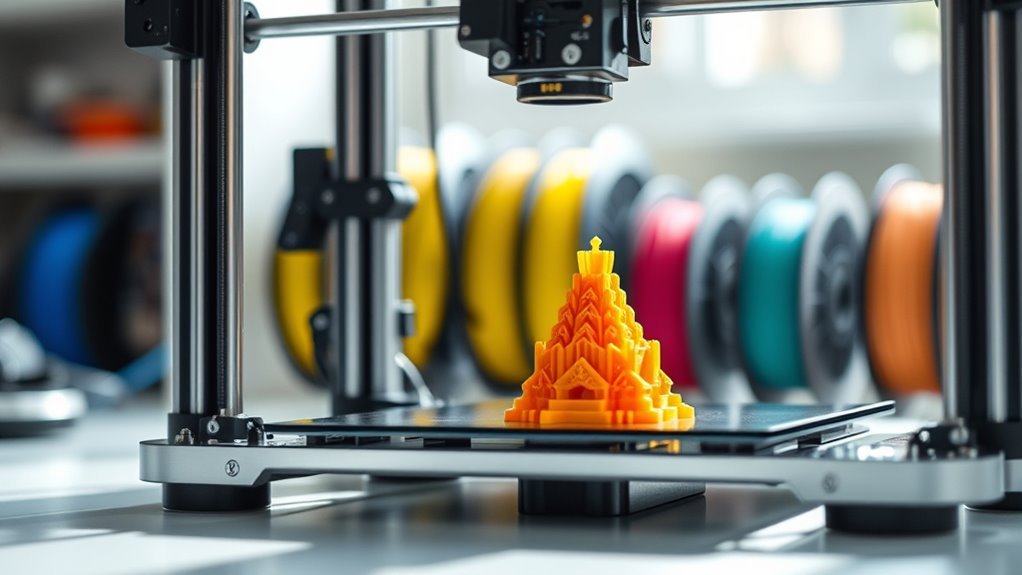
Choose FDM if you want larger parts, easier setup, and lower costs, especially for functional prints. It’s great for beginners and those who want durable, practical items without breaking the bank.
Opt for resin if you need fine detail and smooth finishes but are ready for extra post-processing and safety steps. Resin printers shine when precision and surface quality are top priorities, though they require more care.
Consider build volume and if you’ll benefit from large-format machines. Your choice also depends on materials, ease of use, and whether you prefer kits or fully assembled models. Exploring these factors helps find the best fit for your goals.
Key Takeaways
- Choose FDM printers for larger parts, lower material costs, and simpler desktop workflows. They’re especially great if ease of use and budget are priorities.
- Opt for resin (SLA/MSLA) printers when you want high-detail, smooth finishes. These are ideal for miniatures, jewelry, and intricate prototypes, although they come with higher running costs.
- Large-format FDM printers work well for single-piece prints over 250×250 mm. They offer bigger build volumes but need more space and advanced bed leveling skills.
- Beginners will find printers with auto bed leveling, heated beds, and filament runout detection super helpful. These features reduce setup time and help avoid print failures.
- Your budget will guide your choice: under $500 gets you entry-level FDM printers, $500–$2,000 covers prosumer models, and above $2,000 is for professional large-format machines.
How Do You Choose Between FDM and Resin 3D Printers?
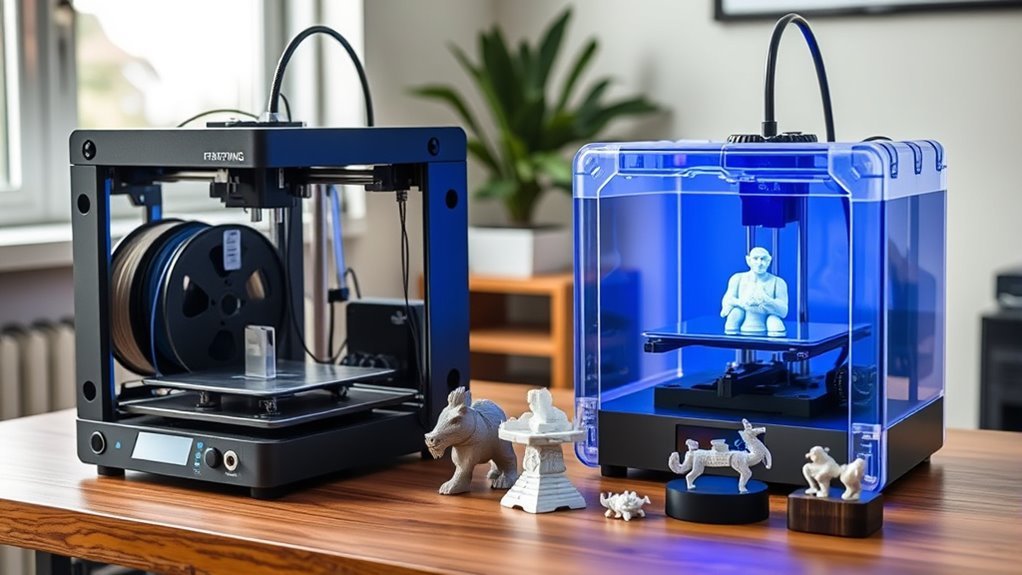
When choosing between FDM and resin 3D printers, you should first consider the size and detail of your projects. If you need larger parts with lower material costs, Fused Deposition Modeling (FDM) is ideal—filaments cost around $20 per kilogram, and printers like the Creality Ender 3 offer sizable build volumes affordably.
However, if your focus is on exceptional print quality and fine surface detail, an SLA 3D printer is the better choice. Resin printers, such as the Anycubic Photon Mono 4K, deliver much higher XY resolution and smoother finishes, capturing intricate features that FDM struggles with.
Keep in mind that resin printing requires post-processing and safety precautions. On the other hand, FDM tends to be cleaner and easier to manage on your desktop. So, it really depends on what matters most to you!
What 3D Printer Build Volume Do You Really Need?
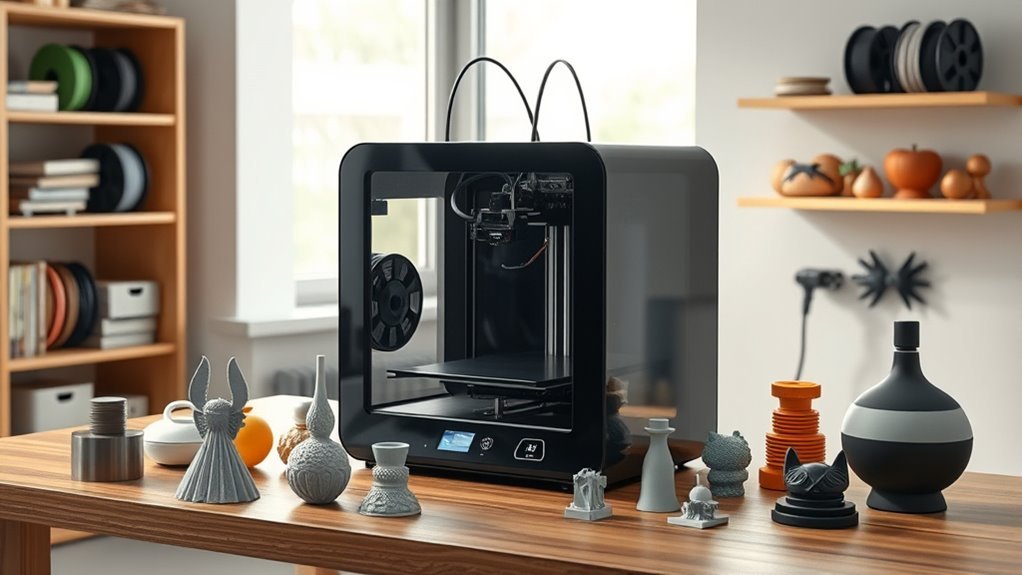
Choosing between FDM and resin printers often comes down to the size and detail of your projects, but figuring out the right build volume for your printer is just as important. You need to measure your largest prints and add some margin to avoid surprises.
Selecting the right build volume is as crucial as choosing between FDM and resin printers.
Consider these points: Small resin MSLA printers have limited build plates but offer high detail, perfect for miniatures and jewelry. Standard hobby FDM printers like the Ender 3 provide around 220×220×250 mm build volume, balancing size and cost.
For large, functional parts, prioritize a bigger build plate and a Z height of 300–500 mm to print in one piece. Taller prints demand careful Z height planning; larger volumes may need stronger frames and better bed-leveling systems.
Pick a build volume that matches your project needs without overpaying for unused space. It’s all about finding the sweet spot for what you actually plan to print.
Which 3D Printer Features Matter Most for Beginners?
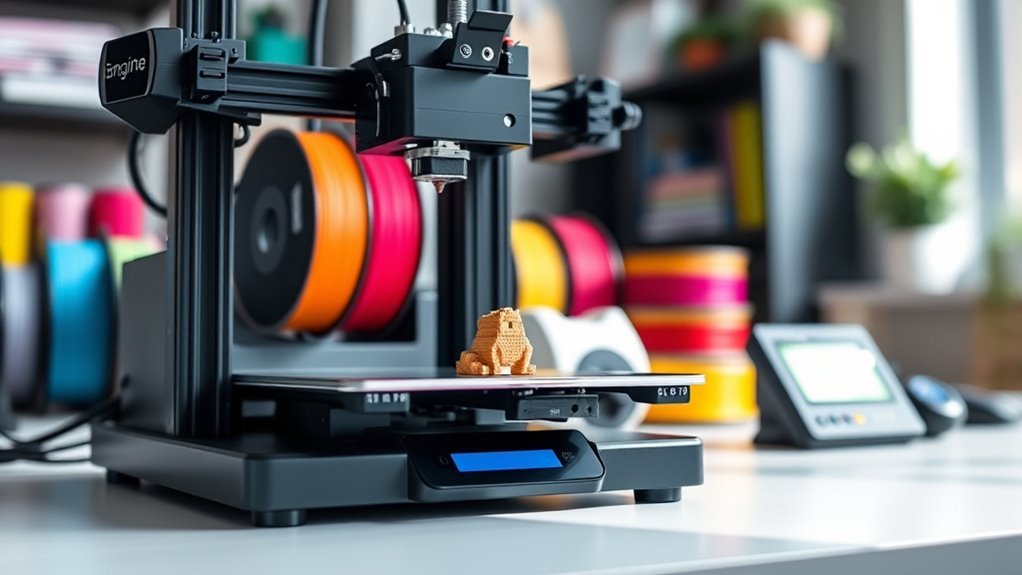
What features should you focus on as a beginner to get the best 3D printing experience? Prioritize ease to use with reliable bed leveling—auto or assisted—and calibration wizards to simplify setup.
A heated bed is vital if you want to print with ABS or other high-temp filaments, as it helps prevent warping. While SLA printers offer finer detail, they require handling toxic resins and post-processing, which might complicate things initially.
For most beginners, FDM printers with strong community support and power-resume or filament-runout detection strike a great balance. Also, consider printers with a well-documented ecosystem; it makes troubleshooting and upgrades easier.
These features reduce frustration and help you focus on learning 3D printing without unnecessary hurdles. It’s all about getting started smoothly and enjoying the process!
How Does Your Budget Shape Printer Choices?
Your budget sets the stage for which 3D printers you can consider, from affordable FDM models to advanced prosumer machines or resin options. Each price range comes with trade-offs in features, reliability, and ongoing costs.
Understanding how your spending impacts capabilities really helps. It makes choosing the best fit for your needs a whole lot easier.
Budget Tiers Overview
While budget plays a crucial role, it also directly shapes the type of 3D printer you can realistically consider. Your price point influences features like print bed size, resolution, and ease of use.
Here’s a quick overview of budget tiers:
- Under $500: Budget 3D printers like Creality Ender 3 offer smaller print beds (~115–220 mm) and require more tuning but keep costs low.
- $500–$2,000: Prosumer models such as Prusa MK4 provide larger print beds, faster speeds, and user-friendly features.
- Above $2,000: Professional machines deliver huge print beds (400×400×500 mm+), industrial components, and high durability.
- Resin printers start around $199 but often have smaller volumes and higher running costs despite superior resolution.
Knowing your budget helps you focus on printers that match your print size needs and setup preferences. So, it’s worth thinking through what matters most to you before making a choice!
Trade-Offs Within Price
Although budget might seem like just a number, it directly dictates the trade-offs you’ll face when choosing a 3D printer. The best 3D printer for you depends on balancing build size, ease of use, and how much tuning you’re willing to do.
Lower-cost FDM printers require more hands-on tweaks, while higher-end machines offer larger build volumes and better layer-by-layer precision with less hassle.
| Price Range | Trade-Offs |
|---|---|
| Under $500 | Smaller build volume, more tuning, QC variability |
| $500–$2,000 | Larger volume, better ease of use, reliable prints |
| Above $2,000 | Industrial size, complex setup, high durability |
| Resin Printers | Fine detail, recurring costs, workflow demands |
Choose wisely to match your budget with your priorities.
Cost Impact On Features
Since budget sets the boundaries for what you can get, it directly shapes your 3D printer’s features and performance. Understanding the cost impact on features helps you pick the best fit without overspending.
Under $500, you’ll mostly find FDM printers that need some tuning. They usually have smaller build volumes and minimal automation.
In the $500–$2,000 range, you get reliable prosumer FDM models. These often come with auto-bed leveling, faster speeds, and stronger support.
Entry-level resin printers start around $199 but come with higher ongoing costs for resin. Plus, they require ventilated spaces to operate safely.
Spending over $1,500 can get you large-format builds, faster printing, multi-sensor safety features, and better warranties.
Your budget influences convenience, maintenance, print size, and material options like resin. So, balance cost against the features you really need.
How Does Material Compatibility Affect Your Choice?
When choosing a 3D printer, you’ll need to contemplate whether filament or resin best suits your projects, since each affects print quality and material strength.
Heated beds are essential for certain filaments like ABS to prevent warping, while resins offer finer finishes but demand more careful handling.
Understanding these material differences will help you pick a printer that matches your build size, detail needs, and post-processing capabilities.
Filament Versus Resin
Deciding between filament and resin printers depends largely on the materials you want to work with and the results you need. Your printing needs guide the choice: filament (FDM) uses thermoplastics like PLA and ABS, offering larger build volumes and lower material costs.
Resin printers provide finer detail and smoother surfaces but come with higher resin costs and added safety steps. It really comes down to what you want to create and how detailed it needs to be.
Consider these points:
- Filament prints suit functional parts and large objects with lower expense.
- Resin excels in detailed miniatures, jewelry, and prototypes needing smooth finishes.
Resin workflows require extra gear—wash stations, UV curing, gloves, and ventilation. On the other hand, filament setups are simpler, desktop-friendly, and better for multi-material projects.
Match your printing needs to the material type for the best results. That way, you get exactly what you want without unnecessary hassle.
Heated Bed Requirements
You’ll often find that choosing the right heated bed settings depends heavily on the filament you plan to use. The heated bed helps improve first layer adhesion and reduces warping, so you must choose the right temperature for your material.
| Material | Heated Bed Temp (°C) | Notes |
|---|---|---|
| ABS | 90–110 | Reduces warping, essential |
| PLA | 40–60 | Optional but improves adhesion |
| Flexible (TPU) | 30–60 | Requires textured surface |
Specialty filaments like PETG and Nylon need higher temperatures (70–120°C) and sometimes an enclosed build area. Make certain your printer supports these if you plan to print advanced materials.
Picking the right heated bed guarantees your prints stick well from the first layer, avoiding print failures. It really makes a difference in the quality of your prints.
Material Strength And Finish
Although filament type largely influences print settings, it also critically impacts the strength and finish of your final part. Choosing between FDM and SLA affects how your prints perform and look, especially for fine details or functional use.
SLA excels at producing smooth surfaces with uniform strength across every one layer, perfect for intricate designs. FDM offers more material options but often shows visible layer lines and weaker seams.
- SLA resins deliver superior surface quality and isotropic strength for detailed, load-bearing parts.
- FDM filaments like PLA and ABS need heated beds and show anisotropic strength along layers.
- Engineering filaments (Nylon, PC) on FDM require high temps and controlled environments for durability.
- Print orientation, layer height, and infill density markedly influence final strength and finish.
Should You Buy a Kit or a Fully Assembled Printer?
Weighing the choice between a 3D printer kit and a fully assembled model depends on your priorities and experience. If you want to jump into learning, save money, and master assembly, calibration, and troubleshooting, a kit is ideal.
Kits like the Prusa MK4 or Creality models often cost 10–30% less and come with strong community support. However, be ready to spend hours assembling and tuning.
On the other hand, fully assembled printers come with better warranty and support, reducing setup time and frustration. They’re perfect if you prioritize reliability and immediate use, such as in classrooms or professional settings.
Ultimately, it’s a balance between learning vs reliability, so choose based on whether you want hands-on involvement or a ready-to-go experience.
How Do Ease of Use and Support Impact Your Experience?
Choosing between a kit and a fully assembled printer sets the stage for how much ease of use and support will shape your experience. If you want an easy-to-use machine, out-of-the-box readiness matters—a fully assembled printer like the Dremel Idea Builder saves setup headaches.
Good customer service and active community forums boost your confidence when troubleshooting.
Keep these in mind:
- Auto bed leveling and calibration wizards reduce setup time and frustration
- Preassembled printers minimize tuning versus kit builds needing calibration
- Clear manuals, firmware updates, and polished software improve long-term use
- Resin printers require extra equipment and safety guidance beyond typical FDM
Choosing a printer with strong ease-of-use features and reliable support means less downtime and more printing fun.
When and Why Should You Choose Large-Format 3D Printers?
Consider a large-format 3D printer when your projects demand bigger build volumes or single-piece prints to eliminate seams and assembly time. If your parts exceed 250×250 mm, a large-format printer like the Wombot Modus or gMax series offers build volumes up to 400×400×500 mm. These are ideal for functional prototypes or furniture-scale models.
However, expect higher costs, larger workspace needs, and more complex bed leveling to maintain accuracy. It’s a trade-off, but worth it if size and print integrity matter to you.
| Advantage | Consideration |
|---|---|
| Bigger build volume | Higher initial cost |
| Single-piece prints | Requires stronger frame |
| Versatile materials (ABS, PLA, TPU) | More calibration & thermal management |
Look for heated beds and mesh bed leveling to reduce warping. These features help make sure your prints come out reliable, even at larger scales.
Frequently Asked Questions
Which 3D Printer Is Best?
The best 3D printer depends on your needs. Choose an Ender 3 for affordability, a Prusa Mini+ for reliability, or an Anycubic Photon Mono 4K for detailed resin prints.
Match it to your budget and project goals. That way, you get exactly what works best for you!
Is Anything Illegal to 3D Print?
Ever wonder if printing a gun at home crosses the line?
Yes, you can’t 3D print firearms, counterfeit goods, or illegal tools without breaking laws.
Stay legal by avoiding restricted or copyrighted items.
Is It Cheaper to 3D Print or Buy?
It’s usually cheaper to buy mass-produced parts, but if you want customization, rapid prototyping, or one-offs, 3D printing saves money.
Just remember to factor in material, machine cost, failed prints, and maintenance overhead.
Which Is Better, SLA or FDM?
SLA’s better for fine details, smooth finishes, and small precise parts, but it’s pricier and needs careful handling.
FDM’s great for larger, functional prints with lower costs and easier setup.
Choose based on your priorities.
Conclusion
Choosing the right 3D printer isn’t just about specs—it’s about your goals, budget, and patience. Whether you lean toward FDM’s practicality or resin’s precision, the perfect fit waits for you.
Think carefully about size, materials, and ease of use, but don’t rush. The printer that truly matches your needs could be just one decision away.
Ready to discover which one will unleash your creative potential? Your ideal 3D printer journey starts now. Picking the right 3D printer means balancing features with what you want to create. Whether you’re after detailed resin prints or the versatility of FDM, focusing on your budget and preferred materials will guide you. Keep in mind ease of use and build volume, too—they’re key to a satisfying experience. So take your time, explore your options, and soon you’ll find the perfect 3D printer that fits your creative goals and workflow perfectly.