How Does an Inkjet Printer Work Step by Step?
You start with a digital image, which your printer breaks into tiny dots using CMYK color data. This process is key to how an inkjet printer works, turning images into millions of minute droplets.
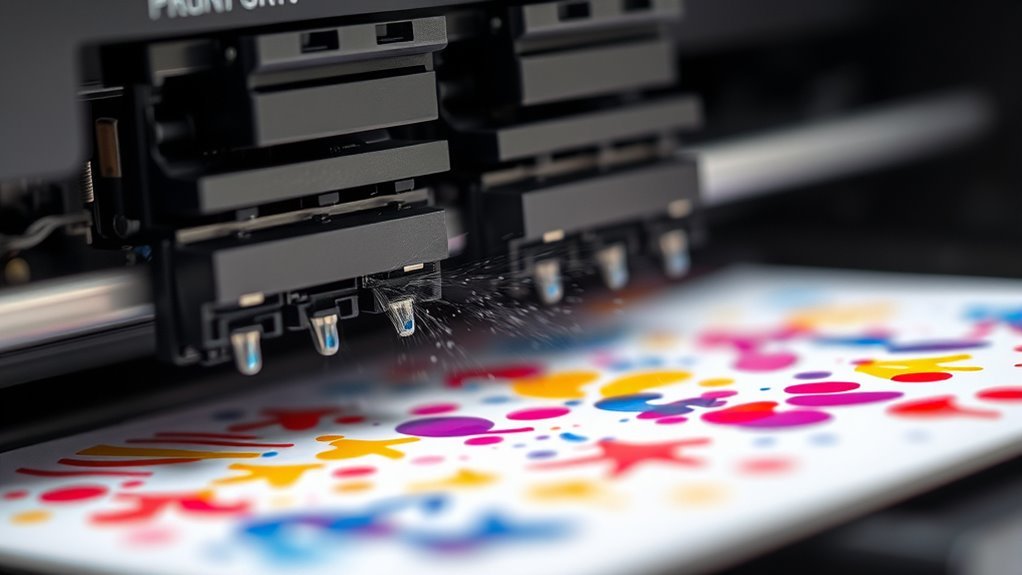
Your printhead’s microscopic nozzles then fire precise ink droplets—using thermal or piezoelectric pulses—onto paper as the carriage scans side to side.
Encoders synchronize nozzle firing with paper feed, ensuring sharp, accurately placed dots. This coordination is what delivers crisp, detailed prints every time.
Specialized inks, including light cyan and magenta, enhance color smoothness and detail, making your photos and documents look vibrant and professional.
Next, you’ll uncover how these systems work together to deliver stunning prints. It’s pretty amazing how all these tiny parts come together to create something so clear and colorful, right?
Key Takeaways
- The printhead moves back and forth across the paper. It fires tiny ink droplets that are precisely aligned using encoder feedback. This helps make sure everything prints exactly where it should.
- Ink droplets are created by quick pressure pulses. These come from thermal heaters or piezoelectric actuators that eject really small drops, usually about 1 to 5 picoliters.
- Digital images get converted into CMYK halftone patterns. These patterns control where the ink goes and how much is dropped, which helps produce sharp color gradations.
- The paper moves up or down in sync with the printhead’s nozzle pitch. This coordination is important to keep each printed swath aligned perfectly and avoid banding.
- To keep things running smoothly, the printer does nozzle maintenance regularly. It fires the nozzles preventatively, wipes them clean, and caps them to stop clogs and keep the ink flowing consistently for good print quality.
How Your Printer Turns Digital Images Into Printed Pages?
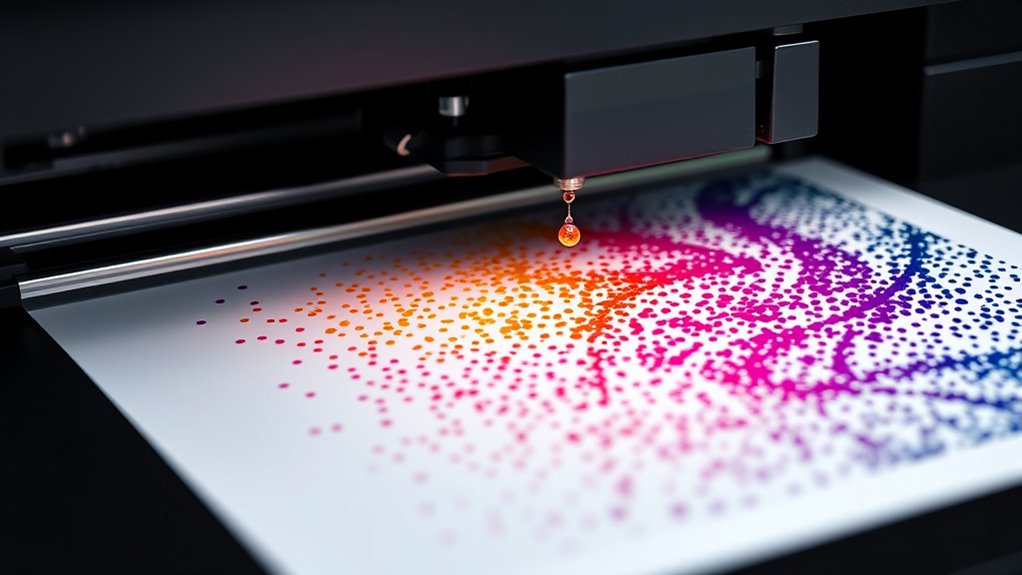
When you hit print, your printer breaks down the digital image into a microscopic grid of dots, typically at 600 to 1200 dpi. It converts color data into CMYK halftone instructions, guiding exactly where and how many ink droplets to place.
The inkjet print head, equipped with thousands of tiny nozzles, rides on a fast-moving carriage scanning across the page. Drop-on-demand technology triggers each nozzle to release precise ink droplets on command.
Optical encoders synchronize droplet ejection with the carriage’s position, ensuring perfect horizontal alignment. After each pass, the paper advances slightly, controlled by another encoder to maintain vertical precision.
This combination of nozzles, encoders, and drop-on-demand actuators transforms your digital image into a crisp, colorful print on paper.
How Inkjet Print Heads Use Microscopic Nozzles To Form Droplets?
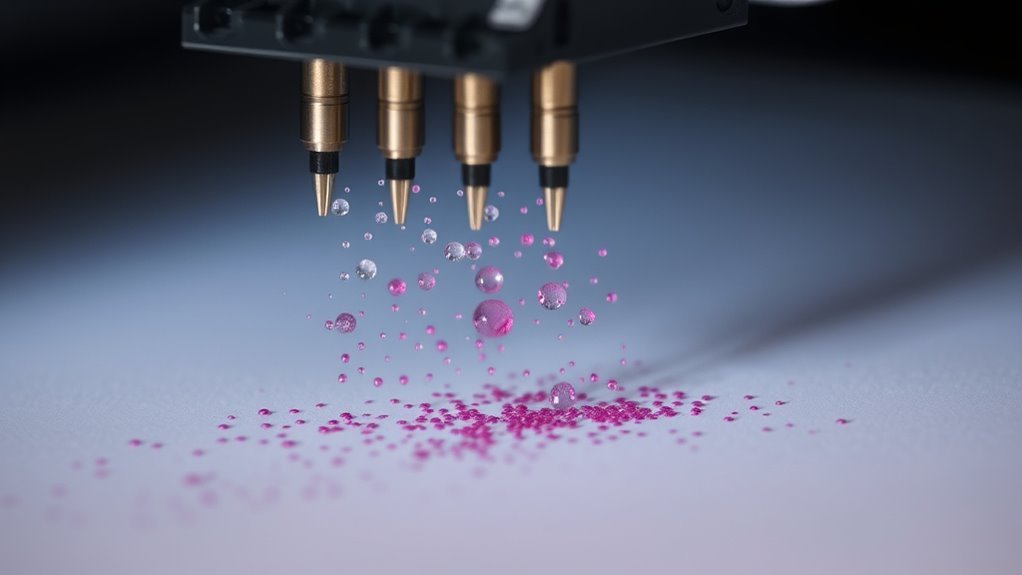
The tiny nozzles in your inkjet print head are what turn electronic signals into actual ink droplets on paper. Each print head contains hundreds to thousands of microscopic nozzles, around 10 µm in diameter. They’re spaced precisely by nozzle pitch to guarantee perfect dot alignment.
Microscopic nozzles, just 10 µm wide, transform signals into perfectly aligned ink droplets for sharp prints.
Ink droplets form drop‑on‑demand, triggered by a pressure pulse created either by a thermal inkjet’s rapid heater or a piezoelectric actuator flexing a diaphragm. These pulses eject tiny drops, typically 1–5 picoliters, at speeds near 5–10 m/s. This produces crisp printed spots.
To keep nozzles clear and reliable, printers perform preventative firing regularly. They eject waste ink to prevent clogging and drying.
This precise control over drop volume and timing lets your printer produce sharp images with consistent quality every time. Pretty neat, right?
How Thermal And Piezoelectric Methods Eject Ink Droplets?
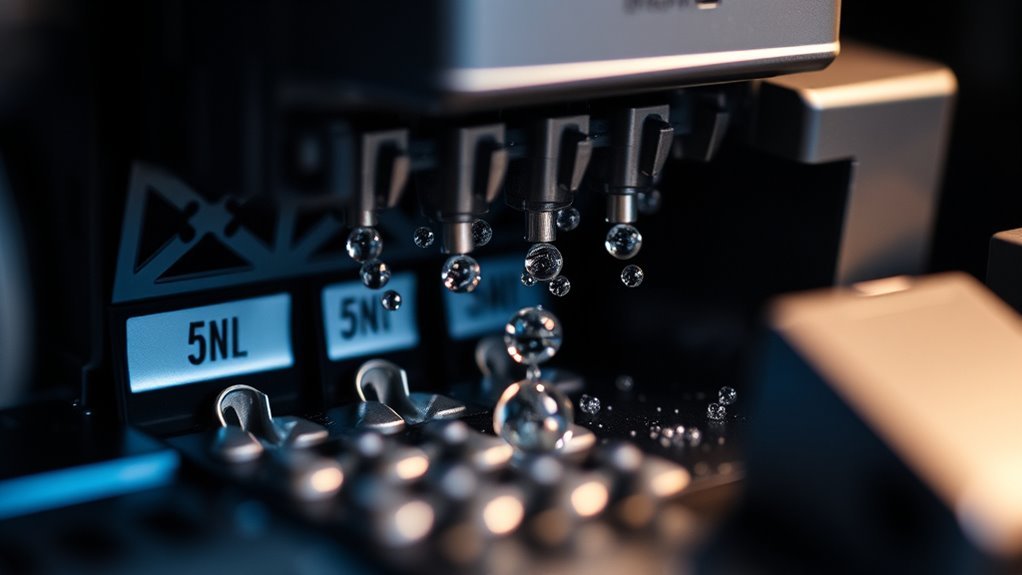
You’ll see that thermal inkjet printers create tiny vapor bubbles to push ink droplets out of microscopic nozzles. It’s kind of like little explosions that force the ink to shoot out.
In contrast, piezoelectric printers use electric signals to flex a crystal, generating pressure that ejects ink. This method feels a bit more controlled since the crystal’s movement is very precise.
Both methods depend on precise ink channel mechanics to control droplet size and placement. That’s why the ink lands exactly where it needs to.
Thermal Bubble Formation
Although thermal and piezoelectric inkjet technologies operate differently, both rely on rapid pressure pulses to eject tiny ink droplets with remarkable precision.
In thermal bubble formation, a tiny thin-film heater—just 10 to 20 microns square and less than a micron thick—pulses for about 1 µs, rapidly vaporizing a thin ink layer. This sudden ink vaporization creates a vapor bubble that expands roughly 1000 times its original volume.
The explosive growth of this thermal bubble generates a pressure pulse strong enough to force a single droplet, about 1 to 5 picoliters, out of the nozzle. This µs pulse happens so fast that the droplet ejection is both precise and repeatable, ensuring your printer lays down ink exactly where it’s needed to produce sharp, clear images.
Piezoelectric Pressure Pulse
Piezoelectric inkjet printers eject ink droplets by rapidly changing the shape of tiny crystals inside each nozzle. These piezoelectric crystals respond to a voltage pulse by either elongating or bending, which mechanically squeezes the ink chamber.
This action creates a microsecond pressure pulse that forces a precise droplet out of the nozzle. An elastic diaphragm often separates the crystal from the ink, protecting it and allowing a wider range of ink types.
This pressure pulse enables consistent drop ejection at high speed and accuracy. To keep the printer working smoothly, clogging prevention measures like preventative firing and wiping systems maintain nozzle cleanliness.
This method contrasts with thermal bubble techniques, offering greater ink flexibility and durability in the printing process. So, it’s a clever way to keep your prints sharp and reliable.
Ink Channel Mechanics
Understanding how ink droplets are ejected from inkjet printers reveals the clever mechanics behind thermal and piezoelectric methods. Both rely on generating a pressure pulse within the printhead’s ink chamber to push ink through the nozzle.
Here’s how they work: Thermal heater heats a tiny ink layer, creating a vapor bubble that rapidly expands, forcing a droplet out. Piezoelectric actuator deforms the ink chamber mechanically, producing a precise pressure pulse to eject a droplet.
Nozzle geometry guarantees uniform drop size and placement across thousands of nozzles on the printhead. After drop ejection, refill occurs by capillary action, maintaining ink supply and preventing clogging.
This coordination enables consistent, high-speed printing with various ink types. Pretty neat how all these parts work together, right?
How Inkjet Carriage Movement And Encoders Ensure Precise Dots?
When the inkjet carriage moves across the paper, it carries a printhead with thousands of tiny nozzles that spray ink droplets at high speed. A transparent encoder strip on the carriage generates synchronization pulses, precisely timing each nozzle’s droplet. This timing adjusts for velocity changes, ensuring accurate dot placement.
Another encoder monitors paper advance, coordinating vertical dot alignment. Together, these encoders synchronize nozzle firing with carriage position and paper movement. This prevents banding and helps maintain resolution up to 1200 dpi.
| Feature | Function |
|---|---|
| Carriage | Holds printhead, moves laterally |
| Printhead | Contains thousands of nozzles |
| Encoder (carriage) | Provides timing pulses for droplet ejection |
| Encoder (paper advance) | Tracks paper movement for vertical alignment |
| Synchronization | Coordinates nozzle firing with carriage and paper |
How Paper Feeding And Swath Advance Control Vertical Dot Placement?
To get sharp vertical dot placement, you rely on the swath advance mechanism. This mechanism moves the paper by a precise distance after each pass.
The paper advance encoder tracks this movement by generating pulses that the printer counts. This helps control the paper feed accurately.
Swath Advance Mechanism
Precision controls how your printer feeds paper vertically after each carriage pass, making sure the next row of ink dots lines up perfectly to avoid banding. The swath advance mechanism moves the paper by a distance that matches the nozzle pitch, keeping vertical registration accurate down to the micrometer.
Here’s how it works: the paper feed motor rotates, moving the paper upward step-by-step. At the same time, a paper-advance encoder generates precise encoder pulses to track the exact movement of the paper.
These pulses sync up with the carriage firing, so dots from successive passes interleave perfectly. This feedback-based control helps compensate for any motor variations, which prevents banding and results in sharp, clear images.
The best part? This system lets your printer maintain high resolution and avoid banding without needing expensive motors. It relies instead on precise swath advance control to get the job done.
Paper Advance Encoder
Controlling the swath advance depends heavily on the paper advance encoder, a small but essential component attached to the paper feed motor. This encoder includes an encoder disk with radial stripes that spins as the paper-advance motor moves, generating pulses counted by the printer’s controller.
By pulse counting, you can precisely control paper advance, ensuring swath advance matches the exact nozzle pitch or its fraction. This precise feedback guarantees accurate vertical dot placement, aligning each new row of ink drops perfectly.
The encoder compensates for any slip or load variations, maintaining consistent registration between swaths. Thanks to this system, even standard motors achieve sub-20 µm dot placement accuracy at typical consumer resolutions.
That means it prevents banding and delivers sharp, reliable prints every time. Pretty neat, right?
Vertical Dot Synchronization
Synchronizing vertical dot placement hinges on the exact coordination between paper feeding and swath advance after each carriage pass. You rely on the swath advance to move the paper precisely so vertical dot rows align perfectly.
Here’s how it works: a code wheel encoder on the paper-advance motor shaft generates encoder pulses as the paper feeds. These pulses measure paper movement, letting the printer advance the paper by exact swath increments matching nozzle pitch.
This synchronization guarantees vertical registration at high resolutions like 600 or 1200 dpi, preventing banding. Plus, constant feedback adjusts for motor load or paper thickness changes.
That way, the printer maintains precise vertical dot placement and accurate color mixing. This coordination guarantees smooth, continuous vertical columns without distortion.
How Ink Formulation And Paper Type Affect Image Quality
Because both ink formulation and paper type directly influence how ink interacts with the printing surface, they play a pivotal role in determining image quality. Different ink formulations affect color vibrancy and durability: dye-based inks penetrate fibers for vivid hues but fade faster, while pigment-based inks sit on the surface, offering sharper text and superior lightfastness.
Drop volume and nozzle precision control the smallest printable spots, affecting detail and resolution. Paper coating and smoothness impact ink spread—coated photo papers lock ink in place with minimal dot gain, preserving sharpness and saturation. This is unlike uncoated papers that absorb ink and blur edges.
Wetting agents in inks balance drying speed and prevent bleed. Using light cyan and similar lighter inks smooths gradients by reducing visible dot structure, especially on high-quality coated media. It really makes a difference in how smooth and vibrant your prints look.
How Inkjet Printers Avoid Clogs And Stay Reliable?
Inkjet printers frequently avoid nozzle clogs by sealing the printhead when idle, creating a micro-environment that slows ink evaporation and prevents skinning. This little trick helps keep things flowing smoothly.
To keep your printer reliable, it uses several smart methods:
- Printhead capping seals the nozzles tightly, reducing drying.
- Preventative firing routinely fires nozzles to clear ink and avoid drying inside.
Ink formulas contain humectants and undergo filtering to keep particles from clogging tiny channels. This means the ink stays just right for printing.
Wipe cycles and purge/recirculation mechanically clean and recondition nozzles. Meanwhile, charge/flow sensors monitor ink streams to detect issues early and keep everything working perfectly.
How Light And Color Inks Improve Photo Quality?
How do light and color inks enhance the quality of your photos? Photographic printers use light cyan and light magenta alongside their saturated counterparts to create smoother tonal gradations and reduce grain in lightly colored areas.
These light inks let the printer place larger, low-contrast droplets of ink for midtones and highlights, avoiding the harsh halftone dots from saturated inks alone. This expands the tonal range, allowing finer control over subtle hues and shadow details.
By lowering colorant density in highlights, light inks improve color accuracy and perceived sharpness, especially on coated photographic papers. Using light inks also minimizes metameric shifts and dot-gain artifacts.
This ensures your photos exhibit smoother gradations and richer detail without muddying colors from overprinting saturated inks.
Frequently Asked Questions
What Is the Main Disadvantage of Ink Jet Printers?
The main disadvantage is inkjet printers cost more per page, especially for text, and prints can smudge or bleed on plain paper.
You’ll also face slower speeds and frequent maintenance to prevent nozzle clogs and maintain quality. It can be a bit of a hassle, honestly. But if you want vibrant colors, they’re still a solid choice.
What Is the Main Difference Between an Inkjet Printer and a Regular Printer?
The main difference is that an inkjet printer sprays tiny ink droplets like a fine mist, while a regular laser printer uses dry toner fused with heat and pressure.
You’ll notice inkjets excel in photos; lasers handle text faster. It’s kind of like comparing paintbrush strokes to a stamp. Each has its own strength depending on what you need.
How Do You Use an Inkjet Printer?
You load paper, install ink cartridges correctly, then send your print job from a device.
Select paper type and quality settings, and after printing, run maintenance like nozzle cleaning to keep your inkjet working smoothly.
How Long Do Inkjet Printers Last?
Think of your inkjet printer like a trusty bike—it usually lasts 3 to 5 years with average use.
With good care, you can extend its life, but heavy use or neglect will wear it down faster.
Conclusion
Now that you know how inkjet printers use tiny nozzles and precise movements to create sharp images, you can really appreciate the technology behind every print. Did you know that some inkjet heads fire up to 15,000 droplets per second? That’s pretty amazing!
This incredible speed, combined with careful ink formulation and the right paper choice, guarantees your photos and documents come out crisp and vibrant every time. It’s not just about speed but also about precision and quality.
So, the next time you hit print, remember you’re witnessing a fascinating blend of science and art in action. Inkjet printing technology uses microscopic droplets and advanced mechanics to bring your images and text to life, making sure every print is detailed and colorful. It’s truly a smart and reliable way to get stunning results right from your home or office printer.