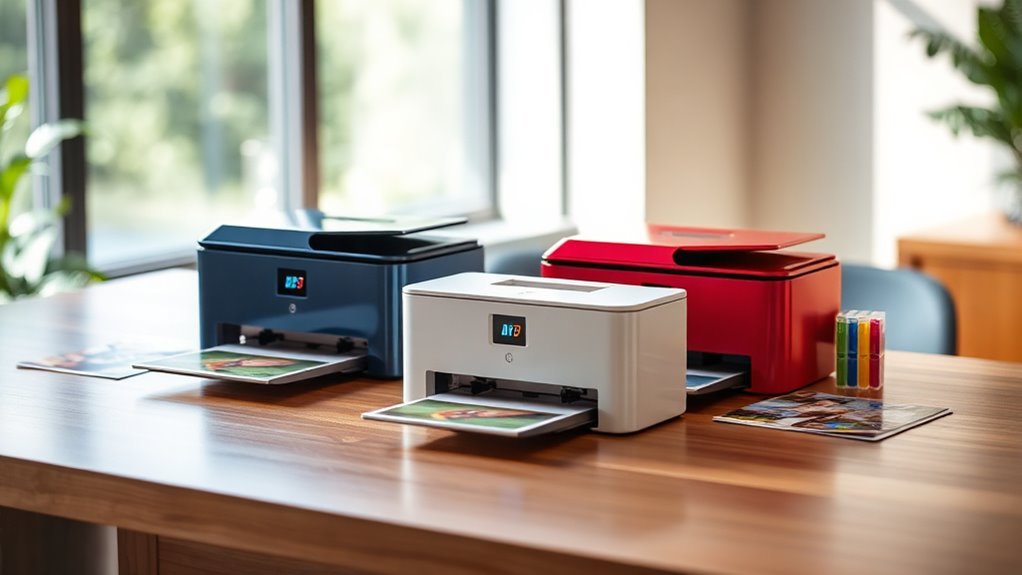
3 Best Colour Printers Under 15000 for 2027
You’ll want the Epson EcoTank ET-3830 for cartridge-free refills and auto duplex, perfect for wireless color printing at home or office. It’s a great pick if you’re looking to save on ink and want hassle-free double-sided printing.
The HP OfficeJet Pro 8034e offers professional-quality color with versatile wireless options and an Instant Ink subscription. This one’s ideal for those who need reliable color prints with easy mobile connectivity.
If you prefer energy efficiency and long-lasting ink, Canon MegaTank G3270 is a solid choice despite lacking auto duplex. It balances speed, quality, and cost effectively.
Each of these printers fits different needs, so take a moment to explore how their features match what you’re looking for.
| Image | Name | Editor's Rating | Price |
|---|---|---|---|

|
|
||

|
|
||

|
|
Epson EcoTank ET-3830 Wireless Color All-in-One Supertank Printer
- Designed to help you manage your workflow, this Epson Supertank printer features auto 2-sided printing, borderless copying and more. The cartridge-free printer features...
- Prints up to 15 pages per minute (ppm) in black and 8 ppm in color.
- Prints at a 4800 x 1200 resolution for great text and image detail.
- Auto 2-sided printing helps save time and money.
- Offers mobile printing options, including the Epson Smart Panel App, Epson Email Print, Epson Remote Print, Epson Scan to Cloud, Epson Print and Scan App, Apple AirPrint...
Experience hassle-free printing with the Epson EcoTank ET-3830, a wireless color all-in-one printer designed to simplify your daily tasks. Its cartridge-free refillable ink tanks eliminate the need for costly replacements, helping you save significantly on ink expenses over time.
This versatile printer handles printing, copying, and scanning efficiently, making it ideal for home or small office use. With speeds up to 15 ppm in black and 8 ppm in color, it delivers vibrant, high-resolution prints at 4800 x 1200 dpi without compromising quality.
Maintenance is straightforward thanks to the large ink tanks, reducing the frequency of refills. The ET-3830 supports auto duplex printing and various paper sizes, enhancing productivity and reducing paper waste. Wireless connectivity and mobile app controls offer flexible printing options from your smartphone or tablet.
Its compact design includes a 2.4″ LCD screen, making setup and operation simple and convenient. However, the single input tray may limit simultaneous use of different paper types, and some features require an internet connection and specific apps.
Best for: Home users and small offices seeking a cost-effective, wireless all-in-one printer with moderate-volume color printing capabilities.
What We Like:
- Cartridge-free refillable ink system lowers ongoing ink costs
- Auto duplex printing with support for various paper sizes
- Multiple connectivity options: Wi-Fi, Ethernet, USB, and cloud printing
- Easy setup and control via 2.4″ LCD and mobile apps
Specification:
| Feature | Details |
|---|---|
| Manufacturer | Epson |
| Model | EcoTank ET-3830 |
| Dimensions | Approx. 14.8 x 13.7 x 9.8 in (37.6 x 34.8 x 24.9 cm) |
| Weight | Approx. 12.5 lb (5.67 kg) |
| Color Options | White with black accents |
HP OfficeJet Pro 8034e Wireless All-in-One Printer
- Fast color print, copy, scan, fax, 2-sided prints, mobile/wireless printing
- Pro quality color for forms, reports, brochures and presentations
- Includes 1 full year subscription for Instant Ink delivery service with HP+ activation.
- HP+ requires HP account, internet, works only with original HP ink
- Dynamic security enabled printer
The HP OfficeJet Pro 8034e is designed to streamline printing tasks for busy home offices and small businesses. It produces professional-quality color prints that bring reports, brochures, and presentations to life with sharp, vibrant detail. This all-in-one printer combines print, copy, scan, and fax functions, reducing the need for multiple devices.
Its wireless and mobile printing capabilities keep you connected and productive from anywhere in your space. Duplex printing helps reduce paper use, making it a practical choice for everyday office needs. The compact white design fits neatly on desks without taking up much room.
Maintenance is straightforward with the included one-year Instant Ink subscription, ensuring you never run out of ink at crucial moments. However, it requires HP+ activation, an HP account, and internet access to use this feature. The printer uses only original HP ink cartridges and includes dynamic security to protect your device, which may limit compatibility with third-party inks.
Best for: professionals and small business users needing versatile, high-quality color printing with easy wireless access.
What We Like:
- Sharp, vibrant color output ideal for diverse documents
- Convenient wireless and mobile printing with duplex functionality
- One-year Instant Ink subscription for hassle-free ink management
Specification:
| Feature | Details |
|---|---|
| Manufacturer | HP |
| Dimensions | Compact design (exact size not provided) |
| Weight | Not specified |
| Color Options | White |
| Connectivity | Wireless, mobile printing |
| Functions | Print, copy, scan, fax |
Canon MegaTank G3270 All-in-One Wireless Color Printer
- Wireless Print/Copy/Scan
- Up to 2 years of ink included (2)
- Print up to 6,000 black & white / 7,700 color pages using a single set of inks! (1)
- Save up to $1,000 on ink (1)
- 1.35” Square LCD display

The Canon MegaTank G3270 transforms your printing experience by offering a cost-effective solution with its refillable ink tanks. This feature dramatically lowers your printing expenses, making it ideal for frequent users who want to avoid costly cartridge replacements. Its all-in-one design handles printing, copying, and scanning, simplifying your daily tasks.
Wireless connectivity and smartphone app support allow you to print and scan effortlessly from your mobile devices. This flexibility helps you stay productive without being tied to a desk. The printer produces sharp, vibrant prints up to 4800 × 1200 dpi, ensuring professional-quality results for documents and photos alike.
Maintenance is straightforward thanks to the included ink supply that can last up to two years. The 100-sheet paper capacity accommodates various paper sizes and types, including borderless photo prints, catering to both home and office needs. The compact 1.35″ LCD screen offers basic controls, while energy-efficient features help reduce power consumption.
While it lacks automatic duplex printing and has a moderate copy speed, the Canon MegaTank G3270 remains a reliable choice for users prioritizing affordability and versatility in color printing.
Best for: Home users and small home offices needing an affordable, versatile all-in-one color printer with low operating costs and wireless functionality.
What We Like:
- Refillable MegaTank system provides ink for up to 2 years.
- Wireless and mobile app connectivity for easy remote printing.
- Supports a variety of paper sizes and borderless photo printing.
- Sharp print resolution delivers clear, vibrant output.
Specification:
| Feature | Details |
|---|---|
| Manufacturer | Canon |
| Dimensions | Not specified |
| Weight | Not specified |
| Ink System | Refillable MegaTank |
| Print Resolution | Up to 4800 × 1200 dpi |
| Paper Capacity | 100 sheets |
| Connectivity | Wireless, smartphone apps |
| LCD Screen Size | 1.35 inches |
Factors to Consider When Choosing a Colour Printer Under 15000
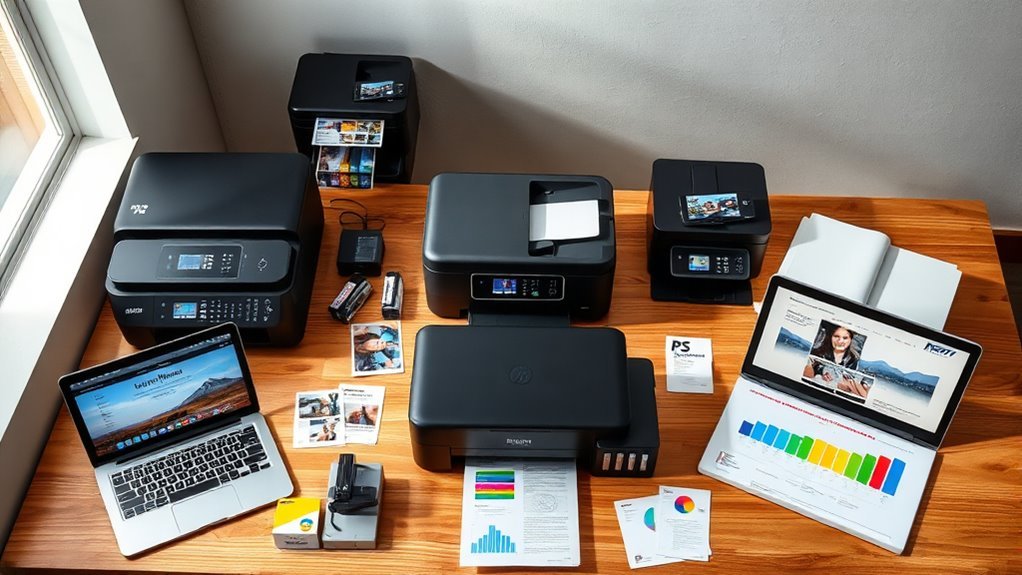
When choosing a colour printer under 15000, you’ll want to focus on print quality and resolution to guarantee sharp results. Consider the type and cost of ink, along with connectivity options that fit your setup.
Don’t forget to check printing speed, efficiency, and paper handling capacity to match your needs. It’s all about finding the right balance for what you’ll use it for.
Print Quality And Resolution
Focus on print quality and resolution to get the best results from a colour printer under 15000. Look for maximum print resolutions around 4800 × 1200 dpi to ensure sharp, detailed colour prints and vibrant photos.
Keep in mind that higher dpi often slows down printing speed, especially for photo-quality jobs, so balance resolution with your needs. If you require quality scans or copies, check the scanner’s resolution, ideally matching the print resolution.
Also, see if the printer supports borderless printing and true photo color depths for rich tones and edge-to-edge images. Remember, manufacturer specs show maximum dots, but real-world results depend on ink technology, print heads, and the paper you choose.
This guarantees your prints look professional and vivid without overspending.
Ink Type And Cost
Although print quality is critical, ink type and cost play an equally important role in choosing a colour printer under 15000, especially if you want to keep running expenses low. To estimate real costs, divide the price of replacement ink by the manufacturer’s yield using ISO test pages.
Refillable tank systems usually offer a much lower cost per page than cartridge-based printers, as their bottles often yield thousands of pages. Remember, colour printers use all ink colours for maintenance, so replacing just one cartridge might not restore full functionality.
Check if the printer requires manufacturer-brand ink or supports third-party refills—restrictions can hike costs. Also, consider your printing habits; high-coverage colour prints consume more ink and raise per-page expenses compared to mainly black-text documents.
Connectivity Options Available
Managing ink costs well is important, but you’ll also want to take into account how your printer connects to your devices. Wi-Fi (802.11b/g/n) lets you print wirelessly from laptops, smartphones, or tablets. It often supports AirPrint and Mopria for easy mobile printing.
If you need a more stable, secure connection for shared office use, Ethernet with a single RJ-45 port is ideal. USB 2.0 offers a direct, reliable link to one computer, perfect when network access isn’t available.
Many printers also support cloud and app-based printing, allowing you to submit jobs remotely or scan to the cloud. Though these require internet and accounts. Automatic mobile protocols simplify printing without driver installs, making your workflow smoother and more flexible.
Printing Speed And Efficiency
When choosing a colour printer under 15000, you’ll want to prioritize printing speed and efficiency to keep your workflow smooth. Aim for printers with black text speeds around 12–15 ppm and colour speeds between 6–10 ppm to maintain reasonable productivity.
Check first-page-out times—typically 7–15 seconds—to minimize wait times on short print jobs. Opt for duplex printing and models with at least a 1 GHz processor to speed up multi-page tasks and reduce manual effort.
Also, consider the monthly duty cycle and recommended print volume to guarantee your printer handles your workload without slowing down. Keeping an eye on input/output tray capacities and maintenance intervals will help you avoid frequent interruptions, guaranteeing consistent throughput.
Paper Handling Capacity
Several key factors determine a colour printer’s paper handling capacity, and understanding these will help you pick the right model under 15000. Start by checking the input tray capacity, typically ranging from 50 to 250 sheets.
Choose one that matches your monthly print volume to avoid frequent refills. Also, consider the output tray size; models usually hold 50 to 150 sheets, so you won’t need to clear it often.
Confirm the supported paper sizes, especially if you print legal, A4, or photo formats. Look for automatic duplex printing to save paper and time, common in many affordable printers.
Finally, if you print on envelopes, cardstock, or glossy paper, check for multi-tray options and maximum media weight compatibility to handle different materials smoothly.
Additional Features And Warranty
Beyond paper handling, the additional features and warranty coverage can greatly impact your satisfaction with a colour printer under 15000. You should look for at least a one-year limited warranty covering hardware defects, and know whether service is on-site or return-to-depot.
Check what’s excluded—like ink, user-replaceable parts, or damage from non-genuine supplies. Also, see if extended or accidental-damage protection is available.
Evaluate bundled software and cloud features, noting if they require accounts or internet connectivity. It’s good to inspect useful extras such as automatic duplexing, Wi-Fi, or an auto document feeder.
Make sure these features are covered under warranty. Finally, ask about spare parts availability and maintenance tasks after the warranty ends, so you’re prepared for any future upkeep costs or limitations.
Frequently Asked Questions
How Long Do the Printer Ink Cartridges Typically Last?
Ink cartridges typically last for 200 to 400 pages, depending on usage and printer type. You’ll want to keep an eye on your printing habits since heavy use drains ink faster.
Refills or replacements can vary a lot in cost and how often you need them. So, it’s good to stay aware of when your ink is running low to avoid surprises.
Are These Printers Compatible With macOS and Windows?
Yes, these printers are compatible with both macOS and Windows. You’ll find easy driver installation and seamless connectivity.
What Is the Average Print Speed for Color Prints?
Color print speeds usually hover around 5 to 15 pages per minute, but don’t get fooled—while some printers sprint through documents, others dawdle.
Can These Printers Handle Photo Paper Printing?
Yes, these printers can handle photo paper printing. You’ll get decent quality for casual photos, but don’t expect professional-grade results.
Make sure to use compatible photo paper for the best color vibrancy and print durability. That way, your prints will look better and last longer.
Do These Printers Support Mobile Printing Apps?
Yes, these printers support mobile printing apps, so you can easily print from your smartphone or tablet.
You’ll find compatibility with popular apps like Apple AirPrint, Google Cloud Print, and manufacturer-specific apps for seamless wireless printing.
This means you can print documents, photos, and more without needing to connect directly to the printer.
It’s all about making printing quick and hassle-free from wherever you are.
Conclusion
Choosing the right colour printer under 15000 is like picking the perfect paintbrush for your masterpiece—it shapes how vibrant and smooth your creations turn out. Whether you go for the Epson EcoTank ET-3830, HP OfficeJet Pro 8034e, or Canon MegaTank G3270, you’re set for crisp prints without breaking the bank.
Keep your needs and features in mind, and you’ll find a reliable companion to bring your ideas to life effortlessly. With these colour printers under 15000, you don’t just save money—you get quality and efficiency that match your creative vibe perfectly.
So, when choosing a colour printer under 15000 in 2027, focus on print quality, ink efficiency, and ease of use. This way, you ensure your investment pays off with vibrant, smooth prints every time. The right colour printer will be your perfect partner for all your printing needs.