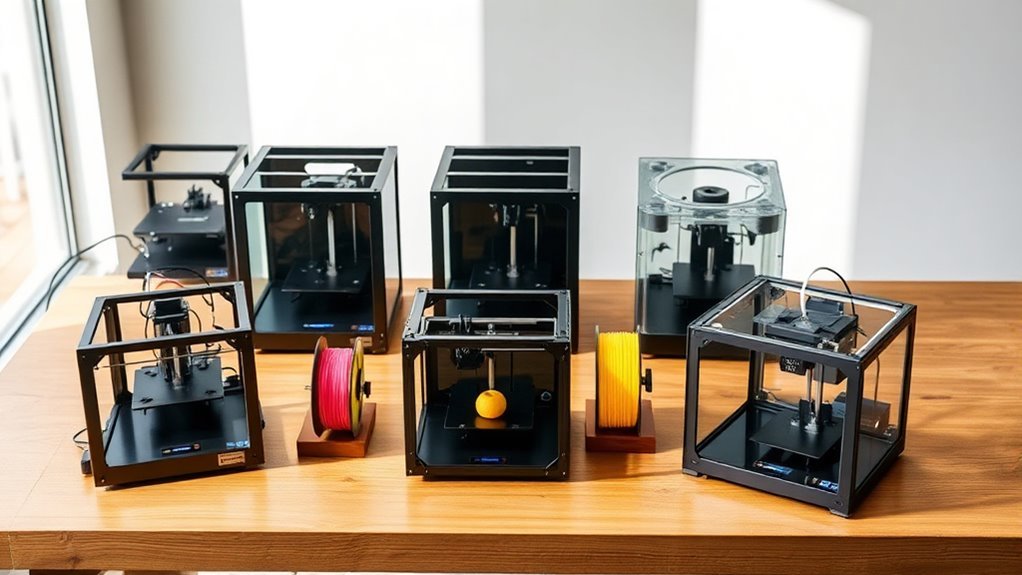
6 Best Cheap 3D Printers for Beginners in 2027
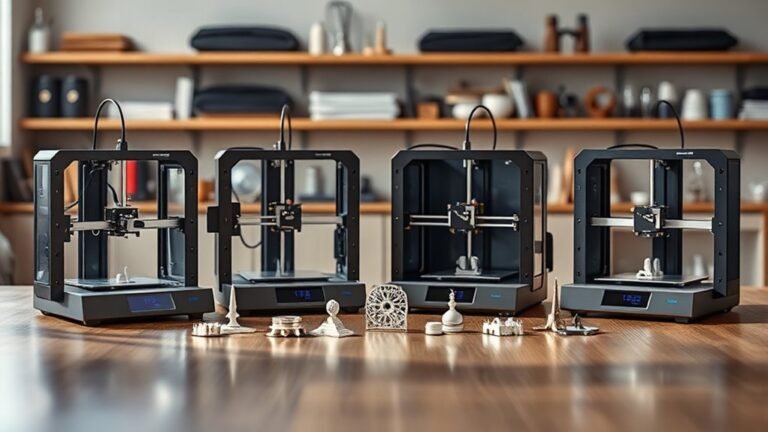
If you’re starting out in 3D printing on a budget, there are some great cheap 3D printers for beginners to consider. The Entina Tina2 Plus stands out for its fast WiFi printing and easy setup, making it perfect for those who want to get started quickly without fuss.
Another option is the Portable Compact FDM, known for its lightweight design and removable plate. It’s super convenient if you need something easy to move around.
The Geeetech Mini and Creality Ender 3 V3 SE both offer reliable auto-leveling and features that beginners will appreciate. These printers help take the guesswork out of getting your prints just right.
If you want more versatility, Anycubic’s Kobra X multicolor printer and Mini 3D Printer Kit provide options for different materials and simple operation. Take a closer look and find the perfect fit for your creative goals!
| Image | Name | Editor's Rating | Price |
|---|---|---|---|

|
|
||

|
|
||

|
|
||

|
|
||
|
|
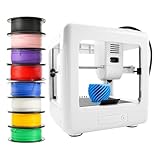
Entina Tina2 Plus Fast WiFi 3D Printer
- 【Start Printing in Minutes – Beginner Friendly】No setup required. Tina2 Plus 3d printer comes fully assembled and ready to use out of the box. With included TF card...
- 【Fast 250mm/s Printing Performance】This Tina2 Plus high speed 3D printer print speeds up to 250 mm/s help reduce waiting time and support fast project turnaround...
- 【WiFi App Control & STEM Model Library】Powered by the Poloprint Cloud app, this WiFi-enabled 3D printer gives access to 3,500+ printable models and 25+ creative DIY...
- 【40-Second Fast Heat Ceramic Hotend】High-efficiency ceramic hotend heats up in just 40 seconds for faster start-up and less downtime. The quick-swap nozzle design...
- 【Compact 3D Printer for Home & Classroom】Designed with a space-saving footprint while maintaining practical print capacity, this compact 3D printer fits easily on...
Step into the world of 3D printing with the Entina Tina2 Plus Fast WiFi 3D Printer, designed to simplify your creative journey. This printer arrives fully assembled, eliminating setup frustrations and allowing you to start printing right away. With a preloaded TF card featuring ready-to-print models, beginners can focus on learning rather than preparation.
Its fast printing speed of up to 250 mm/s and quick 40-second heat-up time reduce wait times, making it ideal for classroom projects or home use. The auto-leveling PEI spring steel build plate ensures consistent print quality without manual adjustments. WiFi connectivity lets you control your prints remotely using the Poloprint Cloud app, adding convenience and flexibility.
Maintenance is straightforward, thanks to the durable ceramic hotend and user-friendly design. While compact, this printer is best suited for smaller-scale projects. Supervision is recommended for younger users to ensure safe operation.
Best for: Educators, beginners, and kids seeking a fast, easy-to-use 3D printer for educational or home STEM activities.
What We Like:
- Fully assembled with preloaded models for immediate use
- Fast printing speeds and rapid heat-up with auto-leveling plate
- WiFi-enabled for remote print control via Poloprint Cloud app
Specification:
| Feature | Details |
|---|---|
| Manufacturer | Entina |
| Dimensions | Compact size (exact not specified) |
| Weight | Not specified |
| Material | PEI spring steel build plate, ceramic hotend |
| Color Options | Not specified |
Portable Compact FDM 3D Printer with Removable Plate
- Foolproof Setup with Video Guides – Never get stuck! We provide a crystal-clear Quick Start Guide and step-by-step video tutorials. Watch them online to get started.
- Simple Assembly with Video Guide – Requires quick modular setup (watch our step-by-step video). Comes with 10m PLA filament, TF card, tools, and 12V Type-C power...
- Versatile Filament Compatibility – Unleash your creativity with both PLA and flexible TPU (1.75mm). The reliable 0.4mm nozzle and precise 0.05-0.3mm layer thickness...
- Reliable Performance & Compact Design – Features stable FDM technology and a removable build plate for easy model removal. The perfect 100x100x100mm build volume is...
- Complete Package – No Hidden Costs – Includes printer, 10m PLA filament, 8GB TF card + reader, tools, illustrated manual, and 12V Type-C power adapter. Plus free...
Discover the convenience of the portable compact FDM 3D printer designed with a removable plate for effortless print handling. Its small footprint and lightweight frame make it ideal for tight spaces and easy transport. This printer solves the common challenge of removing prints by allowing you to simply detach the build plate, reducing the risk of damage during removal.
With a precise 0.4 mm nozzle, the printer delivers detailed results using PLA and TPU filaments. The adjustable layer thickness from 0.05 to 0.3 mm offers flexibility for various projects, from simple prototypes to more intricate designs. This makes it an excellent tool for learning and experimentation.
Maintenance is straightforward thanks to the removable build plate and clear setup guides. Video tutorials help beginners get started quickly, ensuring a smooth printing experience without frustration. The compact design also means less space is needed for operation and storage.
The printer is perfect for educational settings and hobbyists who need a reliable, portable solution for small-scale 3D printing. However, its limited build volume and filament compatibility might restrict more advanced or larger projects.
Best for: beginners, students, and hobbyists seeking an easy-to-use, portable 3D printer for educational and small project applications.
What We Like:
- Lightweight and space-saving design for easy portability
- Removable build plate simplifies print removal and cleaning
- Clear setup instructions and video tutorials ease the learning process
Specification:
| Feature | Details |
|---|---|
| Manufacturer | Not specified |
| Dimensions | Not specified |
| Weight | Not specified |
| Material | Not specified |
| Build Volume | 100 x 100 x 100 mm |
| Nozzle Diameter | 0.4 mm |
| Compatible Filaments | PLA, TPU |
| Layer Thickness | 0.05 – 0.3 mm |
Geeetech Mini 3D Printer for Kids and Beginners
No products found.
The Geeetech Mini 3D Printer is designed to make 3D printing accessible and enjoyable for kids and beginners. Its compact size and straightforward setup eliminate common entry barriers, allowing users to start printing quickly without hassle. The printer’s 16-point auto-leveling system and heated magnetic PEI bed ensure consistent, warp-free prints that come off the bed easily.
With a direct drive extruder featuring dual metal gears, it supports flexible materials like TPU and standard PLA with precise control. This improves print quality and expands creative possibilities for small DIY projects. The printer’s print speed of up to 250 mm/s balances efficiency with beginner-friendly operation.
Maintenance is simple thanks to the fully assembled design and easy filament management via a one-button control. Just insert a TF card with your design files and start printing. Its compact build and intuitive interface make it ideal for educational settings and home learning environments.
Best for: Kids, beginners, and educators seeking an easy-to-use, compact 3D printer for learning, DIY crafts, and small projects.
What We Like:
- Fully assembled with plug-and-play TF card operation
- 16-point auto-leveling and heated magnetic PEI bed for reliable prints
- Direct drive extruder with dual metal gears for precise TPU and PLA printing
Specification:
| Feature | Details |
|---|---|
| Manufacturer | Geeetech |
| Print Area | 3.94 × 4.33 × 3.94 inches |
| Print Speed | Up to 250 mm/s |
| Extruder Type | Direct drive with dual metal gears |
| Bed | Heated magnetic PEI bed |
| Display | 2.4″ color LCD |
| Filament Size | Supports TPU and PLA |
| Dimensions | Compact design (exact size not provided) |
Creality Ender 3 V3 SE Beginner-Friendly 3D Printer with Auto Leveling
- 250mm/s High-Speed Printing: Print at speeds of up to 250mm/s with 2500mm/s² acceleration, helping you complete prototypes, functional parts, and everyday projects...
- Easy Setup with Auto Leveling: Designed for a fast and straightforward setup, the Ender 3 V3 SE can be assembled in just a few simple steps. CR Touch Auto Leveling and...
- Proven Sprite Direct Drive Extruder: The upgraded Sprite Direct Drive Extruder provides smooth and consistent filament feeding for PLA, PETG, and TPU. Its proven design...
- Stable Motion System for Consistent Results: Dual synchronized Z-axis lead screws and precision Y-axis linear shafts work together to help reduce vibration and Z...
- Quiet Operation with Easy Print Removal: A 32-bit silent mainboard helps reduce operating noise for a more comfortable printing experience, while the flexible PC spring...
Experience hassle-free 3D printing with the Creality Ender 3 V3 SE, designed to simplify your creative process. Its CR Touch auto leveling removes the need for manual bed adjustments, ensuring your prints start perfectly every time. This feature saves time and reduces setup frustration for beginners and hobbyists alike.
The printer’s motion system uses dual synchronized Z-axis screws and precision Y-axis shafts to minimize vibration and wobble. This stability delivers consistent, high-quality layers. You’ll notice smoother prints and fewer errors, even during longer jobs.
Maintenance is straightforward with the Sprite Direct Drive Extruder, which supports multiple filaments like PLA, PETG, and TPU. It also features automatic filament loading, reducing downtime and making your printing experience more efficient. The flexible build plate allows easy model removal without damage.
Compact and quiet, the Ender 3 V3 SE fits well in small workspaces. It’s ideal for producing prototypes and everyday projects without sacrificing reliability or print quality.
Best for: Beginners and hobbyists looking for an easy-to-use 3D printer with precise auto leveling for reliable prototyping and daily printing needs.
What We Like:
- Fast, simple assembly with CR Touch auto leveling
- Stable motion system reduces vibration and improves print consistency
- Versatile Sprite Direct Drive Extruder handles multiple filament types
- Automatic filament loading streamlines printing setup
- Compact design fits small spaces and operates quietly
Specification:
| Feature | Details |
|---|---|
| Manufacturer | Creality |
| Dimensions | Compact (exact size not specified) |
| Weight | Not specified |
| Material | Various (printer frame and components) |
| Color Options | Not specified |
Anycubic Kobra X Multicolor 3D Printer, Easy One-Click Printing
- 【Vivid 19-Color and Versatile Materials】Unleash creativity beyond limits. The Kobra X supports 4-color standard and expands up to 19 colors with 4 ACE 2 Pro for...
- 【600mm/s High Speed Performance】Don't let slow speeds limit your creativity. This high-speed FDM 3D printer reaches up to 600mm/s, completing tasks significantly...
- 【True Plug & Play Experience】Start your first project in as little as 15 minutes. The Kobra X arrives with a user-friendly setup and LeviQ 3.0 automatic bed leveling...
- 【LeviQ 3.0 Perfect First Layer】Forget the frustration of manual bed leveling that plagues beginner machines. The LeviQ 3.0 system utilizes 49-point full-auto leveling...
- 【Quiet & Reliable for Home】The ultra-quiet ≤48 dB operation ensures the living or learning space remains peaceful. Combined with power loss recovery and filament...
The Anycubic Kobra X Multicolor 3D Printer transforms multicolor printing into a simple, efficient process with its easy one-click setup. This printer lets you start with up to four colors and expand up to 19 colors using additional ACE 2 Pro units, giving you flexibility for complex designs. Its adaptive extrusion force compensator ensures smooth transitions between colors, reducing print errors and improving overall quality.
Designed for versatile use, the hardened steel nozzle heats up to 300°C, supporting materials like PLA, TPU, and PETG. This allows you to experiment with a variety of filaments without compromising performance. The fast travel speed of 600 mm/s and automatic LeviQ 3.0 bed leveling optimize print time and accuracy, minimizing the need for frequent adjustments.
Maintenance is straightforward thanks to the printer’s reliable leveling system and durable components. A built-in 720p camera offers real-time monitoring, making it easier to oversee prints remotely and catch issues early. The quiet operation, running under 48 dB, is ideal for home, educational, or small business environments where noise could be a distraction.
While the printer’s build volume of 260 × 260 × 260 mm limits very large projects, it covers most standard print sizes. Expanding to 19 colors requires extra hardware, which adds complexity and cost. The material compatibility is broad but limited to specific filaments, which may not fit every user’s needs.
Best for: hobbyists, educators, and small businesses seeking a versatile, easy-to-use multicolor 3D printer with reliable performance and fast setup.
What We Like:
- Supports up to 4 colors standard, expandable to 19 colors for advanced prints
- Automatic LeviQ 3.0 bed leveling for consistent print quality
- Real-time 720p camera monitoring for remote supervision
- Quiet operation at ≤48 dB, suitable for noise-sensitive environments
Specification:
| Feature | Details |
|---|---|
| Manufacturer | Anycubic |
| Build Volume | 260 × 260 × 260 mm |
| Nozzle Material | Hardened Steel |
| Max Nozzle Temperature | 300°C |
| Supported Materials | PLA, TPU, PETG, PVA, ASA |
| Travel Speed | 600 mm/s |
| Bed Leveling | Automatic LeviQ 3.0 |
| Camera | 720p real-time monitoring |
| Noise Level | ≤48 dB |
Mini 3D Printer Kit with 8 Colors PLA Filament
- 🎨 All-in-One Starter 3D Printer Kit – Comes with 8 vibrant PLA filament colors (200g each), a fully equipped printing kit, and user-friendly instructions—perfect...
- 🖨️ Compact & Portable FDM Design – This mini desktop 3D printer uses FDM technology and is compact enough for any desk or workspace. Great for school, home, or...
- 🧠 Effortless Setup, Plug & Print – No complex calibration needed. Supports TF Card and USB connections, compatible with Windows and macOS using CURA, Easyware, or...
- 💡 Precise & Smooth Printing – Achieve detailed prints with 0.05-0.2mm accuracy. Features a 0.4mm nozzle, supports 1.75mm PLA, and even WOOD filament.
- 📦 Full Accessories Included – Package includes the printer components, 8-color filaments, TF card and reader, US power adapter, filament holder, screwdriver, and a...
Experience the ease of turning ideas into tangible creations with this mini 3D printer kit. Designed to fit small spaces, its compact size and portability make it ideal for desks, dorms, or hobby corners. The kit includes eight vibrant PLA filaments, allowing you to start printing colorful projects right away.
This printer uses a precise 0.4 mm nozzle to deliver detailed prints between 0.05 and 0.2 mm layer height. It supports 1.75 mm PLA or wood filament, making it simple to work with popular materials for school assignments or personal crafts. Setup is straightforward with plug-and-play functionality and minimal calibration needed.
Maintenance is hassle-free, thanks to its user-friendly design and included accessories like a filament holder and screwdriver. The kit’s compatibility with various slicing software and both Windows and macOS ensures smooth workflow across different systems. However, the limited filament options and modest build volume may not suit more advanced or larger projects.
Overall, this mini 3D printer kit is a practical tool for beginners seeking a compact, easy-to-use device that fits into tight spaces without sacrificing functionality.
Best for: Students, hobbyists, and beginners who need a space-saving 3D printer for small-scale projects and learning.
What We Like:
- Includes 8 colorful PLA filaments for immediate creative use
- Compact, lightweight design ideal for small workspaces
- Easy setup with plug-and-play operation and minimal calibration
- Compatible with multiple slicing software on Windows and macOS
Specification:
| Feature | Details |
|---|---|
| Manufacturer | Not specified |
| Dimensions | 7.4 x 7.4 x 7.8 inches |
| Weight | 3.3 pounds |
| Nozzle Size | 0.4 mm |
| Filament Diameter | 1.75 mm |
| Supported Filaments | PLA, Wood filament |
| Included Colors | 8 PLA filament colors |
Factors to Consider When Choosing a Cheap 3D Printer for Beginners
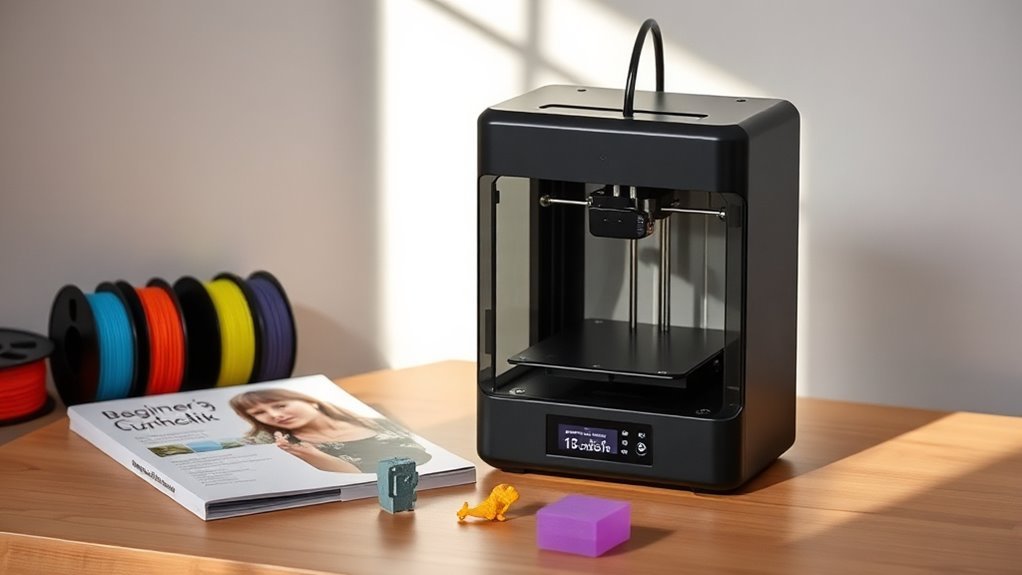
When choosing a cheap 3D printer, you’ll want to balance print quality with how easy it is to set up and use.
Think about the build volume size too, so it fits the projects you have in mind.
Also, check which filament types the printer supports.
And don’t forget to look at the connectivity options to make sure they match your needs.
Print Quality Expectations
Often, beginners expect photo-quality prints right out of the box, but budget 3D printers usually deliver layer heights between 0.05 and 0.3 mm. Generally, 0.1 to 0.2 mm offers the best balance between detail and speed.
Your print resolution depends largely on the standard 0.4 mm nozzle and the X/Y stepper precision. This limits fine features below about 0.4 mm unless you swap in a smaller nozzle.
To get smooth surfaces, you’ll need good first-layer adhesion and consistent bed leveling. Otherwise, you might see banding or dimensional inaccuracies.
Also, material choice matters—PLA usually prints glossy, sharp parts. On the other hand, flexible or high-temp filaments can reduce detail and require slower speeds.
Expect dimensional tolerances of around ±0.2 to 0.5 mm on budget machines. So, don’t anticipate perfect precision.
Ease Of Setup
Print quality matters, but getting your 3D printer up and running smoothly can be just as important, especially if you’re new to the technology. Look for models that come fully assembled or require minimal setup, paired with clear Quick Start Guides or video tutorials to get you printing quickly.
Auto bed leveling or assisted multi-point leveling features simplify calibration, reducing frustration and ensuring reliable first layers. Choose printers that include preloaded models on a TF/SD card and offer one-click print options so you can start without delay.
Make sure your kit has essential accessories like a removable build plate, basic tools, and straightforward filament loading instructions. Finally, verify compatibility with common slicing software and simple connectivity options like USB, Wi-Fi, or direct TF card printing for easy file transfers.
Build Volume Size
Build volume size plays a crucial role in selecting a 3D printer that fits your project needs. If you mainly print small desktop models or toys, a build volume around 100 × 100 × 100 mm will suffice.
For larger functional parts or prototypes, look for at least 200 × 200 × 200 mm to avoid frequent seams or assemblies. Keep in mind, bigger volumes mean a larger printer footprint, longer warm-up times, and more filament usage.
For classrooms or kids, a compact build volume under 150 mm in any axis is safer and space-efficient. Don’t just check the XY area—make sure the printer’s Z-axis height matches your tallest designs.
If you want to scale up later, pick a modular printer that lets you expand the build size without buying new hardware. It’s a smart way to grow your printing capabilities without extra hassle.
Supported Filament Types
When choosing a cheap 3D printer as a beginner, you’ll want to focus on the types of filaments it supports since this directly affects the range and quality of your projects. PLA is the best starting point—easy to print, low-odor, and great for most entry-level prints.
If you want flexible parts, check if the printer handles TPU. It needs a direct-drive extruder and slower speeds to avoid stringing.
PETG offers strength and temperature resistance but requires higher nozzle temps and can string more.
For dissolvable supports or multi-material prints, look for PVA compatibility and multiple filament capability. Just keep in mind PVA needs dry storage.
Also, verify the hotend’s max temperature and filament diameter to use specialty filaments like nylon or ASA. These often need over 250°C.
Connectivity Options Available
How do you want to transfer your 3D models to the printer? Many cheap 3D printers offer Wi‑Fi (usually 2.4 GHz), letting you send files wirelessly, monitor prints remotely, and slice models via mobile apps.
If you prefer something straightforward, look for printers with built‑in SD/TF card slots or USB flash drive support. These let you print offline without extra setup.
USB connections (USB‑A or USB‑C) are handy for direct tethered printing and firmware updates, especially when troubleshooting.
Some models support cloud printing and app integration, enabling remote control and access to online libraries. Though these require internet and account setup.
While rare in budget options, Ethernet ports provide stable connections. They’re ideal for classrooms or workshops where Wi‑Fi might falter.
Choose the connectivity that fits your workflow best.
Safety Features Included
Although cheap 3D printers often come with fewer features, you shouldn’t compromise on safety. Look for models with partially or fully enclosed frames to shield you from hot components and moving parts. This helps reduce burn and pinch risks.
Make sure the printer includes thermal runaway protection or auto-shutdown to cut power if temperatures exceed safe limits. Filament run-out sensors and power-loss recovery are also great to have. They help prevent failed prints that can cause overheating.
Choose printers with insulated, quick-cooling hotends and guarded assemblies. This minimizes accidental contact with hot surfaces. Also, check for accessible emergency stop controls and proper ventilation. Ventilation is important to manage fumes from printing materials that release VOCs.
Prioritize these safety features to protect yourself while enjoying your 3D printing experience. It’s worth taking the time to pick a safe, reliable machine.
Software Compatibility
Picking a 3D printer that works seamlessly with your software is essential for a smooth printing experience. Make sure your printer supports common file formats like STL and OBJ and accepts G-code from popular slicers such as Cura, PrusaSlicer, or Slic3r.
Check if the slicing and control software runs on your operating system—Windows, macOS, Linux, or even Chromebook. Or, see if it offers web, cloud, or mobile apps for tablet or phone control.
Look for printers with USB, SD card, or Wi‑Fi support so you can slice on any device and transfer files easily. It’s always handy to have multiple options for getting your files onto the printer.
Prefer open or widely supported firmware like Marlin, backed by active communities for customization and troubleshooting. Plus, it’s great to verify available slicing presets to minimize manual setup and get faster, reliable prints.
Frequently Asked Questions
How Do I Maintain and Clean a Beginner 3D Printer?
You should regularly clean the nozzle, remove filament residues, and wipe the print bed with isopropyl alcohol.
Also, don’t forget to lubricate moving parts and tighten any loose screws.
It’s a good idea to update your printer’s firmware whenever you can. Doing this keeps your 3D printer running smoothly and extends its life.
What Software Is Best for Designing 3D Models?
You’ll want to use Tinkercad or Fusion 360; both are beginner-friendly and powerful.
Tinkercad’s web-based and easy, which is great if you’re just starting out.
Fusion 360 offers advanced features if you’re ready to dive deeper into 3D design software.
It’s perfect for when you want to take your skills to the next level.
Can I Use Third-Party Filaments With These Printers?
Yes, you can use third-party filaments with most 3D printers, but you’ll want to check compatibility and quality.
Using reliable filaments guarantees better print results and prevents nozzle clogs or other issues during printing. It’s always a good idea to do a little research before switching brands.
What Safety Precautions Should Beginners Follow When Printing?
You’ve got to guard your creative flame—always print in a well-ventilated space. Wear gloves when handling hot parts to protect yourself.
Keep your printer clean, and never leave it unattended. These steps keep your dreams safe and sound.
How Long Does It Typically Take to Learn 3D Printing Basics?
You’ll typically learn 3D printing basics within a few days to a couple of weeks, depending on your dedication.
Hands-on practice, watching tutorials, and troubleshooting will speed up your understanding and confidence quickly.
Just stick with it, and you’ll get the hang of it sooner than you think!
Conclusion
Choosing the right cheap 3D printer is like picking the perfect brush for your first masterpiece—it sets the tone for your creative journey. Whether you want fast WiFi connectivity, beginner-friendly auto-leveling, or vibrant multicolor options, there’s a model tailored just for you.
Keep your needs in focus, and you’ll turn ideas into reality without breaking the bank. Your 3D printing adventure is ready to take flight—just press start!
Finding the best cheap 3D printer for beginners means balancing features and affordability. Look for user-friendly designs that offer reliable performance and easy setup. With options that include auto-leveling and strong connectivity, even newcomers can create impressive prints quickly.
So, whether you’re crafting prototypes or fun DIY projects, a budget-friendly 3D printer can open up endless possibilities. Start exploring the top models today and make your creative ideas come alive without spending a fortune. Your journey into 3D printing is just a click away!