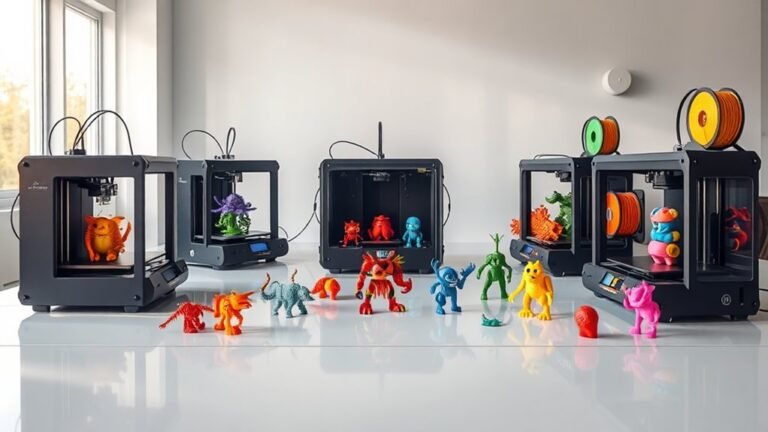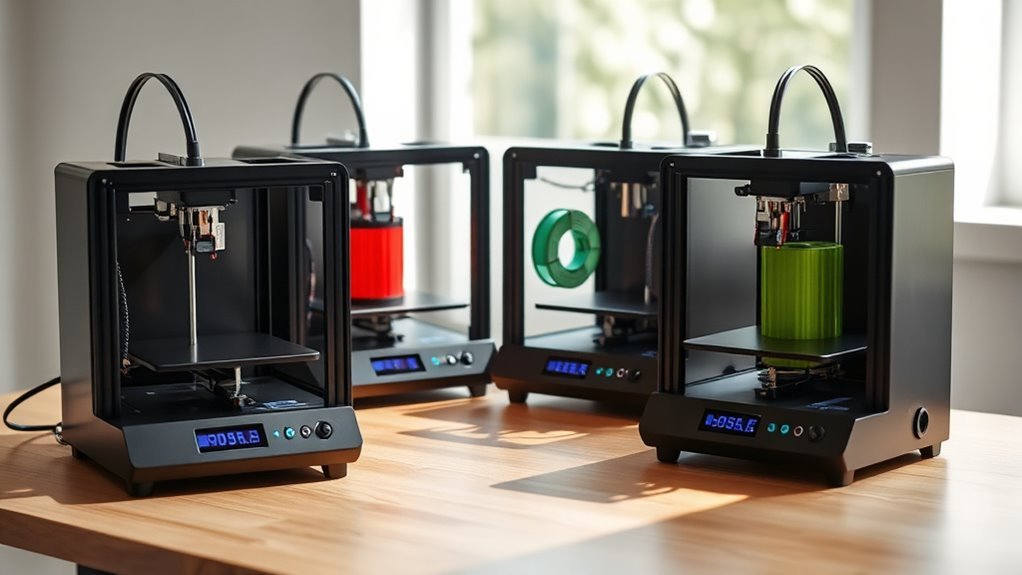
4 Best Cheap Beginner 3D Printers for 2027
For cheap beginner 3D printers in 2027, check out the Entina Tina2 Plus with WiFi and app control for easy remote use. It’s perfect if you want to start printing without fuss.
The Portable Compact FDM offers a removable plate and clear tutorials, making your first prints hassle-free and straightforward.
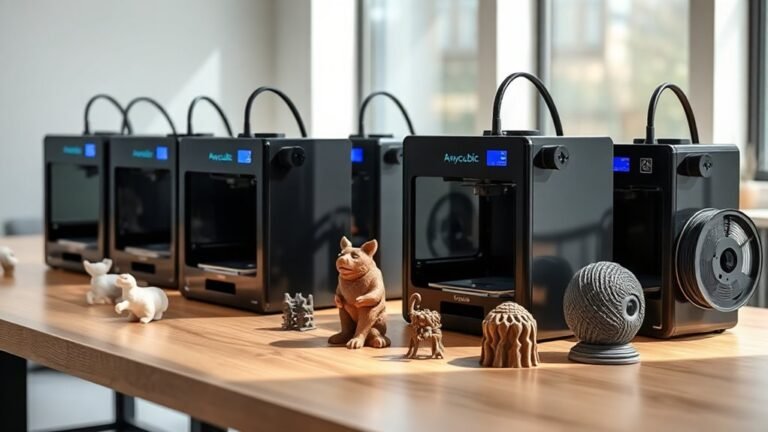
Anycubic Kobra X Multicolor supports up to 4 colors and reliable auto-leveling, so you can experiment with vibrant designs without the usual setup headaches.
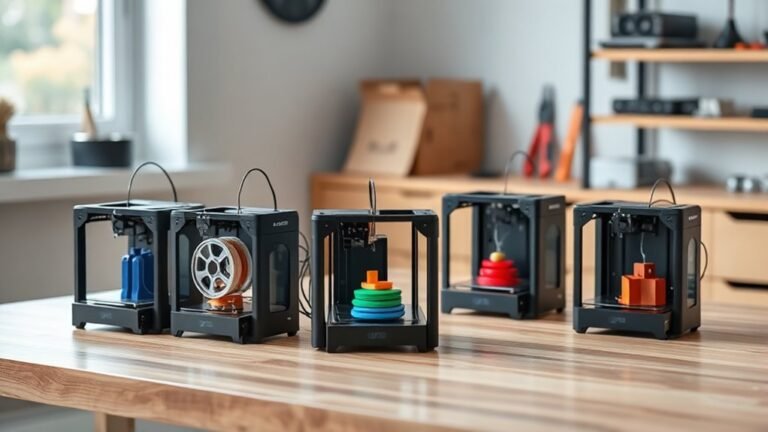
The M1 Mini prints quickly with no computer needed—perfect for kids and educators looking for a simple, fast option.
Keep exploring to discover which fits your needs best. Whether you want convenience, color variety, or quick prints, there’s a budget-friendly choice waiting for you!
| Image | Name | Editor's Rating | Price |
|---|---|---|---|

|
|
||

|
|
||

|
|
Entina Tina2 Plus 3D Printer with WiFi & App Control
- 【Start Printing in Minutes – Beginner Friendly】No setup required. Tina2 Plus 3d printer comes fully assembled and ready to use out of the box. With included TF card...
- 【Fast 250mm/s Printing Performance】This Tina2 Plus high speed 3D printer print speeds up to 250 mm/s help reduce waiting time and support fast project turnaround...
- 【WiFi App Control & STEM Model Library】Powered by the Poloprint Cloud app, this WiFi-enabled 3D printer gives access to 3,500+ printable models and 25+ creative DIY...
- 【40-Second Fast Heat Ceramic Hotend】High-efficiency ceramic hotend heats up in just 40 seconds for faster start-up and less downtime. The quick-swap nozzle design...
- 【Compact 3D Printer for Home & Classroom】Designed with a space-saving footprint while maintaining practical print capacity, this compact 3D printer fits easily on...
The Entina Tina2 Plus 3D Printer offers a smooth entry into 3D printing by removing common startup frustrations. It arrives fully assembled, allowing you to begin printing right away with preloaded models on the included TF card. This setup helps beginners and educators avoid complex assembly and calibration, making the learning curve less steep.
Its compact design fits easily in any workspace while providing essential safety features. The auto-leveling function ensures consistent print quality with minimal manual adjustments. These elements combine to create a reliable and worry-free printing experience for users of all ages.
With built-in WiFi and Poloprint Cloud app control, users can start and monitor prints remotely. Access to thousands of downloadable models simplifies project selection and encourages creativity. This connectivity also supports cross-platform use, enhancing convenience for busy users.
Maintenance is straightforward thanks to the printer’s durable hardware and user-friendly interface. While the build volume is modest, it suits smaller projects perfect for educational and hobbyist purposes. Supervised use is advised for younger users, ensuring safety during operation.
Best for: Beginners, kids, and educators seeking an easy-to-use, compact 3D printer with WiFi and app control.
What We Like:
- Fully assembled for a quick, hassle-free start
- Auto-leveling and quick-heat hotend improve print reliability
- WiFi connectivity with remote app management
- Compact and safe design fits small workspaces
Specification:
| Feature | Details |
|---|---|
| Manufacturer | Entina |
| Dimensions | Compact (specific size not provided) |
| Weight | Not specified |
| Material | Not specified |
| Color Options | Not specified |
Portable Compact FDM 3D Printer with Removable Plate
- Foolproof Setup with Video Guides – Never get stuck! We provide a crystal-clear Quick Start Guide and step-by-step video tutorials. Watch them online to get started.
- Simple Assembly with Video Guide – Requires quick modular setup (watch our step-by-step video). Comes with 10m PLA filament, TF card, tools, and 12V Type-C power...
- Versatile Filament Compatibility – Unleash your creativity with both PLA and flexible TPU (1.75mm). The reliable 0.4mm nozzle and precise 0.05-0.3mm layer thickness...
- Reliable Performance & Compact Design – Features stable FDM technology and a removable build plate for easy model removal. The perfect 100x100x100mm build volume is...
- Complete Package – No Hidden Costs – Includes printer, 10m PLA filament, 8GB TF card + reader, tools, illustrated manual, and 12V Type-C power adapter. Plus free...
Experience hassle-free 3D printing with this portable compact FDM 3D printer, designed for easy setup and consistent results. Its small size fits perfectly in tight spaces, making it ideal for beginners and those with limited room. The removable build plate simplifies model removal, reducing the risk of damage and cleanup time.
This printer uses a precise 0.4 mm nozzle to create detailed prints within a 100 x 100 x 100 mm build volume. Its compatibility with PLA and TPU filaments provides versatility for various projects, from rigid models to flexible designs. The stable FDM technology ensures smooth layers with thickness options from 0.05 to 0.3 mm.
Maintenance is straightforward thanks to the removable plate and clear instructions. Step-by-step video tutorials and a Quick Start Guide help users get printing quickly and confidently. Its lightweight and portable design make it an excellent choice for students, hobbyists, or STEM classrooms.
Best for: Beginners and educators seeking a user-friendly, compact 3D printer for learning and small-scale creative projects.
What We Like:
- Easy removal of models with a detachable build plate
- Clear, guided setup with video tutorials and Quick Start Guide
- Supports flexible TPU and standard PLA filaments
- Precise nozzle for detailed, smooth prints
- Compact and lightweight for portability
Specification:
| Feature | Details |
|---|---|
| Manufacturer | Not specified |
| Build Volume | 100 x 100 x 100 mm |
| Nozzle Size | 0.4 mm |
| Layer Thickness | 0.05 – 0.3 mm |
| Filament Types | PLA, TPU |
| Weight | Lightweight (exact weight not specified) |
| Design | Portable, compact with removable build plate |
Anycubic Kobra X Multicolor 3D Printer, Easy One-Click Printing
- 【Vivid 19-Color and Versatile Materials】Unleash creativity beyond limits. The Kobra X supports 4-color standard and expands up to 19 colors with 4 ACE 2 Pro for...
- 【600mm/s High Speed Performance】Don't let slow speeds limit your creativity. This high-speed FDM 3D printer reaches up to 600mm/s, completing tasks significantly...
- 【True Plug & Play Experience】Start your first project in as little as 15 minutes. The Kobra X arrives with a user-friendly setup and LeviQ 3.0 automatic bed leveling...
- 【LeviQ 3.0 Perfect First Layer】Forget the frustration of manual bed leveling that plagues beginner machines. The LeviQ 3.0 system utilizes 49-point full-auto leveling...
- 【Quiet & Reliable for Home】The ultra-quiet ≤48 dB operation ensures the living or learning space remains peaceful. Combined with power loss recovery and filament...
Experience effortless multicolor 3D printing with the Anycubic Kobra X Multicolor, designed for ease and versatility. Its one-click operation simplifies the printing process, making it accessible for beginners and hobbyists alike. This printer supports up to 4 colors out of the box, with the option to expand to 19 colors for more complex creations.
The hardened steel nozzle heats up to 300°C, allowing you to work with materials like TPU, PLA, and PETG. Setup is straightforward with a true plug-and-play design, while the LeviQ 3.0 auto-leveling ensures your first layers are always reliable. This reduces the frustration of failed prints and saves time.
Maintenance is simple with smart features like AI error detection and a filament run-out sensor that alert you to issues before they become problems. The integrated 720p camera lets you monitor your prints remotely, adding convenience and peace of mind during longer jobs.
With a quiet operation at ≤48 dB and a build volume of 260 × 260 × 260 mm, this printer fits well in home or classroom environments. The multicolor expansion requires additional hardware, so consider your needs for larger or more colorful projects carefully.
Best for: Beginners and hobbyists seeking an easy-to-use multicolor 3D printer with smart monitoring and dependable first-layer performance.
What We Like:
- Supports up to 4 colors standard, expandable to 19 for detailed multicolor prints
- Plug-and-play setup with LeviQ 3.0 auto-leveling for consistent first layers
- AI-powered monitoring with filament run-out sensor and error detection
- Quiet printing at ≤48 dB suitable for home or classroom use
Specification:
| Feature | Details |
|---|---|
| Manufacturer | Anycubic |
| Build Volume | 260 × 260 × 260 mm |
| Nozzle Material | Hardened Steel |
| Max Nozzle Temperature | 300°C |
| Supported Materials | TPU, PLA, PETG |
| Color Options | Multicolor (4 standard, expandable to 19) |
M1 Mini 3D Printer for Kids and Beginners
No products found.
Designed with kids and beginners in mind, the M1 Mini 3D Printer offers a smooth start to 3D printing without the usual complexity. You can begin printing within 15 minutes since it requires no computer connection. Pre-sliced models on an SD card simplify setup, making it ideal for quick projects at home or in classrooms.
Its compact design fits easily on any desk, saving space while providing reliable performance. The printer’s direct drive extruder works well with both rigid PLA and flexible TPU, allowing users to explore different materials without hassle. Printing speeds reach up to 250 mm/s, helping users complete projects faster.
Maintenance is straightforward with features like automatic bed leveling and nozzle cleaning, which reduce downtime and ensure quality prints. Filament break detection pauses the print when needed, preventing wasted material. Quiet operation keeps the environment calm, making it suitable for learning spaces.
While the M1 Mini handles small to medium projects well, its compact size limits the maximum print volume. Advanced users may find the feature set basic, but its ease of use makes it a strong choice for newcomers to 3D printing.
Best for: Kids, beginners, and educators seeking a user-friendly 3D printer for STEM education and creative learning.
What We Like:
- Fast, no-computer setup with pre-sliced models
- Supports both PLA and flexible TPU materials
- Automatic leveling and nozzle cleaning for hassle-free maintenance
- Filament break detection prevents wasted prints
- Quiet operation suitable for classrooms and home use
Specification:
| Feature | Details |
|---|---|
| Manufacturer | — |
| Dimensions | Compact size (exact dimensions not provided) |
| Weight | — |
| Material Compatibility | PLA, TPU |
| Print Speed | Up to 250 mm/s |
| Connectivity | SD card (no computer needed) |
Factors to Consider When Choosing a Cheap Beginner 3D Printer
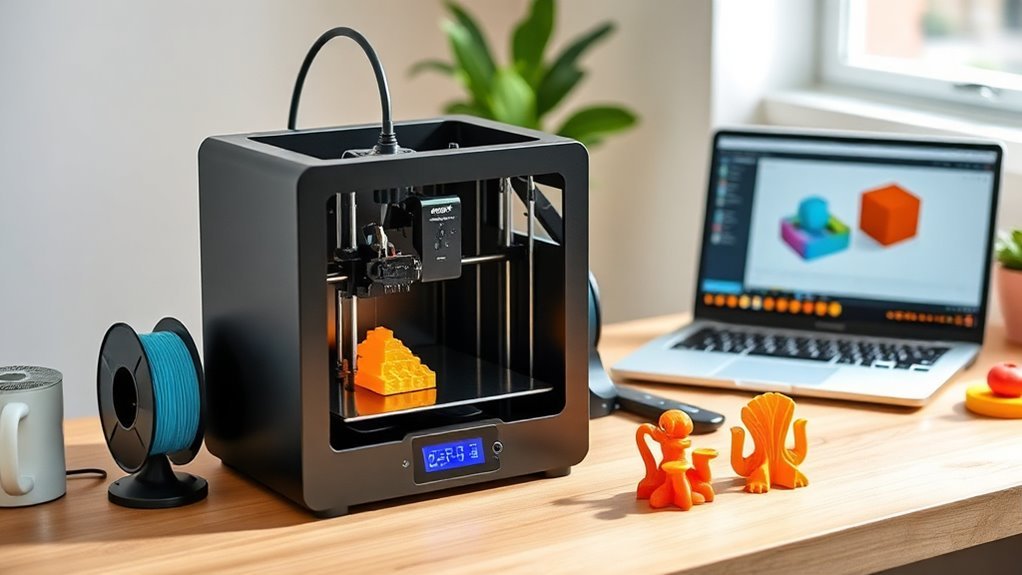
When choosing a cheap beginner 3D printer, you’ll want to focus on ease of setup to get started quickly. It’s all about getting you printing without a headache.
Consider print quality and speed, as well as what materials the printer can handle. These factors will affect what projects you can take on and how good they look.
Don’t forget to check connectivity options and safety features to guarantee a smooth and secure experience. After all, you want printing to be fun and worry-free.
Ease Of Setup
For beginners, choosing a 3D printer that arrives fully assembled or requires minimal setup can save you a lot of time and frustration. Look for models that come with clear step-by-step guides or video tutorials to get you printing within minutes.
Automatic or assisted bed leveling, like multi-point or probe-based systems, cuts down setup time and improves first-layer reliability compared to manual leveling. It really takes the guesswork out of getting started.
Pre-sliced models on included SD or TF cards, combined with easy-to-use interfaces on-device or via app, let you start printing without installing desktop slicer software. This makes the whole process so much smoother.
Helpful features such as printed Quick Start guides, annotated tool kits, and built-in filament loading assistance reduce troubleshooting. Plus, connectivity options like Wi-Fi, USB, and removable storage simplify transferring print files and avoid complicated computer-only workflows. It’s all about making your life easier right from the start.
Print Quality And Speed
Once your printer is set up and ready to go, the next thing you’ll notice is how print quality and speed affect your results. Layer height plays a big role—smaller layers like 0.05–0.1 mm give finer detail but increase print time.
Your nozzle diameter matters too; a 0.4 mm nozzle is standard, balancing detail and speed. Printing faster sounds tempting, but pushing beyond your printer’s reliable speed (usually 50–600 mm/s) can hurt surface finish and accuracy.
Stability in the motion system, like a rigid frame and quality belts, helps maintain precision and reduce ringing during faster prints. Don’t forget slicer settings—adjusting speeds per feature, retraction, and cooling often improves quality more than simply printing slower.
Tuning these factors gets you the best balance of speed and detail. It’s all about finding what works best for your specific printer and project.
Material Compatibility
Although many beginner 3D printers look similar, their material compatibility can vary greatly, affecting what you can create. First, check filament diameter compatibility—most use 1.75 mm filament, letting you easily find PLA, TPU, and PETG spools.
Make sure the printer handles PLA well, since it’s low-temp and easy to print. If you want flexible or functional parts, support for TPU and PETG is key.
Look at the maximum hotend temperature; aim for at least 260–300°C to print higher-temp materials like PETG or specialty filaments.
A heated bed with a max temperature between 60 and 110°C helps reduce warping for PETG or ABS.
Finally, consider extruder type: direct drive feeds flexible filaments like TPU more reliably than Bowden systems.
Connectivity Options
How you connect your beginner 3D printer can make a big difference in your printing experience. Wi-Fi and app connectivity let you start prints, monitor progress, and upload sliced files wirelessly from your smartphone or laptop. This cuts out the hassle of SD cards or USB drives.
Yet, having USB and SD/TF card slots is essential for offline workflows. This is especially true if your network is unreliable or if you’re working in secure environments like classrooms.
Printers with onboard or cloud slicing simplify setup by removing the need for separate desktop software. Plus, real-time monitoring through built-in cameras or remote status updates helps you catch print failures early. That way, you save time and material.
Finally, open protocols like gcode over USB or OctoPrint compatibility let you upgrade and customize your setup as you grow. It’s all about making your 3D printing journey smoother and more flexible.
Safety Features
When choosing a cheap beginner 3D printer, you’ll want to prioritize safety features that protect both you and your workspace. Look for enclosed or partially enclosed frames and heat-separated compartments to avoid accidental contact with hot components and moving parts.
Make sure the printer has reliable heated-bed and nozzle shields, plus a max hotend temperature limit to reduce burn risks. Models with thermal runaway protection and temperature sensors that trigger automatic shutdown if overheating occurs are essential.
Also, choose printers with filament run-out detection, power-loss recovery, and print-pause functions to prevent failed prints that could cause fire or filament tangles. Finally, verify child-safe electrical features like certified power adapters, grounded plugs, short-circuit protection, and clear safety documentation for supervised use.
Frequently Asked Questions
How Do I Maintain and Clean a Beginner 3D Printer?
You should regularly clean the nozzle, remove filament residue, and lubricate moving parts. Keep the print bed level and wipe it down after each use.
Don’t forget to check firmware updates and store filament properly to avoid moisture. It really helps keep your prints looking great and your printer running smoothly!
What Types of Filaments Are Best for Beginners?
For flawless filament fun, favor PLA and PETG. PLA’s pliable, prints perfectly, and poses minimal problems.
PETG provides a bit more pliancy and toughness. Both balance beginner’s ease with excellent, enduring results.
You’ll find these filaments pretty forgiving, making your 3D printing journey smoother and way more enjoyable!
Can These Printers Be Used for Educational Purposes?
Yes, you can definitely use these printers for educational purposes. They help you learn design, engineering, and problem-solving skills hands-on.
This makes complex concepts easier to grasp through practical, engaging projects and experimentation.
It’s a great way to make learning fun and interactive!
How Long Does It Take to Print a Basic Model?
It usually takes you about 30 minutes to an hour to print a basic model, which coincidentally matches the time you might spend on a quick coffee break—perfect for staying productive and refreshed!
Are There Any Safety Tips for First-Time 3D Printing?
Yes, you should always work in a well-ventilated area and avoid touching the hot nozzle.
Also, keep the printer on a stable surface to prevent any accidents. Never leave it unattended while printing.
Oh, and it’s a good idea to wear protective gloves when handling freshly printed parts. Safety first!
Conclusion
Choosing the perfect beginner 3D printer doesn’t have to feel like rocket science. With options like the Entina Tina2 Plus and Anycubic Kobra X, you’re basically holding a magic wand to create anything you dream of!
Whether you want portability, multicolor prints, or kid-friendly ease, these printers make 3D printing so simple, you’ll wonder how you ever lived without one. Jump in—you’re about to become a 3D printing wizard overnight!
If you’re looking for the best cheap beginner 3D printers in 2027, these models offer great value without compromising quality. They’re user-friendly, affordable, and perfect for anyone starting their 3D printing journey. So, get ready to explore creativity, learn new skills, and bring your ideas to life with these fantastic beginner 3D printers!