3 Best CD DVD Label Printers for 2027
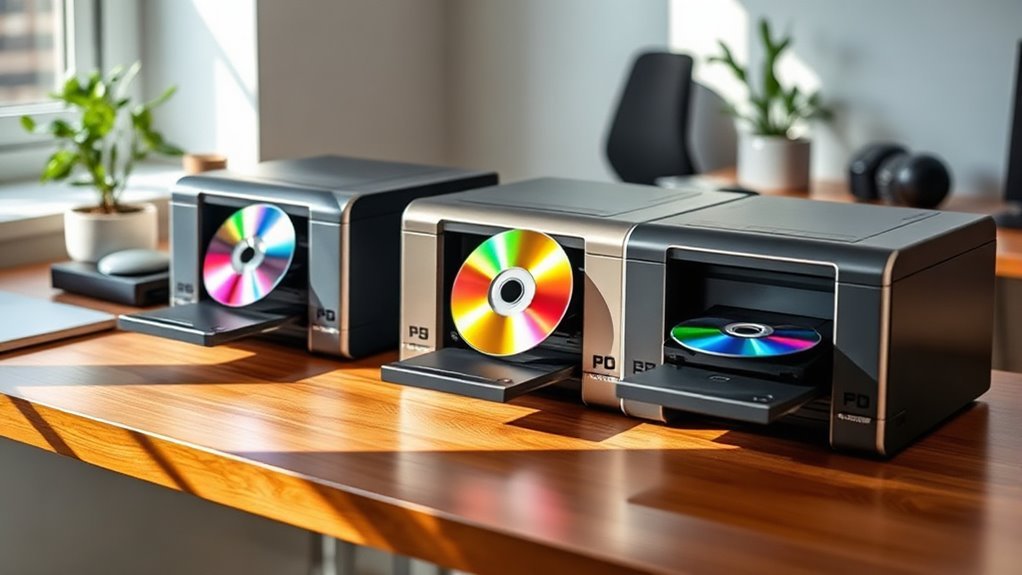
For 2027, the Casio CW-E60 offers reliable, portable monochrome disc printing with no ink hassles. It’s perfect if you want something straightforward and easy to carry around. This model keeps things simple and fuss-free, especially for black-and-white labels.
If you want vibrant, colorful labels with built-in design controls, the Casio CW-75 is your choice, though it needs ribbon replacements. It’s great for adding a splash of color and creativity to your discs. Just keep in mind, you’ll have to swap out ribbons now and then.
For waterproof, printable labels compatible with laser and inkjet printers, Risepekt’s pack is perfect. These labels are durable and versatile, fitting a range of printers for easy customization.
Each option fits different needs, whether you want durability, convenience, or vivid graphics—and there’s more to explore on how to pick the ideal printer for your projects.
| Image | Name | Editor's Rating | Price |
|---|---|---|---|

|
|
||

|
|
||

|
|
Casio CW-E60 CD & DVD Disc Title Printer
- Directly prints on the disc
- Features a USB connection for fast hook-up to your PC
- Has an on-screen preview image
- Powered by 8 “AA” size batteries or an AC adapter
- Includes: AC adapter, USB cable, software, black ink ribbon
The Casio CW-E60 CD & DVD Disc Title Printer offers an easy solution for labeling discs quickly and clearly. Its compact, portable design allows you to print directly on CDs and DVDs without risking damage or smudges. This eliminates the hassle of using labels or markers that can peel off or fade over time.
Connecting the printer to your PC via USB lets you import fonts and track names directly from Windows Media Player. You can preview your disc title on the built-in display before printing, ensuring accuracy and professional results every time. The printer supports discs up to 120 mm in diameter.
Powered by either AA batteries or an AC adapter, the CW-E60 is convenient for both on-the-go and stationary use. Its thermal printing technology delivers crisp, monochrome text at 200 dpi, though it prints only in black, which limits design options to simple titles.
Maintenance is straightforward since the printer uses direct thermal printing, avoiding ink cartridges or ribbons. This reduces upkeep and keeps operation hassle-free. However, the print speed of 8 mm per second may slow down bulk labeling tasks.
Best for: Individuals and professionals needing a portable, reliable way to print clear, permanent titles directly onto CDs and DVDs.
What We Like:
- Direct thermal printing prevents disc damage and smudging
- Portable with flexible power options (AA batteries or AC adapter)
- Easy import of fonts and track names with on-screen preview
- Simple maintenance with no ink or ribbons required
Specification:
| Feature | Details |
|---|---|
| Manufacturer | Casio |
| Dimensions | Compact, portable design |
| Weight | Lightweight |
| Printing Technology | Direct thermal |
| Print Resolution | 200 dpi |
| Print Speed | 8 mm per second |
| Disc Size Support | Up to 120 mm diameter |
| Power Options | AA batteries or AC adapter |
Casio Disc Title Printer with Qwerty keyboard (CW-75)
- Title all forms of Disc Media
- Thermal printing without applying labels
- Print directly on CDs and DVDs
- Import graphics, text and files
- Various colors to choose from
Experience vibrant, direct disc labeling with the Casio Disc Title Printer CW-75. This device prints directly onto CDs and DVDs, eliminating the need for sticky labels that can peel or damage your discs. Its four-color thermal printing produces sharp, colorful designs, perfect for personalizing your media with up to 16 lines of text.
The built-in QWERTY keyboard and touchscreen simplify the design process, allowing you to create custom labels quickly. USB connectivity enables easy import of graphics and text, expanding your creative options. Its portable design runs on eight AA batteries or an optional AC adapter, providing flexibility for on-the-go use.
Maintenance is straightforward but requires regular ribbon replacement, as each ribbon prints about 50 discs. While print speed is moderate, the CW-75 offers reliable quality for small to medium batches. This printer suits users who want precise, colorful disc labeling without complicated setups or messy adhesives.
Best for: users needing easy, direct thermal printing on CDs/DVDs for personalized, vibrant disc labels.
What We Like:
- Four-color printing with fine 200 x 200 dpi resolution
- Portable power options including AA batteries and AC adapter
- User-friendly QWERTY keyboard and touchscreen controls
- USB connectivity for importing custom graphics
- Includes software, sample CD-R, and templates for quick setup
Specification:
| Feature | Details |
|---|---|
| Manufacturer | Casio |
| Dimensions | Not specified |
| Weight | Not specified |
| Printing Colors | Cyan, Magenta, Yellow, Black |
| Resolution | 200 x 200 dpi |
| Power Source | 8 AA batteries or AC adapter |
| Connectivity | USB |
| Included Items | Software, Ribbon, Sample CD-R, Template |
Waterproof Printable CD Labels for Laser & Inkjet Printer, 20 Disc
- 10-Sheet Value Pack - Includes 10 printable US Letter sheets with 20 CD labels and 40 spine labels, ideal for organizing CDs, DVDs, photo archives, music discs, training...
- Laser & Inkjet Printer Compatible - Designed for both laser and inkjet printers, allowing you to create clean text, vivid graphics, logos, photos, and custom disc designs...
- Water, Oil & Scratch Resistant - The durable printable surface helps protect your finished CD labels from splashes, fingerprints, oil marks, and everyday scratches for a...
- Strong Adhesion, No Lifting - Permanent adhesive helps labels stay firmly attached to discs and case spines without peeling, lifting, or wrinkling during long-term...
- Reliable in Different Environments - Built for lasting use with a working temperature range from -10°C to 70°C, helping labels stay secure whether stored in offices...
Waterproof printable CD labels offer a practical solution for keeping discs neat and protected. Designed for both laser and inkjet printers, these labels resist water, oil, and scratches. This durability ensures your disc labels stay clear and legible, even in challenging conditions.
The pack includes 20 round, matte white labels on 10 sheets. Their strong adhesive prevents peeling and wrinkling, so labels remain firmly attached during handling and storage. These features help maintain organized media collections without damage.
Printing is made simple with templates available on Risepekt’s website. You can easily customize each label with graphics, logos, or text for a professional look. The labels also tolerate temperatures from -10°C to 70°C, suitable for various storage environments.
Though made of paper, these labels balance durability and ease of use. However, they may not match the toughness of plastic or vinyl in extreme conditions. The limited quantity and round shape may not fit every project but work well for most CD labeling needs.
Best for: Creative professionals and organizers seeking durable, waterproof CD labels compatible with laser and inkjet printers.
What We Like:
- Waterproof, oil- and scratch-resistant for lasting clarity
- Strong adhesive prevents peeling and wrinkling
- Compatible with free, easy-to-use custom printing templates
Specification:
| Feature | Details |
|---|---|
| Manufacturer | Risepekt |
| Quantity | 20 labels (10 sheets) |
| Material | Paper |
| Label Shape | Round |
| Color | Matte white |
| Printer Type | Laser & inkjet |
| Temperature Range | -10°C to 70°C |
Factors to Consider When Choosing a Cd Dvd Label Printer
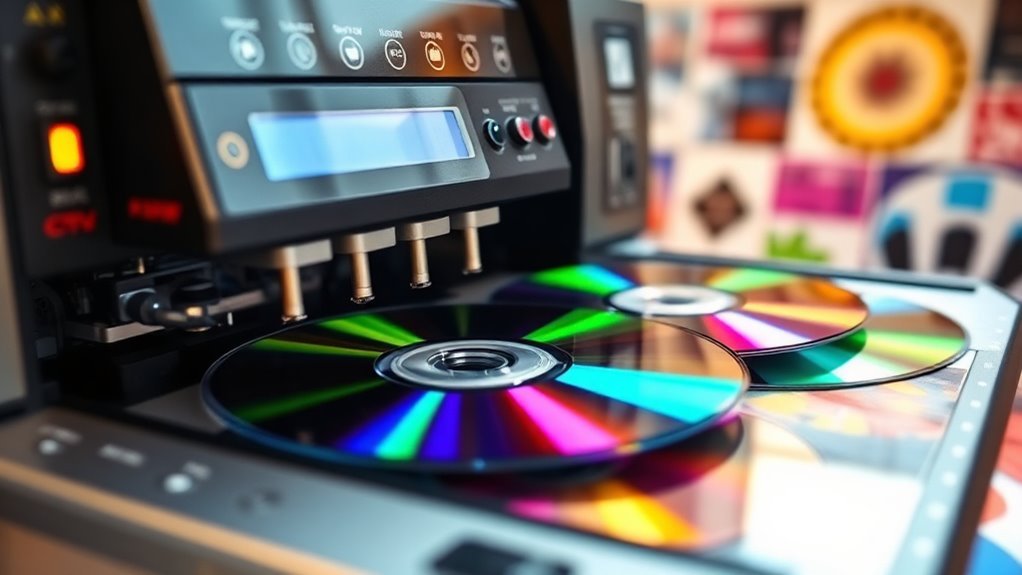
When choosing a CD DVD label printer, you’ll want to take into account the printing technology it uses and whether you need color or monochrome output. Make sure it’s compatible with your devices and supports the print resolution you require.
Also, check if it handles the media sizes you plan to use for your labels. It’s always good to double-check these details before making a decision. That way, you won’t run into any surprises later on.
Printing Technology Types
How do you choose the right printing technology for your CD or DVD label printer? Thermal disc printers use heat to transfer ink or darken coated surfaces, delivering sharp, durable prints without labels at about 200 x 200 dpi. They’re moisture- and scratch-resistant but need ribbons that print only a limited number of discs.
Inkjet printers offer high-resolution, photo-quality images on coated discs or label sheets. However, they may require drying time and special coatings for water resistance.
Laser printers provide fast output and clear text by fusing toner onto special printable media designed to handle heat. But you must use compatible discs or labels to avoid damage.
Also, consider print areas—thermal printers print directly on discs, while inkjet and laser methods rely on label sheets with size constraints. So, think about what matters most for your project before deciding!
Color Versus Monochrome
Although color printers offer vibrant, detailed images by using cyan, magenta, yellow, and black inks or ribbons, they come with higher consumable costs and shorter ribbon life compared to monochrome printers.
If you want photo-quality images, logos, or intricate artwork on your discs, color printing is the way to go. However, keep in mind that color printing uses multi-color ribbons or inks, raising your cost per disc substantially.
On the other hand, monochrome printers produce only black or a single color, limiting design complexity but offering faster print speeds, lower maintenance, and longer ribbon life.
For text-only labels, barcodes, or simple designs, monochrome is usually sufficient and more economical. When choosing, factor in your volume and long-term running costs to find the best fit for your needs.
Compatibility With Devices
Choosing between color and monochrome printers is just one part of finding the right CD/DVD label printer. You’ll want to make certain it supports the connection interface your computer uses—whether USB 2.0, USB-C, or Ethernet—for smooth data transfer.
Don’t forget to check if the printer’s drivers and software are compatible with your operating system, be it Windows, macOS, or Linux. That way, you can import fonts and graphics easily without any hassle.
Consider whether you prefer on-device editing with a built-in keyboard and display or if you’ll design exclusively via PC. It’s all about what feels more convenient for you.
Also, verify the printer supports the file formats you use, like JPEG, PNG, or PDF. Make sure it can handle your specific media type and size, such as printable discs or adhesive labels, to avoid alignment and printing issues.
Print Resolution Importance
Why does print resolution matter when selecting a CD/DVD label printer? Because higher DPI means sharper text and finer details on the small disc surface.
For typical labels, 200 dpi offers noticeably crisper results than lower resolutions. But if you plan to print photos or complex graphics, aim for 300 dpi or more to avoid pixelation and preserve smooth color gradients.
Since disc labels have limited space and often include small fonts near the center hole, resolution directly impacts legibility. Remember, claimed DPI alone doesn’t guarantee quality.
Print technology, media compatibility, and color depth also play key roles. When choosing, compare both horizontal and vertical DPI, and test prints on your preferred discs.
Effective resolution can vary with media texture, ink type, and printer calibration. So, it’s always a good idea to do some test prints before making a final decision.
Media Size Support
Print resolution sets the foundation for clear, detailed disc labels, but making sure your printer supports the right media sizes guarantees those designs fit perfectly.
First, confirm the printer handles the disc diameter you need—standard CDs and DVDs are 120 mm, while mini discs require explicit 80 mm support. Check the printable area around the center hole to avoid design truncation.
Also, consider whether the printer processes single discs or can handle multiple sheets if you’re working with large batches. If you use adhesive label sheets, make certain compatibility with common sheet sizes like full letter sheets.
Finally, verify the printer’s minimum and maximum thickness specs to prevent jams and make certain proper print adhesion on sticker paper or hub-safe discs. It’s worth double-checking these details so your printing goes smoothly every time.
Connectivity Options Available
When deciding on a CD DVD label printer, you’ll want to take into account how it connects to your devices. USB connectivity, usually USB 2.0 or higher, offers a direct, low-latency link for printing from a single PC and often requires PC software.
Wireless options like Wi-Fi or Wi-Fi Direct let you print from multiple devices or mobile apps without cables. This is ideal for networked workgroups or mobile workflows.
Bluetooth enables quick, short-range printing from phones or tablets but has lower speed and range than Wi-Fi. So, it’s great if you just need something simple and fast nearby.
Ethernet provides stable, high-speed, multi-user access for busy environments with several stations. It’s perfect when you have lots of users needing reliable connections.
Some printers feature standalone control with built-in keyboards or onboard memory. This lets you print without connecting to a PC by using stored templates or USB drives. Handy, right?
Power Source Flexibility
Powering up your CD DVD label printer the right way can make all the difference between smooth operation and frustrating interruptions. You’ll want a printer that supports both AC adapter power and battery operation, so you can use it in fixed workspaces or on the go without missing a beat.
Check the battery type and count—like models running on multiple AA batteries—and estimate runtime to plan replacements. USB power or external power bank compatibility is handy for mobile use, but make sure voltage and current specs match to avoid underpowering.
If you print high volumes, prioritize mains-powered units or those with AC adapters to maintain consistent quality. Also, look for power-switching convenience and safety features like auto-shutdown and low-battery warnings to protect your media and prevent failed prints.
Durability And Adhesion
Although selecting a CD DVD label printer involves many features, durability and adhesion are essential to ensuring your labels stay intact and look professional over time. You should choose labeling methods rated for water, oil, and scratch resistance, with operating ranges like -10°C to 70°C to handle various storage conditions.
Check the adhesive type and peel strength—look for permanent strong adhesives or quantified peel-test values to prevent lifting or curling. It’s best to prefer printers that bond directly to disc surfaces, such as direct thermal or thermal transfer. Or use specially formulated printable labels to reduce detachment during spinning.
Always review manufacturer metrics on abrasion resistance, waterproofing, UV resistance, and expected lifespan. For archival or frequently handled discs, pick stable label materials and adhesives that won’t bleed, discolor, or chemically damage the disc.
Frequently Asked Questions
Can I Use These Printers for Blu-Ray Discs?
Yes, you can use these printers for Blu-ray discs if they support the disc size and surface. Just make sure the printer’s specifications mention compatibility with Blu-ray to avoid any printing issues or damage.
It’s always a good idea to double-check before you start printing. That way, you can save yourself from any potential headaches or wasted discs.
Are There Any Wireless Cd/Dvd Label Printers Available?
Yes, you’ll find wireless CD/DVD label printers that connect via Wi-Fi or Bluetooth, letting you print directly from your laptop or smartphone. They’re super convenient and reduce the mess of cables.
Plus, they help you create professional labels easily from anywhere. It’s a great way to keep things simple and efficient when labeling your discs.
How Long Do Printed Labels Typically Last Without Fading?
Printed labels typically last 3 to 5 years without fading if you keep them away from direct sunlight and moisture.
You’ll want to use high-quality ink and paper to guarantee they stay vibrant longer.
Taking these simple steps really helps your labels look great for years to come.
Can These Printers Print Full-Color Images on Labels?
You can print full-color images on labels with these printers—they make your designs pop like fireworks on New Year’s Eve.
Just make sure to use the right paper and settings for the best, vibrant results every time.
Do These Printers Support Mac and Windows Operating Systems?
Yes, these printers support both Mac and Windows operating systems. You’ll find compatible drivers and software for easy installation.
Conclusion
Choosing the right CD and DVD label printer can make your projects look professional and save you time. Whether you prefer the Casio CW-E60’s sleek design or the convenient Qwerty keyboard on the CW-75, there’s an option for you. Plus, some printers offer waterproof printable labels for extra durability.
So, why settle for dull, generic discs when you can easily create personalized, high-quality labels? With the right CD DVD label printer, your creativity truly has no limits. Finding the best device for your needs means your projects stand out with vibrant, lasting prints. Whether for work or personal use, investing in a quality label printer is a game-changer. In 2027, having a reliable printer for CD and DVD labels will keep your discs looking sharp and professional every time.