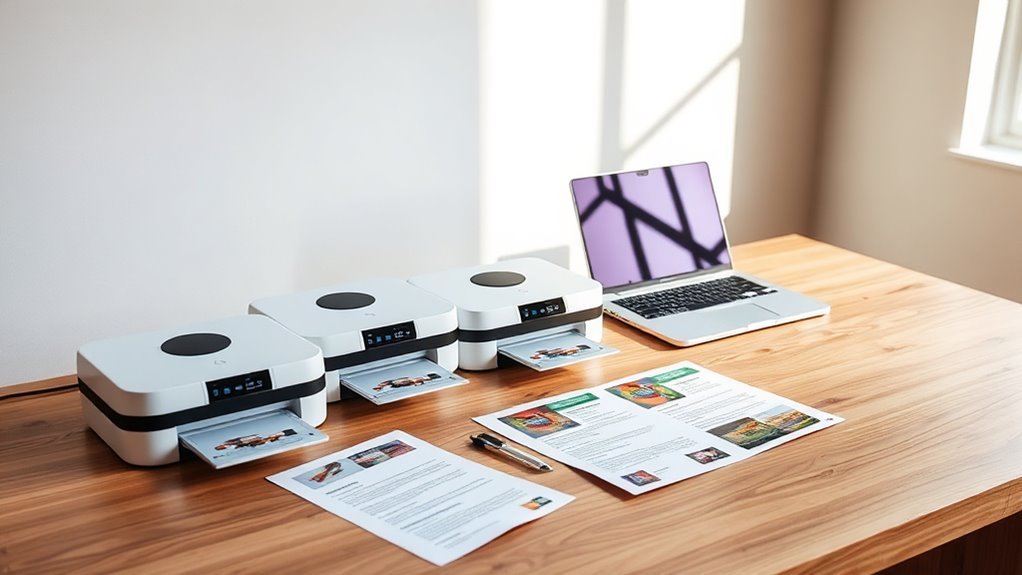
5 Best Bluetooth Printers for Chromebook in 2027
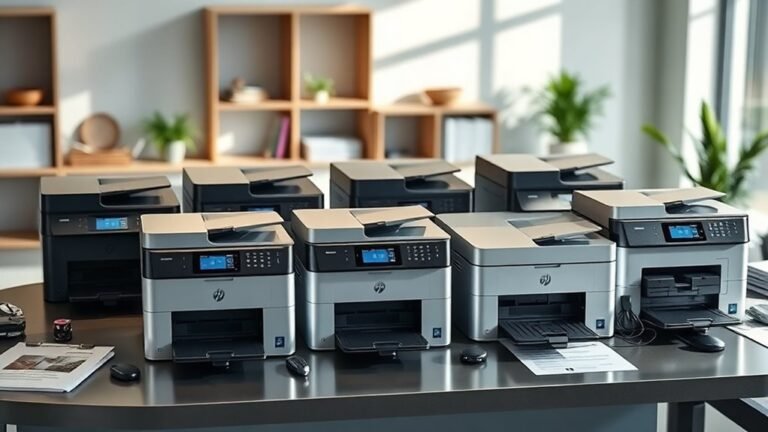
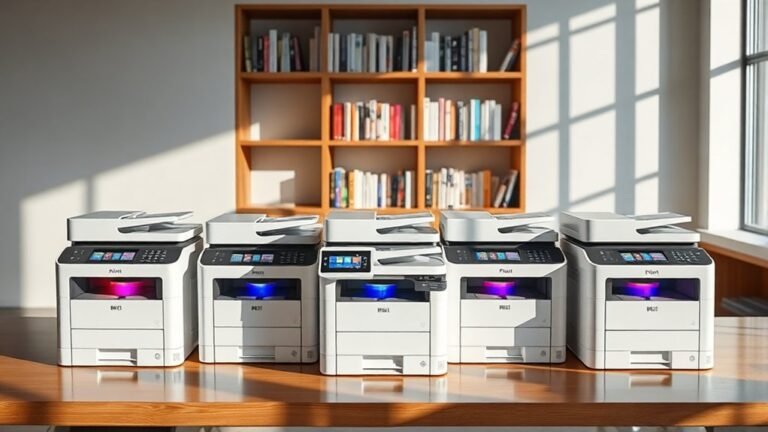
If you’re on the hunt for reliable Bluetooth printers for your Chromebook in 2027, you’ve got some great options.
Whether you need something eco-friendly, versatile, or super fast, these printers have you covered. The HP DeskJet 2923 and 4355 are solid all-in-one choices with excellent wireless features and a focus on sustainability.
Then there are the Canon PIXMA TS4320 and TS7720, which deliver sharp prints and come with handy functions like scanning and auto-duplex printing.
If speed is your priority, especially for label printing, the MUNBYN Bluetooth Thermal Printer is a fantastic pick.
These options strike a great balance between portability, print quality, and convenience.
Keep reading to explore the key features that make these printers perfect for your Chromebook printing needs!
| Image | Name | Editor's Rating | Price |
|---|---|---|---|

|
|
||

|
|
||

|
|
||

|
|
HP DeskJet 2923 Color Inkjet Printer | Wireless | All-in-One
- Perfect for basic printing needs – Print everyday color documents like to-do lists, letters, financial documents and recipes
- KEY FEATURES – Color print, copy, scan, and a 60-sheet input tray, plus mobile and wireless printing
- OPTIMIZE PRINT FORMATTING WITH HP AI – Print web pages and emails with precision—no wasted pages or awkward layouts; HP AI easily removes unwanted content, so your...
- ICON LCD – Print your basic documents with ease from the intuitive control panel
- PRINT SPEED – Up to 7.5 ppm black, 5.5 ppm color

The HP DeskJet 2923 is a compact all-in-one printer designed to simplify your home office tasks. It prints, copies, and scans with ease, making it perfect for everyday use. Its lightweight design saves space while still delivering sharp print quality, up to 1200 dpi in black and vibrant colors.
Wireless connectivity lets you print effortlessly from your Chromebook or mobile devices. With support for dual-band Wi-Fi, Apple AirPrint, and the HP App, you can send documents to print without hassle. This flexibility helps you stay productive without being tied to cables or a desktop.
Maintenance is straightforward, though the printer’s 60-sheet input tray means you’ll need to reload paper more often for larger jobs. Copying is limited to nine pages per run, which is suitable for light tasks but not bulk copying. The eco-conscious build using recycled plastics and ENERGY STAR certification also makes it a responsible choice.
Best for: Home users seeking a compact, versatile all-in-one printer with wireless and mobile printing for daily printing, scanning, and copying needs.
What We Like:
- Compact and lightweight for small spaces
- Wireless printing with dual-band Wi-Fi and mobile app support
- Sharp print quality with up to 1200 dpi resolution
- Eco-friendly design using recycled materials and ENERGY STAR certified
Specification:
| Feature | Details |
|---|---|
| Manufacturer | HP |
| Dimensions (W×D×H) | 16.5 × 12.9 × 6.5 inches |
| Weight | Approx. 6.16 lbs (2.8 kg) |
| Print Resolution | Up to 1200 dpi (black) |
| Input Tray Capacity | 60 sheets |
| Connectivity | Dual-band Wi-Fi, Apple AirPrint, HP App |
Canon PIXMA TS4320 – Wireless Color Inkjet Printer with Print, Copy, Scan
- Affordable Versatility - A budget-friendly all-in-one printer perfect for both home users and hybrid workers, offering exceptional value
- Crisp, Vibrant Prints - Experience impressive print quality for both documents and photos, thanks to its 2-cartridge hybrid ink system that delivers sharp text and vivid...
- Effortless Setup & Use - Get started quickly with easy setup for your smartphone or computer, so you can print, scan, and copy without delay
- Reliable Wireless Connectivity - Enjoy stable and consistent connections with dual-band Wi-Fi (2.4GHz or 5GHz), ensuring smooth printing from anywhere in your home or...
- Scan & Copy Handling - Utilize the device’s integrated scanner for efficient scanning and copying operations
The Canon PIXMA TS4320 is designed to simplify wireless printing for Chromebook users and home offices. With seamless connectivity through dual-band Wi-Fi and support for the Canon PRINT App, Apple AirPrint, and Mopria Print Service, it makes printing directly from mobile devices straightforward and hassle-free.
This compact inkjet printer produces sharp, vibrant prints at 1200 x 1200 dpi with speeds of up to 9 ppm in color and 14 ppm in black and white. It also handles everyday tasks like scanning and copying, making it a versatile choice for busy households or small workspaces.
Maintenance is easy, thanks to its efficient ink system and auto-duplex printing that helps reduce paper waste. The printer supports various media types but limits paper size to standard letter dimensions, which suits most home and student needs.
Its sleek design fits neatly into tight spaces, though the lack of an advanced display screen means navigation relies on connected devices. With a moderate paper capacity, it’s best suited for light to moderate printing tasks.
Best for: users needing a compact, wireless printer with color printing, scanning, and copying capabilities for everyday home and Chromebook use.
What We Like:
- Dual-band Wi-Fi enables smooth mobile printing via popular apps.
- Auto-duplex printing reduces paper consumption.
- Crisp 1200 x 1200 dpi output with fast color and black-and-white speeds.
- Compact design fits well in small spaces.
- Easy maintenance with reliable ink management.
Specification:
| Feature | Details |
|---|---|
| Manufacturer | Canon |
| Dimensions (W×D×H) | Approx. 12.0 x 14.8 x 5.2 in |
| Weight | Approx. 8.8 lbs (4.0 kg) |
| Print Resolution | Up to 1200 x 1200 dpi |
| Print Speed | 9 ppm (color), 14 ppm (B&W) |
| Connectivity | Dual-band Wi-Fi, mobile apps |
| Media Size Supported | Up to 8.5 x 11 inches |
MUNBYN Bluetooth Thermal Label Printer, Wireless 4×6 Shipping Label Printer
- VERSATILE LABEL SIZES FOR MORE USES: Print a wide range of direct thermal labels from 1.57" to 4.25" wide, giving you the flexibility to handle everything from shipping...
- Save on Long-Term Costs: Designed as a thermal printer, it lasts up to 970,000 labels—six times more than ordinary devices. Its professional-grade engineering ensures a...
- DAC Dynamic Algorithm Tech: As the first thermal shipping label printer with a 4-inch DAC chip, it auto-calibrates to reduce label misalignment and delivers precision for...
- Enhanced Clarity: Built for professional-grade output, this shipping label printer ensures 0.1 mm font legibility. It’s ideal for creating crisp monochrome labels...
- Whisper-Quiet Performance: Operating at just 60 dB—quieter than typing—this thermal label printer maintains focus in quiet environments like home offices, libraries...
The MUNBYN Bluetooth Thermal Label Printer offers a seamless solution for efficient shipping label printing. Designed for fast-paced environments, it delivers clear, sharp labels at speeds up to 150 pages per minute, helping to streamline your shipping process and reduce wait times.
This wireless 4×6 label printer supports widths from 1.57 to 4.25 inches, accommodating various label sizes for versatile use. Its direct thermal technology eliminates the need for ink or toner, simplifying maintenance and ensuring durable prints that last.
Connectivity is flexible with Bluetooth and USB options, compatible with Chromebook, Windows, Mac, Android, and iOS devices. This broad compatibility makes it easy to integrate into existing workflows across different platforms.
The printer’s quiet operation at 60 dB and compact design enhance usability in office or home settings without causing distractions. Additionally, its low jam rate, under 0.01%, minimizes downtime and maintenance efforts, supported by DAC Dynamic Algorithm Tech.
Best for: Small to medium businesses and home offices needing reliable, wireless shipping label printing with broad device compatibility.
What We Like:
- Fast print speed with sharp text clarity.
- Durable, maintenance-free direct thermal printing.
- Wide compatibility with multiple operating systems.
- Quiet operation suitable for office environments.
- Low jam rate ensures consistent performance.
Specification:
| Feature | Details |
|---|---|
| Manufacturer | MUNBYN |
| Print Speed | Up to 150 pages per minute |
| Print Technology | Direct Thermal |
| Label Size | 1.57 to 4.25 inches wide |
| Connectivity | Bluetooth, USB |
| Supported OS | Chromebook, Windows, Mac, Android, iOS |
| Noise Level | 60 dB |
| Dimensions | Not specified |
| Weight | Not specified |
Canon PIXMA TS7720 Wireless All-in-One Printer
- ALL-IN-ONE: Print, Copy, Scan features for full control at your fingertips.
- FAST PRINT SPEEDS: Print approximately 15 (black) / 10 (color) images per minute.
- EASY SETUP: Get running in just a few minutes thanks to a streamlined and easy setup process out of the box.
- EASY TO INSTALL INK: Print full color with only 2 (no mess) easy-to-replace ink cartridges.
- 2.7” LCD SCREEN: Get the job done with an intuitive and easy to use 2.7” LCD touchscreen.
Experience seamless printing with the Canon PIXMA TS7720, designed to meet the needs of home offices requiring sharp, vibrant color output. Its high 1200 x 1200 dpi resolution ensures every document and photo comes out crisp and clear, improving the quality of your work presentations and personal projects.
This all-in-one printer simplifies your workflow by combining printing, scanning, and copying functions into one compact device. The intuitive 2.7” touchscreen makes navigation easy and keeps your tasks efficient, saving you time on routine office jobs.
Connectivity is straightforward, with options for wireless and high-speed USB connections. Setup is quick, letting you focus on your work instead of technical hassles. The 2-cartridge FINE Hybrid ink system delivers vivid colors and sharp text, although it may require more frequent ink replacements compared to multi-cartridge models.
With features like auto-duplex and borderless printing, the PIXMA TS7720 handles a variety of media types and sizes, though it is limited to standard letter-sized paper. Its compact design fits well in small spaces without sacrificing versatility.
Best for: Home office users seeking a compact, versatile printer with high-quality color printing, fast speeds, and easy wireless connectivity.
What We Like:
- Crisp print quality at 1200 x 1200 dpi resolution
- User-friendly 2.7” touchscreen for streamlined control
- Convenient auto-duplex and borderless printing options
- Flexible connectivity via wireless and USB
- Compact size suitable for limited workspace
Specification:
| Feature | Details |
|---|---|
| Manufacturer | Canon |
| Dimensions (W×D×H) | 14.5 × 12.7 × 5.0 in |
| Weight | 13.0 lb |
| Ink System | 2-cartridge FINE Hybrid |
| Media Size Support | Up to 8.5 × 11 in |
| Display | 2.7” Touchscreen |
HP DeskJet 4355 Color Inkjet Printer | Wireless | All-in-One
No products found.
The HP DeskJet 4355 offers a smart solution for those needing a compact, eco-friendly all-in-one printer. Its design uses 70% recycled plastics and holds an ENERGY STAR certification, helping reduce environmental impact without compromising performance. This printer fits well in small spaces, making it ideal for home or small office setups.
Functionality is straightforward with features like an intuitive icon LCD and an auto document feeder that simplify printing, copying, and scanning. Dual-band Wi-Fi ensures stable wireless connections, while the HP app lets you control tasks directly from your smartphone. This makes managing print jobs more convenient and efficient.
Maintenance is easy, supported by a 3-month Instant Ink trial that automatically replenishes ink when running low. Print quality reaches up to 4800 x 1200 dpi, delivering sharp images and text. Manual duplex printing helps save paper, although it requires user intervention.
While the 60-sheet input tray suits light to moderate use, frequent refills may be necessary for higher volumes. Also, the single USB port limits wired connectivity options compared to some other models.
Best for: eco-conscious users who want a compact, wireless all-in-one printer with easy mobile management and reliable print quality.
What We Like:
- Environmentally friendly with 70% recycled plastics and ENERGY STAR certification
- Easy wireless printing and scanning via dual-band Wi-Fi and HP app
- Automatic ink replenishment with a 3-month Instant Ink trial
- Sharp print quality up to 4800 x 1200 dpi
- Compact design fits well in small spaces
Specification:
| Feature | Details |
|---|---|
| Manufacturer | HP |
| Dimensions | Compact size (exact size not provided) |
| Weight | Not specified |
| Material | 70% recycled plastics |
| Color Options | Not specified |
Factors to Consider When Choosing a Bluetooth Printer for Chromebook
When choosing a Bluetooth printer for your Chromebook, you’ll want to check its compatibility and Bluetooth range first.
Consider how fast it prints and the quality you need for your tasks. Also, think about portability, battery life, and power options to match your workflow.
It’s all about finding the right fit that makes printing easy and efficient for you.
Compatibility With Chromebook
Because not all Bluetooth printers work seamlessly with Chromebooks, you’ll want to verify the device supports Chrome OS and offers native printing options or compatibility with services like Google Cloud Print. Make sure the printer supports Bluetooth connectivity to enable wireless printing straight from your Chromebook without extra setup.
Check if the manufacturer provides apps or software tailored for Chromebooks to improve printing functionality. It’s also important the printer handles common document formats you use, such as PDF, DOCX, and images, efficiently.
Bluetooth Connectivity Range
Although Bluetooth printers offer convenient wireless printing for your Chromebook, understanding their connectivity range is essential for maintaining a stable connection. Typically, Bluetooth works well within about 30 feet (10 meters) in open spaces, but walls, furniture, and other obstacles can reduce this range.
Newer Bluetooth versions, like 5.0, provide better range and stability, so you’ll want to choose a printer with the latest technology. Keep in mind that interference from other 2.4 GHz devices and environmental factors like humidity or temperature can also affect signal strength.
To get the best performance, place your printer within the recommended range and minimize physical barriers and sources of interference. This way, you’ll ensure smooth and reliable printing every time.
Print Speed And Quality
One key factor to evaluate when choosing a Bluetooth printer for your Chromebook is print speed and quality. You want a printer that can handle your workload efficiently, with speeds up to 15 pages per minute for black and 10 for color.
Quick first-page print times, as fast as 9.5 seconds, minimize waiting, keeping you productive. Print quality hinges on resolution, so look for options up to 4800 x 1200 dpi for vibrant images and sharp text.
A dual-cartridge ink system enhances color accuracy and detail, making documents and photos look their best. Also, consider automatic duplex printing to save paper by printing on both sides without extra effort.
Prioritizing these features guarantees your Bluetooth printer delivers fast, high-quality output every time you print from your Chromebook.
Portable Design Features
When choosing a Bluetooth printer for your Chromebook, you’ll want to focus on portable design features that make printing on the go effortless. Look for lightweight models, some weighing as little as 6 pounds, so you can carry them without strain.
Compact size matters too—printers under 15 inches wide fit easily into bags or small spaces. Durable construction is essential, ensuring your printer withstands travel wear and tear while staying functional.
Integrated wireless connectivity lets you print seamlessly from your Chromebook without messy cables, enhancing convenience. While many portable printers run on batteries, we’ll cover power details later.
For now, prioritize a design that combines lightness, compactness, durability, and wireless ease to get the most out of your portable Bluetooth printer.
Battery Life And Power
Since you’ll often rely on your Bluetooth printer away from power outlets, paying close attention to battery life and power efficiency is essential. You want a model with low power consumption—around 2.55 watts in idle mode is ideal—to maximize battery life during portable use.
Choose printers that feature auto-sleep, which helps conserve energy by entering low-power states when not printing. Keep in mind that faster print speeds might demand more power, so balance speed against battery longevity based on your needs.
Additionally, look for printers with efficient Bluetooth connectivity that maintain a strong connection without draining the battery quickly. These factors guarantee your printer stays powered longer, so you can print reliably on the go without constantly searching for an outlet.
Supported Media Types
Selecting a Bluetooth printer for your Chromebook means ensuring it supports a variety of media types to handle all your printing tasks. You’ll want a printer compatible with standard paper sizes up to 8.5 x 11 inches, plus specialty media like envelopes and labels for flexibility.
Consider printers that manage different media weights and finishes, including glossy, matte, and cardstock, to meet your creative and professional needs. High-resolution printing, such as 4800 x 1200 dpi, is essential if you plan to print photos or detailed images.
Also, check the input tray capacity—ideally between 60 to 100 sheets—to reduce frequent refills. And don’t forget to look for automatic duplex printing, which saves paper by printing double-sided when supported by your chosen media.
Frequently Asked Questions
How Do I Update Bluetooth Drivers on My Chromebook?
You don’t update Bluetooth drivers manually on a Chromebook. Instead, just keep your Chrome OS updated by going to Settings > About Chrome OS > Check for updates.
The system automatically updates all drivers for you. So, there’s no need to worry about finding and installing Bluetooth driver updates yourself. Just let your Chromebook handle it in the background.
Can I Print From Chromebook Offline Using Bluetooth?
Yes, you can print from your Chromebook offline via Bluetooth. Just pair your Chromebook with a compatible Bluetooth printer.
Make sure the printer is ready, and then send your print job. You don’t need an internet connection for this. Easy, right?
Are There Any Security Risks With Bluetooth Printing?
You should know that 40% of Bluetooth devices have security vulnerabilities. Yes, Bluetooth printing can expose your data if not secured properly.
How Do I Troubleshoot Bluetooth Connection Issues?
You can troubleshoot Bluetooth connection issues by restarting both devices and making sure Bluetooth is enabled. It’s a simple step, but it often does the trick.
Next, check for any interference that might be messing with the signal. Sometimes, other wireless devices or physical obstacles can cause problems.
Also, updating your drivers can help fix bugs or compatibility issues. If things still aren’t working, try removing the printer from your device and then re-pairing it.
Don’t forget to double-check your Chromebook’s Bluetooth settings to make sure everything is set up correctly. Sometimes a quick glance there can reveal the problem.
What Is the Typical Battery Life of Portable Bluetooth Printers?
You can expect portable Bluetooth printers to last around 4 to 8 hours on a full charge, depending on usage.
If you print frequently, you might need to recharge more often to keep it running smoothly.
So, if you’re on the go a lot, it’s a good idea to keep an eye on the battery level.
That way, you won’t get caught without power when you need it most.
Conclusion
Choosing the perfect Bluetooth printer for your Chromebook doesn’t have to be an intimidating task. With options like HP and Canon offering seamless wireless experiences, you’re sure to find a device that quietly enhances your productivity without making a fuss.
Whether you need vibrant color prints or efficient label printing, these thoughtfully designed printers will subtly elevate your workflow. They make printing feel less like a chore and more like a natural extension of your digital life.
Finding the best Bluetooth printer for Chromebook means focusing on ease of use, reliable connectivity, and quality output. With the right printer, printing becomes quick and hassle-free, helping you stay productive wherever you are. So, if you want smooth, wireless printing that fits perfectly with your Chromebook, these top picks will have you covered every time.