4 Best Budget Bluetooth Printers for 2027
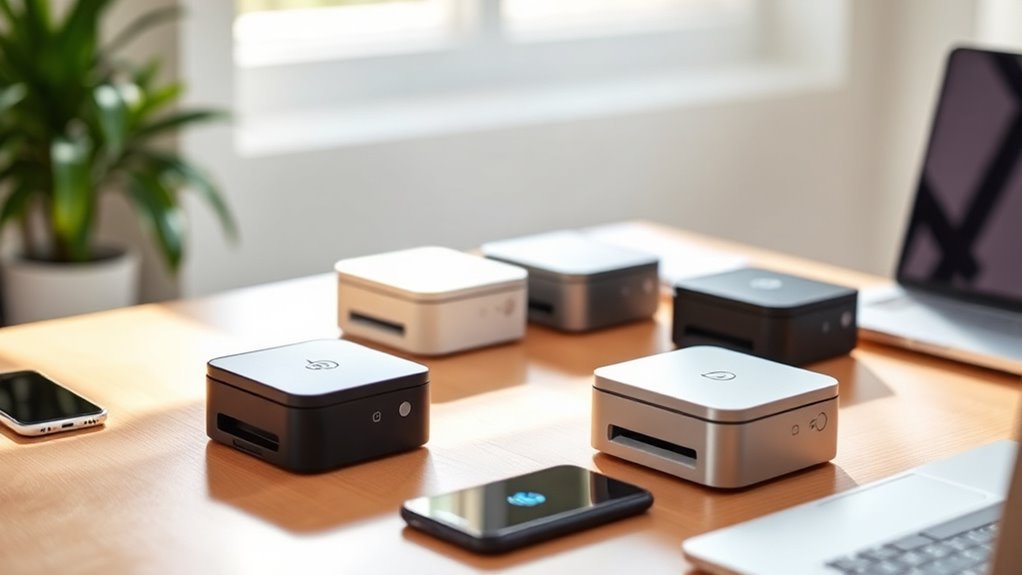
If you’re hunting for a reliable, budget-friendly Bluetooth printer in 2027, you’ve got some solid options to consider. Whether you need something for easy mobile and laptop use or a device that handles shipping labels like a pro, there’s a printer that fits the bill. Bluetooth connectivity makes printing from your phone or laptop super convenient, especially when you’re on the go or working from different spots.
Check out the Rongta Wireless Thermal Printer—it’s perfect for hassle-free printing from your mobile devices or laptops. If your main need is quick 4×6 labels, the JADENS Bluetooth Thermal Shipping Label Printer is a great choice. It’s designed specifically for fast label printing.
For those who print a lot of labels, the Thermal Shipping Label Printer 4×6 offers a cost-effective solution with high-volume capabilities. And if portability is your priority, the Phomemo M832 shines with its rechargeable battery, making it easy to print wherever you are. Keep exploring to find the best fit for your printing needs!
| Image | Name | Editor's Rating | Price |
|---|---|---|---|

|
|
||

|
|
||

|
|
Rongta Wireless Thermal Portable Printer for Mobile Devices
- Easy to Set Up: RONGTA F11A portable thermal printer for travel go by bluetooth.Download "RONGTA" APP from Google Play or APP store for iOS and Android Phone or...
- RONGTA portable printer, 203DPI resolution, large to 8.5" design, easy to use and maintain. Print forms, letters, assignments, study materials, and travel documents...
- Stylish Thermal Printer:Rongta bluetooth wireless printer, It is compatible with your go-to paper sizes—including US Letter, Legal, A4 thermal papers. What’s more, it...
- Portable and Compact: When traveling you can take Rongta portable printer wireless in your backpack or tote bag wherever you need. It is compact and portable whether in...
- Warm Tips: Do Not Support Chrome. Rongta portable printers wireless for travel can't support pair bluetooth via Phone or tablet directly, must be pair on the"RONGTA" APP...

The Rongta Wireless Thermal Portable Printer offers a practical solution for anyone needing a compact and efficient printing device on the move. It connects effortlessly via Bluetooth with the RONGTA app on Android and iOS devices, or through USB for laptops running Windows or macOS. This flexibility helps you print important documents wherever you are, without hassle.
Designed for simplicity, the printer uses thermal paper and prints sharp, monochrome pages at 203 dpi without requiring ink or ribbons. Its lightweight, black design makes it easy to carry and store, ideal for mobile professionals or remote work settings. Setup is quick, letting you focus on your tasks instead of complicated installations.
Maintenance is minimal since you only need to replace thermal paper rolls, making it a cost-effective option over time. The printer handles single-sided printing and does not support Chrome browser printing, which is worth considering depending on your workflow.
This device is perfect for straightforward, on-the-go printing needs, giving you reliable output in a portable package without unnecessary extras.
Best for: professionals and individuals seeking a budget-friendly, portable thermal printer for simple, monochrome mobile and laptop printing.
What We Like:
- Seamless Bluetooth connection through RONGTA app for Android and iOS
- Portable, lightweight design ideal for travel and remote use
- Inkless thermal printing reduces maintenance and running costs
- Compatible with Windows and macOS laptops via USB
Specification:
| Feature | Details |
|---|---|
| Manufacturer | Rongta |
| Dimensions | Compact, lightweight |
| Weight | Lightweight |
| Color | Black |
| Connectivity | Bluetooth, USB |
| Print Resolution | 203 dpi |
| Paper Type | Thermal paper (letter size max) |
JADENS Bluetooth Thermal Shipping Label Printer, Wireless 4×6 Label Printer
- [HIGH TECH LABEL PRINTER] Equipped with a Japanese high tech thermal print head, 203 DPI high printing quality. No ink, No toner, Clean with no mess, economical. Works...
- [PRINT WIRELESSLY]The label printer support printing wirelessly. For windows 8 or later and Mac, you can print via Bluetooth. For Android& iOS, you can’t print via...
- [PRINT VIA USB] USB connection works with both Windows (7 and newer) and Mac OS (10.9 and newer) devices. Please long and press the feed button to identify and calibrate...
- [WIDE USAGE] JADENS thermal label printer is widely used to print labels from various marketplaces and shipping platforms, such as Endicia, Dazzle, ShipStation, Shipping...
- [EASY TO SET UP & RELIABLE AFTER-SALE SERVICE] Set up in one minute. Printer driver, instruction videos and problem shooting videos are provided in U-Disk for better...
The JADENS Bluetooth Thermal Shipping Label Printer offers a seamless solution for fast and wireless 4×6 label printing. Its compact design fits easily on any desk, making it ideal for busy shipping areas. This printer handles multiple label sizes, including 4×6 and 3×3, without the need for ink or toner, cutting down on maintenance and supply costs.
Setup is straightforward, with Bluetooth connectivity through the Jadens app or USB connection for Windows and macOS. Calibration is simple, allowing users to quickly adjust labels for various shipping needs. It works smoothly with popular shipping platforms like ShipStation and Etsy, improving workflow efficiency.
Designed for small businesses and online sellers, this printer helps streamline shipping operations. However, the Bluetooth function requires the proprietary Jadens app, which limits native printing options. Additionally, its media capacity holds up to 50 labels, so frequent refills might be necessary in high-volume settings.
Best for: Small business owners and online sellers needing fast, wireless, and cost-effective 4×6 label printing for shipping and warehouse tasks.
What We Like:
- Supports multiple label sizes without ink or toner, reducing ongoing costs.
- Bluetooth and USB connectivity compatible with Android, iOS, Windows, and macOS.
- Easy setup with simple label calibration and compatibility with popular shipping software.
- Compact and lightweight design fits well in small workspaces.
Specification:
| Feature | Details |
|---|---|
| Manufacturer | JADENS |
| Dimensions | Compact (exact dimensions not specified) |
| Weight | Lightweight (exact weight not specified) |
| Color Options | Blue |
| Connectivity | Bluetooth, USB |
| Supported Label Sizes | 4×6, 3×3 |
Thermal Shipping Label Printer 4×6 Bluetooth Label Maker for Small Business
- 【High‑Quality, Energy‑Efficient Thermal Printing】The NULLTONEX shipping label printer uses direct thermal technology, eliminating the need for ink or toner and...
- 【Bluetooth & USB Dual Connectivity】 Connect seamlessly to your phone, laptop or PC via Bluetooth or USB. Download the free app for quick Bluetooth pairing to create...
- 【User‑Friendly Operation】 Easy setup and a dedicated app offer 1,800+ customizable templates, 300+ fonts, and multiple editing tools for everything from daily home...
- 【Wide Compatibility with Popular Shipping Platforms】 Works seamlessly with major shipping carriers and e‑commerce platforms including Amazon, Shopify, Etsy, USPS...
- 【Durable, Compact & Ready to Use】 Featuring a special matte finish with reinforced coating and a space‑saving design that fits neatly on any desk. Built‑in...
Experience hassle-free label printing with this Thermal Shipping Label Printer designed for small businesses. Its direct thermal printing technology removes the need for ink or toner, cutting down on maintenance and operating costs. Print crisp 4×6 labels quickly and efficiently, helping you keep up with high shipping demands.
The printer’s Bluetooth and USB connectivity lets you print seamlessly from smartphones, laptops, or PCs. A free app with over 1,800 templates supports offline printing, making it easy to customize labels for shipping or organization without internet access. This flexibility enhances productivity and streamlines your workflow.
Compact and sturdy, the printer fits well in busy workspaces. It comes ready to use with 25 sheets of 4×6 labels, so you can start printing immediately. While the printer only produces black-and-white labels at 203 DPI resolution, it meets the needs of most shipping and organizational tasks with sharp clarity.
Best for: Small business owners who require fast, reliable, and cost-effective label printing for high-volume shipping and organization.
What We Like:
- Direct thermal printing eliminates ink and toner expenses.
- Bluetooth and USB connectivity with a free app offering 1,800+ label templates.
- Compact, durable design ready for immediate use with included labels.
- Supports offline printing for uninterrupted operation.
Specification:
| Feature | Details |
|---|---|
| Manufacturer | – |
| Dimensions | Compact (4×6 label size) |
| Weight | Lightweight |
| Printing Technology | Direct Thermal |
| Connectivity | Bluetooth, USB |
| Resolution | 203 DPI |
| Included Labels | 25 sheets of 4×6 labels |
| Color Options | Black and white only |
Phomemo M832 Portable Thermal Printers Wireless for Travel with Case
No products found.
The Phomemo M832 Portable Thermal Printer is designed to simplify printing for travelers and mobile users. Its compact, lightweight design fits easily in your bag with the included carrying case, making it ideal for printing on the move. This printer uses inkless thermal technology, eliminating the hassle of ink or toner replacements.
With Bluetooth wireless connectivity and the Phomemo app, you can print PDFs, images, and Word documents directly from your phone or tablet. The built-in rechargeable battery supports printing up to 150 sheets, perfect for quick tasks during business trips or school projects. It accepts various thermal paper sizes, including up to US Letter, providing flexibility for different printing needs.
Maintenance is minimal since the printer requires no ink or ribbons, reducing downtime and costs. However, it prints only in monochrome and does not support regular paper, which may limit its use for some tasks. The printing speed is moderate, and app installation is necessary for full functionality.
Overall, the Phomemo M832 offers a practical solution for on-the-go monochrome printing with easy setup and portability.
Best for: Travelers, mobile professionals, and students who need a lightweight, portable thermal printer for convenient monochrome printing.
What We Like:
- Compact and lightweight design with a carrying case for easy transport
- Inkless thermal printing reduces maintenance and operating costs
- Wireless Bluetooth printing from multiple file types via the Phomemo app
- Rechargeable battery supports printing up to 150 sheets per charge
Specification:
| Feature | Details |
|---|---|
| Manufacturer | Phomemo |
| Dimensions | Approximately 10 inches long |
| Weight | 1.5 pounds |
| Printing Type | Inkless thermal printing |
| Connectivity | Bluetooth |
| Battery | Built-in rechargeable |
| Paper Size | Supports various thermal paper sizes up to US Letter |
Factors to Consider When Choosing a Budget Bluetooth Printer
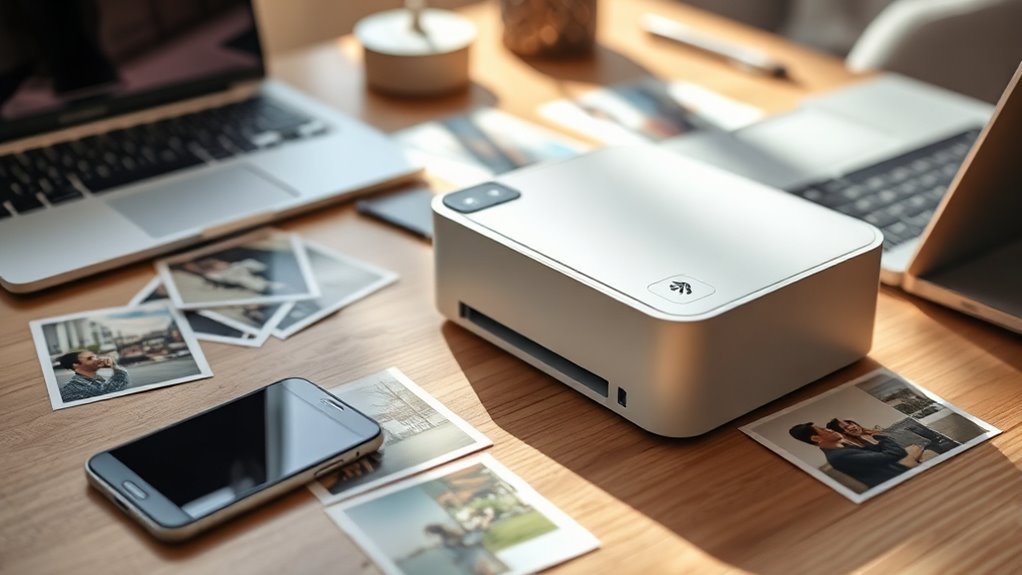
When choosing a budget Bluetooth printer, you’ll want to check if it’s compatible with your devices and consider how fast and clear it prints.
Also, take a look at the connectivity options and the types of paper it supports.
Don’t forget to see if its battery life matches your portability needs. These factors will help you find a printer that fits your daily use without overspending.
Compatibility With Devices
How well does a budget Bluetooth printer play with your devices? Before buying, verify it supports Bluetooth printing through a dedicated app or your device’s native Bluetooth profile. Some mobile OSes need an app to pair and print, so keep that in mind.
Confirm compatibility with your operating system versions—whether iOS, Android, Windows 7–11, or macOS. This helps make certain drivers or apps are available for your phone, tablet, or laptop.
Check if the printer supports the file types and apps you use, like PDFs, images, or shipping labels. You don’t want any workflow hiccups slowing you down.
Also, consider connection options. If you rely on mobile printing, strong Bluetooth app support is essential. But for desktop use, USB drivers might be preferable.
Lastly, watch out for limitations like app-only pairing or restricted browser printing. Those could really disrupt your experience.
Printing Speed And Quality
Consider printing speed and quality carefully before choosing a budget Bluetooth printer. These factors directly impact your productivity and output clarity.
Print speed varies widely—from about 3 ppm up to 72 ppm (or ~150 mm/s)—depending on the printer’s mechanism and media. While faster printers boost throughput, they may overheat or drop quality without proper thermal protection.
Resolution, measured in dpi, is essential: 203 dpi suffices for clear barcodes and labels. But you’ll need 300 dpi or more for fine graphics or photos.
Real-world speed also depends on file complexity and media size. Longer labels take more time than small receipts.
If you rely on barcode scanning, prioritize consistent 203 dpi print quality over raw speed. That way, you get dependable, readable output every time.
Connectivity Options Available
Although Bluetooth connectivity offers wireless convenience, you’ll want to verify which protocols your budget printer supports—some models include only Bluetooth, while others add USB ports for wired connections.
Check if mobile printing requires a vendor app to pair and print via Bluetooth since some won’t connect through your device’s native settings. Make sure the printer supports your operating system, whether it’s Android, iOS, Windows, or macOS, and confirm any needed drivers for USB use.
Also, consider how the printer manages calibration and label sensing over Bluetooth; features like automatic calibration or a manual feed button enhance reliability. These connectivity details guarantee your printer works smoothly across devices and media without frustrating compatibility issues.
Paper And Media Support
When choosing a budget Bluetooth printer, you’ll want to make sure it supports the specific media types you use, such as direct thermal rolls, single-sheet thermal paper, or adhesive labels. Since thermal printers don’t handle regular inkjet or laser paper, confirm compatibility first.
Check the maximum and minimum media sizes and widths, like up to 8.5×11″ for sheets or 4×6″ for labels, to fit your documents or shipping needs. Also, verify print resolution—203 to 300 dpi is common—because higher dpi guarantees sharper text, barcodes, and better small-font readability.
Consider media capacity and roll or sheet handling to match your volume. Make sure the printer offers label sensing and calibration features for accurate alignment and to avoid wasting media during printing.
Battery Life And Portability
In evaluating battery life and portability, you’ll want to focus on how long a printer can run on a single charge and how easily you can carry it around. Check the battery capacity—larger batteries, like those over 2000 mAh, usually deliver hundreds of thermal prints per charge, while smaller ones might only last a few dozen.
Also, consider power efficiency; some printers print more labels per charge even with similar battery sizes. Look at recharge methods too—USB-C fast charging cuts downtime markedly compared to micro-USB, and a full recharge under three hours is ideal for mobile use.
Finally, balance size and weight. Pocketable printers under 400 grams are easy to carry but often have shorter runtimes. Decide if longer battery life or greater portability suits your needs best.
Frequently Asked Questions
How Long Do Bluetooth Printer Batteries Typically Last?
Bluetooth printer batteries typically last between 4 to 8 hours of continuous printing.
You’ll find that usage, model, and power-saving settings affect this, so charging regularly guarantees your printer stays ready whenever you need it.
Are Bluetooth Printers Compatible With Both Android and iOS Devices?
Yes, Bluetooth printers usually work with both Android and iOS devices. You just need to pair your device via Bluetooth, and printing apps often support both platforms.
This makes it easy to print wirelessly from either system. So, whether you’re on Android or iOS, you should have no trouble getting your documents printed quickly.
Can Budget Bluetooth Printers Print in Color?
Yes, budget Bluetooth printers can print in color. You’ll find many affordable models offering vibrant color prints without breaking the bank.
Just check the specs to make sure it supports color printing before buying. It’s always good to double-check so you get exactly what you need.
What Is the Average Print Speed of Budget Bluetooth Printers?
Print speed usually zips along at about 5 to 10 pages per minute. You’ll find these printers won’t sprint, but they’ll keep a steady pace.
It’s perfect for casual use without making you wait forever. So, while they’re not the fastest, they get the job done nicely.
Do Bluetooth Printers Require Special Paper or Labels?
No, Bluetooth printers don’t require special paper or labels. You can use standard printing paper or compatible labels based on your printer’s specifications.
Just make sure the paper matches what your printer supports for the best results. That way, you’ll get the quality you expect without any hassle.
Conclusion
Choosing a budget Bluetooth printer can be a breeze when you balance brand, battery life, and Bluetooth brilliance. Whether you’re bustling with business or breezing through travel tasks, these printers pack portability and performance perfectly.
Don’t dismiss durability or design—details do matter! Plunge into the dynamic world of wireless wonders and discover devices that deliver dependable, dashing prints without draining your dollars.
Smart shopping means snagging sleek solutions that simplify your printing needs seamlessly. When you pick the right budget Bluetooth printer, you get convenience and quality in one compact package. So, make sure to focus on battery life and Bluetooth connectivity to keep your printing smooth whether at home, office, or on the go.
In the end, the best budget Bluetooth printers offer a perfect mix of affordability, durability, and wireless ease. This way, you stay productive without overspending, enjoying crisp prints wherever life takes you.