


In Windows 11, printer drivers aren’t stored in just one place; their files are spread across protected folders like `C:WindowsSystem32drivers` for core files and the DriverStore at...
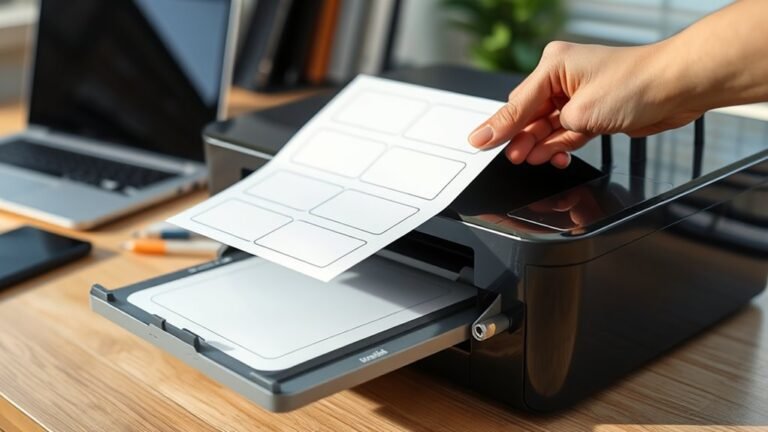
To print labels, first pick a template that matches your printer type and label layout. Next, create or upload your design, keeping important content inside safe zones with bleed margins.
Preview and...
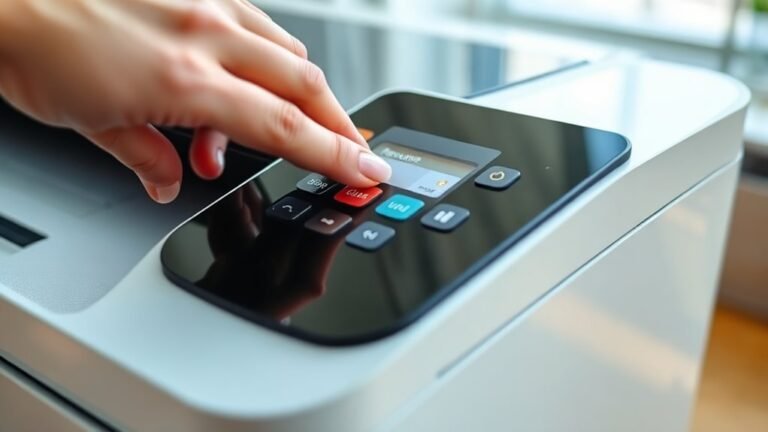
To unpause your printer in 5 easy steps, first check its display and status lights for any pause alerts. Next, open your computer’s print queue, find paused jobs, and select “Resume” to restart...
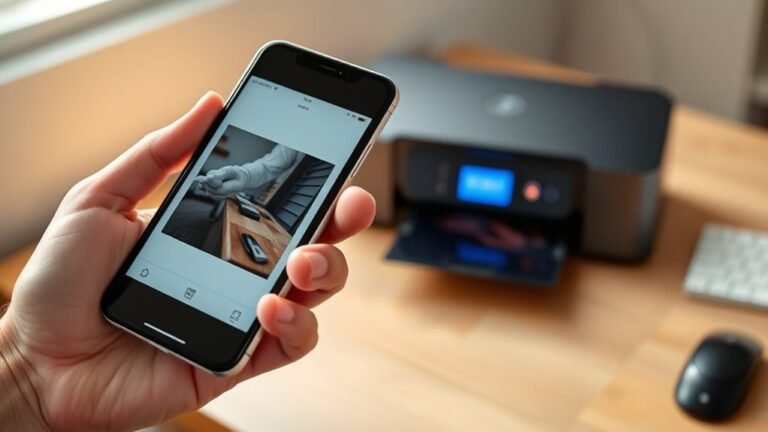
To print from your phone to a wireless printer, first make sure both devices are powered on and connected to the same Wi-Fi. Next, install a printing app like Epson iPrint or PrinterShare, granting...
An FDM 3D printer works by melting thermoplastic filament and precisely depositing it layer by layer through a computer-controlled nozzle moving on X, Y, and Z axes. As each thin layer cools and...
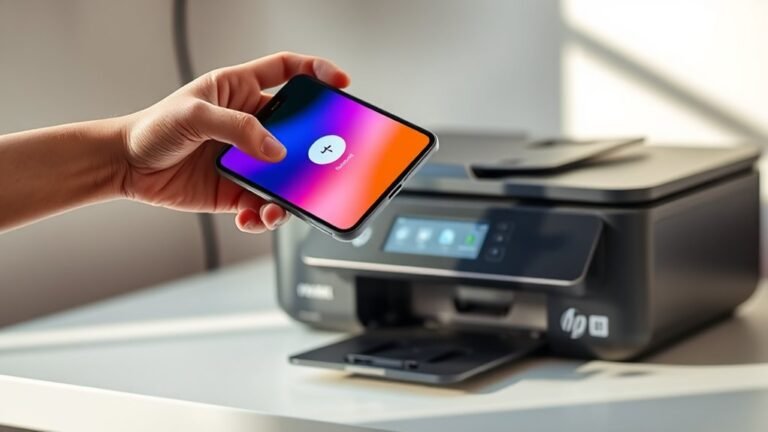
First, make sure your phone and HP printer are on the same Wi-Fi network. Or, you can connect via the printer’s Wi-Fi Direct if that’s easier.
Next, open the HP Smart app on your phone. Then, select...
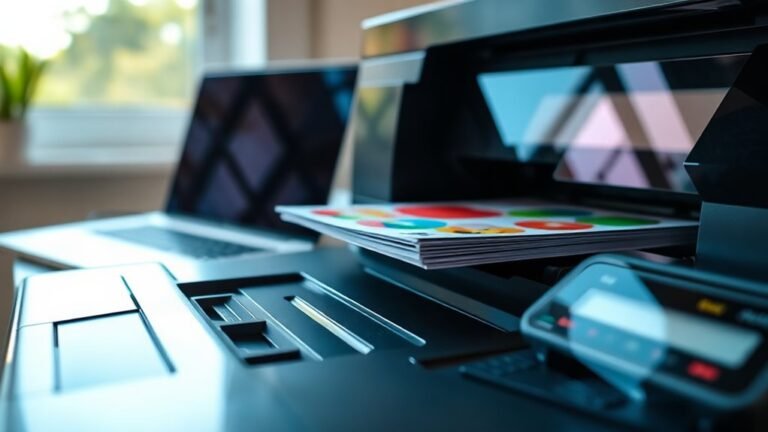
Printer spooling temporarily stores your print jobs in a queue, so your computer can send multiple files without waiting for each to finish. This lets your printer work smoothly and prevents delays or...
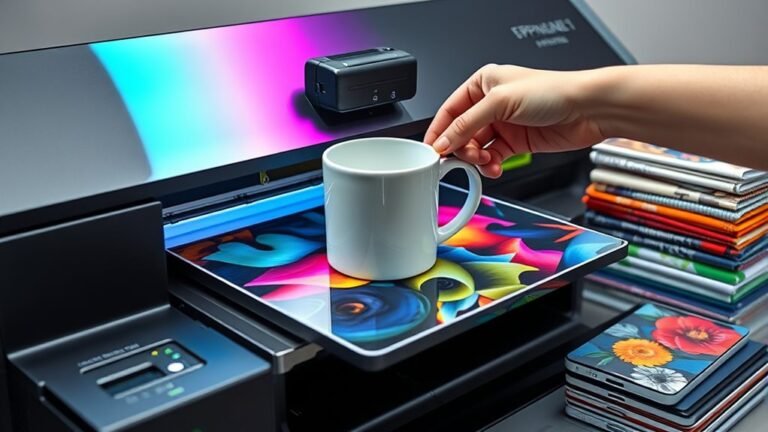
You use a sublimation printer daily to create vibrant, durable designs on polyester fabrics and coated surfaces like mugs or phone cases. By printing your design on special transfer paper, then using...
Start by updating your Mac and printer software, and make certain your printer is powered on with paper and ink ready.
Next, connect your printer via USB, Wi-Fi (on the same network), or Bluetooth by...