


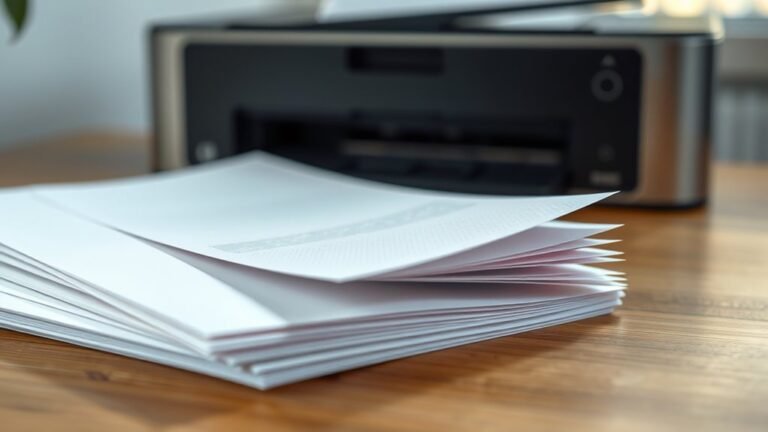
You can identify printer paper by checking its weight, finish, and coating. Look for weight in pounds (lb) or grams per square meter (gsm) on the package—heavier papers like cardstock are...
To make text speech sound like a printer, start by writing short, clear sentences with 6 to 12 words. Then, break tricky phrases using ellipses and timed pauses like ``.
Use regular, mechanical...
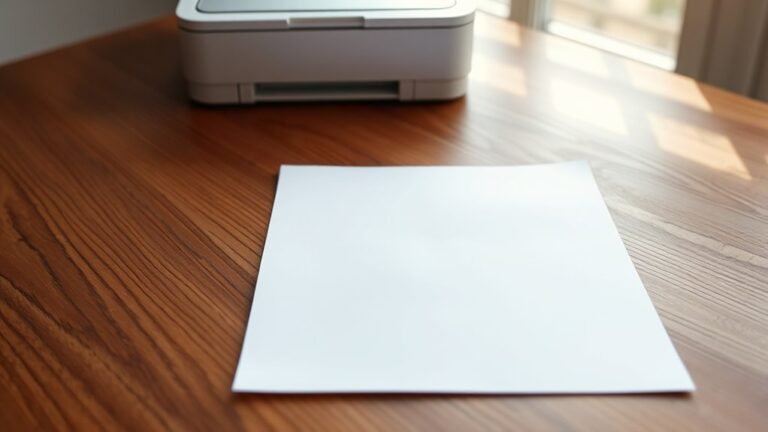
You’ll find A4 paper (210 × 297 mm) is the standard printer paper size used worldwide for letters, reports, and everyday printing. Its unique √2 aspect ratio lets you easily scale or halve it to...
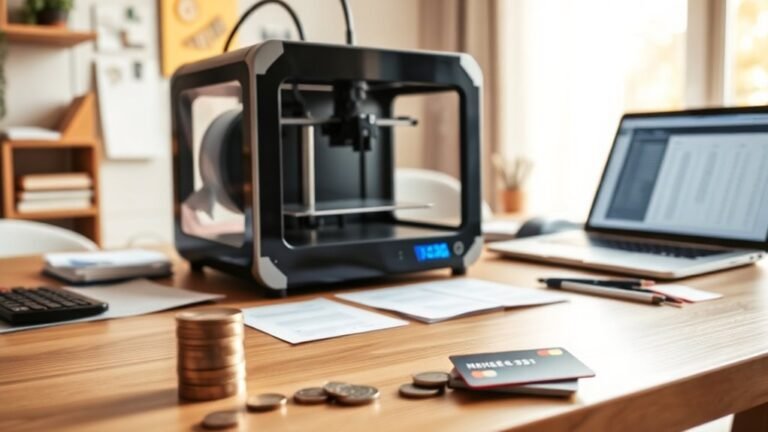
You’ll want to budget for more than just the printer’s price—think maintenance like nozzle and belt replacements, calibration, and electricity use.
Plan projects carefully to estimate filament needs...
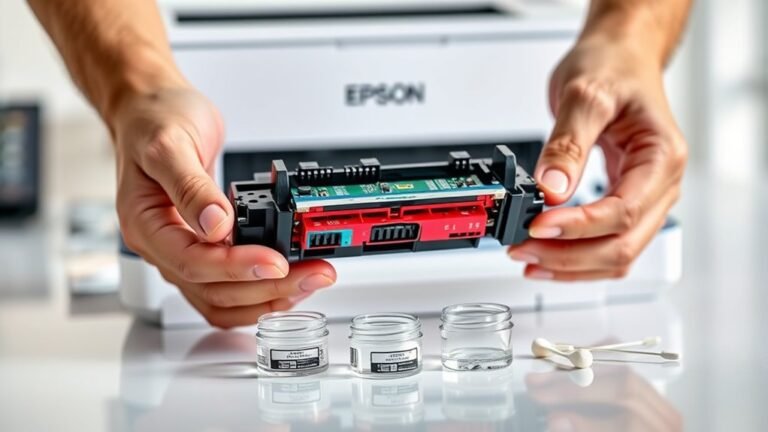
To clean your Epson printer head in five easy steps, first load plain paper and make sure cartridges aren’t empty. Open the top cover to access the printhead, lifting out cartridges if needed.
Gently...
To rename a printer in 10 easy steps, start by opening Windows Print Management via Win + R and typing printmanagement.msc. Locate your printer under Print Servers, right-click it, and select...
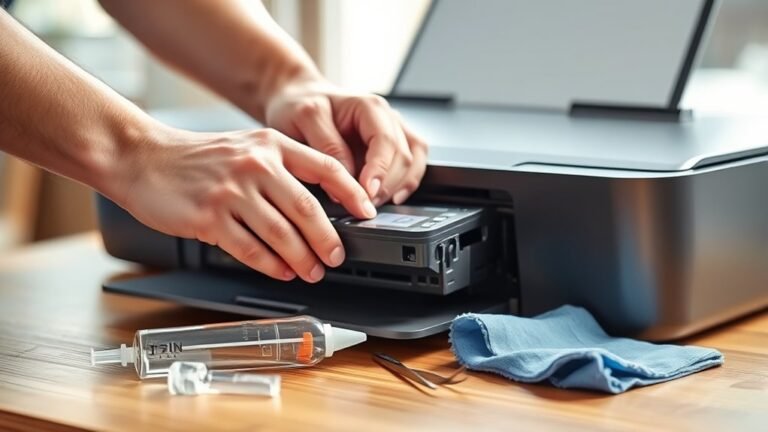
To clean your printer head in 5 easy steps, first open the printer’s top cover and locate the printhead, usually centered on startup.
Next, power off, unplug, and remove the ink cartridges, placing...

You’ll want a printer that balances sharp photo quality, fast document output, and wireless convenience without draining your wallet on ink.
For light, occasional use, the compact Epson EcoTank...

To use your Epson printer in 7 easy steps, first unpack and set it up by installing ink and loading paper. Connect it to your Wi-Fi or Ethernet through the control panel or WPS.
Next, download and...