8 Best Compact Desktop Printers for 2027
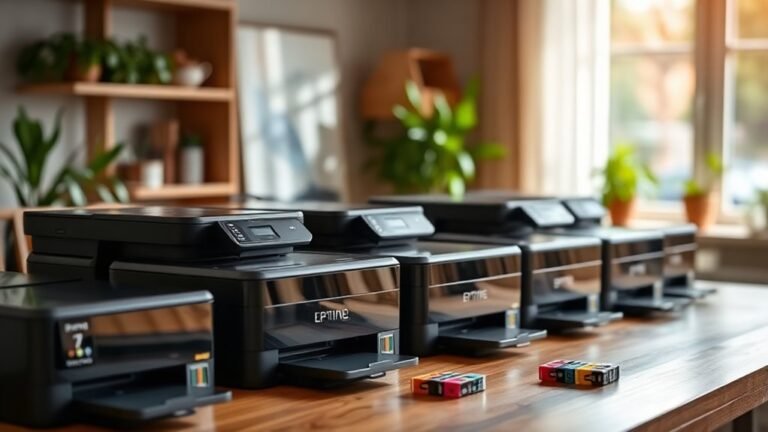
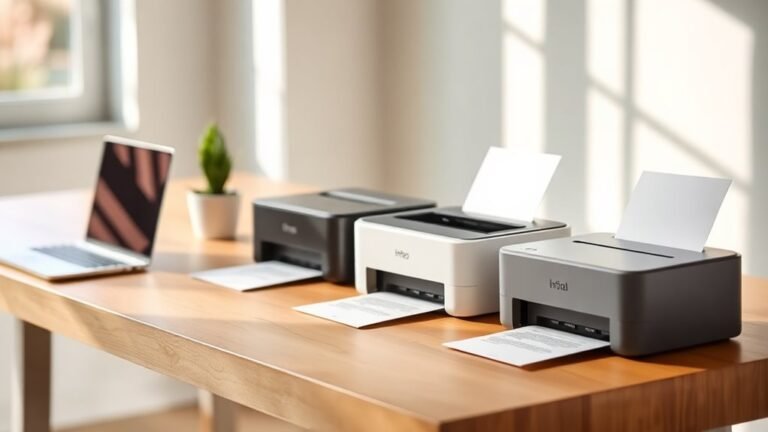
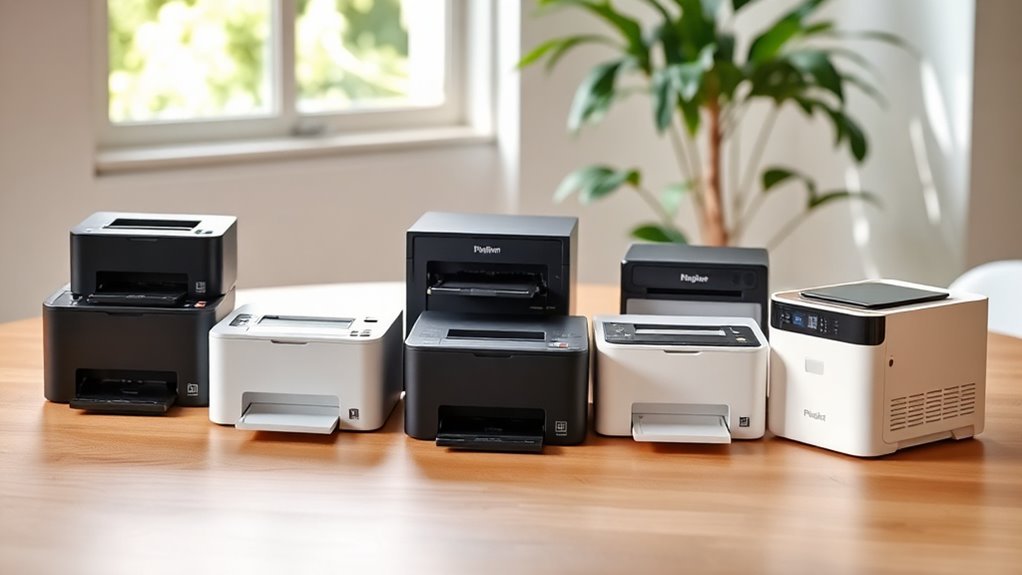
You’ll want a compact desktop printer that fits your space and meets your printing needs. Models like the Canon PIXMA TR160 or HP DeskJet 2923 are perfect for wireless, on-the-go use. They’re small, reliable, and easy to set up anywhere.
The HP Envy 6155 and Canon PIXMA TS4320 offer strong print quality and handy duplexing features. If you need speed, Brother’s HL-L2405W delivers fast monochrome laser prints that won’t slow you down.
Features like dual-band Wi-Fi, mobile app printing, and versatile media handling make these printers stand out. Take a closer look at these options to find the one that fits perfectly in your home or office. You’ll be surprised how much convenience a compact printer can add!
| Image | Name | Editor's Rating | Price |
|---|---|---|---|

|
|
||

|
|
||

|
|
||

|
|
||

|
|
HP DeskJet 2923 Color Inkjet Printer | Wireless | All-in-One
- Perfect for basic printing needs – Print everyday color documents like to-do lists, letters, financial documents and recipes
- KEY FEATURES – Color print, copy, scan, and a 60-sheet input tray, plus mobile and wireless printing
- OPTIMIZE PRINT FORMATTING WITH HP AI – Print web pages and emails with precision—no wasted pages or awkward layouts; HP AI easily removes unwanted content, so your...
- ICON LCD – Print your basic documents with ease from the intuitive control panel
- PRINT SPEED – Up to 7.5 ppm black, 5.5 ppm color

The HP DeskJet 2923 Color Inkjet Printer offers a compact and efficient all-in-one solution for home offices and everyday tasks. It tackles your printing, scanning, and copying needs with ease, helping you stay organized without taking up much space. Its simple icon LCD control panel makes navigation intuitive, so you can operate the device without hassle.
Designed with wireless convenience, this printer connects via dual-band Wi-Fi, allowing you to print and scan directly from your smartphone using the HP App. This eliminates the need for cables and lets you manage your documents from anywhere in your home. The 60-sheet input tray is ideal for light to moderate use, keeping the process straightforward.
Maintenance is straightforward but requires attention to ink supplies. After the initial 6-month Instant Ink trial, a subscription is needed to maintain automatic ink delivery. The printer is eco-friendly, made from recycled plastics and ENERGY STAR certified, which helps reduce your environmental footprint.
While print speeds are moderate—7.5 ppm for black and 5.5 ppm for color—this model suits users prioritizing ease of use and versatility over speed. The compact design and wireless functionality make it a practical choice for individuals and families.
Best for: individuals and families seeking a compact, easy-to-use all-in-one color printer with wireless smartphone connectivity and eco-conscious features.
What We Like:
- Vibrant color printing, copying, and scanning with user-friendly controls
- Wireless printing and scanning via dual-band Wi-Fi and HP App
- Eco-conscious design using recycled materials and ENERGY STAR certification
- Compact size fits easily in home spaces
- Simple maintenance with automatic ink delivery through Instant Ink subscription
Specification:
| Feature | Details |
|---|---|
| Manufacturer | HP |
| Dimensions | Approximately 16.5 x 12 x 6 in (41.9 x 30.5 x 15.2 cm) |
| Weight | Around 6.6 lb (3 kg) |
| Material | Recycled plastics |
| Color Options | White with gray accents |
Canon PIXMA TR160 Color Wireless Portable Printer
- LIGHTWEIGHT AND PORTABLE - Connect and print on the go with the PIXMA TR160. This lightweight portable printer can fit into a bag or backpack with room to spare.
- HIGH-QUALITY PRINTING ON THE GO - Print documents and photos up to 8.5” x 11” that showcase sharp black text and vibrant details with rich color thanks to a 5-Color...
- SIMPLE & EASY CONNECTIVITY - Printing is only an app away when using the Canon PRINT app, Apple AirPrint4, or Mopria Print Service5 with your compatible device(s) or the...
- WIRELESS DIRECT MODE - Connect your compatible device to the printer even without a wireless router.
- 1.44” OLED DISPLAY - Easily check ink levels, printer status, and other settings with the 1.44” Monochrome OLED.
Experience true portability without sacrificing print quality with the Canon PIXMA TR160. Designed for users who need vibrant color and sharp black text on the go, this compact printer fits easily into your bag. The optional battery lets you print anywhere, even without a power source, solving the common problem of limited mobility.
The PIXMA TR160 uses a 5-Color Hybrid Ink System to deliver crisp documents and vivid photos up to 8.5″ x 11″. Wireless printing is straightforward through Canon’s app, AirPrint, or USB-C connection, offering flexible options to suit different workflows. The 1.44″ OLED display makes it easy to manage print jobs and monitor ink levels.
Maintenance is simple with clear status updates on the OLED screen, allowing you to print directly from saved templates. However, it supports only single-sided printing and has a paper tray capacity of 50 sheets, which means frequent refills for heavy users. Print speeds are moderate, so it’s best suited for occasional or mobile printing needs.
Best for: professionals and students requiring a lightweight, portable printer that produces sharp black text and vibrant color prints on the move.
What We Like:
- Lightweight, compact design with optional battery for true mobile printing
- High-quality 5-Color Hybrid Ink System for sharp text and vibrant photos
- Multiple wireless options including Canon PRINT app, AirPrint, and USB-C
- Easy-to-use 1.44″ OLED display for ink status and templates
Specification:
| Feature | Details |
|---|---|
| Manufacturer | Canon |
| Dimensions (W×D×H) | Approximately 11.7″ × 6.6″ × 2.7″ |
| Weight | 4.5 lbs (2.04 kg) |
| Ink System | 5-Color Hybrid Ink System |
| Connectivity | Wireless (Canon app, AirPrint), USB-C |
| Paper Capacity | 50 sheets |
| Printing Size | Up to 8.5″ × 11″ |
| Display | 1.44″ OLED |
Canon PIXMA TS4320 – Wireless Color Inkjet Printer with Print, Copy, Scan
- Affordable Versatility - A budget-friendly all-in-one printer perfect for both home users and hybrid workers, offering exceptional value
- Crisp, Vibrant Prints - Experience impressive print quality for both documents and photos, thanks to its 2-cartridge hybrid ink system that delivers sharp text and vivid...
- Effortless Setup & Use - Get started quickly with easy setup for your smartphone or computer, so you can print, scan, and copy without delay
- Reliable Wireless Connectivity - Enjoy stable and consistent connections with dual-band Wi-Fi (2.4GHz or 5GHz), ensuring smooth printing from anywhere in your home or...
- Scan & Copy Handling - Utilize the device’s integrated scanner for efficient scanning and copying operations
Discover the convenience of the Canon PIXMA TS4320, a compact all-in-one printer designed to fit effortlessly into your home or hybrid workspace. Its stylish design hides powerful functionality, making printing, copying, and scanning simple and efficient.
This printer delivers sharp, high-quality prints at 1200 x 1200 dpi resolution. Duplex printing helps save paper, while wireless dual-band Wi-Fi and mobile app control provide flexible, hassle-free connectivity. Whether printing photos or documents, it handles various media types like cardstock and glossy paper with ease.
Maintenance is straightforward with included starter inks, though frequent users may need to replace them sooner. The single tray holds up to 100 sheets, suitable for light to moderate printing tasks. With black-and-white print speeds around 14 ppm, the PIXMA TS4320 balances performance with a compact footprint.
Best for: Home users and hybrid workers seeking a stylish, space-saving all-in-one printer for everyday printing, copying, and scanning needs.
What We Like:
- Crisp 1200 x 1200 dpi resolution with duplex printing
- Dual-band Wi-Fi and mobile app for wireless convenience
- Supports multiple media types including cardstock and glossy paper
- Compact design fits well in small spaces
- Easy setup with starter inks included
Specification:
| Feature | Details |
|---|---|
| Manufacturer | Canon |
| Dimensions (W×D×H) | 14.5 × 11.7 × 5.0 inches (37 × 30 × 12.7 cm) |
| Weight | Approximately 8.8 lbs (4 kg) |
| Printing Technology | Color Inkjet |
| Connectivity | Dual-band Wi-Fi, USB |
| Paper Capacity | 100 sheets |
| Print Resolution | Up to 1200 x 1200 dpi |
Canon PIXMA TS6520 Wireless Color Inkjet Printer, 1.42″ OLED Display, White
- Affordable Versatility - A budget-friendly all-in-one printer perfect for both home users and hybrid workers, offering exceptional value
- Crisp, Vibrant Prints - Experience impressive print quality for both documents and photos, thanks to its 2-cartridge hybrid ink system that delivers sharp text and vivid...
- Effortless Setup & Use - Get started quickly with easy setup for your smartphone or computer, so you can print, scan, and copy without delay
- Reliable Wireless Connectivity - Enjoy stable and consistent connections with dual-band Wi-Fi (2.4GHz or 5GHz), ensuring smooth printing from anywhere in your home or...
- Scan & Copy Handling - Utilize the device’s integrated scanner for efficient scanning and copying operations
Experience seamless home printing with the Canon PIXMA TS6520, a compact all-in-one solution designed to simplify your daily tasks. Its small footprint and clean white design fit perfectly into any workspace, keeping your area organized without sacrificing functionality.
This wireless color inkjet printer handles printing, scanning, and copying with ease. The 1.42″ OLED display and intuitive control panel make operating the device straightforward, reducing the learning curve for users of all levels. Duplex printing and borderless output on letter-sized paper help you produce professional-quality documents and photos without extra effort.
Maintenance is simple with included starter ink tanks, though the two-cartridge hybrid system means ink replacements may be more frequent. Connecting is hassle-free thanks to dual-band Wi-Fi, USB support, and voice command compatibility with Alexa, allowing you to manage print jobs hands-free.
While it lacks an automatic document feeder and has a limited single-tray paper capacity supporting plain paper only, the TS6520 remains a reliable choice for everyday printing needs. It balances convenience, quality, and ease of use in a compact design that suits home and hybrid work environments.
Best for: families, students, and home or hybrid workers needing a compact, versatile all-in-one printer with wireless and voice control capabilities.
What We Like:
- Compact design fits well in small home offices
- Automatic duplex and borderless printing enhance document quality
- Dual-band Wi-Fi and Alexa voice control offer flexible connectivity
Specification:
| Feature | Details |
|---|---|
| Manufacturer | Canon |
| Dimensions | Compact size (exact dimensions not provided) |
| Weight | Not specified |
| Material | Plastic |
| Color Options | White |
HP Envy 6155 Wireless All-in-One Inkjet Printer
- FROM AMERICA'S MOST TRUSTED PRINTER BRAND – The Envy 6155 is perfect for homes printing everyday high-quality color documents like homework and borderless photos. Print...
- 3 MONTH TRIAL OF INSTANT INK – Subscribe to the Instant Ink delivery service to get ink delivered directly to your door before you run out, and you save up to 50% on...
- KEY FEATURES – Color print, copy and scan, plus auto 2-sided printing and a 100-sheet input tray
- HP'S MOST INTUITIVE COLOR TOUCHSCREEN – Smoothly navigate your printer with the easy-to-use 2.4" touchscreen
- WIRELESS PRINTING – Stay connected with our most reliable dual-band Wi-Fi, which automatically detects and resolves connection issues
The HP Envy 6155 Wireless All-in-One Inkjet Printer is designed to simplify your home printing tasks. It delivers reliable printing for homework, documents, and vibrant photos with ease. Its all-in-one functionality combines printing, scanning, and copying, making it a versatile addition to any household.
This printer helps you save time with automatic duplex printing and a 100-sheet input tray, reducing the need for constant paper refills. The wireless dual-band Wi-Fi ensures a steady connection, while the HP App allows you to print and scan directly from your smartphone. Navigating settings is simple via the 2.4″ color touchscreen.
Maintenance is straightforward, with HP’s AI print optimization reducing ink waste by removing unwanted content. The printer supports environmentally conscious users by incorporating sustainable materials. Plus, a trial of the Instant Ink subscription ensures ink arrives before you run out, avoiding interruptions.
However, the printer only supports original HP cartridges with chips, limiting third-party ink options. Print speeds are moderate, which may not suit high-volume needs. The compact touchscreen might feel small for some users.
Best for: Home users needing a reliable all-in-one printer for everyday documents, school projects, and colorful photos.
What We Like:
- Combines printing, scanning, and copying with automatic duplex printing
- Wireless dual-band Wi-Fi and mobile app support for easy connectivity
- AI-driven ink-saving technology reduces waste
- Uses sustainable materials and includes Instant Ink trial
Specification:
| Feature | Details |
|---|---|
| Manufacturer | HP |
| Dimensions | Approx. 17.3 x 14.5 x 5.7 in (44 x 36.8 x 14.5 cm) |
| Weight | Approx. 13.5 lb (6.1 kg) |
| Material | Recycled plastics |
| Color Options | White with black accents |
Canon PIXMA TS7720 Wireless All-in-One Printer

- ALL-IN-ONE: Print, Copy, Scan features for full control at your fingertips.
- FAST PRINT SPEEDS: Print approximately 15 (black) / 10 (color) images per minute.
- EASY SETUP: Get running in just a few minutes thanks to a streamlined and easy setup process out of the box.
- EASY TO INSTALL INK: Print full color with only 2 (no mess) easy-to-replace ink cartridges.
- 2.7” LCD SCREEN: Get the job done with an intuitive and easy to use 2.7” LCD touchscreen.
Experience sharp document printing and vibrant photo output with the Canon PIXMA TS7720, designed to meet everyday home and creative needs. Its compact frame fits easily on desks, reducing clutter while offering versatile functions like printing, copying, and scanning.
This all-in-one printer helps simplify your workflow with wireless and USB connectivity, allowing seamless integration into your workspace. The intuitive 2.7″ touchscreen makes operation straightforward, minimizing setup time and effort.
Maintenance is hassle-free thanks to its hybrid ink system that balances crisp text with vivid colors, suitable for a variety of media sizes. Automatic duplex printing not only saves paper but also streamlines double-sided jobs, enhancing productivity.
While the PIXMA TS7720 is built for convenience and quality, print speeds may be slower than some office models, and the two-cartridge system might need frequent replacement under heavy use. Its networking options focus on basic Wi-Fi and USB connections, which may limit advanced office integration.
Best for: Home users and creatives who want a compact, versatile all-in-one printer for quality photo and document tasks with easy wireless setup.
What We Like:
- Compact design with easy-to-use 2.7″ touchscreen
- Hybrid ink system for sharp text and vivid photo printing
- Supports multiple media sizes via dual trays and duplex printing
- Simple wireless and USB connectivity for flexible use
Specification:
| Feature | Details |
|---|---|
| Manufacturer | Canon |
| Dimensions | Not specified |
| Weight | 13.8 lb (6.26 kg) |
| Color Options | Not specified |
Brother HL-L2405W Wireless Monochrome Laser Printer

- BEST FOR HOMES & HOME OFFICES – Engineered for consistent, premium print quality, the Brother HL-L2405W Monochrome (Black & White) Laser Printer delivers sharp, crisp...
- COMPACT, CONNECTED PRINTER – Flexible connection options make this an ideal printer for home use and at-home offices. Securely connect to multiple devices with built-in...
- BROTHER MOBILE CONNECT APP – Manage your printer remotely and print from your mobile device anytime, from almost anywhere. Order Brother Genuine Supplies, track toner...
- VERSATILE PAPER HANDLING – Enjoy seamless, reliable everyday printing with the 250-sheet paper tray(4) and a manual feed slot that enables printing on envelopes and...
- BROTHER IS AT YOUR SIDE – Backed by Brother with a 1-year limited warranty and free online, call, or live chat support for the life of your printer
The Brother HL-L2405W is designed to bring fast and efficient black-and-white printing right to your home office or small workspace. Its compact size makes it easy to fit on any desk, helping you save valuable space without compromising on performance.
This monochrome laser printer produces sharp prints at 1200 x 1200 dpi resolution, ensuring your documents look professional every time. With print speeds of up to 30 pages per minute, it handles everyday printing tasks quickly, reducing wait times and boosting productivity.
Connectivity is simple and flexible with dual-band wireless and USB options, allowing you to print directly from laptops, smartphones, or tablets. The Brother Mobile Connect app adds convenience by letting you manage print jobs remotely and monitor toner levels from your device.
Maintenance is straightforward, with a 250-sheet paper capacity that minimizes frequent refills. Although it’s a print-only device without scanning or copying features, the HL-L2405W delivers reliability and efficiency for users focused on high-quality monochrome printing.
Best for: individuals or small home offices needing a fast, reliable, and compact monochrome laser printer with wireless connectivity for everyday printing tasks.
What We Like:
- Sharp 1200 x 1200 dpi prints at up to 30 pages per minute
- Dual-band wireless and USB connectivity for versatile device support
- Compact design saves space while offering a large 250-sheet capacity
- Remote management and toner tracking via Brother Mobile Connect app
Specification:
| Feature | Details |
|---|---|
| Manufacturer | Brother |
| Dimensions | Compact desktop size |
| Weight | Lightweight for easy placement |
| Print Technology | Monochrome Laser |
| Print Speed | Up to 30 pages per minute |
| Print Resolution | 1200 x 1200 dpi |
| Connectivity | Dual-band wireless, USB |
| Paper Capacity | 250 sheets |
Canon PIXMA TR4720 Wireless All-in-One Printer

- Wireless 4-in-1 (print | copy | scan | fax)..Power Consumption: 7W (0.8W Standby / 0.3W Off)
- Print speed up to: 4" x 6" Borderless Photo (PP-201): Approx. 65.0 Seconds / Black Document (Letter/Simplex): Approx. 8.8 ipm / Color Document (Letter/Simplex): Approx...
- Designed for easy ink cartridge installation and replacement.
- Auto 2-sided printing and auto document feeder.
- Produce quality documents, photos and boarderless prints up to 8.5" x 11".
The Canon PIXMA TR4720 stands out with its all-in-one wireless printing, scanning, copying, and faxing capabilities. It addresses common home and office challenges by combining multiple functions into one compact device. This helps save space and reduces the need for multiple machines.
Designed for ease of use, the TR4720 supports duplex printing, which cuts paper waste and streamlines document handling. Its hybrid ink system delivers vibrant, sharp prints, including borderless photos up to 8.5 x 11 inches. This makes it ideal for both everyday documents and photo projects.
Maintenance is simple with a 100-sheet front paper tray and an auto document feeder for smooth multitasking. You can monitor ink levels and control the printer remotely using the Canon app or Alexa, enhancing convenience and reducing downtime.
While print speeds are moderate, especially for color prints, this printer fits well in environments that prioritize quality over volume. Its single USB port limits wired connections, and ink options are restricted to certain Canon cartridges, which may influence long-term cost and availability.
Best for: individuals and small offices needing a compact, wireless all-in-one printer that supports diverse printing tasks with easy maintenance.
What We Like:
- Wireless printing with mobile app and Alexa control
- Automatic duplex printing and 100-sheet paper capacity
- Sharp, vibrant prints with hybrid ink technology
- Compact design ideal for limited spaces
Specification:
| Feature | Details |
|---|---|
| Manufacturer | Canon |
| Dimensions (W×D×H) | 15.9 × 12 × 5.9 inches |
| Weight | 13.7 lbs (6.2 kg) |
| Color | Black |
| Functionality | Print, Copy, Scan, Fax |
Factors to Consider When Choosing a Compact Desktop Printer
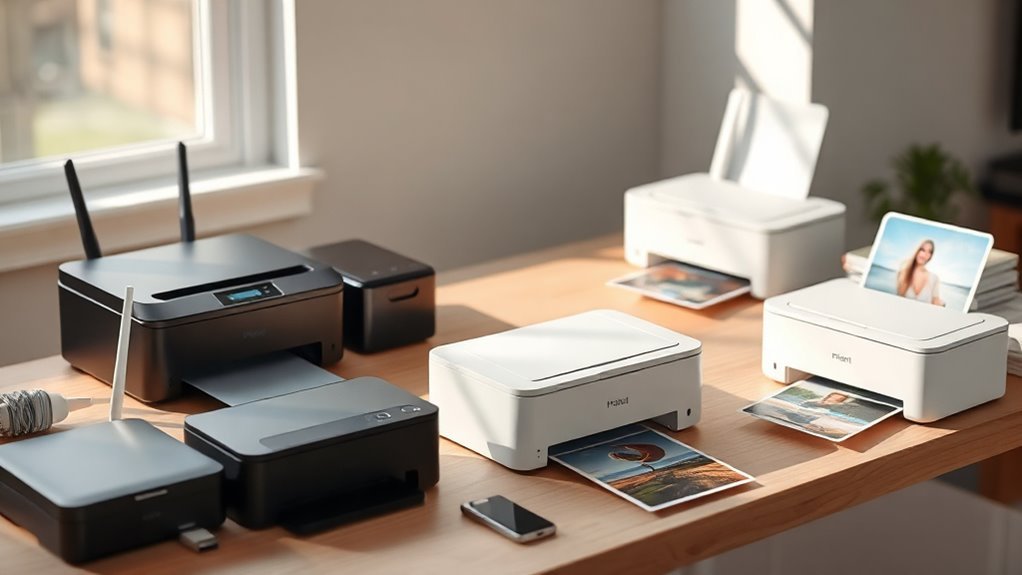
When picking a compact desktop printer, you’ll want to focus on size and weight to fit your space comfortably. It’s all about making sure it doesn’t take up too much room.
Think about print speed and quality, along with connectivity options that match your devices. You want something that works smoothly with what you already have.
Don’t forget to check ink type and efficiency. Also, consider whether you need multifunction features like scanning or copying. Those extras can be super handy sometimes.
Printer Size And Weight
Consider how much space your printer will occupy before making a purchase. Check the printer’s footprint—depth, width, and height—to make certain it fits your desk and leaves enough room for paper trays and lid opening.
If you plan to move or store your printer often, weight matters; compact models usually range from about 4 to 16 pounds. Look for low-profile designs if you need to fit the printer under shelves or in tight vertical spaces.
Don’t forget to factor in extra space for paper input/output and any rear or top-feed trays. To maximize desk space, prioritize printers with foldable or retractable trays and collapsible controls, so the unit takes up minimal room when idle.
This way, you keep your workspace neat without sacrificing functionality.
Print Speed And Quality
Although compact desktop printers prioritize size, you shouldn’t overlook print speed and quality since they directly impact your productivity and output appearance. Check both pages-per-minute (ppm) and first-page-out times; higher ppm (10–30) improves multi-page jobs. Meanwhile, quicker first-page-out boosts responsiveness for single prints.
Assess print resolution—1200 x 1200 dpi or more delivers finer detail and smoother gradients, especially for photos. Lower dpi may suffice for text, though. Remember, color prints usually run slower than monochrome and require more processing.
Look for duplex printing and note any warm-up delays that affect sustained speeds. Finally, balance speed and quality by choosing draft modes for fast text prints and high-quality modes for sharper, color-accurate images. This way, your printer meets your specific needs efficiently.
Connectivity Options Available
In choosing a compact desktop printer, connectivity options play a vital role in how easily you can send print jobs and integrate the device into your workspace. Look for dual-band Wi-Fi (2.4 GHz and 5 GHz) to enjoy stable connections and faster transfers on 5 GHz without losing range on 2.4 GHz.
Wireless Direct mode lets you print straight from your device without a router, which is perfect for mobile use. If you print from smartphones or tablets, make sure the printer supports AirPrint or Mopria for driver-free printing.
For reliable, fast wired connections, USB Type-C or USB 2.0 ports are ideal. And if you’re working in a multi-user setup, Ethernet ports and cloud printing support really come in handy. They enable remote access and seamless sharing, keeping your workflow smooth and flexible.
Ink Type And Efficiency
When you pick a compact desktop printer, ink type and efficiency can make a big difference in both print quality and long-term costs. Pigment black inks offer sharp, water-resistant text with longer durability on plain paper, while dye-based colors produce vibrant photos but may fade or bleed quicker.
Choosing printers with multi-cartridge or hybrid ink systems lets you replace only the empty color, saving money compared to single integrated cartridges. Look for high-yield or XL cartridges and check ISO page yield ratings to lower per-page costs.
Subscription refill programs and ink-level monitoring reduce downtime but consider ongoing expenses. Also, features like duplex printing, draft mode, and app-based content optimization help cut ink use, extending cartridge life and trimming your overall printing costs.
Multifunction Capabilities Included
Ink efficiency matters, but so does the range of tasks your printer can handle. Decide if you want a print-only model or an all-in-one that includes copying and scanning. This can save space and simplify multi-step jobs like digitizing documents.
If you often work with double-sided pages or multi-page scans, look for automatic duplexing and an automatic document feeder (ADF). These features really speed up your workflows.
Check the scan resolution and scanner type. Flatbed scanners handle photos and thick originals well, while sheet-fed or ADF scanners are great for multi-page documents.
Also, consider extra features like faxing, borderless photo printing, and mobile app support. These multifunction capabilities help you manage diverse tasks efficiently without cluttering your workspace.
Paper Handling Capacity
Evaluate your printer’s paper handling capacity to keep your workflow smooth and efficient. Start by checking the input tray size—whether it holds 50 or 100+ sheets—so you’re not constantly refilling during larger print jobs.
Don’t forget the output tray’s capacity and stacking limits to prevent jams or spills when printing multiple pages. If you use specialty media like photo paper or envelopes, look for printers with multiple trays or a rear feed to minimize interruptions.
Automatic duplex printing is a must if you frequently print double-sided documents, saving you time and paper. Finally, confirm the maximum media sizes and weights your printer supports to guarantee compatibility with your usual paper types, including cardstock or glossy sheets, without manual feed hassles.
Mobile Printing Features
How easily can you print from your phone or tablet? When choosing a compact desktop printer, prioritize wireless options like dual-band Wi-Fi, Wi-Fi Direct, and Bluetooth for seamless mobile printing.
Make sure the printer supports popular standards and apps such as AirPrint and Mopria, so you can print directly from iOS or Android without needing a PC.
If you’re often on the move, look for cloud and remote printing capabilities, plus features that let you scan and print from your smartphone.
Battery-powered models or those with optional batteries and a lightweight design offer true portability.
Also, consider printers with onboard displays or app templates that show ink levels and job progress. It makes mobile printing and quick tasks easier without constantly checking your computer.
Energy Consumption And Sustainability
When choosing a compact desktop printer, you should prioritize models that minimize energy use without sacrificing performance. Look for Energy Star or equivalent certifications, which guarantee efficient power consumption in both active and sleep modes.
Compare wattage: some inkjets use under 10 W when printing, while others exceed 20 W. Standby modes below 1 W help cut lifetime energy use.
Beyond electricity, choose printers with duplex printing and page-optimization to reduce paper waste. Also, check for recycled-plastic content and ease of repair to lower environmental impact during the device’s lifecycle.
Finally, evaluate ink or toner options—high-yield cartridges and recycling programs can reduce waste and resource use. These factors help you pick a printer that’s both eco-friendly and cost-effective.
Frequently Asked Questions
How Do I Properly Recycle Printer Ink Cartridges?
You should collect your used ink cartridges, then find a local recycling center or retailer that accepts them. Don’t toss them in the trash, as they contain harmful chemicals.
Many manufacturers offer free recycling programs. It’s pretty easy to participate and helps keep the environment safe.
What Are the Best Paper Types for Photo Printing?
Matte paper offers subtle elegance, while glossy paper delivers vibrant shine—you’ll want to choose based on your photo’s mood.
For rich tones and sharp details, try luster or metallic paper; they’ll make your prints truly pop. It’s all about matching the paper to the vibe you want!
Can Compact Printers Connect to Smart Home Devices?
Yes, you can connect compact printers to smart home devices. Many models support Wi-Fi, Bluetooth, and voice assistants like Alexa or Google Assistant.
This lets you print hands-free and control settings right from your smart devices. It’s pretty convenient! Just imagine sending a print job without even touching your printer.
How Do I Troubleshoot Wireless Printer Connectivity Issues?
You should restart your printer and router. Also, check if your device is connected to the same network as your printer.
Next, update your printer drivers to make sure everything is running smoothly. It’s a good idea to temporarily disable your firewall to see if it’s blocking the connection.
Make sure your Wi-Fi signal strength is strong enough for the printer to stay connected. If you’re still having trouble, try reconnecting the printer to the network.
What Maintenance Is Required to Extend Printer Lifespan?
Think of your printer as a trusty steed—keep it running smoothly by cleaning print heads, updating firmware, and using quality ink.
Also, regularly check for paper jams. You’ll extend its lifespan and keep it galloping strong.
Conclusion
Choosing the right compact desktop printer is like finding the perfect pair of shoes—it needs to fit your space, style, and daily needs just right. Whether you want vibrant color prints, fast laser quality, or versatile all-in-one features, there’s a model here that fits you perfectly.
Keep your priorities in mind, and you’ll have a reliable printer that makes your work and creativity flow seamlessly, every single day. With so many compact desktop printers available, focusing on what matters most—like print speed, quality, and functionality—will help you pick the best one for your home or office setup.
In the end, choosing the best compact desktop printer for 2027 means balancing size, performance, and convenience. When you find that perfect match, printing becomes effortless and enjoyable, supporting all your projects without taking up too much space.