5 Best Cheapest Printers and Ink for 2027
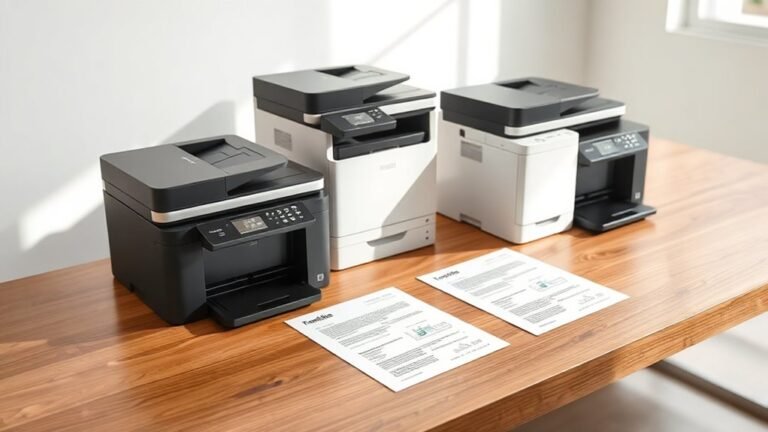
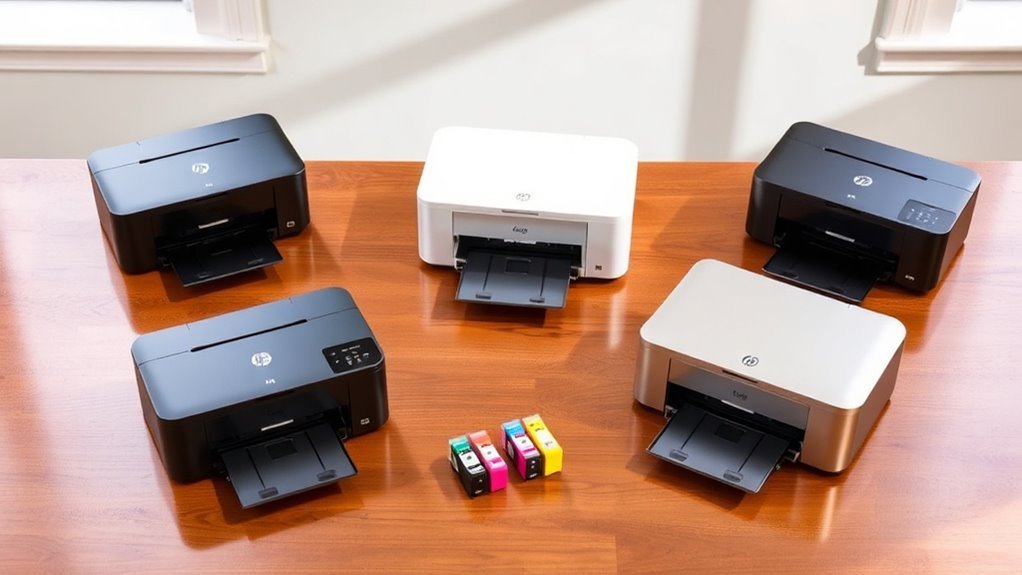
You’ll find top budget-friendly printers like the HP DeskJet 2923 and Canon PIXMA TS4320 perfect for home use. These models are great if you want something reliable without breaking the bank.
For those who print a lot, the high-volume HP Smart Tank 5100 and Epson EcoTank ET-2900 are excellent choices. They handle heavy printing without the hassle of pricey ink refills, which is a huge money saver.
These printers come with wireless convenience and compact designs that fit nicely in any space. Plus, auto-duplex printing helps you save time and paper effortlessly.
And let’s not forget the refillable ink tanks—they cut long-term costs substantially. If you want to know which printer fits your needs best and why, keep exploring the details!
| Image | Name | Editor's Rating | Price |
|---|---|---|---|

|
|
||

|
|
||

|
|
||

|
|
||

|
|
HP DeskJet 2923 Color Inkjet Printer | Wireless | All-in-One
- Perfect for basic printing needs – Print everyday color documents like to-do lists, letters, financial documents and recipes
- KEY FEATURES – Color print, copy, scan, and a 60-sheet input tray, plus mobile and wireless printing
- OPTIMIZE PRINT FORMATTING WITH HP AI – Print web pages and emails with precision—no wasted pages or awkward layouts; HP AI easily removes unwanted content, so your...
- ICON LCD – Print your basic documents with ease from the intuitive control panel
- PRINT SPEED – Up to 7.5 ppm black, 5.5 ppm color

The HP DeskJet 2923 is an efficient all-in-one printer designed to meet everyday home office needs. Its compact size and lightweight build make it easy to fit into tight spaces without sacrificing functionality. This printer handles printing, scanning, and copying tasks smoothly, helping you stay organized and productive.
With sharp black prints up to 1200 dpi and vibrant color output up to 4800 dpi on HP photo paper, your documents and photos come out clear and detailed. Dual-band Wi-Fi connectivity allows you to print wirelessly from your smartphone or laptop using the HP app or AirPrint, simplifying your workflow and reducing cable clutter.
Maintenance is straightforward, thanks to the easy-access 60-sheet input tray and straightforward controls. While the print speed is moderate, it suits typical home office volumes well. The copier function supports up to 9 copies per run, ideal for light copying tasks but less suited for heavy use.
Overall, the HP DeskJet 2923 balances compact design with versatile functionality to enhance your home office setup with reliable wireless printing and convenience.
Best for: individuals and home office users needing a compact, affordable all-in-one printer with wireless capabilities for daily printing, scanning, and copying.
What We Like:
- Compact and lightweight for limited spaces
- High-quality print resolution with vibrant colors
- Dual-band Wi-Fi with easy wireless printing options
- Simple maintenance with 60-sheet input tray
Specification:
| Feature | Details |
|---|---|
| Manufacturer | HP |
| Dimensions | Under 17 inches wide |
| Weight | 7.6 pounds (approx. 3.45 kg) |
| Color Options | Not specified |
| Connectivity | Dual-band Wi-Fi, HP App, AirPrint |
HP Smart Tank 5100 Ink Tank Printer | 3 Years of Ink Included | All-in-One
- THE LAST PRINTER YOU'LL EVER NEED – Set it up once and print with confidence; no complicated maintenance, just easy, reliable printing you can count on
- FULLY LOADED WITH SAVINGS – Best for low-cost, high-volume printing—up to 3 years of HP Ink included; get up to 6,000 color or black pages right out of the box
- KEY FEATURES – Print, copy and scan, plus borderless prints, mobile and wireless printing
- MESS-FREE REFILL – Replenish ink with HP's easy-access, mess-free refill system; simply plug the ink bottles into this cartridge-free ink tank and let them drain—no...
- BEST PRINT QUALITY, PERIOD – Sharper text, richer colors, only with HP Smart Tank
The HP Smart Tank 5100 Ink Tank Printer is designed to ease the burden of frequent ink replacements. It comes with up to three years of ink included, ensuring uninterrupted printing for heavy users. This all-in-one device combines printing, copying, and scanning functions, making it a versatile solution for busy environments.
Its cartridge-free refillable ink tank system reduces mess and lowers printing costs. You can print up to 6,000 pages in color or black, which helps keep maintenance simple and convenient. Wireless and mobile printing features like Apple AirPrint and HP ePrint enable seamless connectivity from various devices.
With a sharp color resolution of up to 4800 x 1200 dpi, the printer produces vibrant, detailed documents. The compact design fits well in home offices or small workplaces. However, manual duplex printing and a 100-sheet paper capacity may require some adjustments for heavy double-sided tasks.
Best for: small office or home office users needing a cost-effective, high-volume all-in-one printer with reliable ink supply.
What We Like:
- Up to 3 years of included ink for long-lasting use
- Cartridge-free refillable tanks reduce waste and cost
- Wireless and mobile printing for easy device connectivity
- High-quality prints at 4800 x 1200 dpi resolution
- Compact design suits small spaces
Specification:
| Feature | Details |
|---|---|
| Manufacturer | HP |
| Dimensions | Not specified |
| Weight | Not specified |
| Ink System | Refillable ink tanks |
| Print Resolution | Up to 4800 x 1200 dpi color |
| Print Speed | 12 ppm (black), 5 ppm (color) |
| Paper Capacity | 100 sheets |
| Connectivity | Wireless, Apple AirPrint, HP ePrint, Mopria |
Epson EcoTank ET-2900 Wireless All-in-One Printer
- Epson EcoTank includes enough ink to last up to 3 years⁴
- WORRY-FREE PRINTING — Epson EcoTank comes with enough ink to print up to 3,600 pages black/6,500 color⁹ for fewer out-of-ink frustrations. Each replacement ink bottle...
- SIMPLE INK REFILLING — Supersized ink tanks and uniquely keyed EcoFit bottles make refilling ink simple—no mess, no stress and no ink bottle mix-ups; fits in...
- THE WORLD’S #1 SELLING SUPERTANK PRINTER² — Epson invented EcoTank to revolutionize the way people print; we’ve sold 100 million EcoTanks worldwide⁷ and this is...
- KEY PRODUCTIVITY FEATURES — 11 black/6 color ISO ppm print speeds with zero warmup time, 100-sheet paper tray, high-resolution flatbed scanner and a 1.44" color display...
The Epson EcoTank ET-2900 transforms printing for busy users by offering a long-lasting ink solution that reduces interruptions. Its compact wireless all-in-one design is tailored to handle high-volume printing without the hassle of frequent refills.
This printer comes with enough ink to print up to 3,600 black-and-white and 6,500 color pages, making it ideal for sustained use over several years. The EcoFit bottles ensure mess-free refills, simplifying maintenance and saving time.
Connectivity is flexible with USB, Wi-Fi, and mobile printing through the Epson Smart Panel app. The 1.44″ color touchscreen provides easy navigation, while the flatbed scanner delivers high-resolution scans for versatile document handling.
Though the print speeds are moderate at 11 ppm for black and 6 ppm for color, this model focuses on efficiency and cost savings rather than speed. It does not include advanced features like an automatic document feeder or duplex scanning, which may be important for some users.
Best for: heavy print users and home offices looking for a cost-effective wireless all-in-one printer with a long-lasting ink supply.
What We Like:
- Includes up to 3 years of ink for extended use without refills
- Flexible connectivity via USB, Wi-Fi, and Epson Smart Panel app
- Mess-free EcoFit bottle refills and easy-to-use 1.44″ color touchscreen
- Energy Star certified for energy-efficient operation
Specification:
| Feature | Details |
|---|---|
| Manufacturer | Epson |
| Dimensions | 14.8 x 12.2 x 7.5 inches |
| Weight | 11.5 lb (5.22 kg) |
| Color Options | Black |
| Print Speeds | 11 ppm (black), 6 ppm (color) |
| Connectivity | USB, Wi-Fi, Mobile (app) |
| Display | 1.44″ color touchscreen |
Canon MegaTank G3270 All-in-One Wireless Color Printer
- Wireless Print/Copy/Scan
- Up to 2 years of ink included (2)
- Print up to 6,000 black & white / 7,700 color pages using a single set of inks! (1)
- Save up to $1,000 on ink (1)
- 1.35” Square LCD display
The Canon MegaTank G3270 is designed to meet the needs of families and small offices looking for a reliable, high-capacity printer. It helps reduce frequent ink refills by delivering up to 6,000 black-and-white and 7,700 color pages per ink set, ensuring uninterrupted printing for longer periods. This means less hassle and more productivity.
This compact all-in-one inkjet printer supports printing, copying, and scanning tasks with sharp 4800 x 1200 dpi resolution. It offers wireless connectivity, allowing you to print directly from smartphones and tablets via Wi-Fi or USB. This flexibility fits well in modern homes and small workspaces.
Maintenance is simple with the MegaTank system, which reduces ink waste and keeps running costs low. The printer’s Energy Star certification highlights its efficient power use, contributing to lower energy bills and eco-friendly operation.
While it offers reliable performance, the print speed is moderate—up to 11 pages per minute in black and white and 6 in color. The single 100-sheet paper tray may require frequent refills during heavy use, which is worth considering depending on your printing volume.
Best for: Families and small offices needing a compact, high-yield all-in-one printer with wireless functionality and low maintenance.
What We Like:
- High ink yield reduces refill frequency
- Wireless and USB connectivity for versatile device support
- Sharp print, copy, and scan capabilities
- Energy-efficient design with Energy Star certification
Specification:
| Feature | Details |
|---|---|
| Manufacturer | Canon |
| Dimensions | Compact design (exact size not provided) |
| Weight | Not specified |
| Print Resolution | 4800 x 1200 dpi |
| Print Speed | Up to 11 ppm (B&W), 6 ppm (color) |
| Connectivity | Wi-Fi, USB |
| Paper Tray Capacity | 100 sheets |
Canon PIXMA TS4320 – Wireless Color Inkjet Printer with Print, Copy, Scan
- Affordable Versatility - A budget-friendly all-in-one printer perfect for both home users and hybrid workers, offering exceptional value
- Crisp, Vibrant Prints - Experience impressive print quality for both documents and photos, thanks to its 2-cartridge hybrid ink system that delivers sharp text and vivid...
- Effortless Setup & Use - Get started quickly with easy setup for your smartphone or computer, so you can print, scan, and copy without delay
- Reliable Wireless Connectivity - Enjoy stable and consistent connections with dual-band Wi-Fi (2.4GHz or 5GHz), ensuring smooth printing from anywhere in your home or...
- Scan & Copy Handling - Utilize the device’s integrated scanner for efficient scanning and copying operations
The Canon PIXMA TS4320 is designed to fit seamlessly into small spaces like home offices or dorm rooms. Its compact and stylish build ensures it won’t clutter your workspace. With wireless dual-band Wi-Fi, you can easily print from your smartphone or tablet using the Canon PRINT App, Apple AirPrint, or Mopria, streamlining your workflow without cables.
This printer delivers sharp color prints at up to 9 pages per minute and crisp black-and-white prints at up to 14 ppm. The flatbed scanner and copier produce clear copies at 600 dpi, making it practical for everyday document and photo tasks. Auto-duplex printing helps reduce paper waste and speeds up printing processes.
Maintenance is straightforward with a 100-sheet capacity that minimizes frequent paper refills. While it lacks an advanced display, its simple interface keeps operations easy to manage. The cartridge system is functional but may not be the most economical for high-volume users.
Best for: individuals needing a compact, wireless printer for basic home or dorm use, handling printing, copying, and scanning with ease.
What We Like:
- Compact design ideal for limited spaces
- Wireless dual-band Wi-Fi with versatile mobile printing options
- Auto-duplex printing saves paper and time
- Clear scanning and copying at 600 dpi
- Simple maintenance with a 100-sheet capacity
Specification:
| Feature | Details |
|---|---|
| Manufacturer | Canon |
| Dimensions | Compact (exact size not provided) |
| Weight | Not specified |
| Color Options | Not specified |
| Print Speed | Up to 9 ppm (color), 14 ppm (B&W) |
| Print Resolution | 1200 x 1200 dpi |
| Scan Resolution | 600 dpi |
| Connectivity | Wireless Dual-Band Wi-Fi |
Factors to Consider When Choosing the Cheapest Printer and Ink
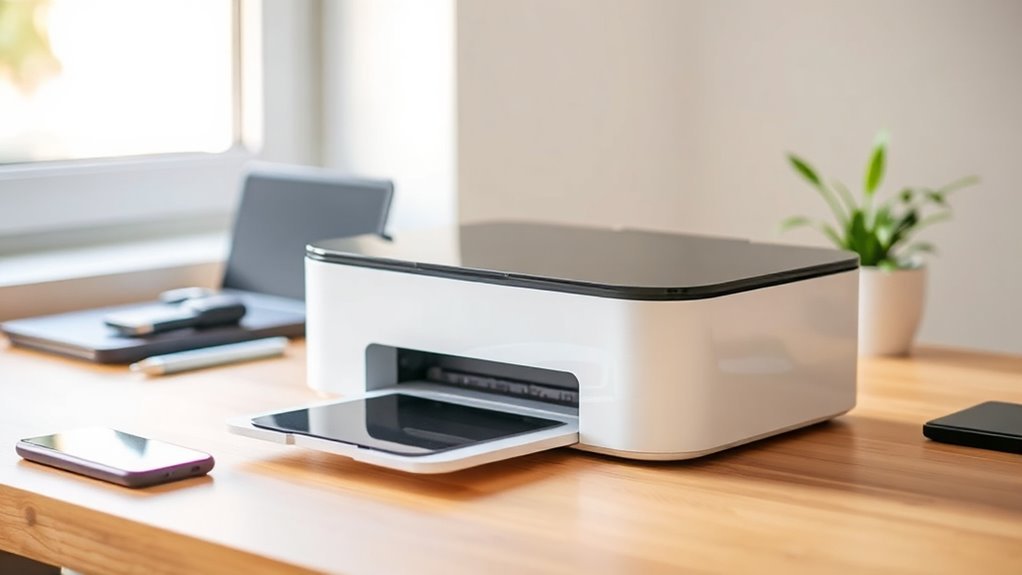
When choosing the cheapest printer and ink, you need to weigh the initial printer cost against ongoing ink refill expenses. It’s not just about the price tag when you buy it.
Think about how print speed and connectivity options fit your daily needs. You want something that works smoothly for you, right?
Don’t forget to check the print quality to guarantee it meets your standards. After all, what’s the point if your prints don’t look good?
Initial Printer Cost
One key factor you’ll want to evaluate is the initial cost of the printer, which can range from as low as $50 for basic models to $300 for advanced all-in-one units.
Inkjet printers usually have lower upfront costs compared to laser printers, making them a great choice if you’re on a tight budget.
Some printers even include a six-month trial of an ink subscription service, which can help reduce your initial expenses but requires ongoing payments later.
Consider printers with refillable ink tank systems too—they often come loaded with enough ink to last years, saving you money down the line.
While focusing on the purchase price, keep in mind the overall value lies in balancing the printer’s initial cost with its long-term usability and convenience.
Ink Refill Expenses
Although the initial cost of a printer might seem affordable, ink refill expenses can quickly add up and affect your overall budget. You’ll find that some printers use cartridge-free systems offering up to three years of ink, dramatically cutting long-term costs compared to traditional cartridges.
High-capacity ink tanks let you print thousands of pages—up to 6,000 black and 7,700 color—lowering your cost per page. Don’t be fooled by low printer prices; ink refills for those models can be expensive, increasing your total ownership cost.
Refillable ink tanks with uniquely keyed bottles help you refill mess-free and reduce waste. Plus, some printers offer trial periods for automatic ink delivery, which helps you manage refill costs and avoid running out of ink unexpectedly.
Print Speed Efficiency
Ink refill costs can add up, but print speed efficiency plays a big role in how quickly you get your documents in hand and how smoothly your workflow runs.
When choosing a cheap printer, look for models that print over 10 ppm for black and white and about 5-6 ppm for color. Faster speeds cut down your wait time, especially if you print in bulk.
Keep in mind, print quality settings affect speed—draft mode usually prints quicker than high-quality modes. Also, consider the paper type, as some printers perform better with specific media.
Don’t overlook duplex printing; automatic double-sided printing saves you time flipping pages manually, boosting overall efficiency. Balancing speed and quality guarantees your printer keeps up with your needs without breaking your budget.
Connectivity Options Available
How will you connect your printer to your devices? Consider dual-band Wi-Fi to guarantee reliable wireless printing and seamless integration with laptops, phones, and tablets.
Check if the printer supports mobile printing standards like Apple AirPrint and Mopria. That way, you can print directly from your smartphone or tablet without any hassle.
Don’t overlook USB connectivity—it’s a handy backup for direct computer connections when wireless isn’t available. Also, wireless direct printing is great if your Wi-Fi is limited, letting devices connect straight to the printer without a network.
Some printers even offer app-based control, letting you manage printing, scanning, and copying right from your phone. Choosing a printer with versatile connectivity options guarantees smooth, flexible printing in any setup.
Print Quality Standards
When choosing the cheapest printer and ink, you should focus on print quality standards to guarantee your documents and photos look sharp and vibrant. Print quality is measured in dots per inch (dpi); higher resolutions like 4800 x 1200 dpi produce sharper, more detailed images, especially in color.
Consider the ink type: dye-based inks offer vivid colors, while pigment-based inks provide longevity and resist fading. Printing speed (pages per minute) can affect detail—faster printers might sacrifice quality if not designed for high-resolution output.
Don’t forget that paper quality impacts results; specialized photo paper enhances print clarity compared to standard office paper. Regular maintenance, including printhead cleaning and using quality inks, helps keep your prints consistent and prevents clogs or color issues.
Paper Handling Capacity
Since frequent reloading can disrupt your workflow, choosing a printer with a high paper handling capacity is essential, especially if you print in large volumes. Look for models that hold between 60 and 100 sheets in the input tray to minimize how often you need to refill paper.
Also, consider the printer’s output capacity—units that can store more finished prints let you step away without constantly checking your job. Don’t forget to check the maximum media size the printer supports.
If you plan to print documents beyond standard letter size, make sure the printer handles larger formats to expand your project options. Balancing input capacity and media versatility will help you find a printer that fits your printing demands without frequent interruptions.
Energy Consumption Levels
Beyond paper capacity and media size, you’ll want to keep an eye on energy consumption levels when picking a printer. Energy use can vary widely—from as low as 2.55 watts in idle mode to 21 watts during active printing.
Opting for ENERGY STAR certified models guarantees you get a device designed to minimize electricity costs and environmental impact. High-efficiency printers typically consume less than 3 watts on standby, which helps reduce ongoing expenses.
Plus, regular maintenance and enabling energy-saving settings can further cut power usage. Over time, choosing a low-energy printer makes a noticeable difference, especially if you print frequently.
Frequently Asked Questions
How Do I Recycle Used Printer Ink Cartridges Responsibly?
You can recycle used printer ink cartridges responsibly by returning them to manufacturer programs, dropping them off at local recycling centers, or using mail-in services.
Don’t toss them in the trash; it helps reduce waste and pollution. It’s a simple way to do your part for the environment.
Can These Printers Connect to Mobile Devices via Bluetooth?
Yes, many modern printers connect to mobile devices via Bluetooth, letting you print wirelessly with ease. You don’t have to rely solely on cables.
You can quickly print photos or documents straight from your phone or tablet. It’s pretty convenient, right?
What Is the Average Print Speed for Black and Color Prints?
You’ll find average print speeds around 10-15 pages per minute for black prints and 5-10 pages per minute for color.
These speeds vary by model, so check specs to match your printing needs accurately. It’s always good to know what your printer can handle before you buy.
Are These Printers Compatible With macOS and Windows Operating Systems?
Yes, these printers are compatible with both macOS and Windows. You’ll find easy setup and driver support for both systems.
Do These Printers Support Duplex (Double-Sided) Printing Automatically?
Yes, most of these printers support automatic duplex printing, letting you save paper and time. Just check each model’s specs to be sure, as some budget options might require manual flipping for double-sided prints.
It’s pretty handy when your printer does the flipping for you, right? Saves a lot of hassle! But yeah, always good to double-check before you buy.
Conclusion
Choosing the cheapest printer and ink doesn’t have to feel like searching for a needle in a haystack. With options like the HP DeskJet 2923 or the Canon MegaTank G3270, you’ll save big without breaking a sweat.
Remember, the best printer fits your needs and budget, delivering quality without emptying your wallet. So, go ahead—grab one of these budget-friendly gems and watch your printing worries vanish faster than you can say “print!”
When looking for the best cheapest printers and ink, focus on models known for affordability and reliability. These choices help you cut costs on both the device and replacement cartridges.
In the end, finding the right cheap printer and affordable ink means smart savings and great print quality that suits your everyday needs. It’s all about balancing price, performance, and convenience to get the best value for your money.