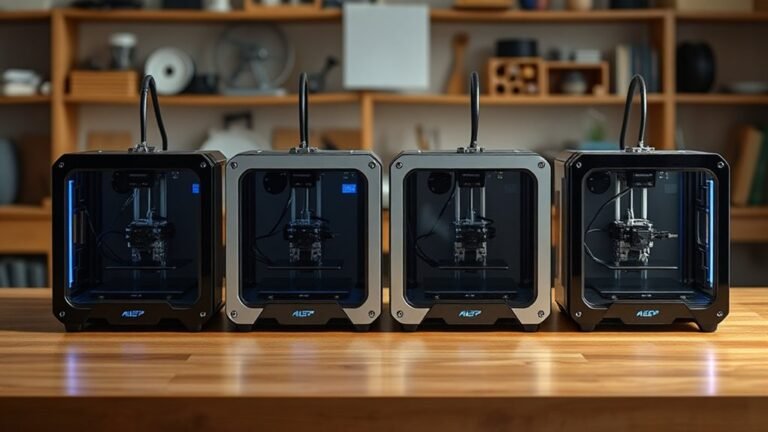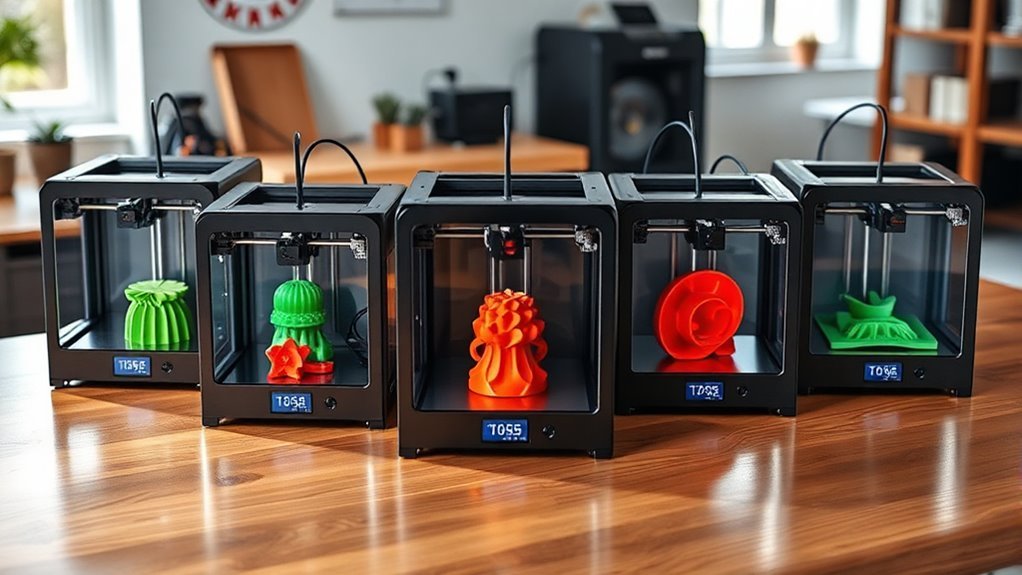
5 Best Budget FDM Printers for 2027
You’ll love the Anycubic Kobra X Multicolor if you want vibrant prints with 4 to 19 colors and easy, smooth setup. It’s perfect for those who enjoy adding a splash of color to their projects without the hassle.
Need large, quiet, precise builds? The LONGER LK5 Pro 3 offers a big 300×300×400mm build volume with near-silent operation. It’s great for anyone who values both size and peace while printing.
For portability and quick projects, the compact FDM printer with a removable plate is ideal. It’s super convenient to carry around and makes swapping prints a breeze.
The Entina Tina2 Plus speeds up prints with WiFi control, making remote printing easy and efficient. Meanwhile, the TRONXY CRUX 1S Mini delivers precision with its direct extruder, perfect for detailed work.
Explore further to find the best fit for your needs. With these budget FDM printers, you’re sure to discover something that matches your style and budget perfectly.
| Image | Name | Editor's Rating | Price |
|---|---|---|---|

|
|
||

|
|
||

|
|
||

|
|
||

|
|
Anycubic Kobra X Multicolor 3D Printer, Easy One-Click Printing
- 【Vivid 19-Color and Versatile Materials】Unleash creativity beyond limits. The Kobra X supports 4-color standard and expands up to 19 colors with 4 ACE 2 Pro for...
- 【600mm/s High Speed Performance】Don't let slow speeds limit your creativity. This high-speed FDM 3D printer reaches up to 600mm/s, completing tasks significantly...
- 【True Plug & Play Experience】Start your first project in as little as 15 minutes. The Kobra X arrives with a user-friendly setup and LeviQ 3.0 automatic bed leveling...
- 【LeviQ 3.0 Perfect First Layer】Forget the frustration of manual bed leveling that plagues beginner machines. The LeviQ 3.0 system utilizes 49-point full-auto leveling...
- 【Quiet & Reliable for Home】The ultra-quiet ≤48 dB operation ensures the living or learning space remains peaceful. Combined with power loss recovery and filament...
The Anycubic Kobra X Multicolor opens new creative possibilities with its ability to print in multiple colors seamlessly. It solves the challenge of producing vibrant, complex designs without requiring several printers or complicated setups.
This 3D printer supports up to 4 colors by default and can expand to 19 colors with additional units. Its adaptive extrusion force compensator ensures smooth color transitions, reducing printing errors and material waste. The hardened steel nozzle can handle flexible and common filaments like TPU, PLA, and PETG at temperatures up to 300°C, making it versatile for various projects.
Maintenance is straightforward thanks to the true plug-and-play design and the LeviQ 3.0 automatic bed leveling, which guarantees consistent first layers and reduces manual adjustments. Smart AI monitoring provides real-time alerts, helping users catch issues early while keeping operation quiet enough for home or classroom environments.
While the build volume is limited to 260 × 260 × 260 mm, it fits most hobbyist and educational needs. Expanding to 19 colors requires purchasing extra ACE 2 Pro units, which may increase cost and complexity. Users may also need some time to optimize multicolor transitions.
Best for: Hobbyists, educators, and small businesses looking for an affordable and reliable multicolor 3D printer with smart features.
What We Like:
- Supports up to 4 colors standard, expandable to 19 for detailed multicolor projects
- Easy setup with LeviQ 3.0 auto bed leveling for reliable first layers
- Adaptive extrusion force compensator ensures smooth color shifts
- Hardened steel nozzle handles various filaments at high temperatures
- AI-powered monitoring offers quiet, safe operation
Specification:
| Feature | Details |
|---|---|
| Manufacturer | Anycubic |
| Build Volume | 260 × 260 × 260 mm |
| Max Nozzle Temp | 300°C |
| Color Support | 4 colors standard, up to 19 expandable |
| Filament Compatibility | TPU, PLA, PETG |
| Bed Leveling | LeviQ 3.0 Auto Bed Leveling |
LONGER LK5 Pro 3 3D Printer, Large Size, Silent
- 【Larger Build Volume & 180mm/s Fast Printing】 Longer LK5 Pro 3D printer has a large build volume of 11.8 x 11.8x 15.7in. / 300*300*400mm, a larger creation space to...
- 【Stable Structure & Higher Precision 】The printer uses a reinforced design of diagonal bars to form a stable triangular structure that minimizes vibration and allows...
- 【Ultra-Silent Driver & Open Source Motherboard】 Our 3D printer adopts ultra-silent TMC2209 driver to give you a quiet environment. With the open source firmware, you...
- 【Filament Exhaustion Detection & Resume Printing Function 】Longer 3D printer is equipped with filament and power detection sensors, which will intelligently pause the...
- 【95% Pre-assembled & 100% Satisfaction Service】 The upgraded Longer 3D printer is a 95% pre-installed printer, ferfect for Beginners. We also provide the lifetime...
Experience a new level of 3D printing with the LONGER LK5 Pro 3, designed to handle large projects quietly and efficiently. Its spacious build area of 300 × 300 × 400 mm allows you to create bigger models without frequent interruptions. This printer is ideal for users who need both size and precision in one package.
The device’s silent operation comes from advanced TMC2209 stepper drivers and a reinforced triangular frame. These features reduce noise and vibrations, making it suitable for home, school, or office environments where quiet is essential. You get reliable prints at a fine 0.1 mm resolution, ensuring detailed results every time.
Maintenance is straightforward thanks to the lattice glass bed, which simplifies model removal and cleaning. Automatic X/Y calibration saves time and reduces manual adjustments. Additionally, filament run-out detection and power-loss recovery protect your prints from common interruptions.
The LONGER LK5 Pro 3 arrives nearly fully assembled, making it accessible for beginners and hobbyists. Its open-frame design offers easy access but may not be ideal for users needing enclosed printing conditions.
Best for: Beginners, hobbyists, and educators looking for a large, quiet, and stable 3D printer with hassle-free setup and consistent print quality.
What We Like:
- Large build volume for extensive projects
- Quiet operation with vibration reduction
- Filament run-out detection and power-loss recovery
- Easy model removal with lattice glass bed
- Automatic X/Y calibration for precision
Specification:
| Feature | Details |
|---|---|
| Manufacturer | LONGER |
| Build Volume | 300 × 300 × 400 mm |
| Stepper Drivers | TMC2209 Silent |
| Frame Type | Reinforced Triangular |
| Print Resolution | 0.1 mm |
| Bed Type | Lattice Glass |
| Design | Open Frame |
Portable Compact FDM 3D Printer with Removable Plate
- Foolproof Setup with Video Guides – Never get stuck! We provide a crystal-clear Quick Start Guide and step-by-step video tutorials. Watch them online to get started.
- Simple Assembly with Video Guide – Requires quick modular setup (watch our step-by-step video). Comes with 10m PLA filament, TF card, tools, and 12V Type-C power...
- Versatile Filament Compatibility – Unleash your creativity with both PLA and flexible TPU (1.75mm). The reliable 0.4mm nozzle and precise 0.05-0.3mm layer thickness...
- Reliable Performance & Compact Design – Features stable FDM technology and a removable build plate for easy model removal. The perfect 100x100x100mm build volume is...
- Complete Package – No Hidden Costs – Includes printer, 10m PLA filament, 8GB TF card + reader, tools, illustrated manual, and 12V Type-C power adapter. Plus free...
Discover a compact 3D printer that fits effortlessly into your workspace while delivering precise, high-quality prints. This portable FDM 3D printer is designed to make 3D printing accessible and hassle-free, especially for beginners and hobbyists. Its removable build plate means you can easily handle and remove finished models without any damage or fuss.
With a build volume of 100 x 100 x 100 mm and a 0.4 mm nozzle, it produces smooth layers ranging from 0.05 to 0.3 mm thickness. This balance of size and precision helps you create detailed, small-scale projects ideal for educational settings and personal use. The printer supports PLA and TPU filaments, offering flexibility for various simple printing needs.
Maintenance is straightforward thanks to the detachable plate, which simplifies cleaning and upkeep. The printer’s lightweight design, weighing just 2.2 pounds, enhances portability and fits comfortably in limited spaces. Setup is quick and user-friendly, guided by clear video tutorials and a Quick Start Guide, ensuring you can start printing within minutes without prior experience.
While the compact build volume limits larger projects, and filament compatibility is limited to PLA and TPU, this printer excels in delivering reliable, easy-to-manage performance for small-scale applications.
Best for: beginners, students, and hobbyists seeking a compact, user-friendly 3D printer for educational or small workspace environments.
What We Like:
- Lightweight and portable design for easy transport
- Removable build plate simplifies model handling and cleaning
- Clear, step-by-step setup guidance with video tutorials
- Precise printing capability with adjustable layer thickness
Specification:
| Feature | Details |
|---|---|
| Manufacturer | Not specified |
| Build Volume | 100 x 100 x 100 mm |
| Nozzle Diameter | 0.4 mm |
| Layer Thickness | 0.05 – 0.3 mm |
| Supported Filaments | PLA, TPU |
| Weight | 2.2 lb (1.0 kg) |
| Design | Portable, compact |
Entina Tina2 Plus Fast WiFi 3D Printer
- 【Start Printing in Minutes – Beginner Friendly】No setup required. Tina2 Plus 3d printer comes fully assembled and ready to use out of the box. With included TF card...
- 【Fast 250mm/s Printing Performance】This Tina2 Plus high speed 3D printer print speeds up to 250 mm/s help reduce waiting time and support fast project turnaround...
- 【WiFi App Control & STEM Model Library】Powered by the Poloprint Cloud app, this WiFi-enabled 3D printer gives access to 3,500+ printable models and 25+ creative DIY...
- 【40-Second Fast Heat Ceramic Hotend】High-efficiency ceramic hotend heats up in just 40 seconds for faster start-up and less downtime. The quick-swap nozzle design...
- 【Compact 3D Printer for Home & Classroom】Designed with a space-saving footprint while maintaining practical print capacity, this compact 3D printer fits easily on...
The Entina Tina2 Plus is designed to bring fast and reliable 3D printing to beginners and educators. Its fully assembled setup and preloaded models let you start printing immediately, eliminating the usual hassle of complex assembly. This makes it ideal for classrooms and home STEM projects where ease of use is essential.
With print speeds up to 250 mm/s and a ceramic hotend that heats up in just 40 seconds, the Tina2 Plus ensures efficient production without long wait times. Its stable dual Z-axis motion system and auto-leveling build plate provide consistent, smooth results, reducing print errors and the need for constant adjustments.
Maintenance is straightforward thanks to its robust design and user-friendly controls via the Poloprint Cloud app. You can easily manage print jobs and access thousands of models wirelessly, enhancing creativity and workflow. However, its partially enclosed frame limits visibility during printing, and the build volume suits smaller projects best.
Overall, the Entina Tina2 Plus combines speed, reliability, and smart connectivity in a compact form. It’s a practical choice for those seeking a fast, easy-to-use 3D printer that fits well in educational and personal settings.
Best for: Beginners, educators, and kids needing a fast, user-friendly WiFi-enabled 3D printer for home or classroom STEM activities.
What We Like:
- Ready to use out of the box with preloaded models for immediate printing
- Fast heating ceramic hotend with print speeds up to 250 mm/s
- Stable dual Z-axis system and auto-leveling build plate for smooth prints
- WiFi connectivity with Poloprint Cloud app for easy control and model access
Specification:
| Manufacturer | Entina |
|---|---|
| Model | Tina2 Plus |
| Dimensions | Compact (exact size not specified) |
| Weight | Not specified |
| Material | Not specified |
| Connectivity | WiFi |
| Print Speed | Up to 250 mm/s |
| Hotend | Ceramic, fast heat (40 sec) |
| Motion System | Dual Z-axis |
| Build Plate | Auto-leveling |
TRONXY CRUX 1S Mini 3D Printer, Direct Extruder Double OSG15 Guide Rail
- 300mm/s Ultra-Speed Printing: The upgraded high-speed print head delivers travel speeds of up to 300mm/s and accelerations of up to 10,000mm/s², maximizing efficiency...
- Ceramic Heating Print Head: high temperature resistance, faster heating speed, greatly reducing printing heating time
- 95% Pre-installed: TRONXY CRUX 1S small 3D printer, in semi-assembled kit, both as an entry-level version and as a portable home office version, high adaptability, quick...
- Cantilever Structure: Lightweight structure, build a reasonable force balance, with good load capacity, improve efficiency and maintain stability during printing...
- Portable Lightweight: Small 3d printer CRUX1 weights less than 6 kg, equivalent to a small dumbbell weight. Small and lightweight suitable for students and children, big...
The TRONXY CRUX 1S Mini 3D Printer offers a compact solution for users needing precise, reliable prints without sacrificing portability. Its direct extruder and ceramic heating head ensure consistent temperature control, which helps produce clean layers with various filament types like PLA, ABS, PETG, and TPU. This means fewer print failures and smoother finishes for your projects.
Equipped with double OSG15 linear guide rails on the Y-axis, the printer delivers stable and wear-resistant motion. This enhances print accuracy and reduces maintenance, allowing you to focus more on creating rather than troubleshooting. The X-axis belt adjustment and high-wear pulley further minimize layer inconsistencies, improving overall print quality.
The cantilever design optimizes load balance, keeping the machine lightweight at under 6 kg. This makes it easy to move between workspaces, ideal for students, hobbyists, or professionals needing a quick prototyping tool at home or office. The semi-assembled kit speeds up setup so you can start printing faster with minimal hassle.
While its mini size limits the build volume, it fits well for small to medium projects. The cantilever frame, though efficient, may offer slightly less rigidity than full-frame printers, which is worth considering depending on your print demands.
Best for: Students, hobbyists, and home-office users seeking a portable, precise 3D printer suitable for rapid prototyping and educational projects.
What We Like:
- Smooth, stable motion with double OSG15 linear guide rails
- Reliable direct extruder and ceramic heating head for consistent prints
- Lightweight cantilever design for easy portability
- Semi-assembled kit enables quick setup
- Effective X-axis belt adjustment reduces layer artifacts
Specification:
| Feature | Details |
|---|---|
| Manufacturer | TRONXY |
| Dimensions (approx.) | Not specified |
| Weight | Under 6 kg |
| Material | Not specified |
| Color Options | Not specified |
Factors to Consider When Choosing a Budget Fdm Printer
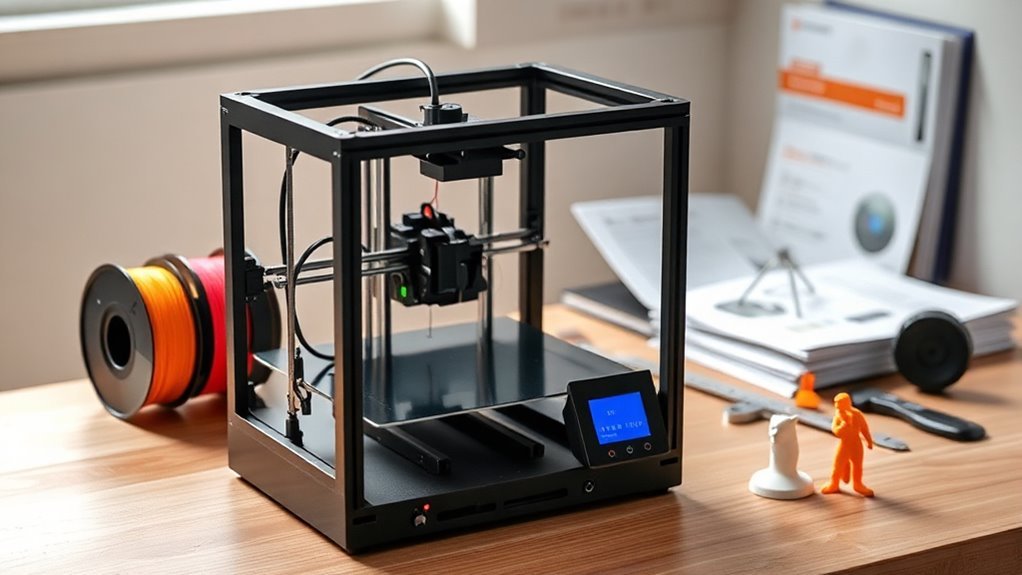
When picking a budget FDM printer, you’ll want to focus on print quality, build volume, and the materials it supports.
It’s also important to think about how easy it is to set up and how quietly and reliably it runs.
Keeping these factors in mind will help you find the best fit for your needs.
Print Quality Essentials
Achieving high-quality prints starts with understanding key factors that influence your budget FDM printer’s performance. You want a printer that reliably achieves layer heights between 0.1 and 0.2 mm for fine details, with the ability to push down to 0.05 mm for ultra-high resolution.
Nozzle size matters too; a 0.4 mm nozzle is versatile, but hardened steel nozzles let you print with higher-temp or abrasive filaments without wear.
A stable motion system with vibration damping—like rigid frames or linear guides—helps reduce ghosting and boosts accuracy. Consistent extrusion, whether direct or well-tuned Bowden, combined with proper retraction settings, prevents stringing and blobs.
Finally, a flat, well-leveled bed with automated or precise manual leveling guarantees good first-layer adhesion and uniform layers throughout your print.
Build Volume Needs
Print quality depends heavily on the printer’s build volume, which shapes what you can create in a single piece. Start by measuring the largest part you expect to print and pick a printer with at least that internal build space to avoid splitting models.
Remember, advertised volumes often overstate usable space—bed clips, enclosures, or carriage clearance can reduce it, risking collisions with tall or wide parts. Larger volumes let you print big functional pieces or multiple smaller parts simultaneously, boosting throughput.
However, they also increase the printer’s footprint, warm-up time, and material cost if a print fails. So, you’ll want to balance your build volume choice with the printer’s stability and resolution. Very large volumes need stiffer frames and precise motion control to keep quality consistent across the whole bed.
Material Compatibility Options
Although budget FDM printers often cater to common filaments like PLA and PETG, you’ll want to check if your chosen model supports a wider range of materials—especially if you plan to experiment with TPU, ABS, or specialty filaments.
Make sure the printer’s nozzle can reach the necessary temperatures—ABS needs up to 260°C, TPU around 230°C. Confirm it handles your filament diameter, usually 1.75 mm, and has a reliable filament feeder or run-out sensor to prevent jams, especially with flexible TPU.
Direct-drive extruders better handle flexible filaments, while Bowden setups favor rigid ones. Also, consider if the printer uses hardened nozzles for abrasive filaments.
And don’t forget to check whether its bed surface and cooling system support materials like PETG and ABS. These might require specific adhesion and cooling conditions for successful prints.
Ease Of Setup
When choosing a budget FDM printer, ease of setup can make a huge difference in your overall experience. Look for printers labeled “plug-and-play” or “fully assembled” so you can start printing within 15–30 minutes of unboxing.
Automated bed leveling features, like probe-based systems, reduce manual steps and improve first-layer success. Choose models with clear setup guides, video tutorials, and preloaded firmware or test files to simplify configuration and troubleshooting.
Also, consider how much assembly is required—95% pre-assembled kits usually need just a few fasteners and basic calibration. This saves you hours compared to DIY kits.
User-friendly features such as removable build plates, bed-leveling wizards, and easy filament loading will streamline your routine setup and get you printing faster.
Noise And Reliability
Since you’ll likely use your FDM printer in shared spaces like a home or classroom, choosing one with low noise levels is essential. Look for models with noise ratings around or below 48 dB or those featuring silent stepper drivers like the TMC series to keep operation quiet.
Reliability also matters—filament run-out sensors and power-loss recovery will save you from failed prints caused by interruptions. Automatic bed leveling with multi-point probing and sturdy frames reduces first-layer issues and vibrations, improving print success.
Hardened nozzles and dependable extruders with good retraction control help prevent jams and wear, especially with abrasive filaments. Finally, prioritize brands offering spare parts programs, accessible firmware updates, and solid customer support to minimize downtime and keep your printer running smoothly.
Frequently Asked Questions
How Do I Maintain and Clean an FDM Printer?
You should regularly clean the nozzle and remove filament residue. Also, don’t forget to lubricate the moving parts to keep everything working smoothly.
Keep the print bed clean and make sure it’s level before every print. It really helps with print quality.
Oh, and remember to update your firmware from time to time. Checking the belts for proper tension is important too.
Doing these simple things will keep your printer running smoothly and extend its life.
What Types of Filaments Work Best With Budget FDM Printers?
You’ll find PLA works best with budget FDM printers since it’s easy to print, low-warp, and doesn’t need a heated bed.
PETG is another great choice if you want more strength and flexibility without much hassle. It’s a bit tougher to print than PLA, but still pretty user-friendly.
Can Budget FDM Printers Be Upgraded With New Components?
Yes, you can upgrade budget FDM printers with better components like nozzles, hotends, or build plates. Doing this improves print quality and reliability.
It proves that even affordable printers can evolve with your needs over time. So, don’t hesitate to tweak and enhance your setup bit by bit!
How Long Do Budget FDM Printers Typically Last?
Budget FDM printers typically last around 3 to 5 years with regular use.
You’ll want to maintain and replace parts occasionally to keep them running smoothly. That way, your printer stays reliable over time.
Are There Safety Precautions When Using FDM Printers at Home?
You’ll want to ventilate your space, wear gloves, and keep kids away. This helps keep everyone safe while the printer is running.
You’ll avoid burns, fumes, and tangled wires by monitoring prints closely, cleaning regularly, and using certified filaments. Trust me, these little steps make a big difference.
Safety guarantees smooth, worry-free printing. So, just take these precautions and enjoy your 3D printing projects!
Conclusion
Choosing a budget FDM printer doesn’t mean you have to sacrifice quality or features. You might worry that affordable models lack reliability, but the options here prove otherwise—they combine ease of use, silent operation, and impressive print sizes.
Whether you want portability or advanced connectivity, these printers deliver great value without breaking the bank. So, go ahead and pick one that suits your needs—you’ll be printing high-quality models in no time!
In the world of budget FDM printers, you really can have it all: affordability, reliability, and great features. These models offer excellent print quality and user-friendly designs that won’t overwhelm beginners or pros. Plus, with quiet operation and solid build volume, you’re set for a smooth printing experience.
So, if you’re looking for the best budget FDM printer for 2027, rest assured these picks won’t let you down. They provide everything you need to get started or upgrade your setup without overspending. Happy printing!