3 Best Budget Color Laser Printers for 2027
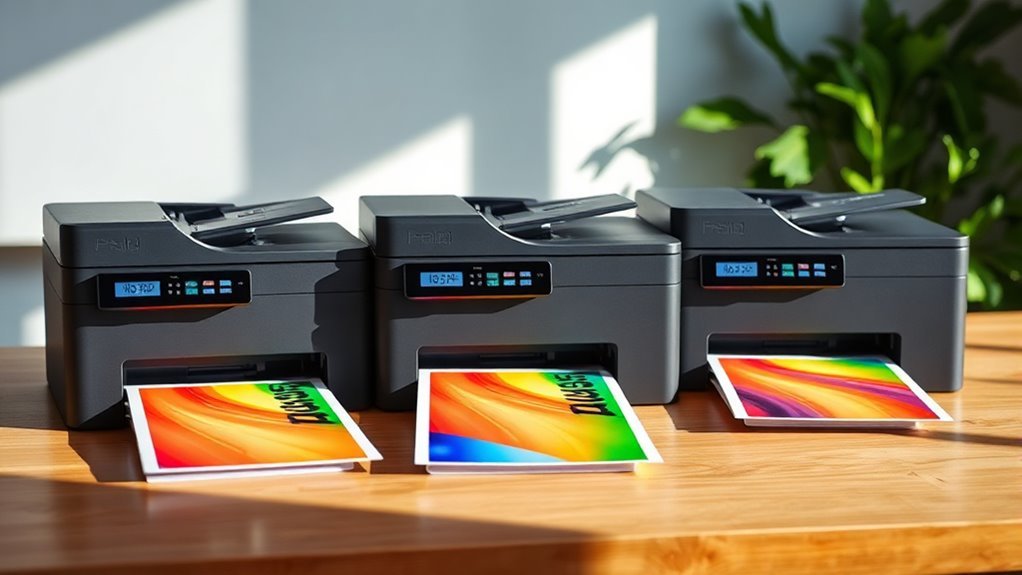
If you’re looking for reliable, budget-friendly color laser printers in 2027, you’ve got some great options to consider. These printers offer a perfect mix of speed, quality, and affordability, making them ideal for home offices or small teams.
First up, the Brother HL-L3220CDW stands out with its compact design and easy wireless setup. It’s great if you want something that doesn’t take up much space but still delivers sharp color prints.
Then there are the HP Color LaserJet Pro 3204dw and 3201dw models. Both of these bring fast printing speeds, duplexing capabilities, and versatile connectivity options to the table.
Keep reading to see how each model’s features and specs can fit your specific printing needs perfectly. You’ll find something that matches your workflow and budget without compromising on quality.
| Image | Name | Editor's Rating | Price |
|---|---|---|---|

|
|
||

|
|
||

|
|
Brother HL-L3220CDW Wireless Color Laser Printer
- Professional Quality: Brother Genuine color laser printer delivers stunning business documents with crisp text and vibrant graphics at impressive 19 PPM speed...
- Wireless Connectivity: Brother Genuine advanced wireless capabilities enable seamless printing from laptops, smartphones, and tablets, with built-in security protocols...
- High-Volume Capacity: Brother Genuine laser printer includes a generous 250-sheet paper tray minimizing refills, while the manual feed slot offers versatility for...
- Efficient Performance: Brother Genuine automatic duplex printing saves time and paper, while delivering professional-quality double-sided documents at speeds up to...
- Mobile Integration: Brother Genuine technology ensures seamless compatibility with major mobile printing platforms and cloud services, enabling effortless document...

Looking for a compact printer that fits seamlessly into your home office? The Brother HL-L3220CDW wireless color laser printer offers a great balance of size and performance. Its small footprint saves space while delivering sharp, vibrant prints at a steady pace.
This printer helps you handle daily printing tasks efficiently. With fast 19 ppm speed and 2400 x 600 dpi resolution, it produces clear documents and graphics. Automatic duplex printing cuts paper use, making it ideal for busy professionals managing multiple projects.
Maintenance is straightforward with a 250-sheet paper tray that minimizes refills. The device supports various media types, including envelopes and glossy paper, so you can tackle diverse printing needs. Wireless and USB connectivity options ensure easy setup and secure mobile printing.
Though it’s a print-only machine without scanning or copying, the HL-L3220CDW suits users who need reliable, high-quality color prints without extra features. Its robust wireless security protects your data during mobile printing tasks.
Best for: professionals and home office users seeking a compact, efficient color laser printer with reliable wireless connectivity and versatile media handling.
What We Like:
- Fast 19 ppm print speed with sharp 2400 x 600 dpi output
- Automatic duplex printing reduces paper waste
- Supports multiple media types, including envelopes and glossy paper
- Flexible connectivity: Wi-Fi, USB, and mobile printing
- Compact design fits easily in small office spaces
Specification:
| Feature | Details |
|---|---|
| Manufacturer | Brother |
| Dimensions | 15.7 x 15.7 x 9.4 inches |
| Weight | 24.7 lbs (11.2 kg) |
| Printing Technology | Color Laser |
| Connectivity | Wi-Fi, USB, Mobile Print |
| Paper Tray Capacity | 250 sheets |
HP Color LaserJet Pro 3204dw | Color Laser Printer | Duplex
- FROM AMERICA'S MOST TRUSTED PRINTER BRAND – Perfect for office teams creating professional-quality color documents and reports; auto 2-sided printing; perfect for up to...
- OPTIMIZE PRINT FORMATTING WITH HP AI – Print web pages and emails with precision—no wasted pages or awkward layouts; HP AI easily removes unwanted content, so your...
- BLAZING FAST COLOR – Up to 26 color pages per minute, with sharp details and incredible color
- STAYS CONNECTED – Reliable Wi-Fi automatically reconnects to stay online and ready to print
- PROTECTS YOUR DATA – Includes HP Wolf Pro Security with customizable settings so your printer and information are always secure
The HP Color LaserJet Pro 3204dw delivers fast, dependable color printing designed to keep small teams productive. It prints up to 26 pages per minute with sharp 600 x 600 dpi clarity, ensuring your documents look professional without slowing you down. Automatic duplex printing cuts paper use in half, making it an eco-friendly choice for busy offices.
This printer supports a wide range of media types, from labels to cardstock, so you can handle diverse projects with ease. Dual trays hold up to 250 sheets, reducing the need for frequent refills and keeping your workflow smooth. Connectivity options are versatile, including Ethernet, USB, Wi-Fi, and mobile printing via apps like Apple AirPrint, making it simple to print from any device.
Maintenance is straightforward, but keep in mind that only original HP cartridges with chips are compatible, which can affect running costs. The device’s security features help safeguard sensitive data, an important factor for business environments.
Best for: Small teams and home offices needing a reliable, fast color laser printer with duplex functionality and versatile media handling.
What We Like:
- Fast printing speed of up to 26 ppm with clear 600 x 600 dpi resolution
- Automatic duplex printing reduces paper consumption
- Supports multiple media types including labels and cardstock
- Multiple connection options including Wi-Fi and mobile printing apps
- Dual trays hold up to 250 sheets for efficient paper management
Specification:
| Feature | Details |
|---|---|
| Manufacturer | HP |
| Dimensions | Not specified |
| Weight | Not specified |
| Color Options | Not specified |
| Print Resolution | 600 x 600 dpi |
| Print Speed | Up to 26 pages per minute |
| Connectivity | Ethernet, USB, Wi-Fi, Mobile apps |
HP Color LaserJet Pro 3201dw | Color Laser Printer | Wireless | Duplex
- FROM AMERICA'S MOST TRUSTED PRINTER BRAND – Perfect for small teams printing professional-quality color documents and reports. Print speeds up to 26 ppm black/color.
- PROFESSIONAL PRODUCTIVITY – Proficiency with every print—next-generation TerraJet toner brings your business to life with more vivid colors
- UPGRADED FEATURES – Fast color printing, auto 2-sided printing, and a 250-sheet input tray
- AWARD-WINNING RELIABILITY – Performance you can count on page after page, and always ready for the high demands of business
- WIRELESS PRINTING – Stay connected with dual-band Wi-Fi with self-reset, which automatically detects and resolves connection issues
The HP Color LaserJet Pro 3201dw is designed to transform your printing experience with fast, vibrant results. Whether for home or small office use, it efficiently handles everyday printing needs, saving you time with speeds up to 26 pages per minute. Its sharp 600 x 600 dpi resolution ensures clear, professional-quality color output.
This printer’s automatic duplexing reduces paper waste effortlessly, making it an eco-friendly choice. Connectivity options like Wi-Fi, Ethernet, and USB provide flexible placement and easy smartphone app control. The 250-sheet tray supports a variety of media, from envelopes to glossy photo paper, adapting to different projects.
Maintenance is straightforward with HP’s TerraJet toner, which delivers vivid colors and consistent print quality. Security features, including HP Wolf Pro, help protect your data, giving you peace of mind in busy environments. Although it weighs 33 pounds and has a single input tray, it remains compact and reliable for regular use.
Best for: Home users and small offices needing a fast, versatile color laser printer that supports wireless printing and automatic duplexing.
What We Like:
- Fast 26 ppm print speed for color and black-and-white documents.
- Automatic two-sided printing reduces paper use.
- Versatile media handling, including glossy photo paper and envelopes.
- Enhanced security with HP Wolf Pro to protect sensitive information.
- Consistent vibrant color output using HP TerraJet toner.
Specification:
| Feature | Details |
|---|---|
| Manufacturer | HP |
| Dimensions (W x D x H) | 16.5 x 15.7 x 10.2 in (41.9 x 39.9 x 25.9 cm) |
| Weight | 33 lb (15 kg) |
| Print Technology | Color Laser |
| Print Resolution | 600 x 600 dpi |
| Connectivity | Wi-Fi, Ethernet, USB |
| Paper Capacity | 250 sheets |
Factors to Consider When Choosing a Budget Color Laser Printer
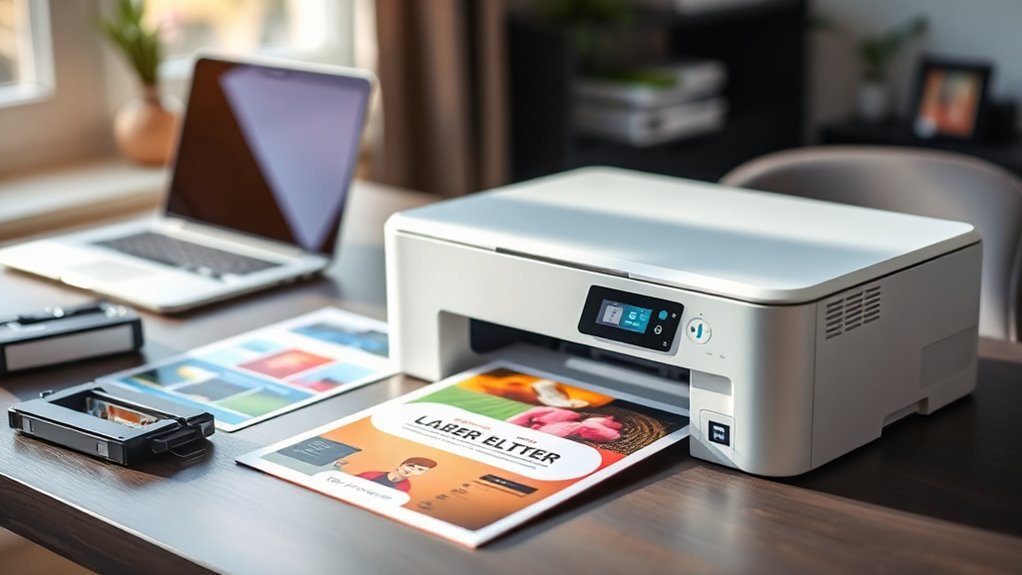
When choosing a budget color laser printer, you’ll want to weigh print speed and quality to match your needs. Check the connectivity options and paper handling capacity to guarantee smooth workflow.
Don’t forget to factor in the cost of consumables for long-term savings. It’s all about finding the right balance that fits your budget and printing demands.
Print Speed Importance
Consider how print speed affects your workflow before choosing a budget color laser printer. Look for a printer that offers at least 20–25 pages per minute (ppm) to handle typical small-office tasks efficiently.
Pay attention to the first-page-out time—getting your first print in under 15 seconds can make a big difference when you print single pages occasionally. Check if the printer’s color and black-and-white speeds match; slower color printing can slow down mixed jobs.
Also, consider the printer’s duty cycle and whether its rated speed holds up during sustained use, not just short bursts. Keep in mind that faster printers might use more power and cost more upfront.
Print Quality Standards
Print quality can make or break your experience with a budget color laser printer. Aim for a minimum resolution of 600 x 600 dpi to guarantee clear text and basic graphics.
Higher effective resolutions, up to 2400 x 600 dpi, deliver smoother gradients and sharper images. Pay attention to color depth and halftone screening, as richer color support produces more vibrant, accurate prints.
Consistent print speed, including quick first-page-out times, minimizes delays and prevents color shifts during mixed jobs. Look for printers with advanced toner technology and high-yield cartridges to maintain uniform color, reduce banding, and lower costs.
Also, guarantee automatic duplexing and media handling support heavier specialty papers without sacrificing color registration or fusing quality. This helps avoid smudges or misalignment.
Connectivity Options Available
Achieving excellent print quality means little if your printer can’t connect seamlessly to your devices. You’ll want a budget color laser printer that supports both Wi-Fi and USB, so you can print wirelessly from smartphones or tablets and still have a direct wired option for your PC.
If you work in a small office or share the printer among multiple users, consider Ethernet or network capability for reliable, high-speed access. Mobile printing features like AirPrint, Mopria, or proprietary apps let you print directly from your phone or cloud storage without a computer.
Wi-Fi Direct is handy for guest devices, enabling ad-hoc printing without joining your LAN. Don’t forget to check for automatic reconnection and network-based firmware updates to keep your printer connected and secure. It really helps to keep things running smoothly.
Paper Handling Capacity
Managing your paper supply efficiently can save you time and prevent frustrating interruptions.
If you print medium to large batches regularly, choose a printer with at least a 250-sheet main tray to minimize refills. Automatic duplex printing is a must—it halves paper use and eliminates manual page flipping for double-sided jobs.
Look for extra manual feed slots or multi-purpose trays so you can print envelopes, labels, cardstock, or specialty media without swapping paper mid-job. Don’t forget to check the output tray capacity; a 100–250 sheet range helps avoid jams during long runs.
Finally, verify the printer supports the paper sizes and weights you use most, from index cards to legal or tabloid sizes. This ensures smooth and versatile performance.
Consumable Cost Efficiency
While the upfront price of a budget color laser printer might catch your eye, understanding its consumable cost efficiency is essential for long-term savings. To get a clear picture, calculate the cost per page by dividing the price of replacement toner cartridges by their rated yield, comparing both standard and high-yield options.
Don’t forget to factor in drum or imaging unit replacements, as their costs and lifespans can materially impact your expenses. Keep in mind, yield ratings assume 5% color coverage, so heavier printing increases costs.
Look for high-yield cartridges and multi-pack bundles, which often lower per-page prices. Also, consider maintenance items like rollers and kits required by manufacturers, as their frequency and cost add up over time, affecting your overall budget.
Security Features Included
Because printers handle sensitive information, you need to make certain your budget color laser printer includes robust security features. Start by ensuring it supports wireless security protocols like WPA2 or WPA3 to protect your Wi-Fi connection and prevent unauthorized access.
Look for built-in device authentication such as user PINs or LDAP/Active Directory integration, along with role-based access controls to restrict who can print or manage settings. These features help keep your printer safe from unwanted use.
Verify the printer encrypts data both in transit (using TLS/SSL) and at rest (with AES or similar). Also, check for firmware update mechanisms and trusted boot features to prevent tampering.
Finally, consider auditing capabilities—print job logs, access reports, and event alerts. These tools help you monitor security and maintain compliance effectively.
Frequently Asked Questions
How Long Do Color Laser Printer Toner Cartridges Typically Last?
Toner cartridges typically last between 1,500 to 3,000 pages, depending on usage and printer model. You’ll get more if you print mostly text and less with heavy color images.
Can Color Laser Printers Print on Envelopes or Cardstock?
You absolutely can print on envelopes or cardstock with color laser printers—they handle those like a champ! Just make sure your printer supports thicker media and adjust settings to avoid jams or smudges.
You’ve got this!
Are Color Laser Printers Compatible With Mac and Windows?
Yes, color laser printers typically work with both Mac and Windows. You’ll just need to install the right drivers, which manufacturers usually provide.
That way, you can print seamlessly regardless of your operating system. It’s pretty straightforward once you have everything set up.
What Is the Average Warm-Up Time for Color Laser Printers?
The average warm-up time for color laser printers is usually between 20 to 60 seconds. You’ll find some models heat up faster, but generally, you won’t have to wait long before printing starts.
It’s pretty quick when you think about it. Most of the time, you can start printing almost right away without much delay.
Do Color Laser Printers Support Mobile Printing Apps?
Yes, color laser printers often support mobile printing apps. You’ll find compatibility with apps like Apple AirPrint, Google Cloud Print, and manufacturer-specific options.
This makes it easy for you to print directly from your smartphone or tablet anytime. So, whether you’re at home or on the go, printing is super convenient.
Conclusion
When choosing a budget color laser printer, you want reliability, speed, and crisp color output—just like the trusty quill was to the Renaissance writer. Whether you pick the Brother HL-L3220CDW or one of the HP Color LaserJet Pro models, each offers modern features like wireless and duplex printing to keep you efficient.
Remember, investing smartly now means your printing needs will be covered well into 2027 without breaking the bank. A good budget color laser printer balances cost and performance, giving you sharp prints and dependable service. So, whether it’s for home or office use, choosing one of these top models ensures you get great value and quality that lasts.