3 Best Budget 3D Printers for Beginners in 2026
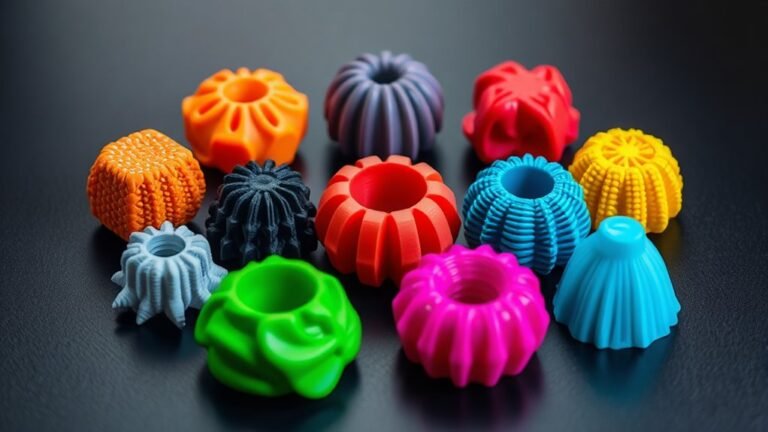
You’ll find the Anycubic Kobra X Multicolor ideal for easy one-click, multi-color printing and quick leveling. It’s perfect if you want vibrant projects that really stand out.
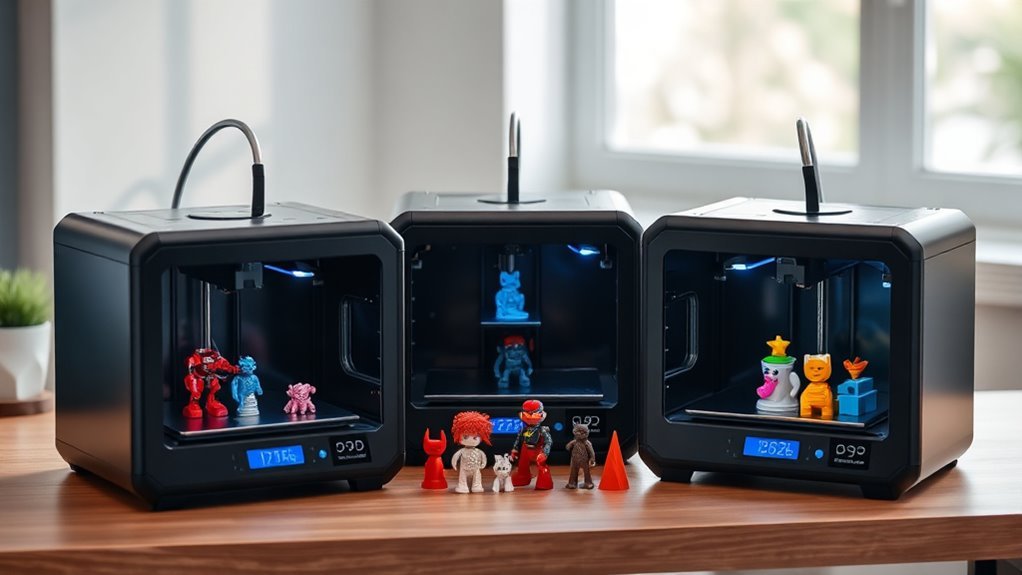
The Creality Ender 3 V3 SE suits you if you need automatic bed leveling and quiet, reliable operation. Plus, it offers straightforward setup, making it great for beginners.
For a faster start and higher-speed printing, the Ender 3 V3 SE Upgrade offers quick assembly and precision. Keep going to discover what makes these budget-friendly 3D printers truly beginner-friendly.
| Image | Name | Editor's Rating | Price |
|---|---|---|---|

|
|
||

|
|
||

|
|
Anycubic Kobra X Multicolor 3D Printer, Easy One-Click Printing
- 【Vivid 19-Color and Versatile Materials】Unleash creativity beyond limits. The Kobra X supports 4-color standard and expands up to 19 colors with 4 ACE 2 Pro for...
- 【600mm/s High Speed Performance】Don't let slow speeds limit your creativity. This high-speed FDM 3D printer reaches up to 600mm/s, completing tasks significantly...
- 【True Plug & Play Experience】Start your first project in as little as 15 minutes. The Kobra X arrives with a user-friendly setup and LeviQ 3.0 automatic bed leveling...
- 【LeviQ 3.0 Perfect First Layer】Forget the frustration of manual bed leveling that plagues beginner machines. The LeviQ 3.0 system utilizes 49-point full-auto leveling...
- 【Quiet & Reliable for Home】The ultra-quiet ≤48 dB operation ensures the living or learning space remains peaceful. Combined with power loss recovery and filament...
Dive into 3D printing with the Anycubic Kobra X Multicolor, designed to simplify your creative process. Its standout feature, easy one-click printing, helps beginners and hobbyists start projects without hassle. This printer supports native four-color printing, which unlocks vibrant, multi-material designs, and can expand up to 19 colors with an accessory.
The spacious build volume of 260 x 260 x 260 mm accommodates a variety of medium-sized projects. Its hardened steel nozzle heats up to 300°C, enabling flexible use of materials like PLA, PETG, and TPU. Automatic LeviQ 3.0 leveling cuts setup time to about 15 minutes, making it quick to get started.
Maintenance is straightforward, with robust components designed for reliability. AI-powered monitoring watches over your print jobs, alerting you to potential issues early. This reduces print failures and ensures consistent results, especially useful for educational settings or home use.
Quiet and dependable, the Kobra X Multicolor fits well in classrooms, workshops, or personal studios. It balances functionality and ease of use, though its build size and temperature limits may not suit very large or highly specialized printing needs.
Best for: Beginners, educators, and hobbyists seeking an easy-to-use 3D printer capable of multi-color projects with fast setup and dependable performance.
What We Like:
- Native four-color printing with expansion options for versatile designs
- Fast, reliable setup using LeviQ 3.0 automatic leveling
- AI monitoring enhances print success and reduces downtime
- Hardened steel nozzle supports a range of popular materials
- Quiet operation suitable for shared spaces
Specification:
| Feature | Description |
|---|---|
| Manufacturer | Anycubic |
| Build Volume | 26 x 26 x 26 cm |
| Nozzle Temperature | Up to 300°C |
| Color Options | 4 colors native, expandable to 19 |
| Leveling | Automatic LeviQ 3.0 |
| Monitoring | AI-powered real-time alerts |
Creality Ender 3 V3 SE Beginner-Friendly 3D Printer with Auto Leveling
- 250mm/s High-Speed Printing: Print at speeds of up to 250mm/s with 2500mm/s² acceleration, helping you complete prototypes, functional parts, and everyday projects...
- Easy Setup with Auto Leveling: Designed for a fast and straightforward setup, the Ender 3 V3 SE can be assembled in just a few simple steps. CR Touch Auto Leveling and...
- Proven Sprite Direct Drive Extruder: The upgraded Sprite Direct Drive Extruder provides smooth and consistent filament feeding for PLA, PETG, and TPU. Its proven design...
- Stable Motion System for Consistent Results: Dual synchronized Z-axis lead screws and precision Y-axis linear shafts work together to help reduce vibration and Z...
- Quiet Operation with Easy Print Removal: A 32-bit silent mainboard helps reduce operating noise for a more comfortable printing experience, while the flexible PC spring...
Discover the ease of 3D printing with the Creality Ender 3 V3 SE, designed to make your first prints smooth and reliable. Its auto leveling feature eliminates guesswork, ensuring the print bed is perfectly calibrated every time. This means you’ll get a consistent, quality first layer without manual adjustments.
The printer uses a CR Touch sensor and automatic Z-offset calibration to maintain precise printing height. This reduces errors and saves time during setup. The Sprite Direct Drive Extruder handles various filaments like PLA, PETG, and TPU, with an added convenience of auto filament loading to simplify operation.
Built for stability, the Ender 3 V3 SE features dual synchronized Z-axis screws and precision shafts that minimize vibration. This improves print accuracy and reduces defects. It also runs quietly thanks to its silent 32-bit mainboard, making it suitable for home or office use.
Maintenance is straightforward with a flexible steel build plate, which helps remove prints easily without damage. Compact and sturdy, this printer balances performance with user-friendly design, ideal for beginners and hobbyists alike.
Best for: Those new to 3D printing seeking a reliable, easy-to-use printer with automatic bed leveling and quiet operation.
What We Like:
- Reliable auto leveling with CR Touch and Z-offset calibration
- Versatile Sprite Direct Drive Extruder with auto filament loading
- Dual Z-axis screws reduce vibration for precise layers
- Quiet 32-bit mainboard for low-noise printing
- Flexible steel build plate for easy print removal
Specification:
| Feature | Details |
|---|---|
| Manufacturer | Creality |
| Dimensions | Compact design |
| Weight | Approximately 9 kg (20 lb) |
| Material | Steel build plate |
| Color Options | Standard Creality colors |
Creality Ender 3 V3 SE 3D Printer Upgrade
- 【250mm/s High-speed Printing】Creality Ender 3 V3 SE 3d printer supports a maximum printing speed of 250mm/s, 2500mm/s² acceleration.The speed has been greatly...
- 【Powerful ""Sprite"" Direct Extruder】Ender 3 V3 SE is the upgrade of ender 3, ender 3 v2, ender 3 pro, ender 3 neo, ender 3 v2 neo, ender 3 s1, ender 3 s1 pro etc 3d...
- 【Worry-free CR Touch Auto Leveling & Strain Sensor】Creality Ender 3 upgraded 3d printer features a CR Touch sensor for auto leveling and a strain sensor for auto...
- 【Stable Dual Z-axis & Y-axis Linear Shafts】High-precision dual Z-axis lead screws reduce Z wobbling effectively, avoid printing deviation in single-axis printing...
- 【Quick Assembly & Easy to Use】Preassembly has solved those hassles and worries of parts assembly, It only takes 3 steps to complete the assemble the ender-3 v3 se 3d...

The Creality Ender 3 V3 SE 3D printer upgrade is designed to simplify 3D printing for beginners. It helps users start printing fast, reducing setup frustrations and delays. The printer’s high-speed capabilities cut print times by up to 73%, making it ideal for quick project completion.
This model features a full-metal dual-gear Sprite extruder that ensures smooth filament feeding and easy one-touch loading. Its dual Z-axis screws and steel Y-axis shafts provide stable, precise prints, minimizing errors and improving quality. The CR Touch auto bed leveling automatically adjusts the print bed, reducing manual calibration and maintenance.
Assembly is straightforward, taking about 20 minutes, so users can spend less time building and more time creating. While the build volume is moderate at 220 x 220 x 250 mm, it suits most hobbyist projects. Some advanced users might find the preset options limiting, but beginners will appreciate the simplicity and reliability.
Best for: Beginners and hobbyists seeking a fast, easy-to-assemble 3D printer with reliable performance and minimal manual calibration.
What We Like:
- Fast print speeds up to 250 mm/s, significantly reducing print time
- Smooth filament feeding with full-metal dual-gear extruder and one-touch loading
- Stable, precise printing thanks to dual Z-axis screws and steel Y-axis shafts
- Automatic bed leveling with CR Touch cuts down manual setup time
Specification:
| Feature | Details |
|---|---|
| Manufacturer | Creality |
| Build Volume | 220 x 220 x 250 mm |
| Max Print Speed | 250 mm/s |
| Extruder Type | Full-metal dual-gear Sprite |
| Bed Leveling | CR Touch auto leveling |
| Assembly Time | ~20 minutes |
Factors to Consider When Choosing a Budget 3D Printer 2026 for Beginners
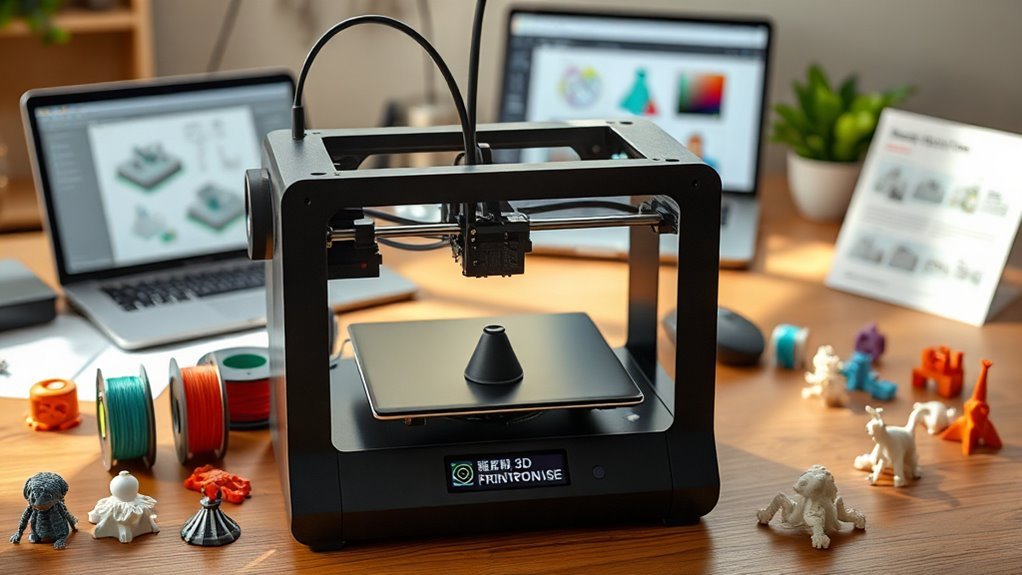
When picking a budget 3D printer in 2026, you’ll want to focus on print quality and speed to get the best results without wasting time. Make sure the setup is straightforward and that the printer can handle multiple materials if you plan to experiment.
Also, consider reliability, noise level, and how easy it is to monitor your prints for a smooth experience. These factors really make a difference when you’re just starting out.
Print Quality and Speed
Although budget 3D printers may come with limitations, choosing one that balances print quality and speed can markedly enhance your printing experience. Look for models offering higher max nozzle temperatures around 300 °C and fine layer resolutions of 0.1–0.2 mm to produce smoother surfaces and print diverse materials.
While print speeds between 50–250 mm/s affect turnaround time, expect quality trade-offs at top speeds unless the printer includes motion and vibration compensation. Check if acceleration and pressure advance controls are supported to reduce ringing and improve detail during fast moves.
Opt for printers with hardened steel or wear-resistant nozzles to maintain accuracy over time, especially with abrasive filaments. Finally, prioritize reliable first-layer adhesion via automatic bed leveling and stable motion systems, as poor first layers ruin overall print quality regardless of speed.
Ease of Setup
Getting started with a budget 3D printer shouldn’t leave you scratching your head. Choose models that advertise plug-and-play or one-click setup so you can start printing in under 30 minutes.
Automatic bed leveling with simple calibration routines saves you from tedious manual adjustments and boosts your first-layer success. Look for preassembled or partially assembled units with clear, illustrated instructions and a straightforward 3–4 step build process to minimize errors.
Intuitive touchscreen menus or onboard controls with guided print wizards make filament loading and basic setup easy to handle. Features like auto filament loading/unloading, power-loss recovery, and preconfigured filament profiles simplify early prints and troubleshooting.
Prioritizing these ease-of-setup features guarantees your first printing experience is smooth and frustration-free. It’s all about making your entry into 3D printing as hassle-free as possible!
Multi-Material Compatibility
Setting up your budget 3D printer is just the start—choosing one that handles multiple materials can really expand what you create. Check how many materials and colors it supports simultaneously—whether it’s single or multi-extruders, or swappable modules—to cut down on manual filament swaps.
Also, verify filament compatibility, including PLA, PETG, TPU, and PVA. Don’t forget to check the hotend’s max temperature to make sure it can handle flexible or high-temp filaments.
Look for handy features like filament run-out detection and guided filament paths to avoid jams during multi-material prints. It’s a real time-saver!
Make sure the slicer and firmware support multi-material toolpaths, ooze towers, and color controls to keep transitions clean.
Finally, think about whether the printer can use soluble supports like PVA or dual extrusion. This can make printing complex parts with overhangs or multi-material assemblies way easier.
Reliability and Monitoring
When you’re choosing a budget 3D printer, prioritizing reliability and monitoring features can save you time and frustration. Look for automatic bed-leveling systems like multi-point or mesh leveling to reduce first-layer failures and cut down manual tweaks.
Make sure your printer has filament run-out detection and power-loss recovery so your print won’t be ruined by material shortages or power interruptions. A sturdy motion system with dual Z or reinforced shafts helps maintain accuracy and prevents layer defects during long prints.
Opt for models offering onboard or app-based camera monitoring with real-time error detection, so you can catch issues early and intervene remotely. Also, check for sensors and firmware that support adaptive extrusion and compensate for filament or temperature changes to keep your prints consistent.
Noise Level and Stability
Although budget 3D printers often prioritize features and price, you shouldn’t overlook noise level and stability, especially if you plan to print for extended periods. Aim for models with noise levels at or below 50 dB to keep your workspace quiet, especially during long prints.
Stability comes from a rigid frame—metal or reinforced composite—and design choices like dual-rail or synchronized dual Z-axes, which reduce vibration and Z-wobble. Look for damped stepper mounts and belt tensioners to limit resonance that causes ringing artifacts.
Some printers offer vibration compensation in firmware or mechanical dampers on motors, letting you print faster without sacrificing quality. Finally, check acceleration specs—a printer that handles rapid motion smoothly guarantees better dynamic stability and cleaner layers throughout your prints.
Frequently Asked Questions
What Materials Can Budget 3D Printers Typically Print With?
You can typically print with PLA, ABS, and PETG on budget 3D printers. These materials are affordable, easy to use, and widely supported.
That makes them perfect for beginners who want reliable and versatile printing options. Plus, they offer a good balance between quality and cost, so you get great results without breaking the bank.
How Much Maintenance Do Beginner 3D Printers Require?
You’ll need to perform regular maintenance like cleaning the print bed, lubricating moving parts, and checking filament flow.
It’s not time-consuming, but staying consistent guarantees better print quality and longer printer life.
Are There Any Safety Precautions for First-Time 3D Printer Users?
Think of your 3D printer as a small dragon—always watch for hot surfaces. Keep it in a well-ventilated area, too.
Never leave it unattended while it’s running. And when you’re handling parts, it’s a good idea to wear gloves.
These simple steps help keep you safe and make the whole experience stress-free. Easy, right?
Can Budget 3D Printers Be Used for Educational Purposes?
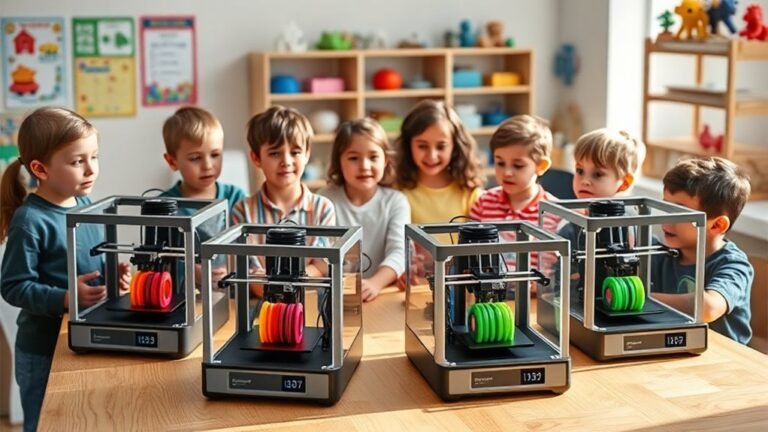
Yes, you can definitely use budget 3D printers for educational purposes. They’re great for hands-on learning, teaching design and engineering basics, and sparking creativity without breaking the bank or requiring advanced technical skills.
Plus, they’re pretty user-friendly, so students and teachers alike can get started quickly. It’s a smart way to bring tech into the classroom without a huge investment.
What Software Is Recommended for Beginners to Design 3D Models?
You absolutely can’t go wrong with Tinkercad—it’s like magic for beginners! Its drag-and-drop interface makes designing 3D models ridiculously easy.
You’ll create awesome designs faster than you ever imagined. Try it out now!
Conclusion
Choosing your first 3D printer is like picking the perfect brush for a masterpiece—you want something reliable, easy to handle, and budget-friendly. Whether you go with the Anycubic Kobra X’s vibrant colors or the Creality Ender 3 V3 SE’s seamless upgrades, you’re setting the stage for creativity to flow effortlessly.
So, grab your tool, start printing, and watch your ideas leap from imagination into dazzling reality. Your 3D adventure starts now! With the best budget 3D printers for beginners in 2026, you’ll find options that combine quality, ease of use, and affordability. These printers make it simple to bring your creative projects to life without breaking the bank. Ready to dive into the exciting world of 3D printing? Your perfect beginner-friendly printer is waiting!